Aspecten
 Download (115 MB)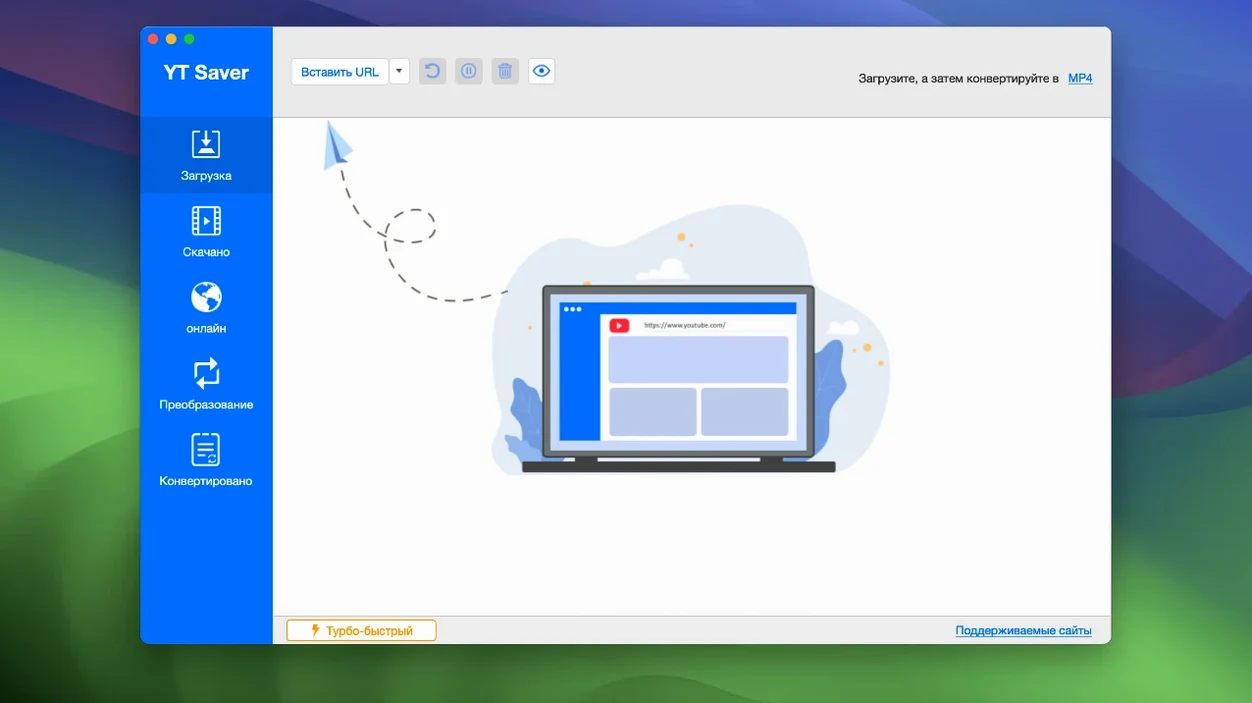
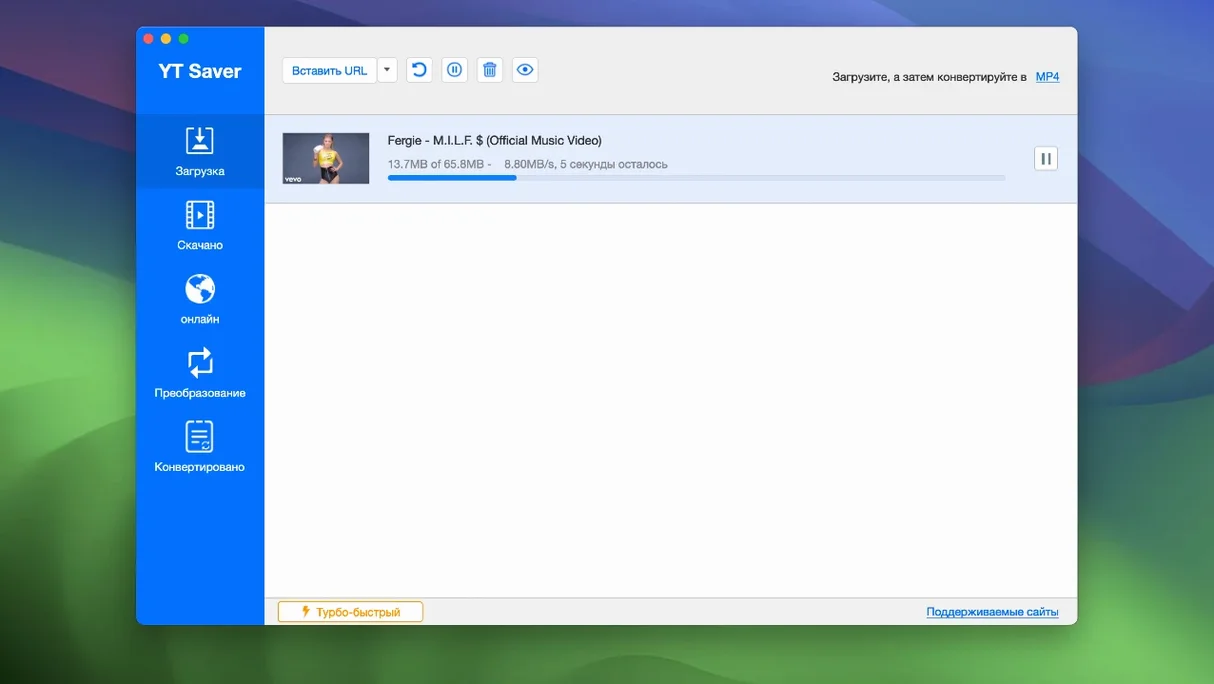
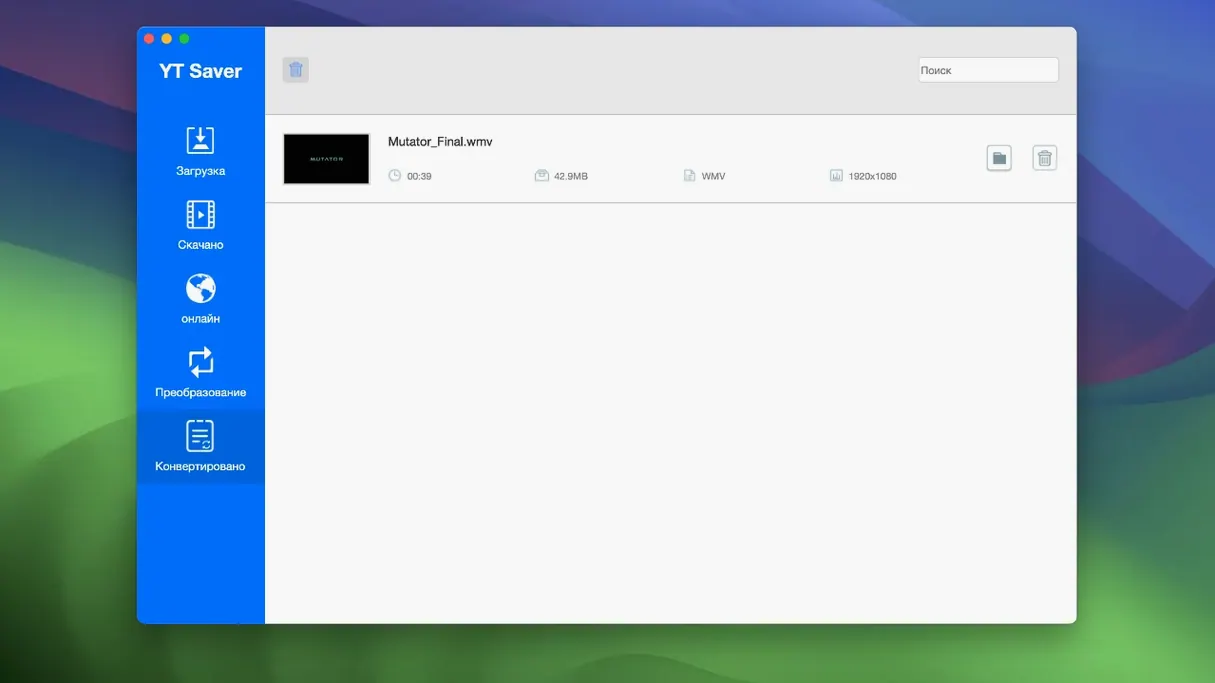
If you have used a tool like 4K Video Downloader, the general shape of YT Saver will feel familiar, but its angle on private storage and its broad format support mark a few differences. The version 10.15.0 release runs on Intel Macs from OS X 10.10 onward, with no Apple Silicon native build listed.
- Downloads video, audio and playlists from a claimed 10,000-plus websites
- Built-in browser for navigating streaming sites directly inside the app
- Input audio conversion from AAC, FLAC, M4A, WAV, OGG, OPUS and others
- Supports simultaneous downloads and a higher-speed download mode
- Private mode locks downloaded content in a password-protected folder
Interface languages span Russian, English, German, French, Spanish, Italian, Portuguese, Indonesian, Japanese, Korean, and three Chinese variants. The application keeps its toolset straightforward: locate the media, pick a format, and let multiple downloads run at once.
Downloads hit 4–5 MB/s without the promised acceleration
YT Saver’s claim of accelerated downloading shows up most clearly with single large files on well-provisioned servers. In daily use the difference is modest but tangible — a 20-minute HD video that would trickle in at 4–5 MB/s in a browser often lands at twice that rate inside the app, provided the source server can sustain it. Simultaneous downloads do not multiply that figure; the app creates a reasonable queue and feeds each connection without starving the others. Network throughput stays fairly linear even with four or five items running.
Stability on Intel Macs is uneventful. The interface does not freeze during long batch pulls, and a download interrupted by sleep or a dropped connection resumes without corrupting the partial file. Memory use sits around 180–220 MB during active work and drops back under 90 MB when idle — nothing that would trouble a machine from 2014 onward. CPU load is similarly restrained, peaking briefly during post-download conversion to MP4 or AAC and then settling. No kernel panics or sudden logouts were observed across several days of mixed use.
One quirk worth noting is the built-in browser. It is a lightweight WebKit wrapper, perfectly adequate for logging into a streaming account, but it adds roughly 60 MB of extra memory when open and feels slightly more sluggish than Safari on the same connection. Keeping it closed and pasting URLs directly into the main window saves a little headroom on older hardware.
Fewer unsupported URL errors on regional platforms
Version 10.15.0 brought a handful of refinements that affect everyday use without altering the core workflow. The download engine was updated to handle a wider range of streaming site tokens, which means fewer “unsupported URL” dismissals on smaller regional platforms. The private mode folder got an internal rework too; unlocking it now requires the password only once per session rather than before every file access, a small shift that makes frequent use considerably less tedious.
Conversion presets were extended to include HEVC MP4 and HEVC MKV as export options, so users saving 4K content can keep file sizes smaller without a separate transcoding step. The interface gained a Japanese localisation, and several of the existing translations — notably German and Simplified Chinese — had their menu labels tightened. Under the hood, the team patched a long-standing issue where certain MKV files with embedded chapter markers would fail during the remux phase; the fix is invisible but welcome if you download long-form content from sites that use that structure.
Set a dedicated output folder instead of the factory dump
A few defaults are sensible, but three adjustments make the app feel more like your own within the first ten minutes. First, open preferences and set the output folder to a dedicated directory. The factory setting dumps everything into the Movies folder, which quickly becomes a clutter of MP4s, MKVs and M4As. A single “YT Saver” folder with subdirectories for video and audio keeps things tidy from day one.
Second, check the maximum simultaneous downloads slider. The default of three is a safe middle ground, but lowering it to two reduces CPU spikes during conversion on older MacBooks, while raising it to five suits a desktop with a wired connection. Third, if you use private mode at all, set the password from the Privacy tab immediately — the mode exists but is inactive until a password is created, and a few people assume it simply works out of the box.
Under the Conversion tab, consider switching the default audio format from M4A to AAC or FLAC depending on your library. The M4A setting produces perfectly usable files, but AAC often yields slightly better compatibility with older Android media players, and FLAC preserves lossless sources from sites that stream high-bitrate audio.
Runs through Rosetta 2, no native ARM build yet
Does it work on Apple Silicon Macs? YT Saver is an Intel binary, so it runs through Rosetta 2. There is no native ARM build at the time of writing. Performance under translation is fine for downloading and conversion, but the initial launch takes a few extra seconds, and the built-in browser benefits from a little patience. No functionality is lost.
How is this different from using a browser extension? A browser extension relies on the browser being open and awake; YT Saver handles the fetching itself, so you can shut your browser or log out of your streaming account there while downloads continue. The format conversion step is also built-in rather than handed off to a separate tool.
Will it handle playlist downloads gracefully? Yes. Paste a playlist URL and the app resolves all items into a list where you can deselect individual entries before starting. The download order follows the playlist sequence, and all files land in the same output folder unless you create subfolders manually.
Is private mode truly private? It encrypts nothing at the file-system level; it simply moves downloads behind a password gate inside the app. Anyone with direct Finder access to the private folder can see the files, so treat it as household-level discretion rather than a security feature.
People searching for yt saver mac sometimes ask whether the app can pull from region-locked content. The answer depends on your network, not the software — if the streaming site sees your IP as authorised, YT Saver can reach it. Queries like ytsaver or ytsaver download often come from users who want a single place to grab both video and audio from mixed sources, and the app covers that use case without forcing you through a separate converter. Those chasing a yt saver pro crack or a yt saver torrent can grab the standard build which already carries the full feature set; there is no “pro” tier hidden behind a separate installer.