Aspecten
 Download (38 MB)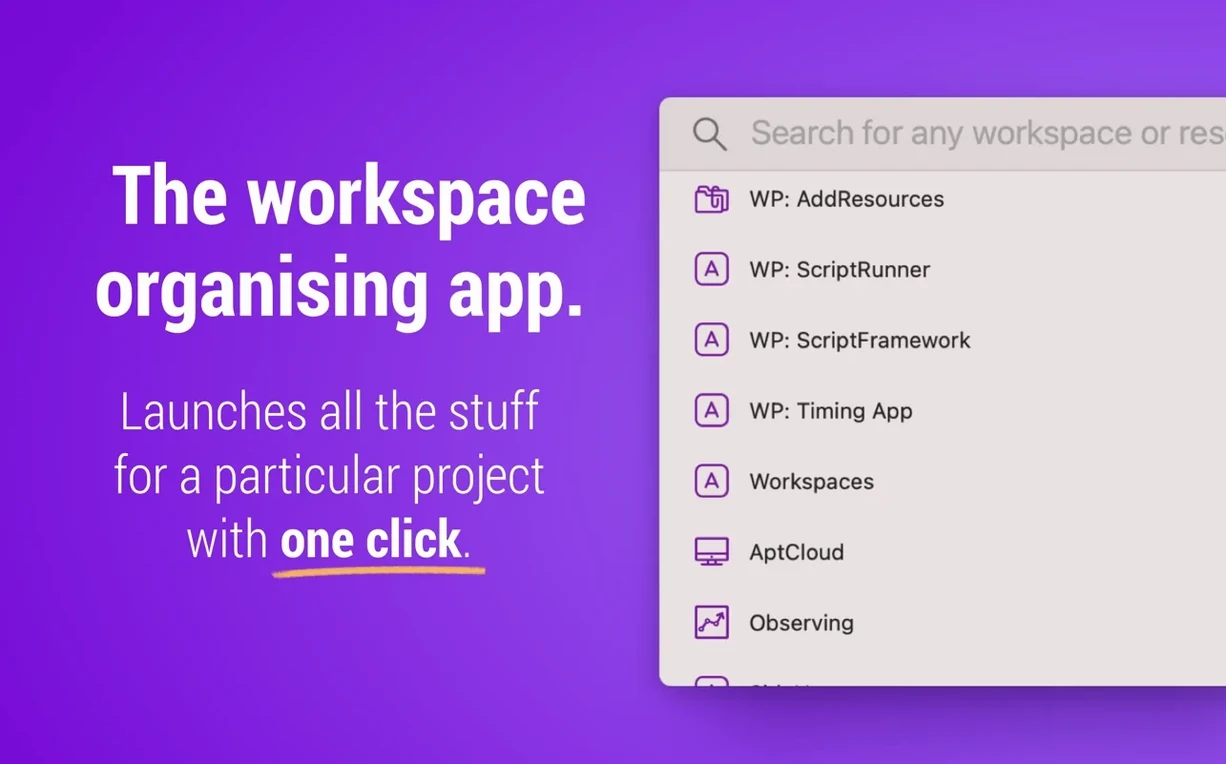
Version 2.3 is a quiet maintenance update that surfaces plugin updates inside the app, so you spot an outdated plugin without checking manually. The previous release laid deeper groundwork with run-from-editor support and a built-in What’s New window.
Collecting the parts of a project
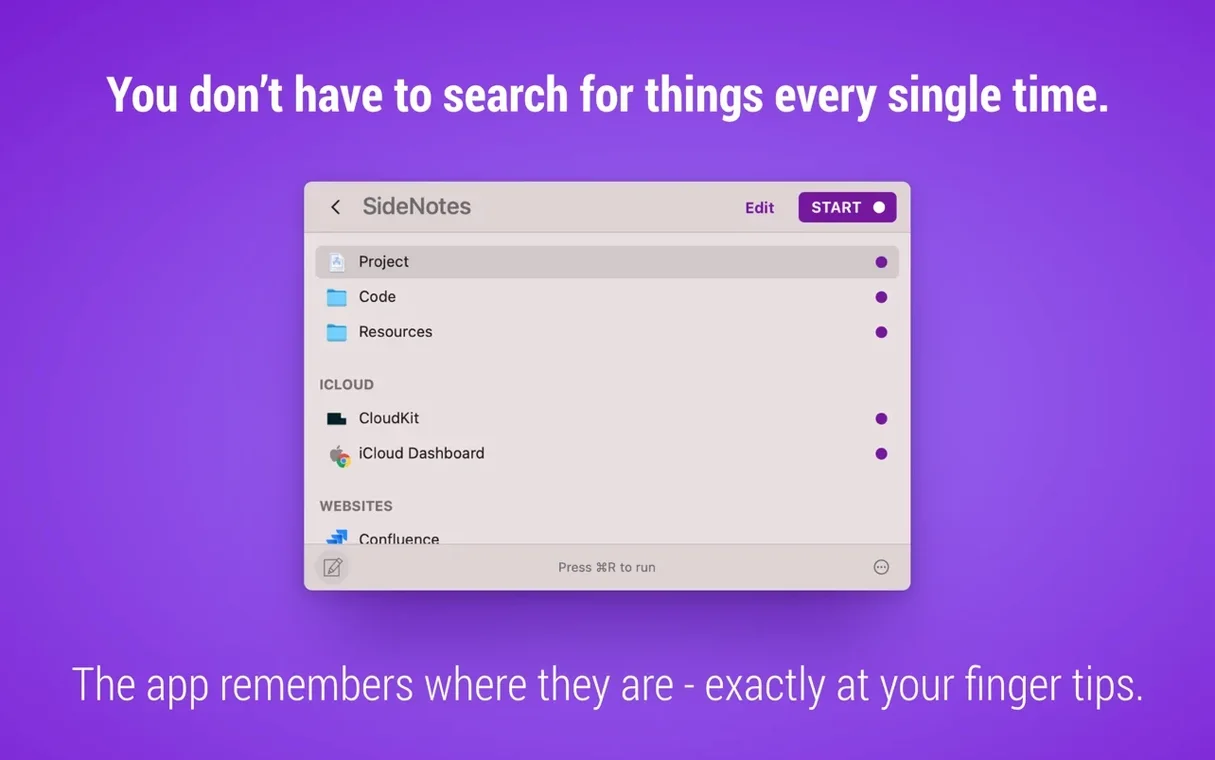
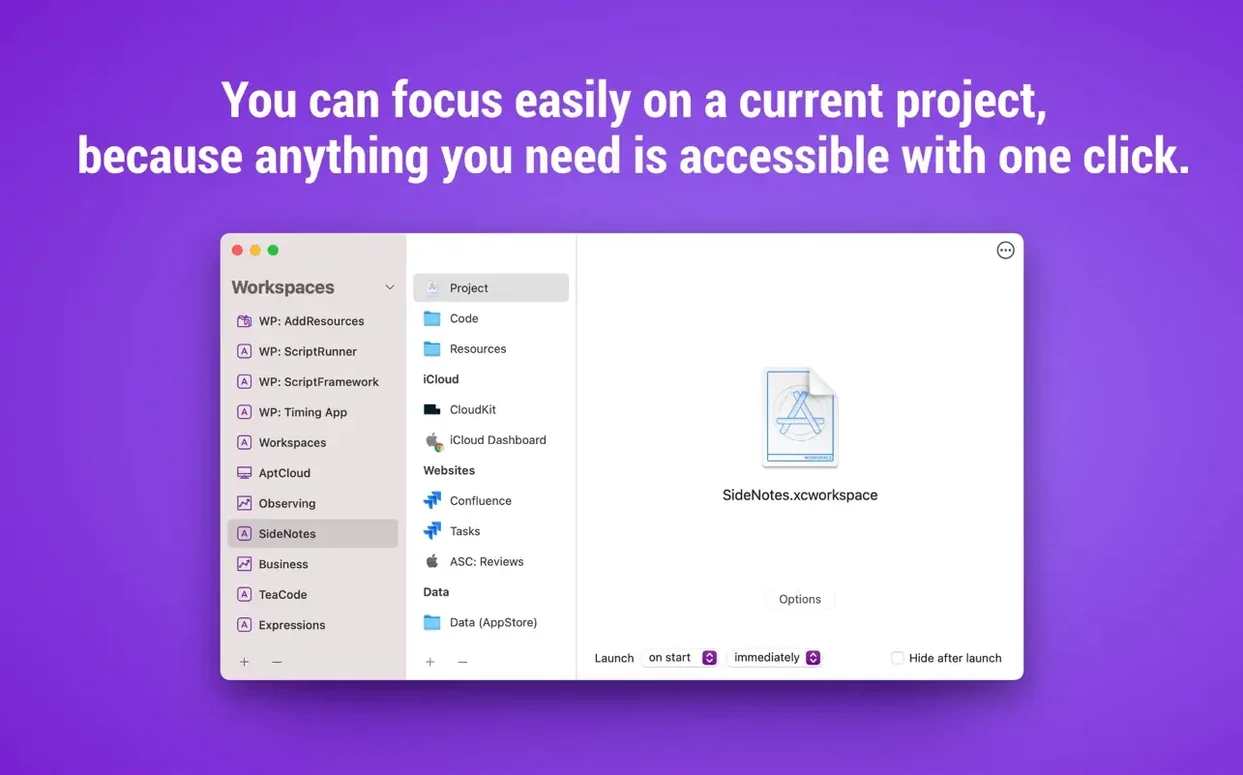
Workspaces lets you gather files, folders, applications, websites and email messages into a single project workspace. Launch the workspace and everything opens together, saving the clickwork of reassembling context each morning.
Working from the editor
Since version 2.2 you can run workspaces and individual resources straight from the editor, which helps when you are building or adjusting a setup and want to test a resource without leaving the editing view.
Keeping plugins current
The new plugin update indicator removes a small but persistent friction: you no longer need to visit a separate list or website to check whether a plugin has fallen behind its latest release.
Launching an app group without scripting or Automator
One of the first things people ask is whether Workspaces can launch a group of apps and files without scripting or Automator. It can. You build a workspace by dragging resources into the editor, and launching them is a single click or a menu bar selection. The setup is entirely visual, so there is no syntax to learn.
Another common question is about email integration. Workspaces can store references to specific email messages, not entire accounts or inboxes. That means you can link a project workspace to a handful of key messages — a briefing, a client confirmation, a spec thread — and open them alongside the related files. It works with Apple Mail, which is where most of these workflows live.
People also wonder whether the app runs from the menu bar or sits in the Dock. It does both. The menu bar icon gives you quick access to individual resources without opening the full workspace, while the main window handles the building and editing. You can work with it in whichever mode suits your day.
Returning to the same project tools and files for client work
Workspaces rewards anyone who returns to the same constellations of files and tools across recurring tasks. Project managers tend to use it for client work: one workspace per project, each containing a folder, a task board shortcut, a key email thread and the contract draft. Opening a project becomes a single step instead of a hunt through Finder and the browser.
Developers often build workspaces around repositories — a terminal profile, the project folder in a code editor, a staging URL and a design spec. Switching between projects is faster when the whole environment is bundled. The menu bar resource list is especially useful here, since it lets you open just one piece without disturbing the rest.
Writers and researchers who alternate between a few long-running pieces also find a good fit. A workspace might hold a Scrivener file, a browser window with source tabs, a reference PDF and a note-taking app. The value is not in launching everything at once every time, but in having the setup stored and reusable.
It sits idle until you call on it
Workspaces is a lightweight launcher, not a background service that monitors files or syncs state. It sits idle until you call on it, which keeps its memory footprint modest. On an Apple Silicon Mac it opens near-instantly; on Intel hardware the launch is a beat slower but still within what feels like a native utility.
Opening a workspace triggers the associated apps and files in quick succession. The sequence is not simultaneous — each resource hands off to the system in turn — so you may see a brief cascade of windows rather than a single burst. The behaviour is predictable and does not strain system resources beyond what the opened apps would use anyway.
Stability has been uneventful in the current build. The editor does not freeze when dragging large folders, and the menu bar helper has not been observed crashing or disappearing. Plugin update checks add no perceptible delay. The app handles the quiet moments well, which is what you want from a tool meant to stay out of the way until it is needed.
For setups where several workspaces are used in rotation, search keyboard navigation and the single-click opening introduced in version 2.2 keep the pace brisk. The search field finds workspaces and resources together, so you can pull up a specific item without scrolling through the editor. In practice this means workspaces for mac free download searches often lead users to a tool that feels unobtrusive and stays responsive under daily switching.