Aspecten
 Download (301 MB)



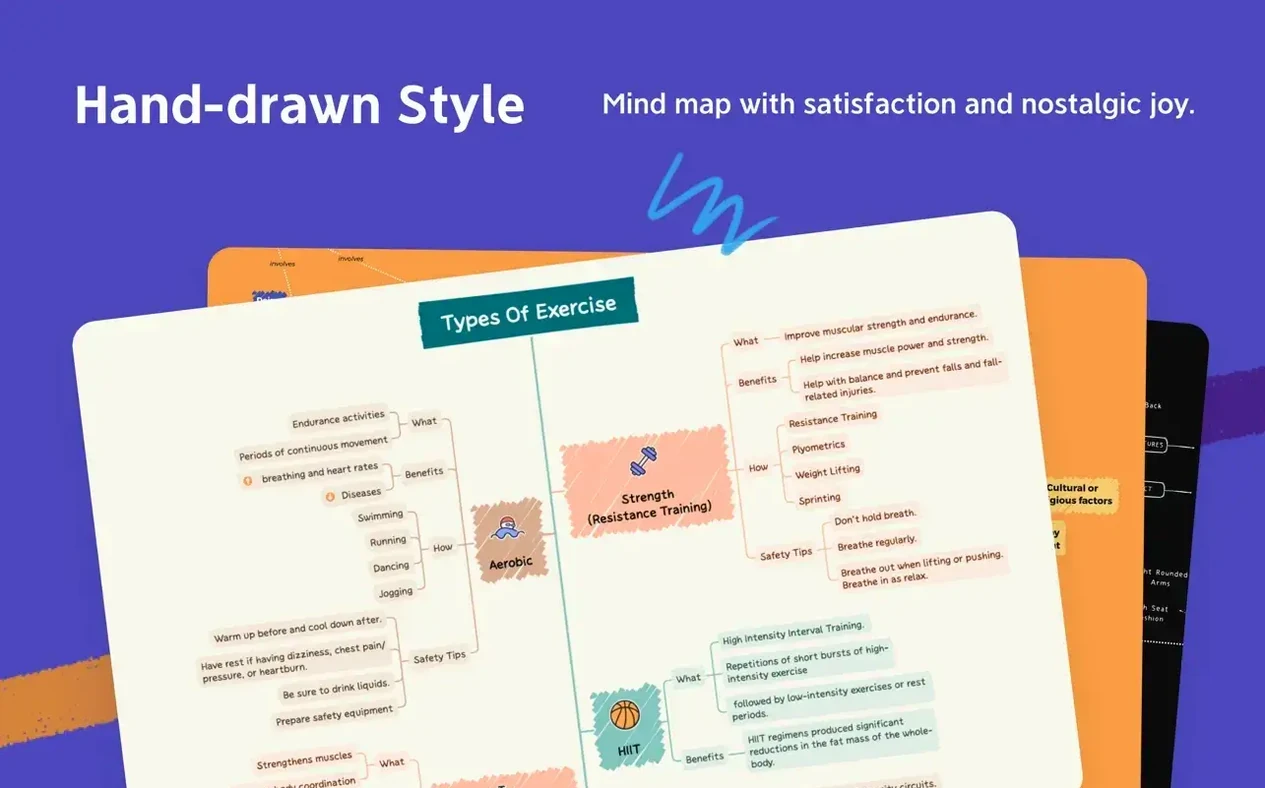

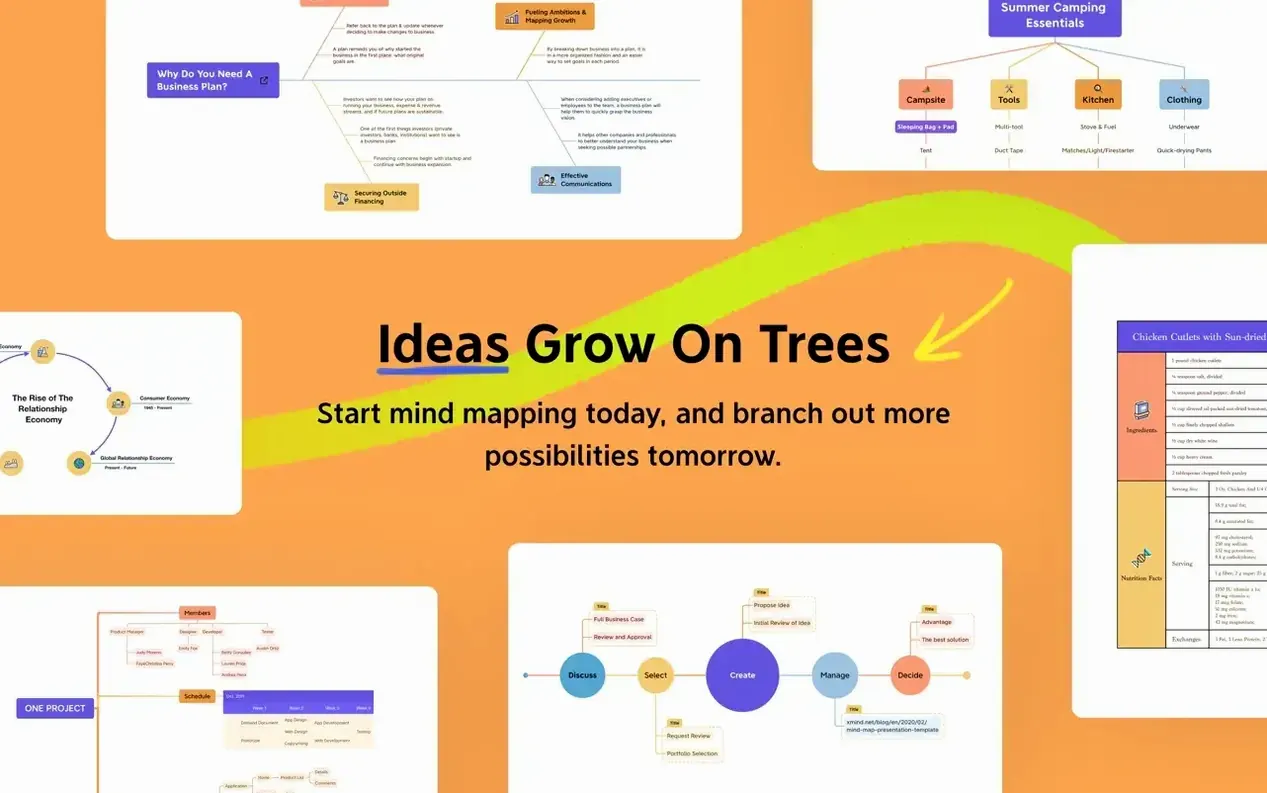
Project leads and students often reach for a mind-mapping tool when scattered notes need a structure. XMind Pro offers a dedicated macOS workspace for that, built around a central idea that branches outward. The interface stays out of the way while you type, letting a map grow node by node without constant menu trips.
Starting a book-chapter outline, the first thing you notice is how the Tab key drives the session. A main topic becomes a parent; a subtopic indents beneath it. Dragging a node reattaches it elsewhere, and the whole layout recalculates quickly. Switching to an Ishikawa diagram for a cause-and-effect angle on the same chapter takes two clicks, and the content carries across.
When the map gets dense, the focus remains on one branch at a time with a collapse feature. Notes attached to nodes hold research snippets without cluttering the visual canvas. Exporting a finished skeleton as plain text or an image happens through a straightforward dialogue, ready to drop into a proper writing app.
The tool runs on both Apple Silicon and Intel Macs from macOS 11 onward. For a solo planning session, the free-form canvas and keyboard-driven controls make the early stage of a project feel less like wrestling with software and more like thinking aloud on screen.
Under three seconds to open a 200-node map on Apple Silicon
On an Apple Silicon Mac, opening a map with roughly two hundred nodes and a handful of attached images takes under three seconds. The canvas redraws crisply when you zoom or pan, and the scroll momentum feels native — no stutter when a branch spills beyond the window edge. The app holds a steady frame rate even with the outline panel open alongside a sprawling logic chart, which suggests the rendering code favours the GPU sensibly.
Memory use sits around 280 MB for a moderately complex map, rising toward 450 MB when you keep a dozen tabs open across several files. That is reasonable next to a modern browser tab, though older Intel machines with 8 GB of RAM may feel the weight if other heavy apps run concurrently. The app rarely spikes the CPU in idle; background autosave writes are quick and silent, and undo history stays responsive even after a long editing streak.
Daily stability is uneventful in the best sense. A week of regular use — opening, tweaking, exporting, closing — produced no beachballs or sudden quits. The only hiccup involved a malformed FreeMind file from an older source; the importer warned about the discrepancy instead of crashing, which is the behaviour you want from a tool that exchanges data with other apps.
Outline panel now tracks the selected node reliably
Version 26.04.01337 brings small but practical refinements rather than a visual overhaul. The outline panel now follows the selected node more reliably, so switching between the visual map and a linear list of topics no longer loses your place. The tab bar handles multiple open files with a cleaner overflow behaviour when space runs tight on a laptop screen.
Under the hood, the importer for FreeMind and OPML files parses edge cases more leniently. Nodes with mixed inline formatting — bold, italic, a link — translate into XMind's own styling without dropping attributes, which used to frustrate anyone migrating old brainstorm libraries. Export to PNG and SVG also produces tighter bounding boxes; an exported diagram no longer leaves a wide margin of empty canvas around the content.
Keyboard handling improved in the notes panel. Pressing Escape while editing a note now commits the text and returns focus to the map, a small change that removes a click you used to make dozens of times per session. For users who rely heavily on attached notes — researchers, meeting facilitators — this alone trims noticeable friction from the workflow.
Opens sideways into fishbone diagrams and logic charts
Set beside MindNode, XMind Pro feels less deliberately minimal. MindNode leans into a clean, single-purpose canvas where quick entry and visual polish are the chief concerns. XMind offers that too, but it also opens sideways into fishbone diagrams, logic charts and table views without feeling bolted on. Where MindNode keeps you on one map structure, XMind invites you to reframe the same content in a different shape — useful when a brainstorming session shifts from free association to root-cause analysis mid-meeting.
Compared with SimpleMind, the difference lies in interface weight. SimpleMind runs lighter, starts faster, and suits users who want a straightforward mind map with few distractions. XMind Pro carries more panels, more diagram types and a richer export pipeline. The trade-off is that SimpleMind feels snappier on older hardware, while XMind rewards the extra screen space and processing power with greater structural flexibility.
Next to FreeMind — the open-source precursor whose file format XMind reads — the gap is stark. FreeMind's Java-based interface feels dated on a modern Mac, and its rendering of large maps can lag. XMind Pro imports FreeMind's .mm files cleanly in version 26.04.01337, making it a practical upgrade path for users who have outgrown FreeMind's performance ceiling but want to keep their old maps intact.
Flipping a tree diagram into a table view for task assignments
XMind Pro suits anyone whose thinking regularly moves between free brainstorming and structured planning. Project managers plotting a timeline in a tree diagram, then flipping to a table view for task assignments, use more of the app than a casual note-taker ever would. The multiple diagram types reward users who think in different shapes for different problems.
Researchers synthesising sources benefit from the notes panel and the ability to collapse branches. A literature review can live as a single file with full citations tucked into nodes, the visual map giving a sense of proportion that a linear document obscures. Exporting that map to text or an image drops a clean skeleton straight into a paper draft.
Educators and meeting facilitators who frequently present ideas on screen will appreciate the presentation mode, which walks through a map branch by branch without exposing the whole structure at once. The app runs well on a MacBook Air connected to a classroom projector, and the interface languages — thirteen in total — make it accessible for multilingual teams.
Users searching for a flexible mind-mapping tool sometimes look for phrases like xmind pro mac or xmind pro download. Those finding version 26.04.01337 get a build that handles FreeMind imports steadily, supports both Apple Silicon and Intel, and stays out of the way during long planning sessions. The app asks little from the system it runs on while offering enough diagram variety to grow with a serious mapping habit.