Aspecten
 Download (18 MB)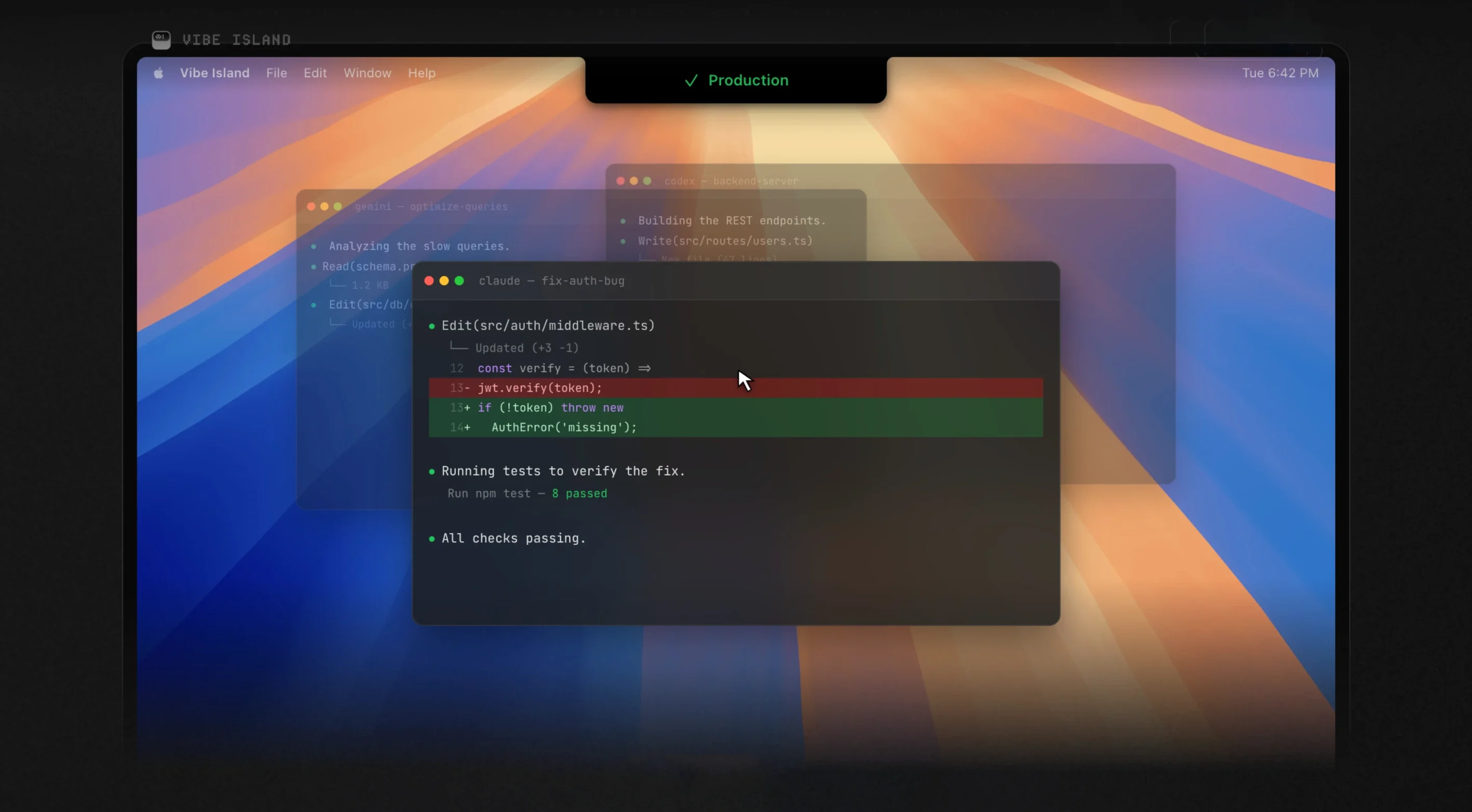
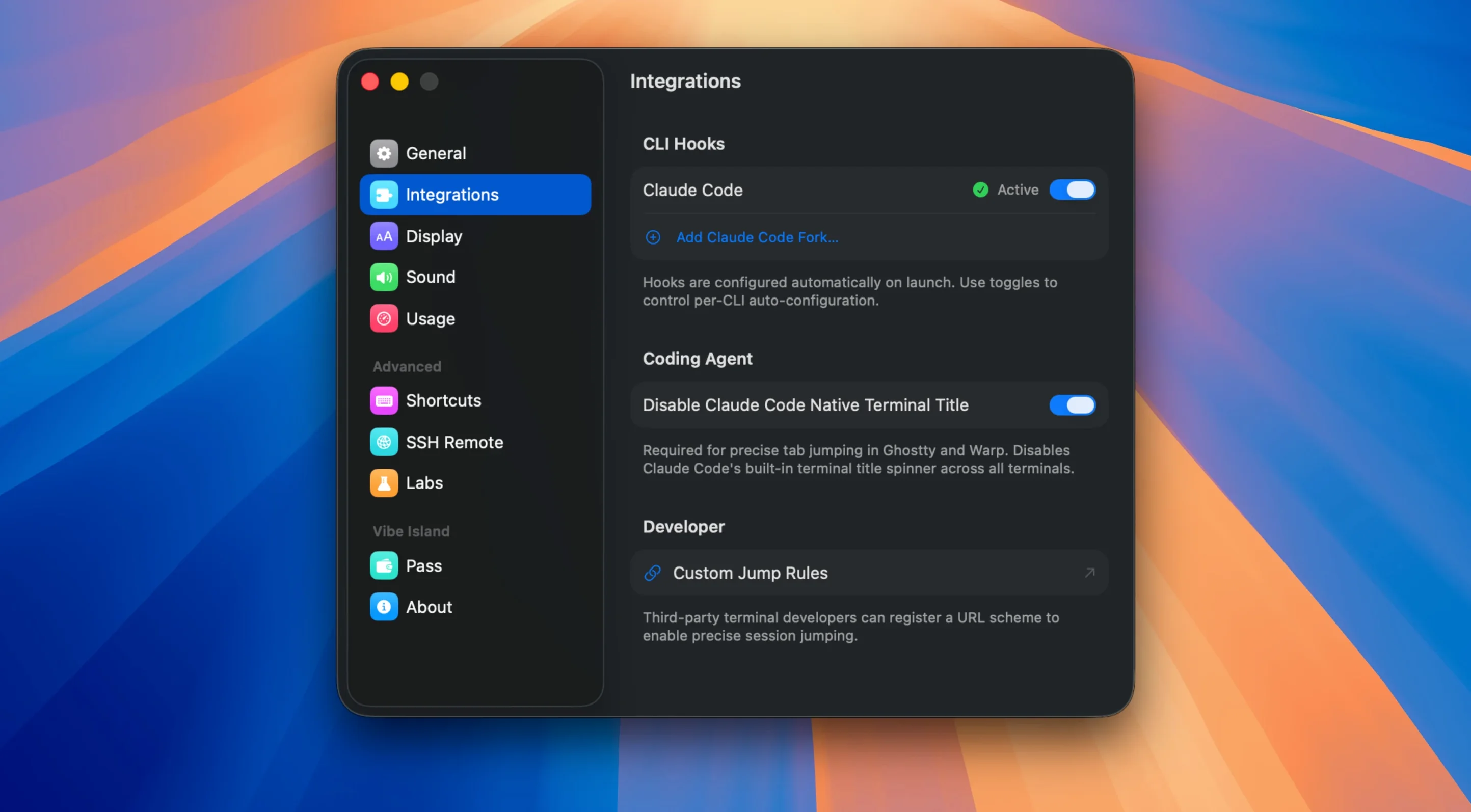
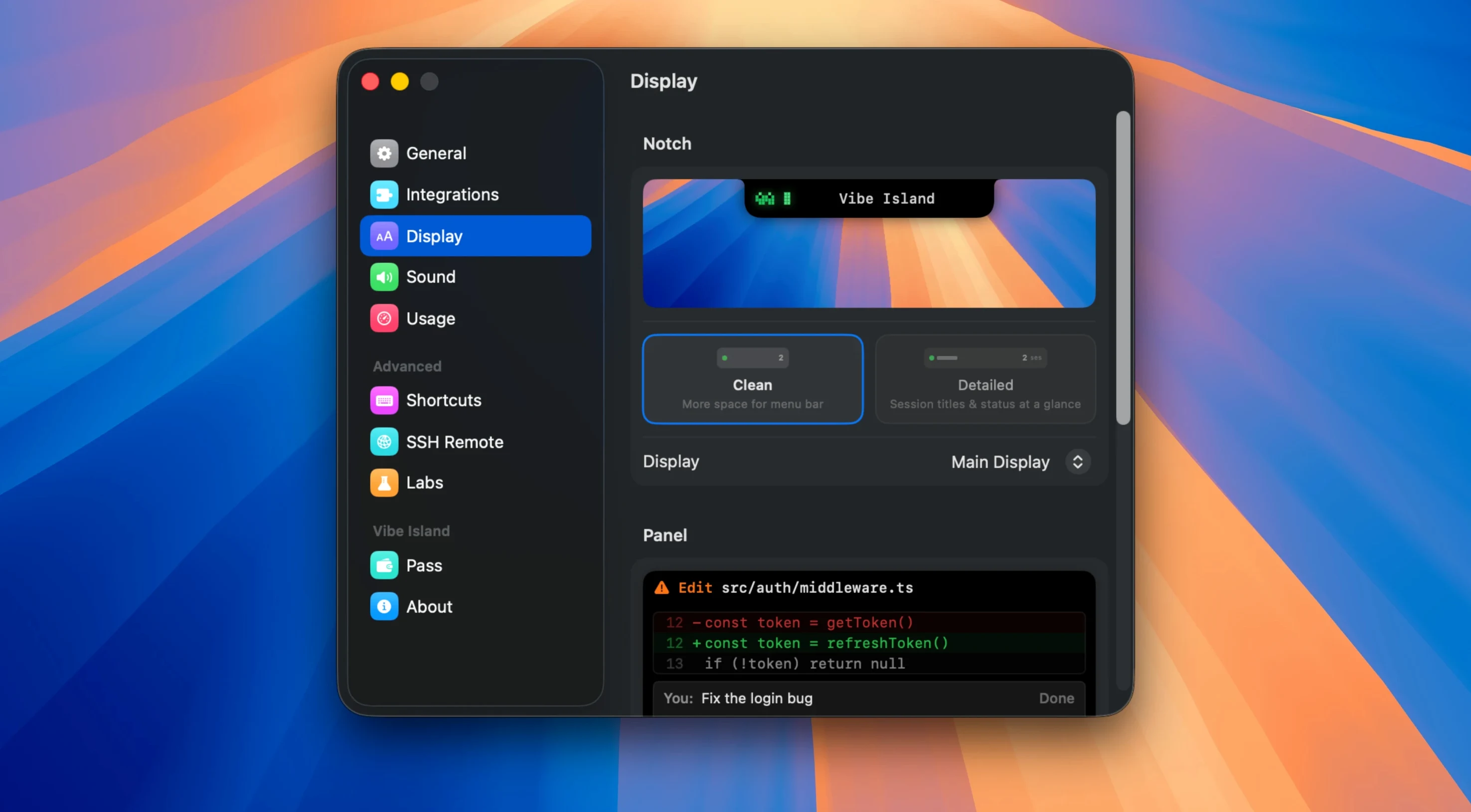
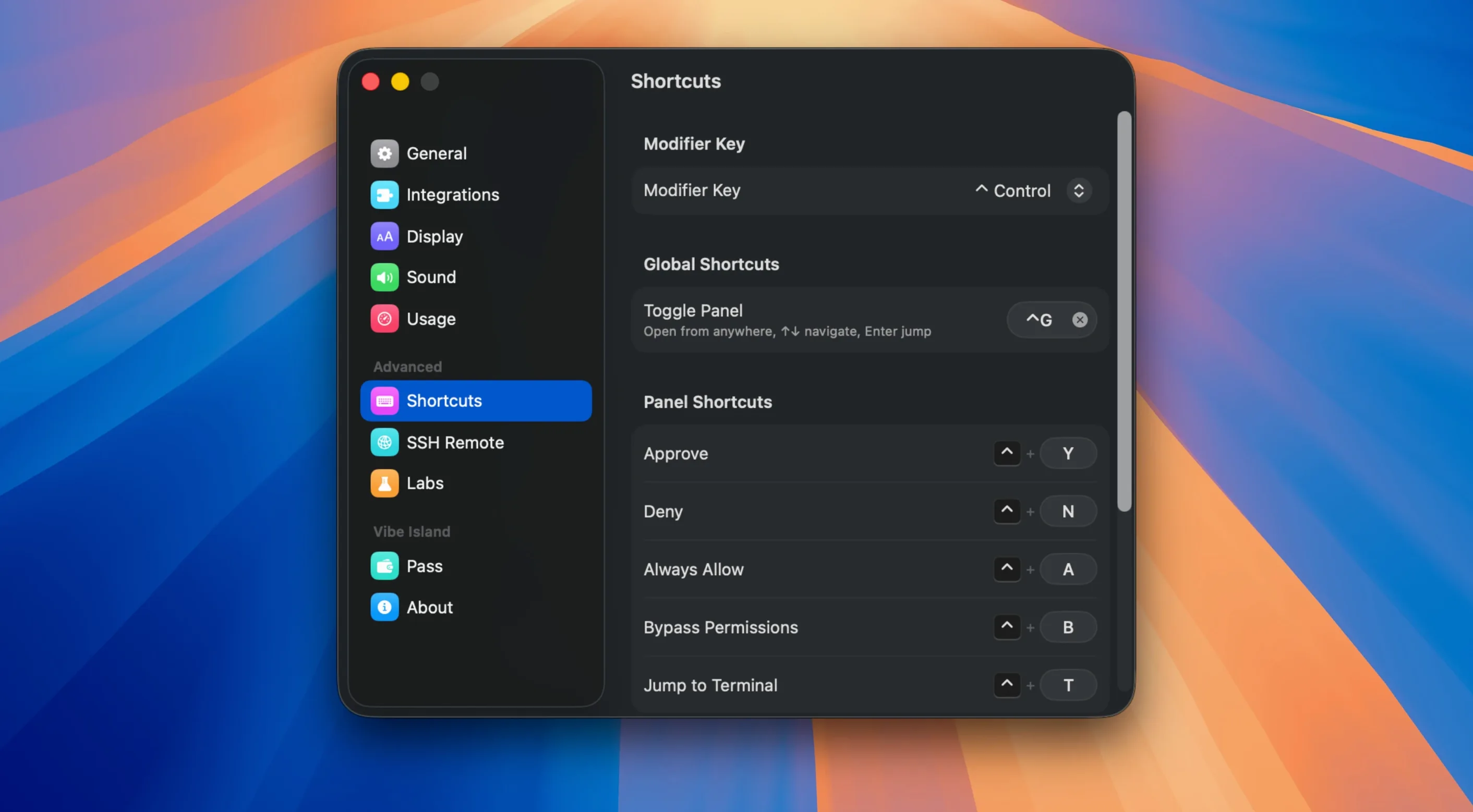
Keeping track of several AI coding agents across multiple terminals gets messy. Vibe Island puts the activity where it is always visible: the MacBook notch.
Which agents does it monitor?
It watches Claude Code, Codex, Gemini CLI, Cursor, OpenCode, Droid, and Kiro. Terminal-based agents are included, not just GUI apps.
What happens when an agent wants to act?
Plans appear in the notch as rendered Markdown, so you read the intention before approving. Event sounds are available as 8-bit synthesised tones.
Jump across 13+ terminals with a click
It supports over 13 terminals, including iTerm2, Ghostty, Warp, Terminal.app, VS Code, and Cursor. A click can jump to a specific tab, split pane, or tmux session.
Where does the data go?
A scenario: front-end developer with three active agents
Imagine a front-end developer working on a Next.js project. Claude Code is refactoring a component tree in one tmux pane, Codex is generating unit tests in a second, and Gemini CLI is reviewing a pull request diff in a Warp tab. Without Vibe Island, each agent's progress requires manual tab switching. With it, approvals appear in the notch. The developer reads a Markdown plan from Claude Code, approves it with a click, and returns to the editor without lifting fingers from the keyboard. The 8-bit chime for a finished Codex task arrives while typing, and the notch shows remaining Claude quota before the next large request.
Reads agent output without replacing tmux
Vibe Island works alongside terminal multiplexers rather than replacing them. A tmux user keeps session structure intact while the notch handles agent notifications. For VS Code and Cursor, it reads agent output from the integrated terminal, so inline editors and side panels remain undisturbed. macOS Shortcuts can launch the app when a specific terminal opens, and Focus modes do not suppress notch activity because the app uses local notifications rather than push alerts. The app also respects Mission Control spaces: jumping to a terminal tab lands in the correct space where that terminal lives.
Obscure terminal emulators won’t track agent output
Several patterns show up early with new users. One is overlooking the terminal support list. Someone running an obscure terminal emulator assumes it works, but Vibe Island needs a recognised app to track agent output. Checking the supported list before setup prevents confusion.
Another mistake is assuming the notch panel works on any Mac. It depends on a physical notch, so Mac mini and Studio Display users see a floating panel near the menu bar instead — often discovered only after downloading vibe island 1.0.37 for mac on an older machine. The panel still functions, but positioning differs.
Some users ignore the SSH setup recovery improvements added in 1.0.51. Earlier, a dropped SSH session left stale agent context in the notch. Now the app recovers remote session state, but only if the terminal tool emits the expected prompt markers. Verifying prompt formatting on the remote machine saves troubleshooting time.
A subtler mistake involves quota confusion. Users glancing at notch numbers assume they show remaining credits across all models, but the display is per-service. Claude, Codex, and Kimi quotas are separate; a near-zero Claude reading does not mean Codex is limited. The app treats them as independent counters, and reading them that way avoids needless worry. People who downloaded vibe island free and skipped the release notes often miss this distinction.
Finally, accidental text selection inside the notch panel was a known bug before 1.0.51. Users dragging across the panel could select Markdown text instead of dismissing it. The fix prevents this, but old habits of careful clicking persist among early adopters. A deliberate click on an action button is all that is needed now. Those hunting for a vibe island for mac free download on a newer MacBook should prefer the current version to benefit from that refinement.
It stays on the Mac. There is no cloud storage, no account, and no telemetry.