Aspecten
 Download (95 MB)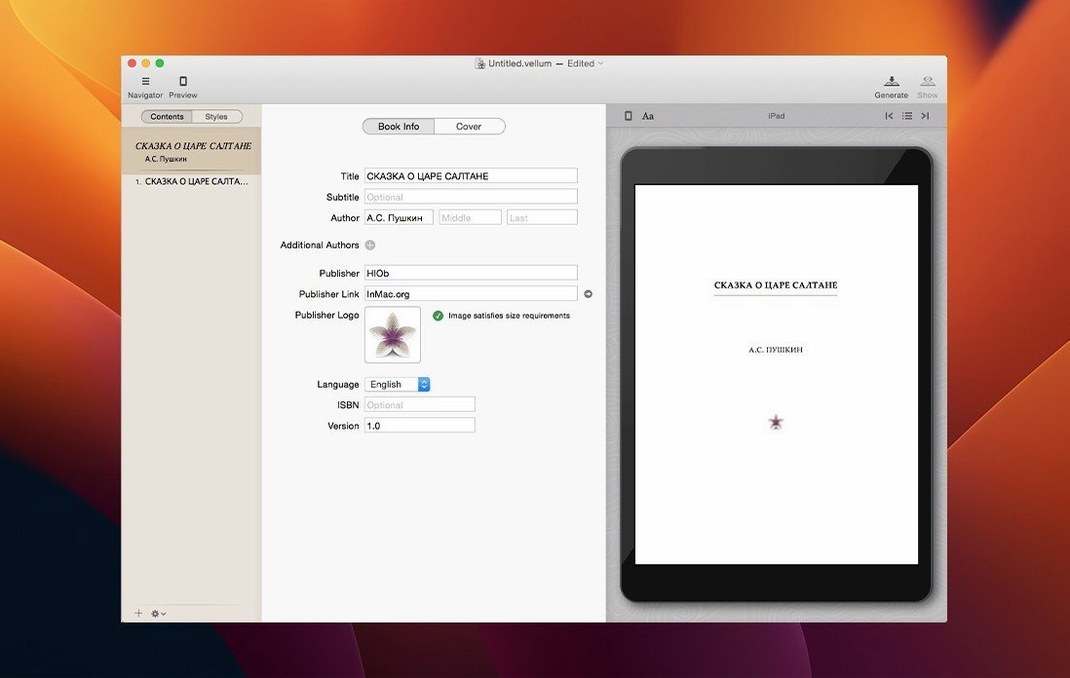
If you have spent hours fighting a word processor’s heading styles, Vellum feels almost like a cheat. Where a tool like Word asks you to build a book layout piece by piece, Vellum takes a manuscript and applies a consistent style across every chapter in one go. The title page, table of contents, headers, footers and page numbers all fall into place after you pick a trim size — the app adjusts the margins and balance automatically.
Compatibility comes first. Vellum 4.1.5 needs macOS 11 or later, and it runs natively on both Apple Silicon and Intel 64-bit Macs. The interface is in English. There is no separate mobile or web version; it stays a dedicated Mac app.
What you get is a tool that generates ebooks for Kindle, Kobo, Apple Books and similar platforms, plus print-ready editions from the same file. While you edit, the preview updates straight away, so you can catch widows or uneven spreads without switching views. New chapters adopt the existing style as soon as you add them, which keeps the formatting predictable.
The workflow is quiet and linear. Import a manuscript, choose a style, adjust the trim, check the instant preview, generate the files. It handles the mechanical parts of bookmaking and leaves you to focus on the text.
A typical session: morning with a manuscript
You open Vellum and see the project picker — recent titles listed on the left, a few templates on the right. You double-click a manuscript you started yesterday. The book browser slides into view on the left side of the window, showing every chapter as a separate row. Selecting chapter four brings its text into the centre editor. The right panel holds style controls, trim size, and export settings.
You imported a clean Word document yesterday, and Vellum split it at every chapter heading. Now you scroll through chapter four and notice a short paragraph dangling at the bottom of a page. You click the Preview button. The preview opens in a separate window, defaulting to an iPhone-sized screen. You cycle through the device list — Kindle Paperwhite, iPad, Kobo Libra — and spot the widow in each one. Back in the editor, you tighten the sentence. The preview updates before you even look up.
You add a dedication page. You right-click in the book browser, choose Add Element, and pick Dedication from the list. Vellum drops it above chapter one, already styled to match the rest of the book. You type four lines, centre-aligned by default, and the preview shows them sitting perfectly on a blank page.
Next, the copyright page. You select it in the browser and type the legal text, ISBN, and edition notice. Vellum keeps the font small and the alignment tidy — no manual tab stops needed. When you switch the trim size from 5×8 to 6×9 inches, the margins, headers and page numbers recalculate across the whole book. You watch the page count drop from 312 to 274 in the status bar at the bottom of the window.
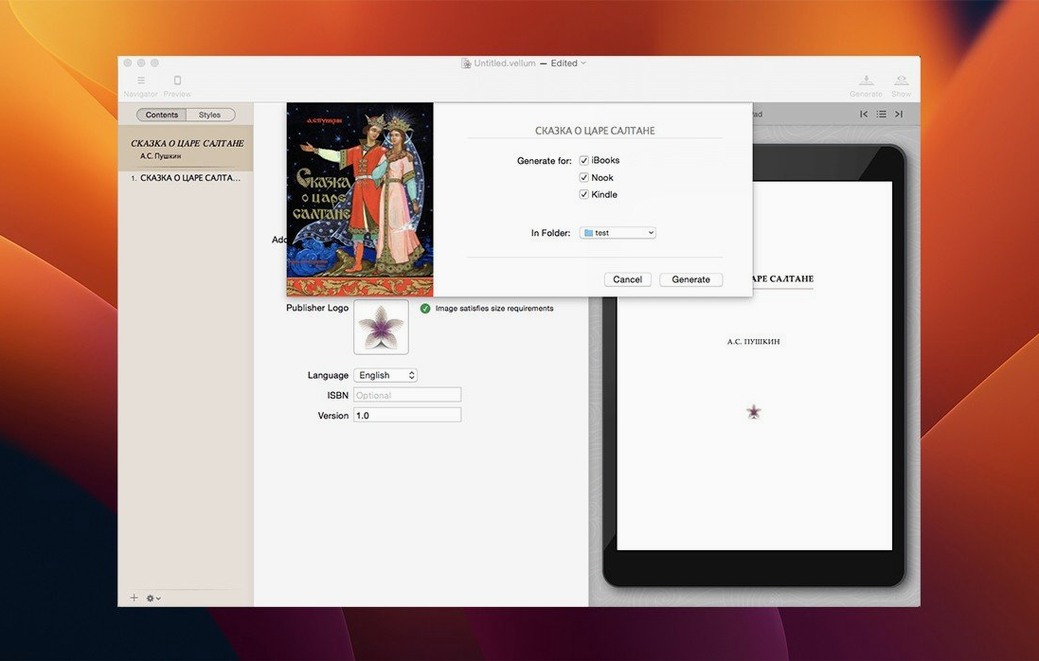
Finally, you hit Generate. Vellum asks which formats you want. You tick Kindle, Kobo, Apple Books and a print PDF. Four files land on your desktop in under a minute. You open the Kindle file in the Kindle Previewer — it looks identical to what you saw inside Vellum. No surprises.
A self-publisher preparing a boxed set
Consider someone who has written a trilogy over three years. Each book already exists as a separate Vellum project, already published individually. Now the writer wants a single boxed-set edition — one ebook file containing all three novels, with a shared title page and a combined table of contents.
They create a new project and choose Boxed Set from the template list. Vellum asks for the source files. The writer drags all three .vellum projects into the dialogue. The app imports every chapter, preserving each book's internal styling, then slots them into a single linear structure: Book One, Book Two, Book Three. A new top-level title page appears automatically, labelled with the series name.
The table of contents now spans three books. The writer tweaks the chapter numbering so it restarts per volume rather than running continuously. Vellum handles the offset without breaking the internal links. They add a short foreword explaining the reading order, then generate a single Kindle file. What used to take half a day with manual concatenation and re-indexing takes twenty minutes here. The author can update any individual book later and regenerate the set by repeating the same steps.
An 80,000-word novel loads in under two seconds
Vellum launches in about three seconds on an Apple Silicon Mac, and the project picker appears without a splash screen delay. Loading a full novel — say 80,000 words across thirty chapters — takes under two seconds. The editor scrolls smoothly, even with the preview window open on a second display. Typing feels as responsive as a plain text editor; there is no perceptible lag between keystroke and character.
Memory use sits modestly. With a 90,000-word project open and the preview cycling through device views, Vellum uses roughly 280–340 MB of RAM. That figure barely moves during export, even when generating four formats simultaneously. CPU activity spikes briefly during generation — perhaps four to six seconds — then drops back to idle. The app does not write temporary files that linger after quitting.
Stability in version 4.1.5 EDiSO is uneventful, which is about the best thing you can say about stability in a production tool. The app has not crashed during a normal session. Forcing an unusual sequence — rapidly switching trim sizes while the preview regenerates, for instance — causes a brief stutter rather than a hang. Autosave kicks in silently; even if the Mac loses power, the project reopens exactly where you left it.
Exported files are consistent. Generating the same project twice produces identical ebook files, byte for byte, which matters when you upload corrections to a platform that compares file hashes. The print PDF always embeds fonts and respects the trim bleed settings you chose, with no hidden rasterisation of text layers.
The preview engine no longer flickers between device views
Version 4 brought a rewritten preview engine that removed the brief flicker older versions showed when switching between phone and tablet views. The change is small but noticeable during a long editing session: you stop waiting for the preview to settle. The same update added native Apple Silicon support, which cut export times roughly in half compared to Rosetta 2 on an M1 Mac.
The 4.1 series refined how Vellum handles print editions. Margins became more predictable when moving between trim sizes — earlier versions sometimes left uneven gutters that needed manual correction. Widow and orphan control grew stricter by default, which means less time manually adjusting paragraph breaks.
Boxed-set creation, which was a fiddly workaround before version 4, became a first-class feature. The app now remembers which individual books you imported, so regenerating a set after editing one title is a matter of two clicks instead of rebuilding from scratch. The table-of-contents logic also improved: nested headings inside chapters now indent correctly in the Kindle and Kobo outputs, where earlier versions flattened the hierarchy.
One quiet but practical change: the copyright page editor now accepts pasted text without stripping line breaks. In older builds, pasting from a plain-text legal notice collapsed everything into one paragraph. That small fix saves a repetitive cleanup step every time a new project starts.