Aspecten
 Download (36 MB)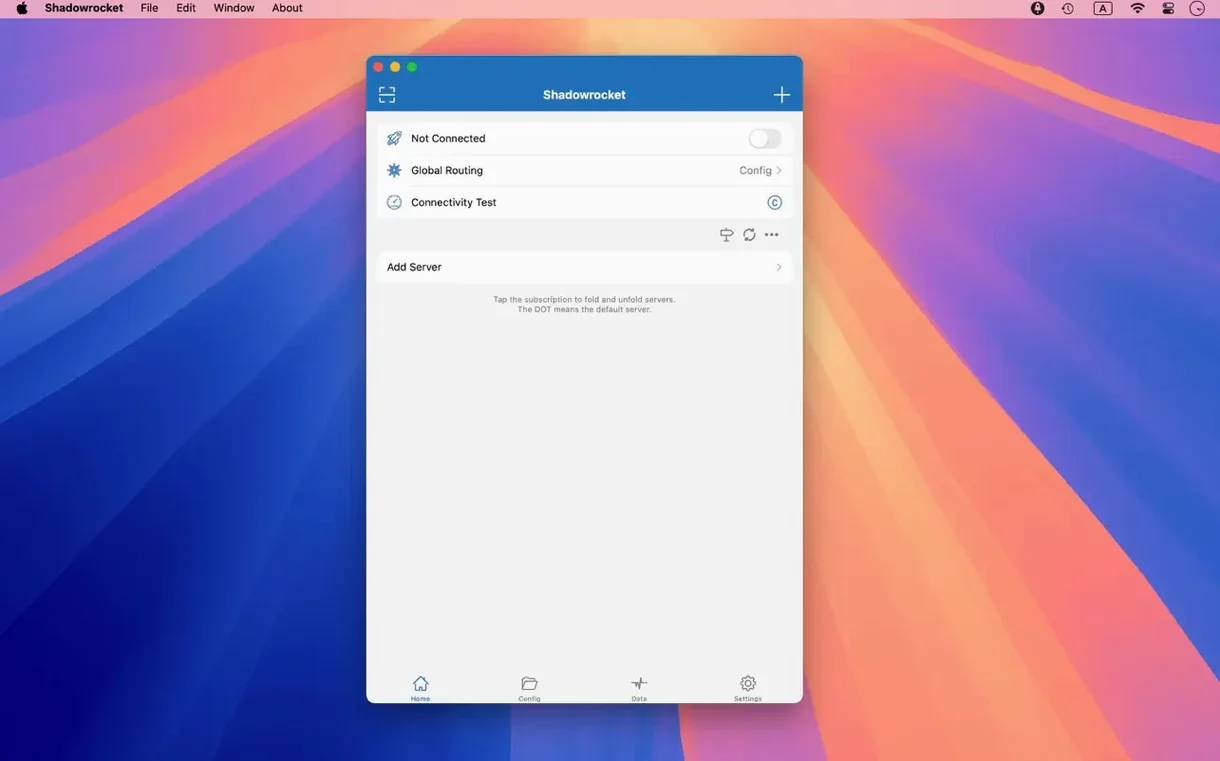
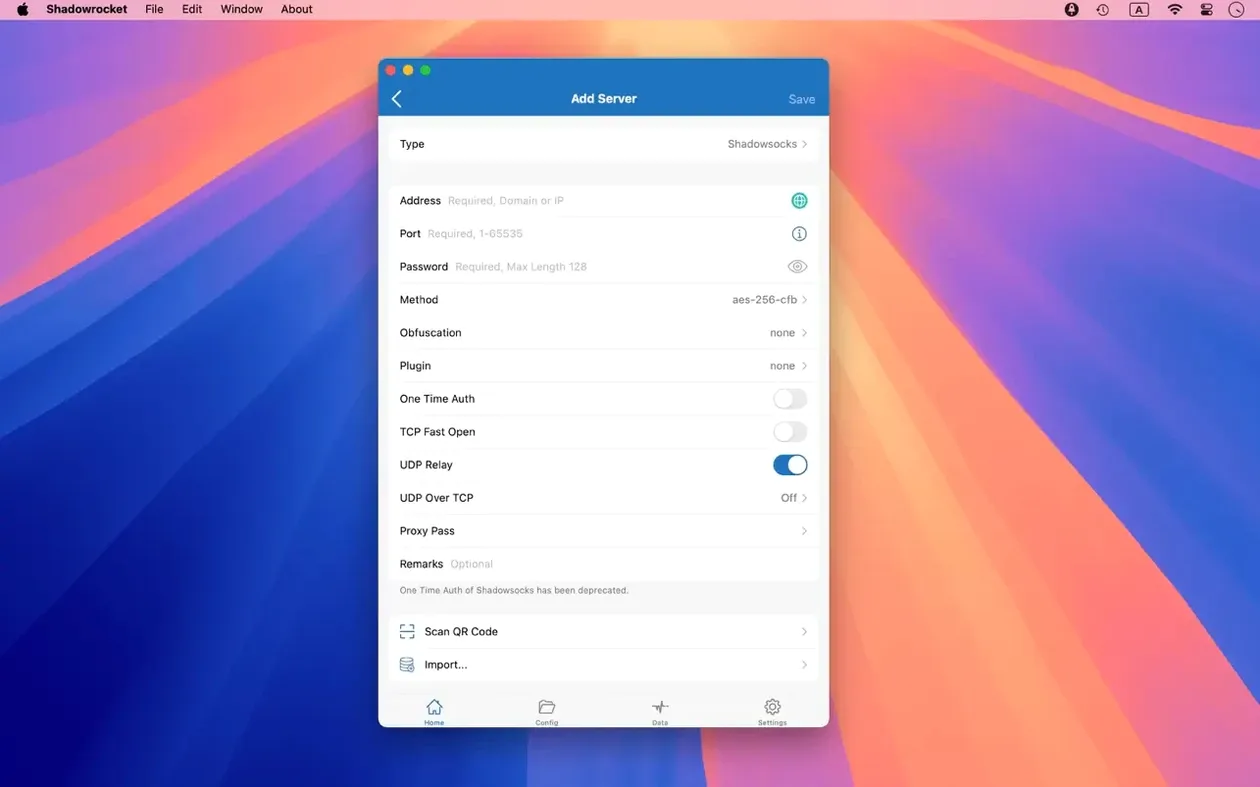
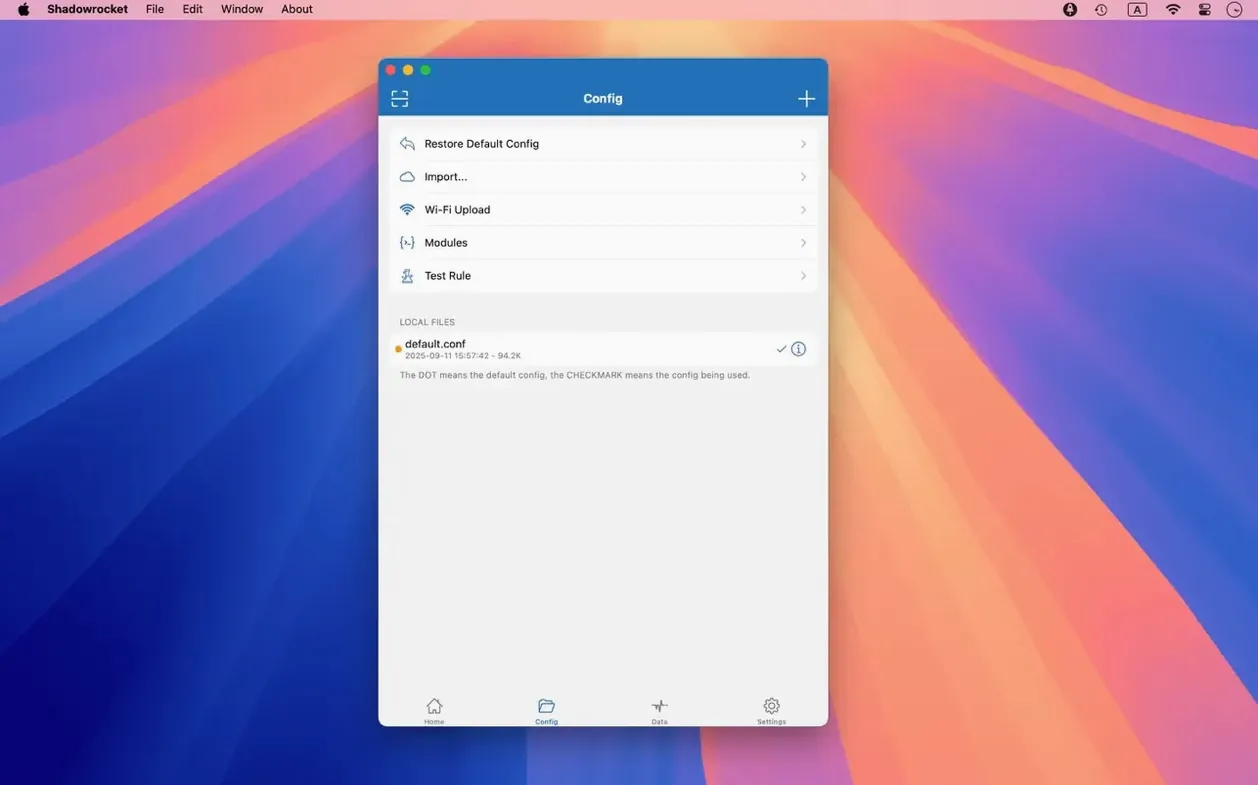
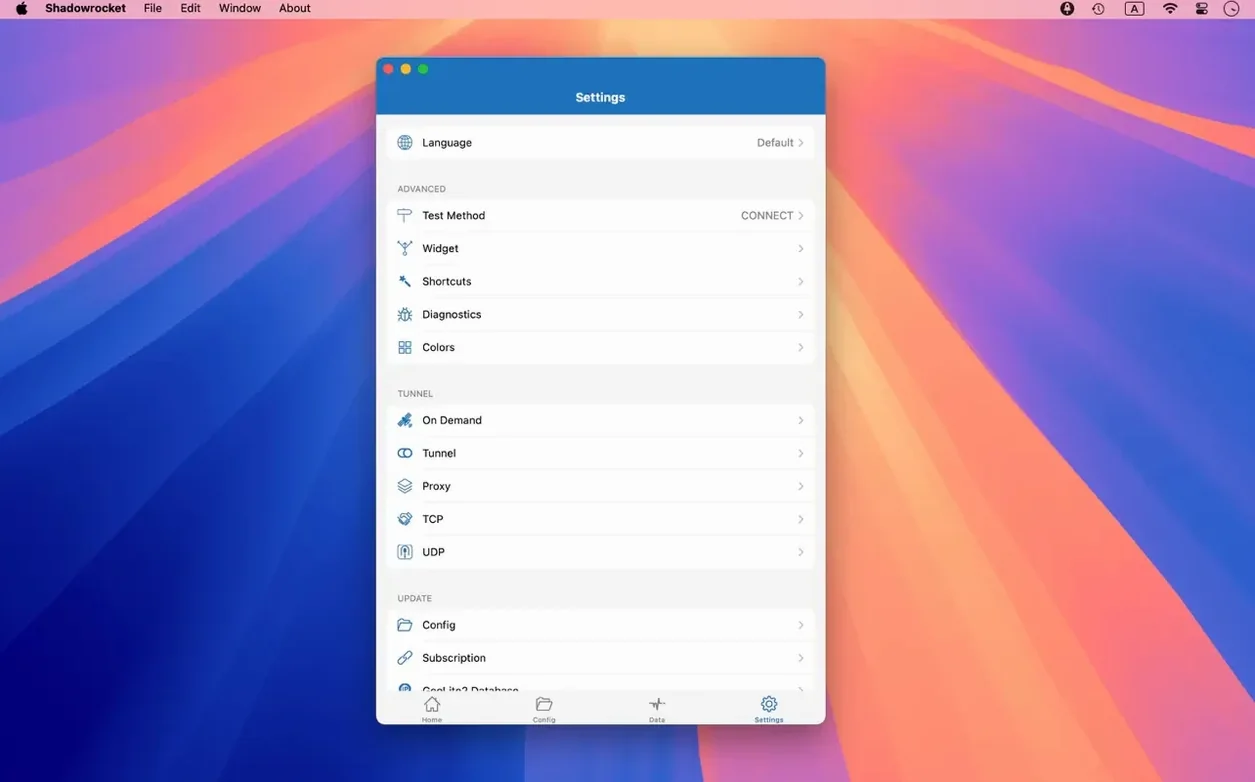
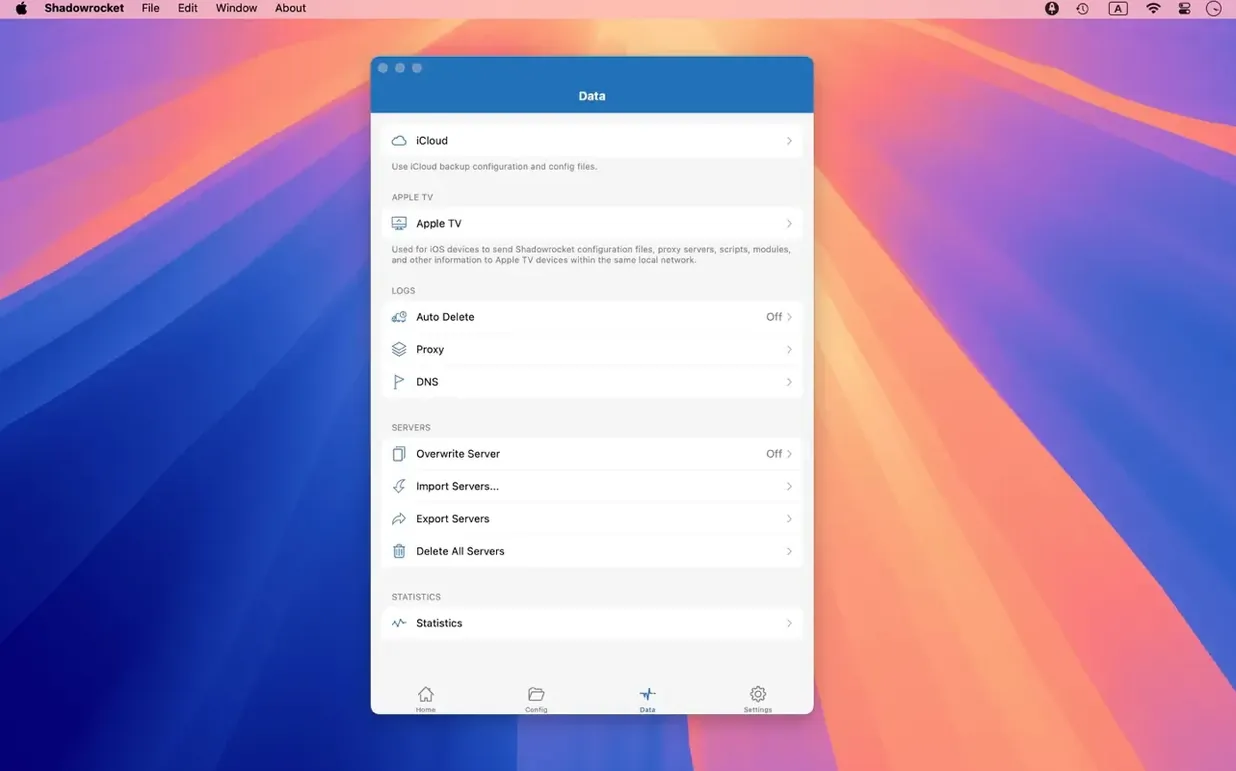
Version 2.2.92 tidies up the macOS interface, fixing misbehaving server tables, menu bar behaviour and the Dock icon.
Proxy client — an app that captures network traffic from your Mac and redirects it through a server you specify.
Rule-based — you decide which traffic goes where, using domain, IP range, or GeoIP conditions.
Traffic decryption — the client can inspect HTTPS requests by man-in-the-middling the connection locally.
Shadowrocket runs on macOS 10.15 Catalina and later, on both Apple Silicon and 64‑bit Intel Macs. The disk image delivers a standard drag‑to‑Applications installer.
Once running, the app sits in the menu bar and routes HTTP, HTTPS and TCP streams from other applications toward a proxy server. Routing rules accept domain matches, domain suffixes, domain keywords, CIDR IP ranges and GeoIP lookups. URL rewriting is built in, and IPv6 is fully supported end‑to‑end.
Plugin support extends the transport options: kcptun, cloak, gost and v2ray are all recognised. On the measurement side, the client can meter data usage and network speed separately for direct Wi‑Fi connections and proxy connections.
A limitation to note: the macOS build inherits the core routing engine from the iOS version, so the interface occasionally feels ported rather than natively Mac‑like, particularly in older preference panels.
Proxy and direct traffic side-by-side
Start with one proxy server and a small rule set. Import your subscription or config file, enable the connection, then open a few sites that resolve differently through the proxy and a few that should stay direct. This gives you a baseline before adding more complex rules.
The request log is the most useful tool early on. Open it while browsing normally and watch which domains appear. You will quickly spot traffic that should be proxied but is not, or the reverse. Tap any logged request to see whether it matched a rule, fell back to direct, or was blocked.
Create one rule group at a time. If you import a large rule file on day one, troubleshooting becomes harder because too many conditions overlap. Start with a handful of domain suffix rules, verify them against the log, then import broader lists once the basics hold.
Check the menu bar icon behaviour before you rely on it. Recent builds fixed some quirks there, but macOS Focus modes and menu bar management can still hide or rearrange it. Drag it to a fixed position in the menu bar so it stays visible during testing.
Rule matching stops too early
Traffic not being routed
The usual cause is rule order. Shadowrocket evaluates rules from top to bottom, and the first match wins. A broad GEOIP,CN,DIRECT rule placed above a specific domain rule will capture that domain before the more specific rule is reached. Move specific rules above general ones.
Another frequent cause is an inactive proxy server. The app can show a server as configured but not selected. Check the server list and confirm the intended server is ticked, not merely present. The multiple-selection fix in 2.2.92 addressed exactly this kind of confusion in the server table.
HTTPS sites showing certificate errors
This only happens with HTTPS decryption enabled. The app generates a local certificate to inspect encrypted traffic, and macOS or your browser must trust it. If the certificate is not installed or has expired, every HTTPS site shows a warning. Reinstall the certificate from the app settings, then restart the affected browser.
Some apps pin their certificates and will refuse to connect even with the certificate trusted. Banking apps and certain system services behave this way. Add them to an exception list so they bypass decryption entirely.
Rules not updating after import
Imported rule files can go stale silently. If a domain you added recently still routes to the proxy, the file may not have been re-fetched. Trigger a manual refresh from the rule settings, or re-import the file from iCloud Drive. The app does not always alert you when a remote rule set fails to update.
DNS leaks when using proxy DNS
If you enable DNS over HTTPS or DNS over TLS, but some queries still go to your local resolver, check the local DNS mapping settings. A mapping entry takes precedence and sends the query directly. Remove or adjust the mapping, then flush the macOS DNS cache with sudo dscacheutil -flushcache and restart the app.
Proxy client, not a full VPN tunnel
People ask whether Shadowrocket for Mac replaces a VPN. It does not, in the strict sense. A VPN tunnels all traffic through one interface, while Shadowrocket works as a rule-based proxy client. Some traffic can go direct, some through the proxy, and some can be blocked. This is more flexible but also more dependent on correct rule configuration.
Another common question is whether it works on Apple Silicon. Yes, it runs natively on ARM Macs as well as 64-bit Intel machines. The installer is a standard disk image; after opening it, drag the app into the Applications folder alias and launch from Launchpad.
People also ask whether the app decrypts all HTTPS traffic by default. It does not. HTTPS decryption is opt-in, and when enabled it applies only to connections that match your rules. Direct connections are not intercepted.
A fourth question concerns plugin support. The app recognises kcptun, cloak, gost and v2ray plugins, but they must be installed and configured separately. Shadowrocket does not bundle them. If you rely on a particular plugin transport, verify the plugin binary works on your macOS version before changing your server configuration.
Browser proxy settings for Safari vs Chrome
Shadowrocket works best alongside a browser configured to trust the local proxy. Safari uses the system proxy settings automatically when the app is active. Chrome and Firefox may need their proxy settings set to system or to the local address the app provides.
For apps that manage their own connections, such as email clients or development tools, routing depends on whether they respect system proxy settings. Most do. Apps that ignore system proxies need manual proxy configuration or a rule that captures their traffic at the network layer.
Local DNS mapping integrates with macOS hosts-file workflows. If you maintain development domains locally, you can mirror those entries in Shadowrocket so the proxy layer does not forward them to an external resolver. This keeps local development traffic local.
The traffic measurement feature separates direct Wi-Fi usage from proxy usage, which is useful if your proxy provider applies data limits. The numbers reset per session, so note them before restarting the app if you track monthly totals elsewhere.
Rule files imported from iCloud Drive stay available across Macs signed into the same account. This is convenient for keeping a single rule set consistent between a desktop and a laptop, though each machine still needs its own server configuration.
Low idle memory, CPU spikes on decryption
In daily use the app is unobtrusive. Memory usage sits low when idle, and CPU activity only rises during active decryption of large transfers or when the request log is open with a high volume of entries. Closing the log window returns CPU use to near zero.
Routing decisions happen quickly. With a rule set of a few hundred entries, the difference between direct and proxied connections is not noticeable in normal browsing. Larger rule files, in the thousands of entries, add a small delay to first connection per domain, after which cached results keep things moving.
Stability has improved with the 2.2.92 fixes. The server table no longer misbehaves with multiple selections, and the menu bar icon remains consistent during long sessions. The app has survived multi-day uptime without dropping the proxy connection in testing, though macOS sleep can occasionally require a manual reconnect after waking.
HTTPS decryption has the largest performance cost. Throughput on decrypted connections drops noticeably compared to non-decrypted proxied traffic. If you only need decryption for a handful of domains, restrict it to those rules rather than enabling it globally.
One habit worth forming: restart the app after changing network interfaces, such as moving from Wi-Fi to Ethernet or connecting to a VPN. The routing engine re-evaluates the network stack on launch, and a restart prevents stale routes from lingering after an interface change.