Aspecten
 Download (100 MB)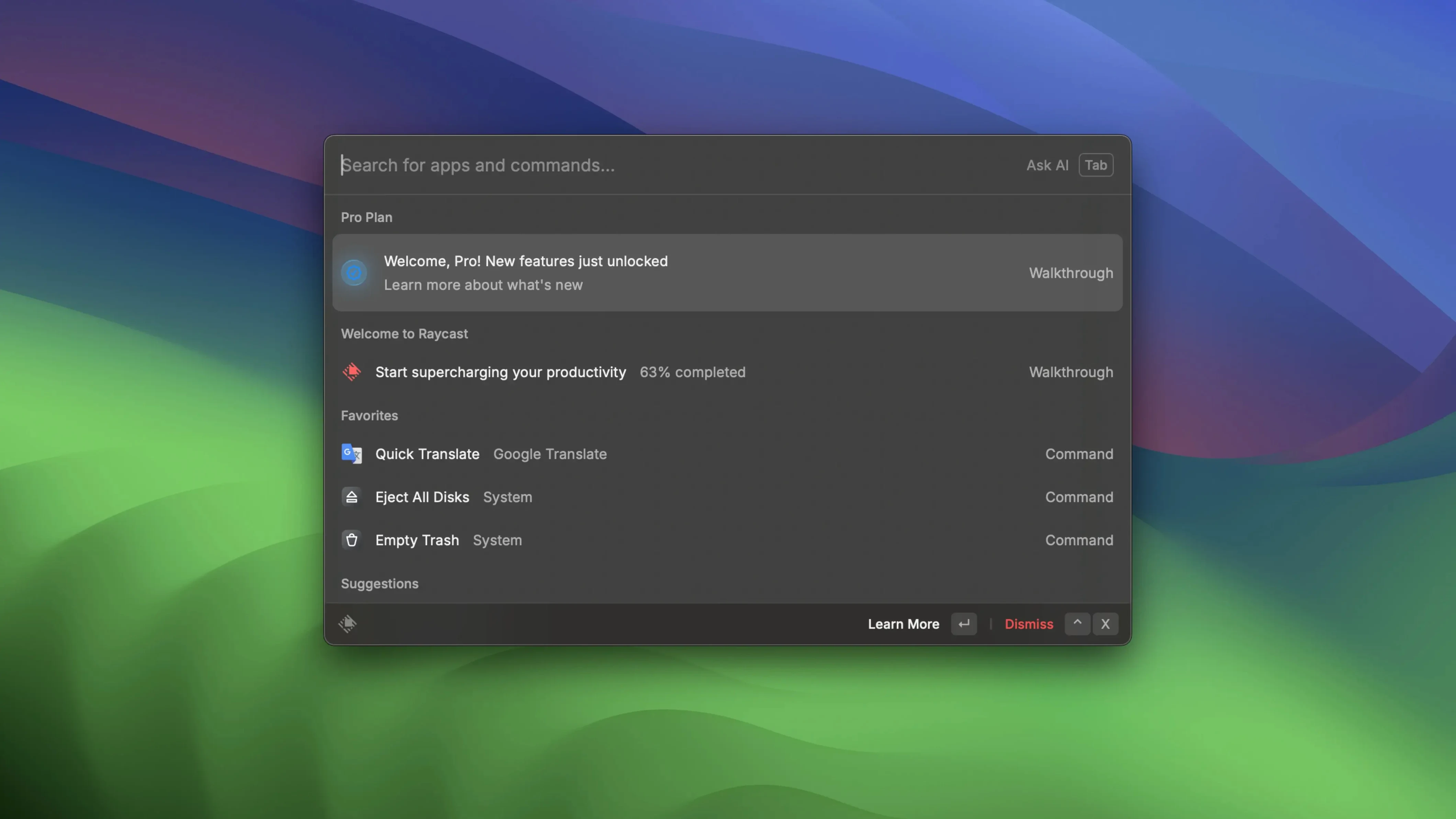
Raycast Pro suits someone who already lives on the keyboard and now wants to pull more of macOS into a single command line. It replaces the trip through menus and folders with typed intent.
Meeting scheduling — After connecting Zoom, you can schedule a meeting, start one, or view upcoming meetings without opening the Zoom interface. The launcher becomes a thin control layer over the video tool.
Memory handling — The changelog reports that version 2.6 fixed a memory leak that grew the longer Raycast stayed open. The host process now uses about 50% less memory, which matters during long work sessions.
Floating notes — A small scratchpad that stays on top of other windows. It is useful for phone numbers, temporary lists, or a line of thought you want to keep visible while switching between apps.
Quick links — A URL can be opened in a chosen browser or app, bypassing the system default when needed. Combined with the Option+Space shortcut, it reduces friction for repeated web tasks.
People who move from Spotlight sometimes type full app names slowly, the way they would into a search field. Raycast works better with fragments — two or three letters are usually enough. Typing chr instead of Google Chrome gives the same result with fewer keystrokes. The trick is trusting the partial match.
Another habit worth shaking is ignoring the action panel. Selecting an item and pressing Tab reveals a set of actions: open in a specific browser, copy path, reveal in Finder. New users often treat the launcher as a single-step tool when it is really two-step — pick a target, then decide what to do with it.
Misunderstanding the extension model also trips people up. The built-in commands cover common tasks, but the real range comes from extensions installed through the Store tab. A fresh install looks sparse because nothing extra has been enabled yet. Browsing the store for an hour, installing ten extensions, then wondering why everything feels cluttered is a pattern that repeats. Installing one extension, learning it, then adding the next keeps the palette manageable.
Fix the Zoom integration that silently returns nothing
One snag appears when Zoom integration refuses to show meetings. The extension needs explicit calendar access under System Settings > Privacy & Security > Calendars. If Raycast is not listed there, the integration silently returns nothing. Adding it and toggling the switch usually restores the meeting list within seconds.
File search can feel incomplete until the indexing scope is checked. Raycast relies on Spotlight metadata, so any folder excluded from Spotlight in System Settings also stays invisible to the launcher. Dragging a folder into Privacy under Spotlight settings and removing it again forces a reindex for that location, which fixes most missing-file complaints.
Quick links sometimes open in the wrong browser even after configuration. The link stores a preferred app, but macOS URL handling can override that for certain schemes. Setting the desired browser as the default for that link in the link editor, then using the Tab action to explicitly pick the browser on first use, cements the behaviour. After one explicit launch, future invocations respect the choice.
Memory pressure after long sessions was a known issue before version 2.6. Anyone still on an earlier build who notices sluggishness can check Activity Monitor for the Raycast host process. Restarting the app clears the accumulated leak, though updating removes the problem entirely.
Turn one-line shell scripts into instant commands
Developers who already keep a terminal open benefit from the script commands. A one-line shell script wrapped as a Raycast command turns a frequent task — restarting a local server, toggling a VPN, clearing a build cache — into a few keystrokes. The launcher does not replace the terminal; it absorbs the repetitive bits that do not need a full session.
People juggling multiple cloud accounts also gain ground. Quick links set to open in a secondary browser let you jump straight into a work Google Drive without logging out of a personal account. The launcher becomes a routing layer that remembers which browser belongs to which context.
Anyone who schedules several Zoom calls a day gets a quieter workflow. Checking the day's meetings without opening the Zoom window, then joining the next one from the keyboard, keeps the video tool out of the way until the call actually starts. The same pattern works for Google Docs — opening a specific document by name without navigating Drive in a browser.
Mac users who prefer a clean desktop and minimal Dock also find a natural fit. When every app launches from Option+Space, the Dock shrinks to the few tools that need drag-and-drop. The screen stays clear, and muscle memory for three-letter shortcuts builds within a week.
Paste clipboard history inline without leaving your note
- Clipboard history in floating notes. Notes can receive a paste from the clipboard history without opening a separate viewer. Typing a note, pressing
Cmd+Shift+Vcycles through recent clips inline. It is faster than dragging text between windows. - Quick link query parameters. A quick link can include
{query}in the URL. Typinggh raycastwhereghpoints to a GitHub search link opens the exact search results page. Each link becomes a mini command with a variable input. - Holding Option while opening. Pressing Option when launching an app or file through Raycast reveals it in Finder instead of opening it directly. Useful when you need the folder context, not just the file.
- Notes sharing from the keyboard. A floating note can be sent to iMessage or Apple Notes with a right-click, but the faster route is selecting the note, pressing
Tab, and picking the share action. The note arrives at its destination without ever leaving the keyboard. - Extension aliases. Each installed extension can be given a short alias in its settings. Renaming the Zoom extension to
zmor the Google Drive extension togdcuts command names to two characters, removing the need to type full extension names before the action.
People searching for a raycast pro cracked build sometimes ask whether the online features still function. The offline parts — file search, quick links, floating notes, script commands — work without any connection at all. What goes missing is the extension store and anything that reaches a remote API. A raycast crack that blocks network access keeps the launcher functional as a local tool; a raycast pro crack that tries to restore the store can work well if you configure the firewall rules and hosts file correctly. The same applies to a raycast cracked copy downloaded via a raycast torrent: the core typing-to-action pipeline remains intact, but the connected conveniences fall away. Setting expectations for a fully offline launcher avoids frustration later.