Aspecten
 Download (207 MB)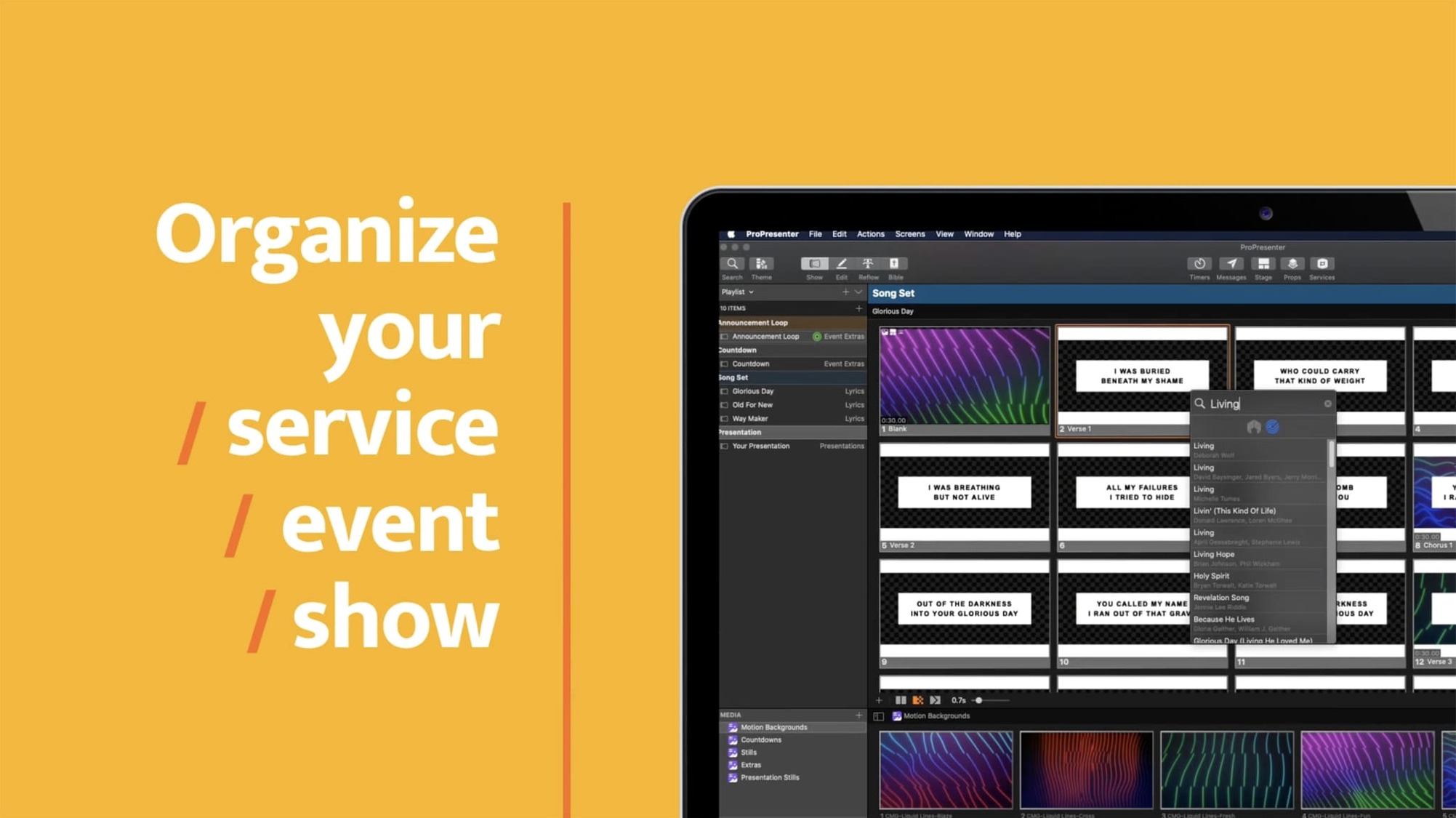
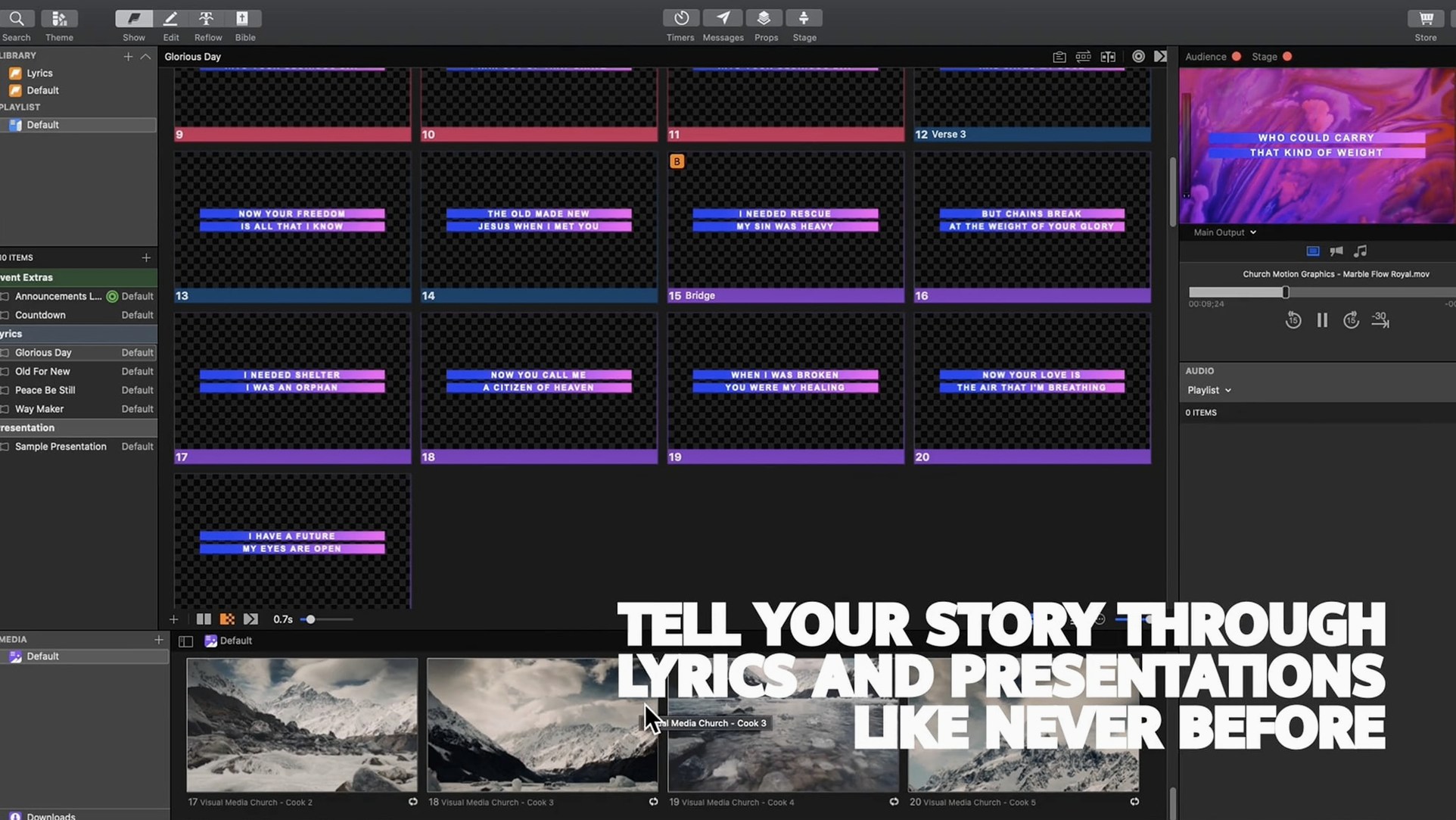
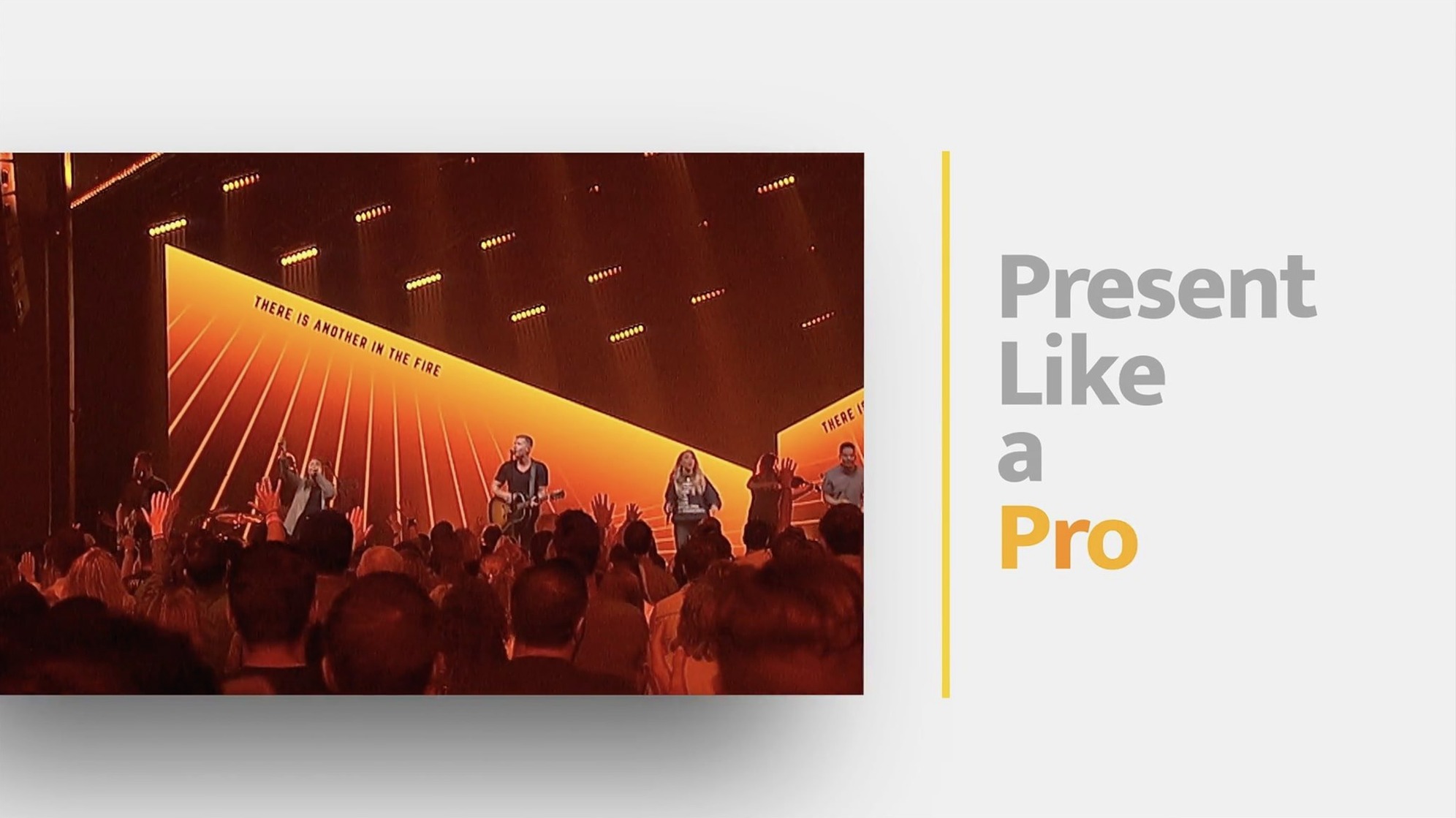
A Sunday service is about to begin. The lobby screen is rolling announcements, the online stream shows a holding slide with a countdown, and the stage confidence monitor gives the pastor a silent five-minute timer. All from a single Mac.
1. Route the screens
ProPresenter lets you map distinct outputs to stage displays, lobby monitors, overflow rooms and a separate online feed. Each audience gets its own visual layer without the operator having to think about it mid-set.
2. Add broadcast tying
For multi-camera streaming and recording, you can tie the slide changes to a vision mixer. The software sends alpha-keyed lyrics or lower-thirds to the broadcast feed while the main projector shows full-background slides.
3. Work with confidence monitors
Stage screens can display a clean clock, a timer that counts up or down, and the next slide in the sequence — all without showing the operator’s backstage view. The layout is set per screen and stays consistent show after show.
4. Script the sequence
A full service or event can be prearranged as a timeline of slides and soundtrack cues. You drag in HD video clips, audio files and slide decks, then let the sequence run or step through it manually. Moderated Twitter feeds and on-the-fly quote transformations can sit alongside the planned material, ready when needed.
Multi-screen setups with stage monitors and key-fill lyrics
Churches with a single projector and a handful of song slides will find the basics straightforward, but the people who extract the most value are those running multi-screen setups week after week. A media director handling stage confidence monitors, a lobby feed, an online stream and a main projection surface simultaneously is the natural centre of ProPresenter's design. The software reduces what would otherwise be four separate playback systems to one Mac and one operator.
School theatre departments and conference AV teams sit in the same bracket. They tend to build highly scripted events with tight cue-to-cue sequences, and the timeline-based arrangement of slides, video and audio eliminates the scramble of switching between applications mid-show. Broadcast technicians who need alpha-channel output for lower-thirds and lyrics overlays also get capabilities that generic presentation tools simply do not offer.
Musicians and bands using the software for backing tracks and synchronized lyric projection benefit from the audio-playback engine and the multi-layer slide editor. A keyboardist triggering song sections from a tablet via the ProPresenter Remote app can control the whole show without walking back to the tech booth.
Separate stream feed from the room screens
Does it handle the online stream and the in-room screens from one computer? Yes. You can configure separate outputs so the stream receives a different feed from the main projector. Lower-thirds, lyrics without backgrounds, or a completely different slide deck can be routed to the streaming output while the room sees full-background slides.
Will it struggle with large video files? HD video playback runs within the presentation without switching to a separate player. The software decodes clips natively on both Intel and Apple Silicon Macs. Operators who regularly use long video segments should keep an eye on the overall library size, but the playback engine is designed for live use and does not pause slides while a clip loads.
Can multiple people control it at once? The Remote app allows a second operator to advance slides, trigger cues or adjust the stage display from an iPhone or iPad. For larger teams, the Mac app can share its output with other compatible Renewed Vision applications on the same network, which helps when a broadcast engineer needs independent control of the stream feed.
Is it overkill for a small setup? A single-screen church running only song lyrics and sermon points will use a fraction of the feature set, but the workflow stays simple if you ignore the broadcast and multi-screen panels. The core slide-building and playback tools do not demand that you wire up six displays.
Option-click duplicates a slide or timeline cue instantly
Holding the Option key while clicking a slide in the library duplicates it instantly, a shortcut many operators discover months into regular use. The same modifier works in the timeline when you drag a cue — it copies the item rather than moving it.
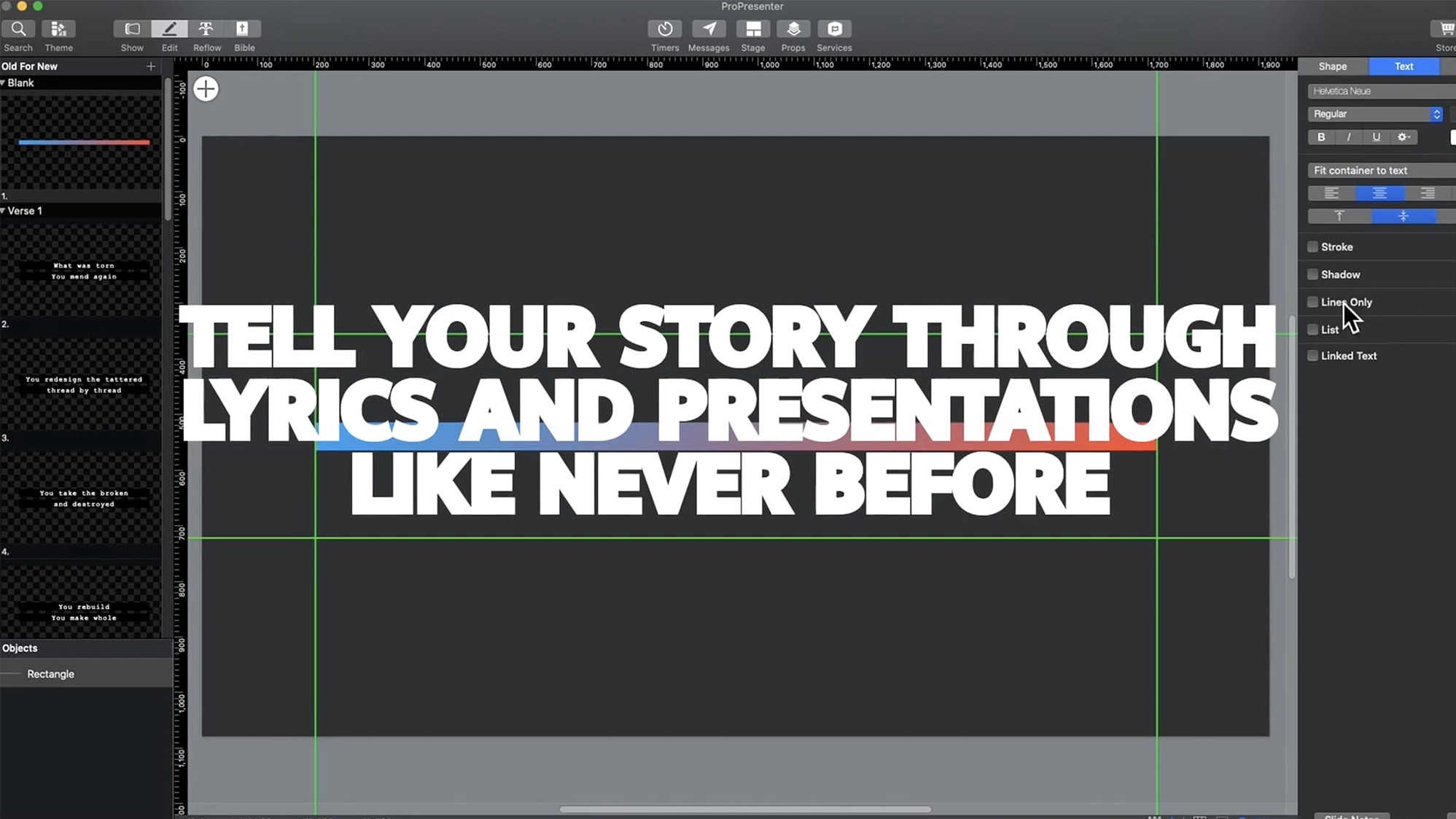
The slide editor supports eight content layers, and each layer can be assigned a different transition style and timing. A subtle detail: you can set a layer to clear automatically after a set number of seconds while the rest of the slide remains visible. This is useful for temporary lower-third name tags that disappear once a speaker has been introduced.
Confidence monitor layouts are stored per screen, not per presentation. Once you have set the stage display to show the clock plus the next slide, every new document inherits that arrangement. You are not rebuilding the monitor layout for each service.
The library panel supports drag-and-drop reordering across folders, and you can drop a folder directly into the timeline to insert its entire contents as a sequence. Combined with the moderated Twitter feed module — which pulls tweets into a holding area for approval before they appear on screen — you can weave live audience contributions into a pre-planned run without risking an unmoderated post going to the projector.
Output mapping shows countdowns and notes to the audience
Ignoring the output mapping stage. New operators often build an entire presentation and only then discover that the stage screen is mirroring the main projector, showing the congregation the countdown timer and the pastor's notes. The fix is simple — open the screen configuration panel and assign each output its own layout — but the panic hits three minutes before the service starts if you leave it until the end.
Placing high-resolution video files on an external drive without testing playback first. The software handles HD and higher, but a slow USB drive connected through a hub can introduce stutter that only becomes visible when the clip plays under pressure. Copying the media to the internal drive before the event avoids the risk.
Overcomplicating the slide layers. Eight layers give enormous flexibility, and newcomers sometimes stack text, video, still backgrounds and live camera feeds into a single slide. When something breaks mid-show — a feed drops, a font renders oddly — untangling eight layers while the audience waits is not straightforward. Building simpler slides and using the timeline to switch between them is often easier to troubleshoot.
Forgetting that the audio engine runs independently of slides. A backing track assigned to a slide will continue playing when you advance to the next slide unless you set an audio stop behaviour. First-time users occasionally send a worship song into the next sermon slide because the track was linked to the slide trigger rather than placed in the timeline audio track, where it can be faded or stopped with a dedicated cue.