Aspecten
 Download (7 MB)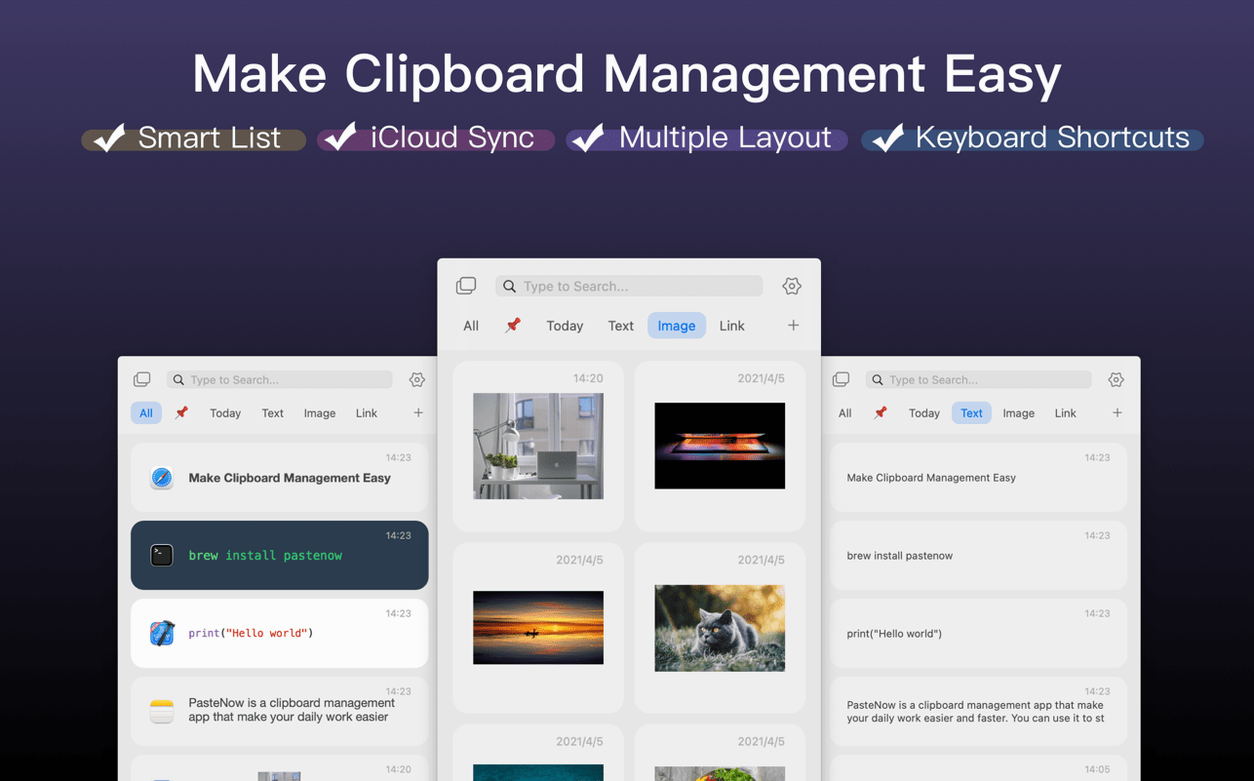
200 clippings in the history, and the oldest one drops out without asking. That is the storage limit PasteNow works with. For a clipboard manager, it is enough to hold a morning's worth of gathered text, images and links while assembling a report.
One task: gathering three pieces for an email
- Copy a name from a spreadsheet.
- Copy two sentences from a PDF.
- Copy a link from Safari.
- Open Mail, compose, and paste each item where it belongs.
How PasteNow handles it
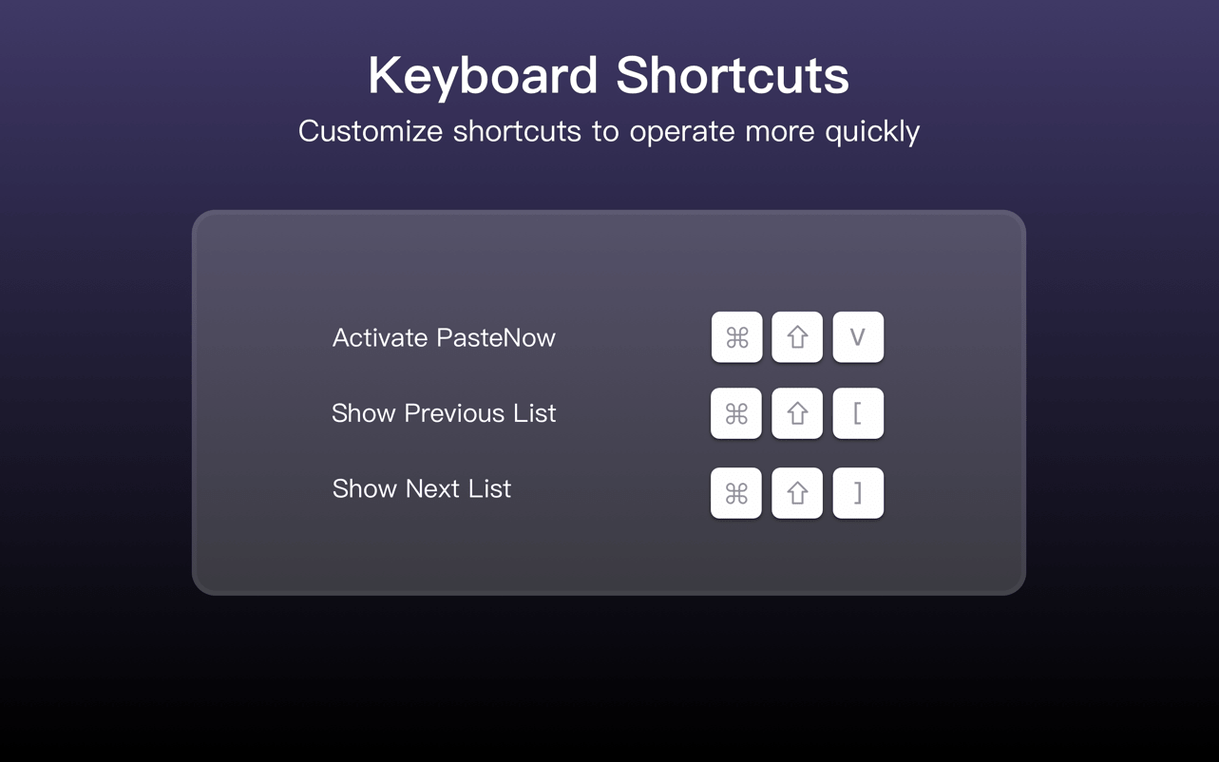
After copying the three items, I press the shortcut to bring up the paste panel near the cursor. The list view shows them in the order they were copied, with a small preview for text entries. I can switch to a grid or compact list if the default card style gets in the way. Picking the name takes one click; the text snippet follows with a second. For the link, I type a few letters to filter the history and paste it without scrolling. The whole sequence stays at the keyboard except for two clicks, and nothing lands in the wrong field.
Mac users who copy and paste in short, repeatable bursts tend to settle into PasteNow fastest. Writers assembling quotes from several sources, support staff reusing canned replies, developers moving code snippets between files — these are the people for whom a 200-item history feels like a tidy desk rather than a small cupboard. The app does not try to be a permanent reference library, and that suits anyone who needs yesterday's clippings gone by lunchtime.
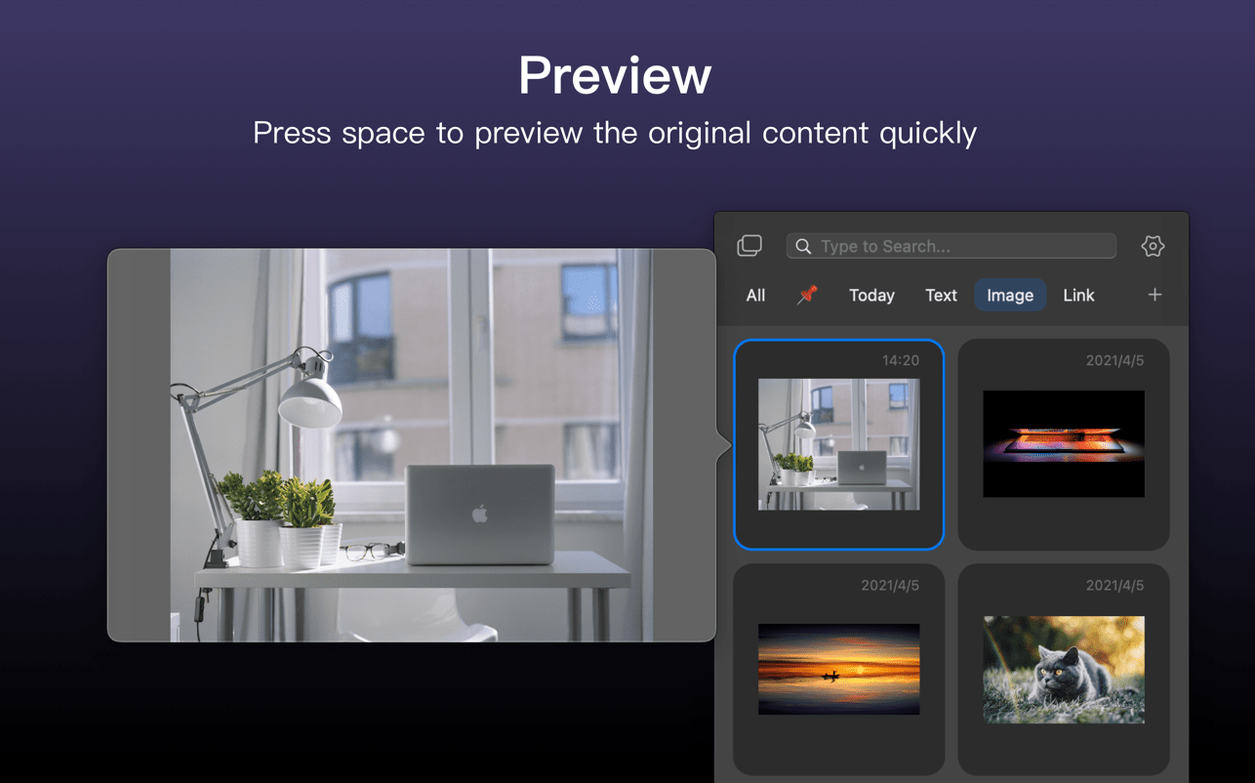
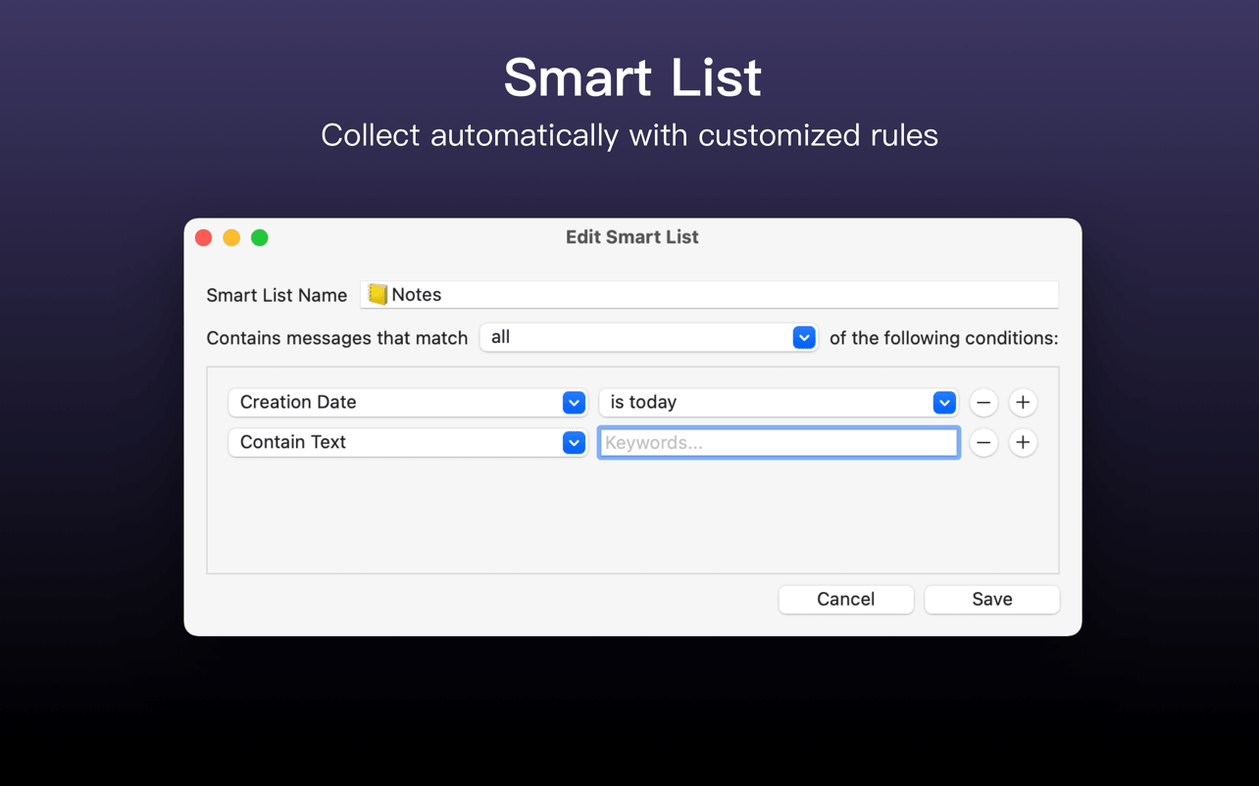
Designers and researchers who juggle images alongside text also get good mileage. Dragging a screenshot into the history means it sits next to the hex code and the client note, all in one floating panel. The smart lists earn their keep here: you can set one to show only images or only items from a particular app, which saves hunting through mixed content when a deadline is close.
Less obvious is the value for bilingual users. With interface support for English, Traditional Chinese, and Simplified Chinese, switching the app language to match the working context removes a small but persistent friction. Someone who drafts in Chinese in the morning and English in the afternoon does not need to mentally translate menu items twice.
When the paste panel parks in the wrong spot
One early frustration is the paste panel not appearing where expected. If the shortcut summons it to the centre of the screen instead of near the cursor, check that PasteNow has Accessibility permissions in System Settings. Without that access, the app cannot read the cursor position and falls back to a default placement. Granting the permission and restarting the app usually resolves it.
Another point of confusion involves iCloud sync. The sync is not a live, character-by-character stream; it syncs the clipboard history periodically. Users who copy something on a Mac and immediately reach for an iPhone sometimes find the item missing. Waiting ten to fifteen seconds or manually triggering a sync from the menu bar icon bridges the gap. Keeping both devices on the same iCloud account and the same network also helps, though a cellular connection on iOS works fine for text.
Users searching for a pastenow for mac cracked version sometimes hit a wall with activation. The package includes activation, so the app should recognise its status on first launch. If it does not, toggling the Mac's network connection off and on, then reopening PasteNow, often prompts it to re-check. A rare but reported glitch is the app reverting to a limited state after a macOS point update; in that case, a clean reinstall over the existing copy — dragging the app from the disk image again — restores normal behaviour without touching the stored history.
Large images can slow the paste panel's drawing. If the panel stutters when scrolling past a 20 MB screenshot, switching the view style to compact list usually eliminates the lag, because the app stops rendering full-size previews for every entry.
Create one source-filtered smart list on day one
- Set one smart list on day one. Pick the app you spend most time in — a text editor, a browser, a code IDE — and create a smart list filtered to that source. After a few hours of work, you will see exactly what PasteNow captures and what slips through.
- Learn the paste-as-plain-text shortcut early. It is separate from the standard paste command and strips formatting that would otherwise transfer unwanted fonts and colours into a document. Using it from the start prevents a morning of reformatting.
- Decide on a view style and stick with it for a day. Card view shows rich previews, compact list trades visuals for density, and grid suits image-heavy workflows. Flipping between them too often in the first hours makes the interface feel unsettled; commit to one, then adjust later if needed.
- Pin three items that repeat across projects. A standard disclaimer, a frequently used link, a boilerplate email sign-off — pinning keeps them above the 200-item turnover line and trains the habit of using PasteNow as more than a short-term buffer.
- Check the excluded apps list in preferences. PasteNow can ignore clipboard changes from password managers or secure terminals. Adding those apps on day one avoids the minor panic of finding a copied password in plain view inside the history panel.