Aspecten
 Download (9 MB)

Version 3.21 of MacGPT arrived with support for gpt-4o, keeping the model choices current alongside what OpenAI itself offers. The update is a quiet, practical one — the sort that fits into a working day without ceremony.
Calling up a quick answer
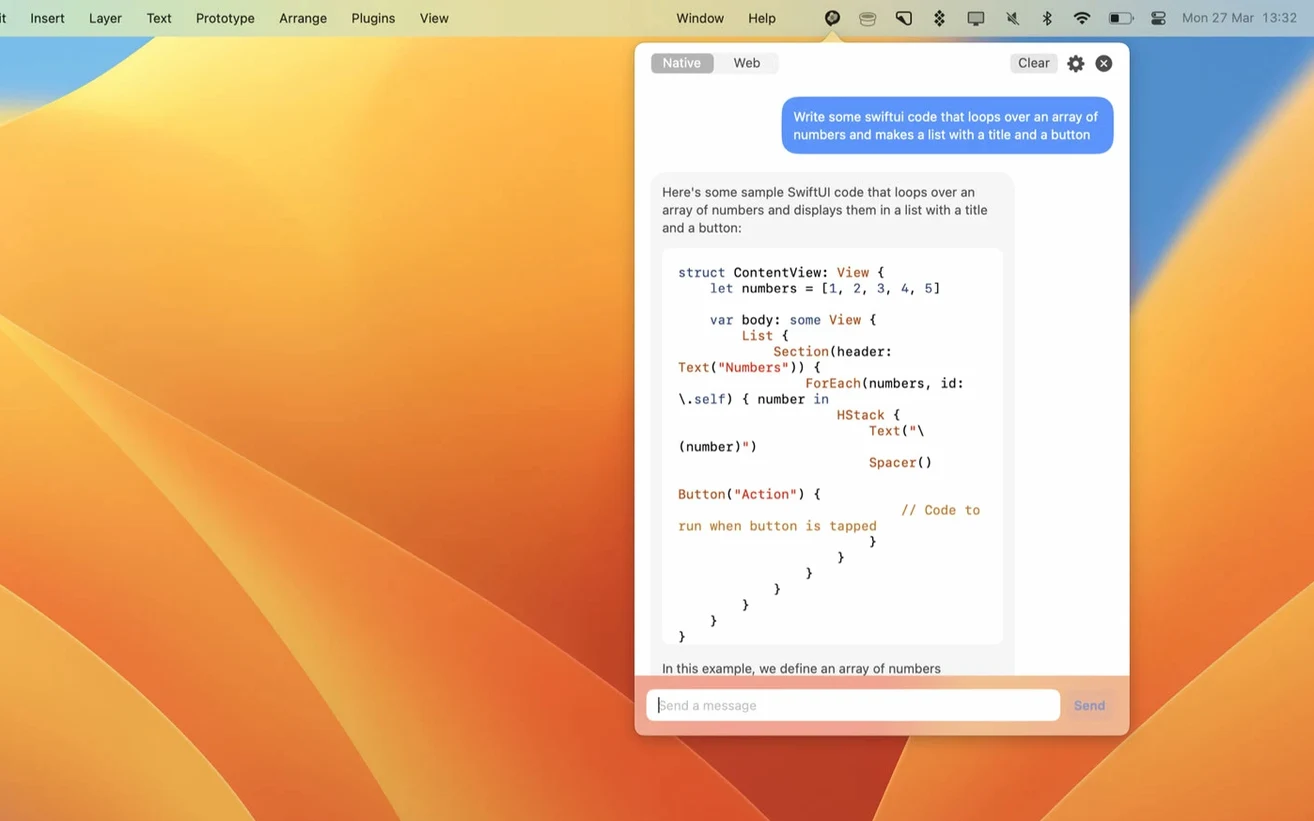
A single click on the menu bar icon opens the familiar ChatGPT web interface in its own window. Assign a keyboard shortcut in settings and you can summon it without reaching for the mouse, which sits naturally next to Spotlight and Alfred in a keyboard-driven workflow.
Writing a prompt from anywhere
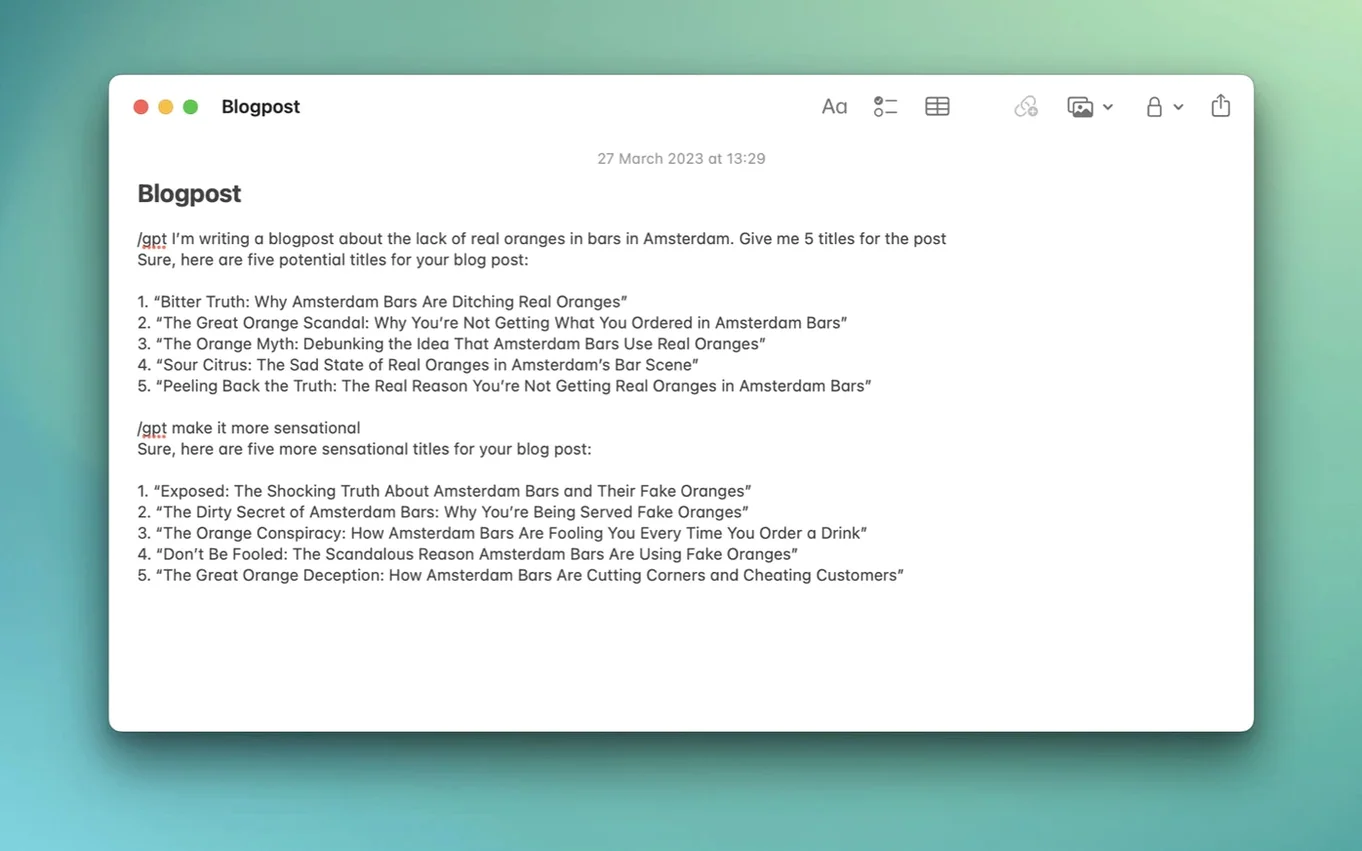
The Global feature opens a centred, floating text field over whatever you are doing. It is a small touch that keeps the interaction brief — type a question, get an answer, dismiss it. No context switching to a browser tab.
Talking directly to the API
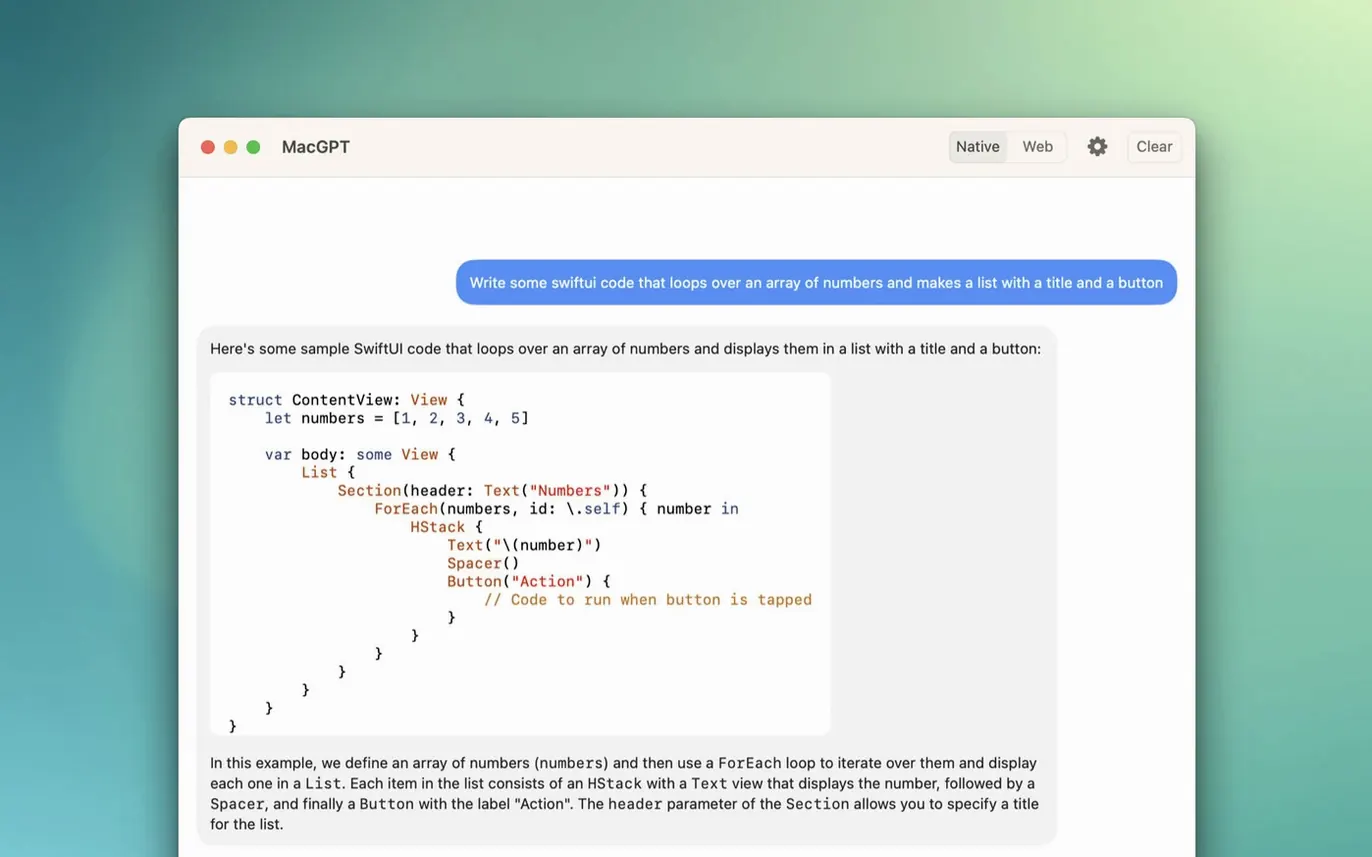
Beyond the standard account sign-in, MacGPT accepts a custom OpenAI API key for direct communication with ChatGPT. This side-steps the web interface altogether and appeals when you want the conversation routed through your own API access rather than a loaded webpage.
Menu bar companion idling at 60–90 MB
In day-to-day work MacGPT stays out of the way until you need it. The menu bar icon weighs almost nothing on the system — Activity Monitor typically shows it idling at around 60 to 90 MB of RAM, with negligible CPU draw when no conversation is active. On an Apple Silicon Mac the app launches in under a second. Even on older Intel hardware the cold-start time is brief enough that you do not think about it.
Stability in version 3.21 is uneventful in the best sense. Through a week of calling it up dozens of times per day — drafting emails, checking code snippets, rephrasing sentences — the app did not crash once. API mode feels slightly snappier than web mode because there is no browser engine to spin up behind the scenes, though the difference is a matter of a few hundred milliseconds rather than anything you would measure with a stopwatch. The web mode occasionally stutters when the ChatGPT site itself is under load, which is the service rather than the app, and MacGPT shows clearer error messages now when an API key is missing or invalid — a small quality-of-life improvement that saves a trip to the settings panel to guess what went wrong.
Memory use creeps up during longer web-mode sessions, settling around 150 MB after half an hour of back-and-forth, which is modest by modern standards. The Global overlay is the lightest interaction model: it spins up, delivers a response, and releases resources quickly. No residual processes linger after you close it.
What changed with recent versions
The jump to gpt-4o support in version 3.21 is the most visible change for everyday users. Selecting it from the model picker means faster responses and better handling of non-English prompts compared to gpt-4-turbo, and the model understands images when you paste them into the chat — useful for asking about a screenshot without describing it first. The update required no migration steps; the model simply appeared as an option after updating.
Earlier builds tightened up error handling. Where an incorrect or missing API key once produced a generic failure, MacGPT now tells you plainly that the key is not set up properly and points you toward the settings pane. The Global and Inline features also received small refinements to window behaviour — the overlay no longer steals focus from password fields or full-screen apps in the clumsy way it sometimes did in late 2024 releases.
Set a shortcut so you never need the mouse
Open preferences right after installing and do three things. First, set a keyboard shortcut for the menu bar window. The default is unassigned, which forces a mouse click every time. Something like ⌃⌥⌘Space works well and does not collide with system shortcuts.
Second, decide between web mode and API mode. Web mode requires signing in with your OpenAI account and loads the full ChatGPT interface — conversation history, sidebar, model switcher, the works. API mode uses a custom key and strips the experience down to a bare chat window. If you want your chat history synced across devices, pick web mode. If you want speed and do not mind managing your own API billing, switch to API mode and paste in the key.
Third, check the Global shortcut. It defaults to ⇧⌘G, which conflicts with nothing on a fresh Mac but may clash if you have assigned it elsewhere — Tower and some terminal tools use it for pull operations. Test it once and reassign if needed.
Blank chat window after launch, not broken
The most common stumble is mixing up web mode and API mode. Someone looking to macgpt free download will launch the app, see a blank chat in API mode, and assume the app is broken because no sign-in prompt appears. The mode switcher is a small toggle in preferences, easy to overlook. Check it before concluding the app does not work.
Another early mistake is pasting the API key into the wrong field. MacGPT has separate input areas for the OpenAI key and the web login — putting the key where the email address goes (or vice versa) produces an error. The error message in version 3.21 is clearer than before, but the fix still requires opening preferences and scanning the fields carefully.
Some users expect the Inline feature to work everywhere. It does not. It injects text into fields that support macOS text services — most native apps, some Electron apps, but not every web text area in every browser. Trying it in a Google Doc inside Firefox, for instance, may yield nothing. Test it in TextEdit first to confirm the feature is working, then try your target app.
Finally, downloading a MacGPT crack from an untrusted source introduces a separate set of considerations entirely. Cracked versions often lag behind the official build, so gpt-4o support may be missing, and API-key handling can be unreliable. Users who went looking for a MacGPT free download and ended up with a modified binary can often resolve crashes when switching models or connecting to the API by ensuring their own API key is entered correctly and the binary has full disk access in System Settings — steps that help the app run well regardless of the build. The app itself is light and self-contained; adding a third-party wrapper simply offers an alternative path to what is otherwise a straightforward tool.