Aspecten
 Download (23 MB)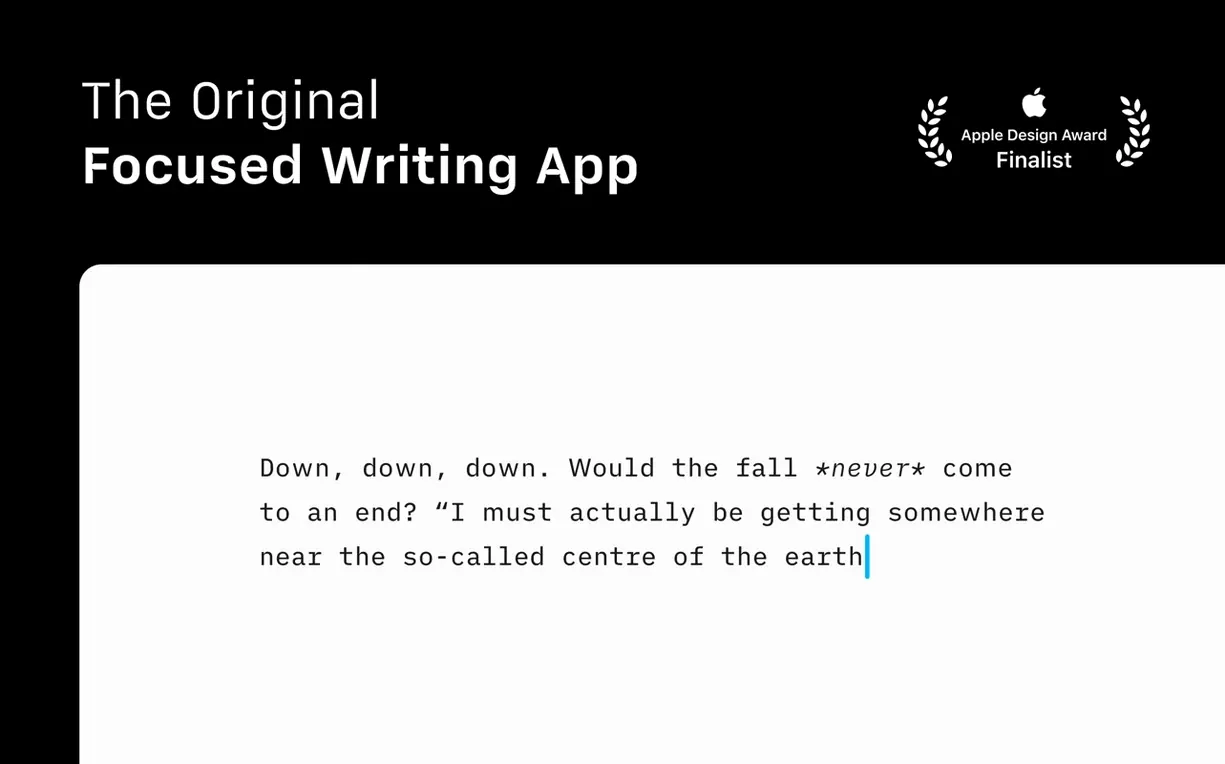
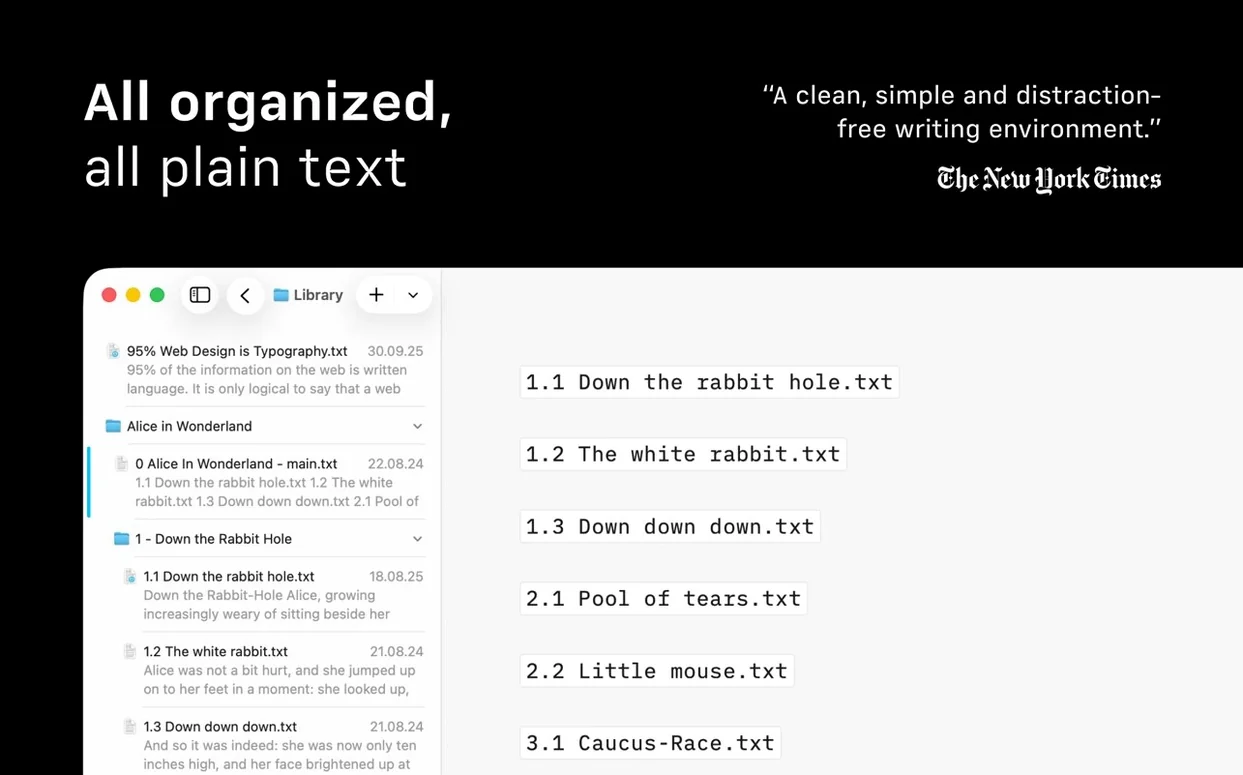
iA Writer runs on any Mac with macOS 10.15 Catalina or later and works natively on both Intel and Apple Silicon machines. The current version 8 also brings a refreshed interface built for macOS 26 and onward.
Visual changes and authorship colours in the reworked interface
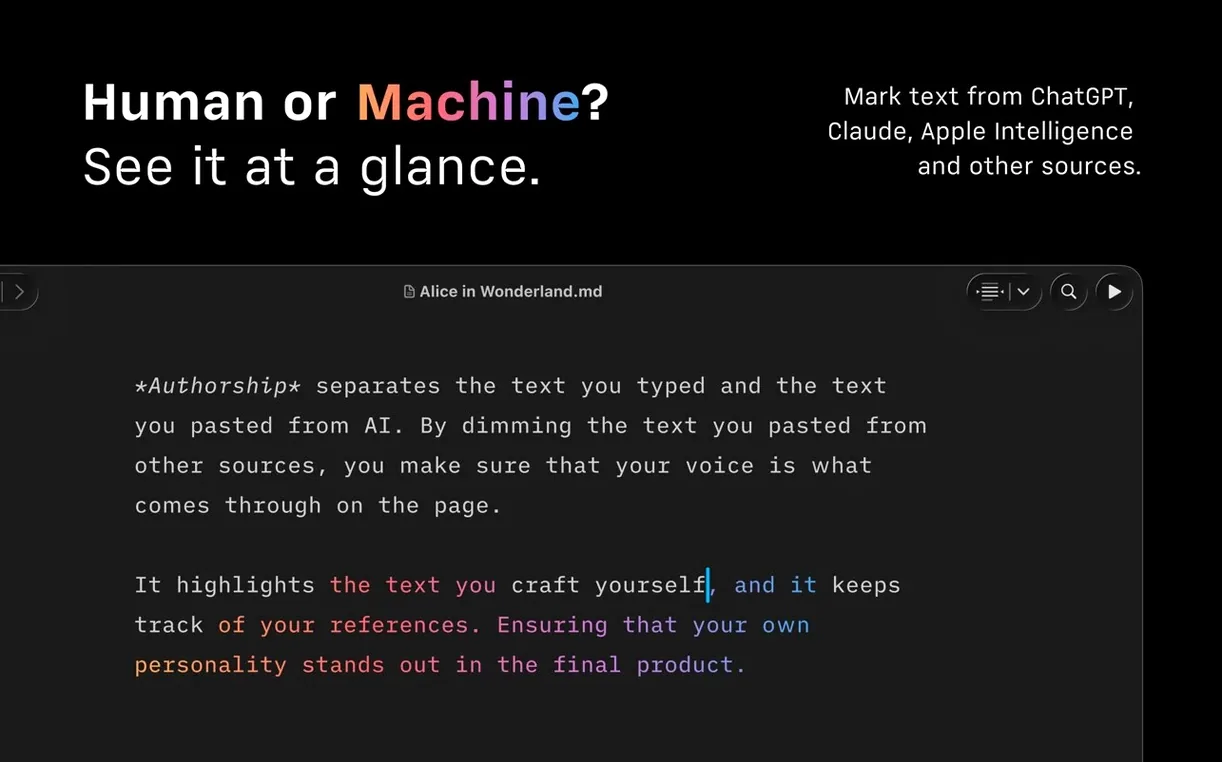
- What does version 8 change visually? The interface has been reworked for macOS 26 and later. There is now a Document Outline you can navigate with Quick Search, and Authorship indicators that show contributor colours in menus.
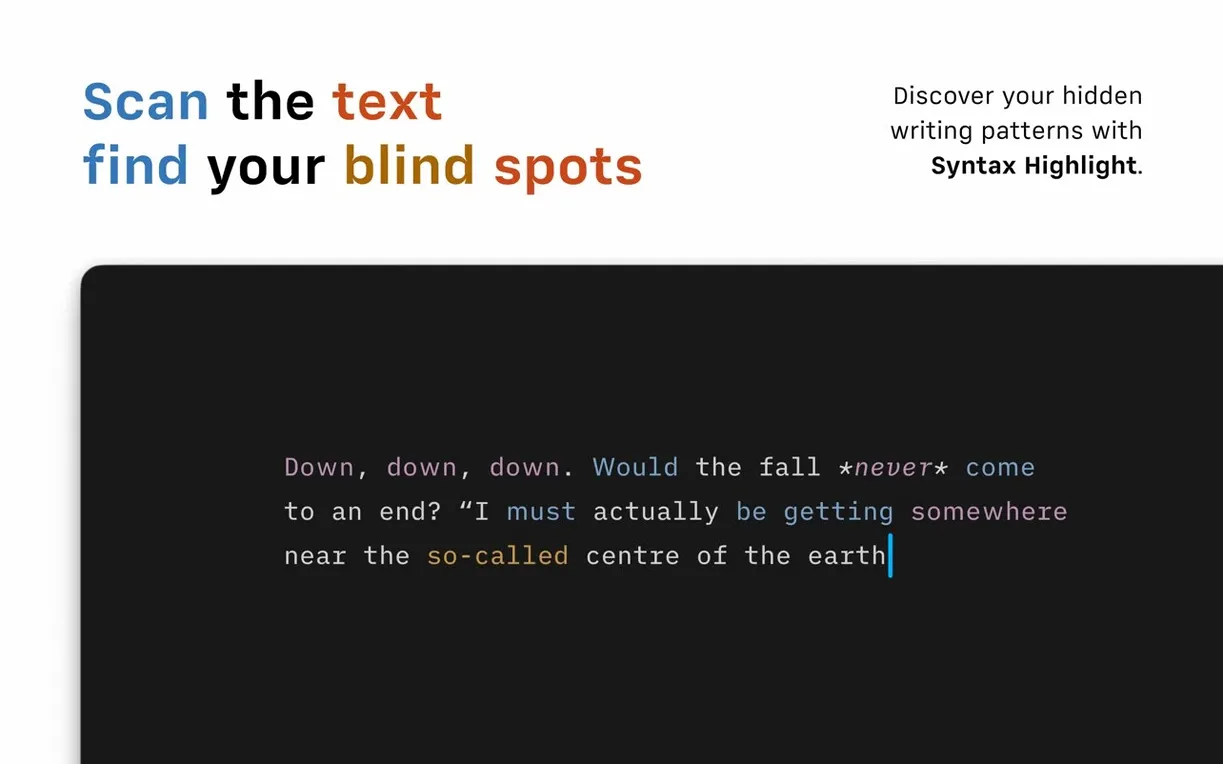
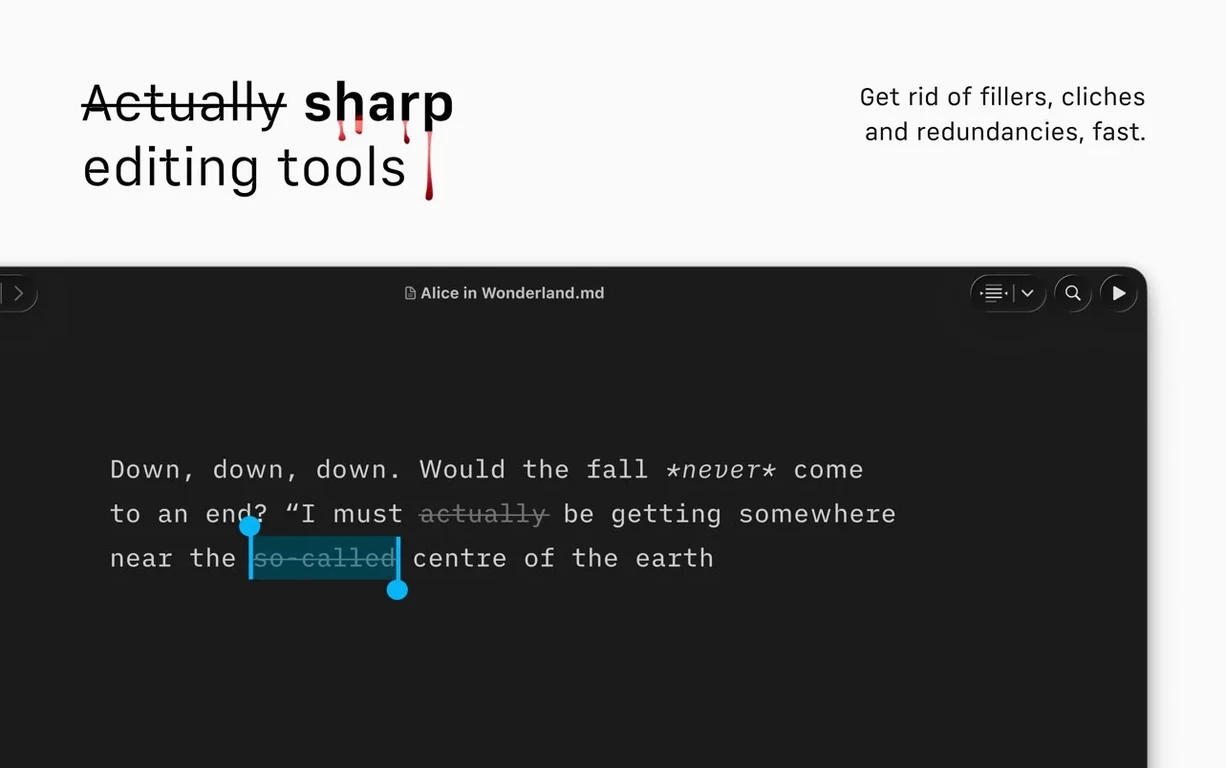
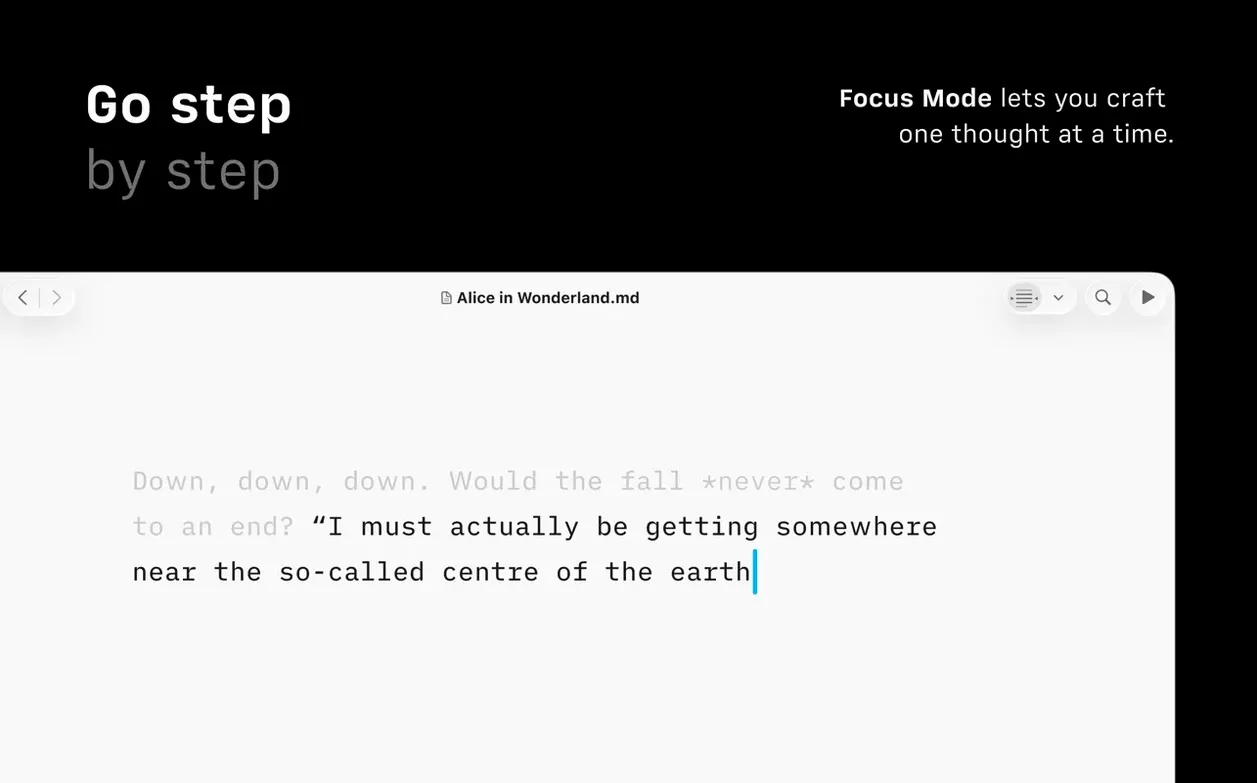
- Does it help with editing style, not just formatting? Yes. A syntax feature can highlight extra adjectives, weak verbs and repeated nouns. The focus mode dims everything outside the current sentence or paragraph.
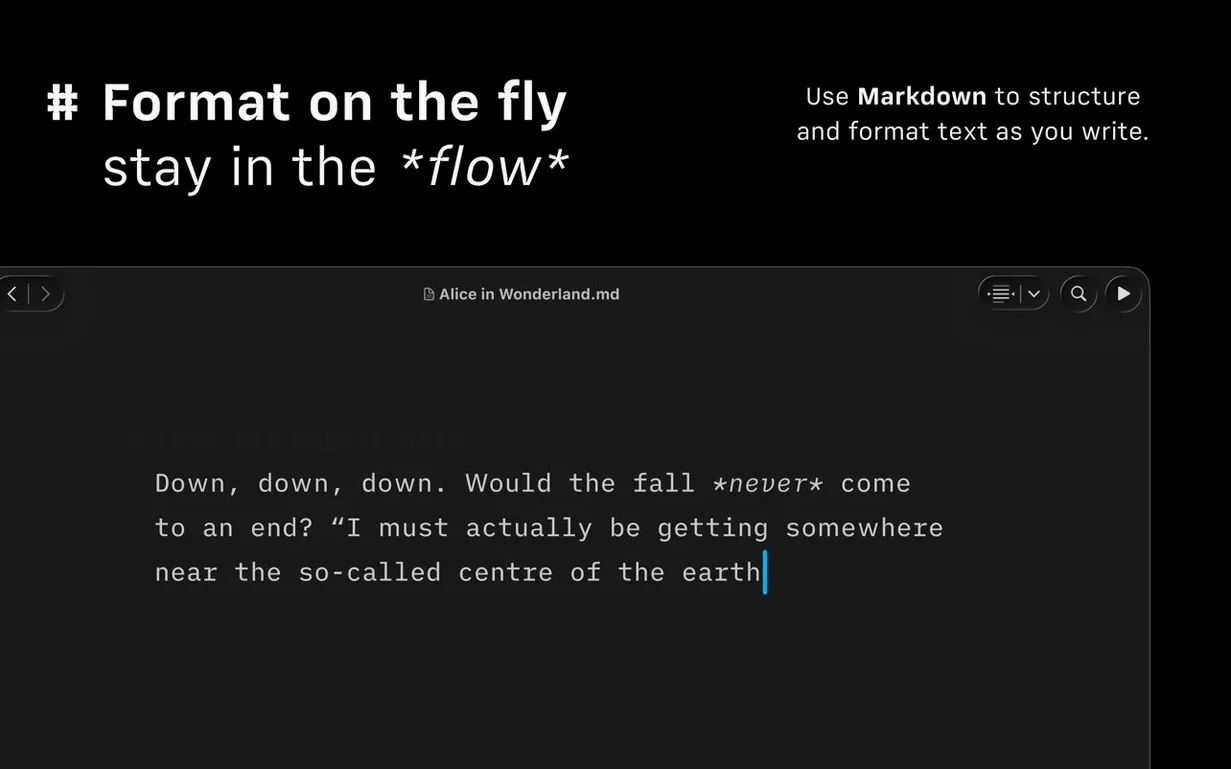
- Can it publish to blogging platforms? Built-in support for WordPress and Medium is included. The preview pane automatically formats text links, images and tables as you write.
What the darker interface brings
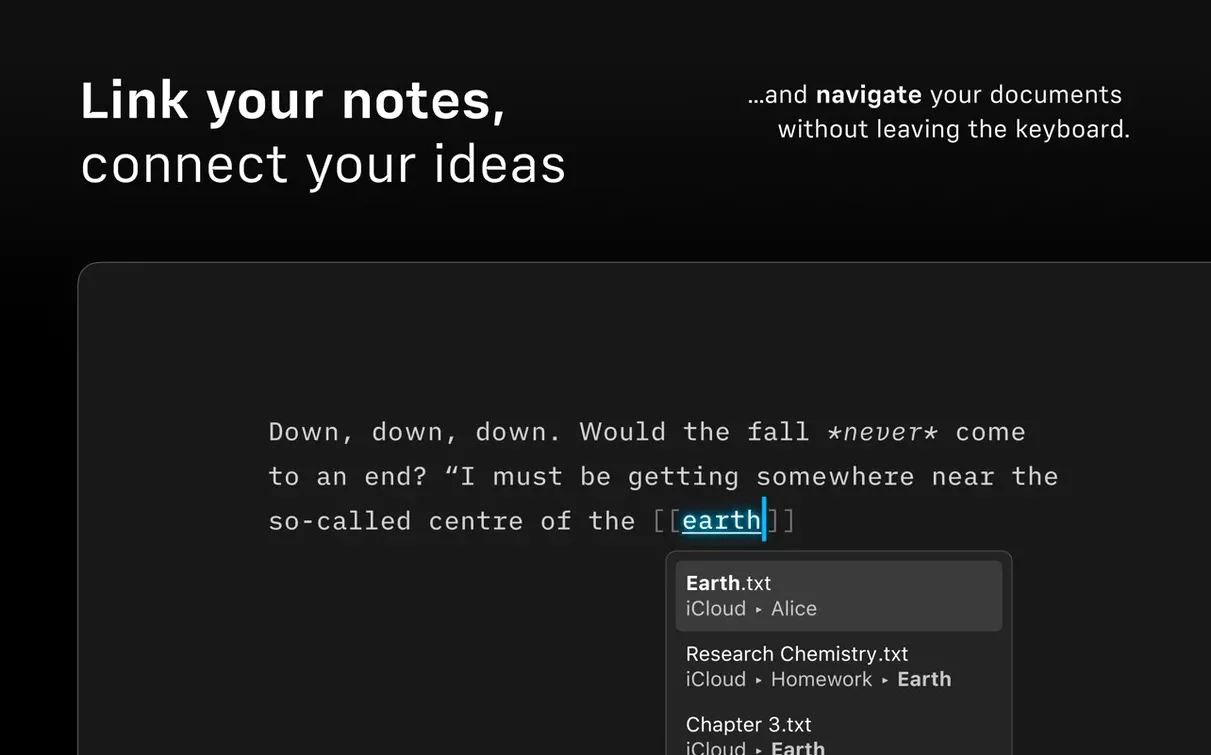
The Dark Interface works across the whole editor and preview. Voice Control is also supported, so you can navigate documents and search across cloud services in one window without touching the keyboard. Version 8.0.9 is a maintenance release that fixes a few small bugs.
Document Outline becomes the quiet workhorse for navigating headings
The Document Outline, added in version 8, turns out to be the quiet workhorse of longer writing sessions. Press a shortcut and a sidebar slides in with a structured list of every heading in your document. A Quick Search field sits at the top. Type a word or two and the outline filters immediately — jump to any section without scrolling. For a research paper with forty headings or a novel draft split into chapters, this saves real minutes per session. The outline also reflects the nesting of h2 and h3 tags, so the hierarchy stays visible even when the text runs long.
The Command Palette is another shift in daily habit. Instead of reaching for the mouse to apply bold, switch to HTML preview or trigger an export, you summon a single text field with a hotkey and type what you want. It learns your most-used actions over time and places them first. After a few days the palette becomes reflexive — type docx to export to Word, type focus to toggle paragraph dimming, type medium to draft a post. The refreshed interface for macOS 26 and later tidies toolbar spacing and button shapes, but the palette is what actually changes how you move through the app.
Authorship indicators, visible when collaborating on a shared document, show a coloured dot next to each author's name in menus. The colour follows their cursor in real time. It is a small touch, but it removes the brief hesitation of wondering who wrote which line when several people edit the same Markdown file in a cloud folder.
Long-press preview toggles between HTML and raw Markdown
Several shortcuts hide just below the surface. A long press on the preview button toggles between the rendered HTML view and the raw Markdown source, which is faster than opening a separate pane. Holding the Option key while clicking a heading in the Document Outline collapses all other sections, leaving only the one you chose expanded — useful when a document has grown to thousands of words and you need to concentrate on a single part.
The compact Library layout, also new, strips file dates and text excerpts from the sidebar, showing only filenames. If you keep a large folder of drafts, turning this on in the View menu removes visual noise. You can still search across cloud services in one window; the layout simply hides the metadata you do not need at that moment.
The syntax highlighting for weak verbs and repeated nouns is not on by default. Enable it from the Edit menu under Syntax Control, and words like just, really or very gain a subtle underline. Repeated nouns within a paragraph pick up a different colour. The feature does not block your writing — it simply marks potential edits quietly, the way a copy editor leaves notes in the margin. For anyone who downloads iA Writer to tighten prose, this alone can reduce editing passes.
Scrolling stays smooth past ten thousand words on Apple Silicon
On an Apple Silicon Mac the app launches in under two seconds cold, and switching between a dozen open documents in the Library feels weightless. The editor scrolls at the display refresh rate even in documents exceeding ten thousand words. CPU use during typing sits near zero; during PDF export with a custom template it spikes briefly and settles. Memory use after a long session with five open documents hovers between 180 and 220 MB — modest for a text editor that also renders live previews.
Version 8.0.9 fixed a handful of small bugs that caused the preview pane to lag when rendering large inline tables and corrected a rare crash when quitting the app with an unsaved draft. In practice the app has been stable across macOS versions from Catalina to the latest build of macOS 26, with no kernel panics, no beachball hangs during export and no noticeable regression in VoiceOver navigation speed. The Reduced Motion setting, when enabled in System Preferences, shortens the fade animation when entering focus mode, which keeps the transition snappy without feeling abrupt.
If you keep the app running for days, switching between projects, memory pressure stays flat. Autosave writes to disk silently and the version browser integrates with macOS Time Machine without creating duplicate files in your working folder. Anyone searching for a reliable writing app for Mac will notice the lack of background activity — no indexing spikes, no unexpected network calls during offline work.
Tuesday morning with an urban tree canopy essay in iCloud
Imagine a Tuesday morning. A writer sits down with a half-finished essay on urban tree canopies. The document lives in an iCloud folder, alongside notes and a few reference PDFs. She opens iA Writer. The Library shows the essay at the top, last modified the previous evening.
She double-clicks the file. The editor fills the screen. She taps the shortcut for focus mode and the surrounding paragraphs dim to a soft grey, leaving only the current sentence in sharp black on white. She reads the last few lines she wrote, catches a weak adjective — nice — underlined in pale blue, and replaces it with generous. The underline vanishes.
She summons the Command Palette, types outline and hits Return. The Document Outline slides open. She sees her argument split into three main headings. The second section, "Canopy density and air quality", has three subsections. She clicks one and the editor jumps there. She realises the subsection order is wrong, so she cuts the heading and its following paragraph and pastes it higher up. The outline updates instantly.
She needs a statistic from a PDF in the same folder. She opens the Library, searches for the filename across her cloud services, and drags the PDF into a new footnote in Markdown — no need to leave the app. The preview pane on the right shows the footnote link formatted and clickable.
She finishes the draft, disables focus mode to see the full text, and runs the syntax check. Three repeated nouns appear in the last paragraph. She rewrites two sentences. Satisfied, she opens the Command Palette again, types pdf and exports a clean PDF with a template she customised months ago. The file lands on her desktop in under two seconds. She closes the app and goes to make coffee.