Aspecten
 Download (525 MB)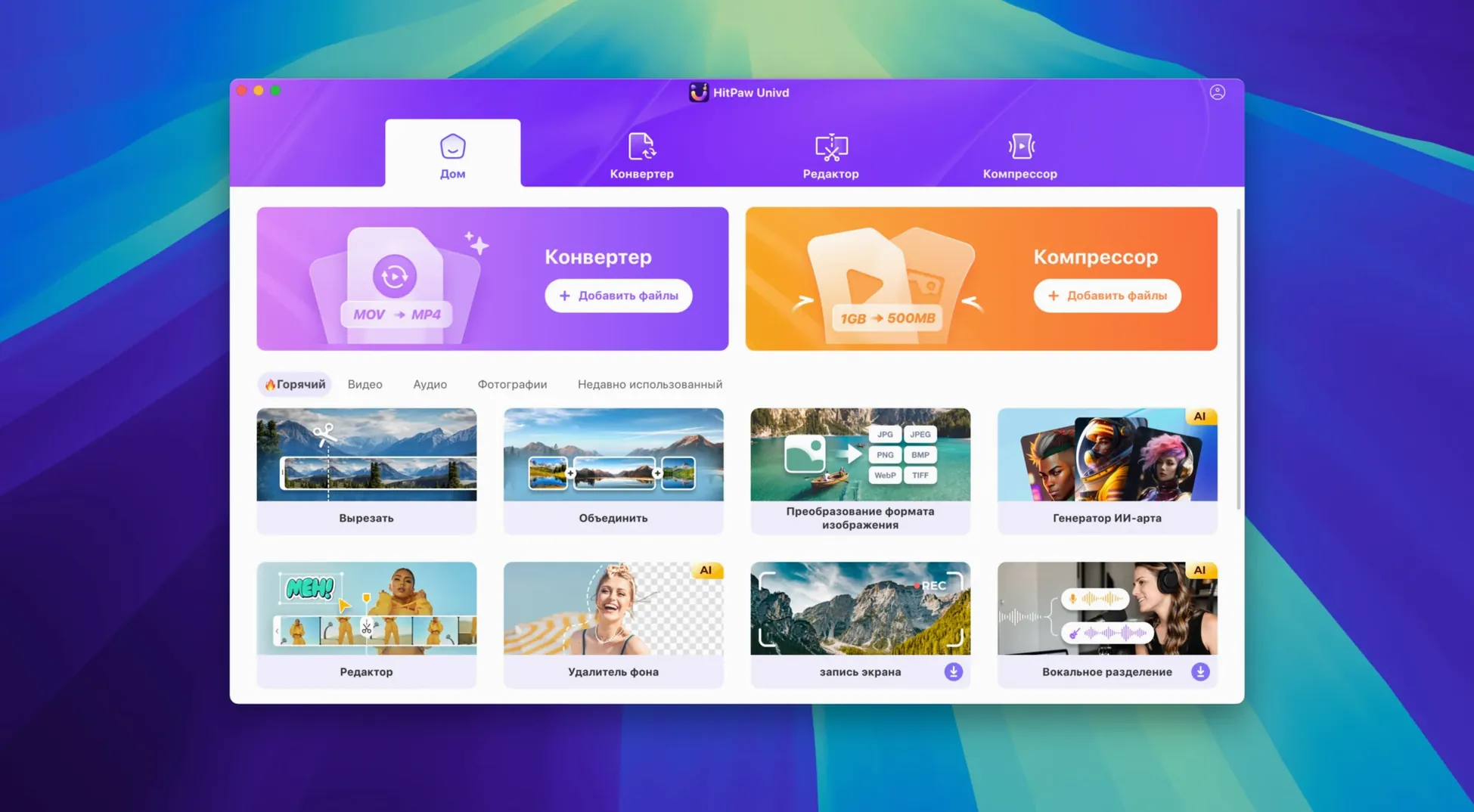
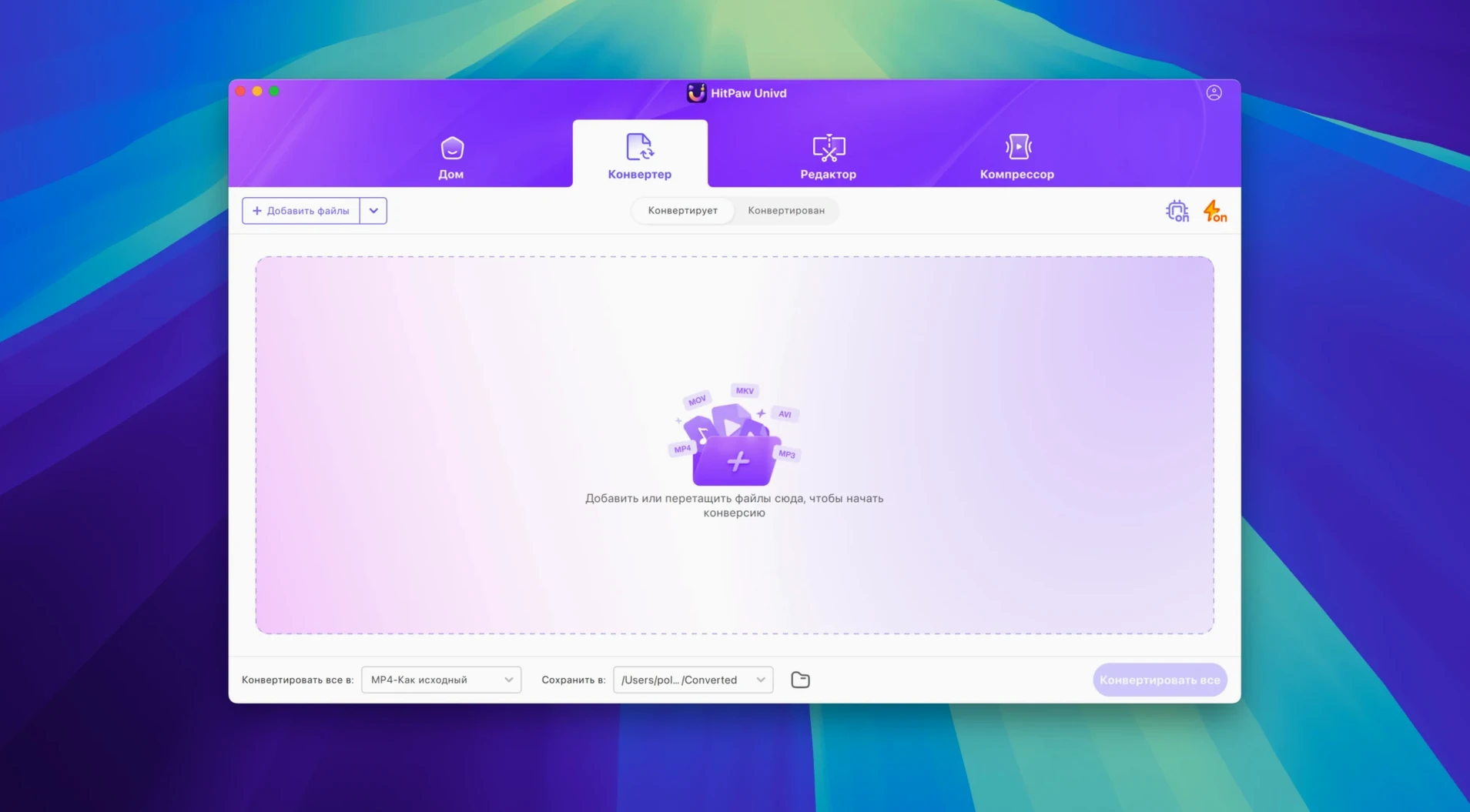
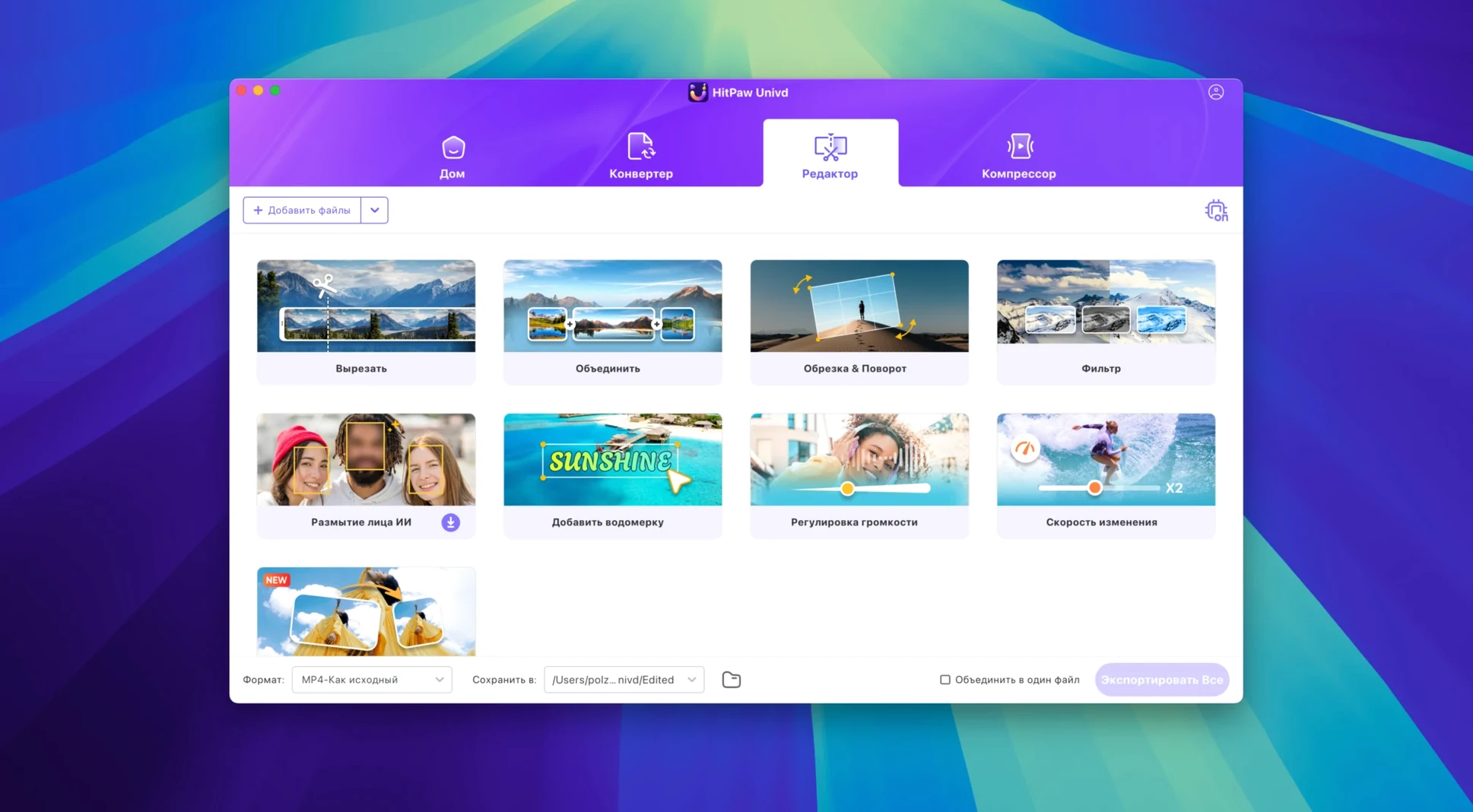
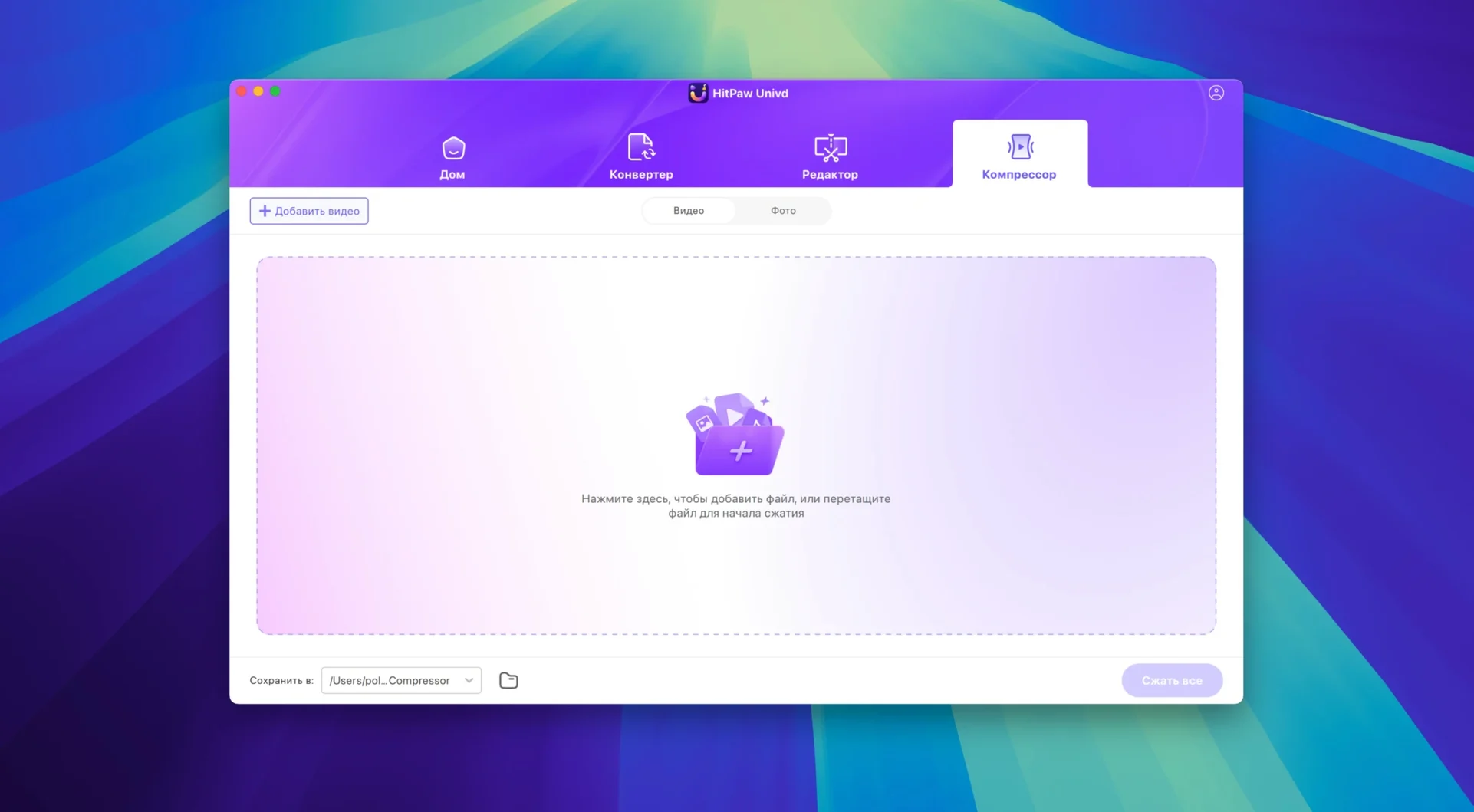
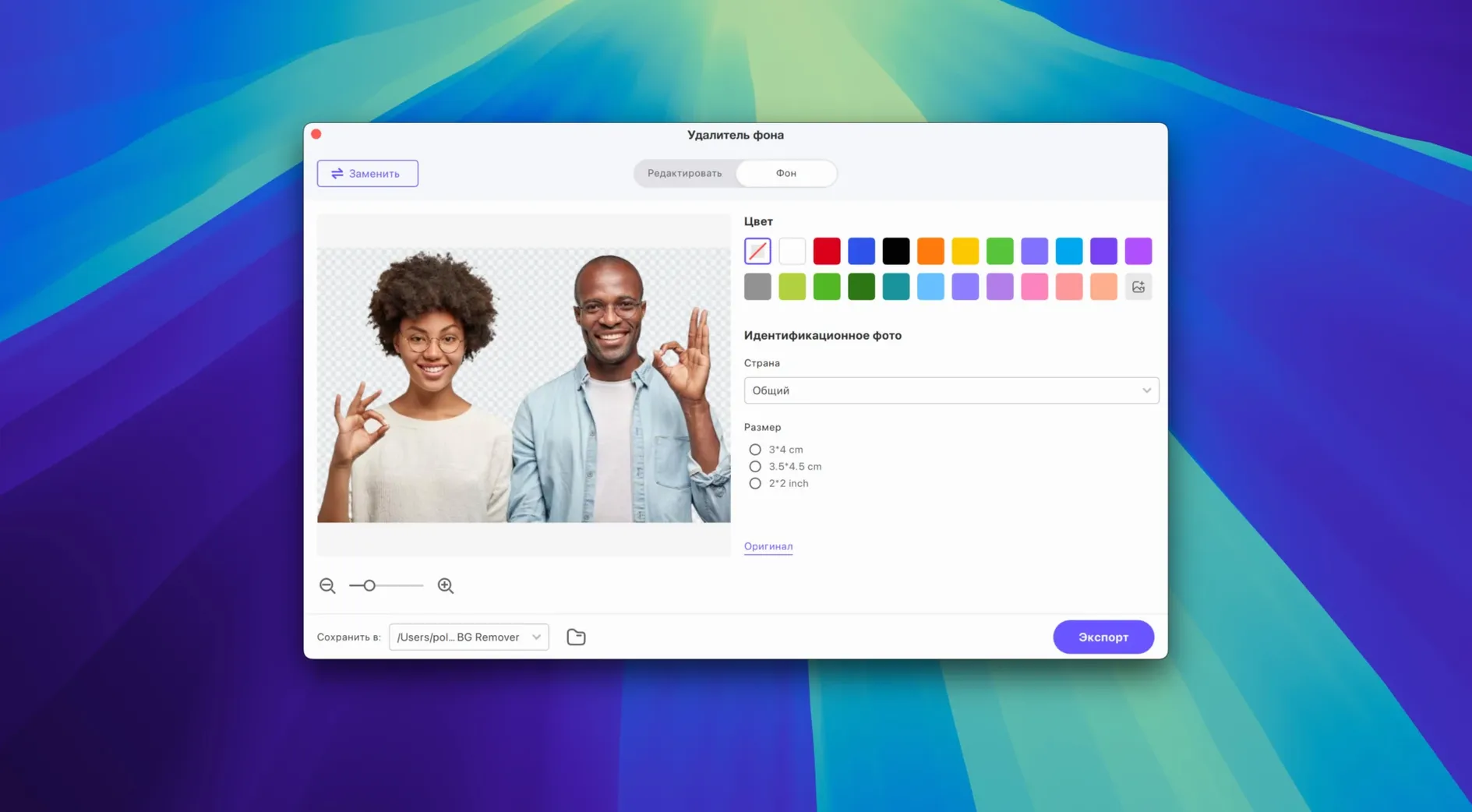
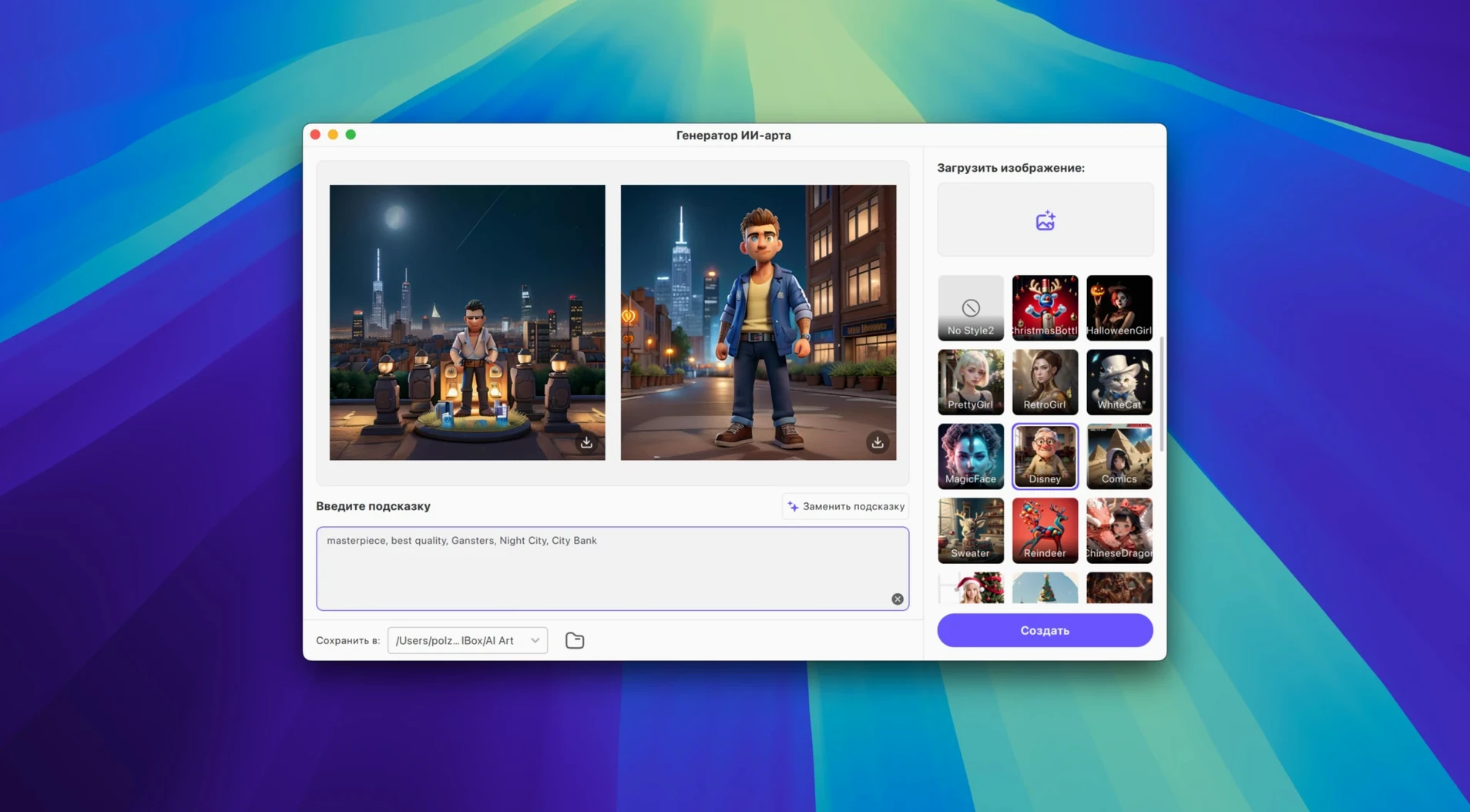
Someone coming from a single-purpose YouTube downloader will notice the wider remit straight away. HitPaw Univd is a video converter, a downloader for more than 10,000 sites, and a basic editor rolled together. The current Mac version runs on Intel Macs with macOS 10.15 or newer and presents these tools inside a freshly reworked interface.
Pull videos and convert music for streaming from one window
- Pulling video from YouTube, Bilibili, Facebook, Instagram and many other sites without switching between separate apps.
- Converting a music file into a lossless format for Apple Music, Spotify, Deezer or TIDAL.
- Making a quick trim or adjustment before or after conversion, using the built-in editor.
- A straightforward first session: the layout groups conversion, downloading and editing within the same window, so a newcomer can follow the numbered steps on screen.
Intel app runs on Apple Silicon under Rosetta; editor is cut-only
- The architecture is Intel 64-bit; Apple Silicon Macs run it under Rosetta.
- The editor covers essential cuts and tweaks rather than timeline-based assembly.
- The interface supports sixteen languages, which helps if you are setting it up for someone who prefers a non-English UI.
Download a Vimeo clip over hotel Wi‑Fi an hour before the gig
A mobile DJ lands in a hotel room an hour before a wedding reception. The couple has emailed a link to a Vimeo clip they want played during the first dance, but the venue has patchy Wi‑Fi. She opens HitPaw Univd, pastes the Vimeo URL into the downloader panel, and pulls the video as an MP4. While it downloads, she opens the converter, sets the audio output to Apple Lossless, and extracts the soundtrack. The video goes into a backup folder; the lossless file lands in her music library. Fifteen minutes, two files, no browser extensions and no separate ripper. She closes the laptop and heads to the booth.
Extract a ten‑minute YouTube excerpt and an audio transcript file
Imagine a researcher who needs a ten-minute excerpt from a two-hour lecture posted on YouTube, plus a clean audio version for transcription software. Here is how a session unfolds.
Step 1 — fetch the source. She opens the downloader, pastes the YouTube link, and chooses MP4 at 1080p from the format list. HitPaw Univd grabs the file and saves it to a folder she has set on an external drive. The download takes under four minutes on a steady connection.
Step 2 — trim the video. Still inside the app, she switches to the editor. A scrubber shows the full two-hour timeline. She marks an in‑point at 34:12 and an out‑point at 44:05, previews the selection, and confirms. The editor crops without re‑encoding the whole file, which keeps the operation quick.
Step 3 — convert the audio. She opens the converter, drops the trimmed MP4 into the queue, and selects WAV as the output — her transcription tool prefers uncompressed audio. The conversion runs in under a minute. She now has two files in her working folder: a trimmed video and a WAV track, both named consistently.
Step 4 — check the results. She plays the WAV in Finder to confirm the levels are clean, then drags the video into a notes app where she timestamps key moments. The whole session, from link to finished assets, runs inside a single application window.
Point downloads and conversions to a single folder from the start
A few habits make the early experience smoother.
- Set a dedicated output folder before you start. The preferences panel lets you point downloads and conversions to the same directory. Keeping everything in one place avoids hunting through the Movies folder later.
- Test a short clip first. Pick a thirty‑second video from YouTube or Instagram and run it through all three modules — download, trim, convert — to understand how the queue behaves. A short test reveals whether your Mac’s fan kicks in under Rosetta and gives you a feel for the speed.
- Check the codec list against your target device. The converter supports over 1,000 formats, but not every preset suits every player. If you are making files for an older TV or a specific editing suite, scroll through the VP9, ProRes, and Opus options and pin the ones you will reuse.
- Use the lossless audio path for music libraries. When converting tracks for Apple Music, Spotify, Deezer, or TIDAL, pick a lossless output format and avoid the default AAC setting if archive quality matters.
- Keep the editor for quick cuts. It handles trims, crops, and basic adjustments well. For multi‑layer edits, treat HitPaw Univd as a pre‑processing step and hand the cleaned clip to a dedicated timeline editor afterwards.
M1 and M2 Macs launch the Intel build through Rosetta 2
“Will it run on an M1 or M2 Mac?” The application is built for Intel 64‑bit, so Apple Silicon Macs run it through Rosetta 2. In practice, conversion and downloading work without a hitch, though the first launch takes a few extra seconds while Rosetta translates the binary. Batch processing large 4K files can warm the machine more than a native ARM app would, but for single‑file work the difference is barely noticeable.
“How is this different from a browser extension that downloads video?” A browser extension typically handles one site or a handful of platforms and cannot convert formats or edit clips. HitPaw Univd covers over 10,000 sites and bundles conversion and trimming in the same window. It also handles audio extraction for music services, which most extensions skip entirely.
“Does the downloader work with sites that require a login?” For platforms like Facebook and Instagram, you may need to be signed in through a browser cookie. The app does not store credentials itself, but it can use session data to access private or age‑restricted content when you are already logged in on the same machine.
“What if I only need the converter and never touch the downloader?” The modules sit side‑by‑side but do not force you to use all of them. You can work entirely inside the converter panel, ignore the downloader tab, and never open the editor. The interface keeps each function in its own section, so the tools you do not need stay out of the way.
Some users search for a HitPaw Univd torrent or a HitPaw VikPea torrent when they first hear about the software, usually to test whether the wide format list works with their specific camera files before committing to a full setup. The same goes for people typing HitPaw Univd torrent into a search bar late at night, curious if the batch queue handles a weekend’s worth of footage without stalling. In both cases, the installer available on this page gives the full feature set — downloader, converter, editor — without restrictions, which makes those test runs straightforward.