Aspecten
 Download (30 MB)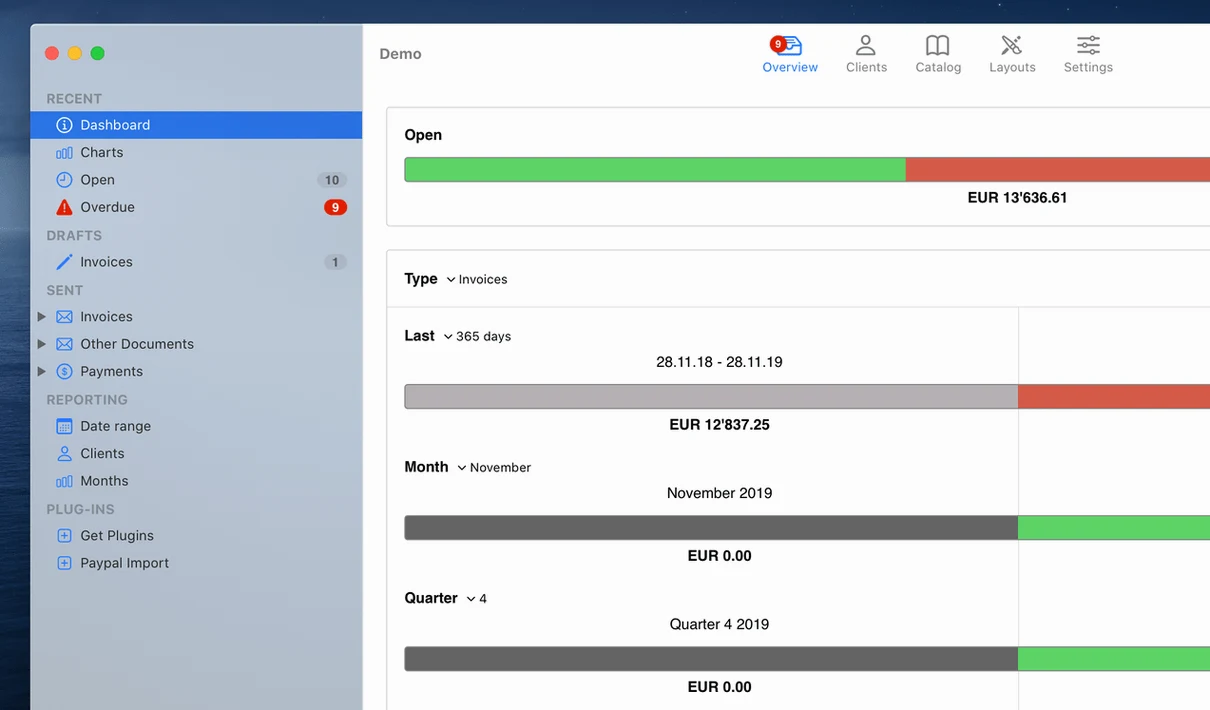
Freelancers and small businesses often start with a word processor for their first invoices, then quickly hit a wall when a client asks for a numbered estimate or wants to know which payments are overdue. GrandTotal steps in at exactly that point.
Build an invoice from a template
The app generates invoices and estimates using custom templates, so each document carries your own layout and branding rather than a generic look.
Adjust the layout yourself
A built-in template editor lets you reposition fields and fine-tune the design without switching to an external tool.
Keep tabs on what is unpaid
Opening the dashboard to overdue invoices and a client revision request
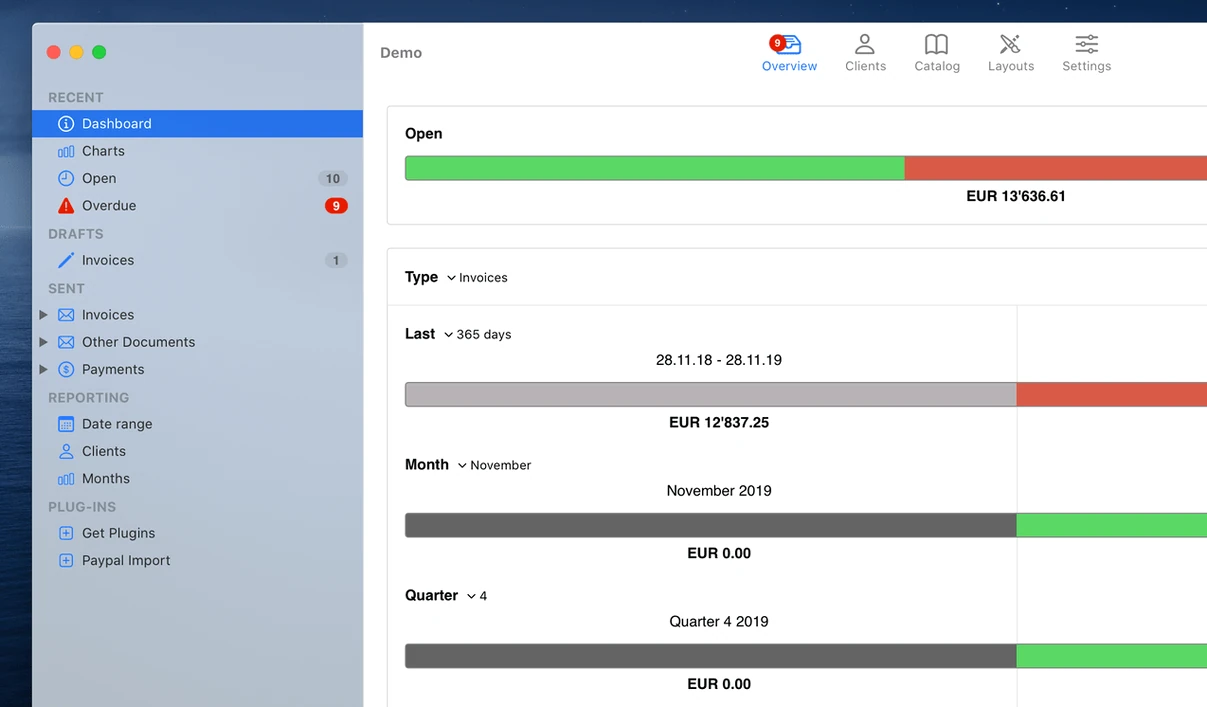
Imagine a Wednesday morning. A client emails asking for a revised estimate — three extra days of work, plus a small materials line. You open GrandTotal and the dashboard shows two overdue invoices marked in orange. You make a mental note to chase them after lunch.
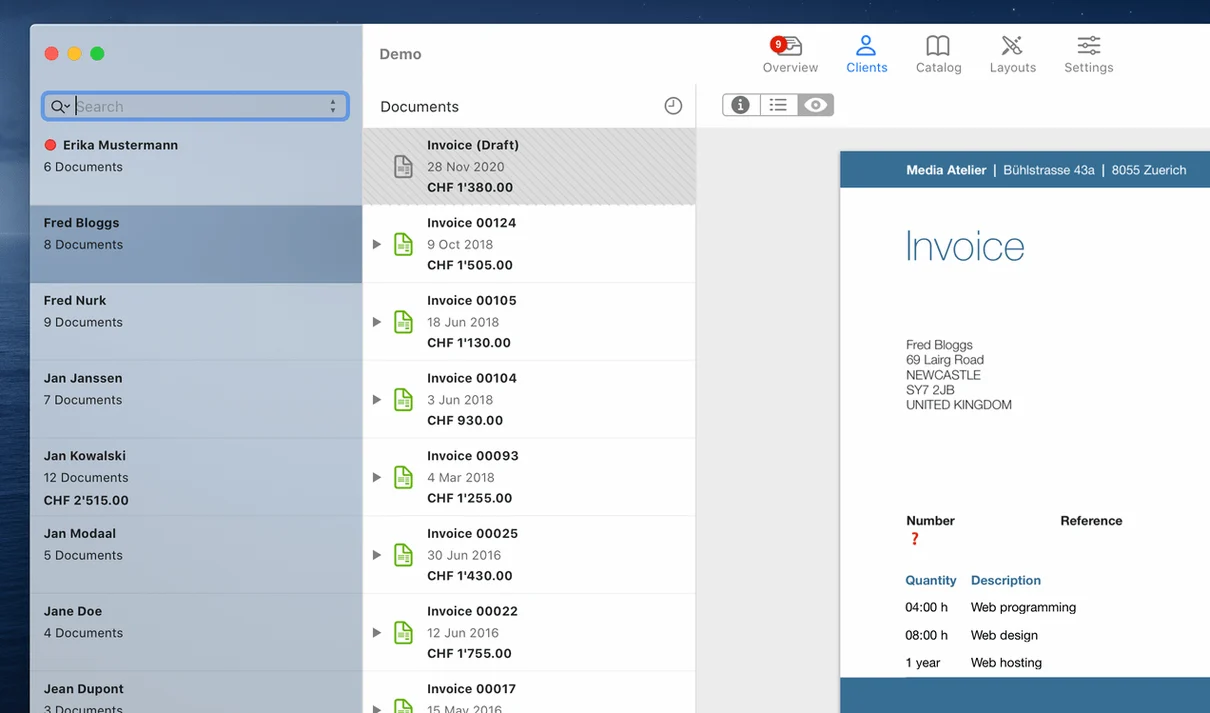
You click New Estimate, pick your standard template, and the editor opens with your logo already in place. The client’s details fill in from the address book. You add two line items for the extra days, one for the materials, and the totals update as you type. A glance at the preview confirms the layout still fits on one page. You save it as a draft, then return to the main window and email it as a PDF straight from the Share menu. The whole task takes four minutes.
Later, the client approves. You right‑click the estimate, choose Convert to Invoice, and the draft becomes a numbered invoice ready to send. The invoice now appears in the unpaid list, and its due date is already set to thirty days from today. You add a short thank‑you note in the remarks field and send it off.
Setting a fourteen-day default payment term in General preferences
A few adjustments early on make the app feel more your own. Open Preferences and start with the General tab. Here you can set a default payment term — fourteen days often suits freelancers better than the thirty‑day default. While you are there, tick the box to append a payment link if you use a service like Stripe or PayPal; GrandTotal can embed it in the PDF footer.
Under Numbering, decide on a scheme that makes sense for your filing. The default sequential numbering works, but you might prefix invoices with the current year — 2025‑001 style — which helps when archiving. The same tab lets you set separate number ranges for estimates and invoices, avoiding the muddle of mixed sequences.
In the Templates section, duplicate the built‑in template before editing. That way you always have a clean fallback. The template editor uses a grid system; snapping elements to the grid keeps columns aligned when you adjust column widths later.
Typing an amount into the search field to filter by invoice total
Several details in GrandTotal reward attention but rarely announce themselves. The search field in the invoice list accepts more than client names — type a partial amount like 150 and it filters every invoice containing that figure. Type overdue and only unpaid invoices past their due date remain visible.
In the line‑item area, pressing Tab after the last cell creates a new row. Holding Option while dragging a line item duplicates it, which is handy when the same description appears across multiple estimates. You can also drag items directly between the invoice list and the template editor to populate recurring sections.
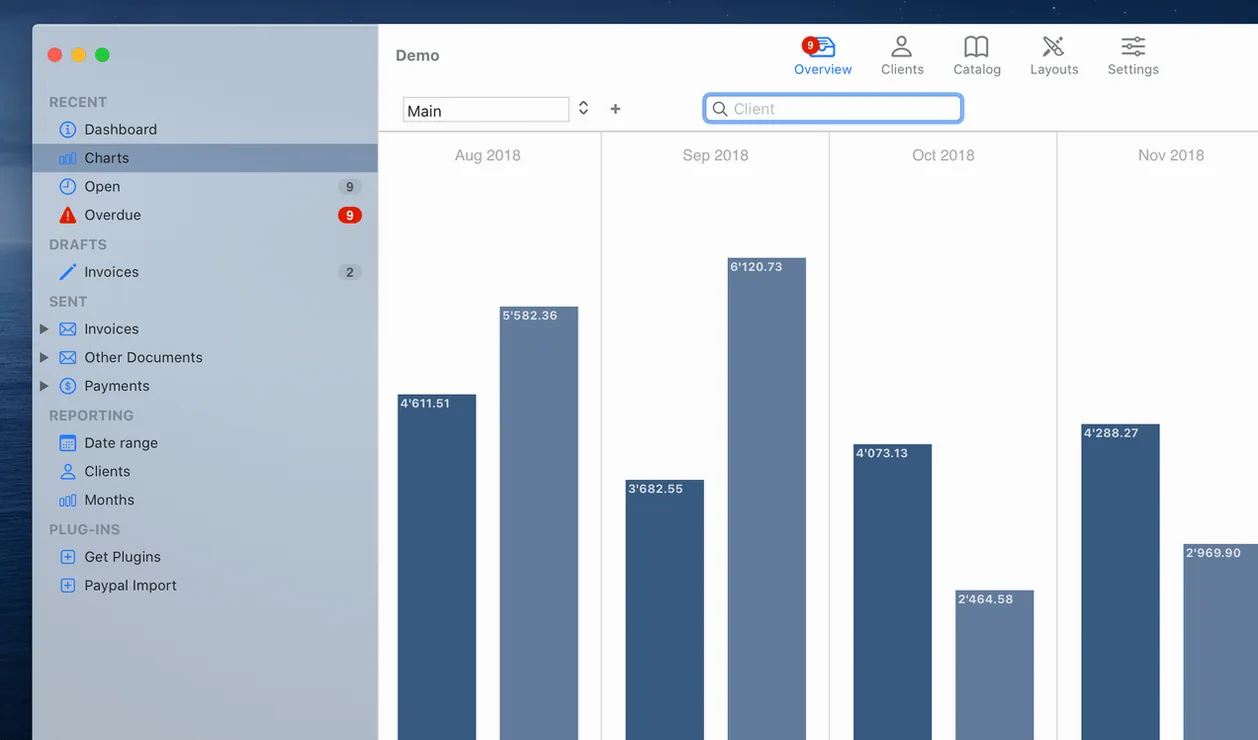
The Statistics view becomes more useful once you know you can click any bar in a chart to drill down into the invoices that make up that figure. Right‑clicking a chart bar and choosing Export copies a CSV of just those entries — useful if your accountant asks for a breakdown of a specific month.
Another detail: GrandTotal stores your template folder as a regular Finder directory. You can back it up by copying that folder, or share templates between two Macs by moving it to a synced location. The app also respects macOS system‑wide text replacements, so shortcuts like qty expanding to Quantity work inside item descriptions without additional setup.
Overdue payment tracking shows you at a glance which invoices still need chasing, and the app works together with TimeLog for time‑based billing.