Aspecten
 Download (26 MB)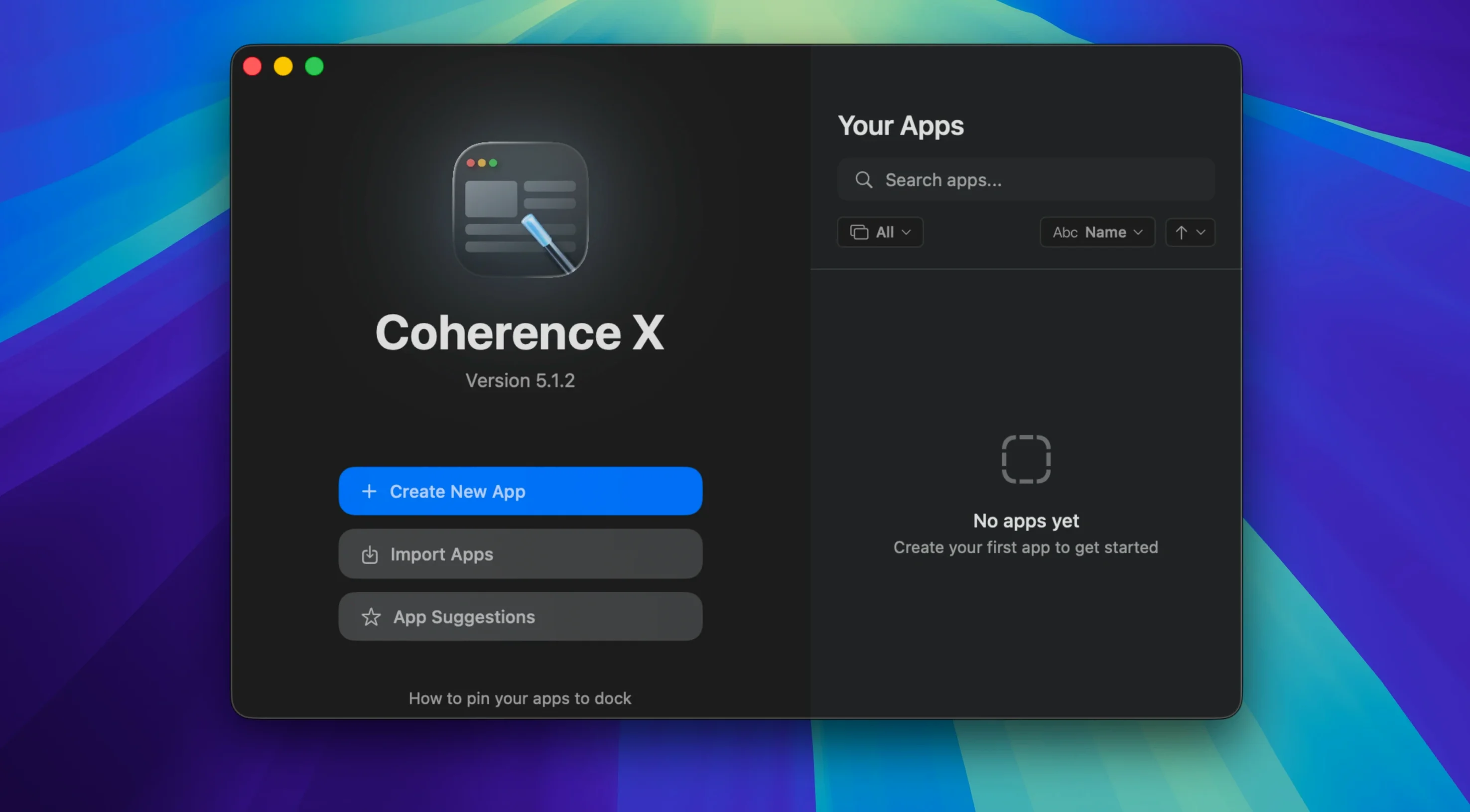
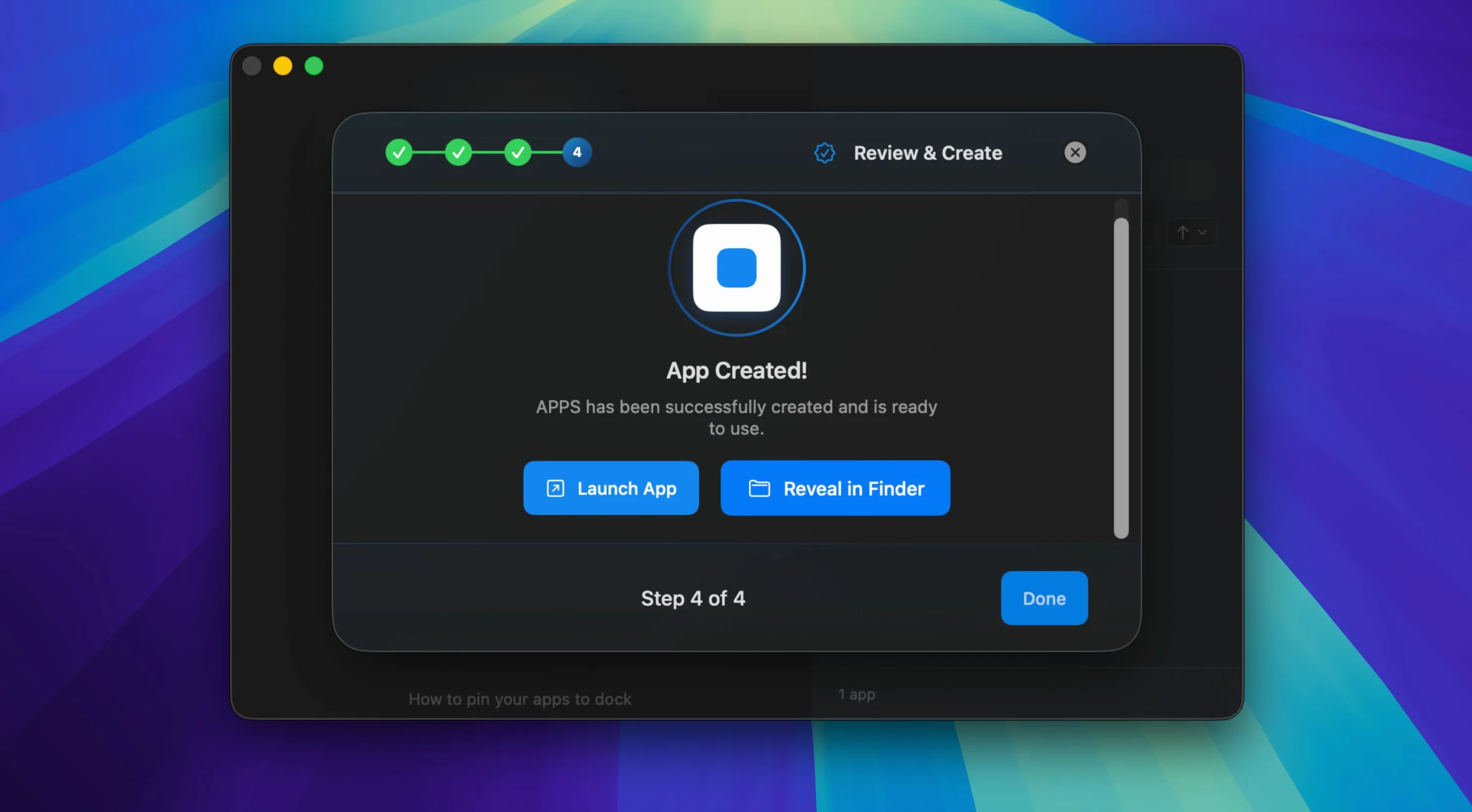
Version 6.1 adds a more direct way to manage link routing. Multiple domains can be added to one rule at once, and changes to routing or appearance now save without rebuilding the app.
Existing extensions and profiles carry over
Created apps can use existing settings, extensions, and profiles, which makes the transition from a regular browser less abrupt. The extension's Manage in Coherence button also opens the correct app more reliably in this version.
How does link routing work now?
New routing rules start with a suggested destination, and you can add several domains to a rule in one step. The app shows a message when the extension cannot connect, so a broken link is easier to notice.
How do the apps behave on the Mac?
Each created app gets its own Dock icon and runs as a Standard app. The software runs on both Apple Silicon and Intel Macs with macOS 13 or later, with English, German, and Spanish as interface languages.
One Dock icon per web service
People who live inside several web services at once tend to feel the benefit first. A project manager who switches between Asana, a CRM, and a Slack workspace can give each one its own Dock icon, its own set of extensions, and its own notification rhythm. Tab clutter in the main browser drops noticeably.
Workers who need separate profiles for the same service also find a natural home here. Someone managing a business Instagram account alongside a personal one can create two standalone apps, each signed into a different profile, with no logout-login dance. The same pattern works for email accounts, analytics dashboards, or admin panels where Chrome profiles already exist but feel cumbersome inside one browser window.
Users who rely heavily on Chrome Web Store extensions gain from having those extensions scoped per service. A grammar checker that should only run inside a writing app, a password manager that belongs inside a banking portal, or a screenshot tool for a design review app — each created app carries its own extension set without leaking into other contexts.
Mac users who value a clean desktop and dislike browser tabs multiplying across the day also appreciate the Dock-centric workflow. Minimised windows restore with a single click, and a Dock click opens a new window when none exists. It treats a web service the way macOS treats a native app, which suits people who think in terms of apps rather than tabs.
Mistakes beginners tend to make
One early misstep is creating too many apps at once without testing how they interact. Someone who makes ten standalone services in the first hour often finds that link routing becomes tangled. A link meant to open inside a Notion app might end up in the main browser, or vice versa. Starting with two or three apps and refining the routing rules over a few days produces a cleaner setup.
Another common slip is treating every created app as a Standard app when a Tabbed app would suit the task better. A research workflow that involves flipping between several reference sites works more naturally in a single Tabbed app than as five separate Dock icons. The choice between Standard and Tabbed is easy to overlook during setup, and many beginners default to Standard without considering the alternative.
Forgetting to manage extensions per app is a quiet productivity drain. A newly created app inherits no extensions by default, and someone who assumes their password manager or ad blocker is present can spend a confused minute wondering why a login field stays empty. Installing the needed extensions inside each app after creation avoids the gap.
Overlooking the Incognito mode option when building an app leads to cookie and cache surprises later. Someone who wants a banking app to forget sessions on quit should tick that box at creation time, not discover its absence after a week of accumulated state.
Sits alongside your browser, not instead of it
Does it replace my browser? No. Coherence X sits alongside your existing browser and creates separate apps from specific web services. The main browser stays available for general browsing, search, and one-off tasks. Created apps use the Chrome engine, but they run as independent processes with their own Dock icons and window management. Your browser remains untouched.
Will created apps slow down my Mac? Each app is a lightweight Chrome instance, not a full browser with dozens of tabs. Running five or six created apps has a different memory footprint than running five Chrome windows each holding fifteen tabs. The impact depends on what each web service loads, but a messaging tool or a note-taking app tends to use far fewer resources than a media-heavy tab farm. Users on Apple Silicon Macs generally report snappy performance even with several apps open.
Can I share an app I made with a colleague? Yes. The export function packages a created app so someone else can install it on their Mac. They get the same URL, icon, and mode you configured. Extensions do not transfer, because extension licences are per user, but the shell of the app arrives intact. Teams that use identical web tools find this useful for keeping everyone on the same setup without each person building the same app from scratch.
What happens when a web service updates its interface? The created app simply loads the current version of the website, just as a browser tab would. A Notion redesign or a Figma update appears in the app automatically the next time the service loads. The app is a window onto the site, not a frozen snapshot of it.
Google Docs that feels like a native Mac app
Imagine a writer who drafts articles in Google Docs, checks facts in a browser, and keeps research notes in Notion. The goal is a distraction-free setup where the writing tool feels like a native Mac app and research links open in a separate, organised space.
First, the writer opens Coherence X and creates a new Standard app from the Google Docs URL. They name it "Writer", pick a simple icon, and install a grammar-checking extension and a dark-mode extension inside it. The app is set to open in its own window with no browser chrome visible. A Dock icon now sits alongside Pages and Ulysses.
Next, the writer creates a second app — this time a Tabbed app — from a Notion workspace URL where research notes live. They add a few Chrome extensions for clipping and highlighting. This becomes the "Research" app. Tabs inside it hold separate Notion pages for different article topics, and the tab bar stays visible for quick switching.
Now the writer adjusts link routing. Any link clicked inside the Writer app that points to a Notion domain is routed to open in the Research app instead of a browser tab. A suggested destination rule makes this a two-click setup. Links to external reference sites stay routed to the main browser, where the writer keeps a few pinned tabs for fact-checking.
During a writing session, the Writer app sits in focus. Notifications from the main browser are muted because the browser is closed or minimised. When the writer needs a research note, a click inside Writer opens the right Notion page in the Research app. After a restart, all tabs restore to their previous state. The workflow runs on a single screen without a single browser window in sight, and the Dock becomes the only navigation hub the writer needs.