Aspecten
 Download (1.6 GB)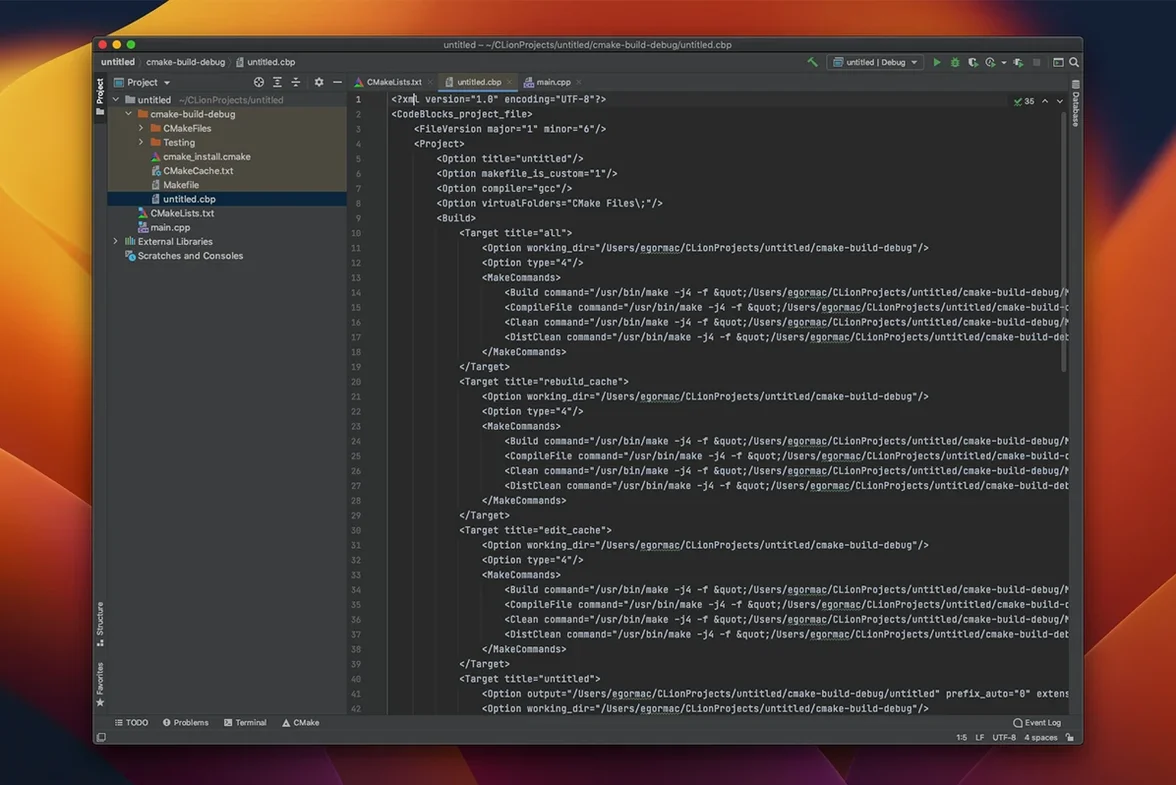
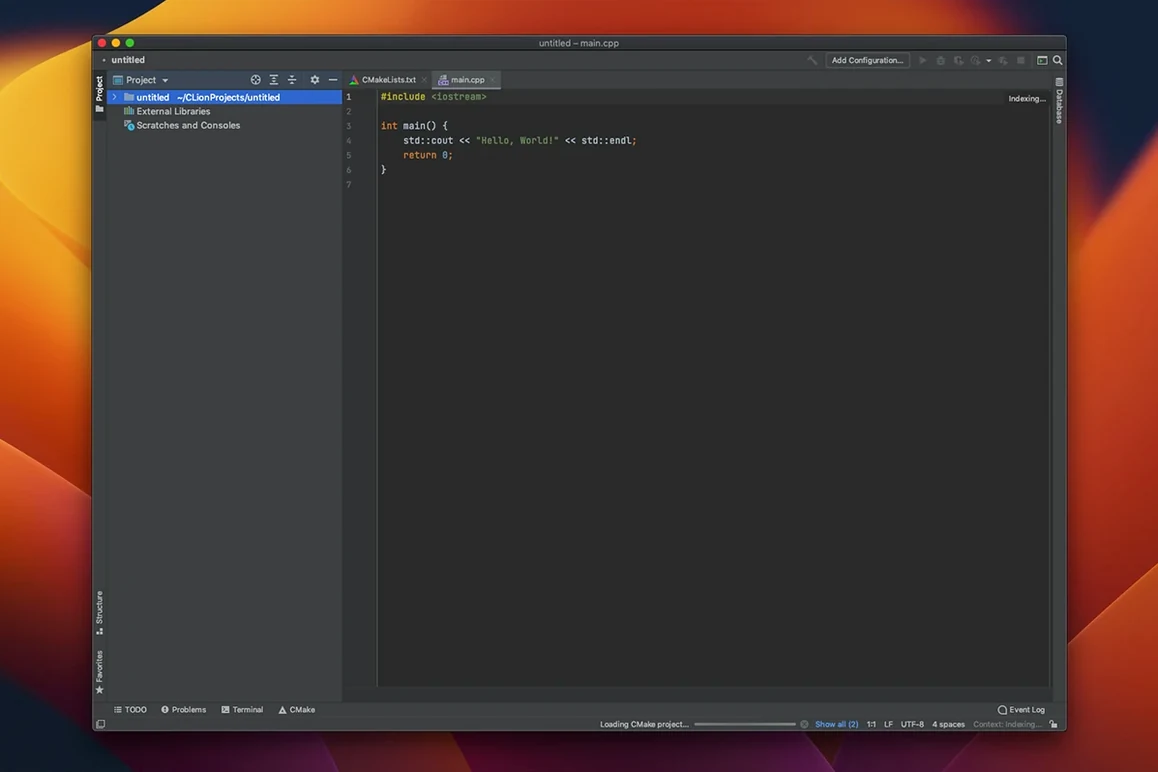
Developers who split time between a text editor for quick changes and a full IDE for larger refactors. CLion fits that second role for C and C++ work on a Mac, particularly in projects already built around CMake or compilation databases.
Setting up a project
- Point CLion at a folder containing a CMakeLists.txt, Makefile, or compile_commands.json. The IDE reads the build model and maps include paths for completion and navigation.
- Open a source file. Smart completion filters suggestions by type, while parameter information appears inline for function calls. Quick documentation can surface Doxygen comments, inferred types, and formatted macro expansions.
- Set a breakpoint on a line, symbol, or condition. Start a debug session against a local process or attach to a remote one.
- Rename a symbol across the project. The refactoring tools handle rename, inline, move members, and extracting functions or typedefs safely, updating all references.
- Check code style against the project's rules for formatting and naming before committing. The unified version control interface shows diffs for Git, Mercurial, or Subversion without leaving the window.
Testing support covers Google Test, Boost.Test, and Catch. Test runners integrate with the debugger, so a failing assertion can drop straight into a breakpoint inspection. Alongside a lightweight editor for one-off edits, CLion handles the heavier navigation and restructuring work without forcing a particular build system.
A session with an embedded developer
A firmware developer maintaining a C++ sensor library on a macOS machine opens CLion and loads a CMake project that targets both ARM and x86 toolchains. The codebase is modest — around thirty source files — but the logic around calibration routines has grown tangled over several releases. The developer’s goal for the morning is to extract a set of floating-point helper functions into a separate translation unit and verify that the unit tests still pass.
They begin by placing the caret on a function that normalises raw accelerometer readings. A right-click opens the context menu; they choose Refactor → Extract → Function. CLion proposes a signature, spots three other call sites, and offers to replace all four in one step. The developer accepts, then repeats the process for a second helper. Each extracted function lands in a new .cpp file, with the corresponding header generated automatically and added to the CMakeLists. No manual wiring of includes or targets is needed.
With the structural changes done, the developer opens the test runner panel. The Catch-based suite lists forty-one test cases. They run the full suite and watch one test flip to red — an assertion that expected six significant digits but now receives five after the refactor changed float promotion order. A double-click on the failing test opens the source at the assertion line. The developer sets a conditional breakpoint, re-runs the debugger, and inspects the watch view to trace the precision loss. The fix is a single cast added in the extracted function. A second run turns the panel green, and the session closes with a commit through the built-in Git tool window.
Breadcrumbs show your full code hierarchy at a click
- Breadcrumbs navigation sits at the bottom of the editor and shows the full code hierarchy — namespace, class, method — for the current cursor position. Clicking any segment jumps to that level without scrolling or searching.
- Data Flow Analysis runs quietly in the background and catches more than syntax errors. It flags unreachable branches, potential null dereferences, and variables read before they are written, often before a compile cycle would reveal them.
- Code generation shortcuts reduce boilerplate. Pressing
Cmd+Ninside a class offers to generate constructors, destructors, getters, setters, and comparison operators, with member selection via a checklist dialog. - Macro expansion preview appears in the quick documentation pop-up. Hovering over a macro name shows the fully expanded form with syntax highlighting, which spares the developer from running the preprocessor manually to debug a misbehaving macro.
- Remote terminal integration lets an SSH session run in a tool window tab alongside the editor. Commands execute on the target machine — useful for building on a Linux box while editing locally on macOS — without switching to a separate terminal application.