Aspecten
 Download (867 MB)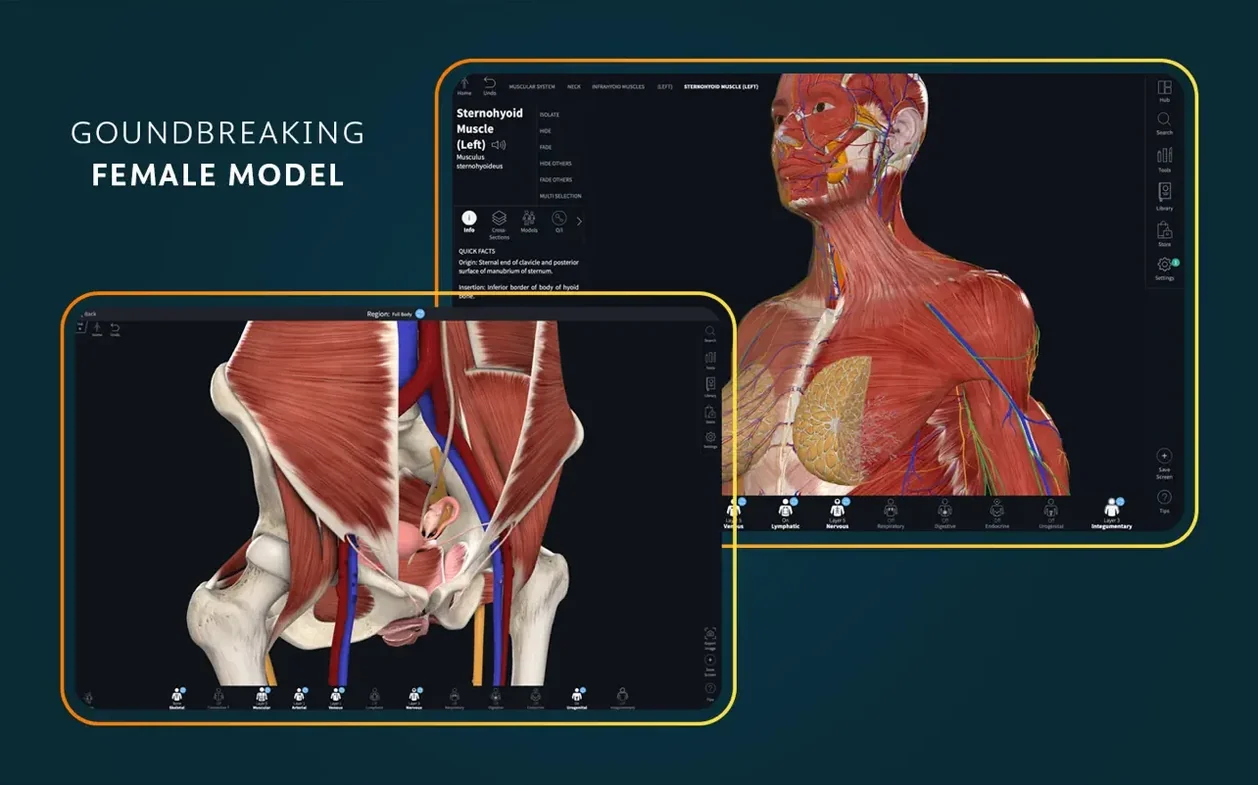
Complete Anatomy runs on any Mac with macOS 11.0 or later, on both Apple Silicon and Intel processors. A signed-in account is necessary to unlock the full feature set.
1. Choose a region or system
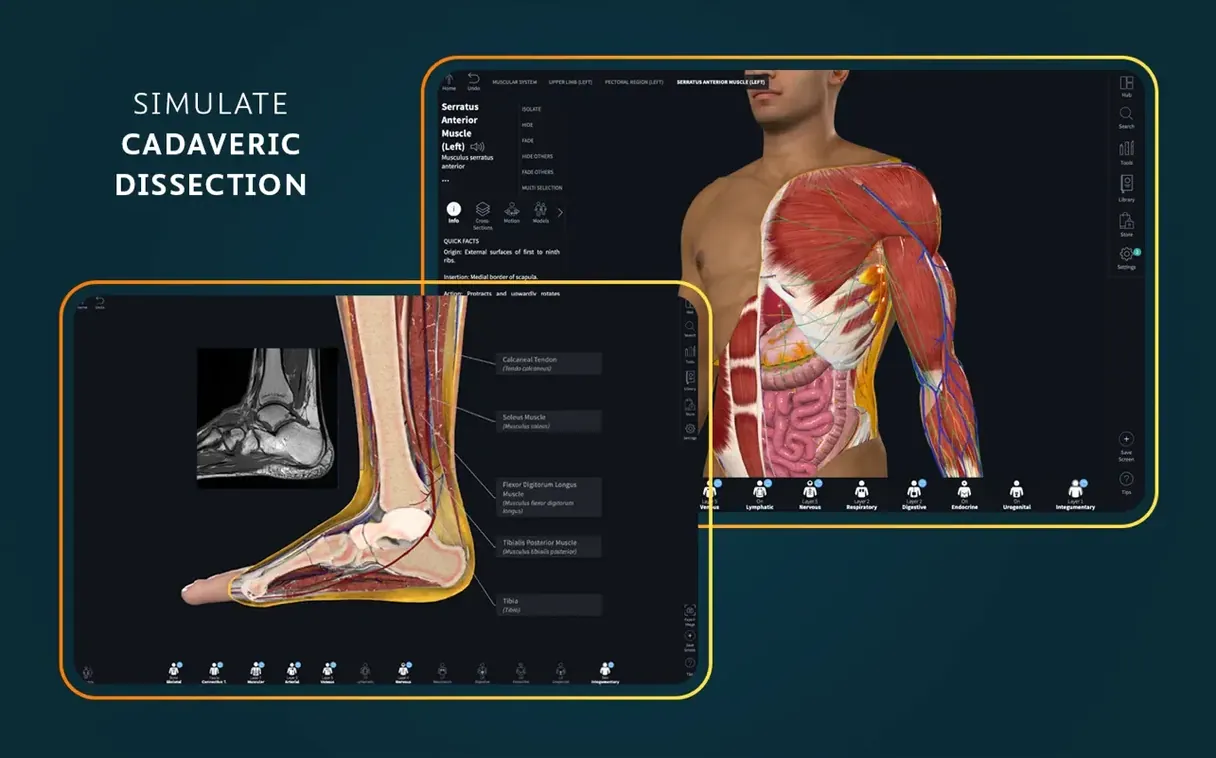
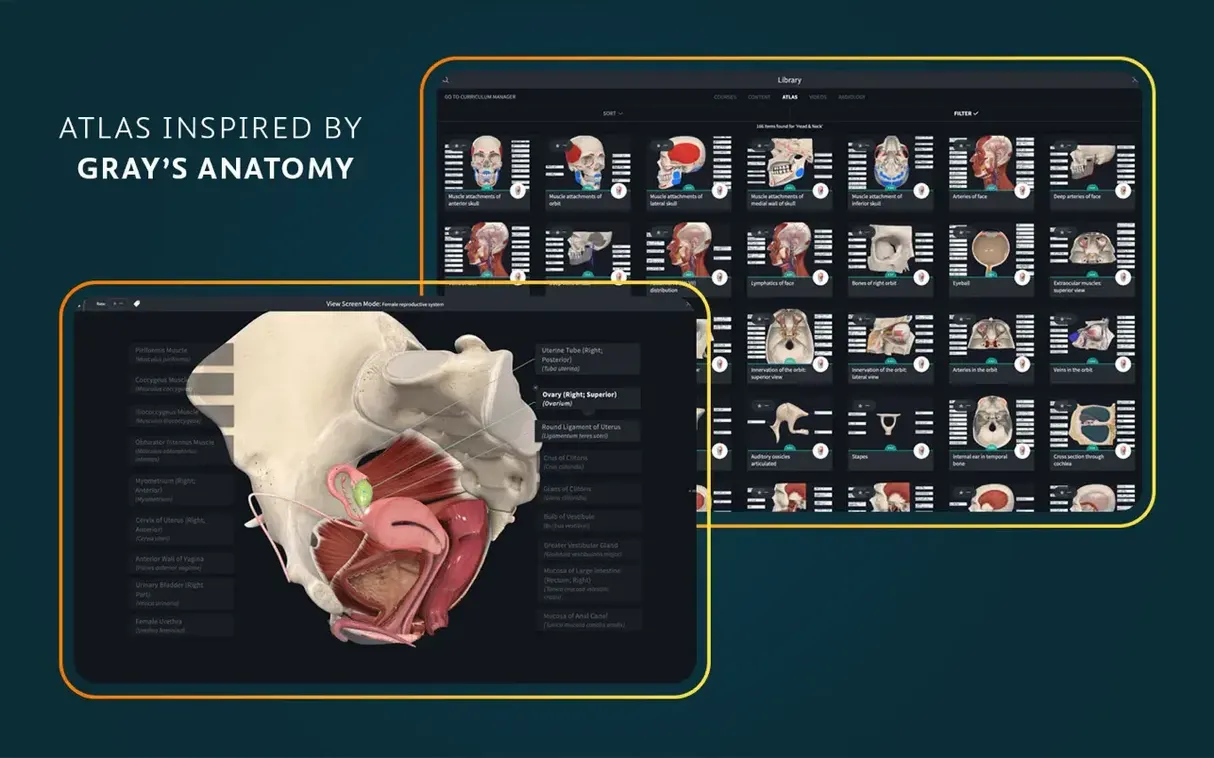
Pick a body system or a specific anatomical region from the main browser. The library covers female anatomy, male anatomy, and dedicated dissection courses, with integrated clinical correlations and point-of-care ultrasound references.
2. Navigate the 3D model
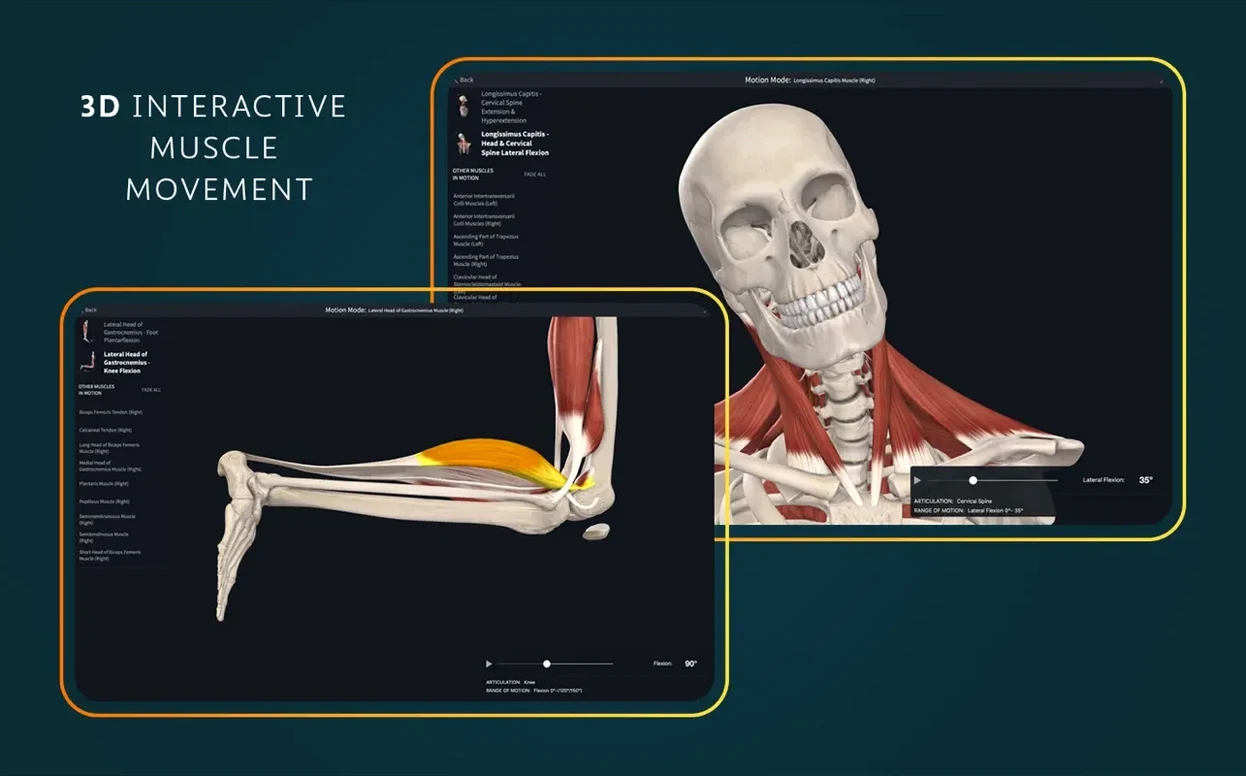
Rotate, zoom, and peel through layers. Dynamic cross-sections let you slide through structures, while real-time muscle movement shows how groups contract. The heart model beats and can be dissected layer by layer.
3. Add detail through linked media
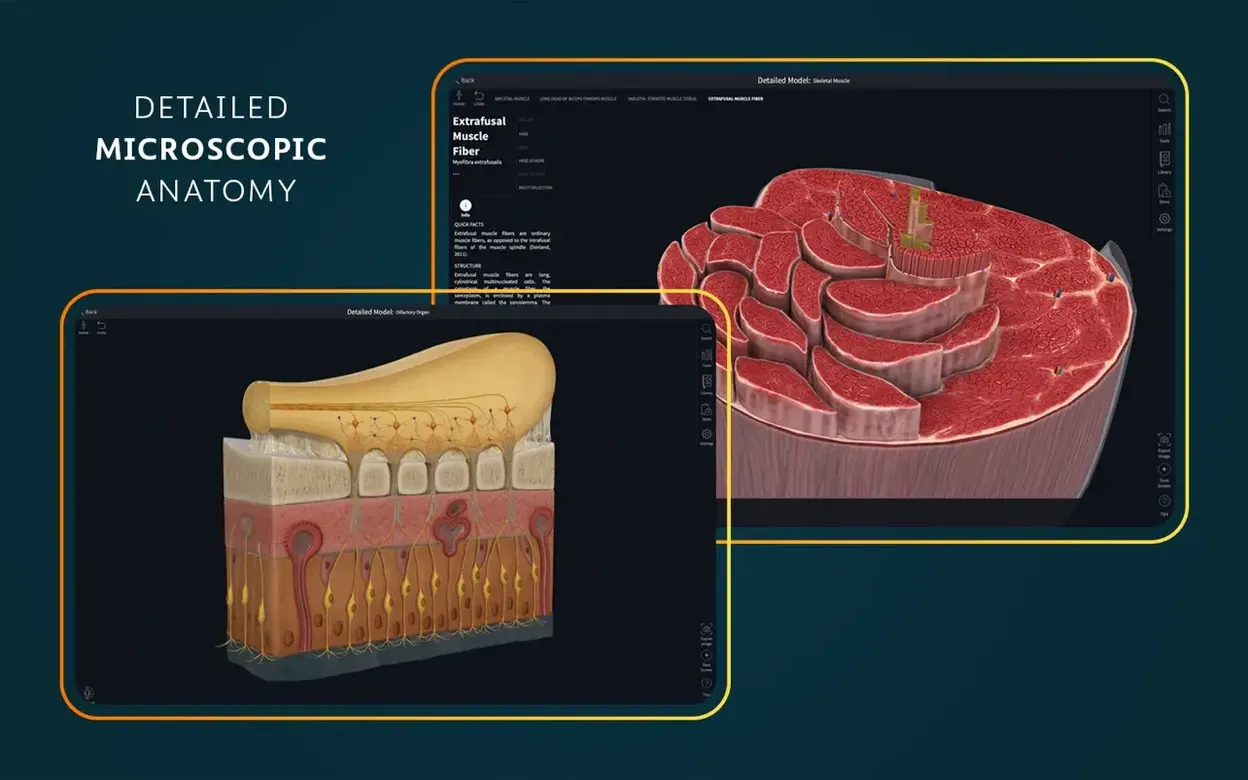
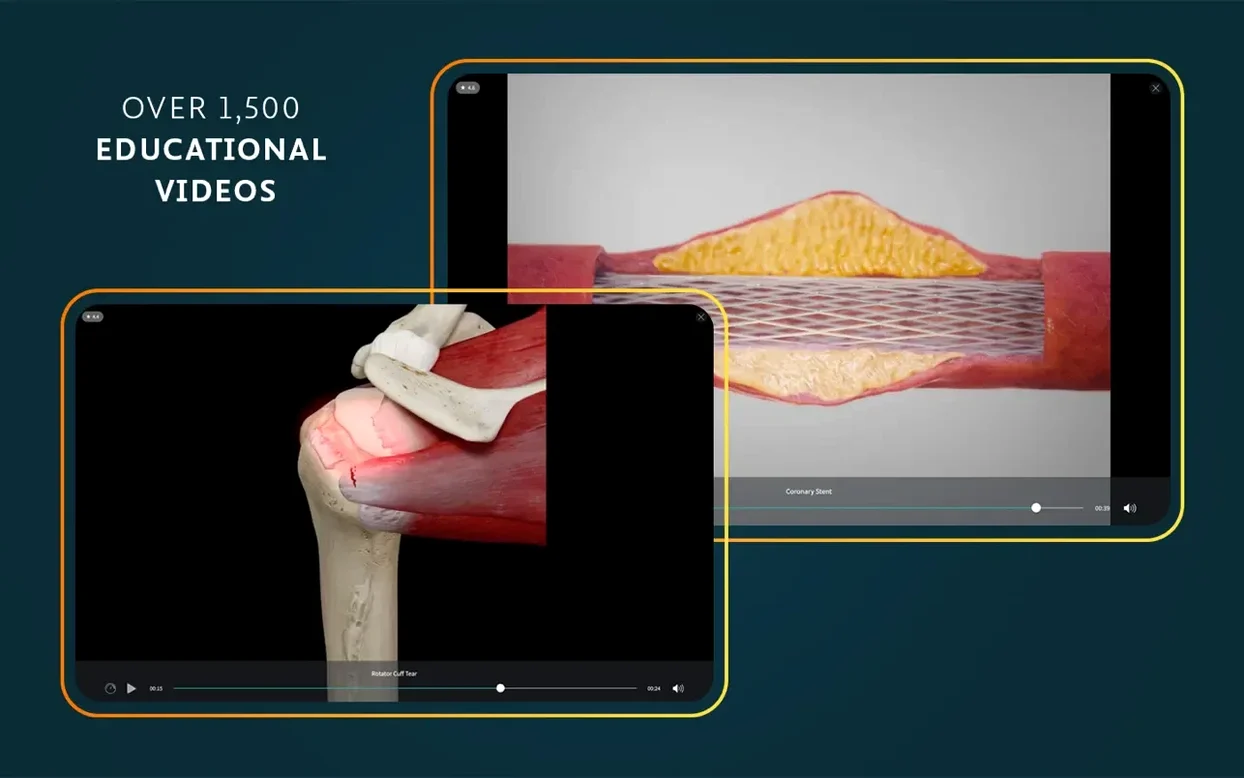
Tap any structure to bring up related video content. The platform includes more than 1,500 clinical videos and 39 microscopic anatomy models, so you can move from gross anatomy straight into histology or a clinical demonstration without leaving the view.
Fluid 3D viewport, older Intel Macs hesitate on cross-sections
On recent Macs the 3D viewport stays fluid even with several layers of muscle, vascular and nervous tissue visible at once. Rotating a full-body model with dynamic cross-sections active introduces a slight beat of hesitation on older Intel machines with integrated graphics, but the frame rate recovers once the model settles. Loading the beating heart dissection module takes five to eight seconds on an M1 MacBook Air—shorter on M2 and M3 hardware—and once the asset is in memory the animation runs without stutter.
Memory use sits around 900 MB to 1.3 GB with a full model open and video content preloaded in the sidebar. The app does not balloon over hours of study; we left it running through a six-hour session with intermittent screen off and saw no gradual creep beyond 1.4 GB. That puts it comfortably within reach of an 8 GB machine, provided Safari and a note-taking app are the only other heavy residents. On disk, Complete Anatomy 11.5 occupies roughly 3.2 GB after a fresh install, though downloading all regional model packs and video libraries pushes that past 5 GB. The extra content downloads on demand, so you can keep the base install lean if storage is tight.
Crashes are rare in this build. Over two weeks of daily use—switching between models, scrubbing videos, and hopping in and out of AR mode—we saw one clean quit when waking from sleep while a radiology overlay was active. Reopening restored the last session state. The developer’s release notes for version 11.5 mention general bug fixes, which likely patched a few edge cases carried over from earlier releases.
Offline access to models and slides, some updates need a connection
Does it run offline once everything is downloaded? Mostly. The core 3D models, atlas screens, microscopic anatomy slides, and videos stored locally work without a connection. Features that pull fresh content—some clinical correlation updates and account synchronisation—need a brief online check. A stable connection is also required the first time you sign in. After that, you can study on a train or in a library with Wi‑Fi switched off and still access the bulk of the material.
Can two people share one account on the same Mac? The app ties its session to a single signed-in account. Switching users means signing out and back in, which resets locally cached preferences. It is not designed for rapid profile switching, but students who share a household Mac can take turns without losing their own course progress—just allow a minute for the re‑sync.
Does the AR mode need special hardware? AR mode works with any Mac that has a built‑in camera and meets the macOS 11 requirement. It places a skeleton or organ model into the room view on screen. On a desk or clinic table, the tracking is solid under decent indoor light. Dim bedrooms can cause the model to drift a centimetre or two, but repositioning the Mac steadies it.
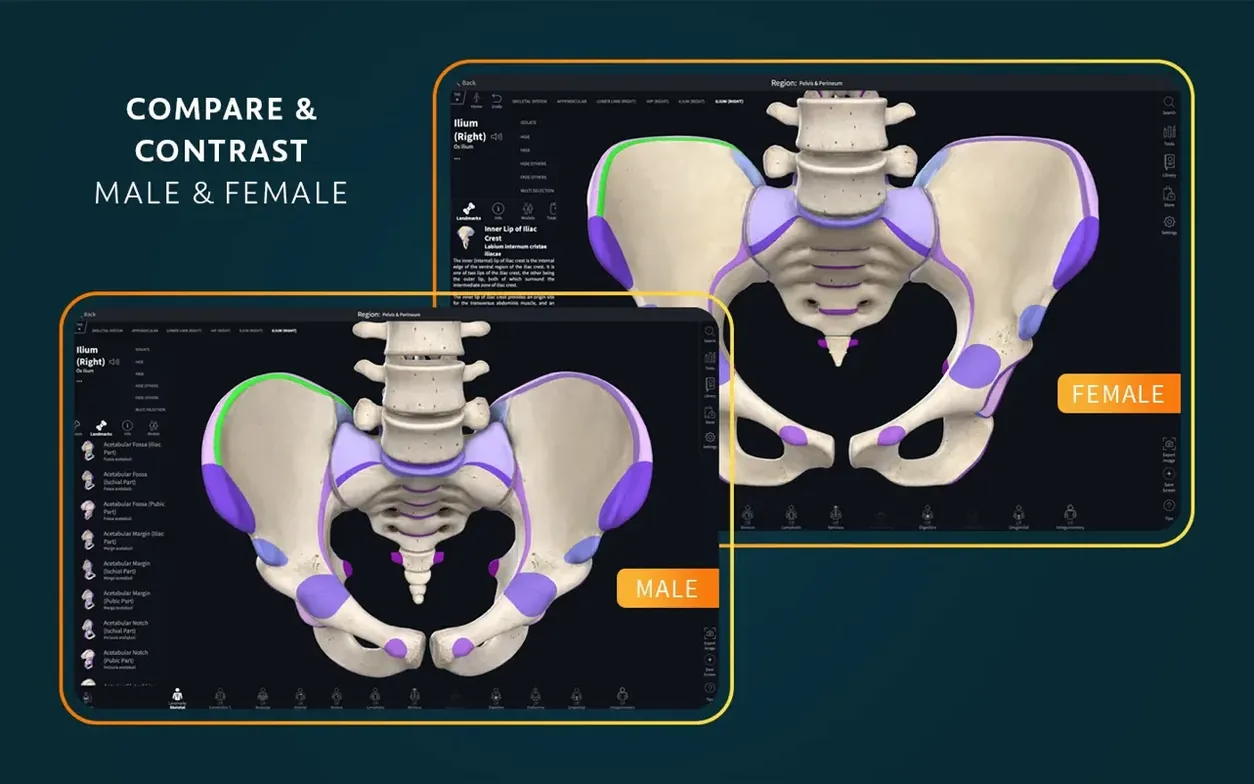
Is the female anatomy model as detailed as the male? Yes. The female pelvic and reproductive models are full-resolution, not simplified stand-ins, and the breast and thoracic content includes glandular and vascular detail at the same level of granularity as the male counterpart. The dissection courses draw from both models interchangeably depending on the region.
iOS 26 alignment keeps the Mac codebase current
Version 11.5, released in early September 2025, is a quiet maintenance update on macOS. Its headline change—optimised support for iOS 26—does not alter the Mac experience directly, but it signals that Elsevier is keeping the Apple platform codebase aligned. Day-to-day behaviour on Mac is unchanged from 11.4: model loading times, gesture responsiveness, and video buffering behave identically in our side‑by‑side comparison on a MacBook Pro running macOS 14. The general bug fixes noted in the release notes appear to have tidied a minor rendering glitch where muscle origins would occasionally draw a pixel or two offset from their insertion points on certain zoom levels; that has not recurred in 11.5.
For anyone updating from a version older than 11.0, the bigger shift happened earlier in the 11.x cycle: the move to a unified model loader that cut initial launch time by roughly a third on Intel Macs. If you are coming from a 10.x release, expect faster cold starts and less time staring at a progress bar.
Copying structure names into Obsidian or Notion as plain text
Complete Anatomy works alongside reference managers and note apps without conflict. Copying a structure name from the label overlay and pasting it into Obsidian, Notion or Apple Notes carries plain text only—the app does not export deep links, but the text is clean and ready to annotate. For lecture prep, dragging a screenshot of the 3D viewport into Keynote or PowerPoint gives a sharp image at screen resolution. There is no built‑in screen recording shortcut, but QuickTime Player captures the moving model without dropped frames when hardware encoding is available.
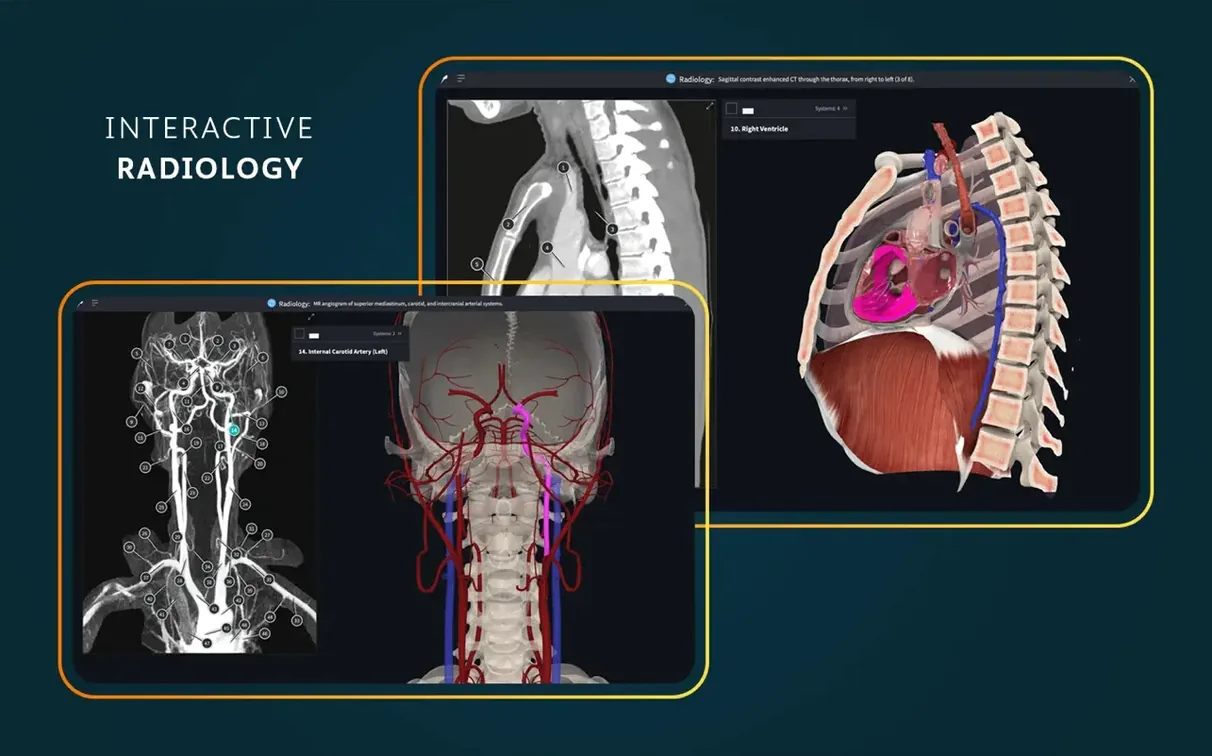
Radiology view sits next to the 3D model in a split layout, which means you can compare an X‑ray or CT slice against the corresponding anatomical view without switching apps. Students preparing for practical exams often run the app on one half of the display and a spaced‑repetition tool like Anki on the other; the memory footprint allows both to coexist without swapping.
System integration covers the basics: the app appears in Launchpad after a standard drag‑and‑drop install, responds to standard macOS three‑finger zoom gestures, and respects Dark Mode. It does not register as a handler for any file type, so you will not see it in “Open With” menus, and it does not place a share extension in the system share sheet. That keeps it self‑contained—a deliberate choice that means fewer background processes and no Finder integration to maintain across macOS updates.