Aspecten
 Download (74 MB)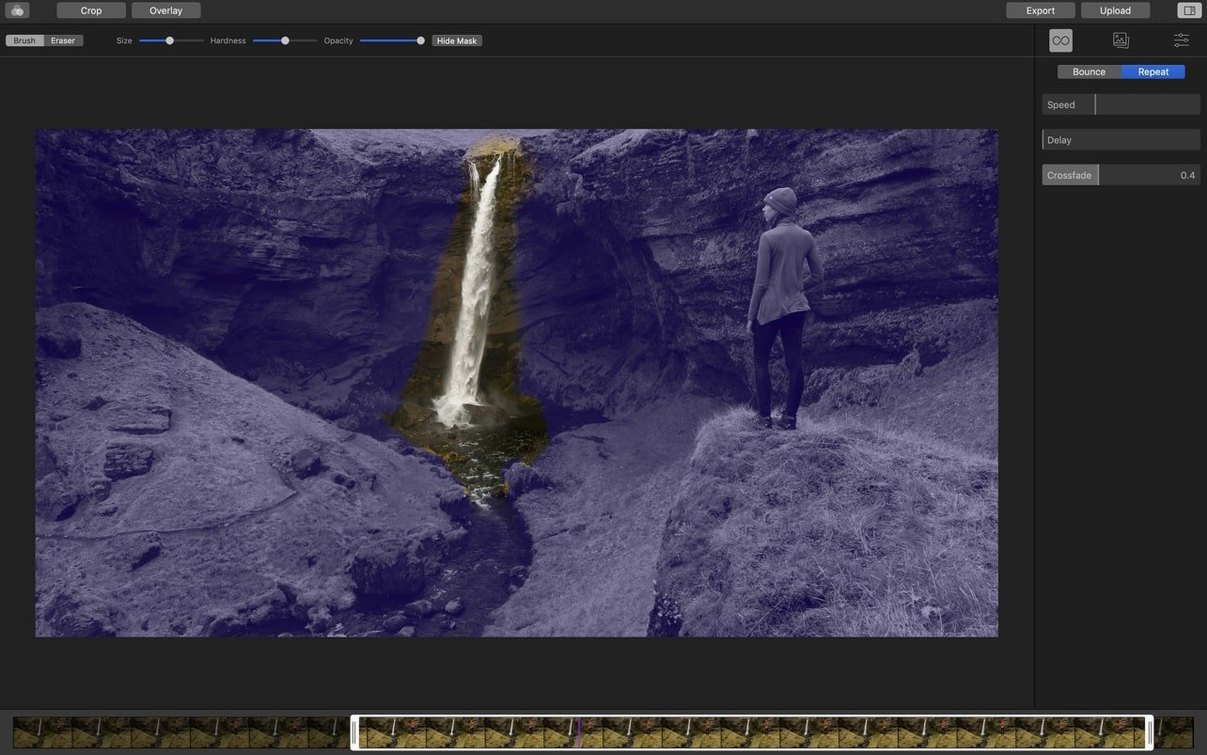
Cinemagraph Pro is a Mac application for blending a still photograph with a selected area of repeated motion — a format the developer calls a cinemagraph. The result sits somewhere between a photo and a video, with one part of the frame moving while the rest stays frozen.
What the working process looks like
- Import video shot on a tripod — handheld footage generally does not work well here.
- Paint a mask onto a still frame from the clip, revealing only the motion you want to keep.
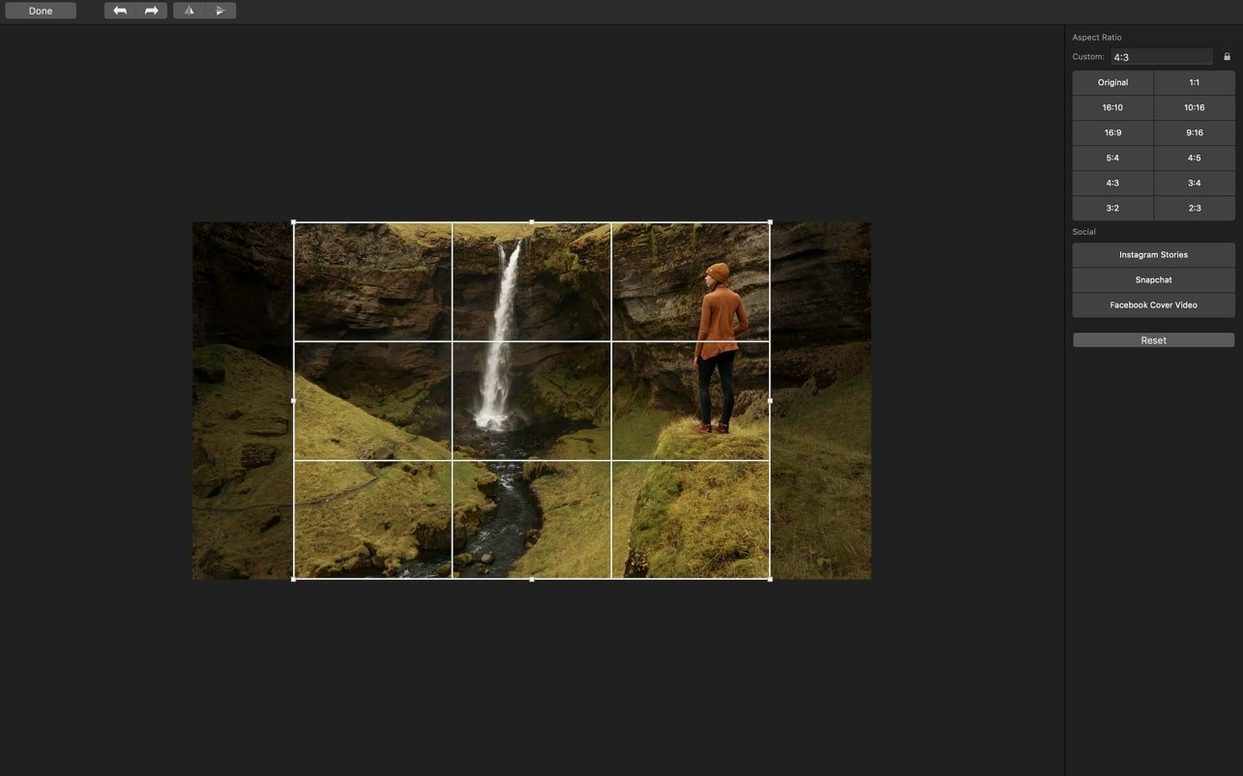
- Adjust crop, rotation or straightening directly on the canvas.
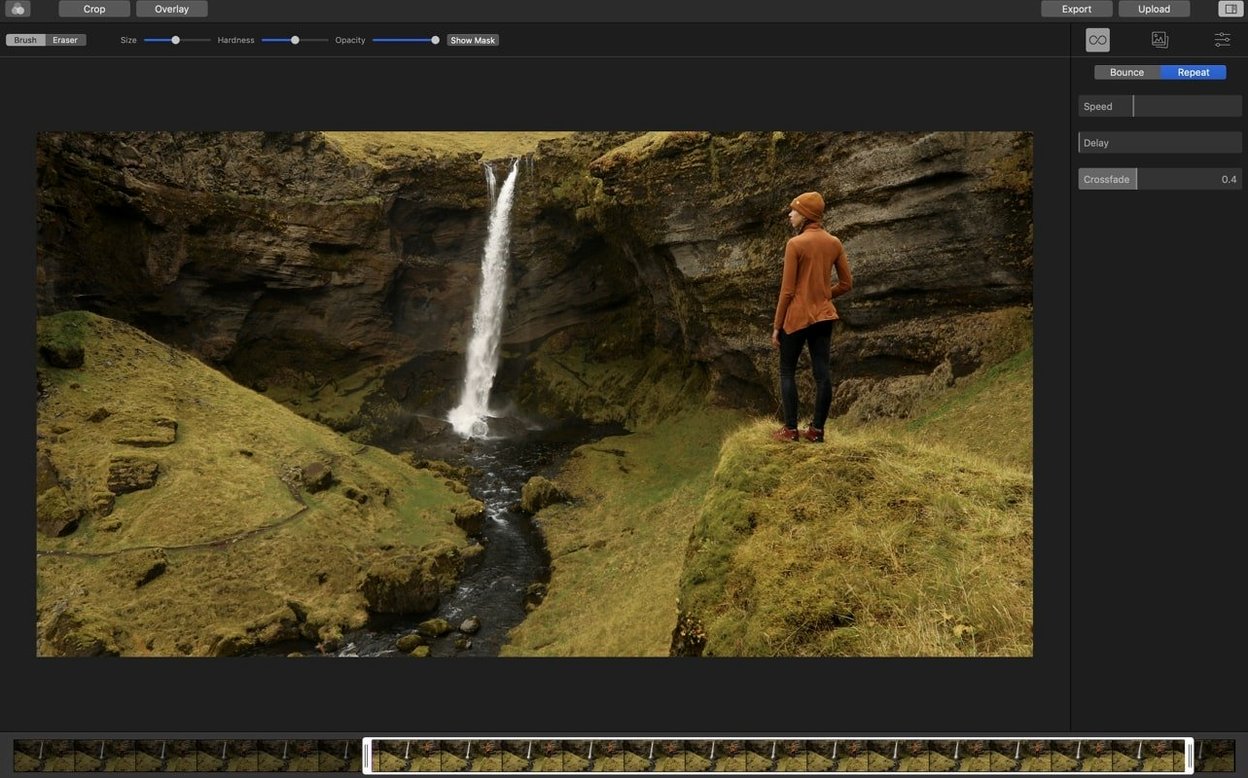
- Set the loop to bounce back and forth or repeat from the start.
- Export as H.264, HEVC, ProRes 422, ProRes 4444 or GIF.
Who the app suits
Live masking happens in real time as you brush over the still image, so you see the isolated motion straight away. The toolset is narrow by design — it does one thing and keeps the interface around that single task. People who post on social media, run digital signage, or build marketing visuals are the natural audience. A companion version runs on iPhone and iPad, and files can move between devices via iCloud Drive. The macOS release requires version 15.6 or later and runs on both Intel and Apple Silicon Macs.
Hold Option while dragging a mask point to adjust feathering
Several shortcuts sit just outside the main tool palette. Holding Option while dragging a mask point lets you adjust the feathering radius on the fly, without opening the properties panel. Right-clicking a mask in the layer list reveals a Duplicate Mask command — useful when you want the same soft edge on two separate motion regions. The spacebar plays the loop back at any point, even while the brush tool is active, and releasing it returns you to the frame you were editing.
In the timeline, the I and O keys set trim points without needing to drag the handles. If you have already painted a detailed mask and decide the base still frame is wrong, hold Shift while scrubbing the timeline to update the still reference without resetting your mask work. These are not labelled on screen, but they cut a lot of back-and-forth once they become habit.
Switch the default loop from Repeat to Bounce for more natural motion
The default loop behaviour is Repeat, which works well for steady motion like flowing water, but many clips look more natural with Bounce. Changing this early saves you from re-evaluating the loop feel later. Under Preferences > Playback, enable Cache frames for smoother playback — it uses a little more disk space but keeps masking responsive on longer clips.
Another panel that rewards an early visit is Export presets. The factory defaults lean towards high-bitrate ProRes, which is fine for archival, but you can save a custom HEVC preset at a lower bitrate for quick sharing. If you plan to use the cinemagraph on a website, set the GIF preset to use a reduced colour palette with dithering; the file size difference is significant and the visual trade-off is often invisible on screen.
Start with steam or blinking signs to learn mask edge behaviour
Spend the first session with a short, tripod-shot clip of something predictable — steam from a cup, a blinking sign, tree branches in a light wind. The goal is to learn how the mask edges behave, not to produce a finished piece. Paint a generous mask first, then switch to the eraser and work inward; it is faster than trying to draw a precise outline from the start.
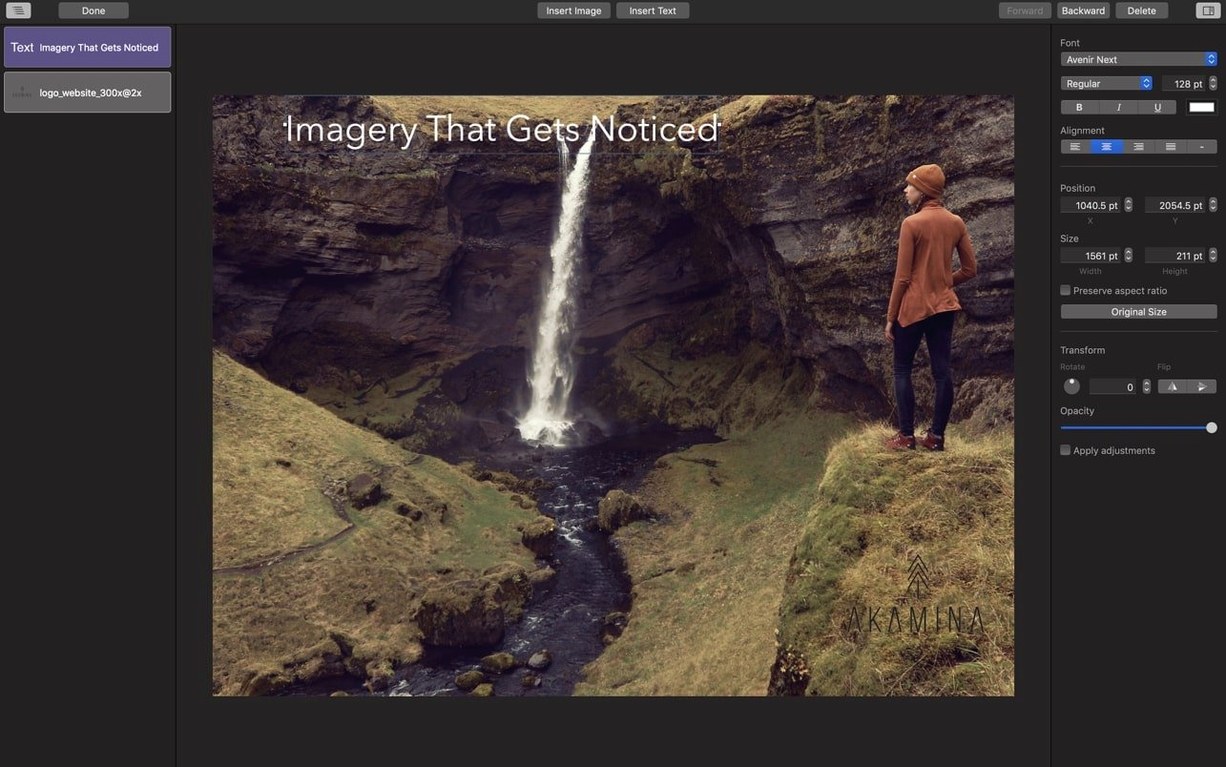
Overlay layers can wait. Text and image overlays are straightforward, but adding them too early tends to distract from getting the loop timing right. Focus on trimming the clip to the shortest segment that still reads as continuous motion — anything longer than five seconds usually reveals a seam. Once the loop is tight, apply crop and straighten to remove any edge drift that tripod setup did not catch.
If you are exploring Cinemagraph Pro for Mac for the first time, the app's real value becomes apparent only after you have exported a few loops and watched them outside the editing window. What looks smooth during live preview can sometimes stutter in a GIF export, so checking the result in a browser or a messaging app is a good habit to build early. Some users searching for a Cinemagraph Pro crack will note that the live masking engine and the bounce-loop timing are tuned for Apple Silicon, and running on older Intel machines benefits from closing background applications during export.