Aspecten
 Download (1.1 GB)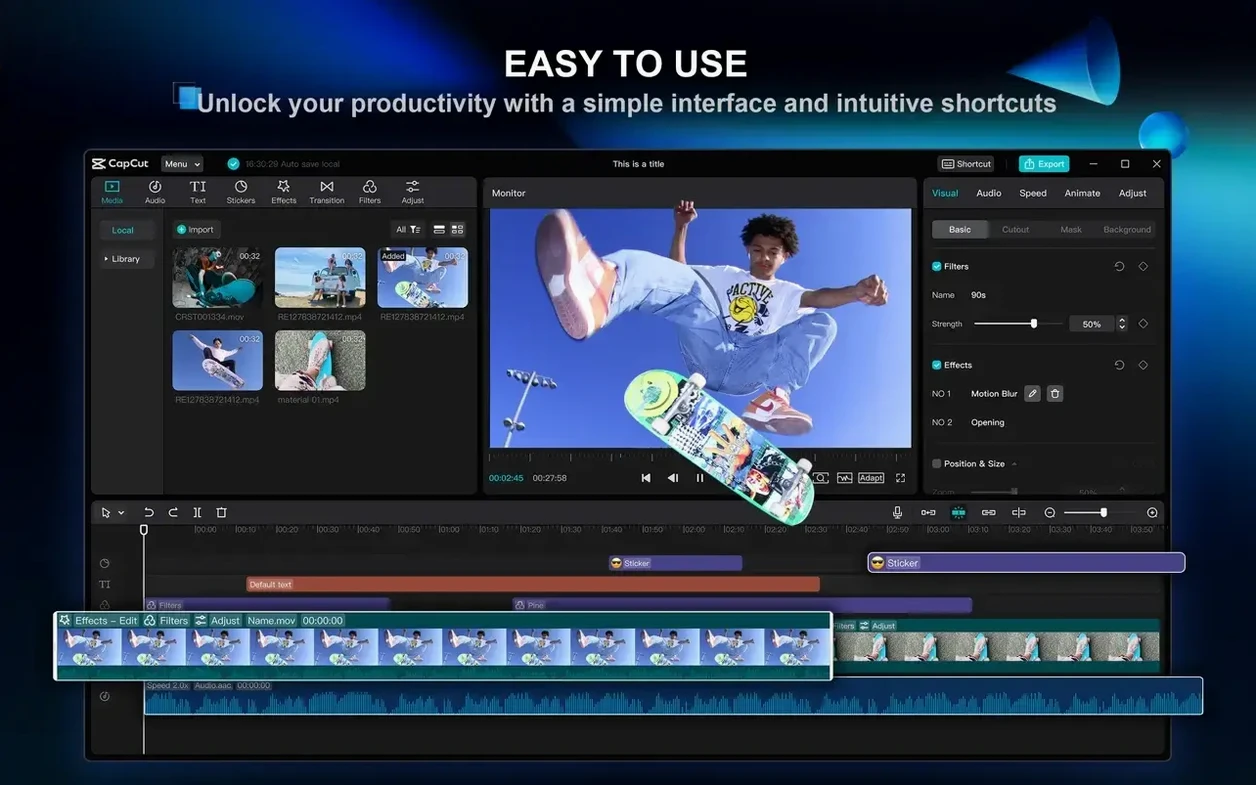
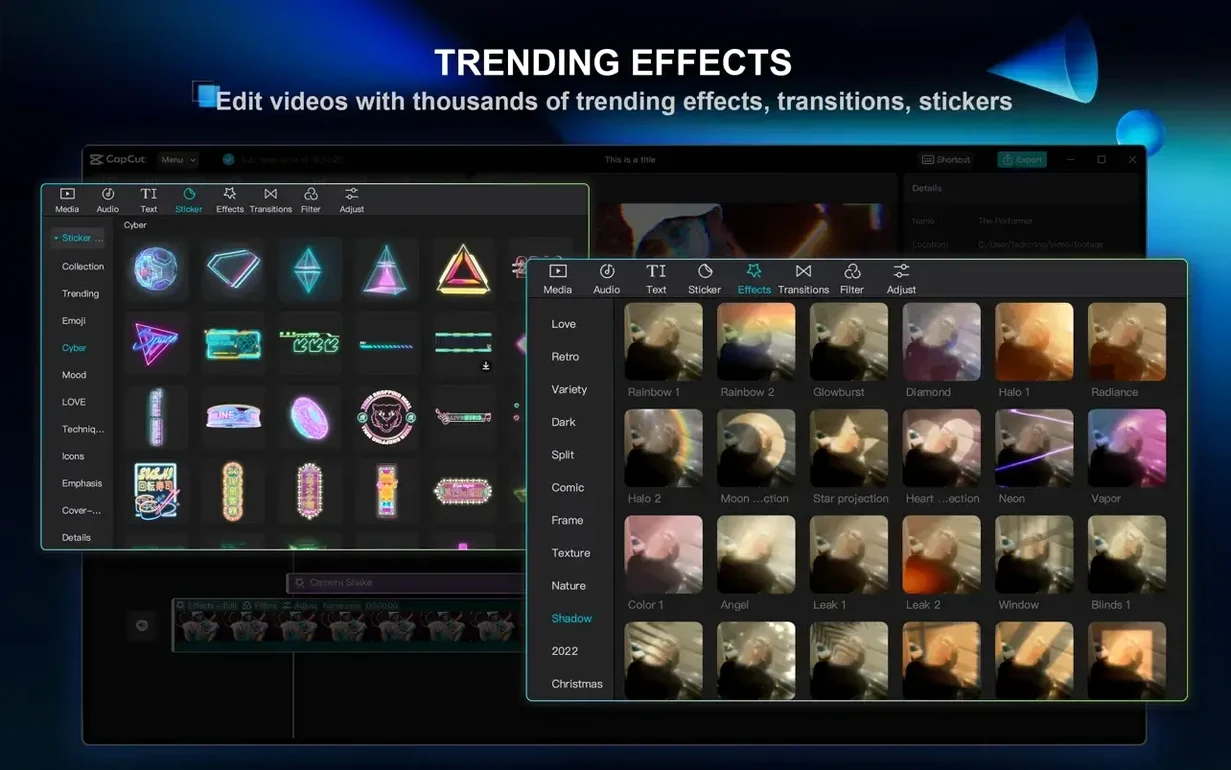
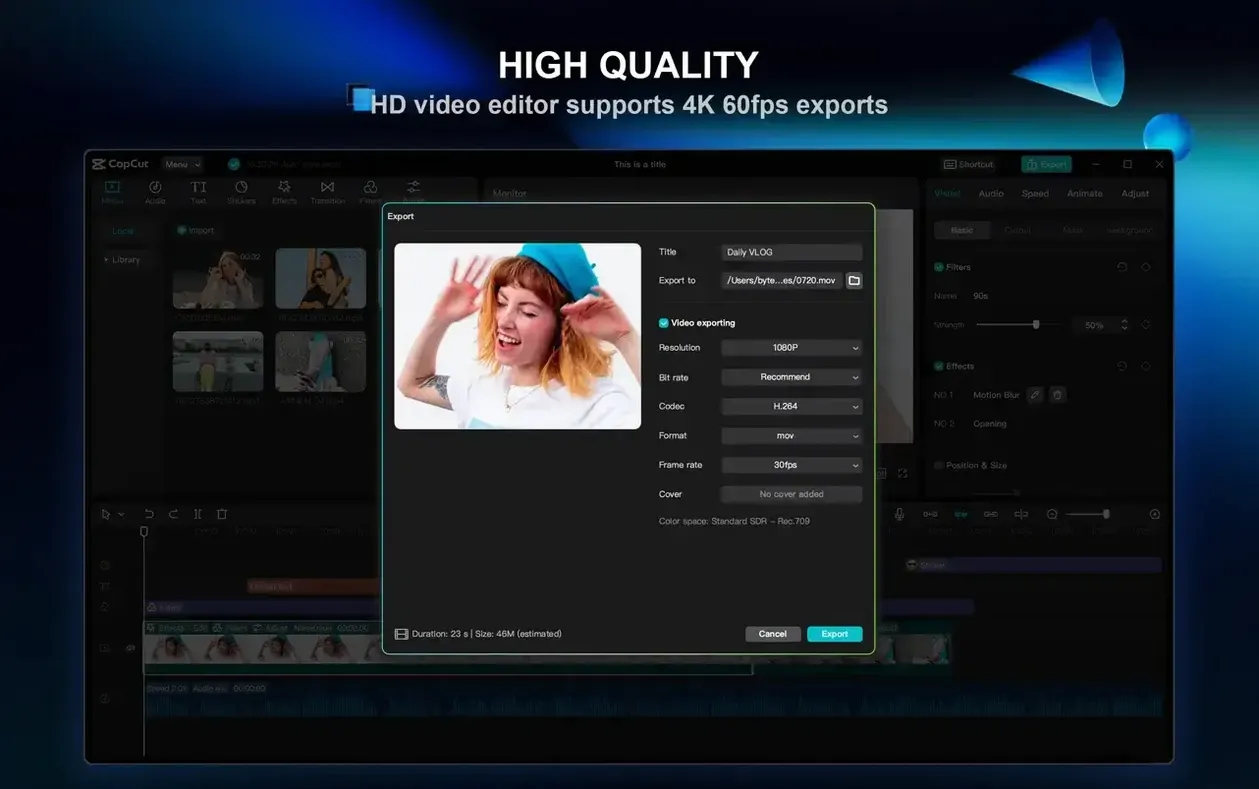
CapCut is a desktop video editor from ByteDance that bundles a timeline, media library, and AI-assisted tools into a single Mac application.
| Detail | Note |
|---|---|
| Developer | ByteDance |
| Current version | 9.3.0 |
| Minimum OS | macOS 10.14 |
| Architecture | Intel and Apple Silicon |
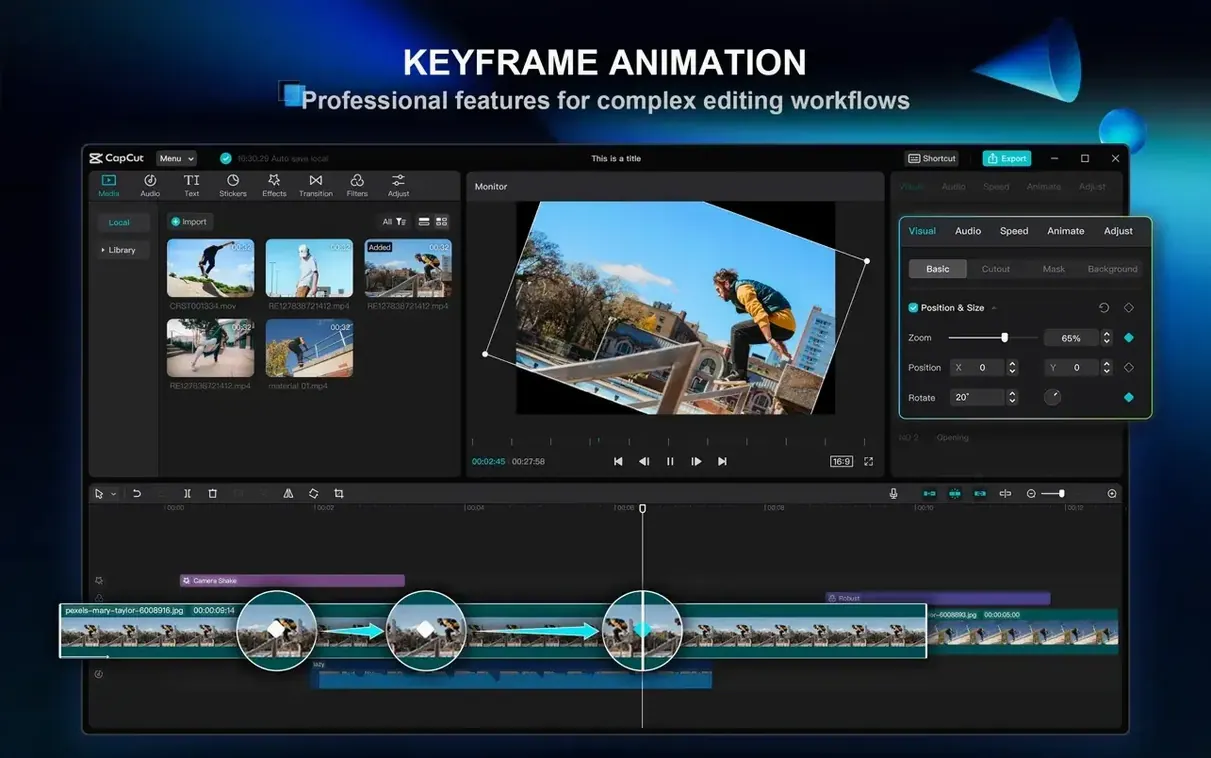
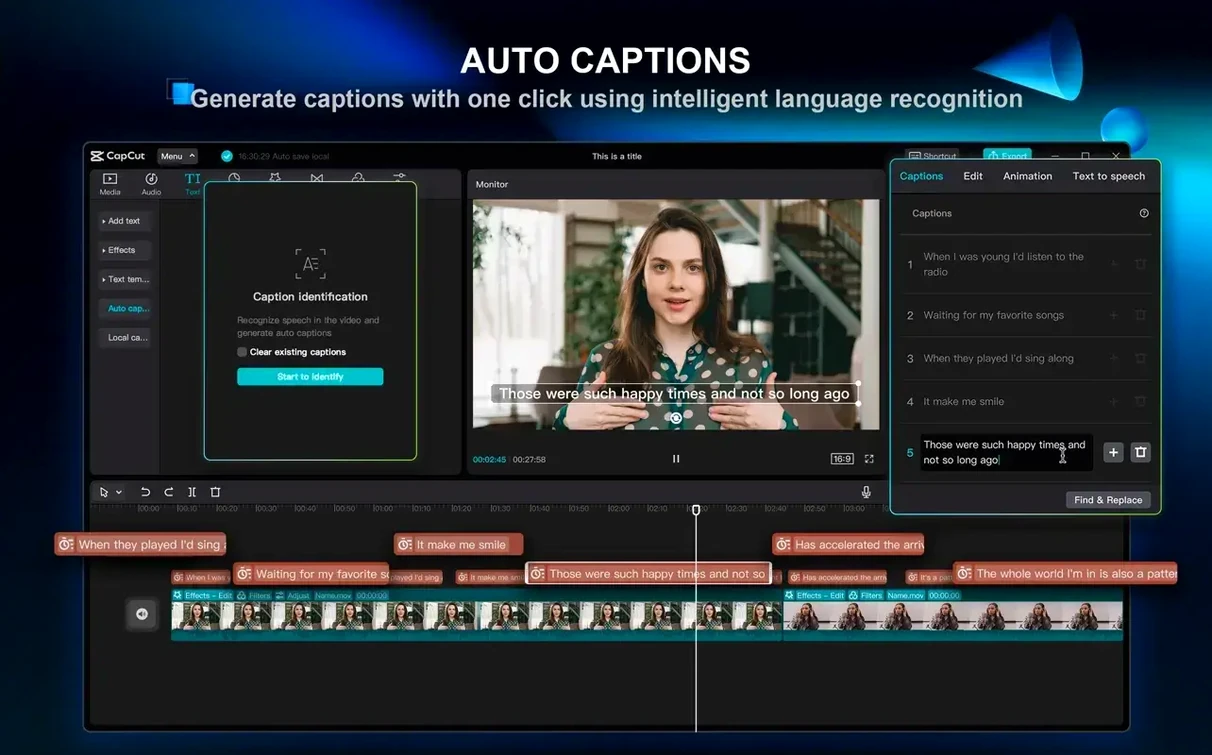
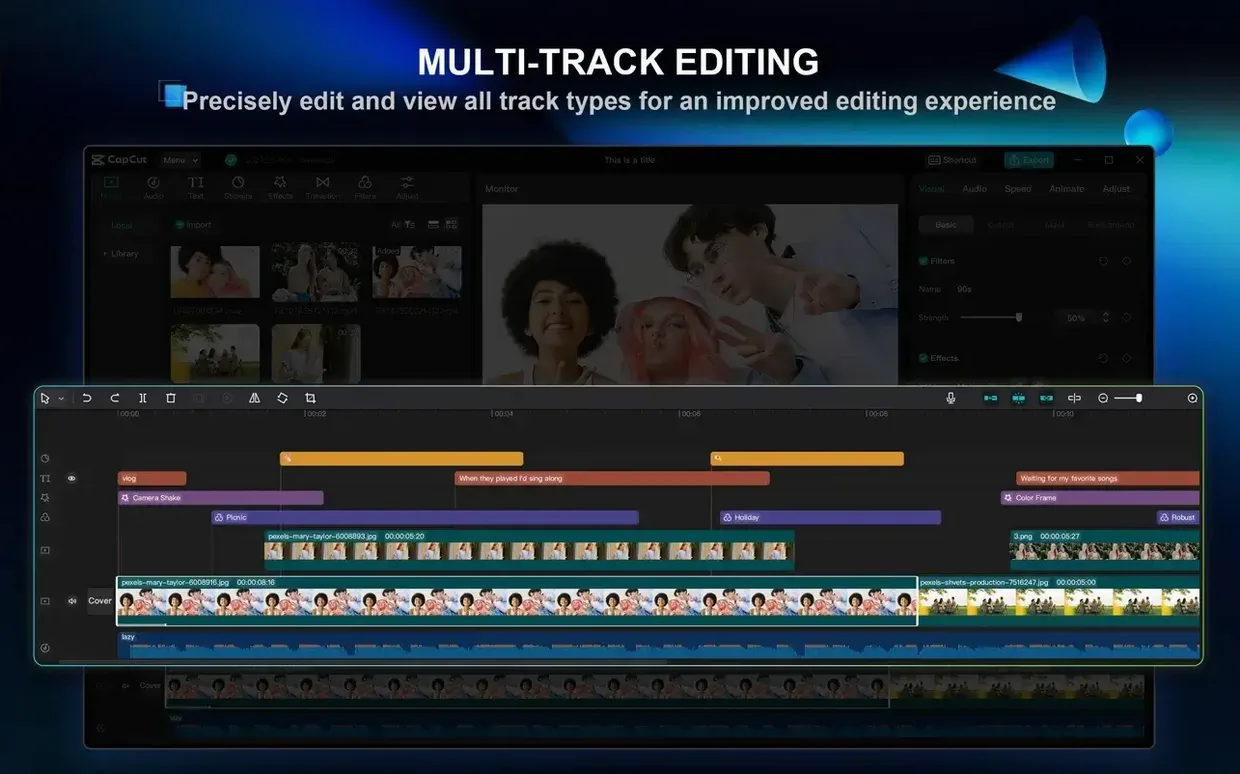
To see how the pieces fit together, I worked through a single realistic task: turning a short script into a finished 30-second clip. The script-to-video function generated a rough sequence of stock-style footage matched to the text. On the multi-track timeline I trimmed the weaker segments and placed a second video layer on top for a short intro. Keyframe animation let me fade that intro clip in and out by setting opacity values at the start and end. One-click background removal on a separate still image dropped its backdrop cleanly enough for a quick thumbnail mock-up. After recording a voiceover directly into the app, the automatic subtitle generator transcribed the speech with workable accuracy; I corrected three mistimed words by dragging the caption blocks on the track. Video stabilisation smoothed a slightly shaky handheld clip from my phone, though the crop-in was noticeable. The app remained responsive throughout on a machine with 8 GB of memory. It is not a replacement for a full compositing suite, but for a script-to-export workflow the toolset feels coherent.
Timeline snapping finally closes the single-frame gap
Version 9.3.0 brought a handful of refinements that affect everyday editing rather than adding headline features. The timeline now snaps more predictably when you drag clips against each other — earlier builds sometimes left a single-frame gap that was easy to miss until export. The filler-word removal tool, originally introduced for podcast-style audio, gained a sensitivity slider. Users who found it too aggressive can now dial it back so only the most obvious "um" and "uh" instances get flagged, while those who want a tighter cut can push it further.
Background removal accuracy improved noticeably for subjects with fine hair detail. Where previous versions produced a slightly wobbly edge around loose strands, the current build holds a steadier matte — not perfect, but fewer manual touch-ups are needed. The text-to-speech engine also received additional voice profiles, including two that handle technical terminology with fewer odd inflections than before.
One understated change: the media library now remembers the last folder you imported from across sessions. Previously it defaulted to the system media folder every time, which added a few clicks to each project for people who keep footage on external drives.
Twelve market clips into a 90-second reel
Picture a Tuesday evening. You have twelve clips from a weekend market — street food, stall banter, a brief interview with a baker — and a loose idea for a 90-second Instagram reel. You open CapCut and drag the folder straight into the media library panel. The thumbnails populate within seconds.
You scrub through the first clip on the preview monitor and press I to set an in-point just after a wobble at the start, then O where the shot loses focus. Dragging the trimmed segment onto track one, you repeat the process for the remaining footage. The baker's interview runs long, so you right-click the clip and select the filler-word removal option. A small dialogue appears — three "ums" and a long pause are listed. You uncheck the pause, keeping the filler-word cuts only, and confirm. The timeline tightens immediately, and the waveforms on the audio track show the gaps closing up.
Next you drop a royalty-free music track from the built-in library onto track three. The volume ducks automatically when the app detects speech on track one, but you nudge the ducking threshold down slightly in the audio inspector because the background chatter in the market clips confuses the detection. With the structure in place, you open the subtitle generator. It processes the baker's speech in about four seconds. You spot a misheard ingredient — "coriander" came out as "core and her" — and double-click the caption block to edit the text directly. The corrected subtitle snaps back to the original timing.
A final pass adds two keyframed text overlays for the opening and closing shots, and you export at 1080p 30 fps because the source footage was shot that way. The whole session runs roughly forty minutes from import to finished file.
Stuttering preview on Intel Macs with layered effects
A persistent issue on some Intel Macs involves the preview window stuttering when multiple effects layers stack up. The workaround is to reduce the preview resolution to half or quarter in the dropdown below the monitor — the export quality remains unaffected, but the interface regains smoothness. Apple Silicon machines rarely need this step unless the project pushes past a dozen active tracks.
Another hang-up: the one-click background removal occasionally fails outright on images with complex foregrounds, producing a grey checkerboard with ragged holes. When this happens, switching briefly to the chroma key tool and back to background removal sometimes resets the processing pipeline enough to yield a clean result. If not, dropping a solid colour matte behind the clip masks most artefacts for quick-turnaround work.
Users who rely on external drives for media storage may find that CapCut loses track of files after the drive ejects. The app does not relink automatically. The fix is manual but simple: right-click the offline clip in the media library, choose "Relink", and point to the file on the remounted drive. Doing this once relinks every clip in the same folder tree.
Skipping the proxy toggle on 4K footage with 4 GB RAM
The most frequent beginner error is ignoring the proxy setting. Dragging 4K footage directly onto the timeline on a machine with 4 GB of RAM leads to sluggish playback and, in some cases, a spinning beachball during scrubbing. Switching on proxy generation in the project settings before importing heavy files saves a lot of frustration. The proxies build in the background and swap in automatically during editing.
Another early stumbling block is treating the script-to-video tool as a one-click solution. New users paste a full paragraph of text, hit generate, and are disappointed by the stock footage selections. The tool works better with short, visually concrete sentences — "a baker kneading dough in a sunlit kitchen" rather than "the art of traditional baking has deep cultural roots." Feeding it two sentences at a time and stitching the results on the timeline produces far more usable material.
Beginners also tend to leave the automatic audio ducking at its default level. On clips where the music is already quiet, the ducking can push it into near-inaudibility. Checking the audio mix with headphones before export — and adjusting the ducking depth slider — prevents a flat-sounding final video.
Finally, some users download a capcut pro for mac torrent expecting the full feature set, then discover that certain AI tools require online processing. The application needs a working internet connection for script-to-video generation and background removal, regardless of how it was obtained. Offline-only workflows are limited to the timeline, effects, and export tools. Anyone searching for a capcut torrent can get these features working smoothly by ensuring a stable connection and logging into a CapCut account before starting a large project.