Aspecten
 Download (15 MB)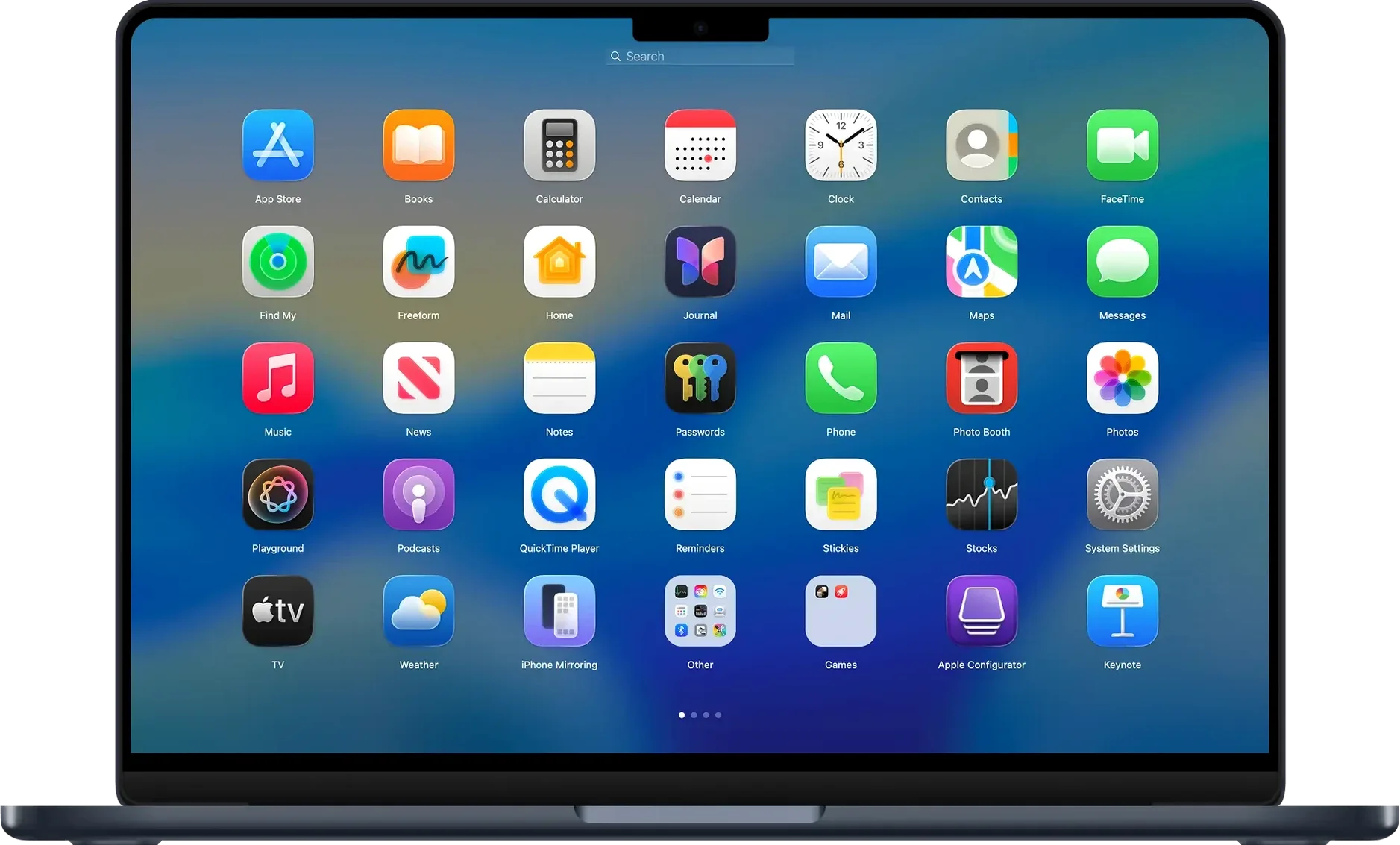
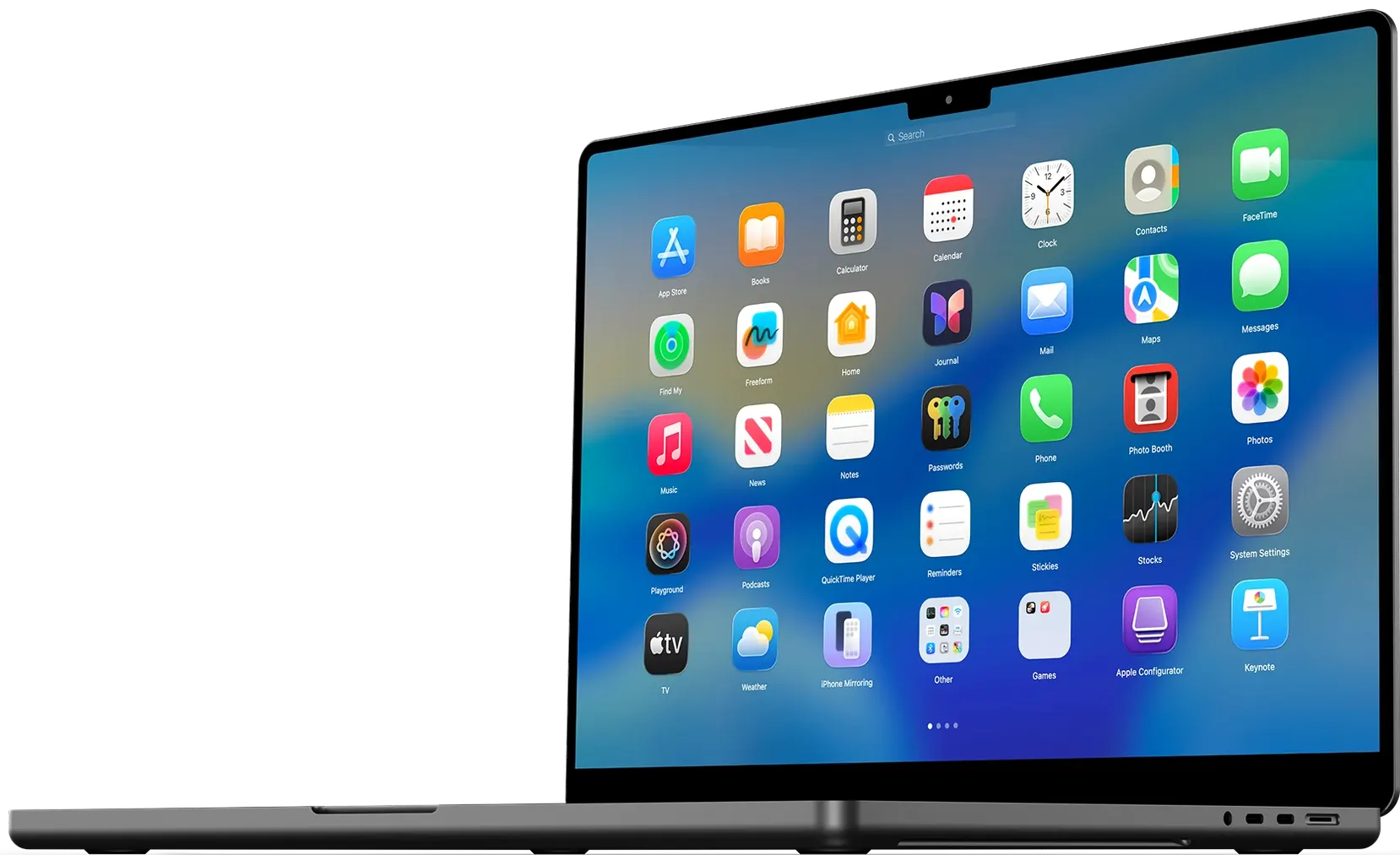
Someone who misses the dedicated full-screen app launcher from earlier macOS releases, or who finds the current Launchpad too rigid, will recognise what BuhoLaunchpad sets out to do. It draws a tidy grid of application icons across the entire display, ready to be called up with a pinch or a key.
How do you open it quickly during a task?
You can assign a four- or five-finger trackpad gesture so the grid appears the moment your fingers touch the glass. It also responds to a keyboard shortcut you define, which keeps your hands in place when you are typing.
What does the grid actually show?
Every application on your Mac is laid out in evenly spaced rows and columns, much like the built-in Launchpad but with one practical difference: you set the exact number of icons per row and column, so you are not locked into a spacing that wastes screen room on a large display.
How do you organise things once the grid is open?
You drag one app icon onto another to create a folder, then give it a name. The recent version added an Ungroup option to the folder’s context menu, so a folder can be dissolved without having to drag every app back out one by one.
Can you navigate without lifting your hands to a mouse?
Arrow keys step through the grid, the mouse wheel scrolls, and a click launches the highlighted app. The launcher also adapts to the standard, dark, light and tinted icon styles of macOS 26, so it does not look out of place whichever appearance you prefer.
Expecting a menu bar icon or Dock tile
A fresh install often leads people to search for a menu bar icon or a Dock tile that does not exist. The launcher runs quietly in the background once opened, and the only visible sign is the full-screen grid itself — called by the gesture or shortcut you set in preferences. Toggling the app from the Dock repeatedly ends up launching multiple instances of the grid, which looks confusing but does no harm.
Another early stumble is setting a gesture that macOS already reserves. Assigning a four-finger pinch when that gesture triggers Mission Control elsewhere will give unpredictable results. The cleaner approach is to pick a five-finger pinch, which rarely collides with system-wide shortcuts, or to test a keyboard combination that you never use in other tools.
Beginners also overlook the layout backup. Spending twenty minutes arranging a dozen folders and then reinstalling macOS without an exported layout file means doing the work twice. The backup option lives in the preferences panel and produces a small file you can store alongside other configuration exports.
How BuhoLaunchpad compares with similar Mac launchers
Alfred and Raycast take a fundamentally different approach. Both are command-palette launchers that favour typing a few characters over browsing a visual grid. They index files, contacts and workflows far beyond what BuhoLaunchpad attempts. The trade-off is that neither gives you a spatial overview of your app collection — you must already know what you are looking for, or at least its first letter. Someone who organises by visual memory tends to find a grid more natural than a text field.
Launchpad itself, the built-in macOS version, still exists but has grown less configurable in recent releases. You cannot set the number of icons per row, you cannot back up the arrangement to a separate file, and the grid spacing on a 27-inch display leaves wide margins that feel wasteful. BuhoLaunchpad fills the screen and lets you tighten the grid for denser app access.
uBar and Dock replacements such as ActiveDock tackle app launching from a different angle — they redesign the Dock rather than providing a full-screen overlay. They suit people who want persistent, always-visible launchers at the edge of the desktop. For a full-screen, gesture-triggered grid that disappears once you select an app, BuhoLaunchpad stays closer to the Launchpad model than any of those alternatives.
Daily impressions of speed, stability and resource use
On both Intel and Apple Silicon Macs, the grid appears with no perceptible lag after the gesture or shortcut fires. The icon rendering keeps pace even on machines with several hundred applications, and search narrows results as fast as you type. Occasional stutter can surface when dragging an app across folder boundaries during the first few seconds after the grid opens, but it settles quickly.
Memory use hovers low in the background. Activity Monitor typically shows the process consuming under 120 MB of RAM while idle, and CPU time stays near zero until the grid is summoned. Version 1.10.2 fixed a crash tied to repeated Finder renames, which points to ongoing attention to edge-case stability rather than just adding features.
One practical note for daily use: the gesture recognition relies on the accessibility permissions being granted correctly. If the grid stops responding to a pinch, checking that BuhoLaunchpad still holds those permissions in System Settings almost always resolves it. Once set, it stays reliable across sleep and wake cycles.