Aspecten
 Download (1.8 GB)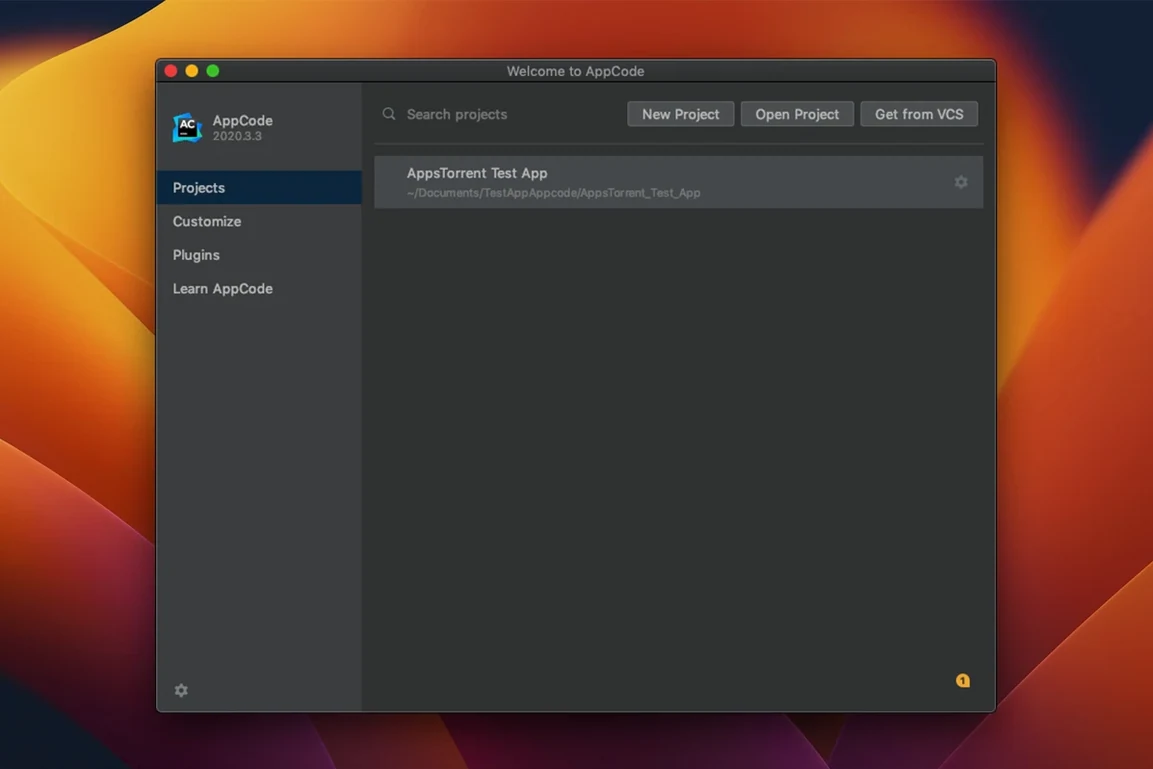
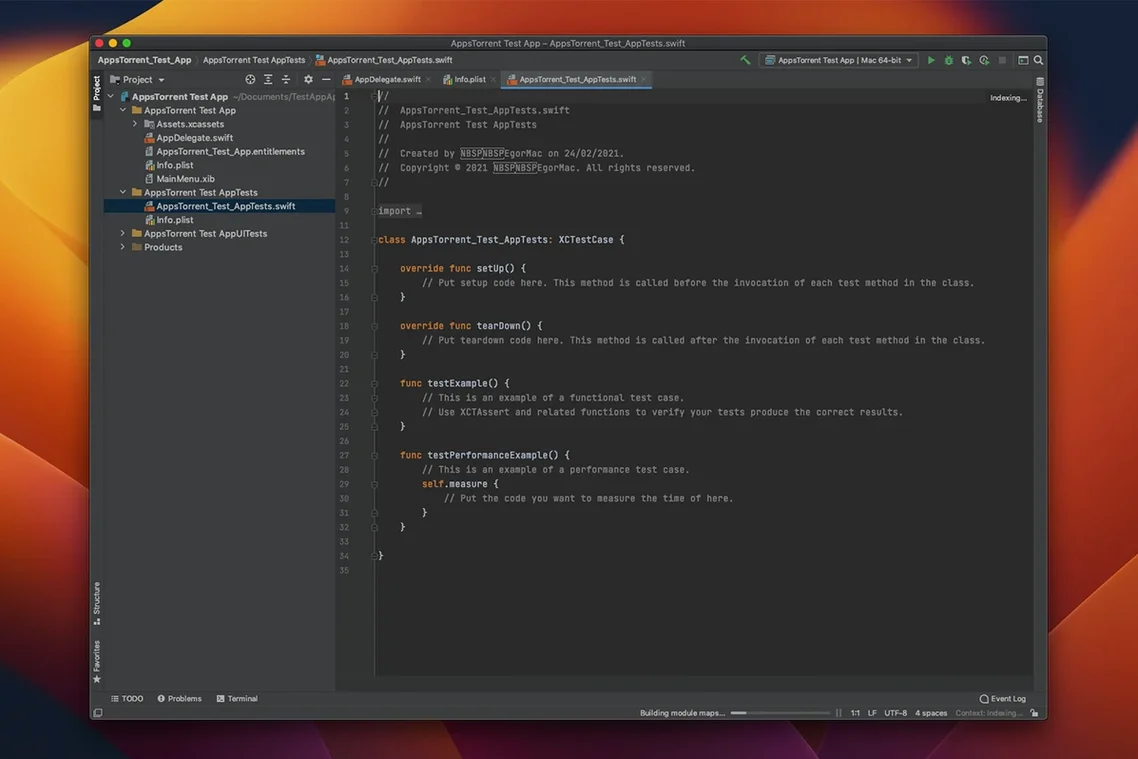
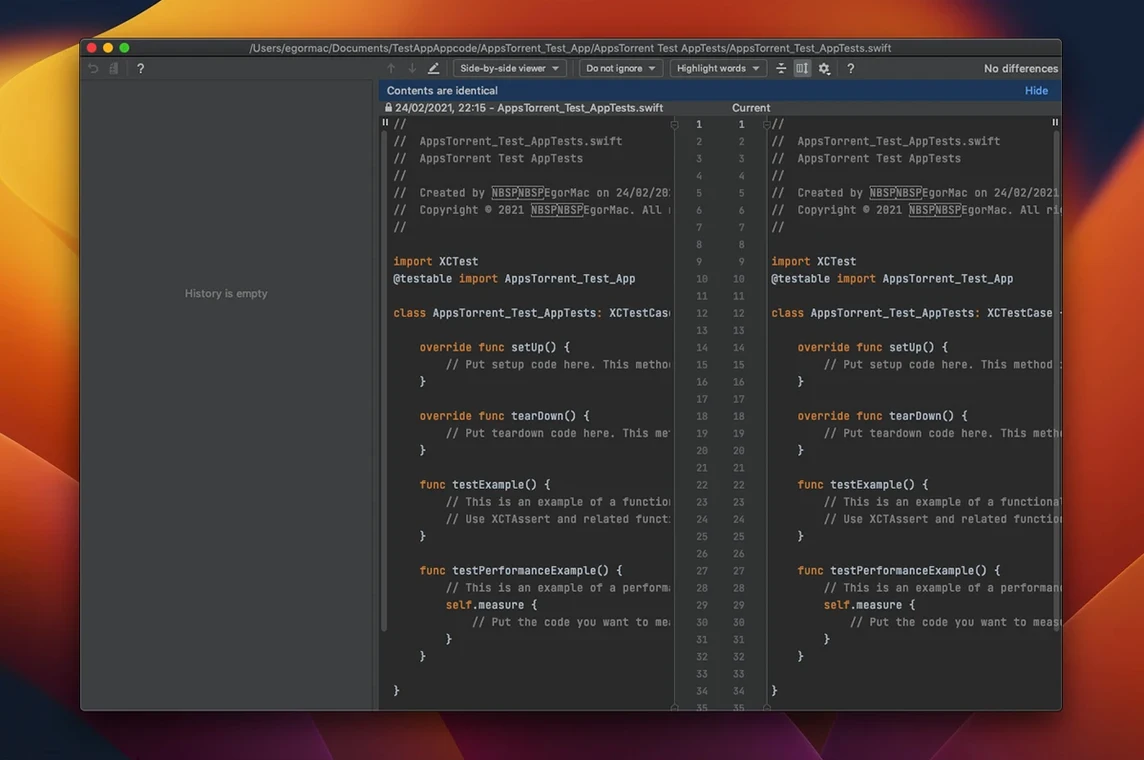
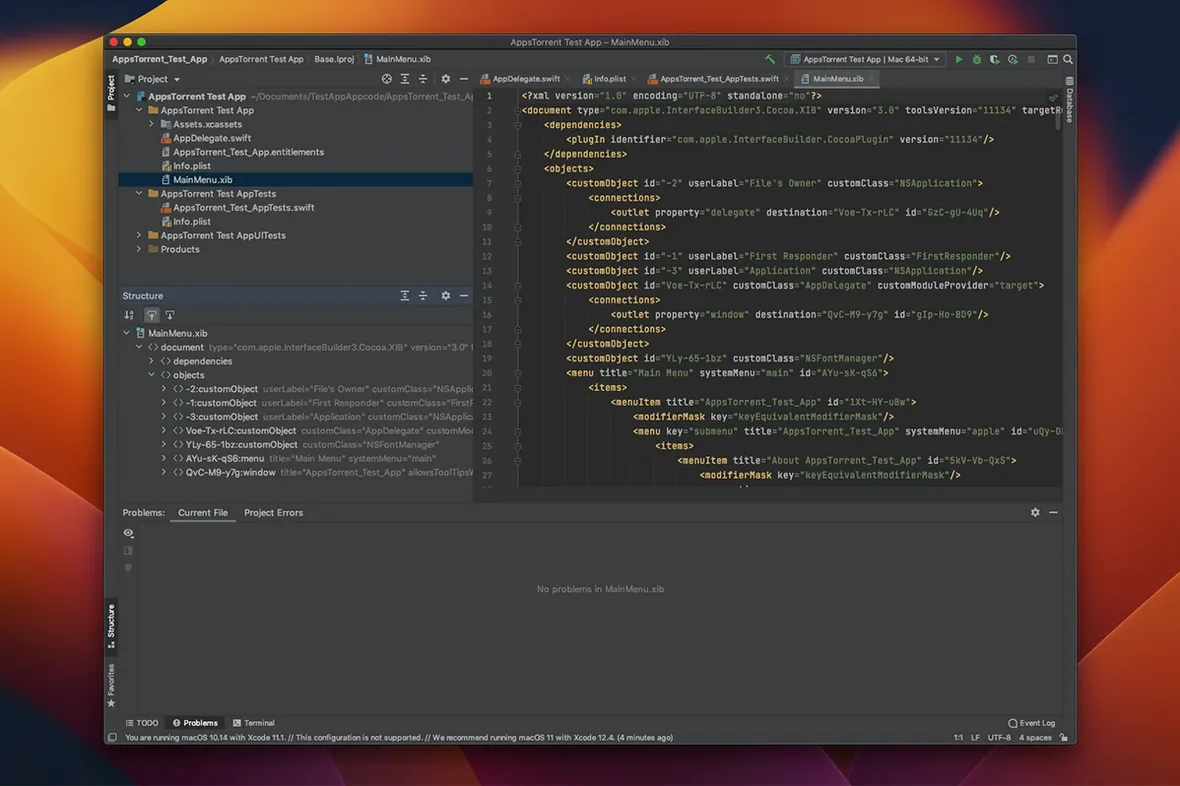
The "Generate" menu (⌘N) is where AppCode shows its IntelliJ roots most clearly. Inside a class, it offers to produce initialisers, hash and equality methods, or description functions from a list of properties. It also creates stubs for override and implement actions — and it can build declarations from usage, which spares you from writing the same signature twice. For a developer who spends the day moving between Xcode and a JetBrains tool already, that consistency is the main draw.
What the IDE covers
AppCode handles the languages you would expect from an iOS and macOS IDE: Swift, Objective-C, C, and C++. The editor applies on-the-fly code analysis across all of them, flagging issues before a build runs. Basic and advanced code completion work with both system frameworks and your own symbols. Web-related formats — JavaScript, XML, HTML, CSS, and XPath — are supported too, though they are not the focus. The tool integrates with CocoaPods for dependency management and with Reveal for debugging view hierarchies, which keeps two common workflows inside a single window.
Built on IntelliJ, so PyCharm habits carry over
The IDE is built on the IntelliJ IDEA platform, so the project structure, refactoring shortcuts, and search behaviour feel familiar to anyone who uses PyCharm, IntelliJ IDEA, or CLion. That is also the limitation to keep in mind: AppCode is a companion to Xcode, not a replacement. You still need Xcode for Interface Builder, signing, and final builds. The value lies in the editing and navigation work that happens between those steps — particularly when you are refactoring across mixed-language code or reviewing pull requests with the same key bindings you use everywhere else.
A scenario that comes up often is the developer maintaining a legacy iOS project with a mix of Objective-C and Swift. Xcode handles both, but cross-language refactoring trips it up: renaming an Objective-C method that Swift calls can leave the caller untouched. In AppCode, the same rename operation searches across both languages in one pass. The developer opens the project, presses ⇧F6 on the method signature, and watches the IDE update every call site — Objective-C message sends, Swift dot-method calls, and even string-based selectors where it can resolve them. For an afternoon spent untangling ten-year-old code, that single behaviour saves a dozen manual find-and-replace hunts.
No Interface Builder surprises Xcode switchers
A first-time user coming from Xcode often opens AppCode and looks for Interface Builder. It is not there, and the realisation that storyboard editing still requires switching apps arrives as a small frustration. The better approach is to accept the split early: do layout work in Xcode, then close the storyboard and stay in AppCode for everything else. Another common misstep is ignoring the project configuration sync. AppCode mirrors the .xcodeproj file, so adding a new file inside AppCode updates the Xcode project — but beginners sometimes add files in both IDEs simultaneously and then wonder why the project file conflicts. Pick one tool for structural changes and stick to it for that session. A third issue is leaving the default code inspection profile untouched. The IDE ships with inspections tuned for a broad audience; turning off a handful of noisy warnings (particularly around C++ template syntax in older codebases) makes the "on-the-fly" analysis feel helpful rather than pedantic.
Refactoring depth replaces Xcode’s build-and-sign pipeline
Xcode is the unavoidable baseline. It handles the complete build-and-sign pipeline, runs simulators, and edits Interface Builder files — none of which AppCode does. In exchange, AppCode offers refactoring depth, code generation, and a navigation model that many developers find faster for pure editing. The two are not rivals; they are complementary tools, and a realistic setup keeps both on the dock.
CLion covers C and C++ well, and it shares the same platform, but it does not understand Swift or Objective-C. A developer working on a cross-platform C++ library alongside an iOS app might keep CLion for the library and AppCode for the app layer, but for iOS-first work CLion is the wrong tool.
Visual Studio Code, with the right extensions, can approximate some of what AppCode does. Swift and Objective-C support exists through community extensions, and code completion is workable for smaller projects. On a large mixed-language codebase — particularly one that leans on CocoaPods and XCTest — the difference in code intelligence becomes visible within the first hour. AppCode resolves symbols more accurately, offers refactorings that VS Code extensions do not attempt, and indexes the project more thoroughly at the cost of higher memory use.