Aspecten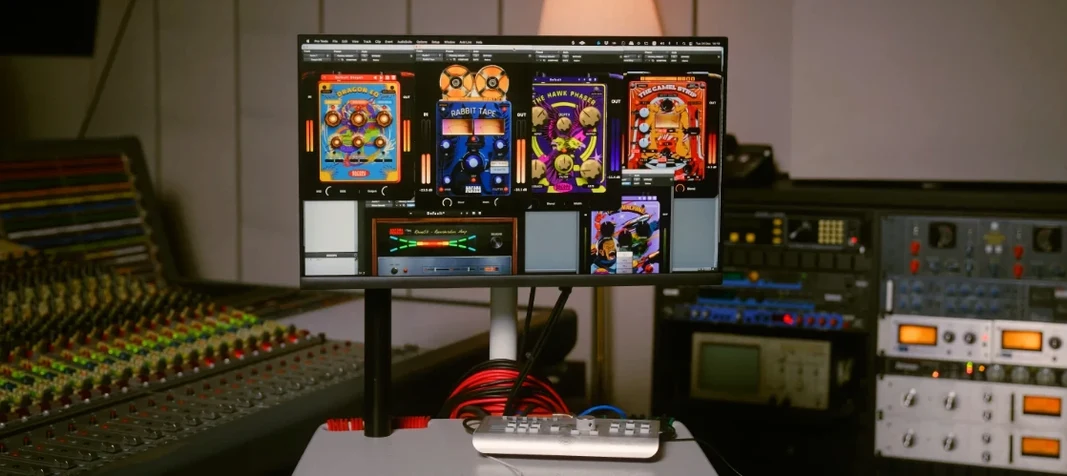
 Download (628 MB)
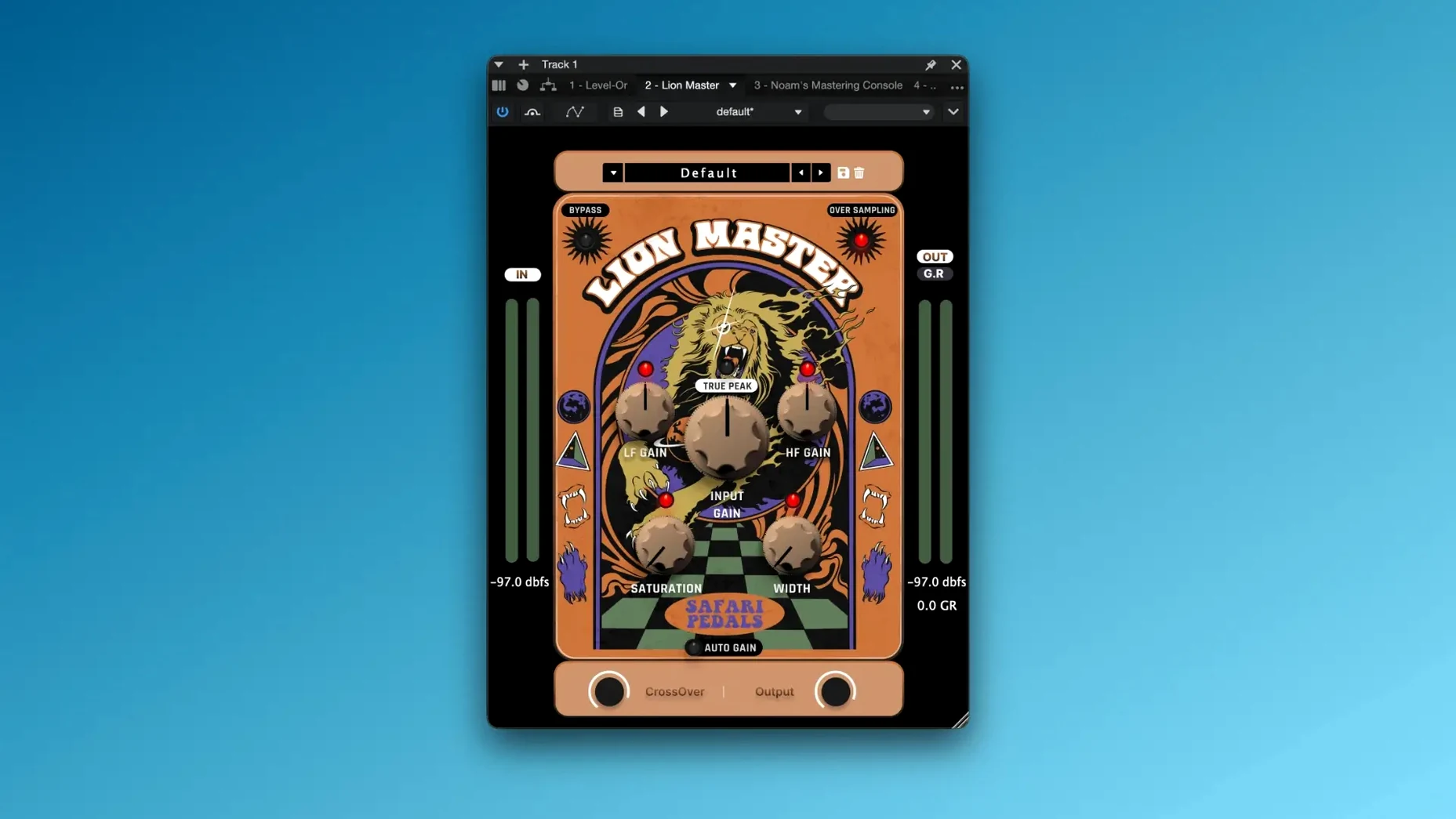
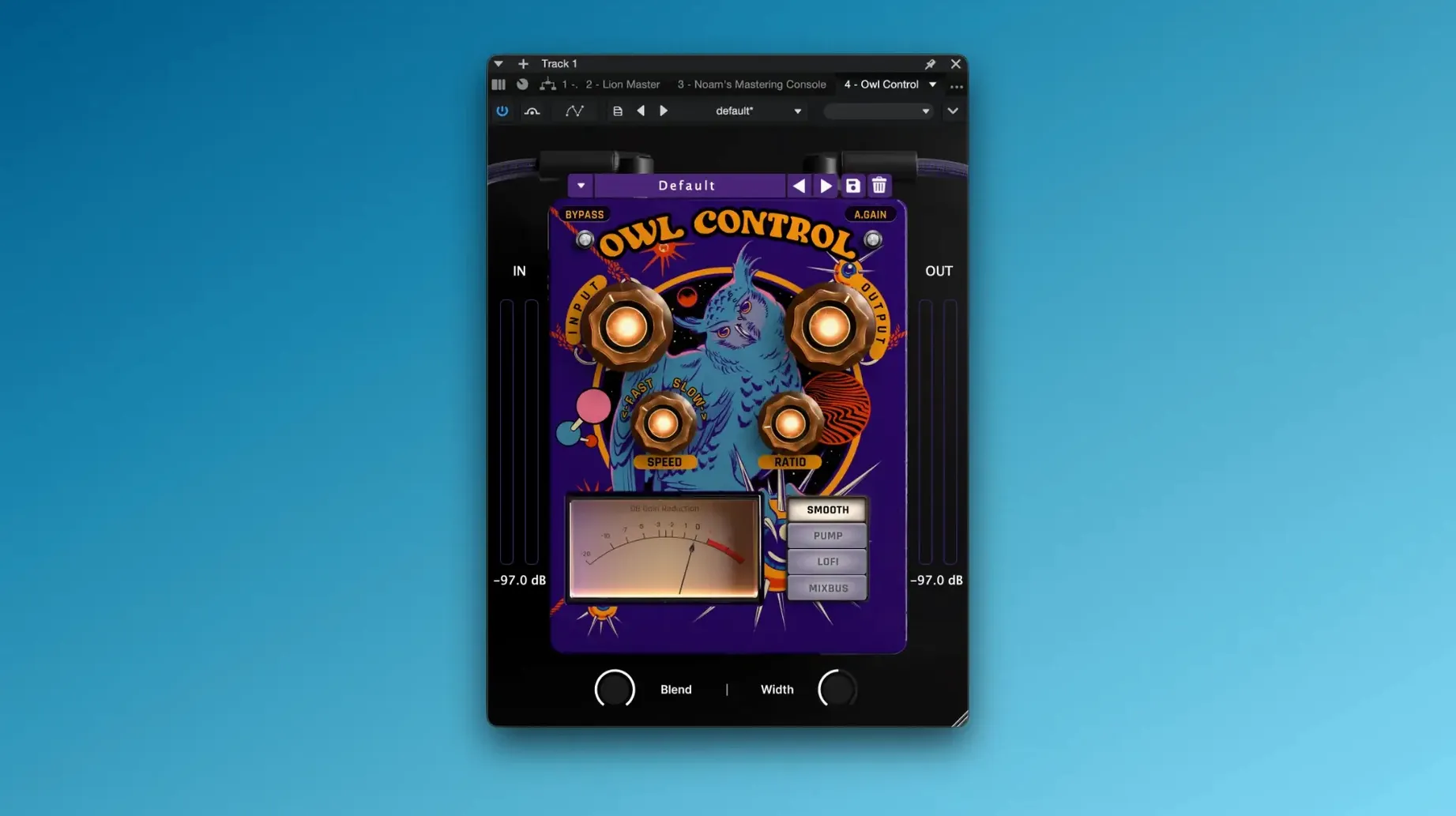
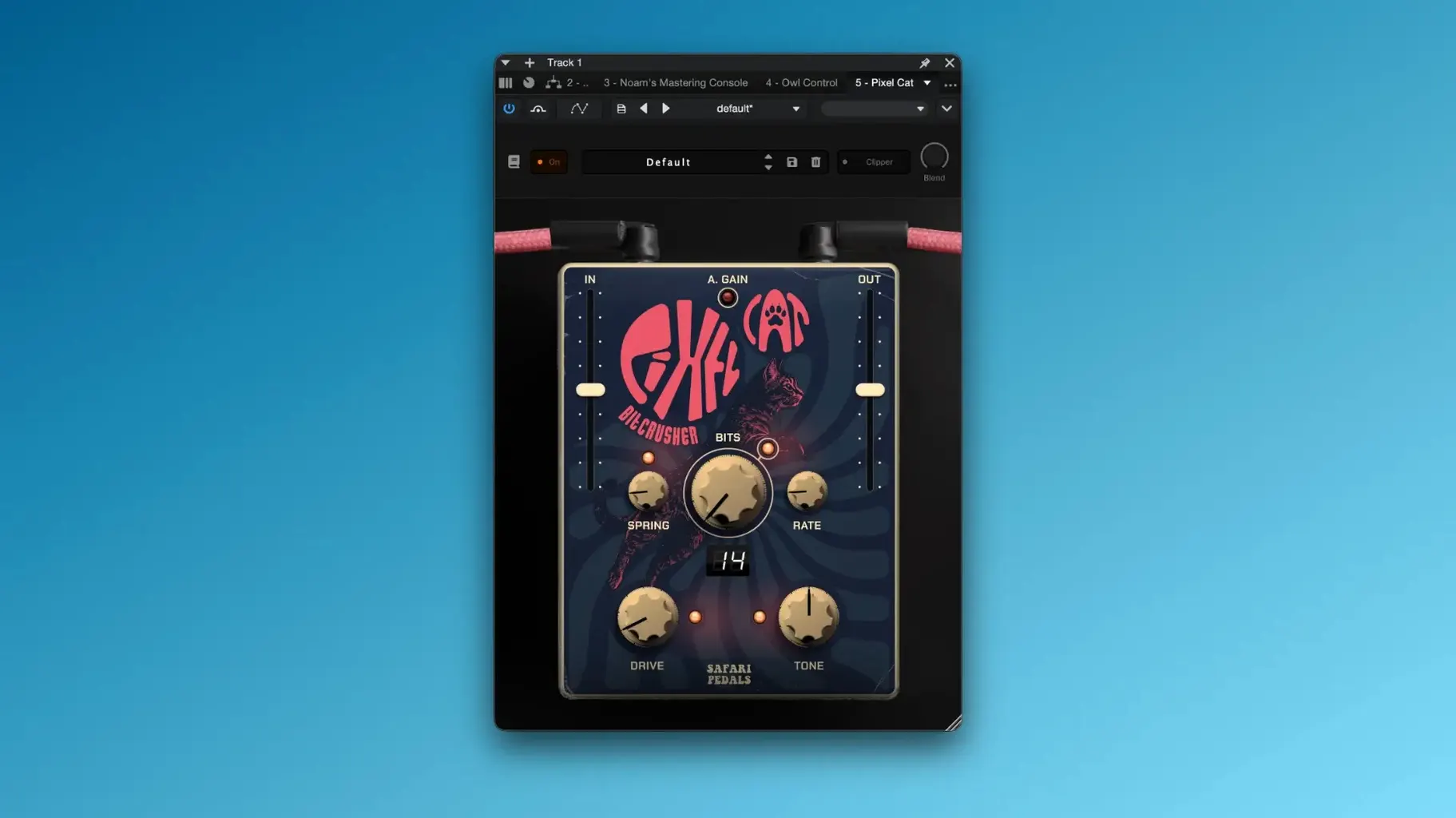
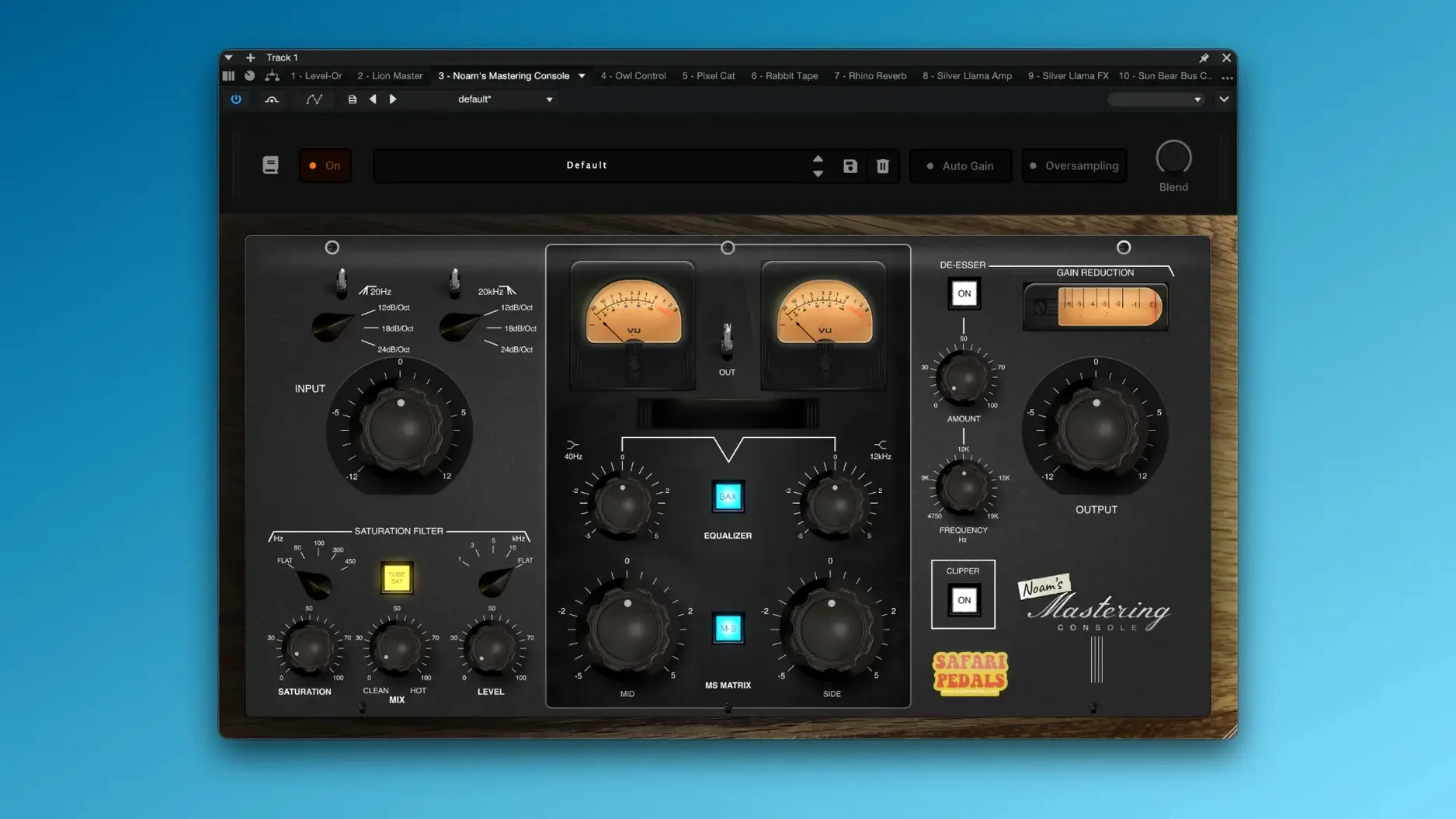
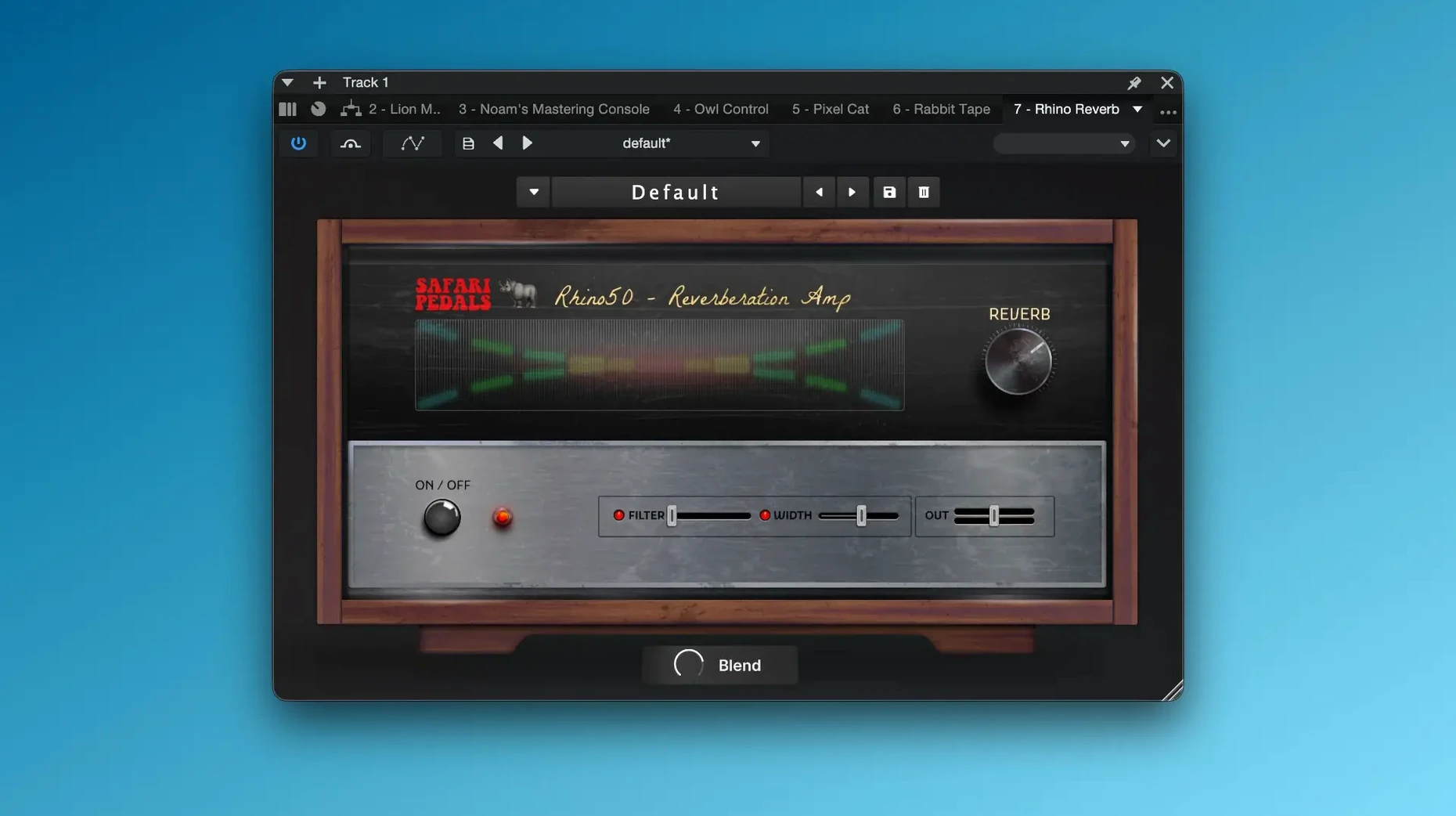
Yak Delay opens with a quick slapback that thickens a dry guitar line without pushing it to the back of the mix. That immediacy runs through much of the Everything Bundle, a collection of Safari Pedals effects that leans toward character over clinical precision. Alongside the delay sit Dirty Dog Reverb, Ladybug Reverb and Flamingo Verb — three distinct spatial tools that share a tendency to colour the signal rather than sit transparently behind it. Hawk Phaser adds a midrange swirl that works well on electric piano and synth pads, while Dragon EQ provides broad tone shaping with a straightforward set of bands.
The bundle is available as VST3, AU and AAX plug-ins, covering most DAWs on macOS 11 and later. Apple Silicon support is native, and Intel Macs are also handled without a translation layer. I loaded the collection in Logic Pro and Ableton Live without issue; the installers place each plug-in in the standard system folders and the activation process is covered in the included instructions. No iLok dongle is required.
On the saturation side, Gorilla Drive adds a thick, amp-like breakup that responds to playing dynamics, while the Planet of the Amps Pack expands that palette with several modelled cabinet and head combinations. Time Machine is the outlier — a lo-fi modulator that warps the signal with vibrato, filtering and noise artefacts. It pairs well with the cleaner reverbs when you want a sound that sits somewhere between worn tape and a dying console channel.
What holds the collection together is a shared sense of immediacy. Most plug-ins present only a handful of controls, and the interface design is consistent enough that moving from one to the next feels familiar. The trade-off is that you get less surgical control than with heavier, more parameter-rich alternatives. For tracking sessions where decisions need to happen fast, that limitation becomes a practical strength.
Questions people often ask before installing
A common question is whether the bundle works on Apple Silicon Macs without Rosetta. It does — all plug-ins ship as universal binaries, so Logic Pro and other hosts running natively on M-series chips load them directly. There is no need to run the DAW under Rosetta for these plug-ins to appear or function.
Another point of confusion concerns the number of separate installers. The Everything Bundle does not come as a single monolithic package. You get individual installers per plug-in, which means you can pick and choose what lands on your system. That also means a longer setup session the first time, but it avoids cluttering your plug-in menu with tools you may never open.
Some users wonder whether the collection overlaps with the developer’s individual releases. It does not — the bundle includes the full versions of each title, identical to what you would get buying them separately. There is no cut-down “bundle edition” with fewer controls or stripped presets. If you already own one or two Safari Pedals plug-ins, the bundle simply fills in the rest.
Compatibility with Pro Tools often comes up. The AAX versions are included and load without issue in Pro Tools 2023 and later on macOS 11 and above. I have seen reports of older Pro Tools versions on Catalina failing to scan a few of the plug-ins, but on supported macOS releases the bundle scans cleanly.
Broad colour palette without deep menu diving
The bundle suits producers who want a broad colour palette without spending an afternoon tweaking envelope followers and modulation matrices. If your sessions move quickly — tracking a band, building a beat, layering synth parts — the limited control sets keep you focused on sound rather than parameters. You twist a few knobs, the character shifts, and you move on.
Mixing engineers working in pop, indie rock and lo-fi electronic styles tend to connect with the saturation and reverb plug-ins particularly well. Gorilla Drive and Cobra Fuzz deliver aggressive tones that sit forward in a mix, while Dirty Dog Reverb and Ladybug Reverb add space without pushing elements into a wash. The bundle does less for engineers who mix dense orchestral material or demand transparent, phase-linear processing; those tasks call for tools that the Safari Pedals range does not attempt to provide.
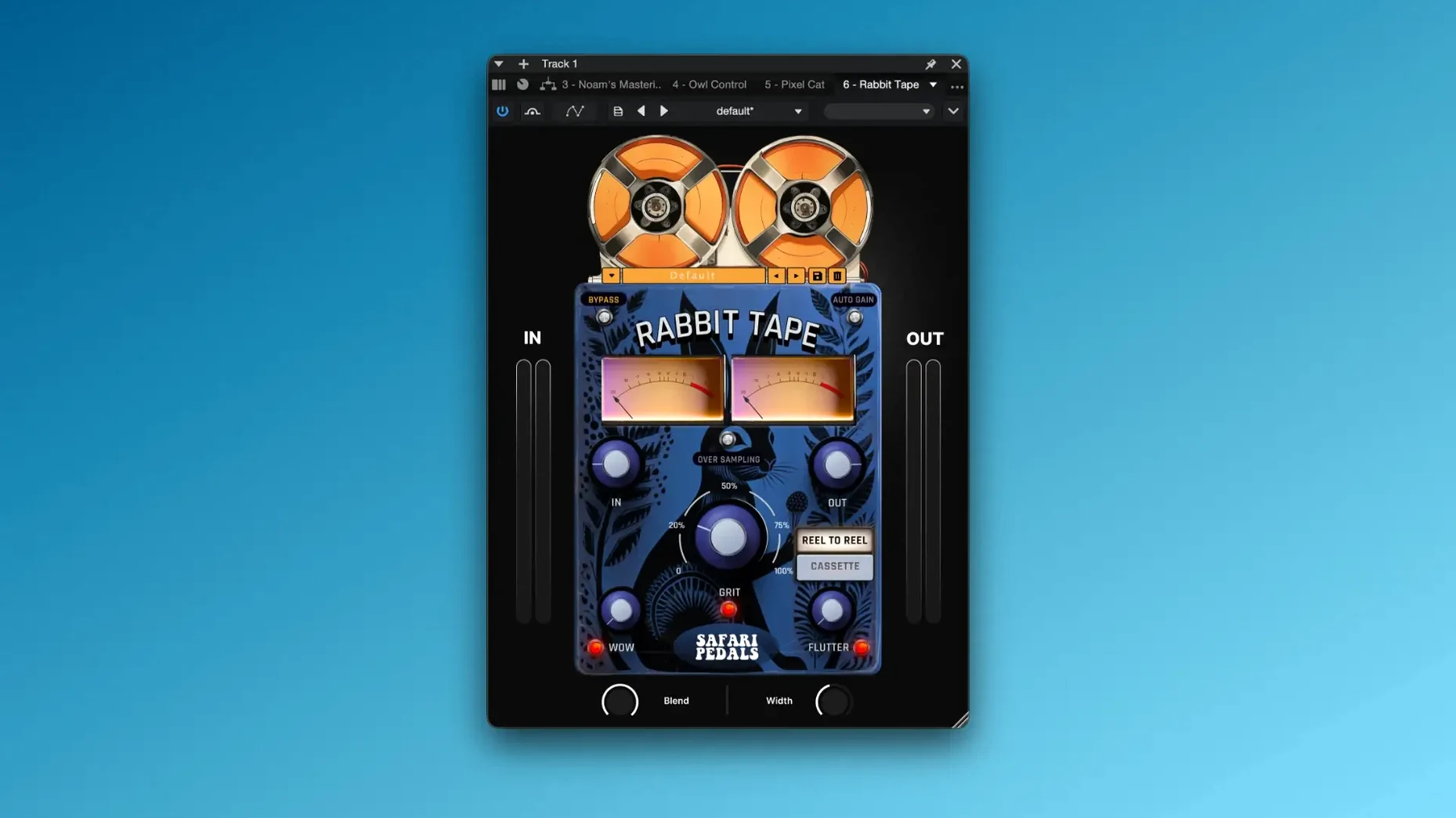
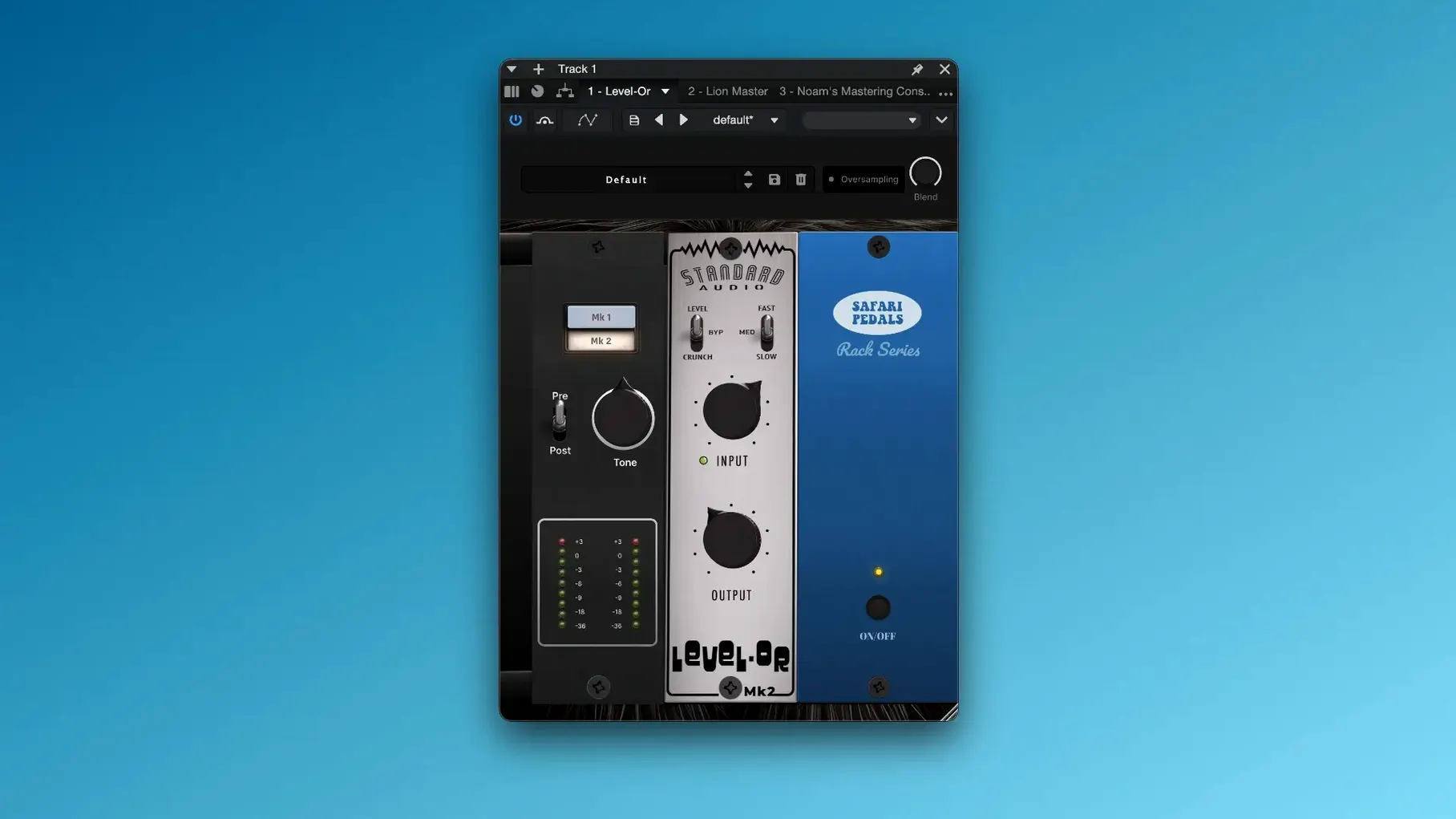
Sound designers get mileage from Time Machine and Rabbit Tape. Both introduce instability — pitch wobble, noise, filtering — that can turn a static sample into something that feels older and less predictable. Pairing them with the cleaner plug-ins in the bundle, such as Level-Or for dynamics control, keeps the results usable in a project rather than purely experimental.
Dusty drum loop through Cassette Bunny and Bad Robot
A producer working on a lo-fi hip-hop beat opens a dusty drum loop and wants it to feel like it was sampled from a worn cassette. They insert Cassette Bunny first, dialling in a moderate amount of wow and flutter while rolling off the highs slightly. The result already sounds degraded, but it lacks depth. They follow it with Dirty Dog Reverb on a short decay, mixed low, which gives the snare a room tone that suggests a small booth rather than a hall. Finally, they place Zebra Clipper at the end of the chain to round off transients that poke out too sharply after the reverb. The whole chain took under two minutes to set up, and the drum loop now sits exactly where they imagined it — hazy, compressed and cohesive.
That speed is the bundle’s quiet advantage. None of the three plug-ins required sub-menus, right-click options or manual value entry. The controls that mattered were visible on launch, and the defaults were close enough that only small adjustments were needed.
Tame Dragon’s default gain for a safer starting point
A few defaults across the bundle benefit from immediate adjustment to suit typical mixing workflows. The suggestions below assume you are inserting these plug-ins on a channel or bus and want a workable starting point without drastic surprises.
- Dragon EQ — output level. The default gain staging tends to run slightly hot when you apply broad boosts. Lower the output fader by 2 to 3 dB after setting your bands, especially if the plug-in sits before a dynamics processor that reacts to level changes.
- Time Machine — noise mix. The noise circuit is engaged by default and can overwhelm quieter sources. If you want the pitch instability without the hiss, pull the noise control to zero and blend the wet signal to taste. You can always reintroduce it later when the part needs more texture.
- Gorilla Drive — tone control. The default tone setting is neutral, but the drive character changes noticeably once you move it past three o’clock. On bass-heavy material, nudging the tone up before adding gain prevents the low end from turning to mud.
- Ladybug Reverb — pre-delay. The reverb starts with pre-delay set to zero, which can push vocals and snare hits backward in a busy mix. A setting between 20 and 40 ms gives the dry signal room to speak before the tail blooms.
- Bull Sub Machine — sub level. This plug-in adds significant low-end energy at its default setting. On smaller monitors, check the sub level at low volume first and reduce it until the bass feels controlled rather than swollen.
These starting points do not turn the plug-ins into different tools; they simply account for the fact that a default preset cannot anticipate your session’s gain structure or monitoring environment. A few seconds spent on these adjustments makes the bundle slot into a mix with less corrective work downstream.