Aspecten
 Download (1.8 GB)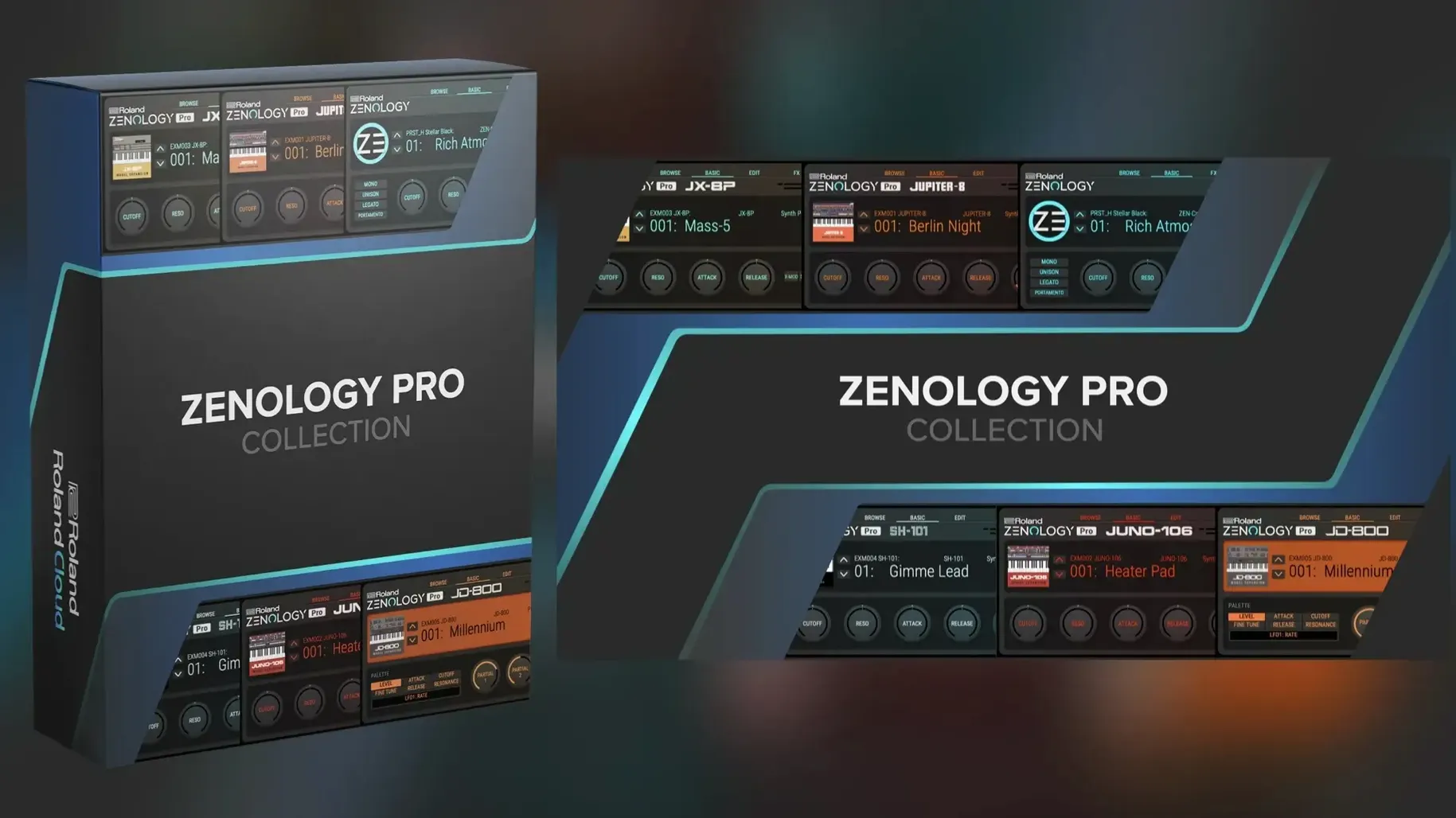
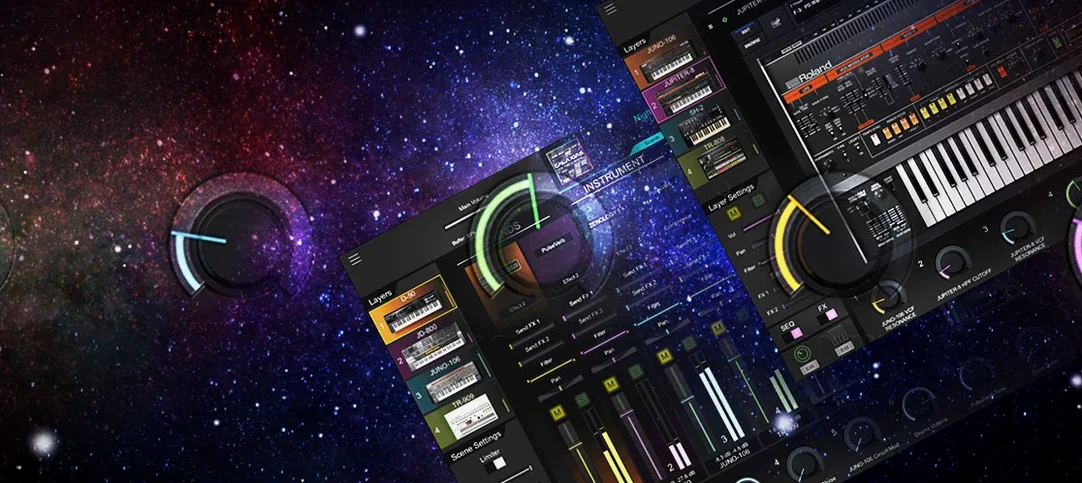
Many software instruments promise hardware integration but deliver only a preset librarian. ZENOLOGY Pro brings the actual ZEN-Core synthesis engine from Roland's JUPITER-X and FANTOM hardware into a Mac plugin.
Host formats — VST3, AU, AAX. Works in Logic Pro, Ableton Live, Cubase, Pro Tools, and any DAW supporting these standards.
Architecture — Native Apple Silicon and Intel 64-bit support. No Rosetta needed on M-series Macs.
Operating system — macOS 11 (Big Sur) or later. One installer covers both architectures.
Patch compatibility — Tones can be edited on the Mac and shared with ZEN-Core hardware instruments. The same patch loads identically in a FANTOM keyboard and the plugin.
Sound engine — Each tone holds up to four partials, with each partial containing an oscillator, filter, amplifier, two LFOs, and EQ. Four oscillator types are available: virtual analog waves, Supersaw, noise, and PCM (with 1,840 waveforms and PCM SYNC). Ten filter types include models from the JUPITER lineage. Eleven LFO shapes per partial allow for detailed modulation. The tone browser supports favourites and custom banks, making a library of over 10,000 total variations manageable.
Editing beyond the 4,000-tone preset library
A common early misstep is treating ZENOLOGY Pro as a preset player. The factory library is large—over 4,000 tones at first install—and it is easy to browse, pick something close, and leave it alone. The partial structure rewards deeper editing. A tone that sounds thin in isolation often sits perfectly in a mix once you mute one partial, tighten the release on another, or swap a PCM waveform for a virtual analog saw. Not touching the partials means leaving useful material on the table.
Another habit worth catching early is ignoring the gain staging between partials. Because each partial has its own amplifier and EQ, it is straightforward to stack two or three partials and clip the output without realising it. The master level meter is your friend here. If a tone distorts at moderate velocity, pull the partial amp levels back a few dB before reaching for the master volume knob.
Beginners also tend to overlook the PCM SYNC oscillator type. It works differently from the standard PCM mode—less like a sample player and more like a wavetable oscillator that can be synchronised to key pitch. Selecting it by accident and hearing odd artefacts leads some users to conclude the plugin is buggy. It is not. It is doing exactly what a sync oscillator does, and it becomes useful when you want glassy, digital textures that track the keyboard properly.
Finally, many new users download a zenology vst crack mac version from an unofficial source, then wonder why the tone browser shows missing expansions or why certain Sound Packs fail to load. The plugin expects its library structure to be intact. A clean installation from a verified build solves most missing-content errors without further fiddling.
Patch portability between hardware and DAW
Producers who work across hardware and software gain the clearest advantage. When a track starts on a FANTOM or JUPITER-X and moves into a DAW, patches travel without translation. The same tone that sounded right during a hardware session loads identically in the plugin, down to partial levels and effect routings. This saves the tedious work of recreating sounds by ear.
Sound designers who build layered, evolving patches also find the architecture a good fit. The four-partial structure with two LFOs per partial allows for movement that simpler synths cannot manage. Assign LFO 1 to filter cutoff with a slow triangle wave, LFO 2 to PCM pitch with a random shape, and stagger the rates—the tone moves in ways that feel organic rather than looped. The 11 LFO shapes, including stepped and random patterns, reward this kind of careful modulation work.
Keyboard players who need a broad palette without loading a dozen different plugins benefit from the sheer range of the library. Electric pianos, orchestral sections, vintage analogue leads, and modern digital textures all live inside one plugin window. The tone browser's favourites system lets a player tag a working set of 40 or 50 tones and call them up quickly during a session, without scrolling through thousands of options each time.
Users searching for a zenology mac solution that can grow over time will appreciate the expansion model. The base library is generous, but adding Sound Packs and Wave Expansions piece by piece means the instrument can follow a producer's changing interests—more acoustic textures one year, more aggressive basses the next—without switching tools.
Tagging favourites to skip endless browsing
Tag a shortlist early. The browser's favourites function is not a secondary feature—it is the difference between productive sessions and endless scrolling. On day one, spend an hour auditioning tones across categories and mark everything that fits your current projects. A curated bank of 30 favourites will serve you better than the full library for most real work.
Learn the partial mixer before the effects. New users often reach for reverb and delay to make a tone sound finished, but the partial mixer lets you adjust level, pan, and mute per partial. A tone with three active partials can often be improved simply by muting the one that fights the others. This is faster than effect tweaking and yields cleaner results.
Test one filter type thoroughly. The ten filter models cover a wide range of character, from the clean digital options to the JUPITER-derived models. Rather than jumping between them, pick one—the JUPITER-8 low-pass is a good starting point—and learn how it responds to envelope modulation and keyboard tracking across several octaves. Once you know one filter well, the others reveal their differences more clearly.
Set up a blank init patch. The plugin ships with templates, but creating your own starting point—one partial, a basic saw wave, no effects, a simple amp envelope—gives you a neutral canvas for sound design. Save it as a favourite and make it your default load for deliberate patch building.
Check the system requirements. Some users grab a zenology vst free download mac link and run it on older macOS versions. The installer expects macOS 11 Big Sur or later. Attempts to force-install on Catalina or earlier usually result in the plugin failing validation in Logic Pro or crashing silently in Ableton Live. Verify the OS version before installing, not after.
Manual plugin rescan in Logic and Ableton
Plugin does not appear in the DAW. After installation, some hosts do not rescan automatically. In Logic Pro, open the Plug-in Manager and run a manual rescan. In Ableton Live, open Preferences, go to the Plug-ins tab, and click Rescan. If the plugin still does not appear, confirm the installer placed the component, VST3, or AAX file in the correct system folder. A Mac running Apple Silicon may require the host to run natively rather than under Rosetta—ZENOLOGY Pro is a universal binary, but a host in Rosetta mode sometimes fails to see it.
High CPU with simple tones. A tone with four active partials, each running a PCM oscillator with effects, will tax the processor. If a single tone pushes the CPU meter too high, reduce the active partial count first. Use the partial mute buttons to disable the ones not essential to the sound. Next, check whether the tone uses the more expensive filter models on partials that could use the standard digital filter instead. The JUPITER filters sound excellent but cost more cycles.
Sound Packs not loading. This often traces back to folder permissions. The plugin expects its content in a specific location. If you moved the library after installation or if a zenology crack mac build placed files in a non-standard directory, the browser shows the packs but cannot load them. The fix is to reinstall the Sound Packs through the proper content installer, letting it place files where the plugin expects them.
Dropouts and clicks on M-series Macs. A buffer size set too low in the DAW causes this regardless of how powerful the machine is. Try 256 or 512 samples during sound design and playback. For recording MIDI parts, 128 samples is usually safe, but 64 may introduce artefacts with complex tones.
Presets sound different on hardware. If a tone edited in the plugin sounds wrong on a ZEN-Core hardware device, check the effect routings. Some effects chains available in the plugin exceed what the hardware can replicate in real time, particularly when using multiple insert effects. The tone will load, but the effects may be reduced or bypassed silently. Stick to the shared effect set when building patches meant to travel back to hardware.
Building a slowly shifting analogue-style pad
A composer working on a game soundtrack needs a pad that shifts gradually over a long held chord—something that feels static at first but reveals motion as the scene progresses. The brief calls for a tone that blends an analogue-style warmth with a digital, almost vocal quality.
She opens ZENOLOGY Pro in Logic and starts from a blank init patch. On partial 1, she loads a virtual analog saw wave and sets the JUPITER-8 low-pass filter with moderate resonance. The amp envelope gets a slow attack and a long release. On partial 2, she selects a PCM choir waveform from the 1,840 available, tunes it up an octave, and applies a band-pass filter. She assigns LFO 1 on this partial to the filter cutoff with a slow sine wave, and assigns LFO 2 to the PCM pitch with a random stepped shape at a very low depth—just enough to introduce a slight instability.
She pans partial 1 slightly left, partial 2 slightly right. The mixer shows both partial levels peaking around -6 dB, leaving headroom. She adds a touch of chorus from the 90-plus effect slots and a hall reverb set to about 30% wet. The finished tone breathes: the saw provides weight and warmth, the PCM choir adds an airy, voice-like layer, and the subtle pitch randomisation keeps the ear from settling.
She saves the tone to a custom bank and tags it as a favourite. Later that week, the same patch loads into the director's FANTOM for a live preview without any adjustment. The two versions sound indistinguishable.