Aspecten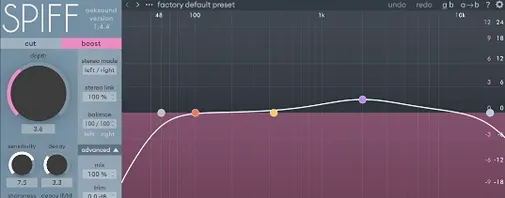
 Download (140 MB)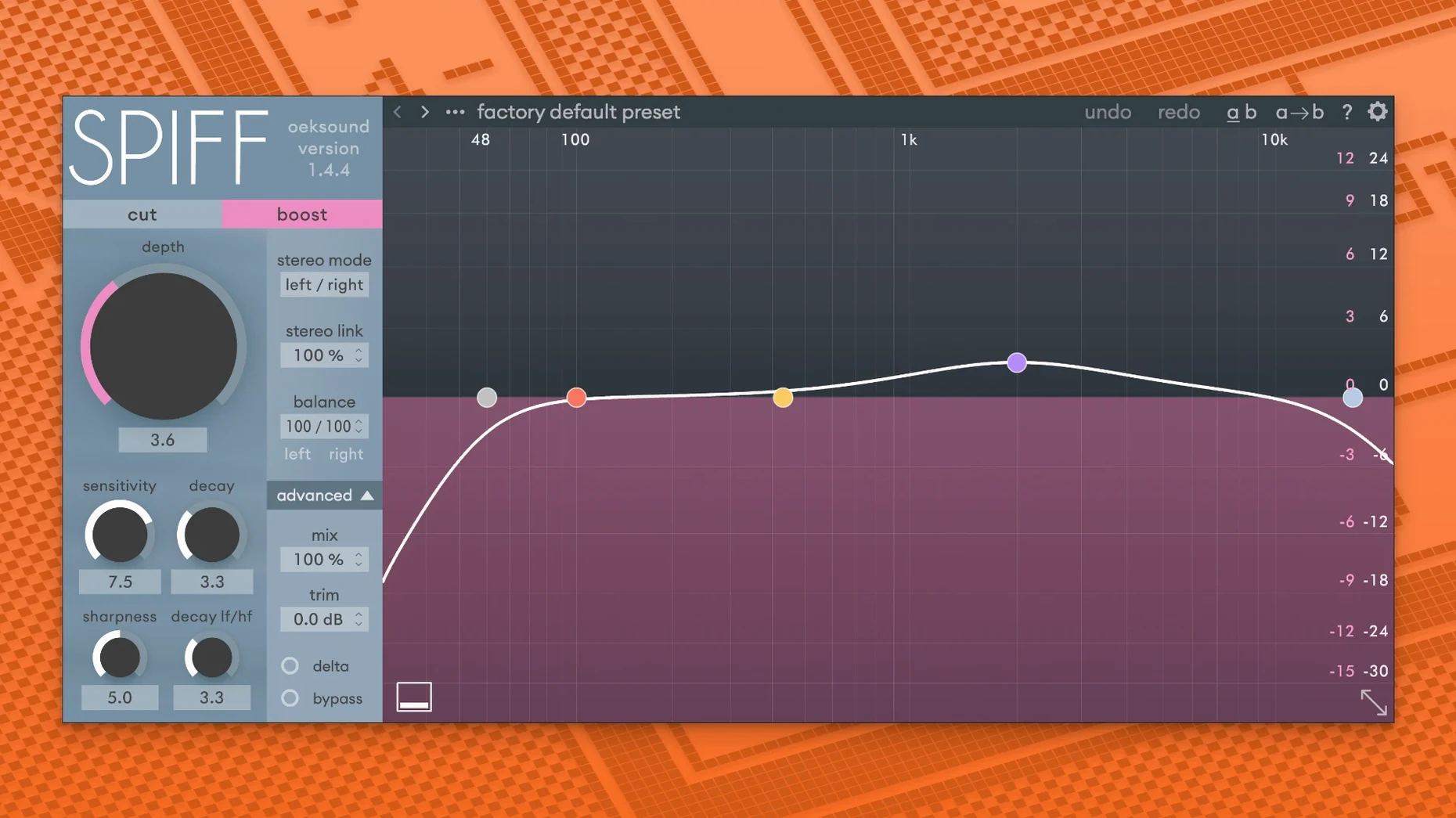
An overcompressed drum bus lands on your desk. The peaks are flattened, the snare has retreated into a soft blur. Raising the fader would just make the blur louder. A tool that can isolate the initial snap and pull it forward without shifting the overall level is what the job calls for.
Runs natively on Apple Silicon and Intel Macs
- AU, VST, VST3 and AAX plug-in formats are supplied.
- AAX requires Pro Tools 11 or later.
- Runs natively on Apple Silicon and Intel Macs.
- macOS 10.14 Mojave through macOS 26 Tahoe is supported.
How the processing works
Spiff analyses the incoming signal to detect transients using spectral analysis and dynamic processing. Rather than applying a fixed threshold, it adapts to the material, letting you increase or reduce the start of a sound with high precision. The result can push an element forward in a mix or tuck it back without altering its sustained loudness. That same behaviour makes it useful for restoring liveliness and detail in a recording that has been squeezed too hard by a compressor or limiter. On individual instruments, a small boost can add clarity and expression; a cut can soften a percussive attack that feels too poky. The current version is 1.4.4.
Shaping a picked acoustic guitar in a dense mix
Start with a strummy acoustic part that gets buried once the electric guitars and vocals come in. The sustain is there, but the pick attack dissolves. Insert Spiff on the acoustic track. Set the delta slider to full wet so you can hear exactly what the processor is removing or adding, then begin raising the transient knob while watching the display. A small increase — somewhere around +4 to +6 dB — will often pull the initial pick click forward far enough to cut through without sounding artificially bright.
Dial the decay control clockwise if the boosted transients ring a fraction too long; this tapers the effect so it lifts only the very front of the sound. Switch delta off briefly to check the mix context. If the body of the guitar now feels a touch lean, back the mix slider towards 70%. What you hear in the room should be a more articulate strum that still sits in its original space, not a disembodied click hovering above the speakers. A useful final step is to automate the mix amount between verse and chorus, letting the transient lift work harder in busier sections and recede where the arrangement thins out.
A voice editor’s afternoon
A dialogue editor working on a long-form documentary faces a common frustration: the presenter’s track is clean except for a handful of sharp mouth clicks that pepper the quieter interview sections. Drawing them out by hand across an hour of material would eat half the day. Spiff is placed on the dialogue bus with the mode set to emphasise reduction. The editor lowers the transient control until the display shows Spiff catching only the shortest, sharpest spikes — typically a setting between -8 and -12 dB. The decay stays fast so the processor clamps down and releases before the following vowel begins.
What the editor hears is a presenter track that retains its natural sibilance and breath but loses the tiny wet snaps that distract during headphone editing. The delta button gets tapped a few times just to confirm nothing useful is being shaved away. The reduction is light enough that the track still sounds unprocessed; it simply sounds like a better recording. For the one scene where the presenter laughs and a louder click slips through, a quick automation lane dip on the transient control handles the outlier without touching the rest of the timeline.
What people usually wonder before they install
Does Spiff split the signal into frequency bands like a multiband compressor? It does not. The processing works on the full spectrum at once, using spectral analysis to inform transient detection rather than separating the audio into crossover-defined strips. This avoids phase smearing at band boundaries and keeps the effect cohesive across lows and highs. A snare drum treated with Spiff retains its body and its snap as one event, not as two independently processed zones.
How resource-hungry is it in a real session? The adaptive analysis runs continuously, so it draws more CPU than a static transient shaper that simply applies a curve. On a current Apple Silicon machine, a dozen instances across a moderate mix session is generally comfortable. On older Intel hardware, users tend to print the effect on tracks that do not need real-time adjustment during the final mix. The 1.4.4 update addressed playback overloads in Logic that could occur when the graphical interface was opened for the first time, which has smoothed out behaviour on complex arrangements.
Can it salvage a mix that has already been heavily limited? Spiff can recover a sense of attack from material that has been flattened by a limiter or bus compressor, but it cannot restore information that was completely clipped away. If the original transients are still present but simply pushed down in level, the processor can lift them back into audibility. The result tends to sound like a reanimated version of the compressed mix rather than a true bypass of the limiting stage. A light touch with the transient control, paired with a fast decay setting, usually yields the most natural outcome. Searching for oeksound Spiff for Mac cracked will turn up copies that include the 1.4.4 fixes, so to get the smoothest performance check that automation lanes are assigned cleanly and that Logic's audio buffer is set to a stable size to avoid the playback spikes seen in earlier builds.