Aspecten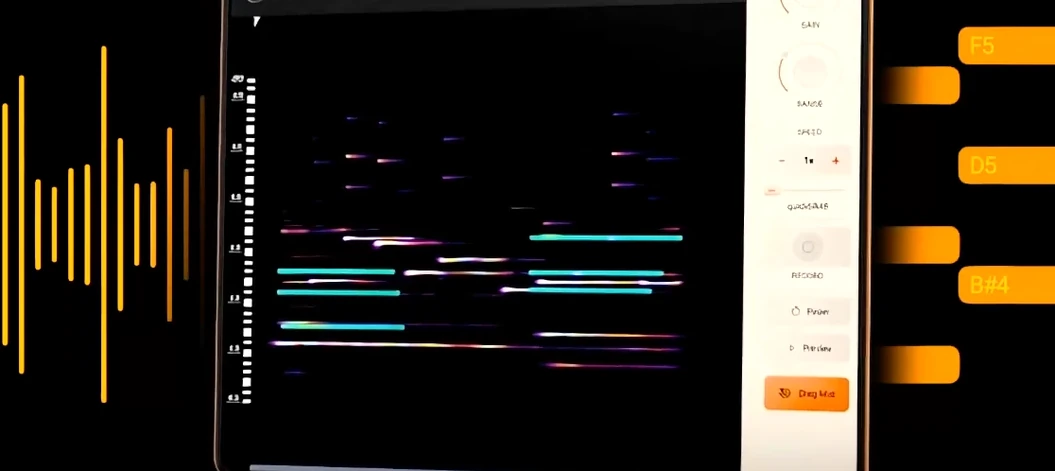
 Download (35 MB)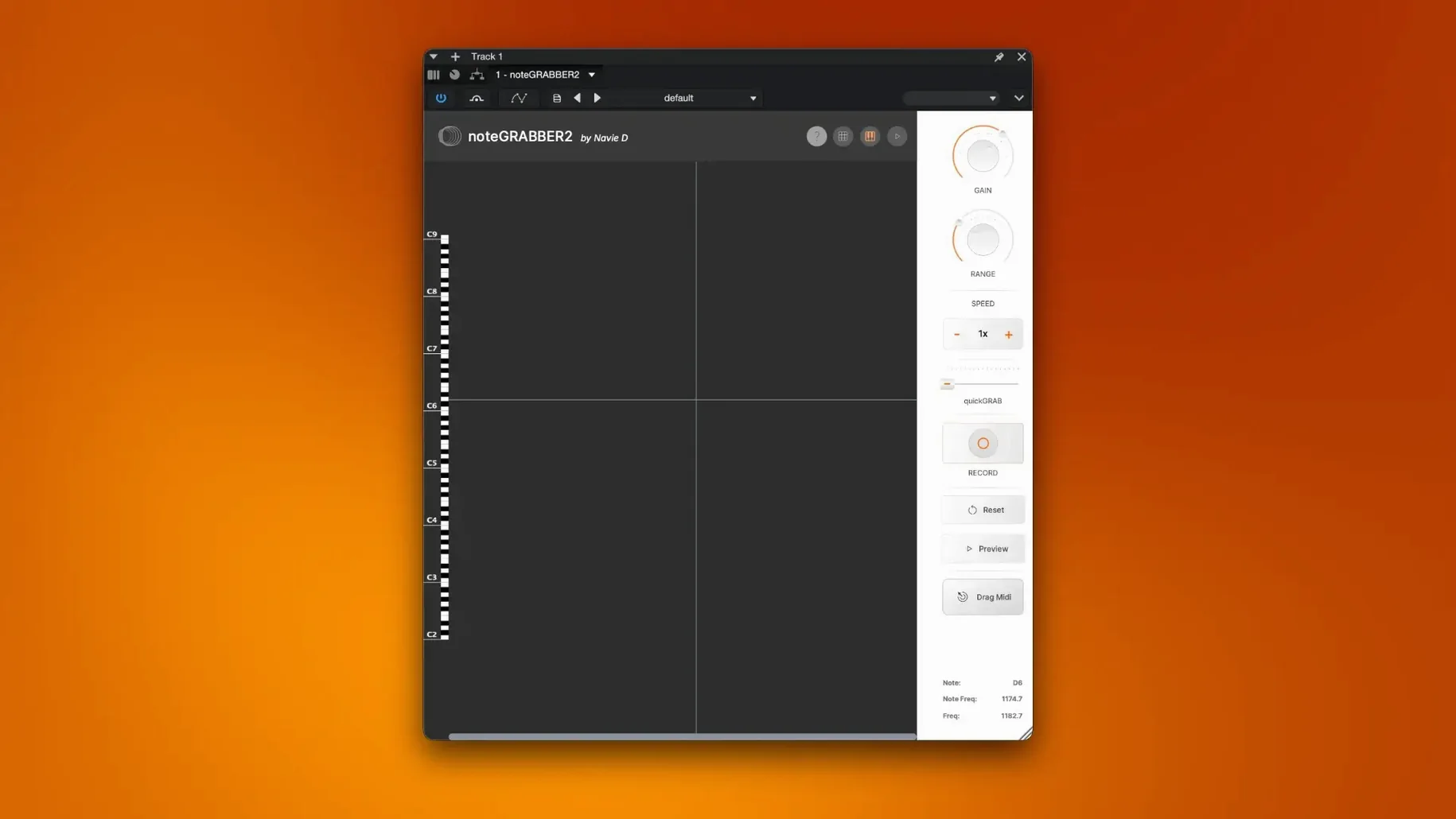
noteGRABBER 2.0.0 is an audio-to-MIDI plugin that analyses the notes inside a sample and converts them into MIDI data.
Extracting harmonic content
Load a sample and let the plugin identify its pitch material, giving you a MIDI part you can send to a synthesiser or sampler. This lets you layer a new instrument directly over the original audio without transcribing by ear.
Building new patterns
Once the notes are in MIDI form, the timing and velocity data remain intact. You can swap sounds, alter the rhythmic structure in your DAW, or use the extracted groove as a template for fresh drum and melodic patterns.
Developing a sketch
When a loop suggests a chord progression or a fragment of melody, noteGRABBER captures it as editable MIDI. The conversion is direct, making it a practical step between a rough audio idea and a fully arranged section.
Dragging a full mix in and expecting MIDI
Dragging a full mix into the plugin and expecting a clean MIDI transcription tops the list. noteGRABBER works best with monophonic or sparsely layered audio — a vocal line, a bass riff, a horn stab. Throw a dense arrangement at it and the pitch detection gets confused, producing a jumble of ghost notes that bears little resemblance to the original. You spend more time deleting stray MIDI events than you saved by skipping manual transcription.
Another common slip is ignoring the incoming audio level. A signal that is too quiet yields incomplete detection; one that clips the input pushes the analyser into erratic territory. Set the gain so the loudest part of the sample peaks around -6 dB before you hit analyse. The same applies to dead air at the start of a clip — trim silence first, or the plugin may interpret room tone as pitch material.
Beginners also overlook that noteGRABBER captures what it hears, not what you intended. If a vocalist slides into a note, the plugin traces the slide as a series of micro-pitches. The MIDI output becomes a chromatic smear rather than a clean phrase. In those cases, quantise the result to a scale in your DAW or manually thin the data to the notes that matter.
Finally, treating the output as a finished part rather than a starting point leads to flat results. The plugin gives you timing and pitch; humanising the velocity curve, shifting a few notes off the grid, and choosing a sound that fits the original context are all steps that belong to you.
Native ARM support arrives and trims load times
Earlier builds ran exclusively under Rosetta on Apple Silicon machines. With 2.0.0, native ARM support arrived. The practical effect is a tighter load time when you insert the plugin and lower CPU draw during sustained analysis passes — noticeable when working through a folder of fifty one-shots in a single session.
Pitch tracking at very low frequencies was tightened up. 808 kicks and sub-bass notes that previously returned octave-jumped MIDI or no detection at all now resolve with better accuracy. The improvement is not absolute — a distorted, decaying 808 tail can still trip the analyser — but the hit rate is higher than in the previous release.
Latency compensation also received attention. In earlier versions, placing noteGRABBER on a track with heavy plug-in chains could push the MIDI output a few milliseconds late against the original audio. Version 2.0.0 reports its processing delay more reliably to the host, so the generated MIDI lands where your ears expect it, even inside a busy project.
A workflow: flipping a sampled melody into a new instrument
Assume you have pulled a four-bar saxophone loop from a record. You like the phrasing but want to replace the sax with a warm electric piano patch and tweak the rhythm.
Start by trimming the sample to exactly four bars in your DAW. Normalise the clip so the loudest transient hits -6 dB. Insert noteGRABBER on the track and route its MIDI output to a fresh instrument track loaded with your electric piano sound. Arm the destination track for recording.
Open the plugin and let it analyse the loop — on a four-bar phrase the process takes a few seconds. The analysis panel fills with detected pitches and velocities. Trigger playback. The piano plays along with the sax, following the original line. Mute the sax track to check the MIDI in isolation.
Now open the piano roll. The MIDI will likely contain more notes than you need — passing tones, bends caught as separate pitches, faint harmonics misread as fundamentals. Delete the clutter. Shorten overly long notes that sustain through rests. Nudge a few off-beat hits to tighten the groove against your drums.
With the cleaned MIDI, experiment. Drop the piano part an octave. Shift every third note back by a sixteenth. Add a two-note chord where the sax originally played a single pitch. The sax loop stays in the arrangement as a ghost — low in the mix, high-passed — while the piano carries the reimagined melody forward.
Feeding it your own sample library to learn what reads reliably
Spend an hour running your own sample library through the plugin, not to build a track, but to learn what it reads reliably. Feed it a clean sine bass, a dusty Rhodes stab, a vocal ad-lib, a filtered drum break. Note which ones return usable MIDI on the first pass and which need pre-processing. This audit saves frustration later, when you are deep in a session and the clock is ticking.
Create a dedicated DAW template. Set up one audio track with noteGRABBER inserted and its MIDI routed to three instrument tracks — a piano, a synth pad, and a percussion rack. Colour-code them. With the routing pre-wired, dragging any sample onto the audio track becomes an instant layering tool. You hear the extracted MIDI across three timbres simultaneously, which often sparks an idea faster than auditioning sounds one by one.
Resist the urge to analyse an entire sample pack in one sitting. The plugin does its work quickly, but ear fatigue sets in and you start accepting mediocre results. Process ten samples, then stop and make music with what you captured. The goal is to build a habit of conversion followed by creative use, not to amass a folder of raw MIDI files.
If you are searching for the plugin online, you may come across terms like note grabber plugin crack or notegrabber crack. Some searches for notegrabber 2 crack or notegrabber torrent point to altered builds that may need manual configuration of latency settings and ARM-native code paths to match the current release. A notegrabber free download from an unverified source could be an older version where you might want to verify the sub-bass accuracy improvements are active. The 2.0.0 package distributed directly includes the detection refinements described above, so what you install shapes what the plugin can actually do in a session.