Aspecten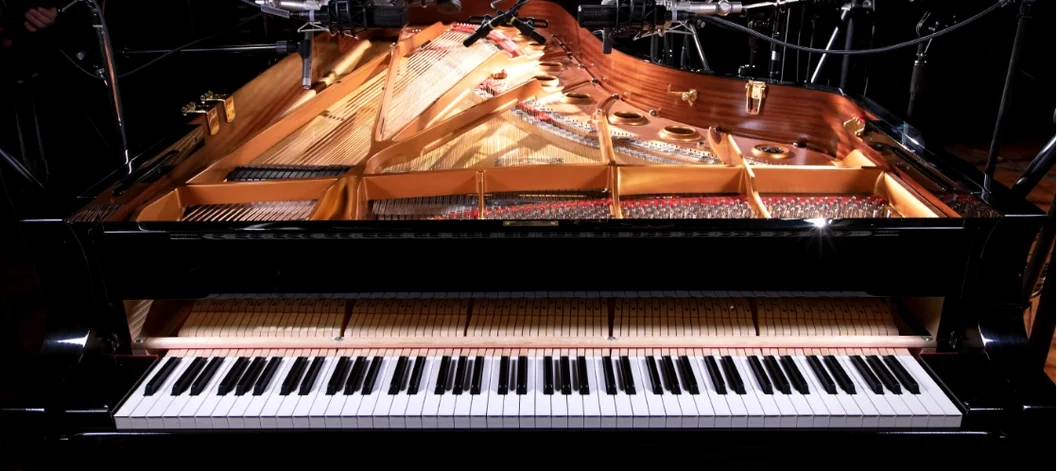
 Download (14.7 GB)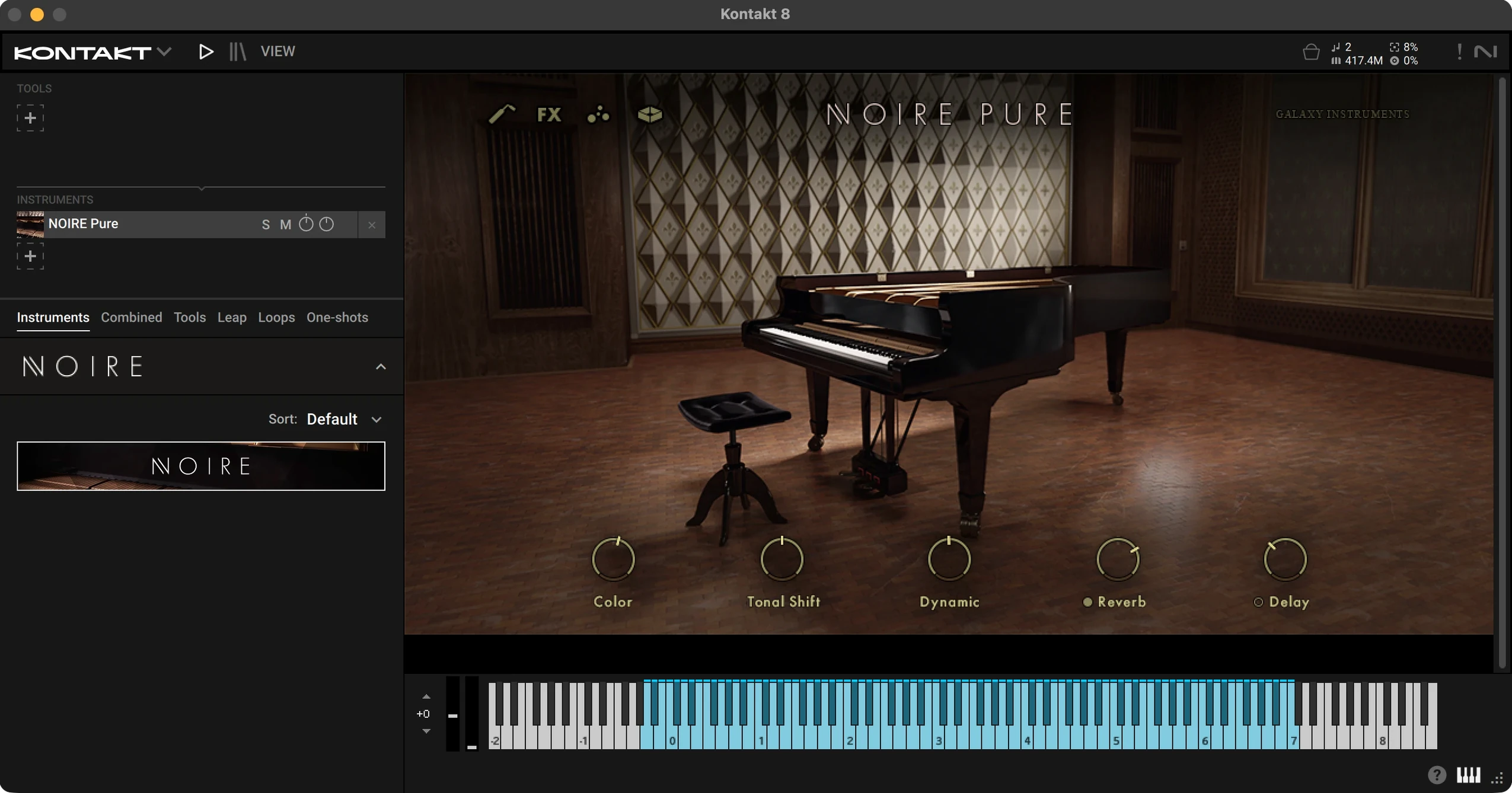
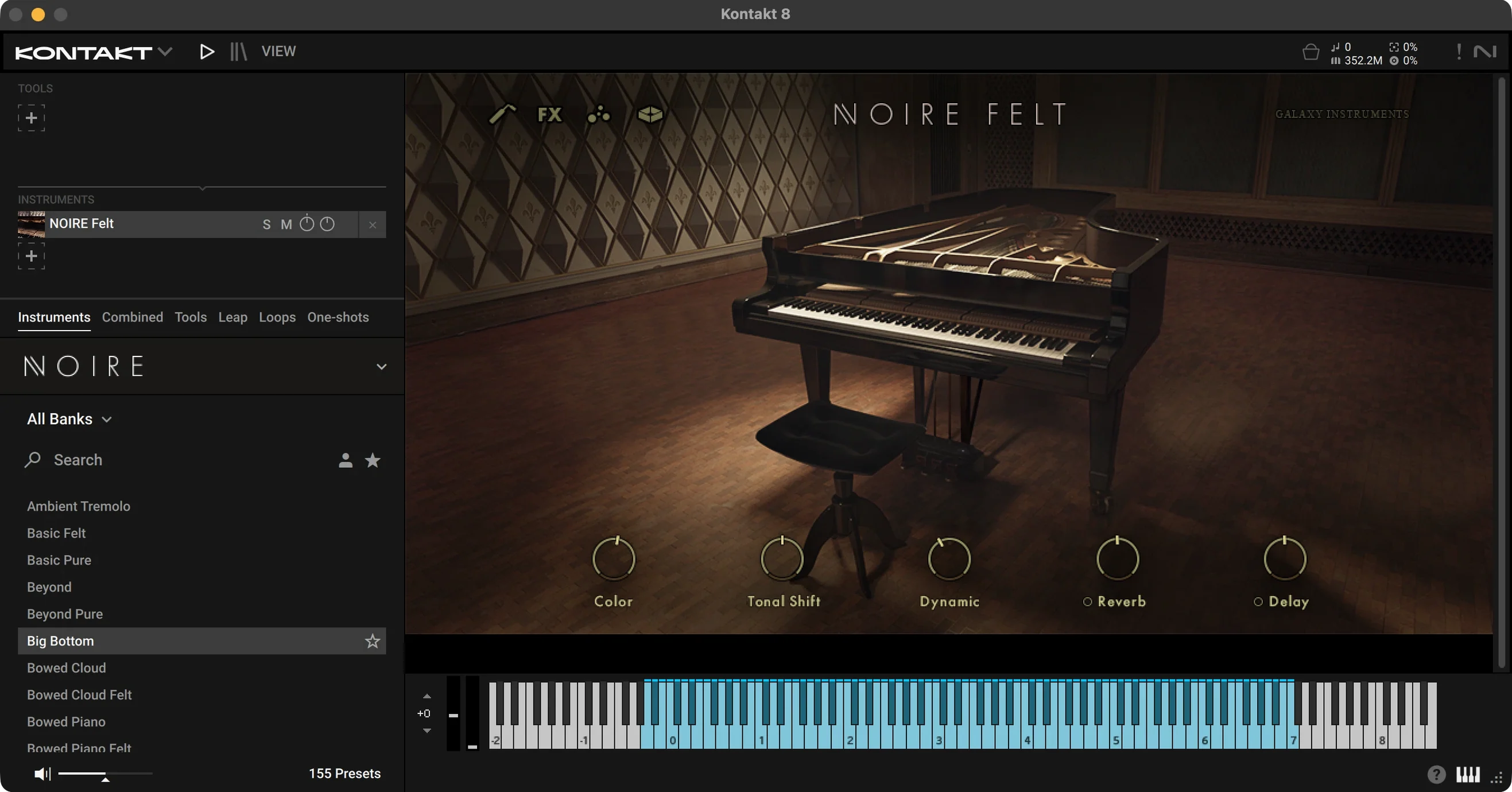
Two NKI patches sit inside a 16 GB library. One captures a 9-foot concert grand with a clean, open tone. The other records the same instrument with a felt strip between hammers and strings, softening the attack into something muted and close. The difference amounts to more than volume; it changes the role the piano occupies in a mix.
Felt version tucks behind vocals without external EQ
- Placing a grand in a dense arrangement without carving out space with external EQ. The felted version naturally tucks behind vocals or synths.
- Adding movement under sustained chords. The particle engine generates sympathetic resonance, overtones and sub-bass that swell as the notes ring out, controlled by a dedicated knob.
- Shifting from a clean pop tone to a prepared, cinematic texture. 100 snapshots cover typical starting points—warm jazz, brittle felt, washed-out ambient washes—each adjustable with the onboard compressor, delay and reverb.
Tonal shift stays inside a grand piano envelope
- KONTAKT 6.2.2 or later is required. Noire does not run standalone.
- The tonal shift control pushes the sound towards a prepared-piano character, but the result stays within a recognisable grand piano envelope. It does not replace a dedicated prepared piano library.
- Felt and particle layers add low-frequency information. A mix dense in bass instruments may need a high-pass filter on the output, which the instrument does not include.
Audition Pure and Felt NKIs with the same phrase
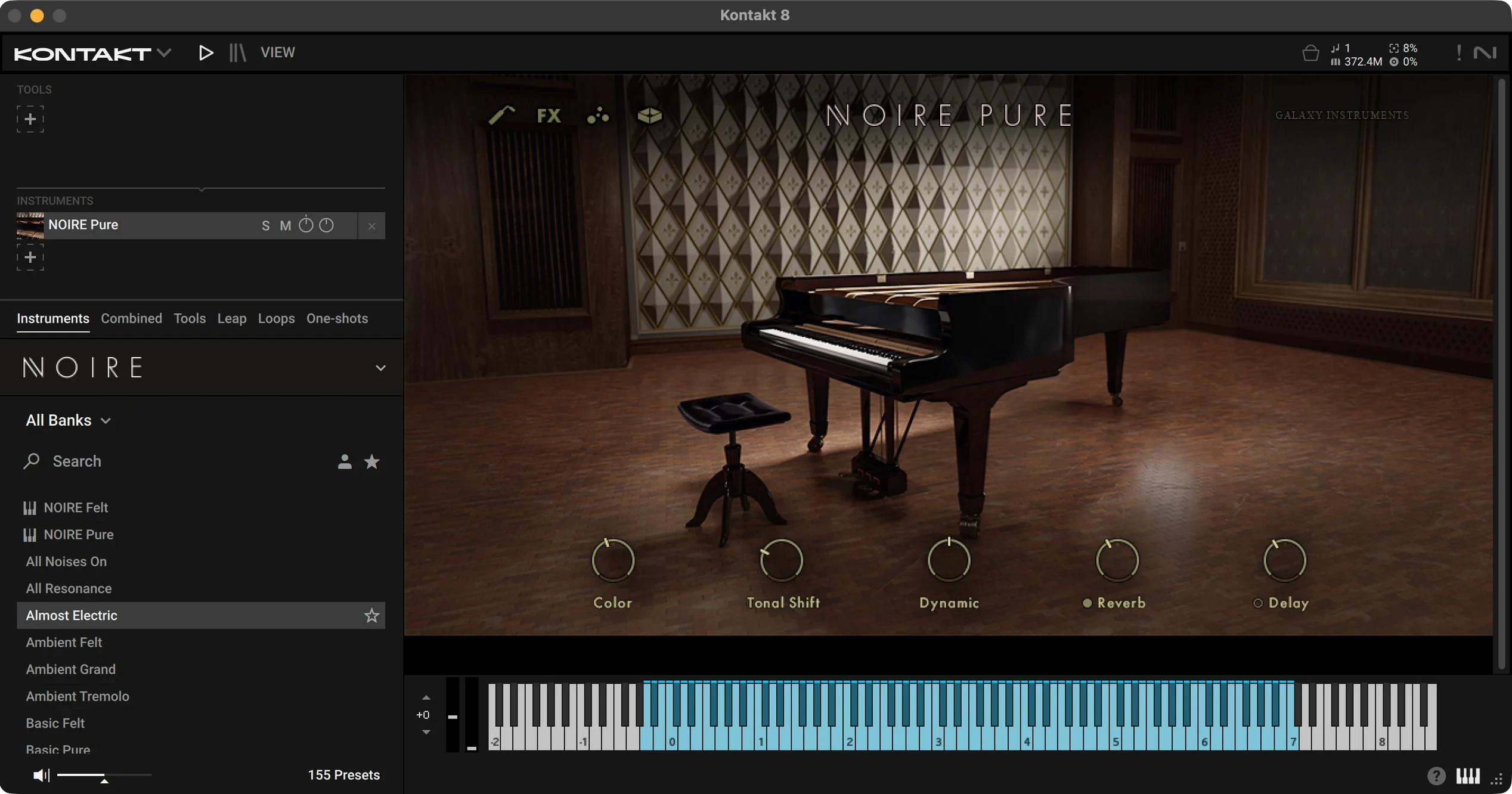
A 16 GB download asks for patience, but the first thing worth doing once it sits on disk is auditioning the Pure and Felt NKIs side by side. Load each into a fresh KONTAKT instance and play the same phrase—something with a wide dynamic range. The Pure patch gives you the hall sound of Saal 3 almost untouched: the top octaves ring clear and the low register carries weight without boom. Switch to Felt and the stereo image narrows. The attack softens, the fundamental of each note pushes forward and the sustain takes on a fibrous, slightly breathy texture. Spending fifteen minutes here teaches more about what the library offers than scrolling through snapshots.
After that, open the particle engine on a held chord. Bring the intensity up slowly while watching the on-screen display. The engine adds harmonics that pulse in time with a subtle internal rhythm, not random noise. Dialling it back to roughly 30 percent and pairing it with the convolution reverb—set to one of the shorter room impulses—can turn a static pad into something that breathes without calling attention to itself. Save that as your first user snapshot.
Fitting Noire into a setup
Noire integrates with KOMPLETE KONTROL keyboards out of the box: the light guide shows the playable range, the on-screen controls map to the hardware knobs and the snapshot browser becomes navigable from the keyboard. That matters most when you want to stay away from the mouse during a writing session. Even without a KK keyboard, the library loads in the free Kontakt Player and appears in the Libraries tab alongside other KOMPLETE instruments, so it slots into the standard Native Instruments ecosystem without extra configuration.
Outside the NI world, Noire works like any KONTAKT instrument inside a DAW. One practical workflow sends MIDI from a notation program such as Dorico or Sibelius into a track hosting the Felt NKI—useful for checking how a printed score translates into a softened, intimate tone. The same track can then feed into a bus with a third-party tape emulation or room simulator. Because the felted samples already reduce the high-frequency transients at the source, the tape plug-in can run subtler than it would on a brighter piano, avoiding the muffled result that sometimes plagues that combination.
macOS integration points are modest but functional. The library folder sits in a standard location under /Users/Shared by default during installation. Audio and MIDI routing through the system follows Core Audio conventions, so aggregate devices and multi-output configurations work without special steps. A handful of users run into permission prompts the first time KONTAKT tries to write snapshot data to the user library; granting full disk access to the DAW or to KONTAKT itself in System Settings resolves that.
Sub-bass layer overwhelms full-range speakers
A recurring stumbling block is the particle engine's low-frequency content. On smaller monitors or headphones with a gentle bass roll-off, the sub-bass layer sounds controlled. Move the mix to full-range speakers and it can dominate. The simplest fix is to reduce the particle intensity before reaching for EQ on the channel strip. If the sub still feels heavy, a gentle shelf cut around 80 Hz on the output bus cleans things up without thinning the piano body.
Another point of confusion is the tonal shift control. It moves the sound toward a prepared, slightly percussive character, but it also alters the overtone balance in ways that interact with the velocity curve setting. A hard velocity curve plus a high tonal shift value produces a brittle, almost clavinet-like attack that some mistake for a broken sample. Softening the velocity curve or pulling tonal shift back to the middle resolves it. The two controls are designed to work together, and the snapshots set them in sensible pairs—starting from a snapshot before adjusting individually avoids most mismatches.
Users coming from standalone piano applications occasionally expect Noire to run outside a host. It does not; KONTAKT or Kontakt Player must be open. In a DAW, that is automatic. For practice sessions or quick auditions, loading the library in the free Kontakt Player and routing a keyboard directly works fine once the audio output is configured in the Player's preferences.