Aspecten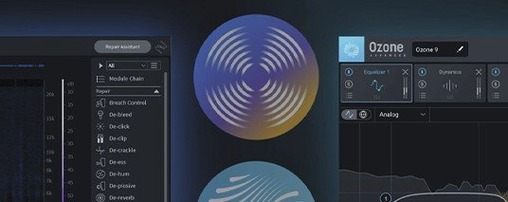
 Download (3.6 GB)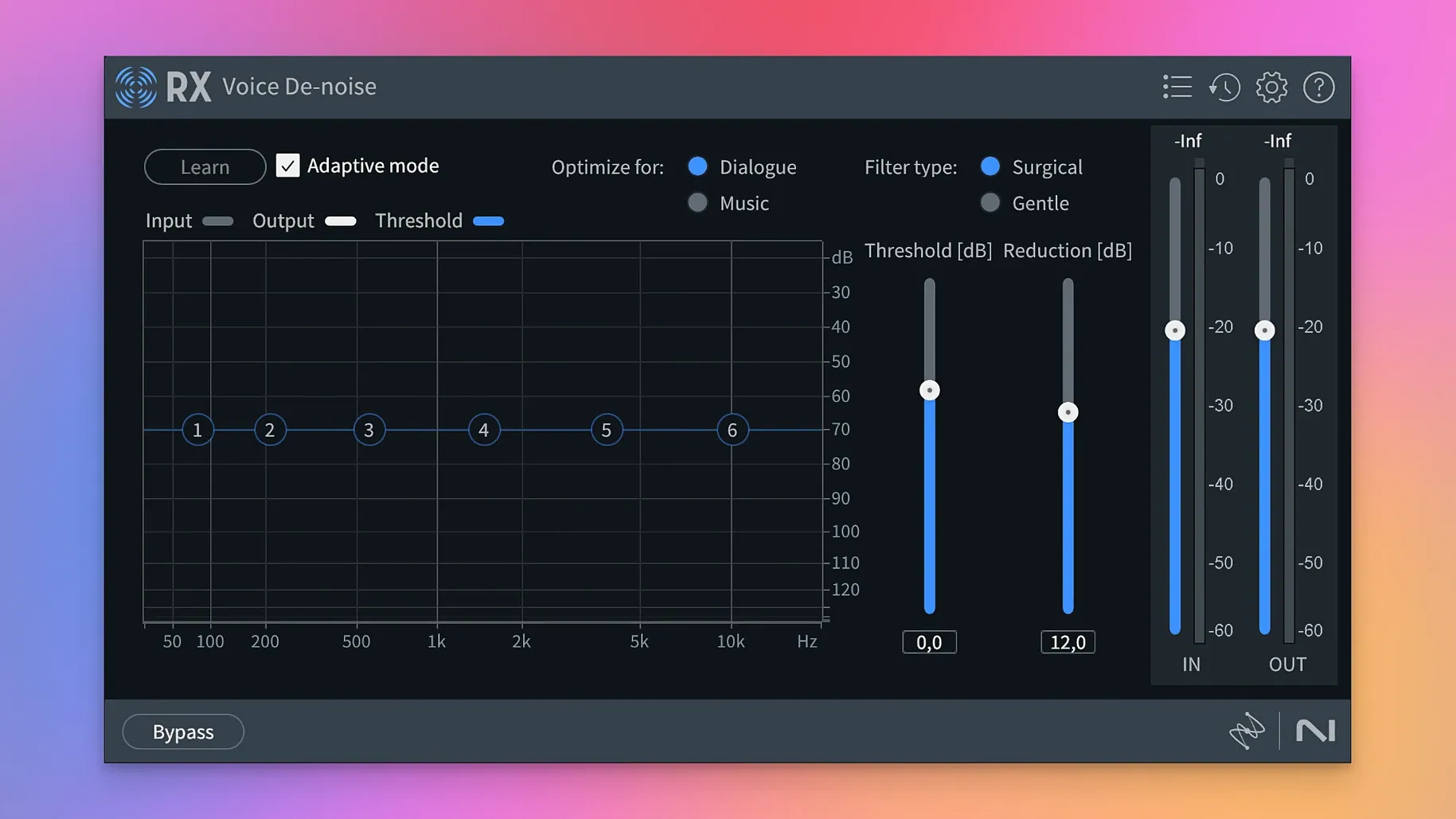
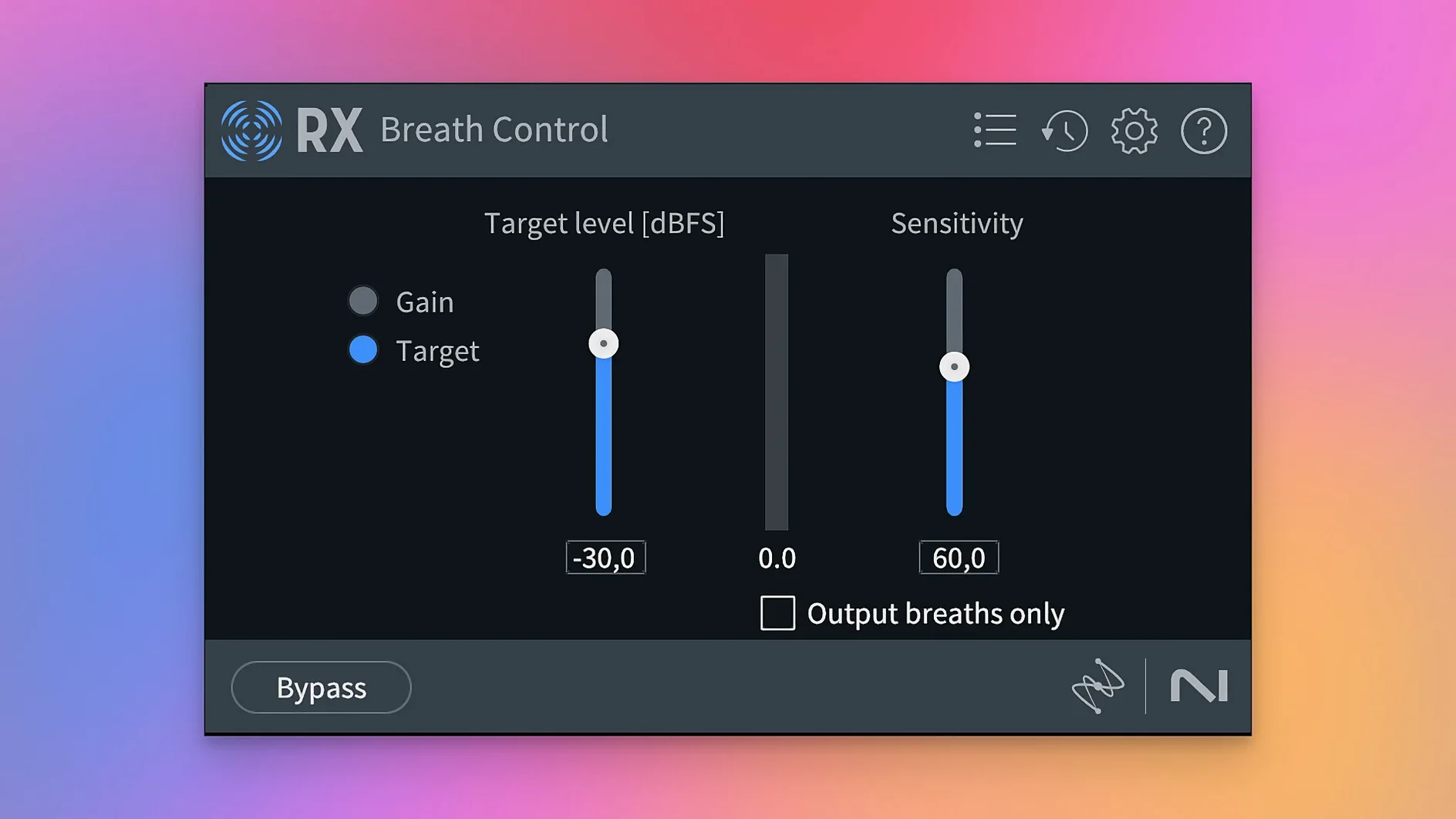
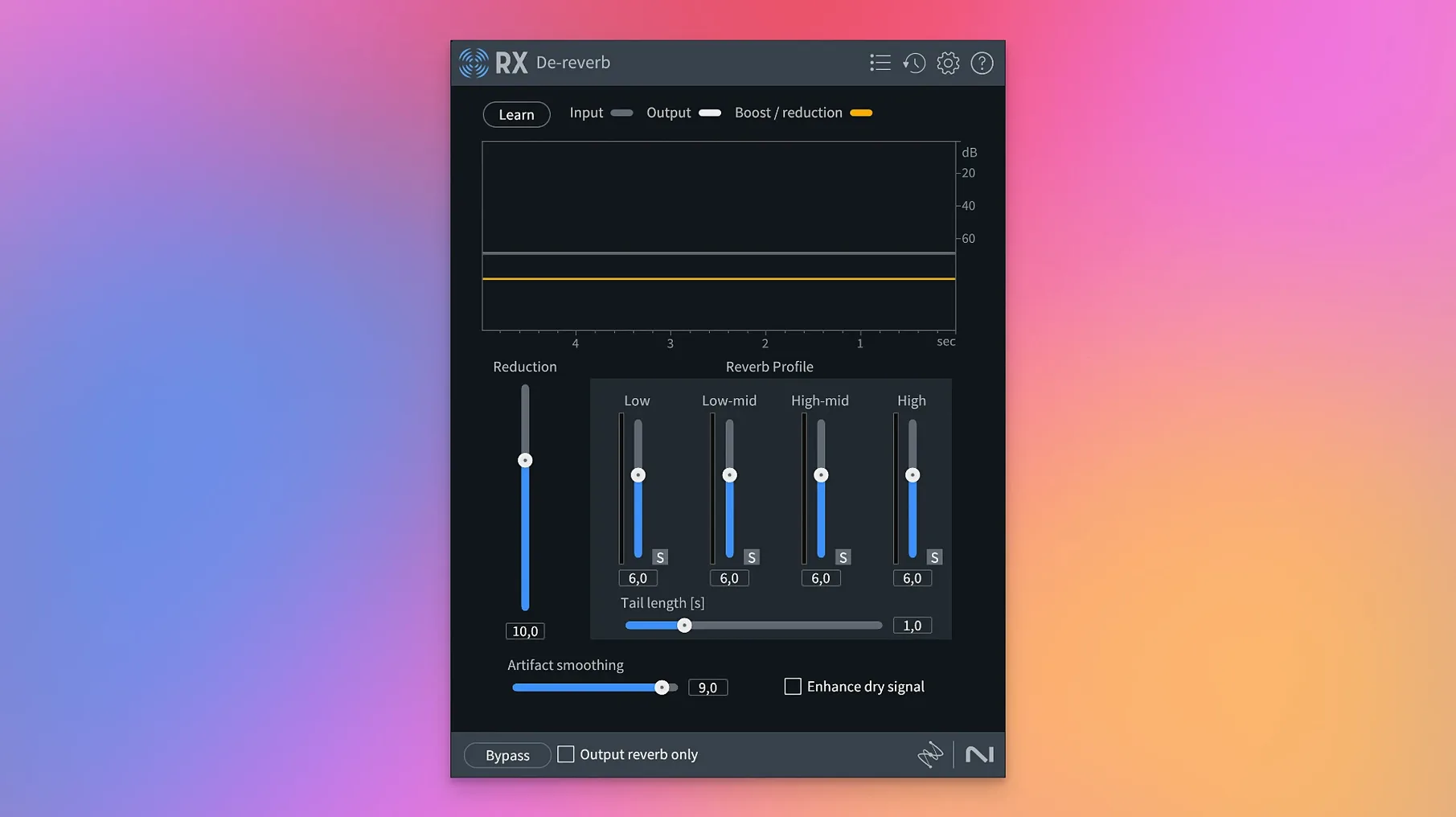
Spectral Editor's sonogram display is where a lot of the precise work lives. You can literally draw out unwanted noise between the harmonics of a voice. That sort of granular control is what separates a quick cleanup pass from a properly restored recording.
Isolating speech without the usual artefacts
- Isolating speech from a complex background using Dialogue Isolate, which analyses the signal and lets you separate the voice without the artefacts you get from simpler gating.
- Rebalancing a finished stereo mix via Music Rebalance, where you can independently adjust the level of vocals, bass, percussion and other instruments.
- Working with the individual elements of a mix in Stems View, applying spectral repair to just the drums or just the vocal stem without rendering and re-importing.
- Quickly stripping silence from long recordings with the Trim Silence module, which is a real time-saver for podcast editors and dialogue editors preparing files for a mix.
Separation quality still hinges on mix density
- Scene Rebalance is a capable tool for separating dialogue, music and effects, but the quality of the separation still depends heavily on the density of the original mix.
- The machine-learning modules work best when you give them a short sample of the noise or the element you want to isolate; they are not always a one-click fix on unpredictable material.
First days with RX 12
After the installer finishes and the plugins are validated in your DAW, the sensible first move is not opening a damaged file from five years ago. Load a short, clean recording instead — something dry, a voice or an instrument recorded in a quiet room — and run the Repair Assistant on it. Watch which processing chains it suggests and which it skips. That tells you a lot about the assistant's baseline assumptions before you feed it genuinely troubled material. Spend twenty minutes doing this with three different types of audio: spoken word, a field recording, a music track. You will start to develop an intuition for when the assistant's suggestions are useful and when you are better off building your own module stack.
Plugin order inside the RX application follows a different logic than a DAW insert chain. The application processes modules top-to-bottom, and a sensible default for dialogue work is broad repairs first — De-hum, De-noise — then transient work like De-click, and spectral editing last. You can save module chains as presets, and doing so early for your recurring tasks saves real time by day three. For anyone using an iZotope RX Mac crack to evaluate the suite, getting the module order right before judging the results is essential; a De-click placed before a De-noise will behave differently than the reverse arrangement.
One habit worth forming immediately: set the default file format for exports in the application preferences to 32-bit float WAV. Destructive edits in the standalone application are non-reversible once the file is saved and closed, and a 32-bit float safety net preserves headroom above 0 dBFS that you might need later. The undo history is deep, but it does not survive a session close.
Piling on modules before listening to each fix
Applying too many modules at once, before listening to what each one actually fixes, is the most frequent misstep. A recording with mild broadband noise, a faint 50 Hz hum, and a few mouth clicks does not need all three modules running simultaneously from the start. Solo the De-hum first, find the right fundamental frequency, render or bypass it, then move on. Stacking processors while monitoring the cumulative output makes it nearly impossible to tell which module introduced the thin, phasey quality you suddenly dislike.
Another pattern shows up with Dialogue Isolate. Newcomers often push the separation fader to the maximum, assuming that more isolation equals a cleaner result. In practice, settings above roughly +6 dB on the dialogue gain and -6 dB on the noise reduction tend to produce the hollow, underwater artefact that gives machine-learning separation a bad name. The sweet spot is narrower than the fader range suggests. A similar restraint applies to De-reverb: treating a church recording with a three-second tail by trying to remove all of it usually yields a voice that sounds like it was recorded in a wardrobe. Pulling the tail down by half often preserves the natural room cue while restoring intelligibility.
Beginners also treat the Spectrogram display as a passive viewer rather than an editing surface. The Selection, Lasso and Brush tools are the core of Spectral Editor, and hesitating to draw directly on the display slows progress considerably. A short horizontal stripe at 4 kHz that appears only during a particular syllable — that is a candidate for attenuation with the Brush tool set to a narrow frequency range, not a reason to run another global De-noise pass. When people search for an izotope rx 11 standard download, they are often chasing the spectral editing capabilities specifically, and those capabilities reward getting comfortable with the tool palette early.
Over-reliance on the Repair Assistant for every task is understandable but limiting. The assistant makes sensible suggestions on typical dialogue and music material, yet it has no awareness of context — it does not know that a quiet breath at the end of a sentence is intentional and should not be stripped by Breath Control. Learning to override the assistant's suggestions, and eventually bypassing it for manual module selection, separates a functional cleanup from a transparent one.
Rescuing a kitchen interview from hum, squeaks, and plosives
A dialogue editor opens the standalone RX application and drops in a twenty-minute interview WAV recorded in a kitchen. The first listen reveals a refrigerator hum around 120 Hz, occasional chair squeaks, and the interviewee's plosives hitting the microphone. The editor selects a half-second of room tone between two sentences, opens De-hum, and hits Learn. The module identifies a 120 Hz fundamental with harmonics at 240 Hz and 360 Hz. The editor sets the filter to notch only the fundamental and the first two harmonics, leaving higher frequencies untouched, and previews. The hum vanishes without dulling the voice.
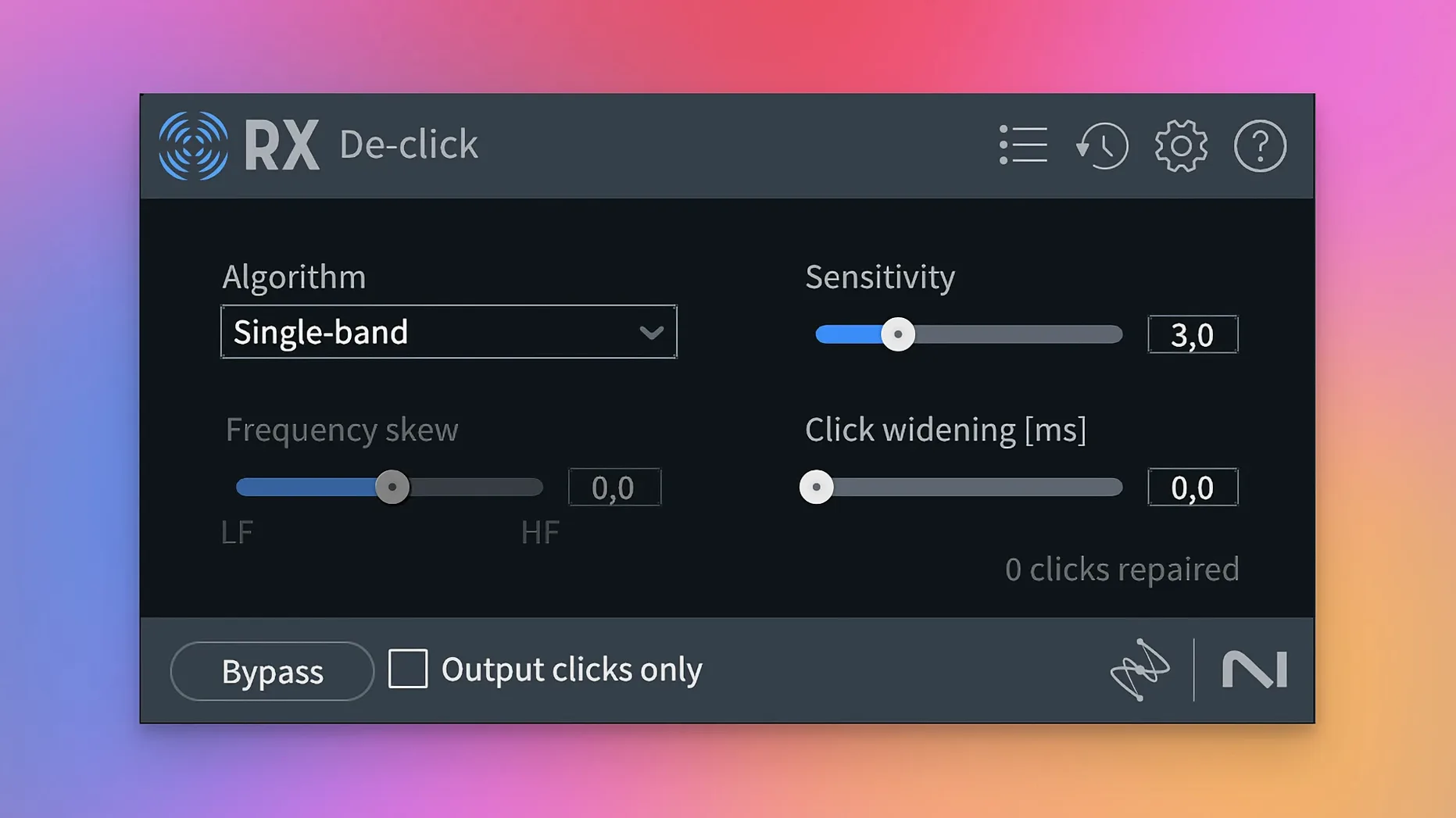
Next, the editor highlights the entire file and opens De-click. The default algorithm set to Single-band mode catches the chair squeaks and a few lip smacks. A quick audition of the Output clicks only mode confirms the module is catching the right transients and not the consonants. Satisfied, the editor applies the processing to the whole file with Render.
The plosives need more targeted treatment. The editor zooms the Spectrogram to show a three-second window around a popped 'p' and spots the characteristic low-frequency energy bloom below 80 Hz. Using the Brush tool with a gain reduction of 12 dB and a frequency range restricted to 20–80 Hz, the editor paints over the bloom. The plosive softens without any change to the vowel that follows. Two more plosives get the same treatment.
The interview has a section where the interviewee leans away from the microphone and the level drops. Rather than apply a compressor, the editor uses the Gain module with an automation envelope, drawing a gentle 4 dB boost across the quiet section and matching the surrounding waveform visually. The result is a consistent level without altering the dynamics of the rest of the file.
Finally, Trim Silence strips the long pauses between answers, set to a threshold of -45 dB with a 0.3-second minimum silence duration and a 0.2-second pad before and after each remaining region. The editor exports a 32-bit float WAV and imports it into the DAW for the final mix. The whole session takes under fifteen minutes.
A podcast producer's morning
A podcast producer runs a weekly show recorded remotely; co-hosts send in their local recordings from untreated home offices. One co-host's track arrives with a persistent whine from a computer fan, audible between 800 Hz and 1.2 kHz, and a second co-host's track has the hollow acoustics of a sparsely furnished room. The deadline is the same afternoon.
The producer loads the first track into RX. A short selection of silence lets the Spectral De-noise module learn the fan noise profile. The producer sets the reduction curve to focus on the 800–1.2 kHz band and leaves everything below and above it flat, preserving the low-end warmth and the air frequencies. The noise prints cleanly, and the voice remains natural.
For the second track, De-reverb with a manually estimated tail length of 0.7 seconds and a ratio of 50% reduces the room reflections without strangling the voice. The producer then runs Breath Control in its rebuilt form, set to attenuate rather than remove breaths, leaving a natural intake rhythm while softening the sharpest gasps. A final pass with the Leveler module smooths the overall loudness to -16 LUFS, matching the loudness standard the show targets. Both tracks are exported and dropped into the episode timeline. The producer also keeps an izotope rx 11 download free bookmark for the co-host who periodically asks how to clean up their own raw recordings before sending them in.
Native Apple Silicon support right in the installer
Will it run on an Apple Silicon Mac without Rosetta? Yes. Version 12.0.0 includes native ARM binaries for Apple silicon Macs alongside x86_64 support. The installer places both architectures, and the DAW loads the appropriate one automatically. The standalone application also runs natively. Users on Intel Macs with macOS 14.7 Sonoma or later are equally supported.
Can I use the plugins inside my existing DAW, or am I locked into the standalone application? The full suite installs as AU, AAX, AAX Audiosuite, VST3, AU ARA, and VST3 ARA formats. You can open any module inside Logic Pro, Pro Tools, Ableton Live, Reaper, or any other compatible host. The standalone application is there when you prefer a dedicated editing environment, particularly for spectral editing work that benefits from the full-screen Spectrogram display.
What is the actual difference between using RX as a plug-in and using the standalone application? The standalone application allows destructive editing directly on the audio file and gives you the Spectrogram display at full resolution with the complete tool palette — Selection, Lasso, Brush, Magic Wand, and the gain and frequency painting tools. The plug-in versions process audio non-destructively in real time, which is better for ongoing mixing decisions but does not offer the same spectral editing granularity unless you are using the ARA versions, which integrate spectral editing into compatible DAWs like Logic Pro.
Does Dialogue Isolate work on any language? The machine-learning model behind Dialogue Isolate was trained primarily on English-language speech, but the spectral separation logic is language-agnostic in practice. It isolates the human voice from background sounds based on the characteristics of vocal formants and harmonic structure rather than language-specific phonemes. Results on tonal languages or heavily accented speech are comparable to English, though dense backgrounds with competing voices remain a challenge regardless of language.
I found an izotope rx 7 download free online — what am I missing compared to version 12? The jump from RX 7 to RX 12 spans several generations of the core machine-learning models. The Repair Assistant is significantly more refined in its analysis suggestions. Scene Rebalance, Stems View, and the rebuilt De-bleed and Breath Control modules exist only in version 12. The spectral editing interface has also been streamlined, and ARA support in version 12 integrates spectral editing directly into compatible DAW workflows without round-tripping audio.