Aspecten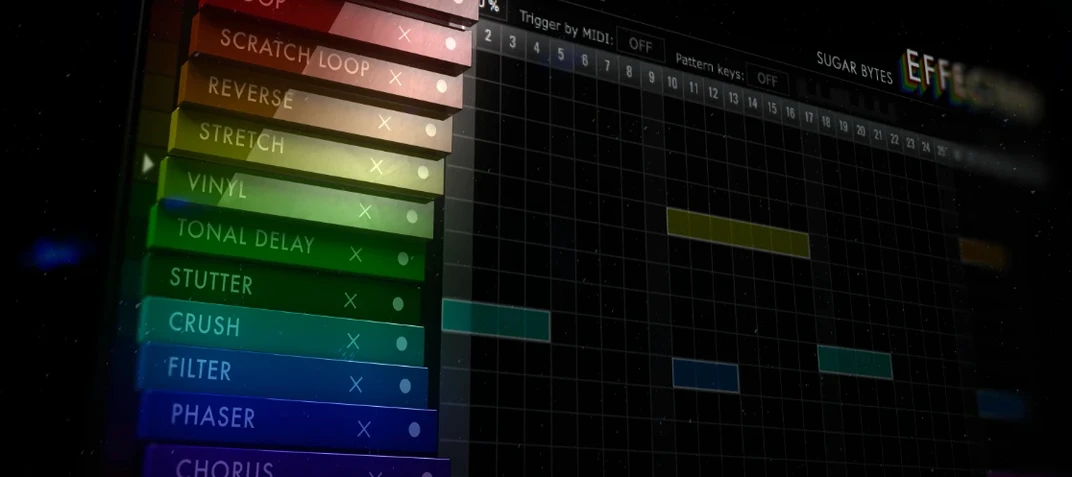
 Download (20 MB)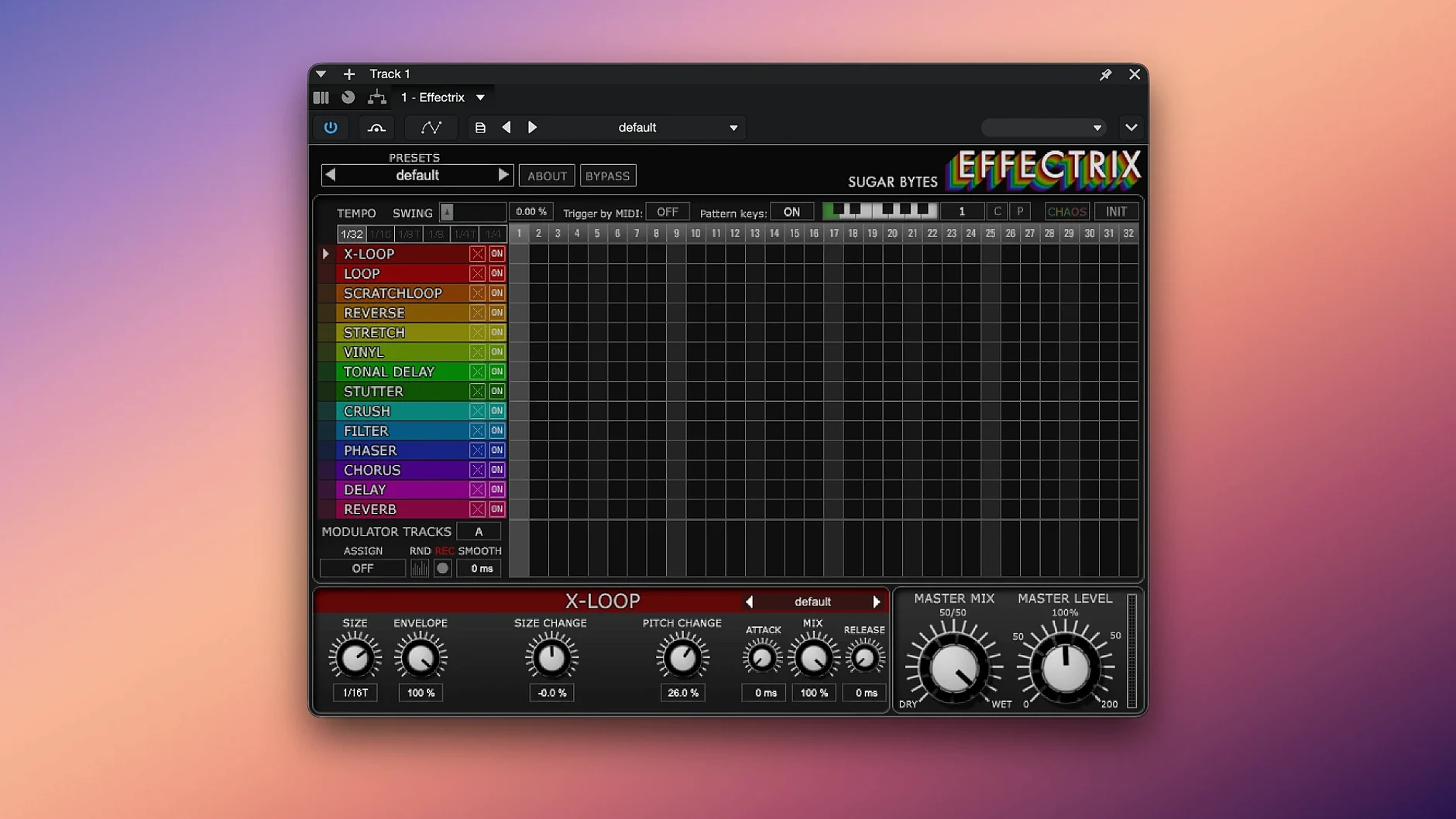
Anyone comfortable with a step sequencer will grasp the surface of Effectrix immediately. Sixteen steps, tempo-synced, each capable of triggering one of fourteen effects. That surface is the gateway into something more malleable. The deeper tools are what keep an experienced user returning, long after the novelty of gated patterns wears off.
Cycle length and modulation logic
The step grid is not fixed at sixteen beats. The cycle length can be shortened or extended per preset, which shifts patterns away from predictable four-bar loops. More consequential are the two modulation tracks that run independently of the effect steps. Each track can target any effect parameter and draw its own curve across the sequence, so a lo-fi crush might drift in and out of focus while the main rhythm stays locked. It is a small modulation system, but it opens a gap between what the grid plays and what the ear perceives.
Effect parameters and preset management
Each of the fourteen effects carries its own parameter set. The vinyl sim has wear and dust controls; the x-loop offers pitch and reverse behaviour. When a step triggers an effect, it calls up the state saved with that block. Because Effectrix supports copy and paste across steps, building variations is quick. Hundreds of global presets are included, each storing a full configuration of steps, modulation and cycle length. For a plug-in that presents itself as a simple row of buttons, the stored snapshot flexibility is considerable.
Pattern thinkers on the drum grid
Effectrix rewards producers who think in patterns rather than static processing chains. Beatmakers working in hip-hop, trap or broken-beat styles tend to settle into it quickly, because the step grid mirrors the drum programming they already do. The difference is that Effectrix applies that grid logic to pitch, time and texture, not just hits.
Sound designers get a different kind of value. The two modulation tracks allow slow, semi-random movement that would take several automation lanes to recreate in a DAW. Setting a modulation curve against a loop and then shifting the cycle length by one or two steps produces material that feels less like a preset and more like a found object. Live performers also find a practical tool here: twelve patterns can be recalled from a MIDI keyboard, which makes switching between stutter phrases and filtering sweeps a matter of a single key press.
Mixing engineers who only need a clean delay or a transparent filter will probably find the plug-in overqualified. It is not a utility. It is an instrument for reshaping material, and it suits people who want to hear their source audio behave differently each pass.
Odd-length cycles throw off the swing
The first confusion usually involves the cycle length. A user copies a preset, shortens the sequence to seven steps, and then wonders why the swing setting seems inconsistent. Swing in Effectrix is calculated against the current cycle, so an odd-length pattern will accent unevenly. The fix is to check the cycle setting before adjusting swing, not after.
Another recurring snag appears when assigning patterns to MIDI notes. If the plug-in does not respond to incoming keys, the host DAW is often filtering MIDI from the instrument track to the effect slot. Many hosts route notes only to the instrument, leaving the effect insert untouched. Enabling MIDI input on the effect chain, or using the standalone version for setup, sorts this out in most cases.
Some people report that the Chaos button produces drastic jumps when they expected subtle variation. That is by design. Chaos randomises parameters across the sequence, and the intensity scales with how far the current values sit from their defaults. Starting from a preset with aggressive modulation already in place will multiply the result. Dial the modulation tracks back first, then engage Chaos in small doses.
On Apple Silicon systems, the plug-in runs as a native 64-bit process. Older projects that reference the Intel build may need a rescan of the plug-in folder after updating, but the current 1.4.8 build handles both architectures without a wrapper.
One loop, one effect, two steps
Start with a drum loop and one effect. The temptation is to light up all fourteen slots at once, which produces mush. Instead, take the loop and assign the x-loop effect to steps two and six, with a short reverse window. Listen to how those two hits change the feel before adding anything else.
Then explore the copy and paste behaviour. Build a four-step phrase on the grid, copy it, and place the copy at step nine. Change one parameter in the copied section, leave the rest untouched. That single variation creates a call-and-response structure that would take much longer to draw as automation.
Open the global presets early, but not to keep them. Use them as a map. Find one with a modulation curve you like, clear the effect steps, and keep only the modulation track. You now have a movement source that can be pointed at any parameter in any future patch.
Check the standalone version once. It is useful for auditioning patterns without a DAW running, and it confirms that MIDI recall works on your system before you commit to a live setup.
It waits for the grid, not the knobs
The most common error is treating Effectrix like a multi-effects rack. It is a sequencer first. Turning on all effects without assigning steps does nothing except consume CPU, because the plug-in waits for the grid to trigger them. A beginner who misses this thinks the plug-in is broken.
Another mistake is ignoring the cycle length entirely. Sticking with sixteen steps for every patch flattens the plug-in into a predictable loop tool. Shortening to nine or eleven steps, or extending to twenty, changes how the sequence lands against the host tempo. That is where the rhythmic interest comes from.
Some users save a preset without realising it stores all twelve pattern slots. They overwrite a pattern they liked by switching slots and tweaking. Effectrix keeps the twelve sequences in one snapshot, so an accidental overwrite wipes a lot of work. Save variants often, and name them clearly.
Finally, there is a habit of applying Effectrix to an already busy mix. The plug-in adds movement, but movement needs space. A loop with heavy compression, two delays and a reverb tail will turn into a smear once the step effects hit. Feed it something with defined transients and the grid has something to bite into.