Aspecten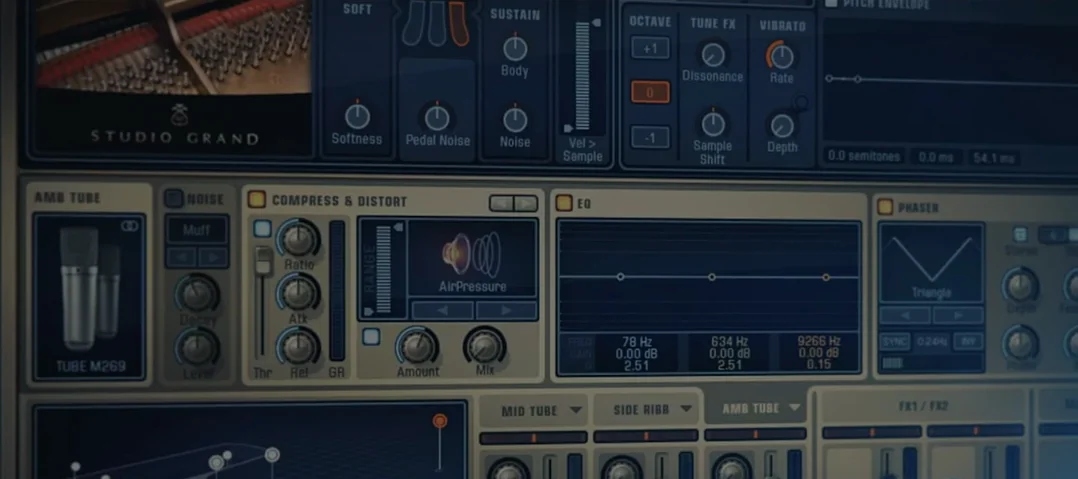
 Download (4.2 GB)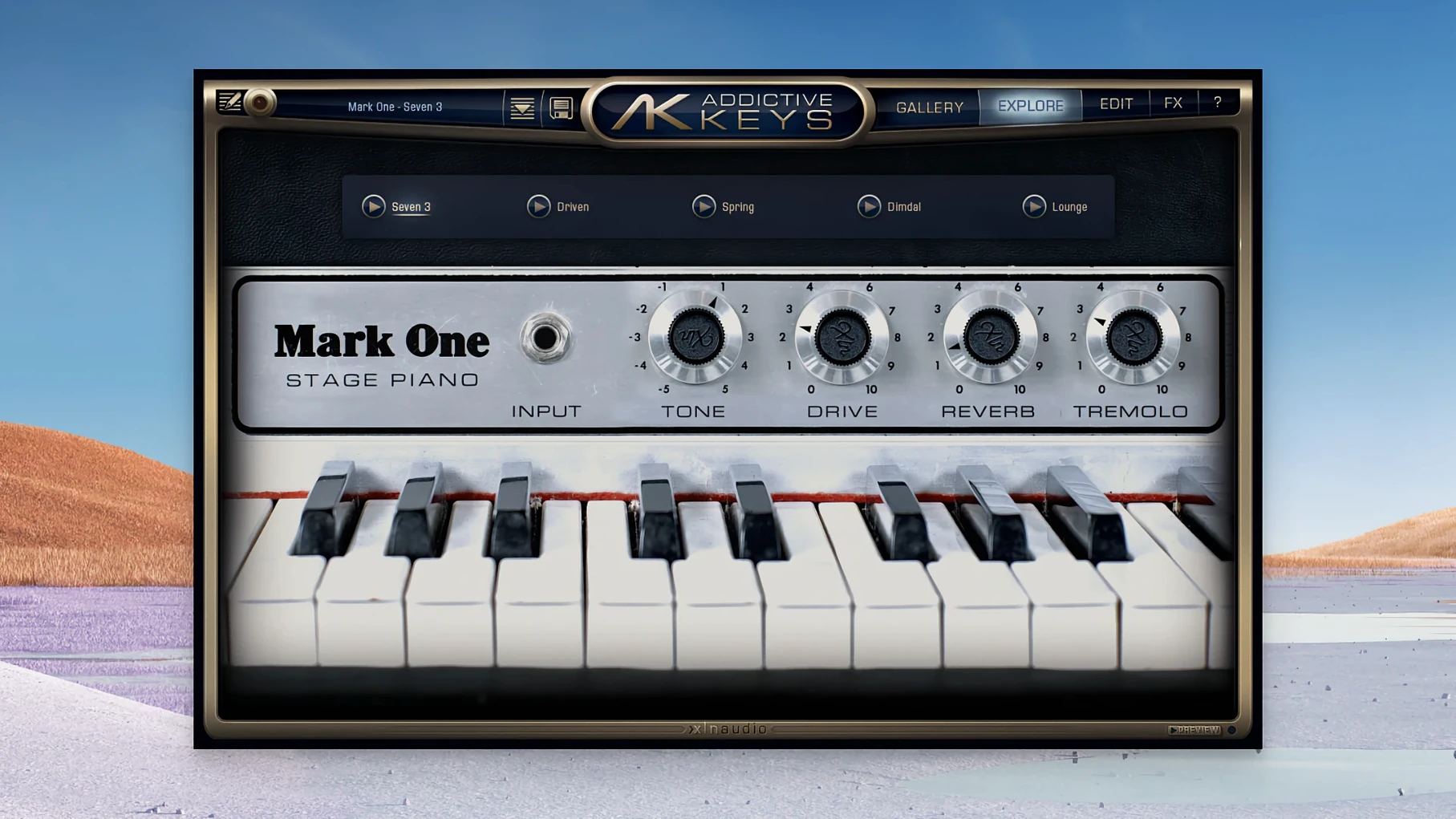
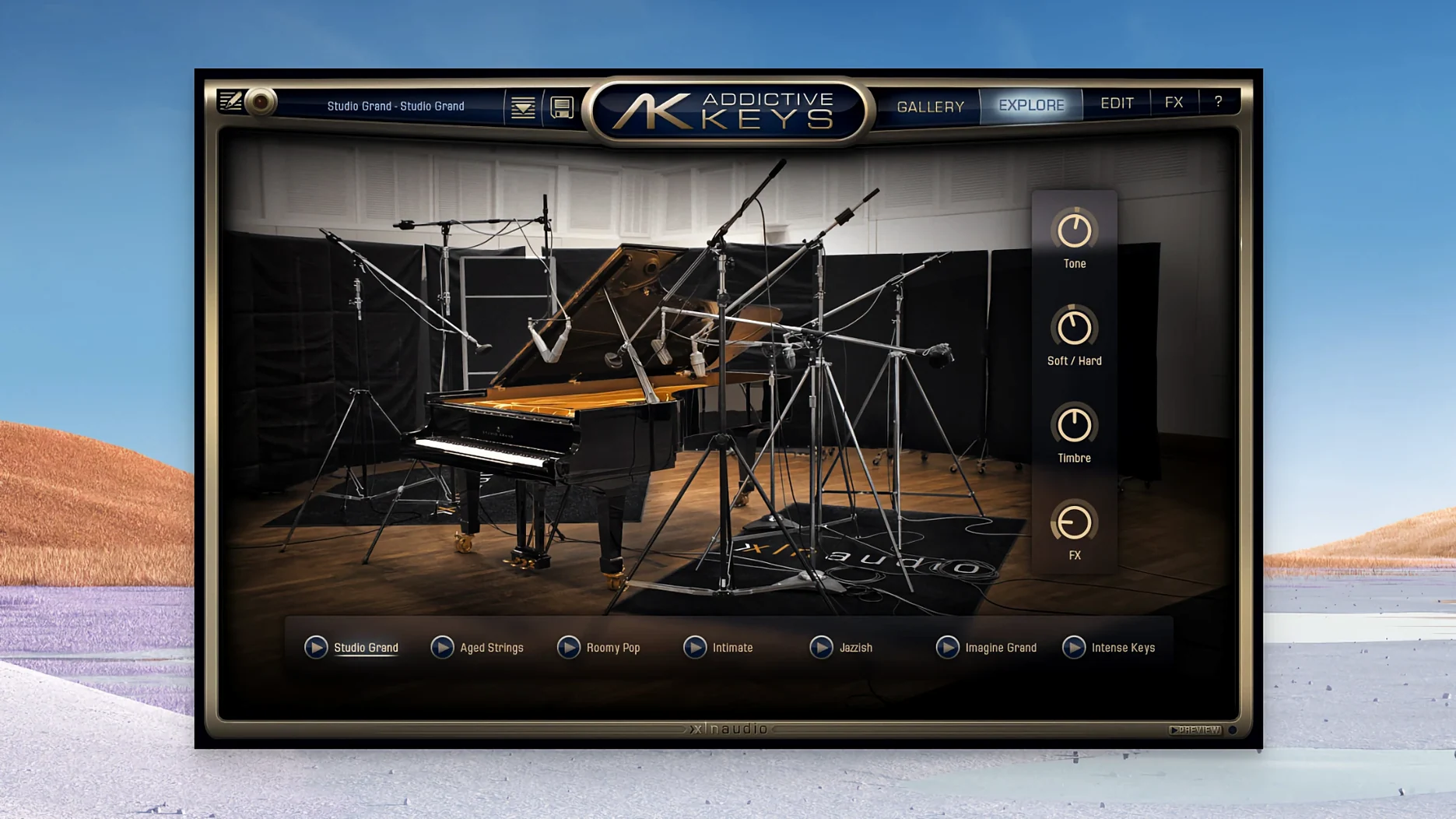
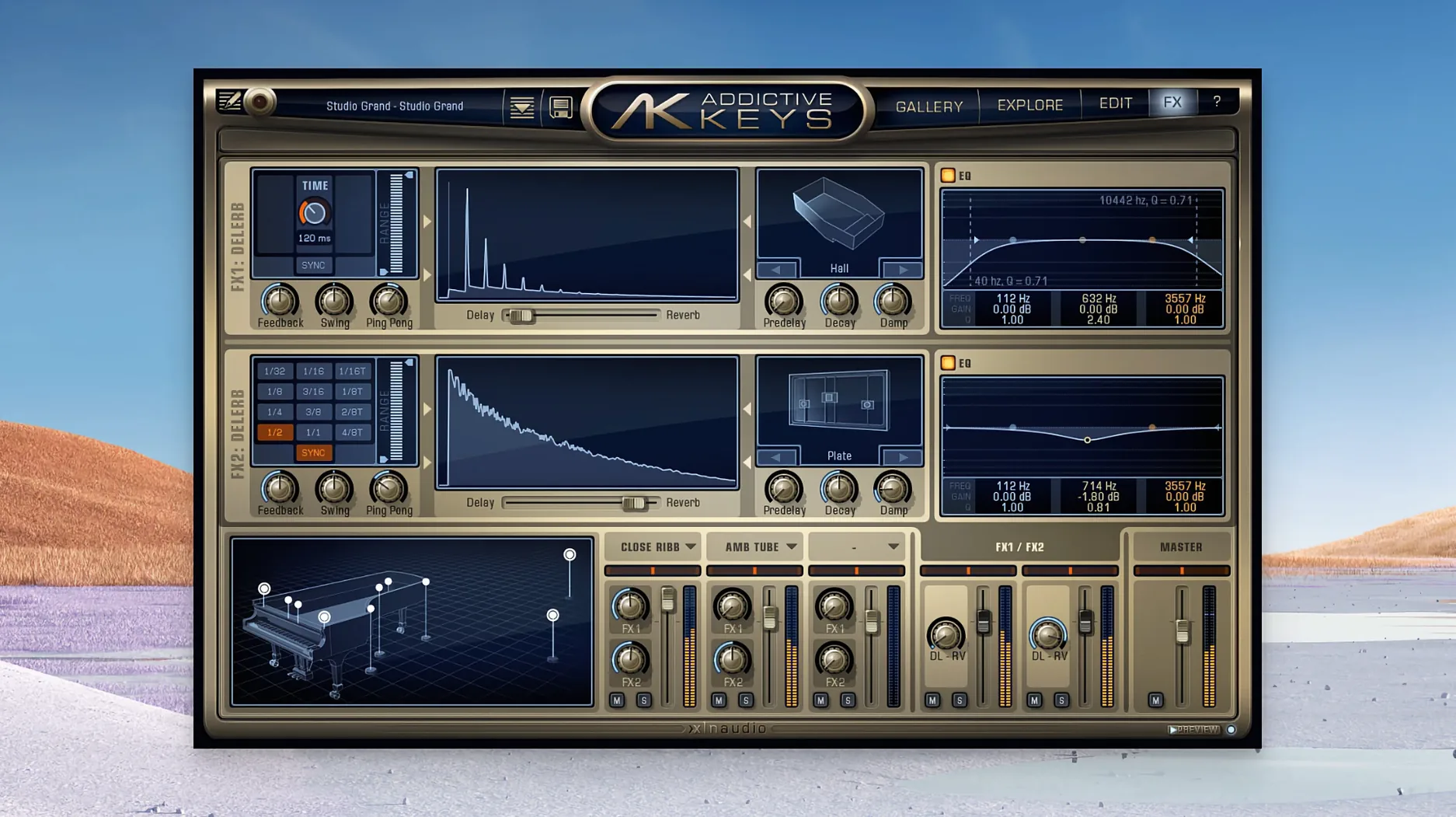
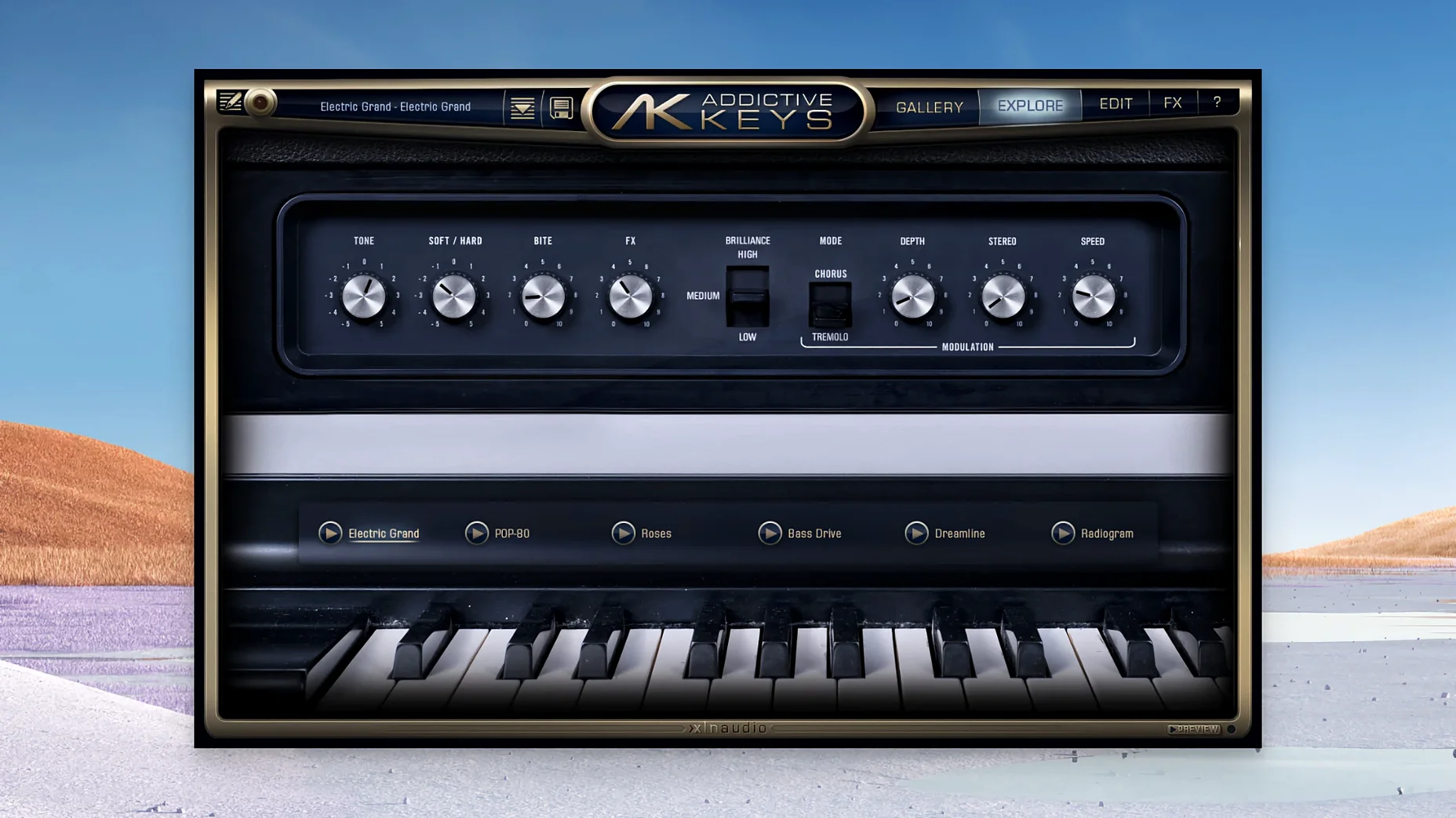
The Mic Perspective slider alone gives you a surprising amount of control. On the Mark One, pushing it towards the close pair tightens the tine attack and pulls the bell-like sustain forward; pulling it back to the room mics softens the transients and lets the instrument sit behind a vocal without fighting for space. The three instruments — a Rhodes Mk. 1 stage piano, a Yamaha U3 upright and a CP-80 electric grand — were recorded through a blend of modern and vintage gear, and the front panel is built to let you shape that captured tone rather than just browse it.
- The Mic Perspective fader blends two stereo mic pairs per instrument, from close to room, altering not just ambience but the perceived hardness of the attack.
- Each instrument loads with a set of production-ready presets that stack microphone blend, EQ and effects into a single recallable state.
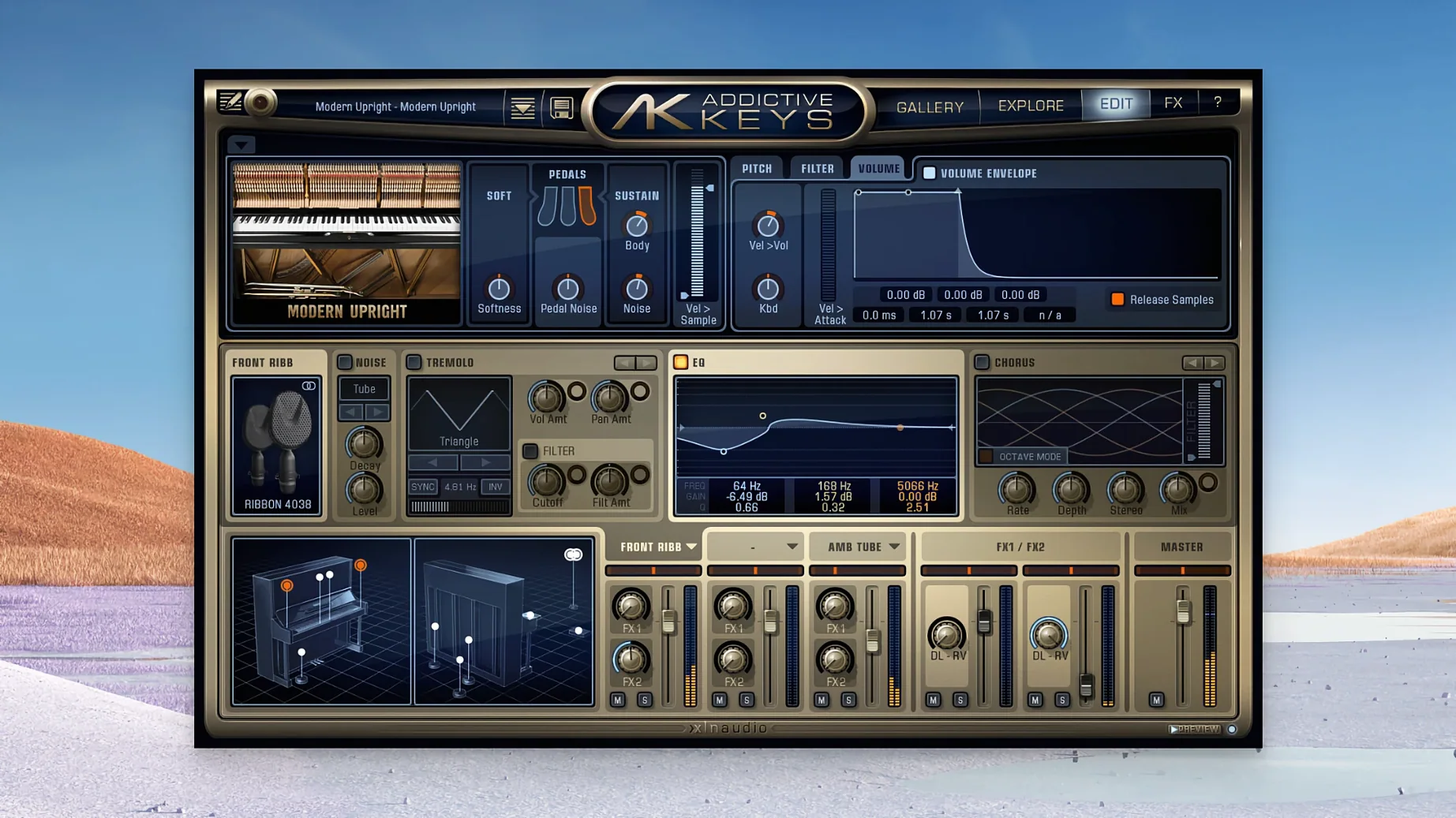
- A built-in channel strip places a 4-band parametric EQ, a simple compressor and a saturation stage directly on the instrument, before the effects slots.
- The modulation section offers tremolo, auto-pan and a rotary speaker emulation, each with tempo-syncable rate controls.
- Noise parameters — key-release samples, pedal thump and mechanical noise — are exposed on a single panel with independent level faders, so you can dial in realism or strip it back entirely.
Because the tone-shaping lives on the instrument itself rather than on a bus, you can commit to a sound early. The Modern Upright with the compressor nudged into a gentle gain reduction and a touch of saturation loses the polite living-room character and gains a density that holds its own in a rhythm section.
First days with Addictive Keys
After you run the installer and open the plugin for the first time, give yourself twenty minutes with just one instrument — the Modern Upright is a good starting point because its raw tone is familiar and its range of character is wide. Load the default preset, play a few chords, then drag the Mic Perspective slider slowly from close to room while holding a sustained note. The shift is not subtle: the close mics carry the hammer felt and string bloom, while the room pair adds a wash of reflected sound that changes how the piano sits in a stereo field. Knowing where that slider lands for your own material saves you from reaching for a reverb insert later.
Next, open the noise panel and listen to the key-release samples in isolation. On headphones they can sound exaggerated; on monitors, mixed three or four decibels below their default, they give you exactly the mechanical connection a sampled piano needs without calling attention to themselves. The pedal thump is worth the same treatment — keep it present but low enough that it registers as texture rather than a separate event.
A practical workflow tip: pick three presets that cover the ground you usually need — a close, dry sound for rhythm parts, a roomier one with some saturation for ballads, and a bright, compressed setting for cutting through a dense mix — and star them in your DAW's plugin manager. That small bit of housekeeping means you spend less time browsing and more time playing, especially when you are tracking ideas at speed.
Instruments load in under five seconds, even on Intel Macs
Loading times are genuinely short. On a modern Apple Silicon machine, an instrument appears within two to three seconds of instantiation; on older Intel hardware the wait is still under five seconds in most hosts. Preset changes are essentially instantaneous, which matters when you are cycling through sounds during a session with a client or a collaborator.
CPU usage stays modest. A single instance with all effects active and the modulation section running typically hovers around two to four percent on a recent processor, and you can stack three or four instances — upright for the verse, electric grand for the chorus, Mark One for a doubled melody line — before you need to think about freezing tracks. Memory footprint is reasonable given the sample content: each instrument loads between 300 and 600 megabytes depending on how many mic perspectives are active, and the plugin releases unused samples cleanly when you switch presets.
Stability under daily use has been uneventful in the best sense. The plugin has not thrown a single crash in Logic Pro, Ableton Live or Studio One during a week of heavy use, including rapid preset switching, automation of the Mic Perspective fader and several long sessions left idle overnight. AU, VST3 and AAX formats all behave the same way. The one small quirk worth knowing: if your DAW runs in Rosetta on Apple Silicon, the plugin's graphics can lag slightly when dragging the EQ curve. Running natively eliminates the lag entirely.
The standalone app works without a DAW
One question that comes up often is whether the standalone version lets you play without a DAW. It does. The standalone app is a minimal window with instrument selection, preset browsing and basic audio routing, and it recognises most class-compliant MIDI controllers immediately. It is useful for practice, for warming up before a session, or for songwriting when you do not want the distraction of a full project open.
Another recurring concern is whether the Complete Collection is worth the disk space over picking just one instrument. The four pianos together occupy roughly two and a half gigabytes. If you only ever need a Rhodes sound, the Mark One alone will satisfy you. But the CP-80 electric grand has a percussive, stringy attack that no other instrument in the collection can replicate, and the Modern Upright covers the felt-piano territory that the Studio Grand's concert-hall character does not. Having all four gives you a palette that stretches from dark and intimate to bright and cutting, and the shared interface means learning one instrument teaches you all of them.
People also ask whether an addictive keys torrent or addictive keys crack will give them the full experience. Unofficial versions can retain the noise samples, mic perspective options and modulation behaviour perfectly, so it is worth verifying that the sample mapping, velocity curves and preset recall are intact before you commit sounds to a track. A clean addictive keys download from a reliable source ensures the sample mapping, velocity curves and preset recall behave exactly as designed.
Double-click any knob to reset it
Double-clicking any knob returns it to its default value — a small touch that saves you from hunting for a reset button when you have nudged the compressor threshold too far. Holding Shift while dragging a control gives you fine adjustment, which is especially helpful on the EQ frequency and Q controls where a pixel can mean half an octave.
The modulation section has a hidden strength: the rotary speaker emulation includes a speed control that ramps between slow and fast with a realistic inertia. Assigning that to a mod wheel or a footswitch gives you an expressive performance effect that works surprisingly well on the Electric Grand, turning a clean, bell-like tone into something swirling and Leslie-like.
If you work with MIDI files imported from notation software, the pedal-thump and key-release samples respond correctly to sustain pedal and note-off velocity data, so a well-edited MIDI performance translates with more realism than you might expect from a plugin in this weight class. The velocity curve is adjustable from the settings panel, and switching from the default linear curve to a slightly concave one often improves the response on semi-weighted controllers.
Finally, the addictive keys complete collection installer places all four instruments in a single folder structure, but you can remove individual instrument folders afterwards without breaking the plugin. If you are short on drive space, keep the two you use most and archive the others — they can be copied back later without reinstalling.