Aspecten
 Download (4 GB)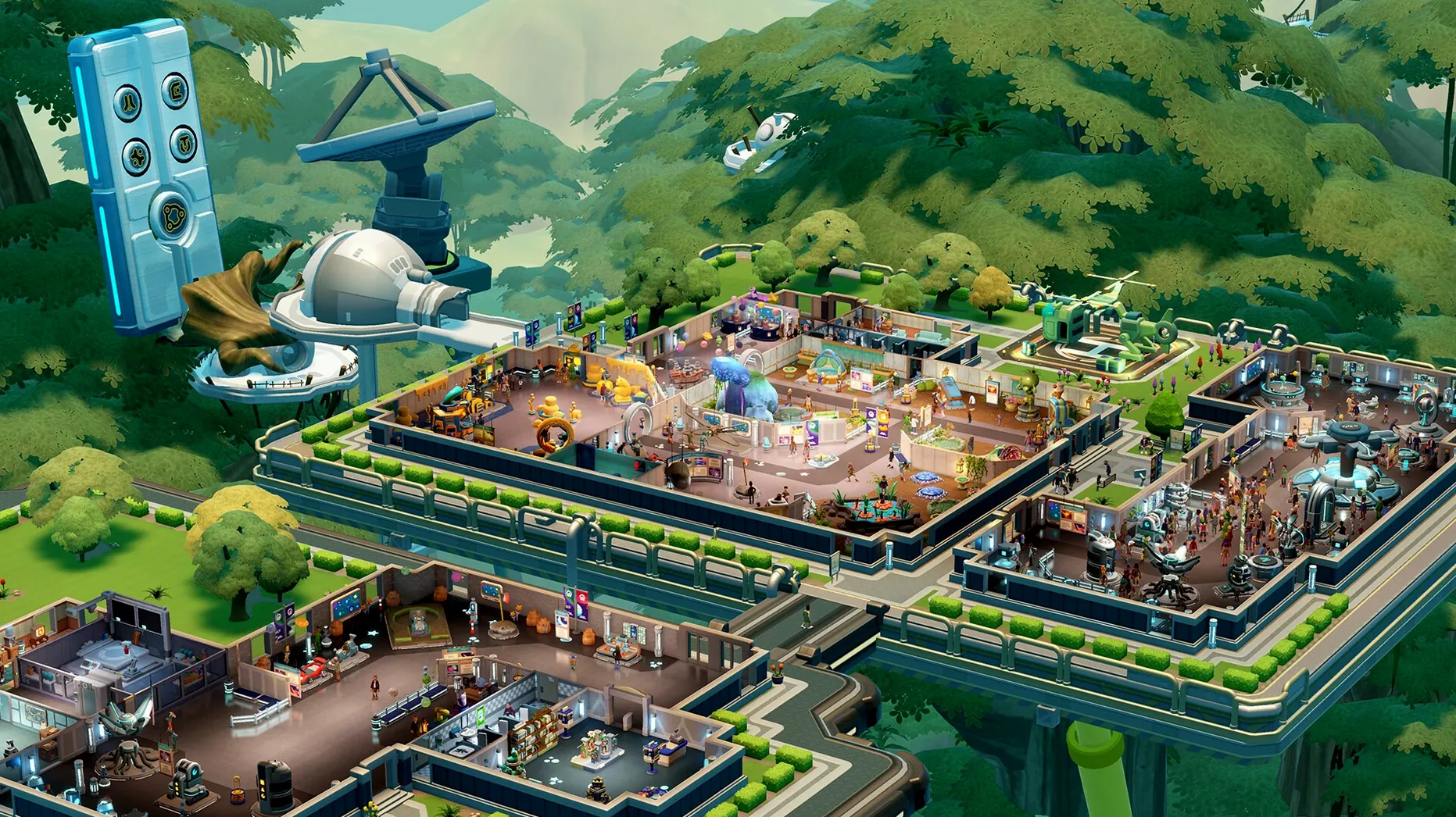
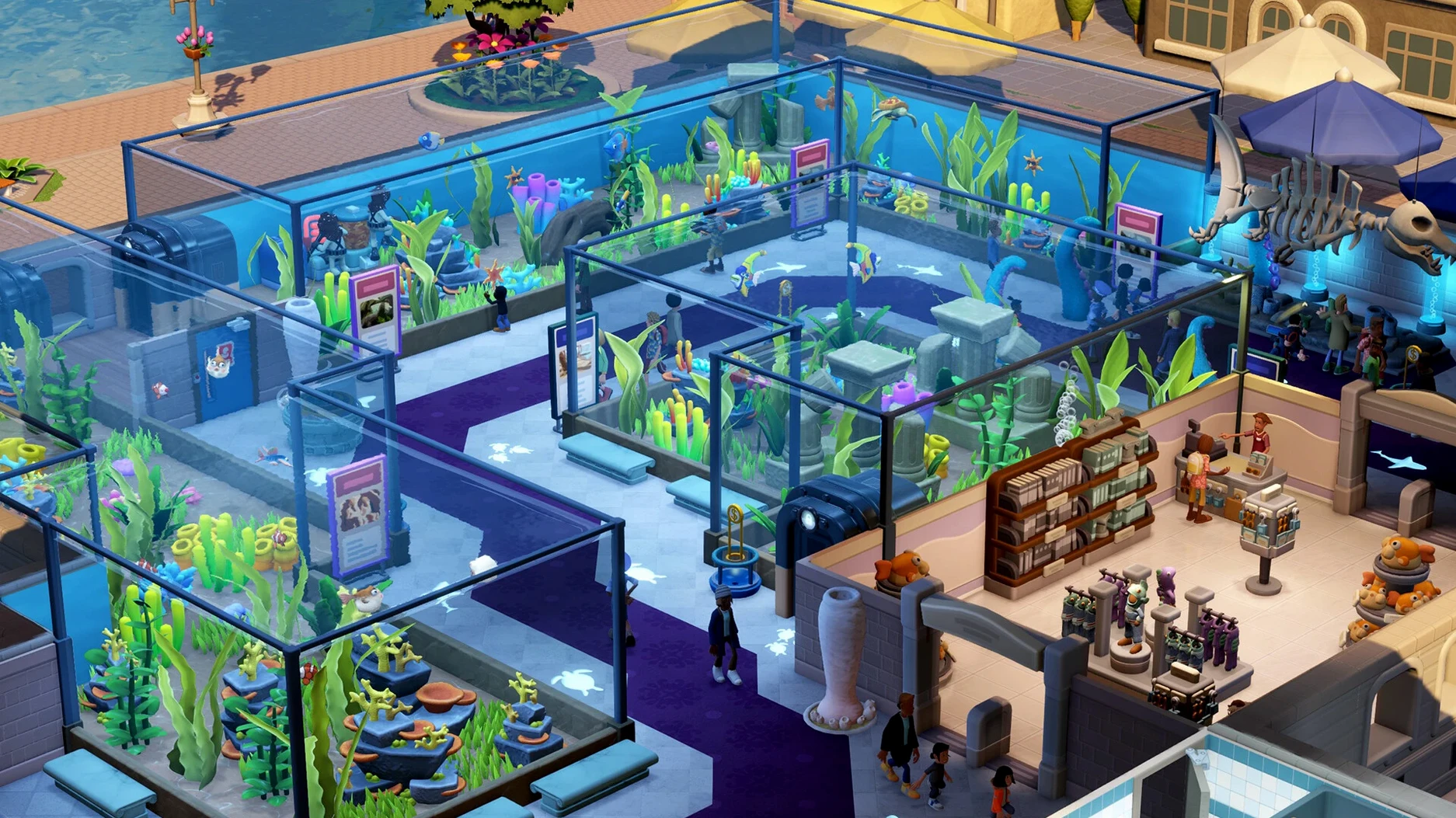
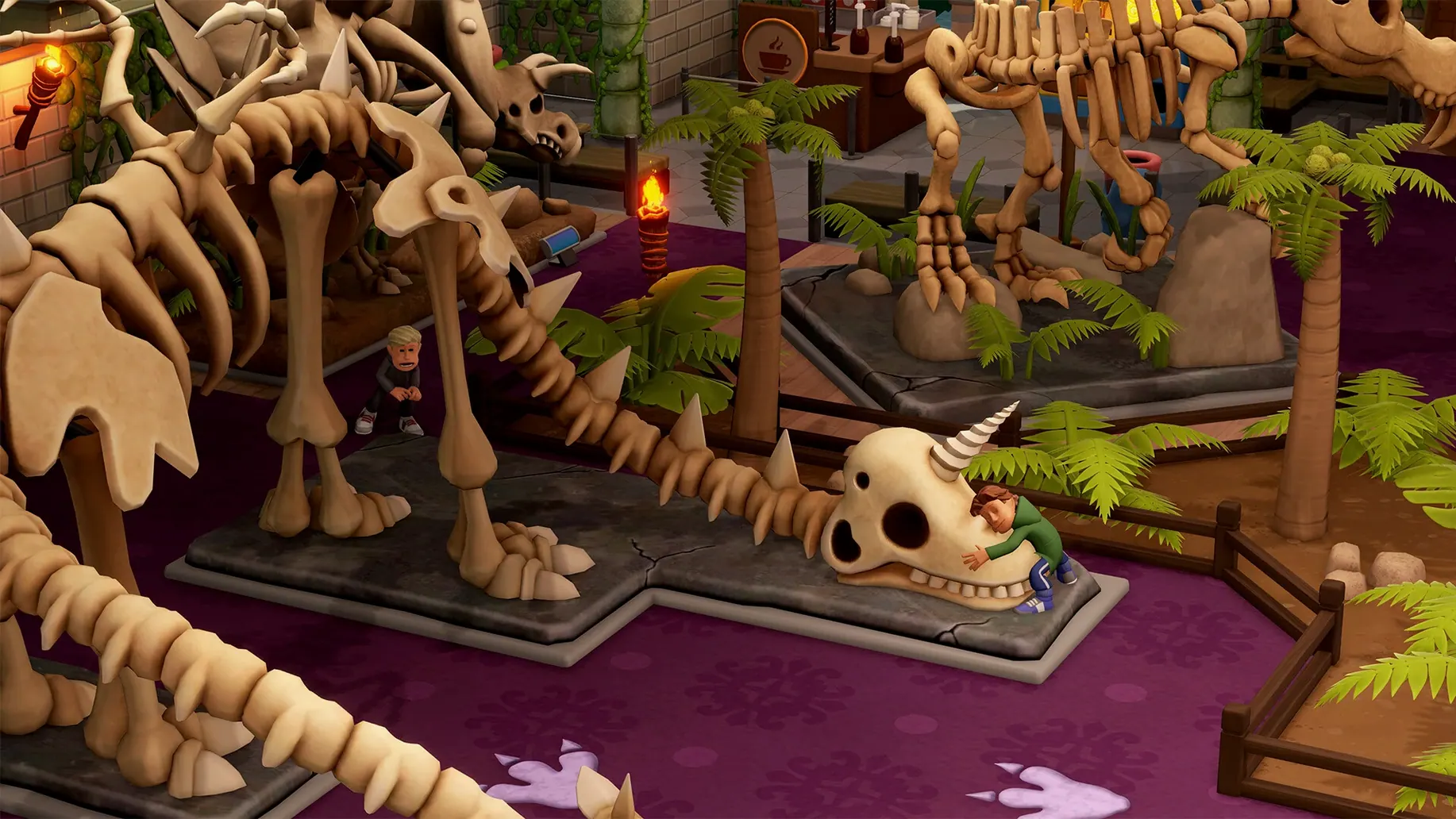
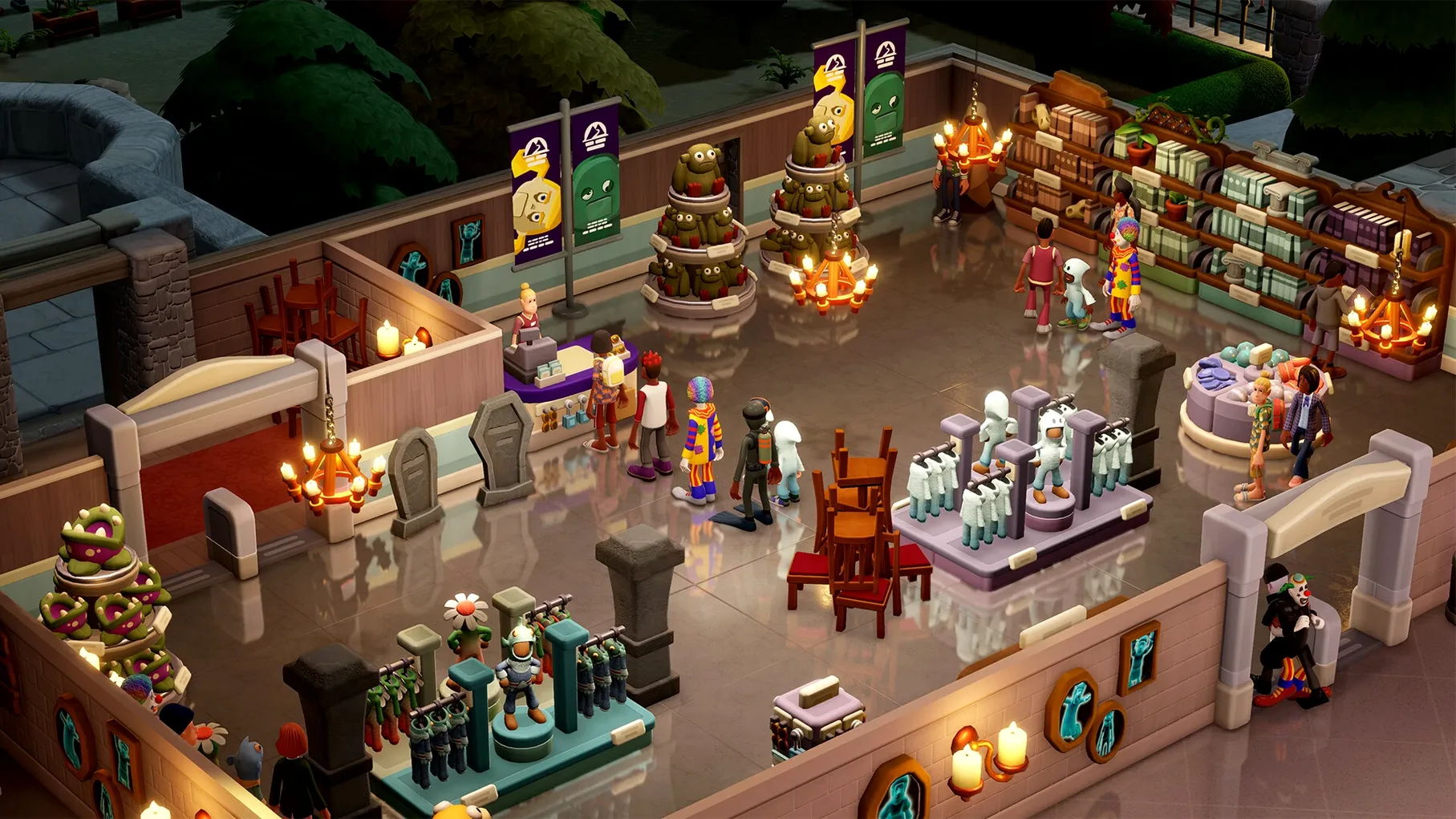
The Mac build runs on both Apple Silicon and Intel 64-bit machines, and the download includes more than 200 unique exhibits across six main types and over 30 subcategories. That scale sits at the centre of the game, but the angle here is narrower: who this version is likely to satisfy, and who it might leave wanting.
Good for
- Players who liked Two Point Hospital or Two Point Campus and want the same loop with a new theme.
- People who enjoy arranging spaces. The prehistoric museum, aquarium, supernatural history museum, science museum and space museum each give the layout work a different shape.
- Those who prefer a slower pace. Guest management covers cleanliness, drinks, toilets and the gift shop, but none of it feels rushed.
- Collectors. The 350-plus decorative items and 200-plus exhibits give the catalogue some weight.
Keep in mind
- The three temporary exhibits come with their own objectives and challenges, so the game is not purely open-ended.
- Museum tours rely on a single charismatic guide, which can make that system feel thin next to the rest.
- It is a management sim first. Players looking for narrative or deep simulation outside the museum loop may find the structure familiar to a fault.
For patient builders who watch guests step over bins
People who spend hours adjusting sightlines and tweaking donation-bin placement will find the museum theme a natural fit. The game rewards patient spatial thinking more than rapid expansion. Someone who builds a dinosaur hall with too few bins, then watches guests trail dirt past the fossils, learns to trace a problem back to a layout choice rather than a menu slider. That kind of player tends to stick with a single museum for a long session.
Mac users with an M-series chip get a quiet, cool-running game that rarely spins up the fan. On an Intel Mac the experience is still smooth, though the machine works harder during the busiest museum hours. Players who leave other apps open—browser, notes, a music player—will appreciate that the game does not demand a system restart or a stripped-down environment.
Collectors who like filling gaps in a catalogue also find plenty here. The expeditions to five maps and over 100 points of interest turn exhibit gathering into a risk-reward loop. You send a team, wait, and hope for a rare find. The tension is low-key but persistent, and it gives a reason to build a second or third museum once the first one hums along.
Steady frame pacing even with double tours
The Mac build tested on a 2024 M4 Mac mini under macOS Tahoe ran without a crash across several multi-hour sessions. Frame pacing held steady even with a full aquarium and two tours moving simultaneously. The only minor dip came when loading a large sandbox museum packed with decorative items; the initial load took a few seconds longer, but once in, navigation stayed responsive.
Memory use sits around the middle of the pack for a 2025 management sim. The game does not balloon unexpectedly after hours of play, and quitting returns the system to its previous state without lingering processes. This matters for players who switch between the game and work applications throughout the day.
Save times are short, and autosaves do not interrupt play with a progress bar. The game writes quietly in the background. Players who have lost progress in other sims to a crash will notice the absence of that anxiety here.
How an M4 Mac mini handled a full aquarium
Offline play keeps working mid-flight
No. Once downloaded, the game runs entirely offline. Expeditions, tours, guest behaviour—everything resolves locally. You can play on a MacBook during a flight or in a room with spotty Wi-Fi and nothing changes.
Scales sensibly on Intel 64-bit Macs
The build supports Intel 64-bit machines, and the system requirements are modest for a 2025 release. Players on older hardware should expect slightly longer load times and a warmer chassis, but the game scales sensibly. The visual style—bright, cartoonish, not chasing photorealism—helps keep performance consistent across the supported Mac range.
How much space does it need?
The app bundle is compact enough that it does not force a cleanup of other software. It fits comfortably on a Mac with a 256 GB drive alongside a typical set of creative and office applications.
Is it a good entry point if I skipped the earlier Two Point games?
Yes. The museum setting stands alone. The humour and tutorial style assume no prior knowledge of Two Point Hospital or Two Point Campus. Someone picking up a two point museum mac build as their first management sim from the studio will feel guided, not lost.
First days: practical advice
Start with the prehistoric museum. It teaches the core loop—expedition, exhibit placement, guest flow—without layering on aquarium filtration or supernatural containment puzzles. Once the first museum runs a profit, resist the urge to unlock all five locations immediately. Spend time with one and learn how the donation system reacts to exhibit rarity and buzz.
Place the gift shop near the exit, not the entrance. Guests who buy early carry items around and walk slower. A shop near the end of the tour route catches people with full pockets and high happiness.
Security guards earn their salary once the first rare exhibit arrives. Thieves target high-buzz items, and a single unguarded theft can tank guest satisfaction for a whole wing. Hire a guard before you place the valuable fossil, not after the alarm sounds.
Expeditions look simple but the map rewards careful planning. Send a well-rested team with a mix of skills to a point of interest that matches their traits. A rushed expedition to a high-level node often returns damaged exhibits that cost more to restore than they earn in donations. The five maps and 100-plus points of interest invite experimentation, but the early game rewards methodical progression.
On a MacBook, the trackpad works well for camera control—two-finger swipe rotates, pinch zooms. A mouse is not required, though players building intricate layouts in sandbox mode may prefer one for long sessions. The keyboard shortcuts stay unobtrusive; the game assumes you use the pointer for most tasks.
Finally, let the tours run. The charismatic guide adds a layer of automation that frees you to focus on exhibit placement and guest services. In the first hours it is easy to micromanage everything, but the tour system works best when you treat it as a passive income stream and a happiness booster rather than a system to optimise minute by minute.