Aspecten
 Download (9 GB)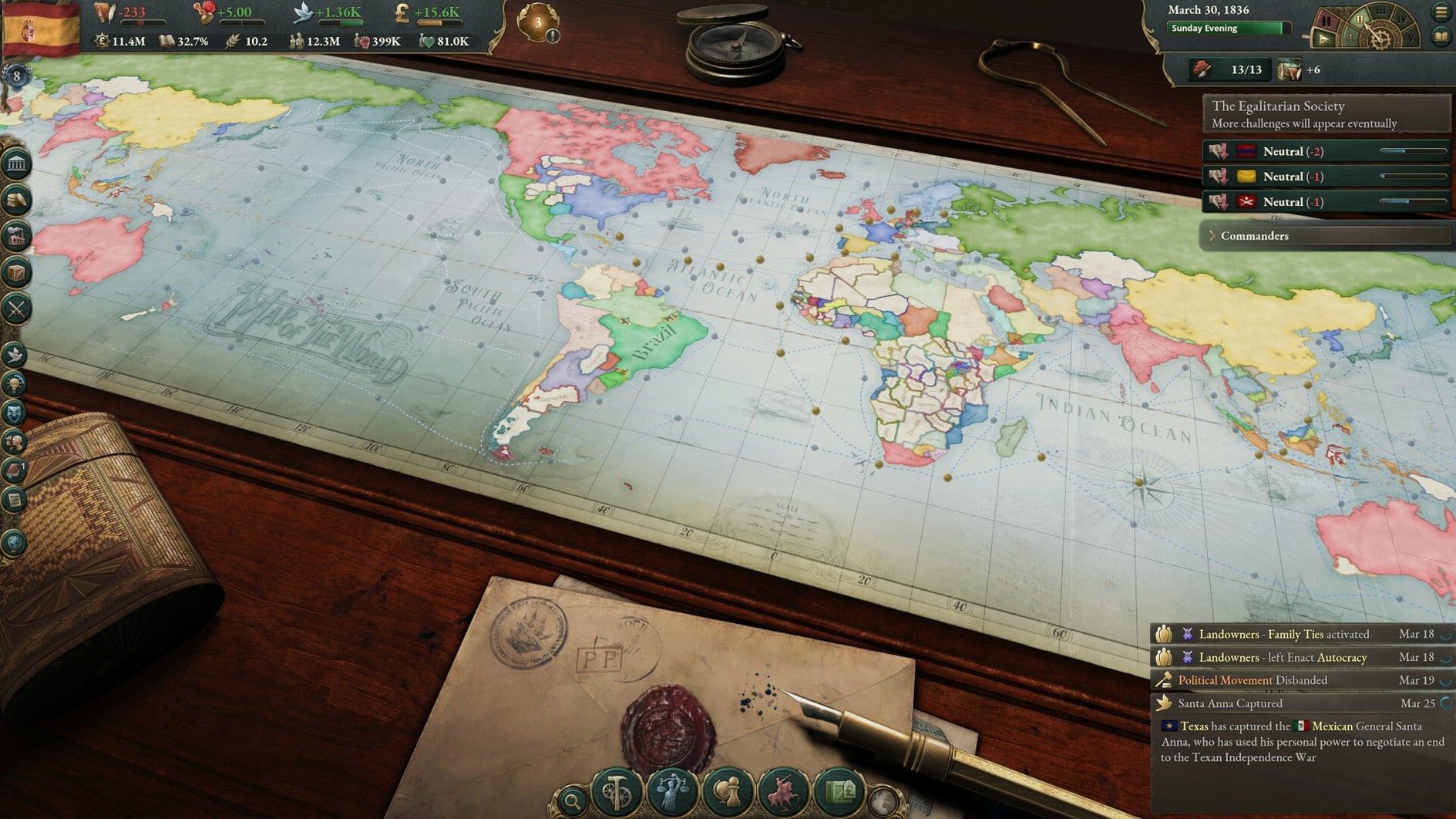
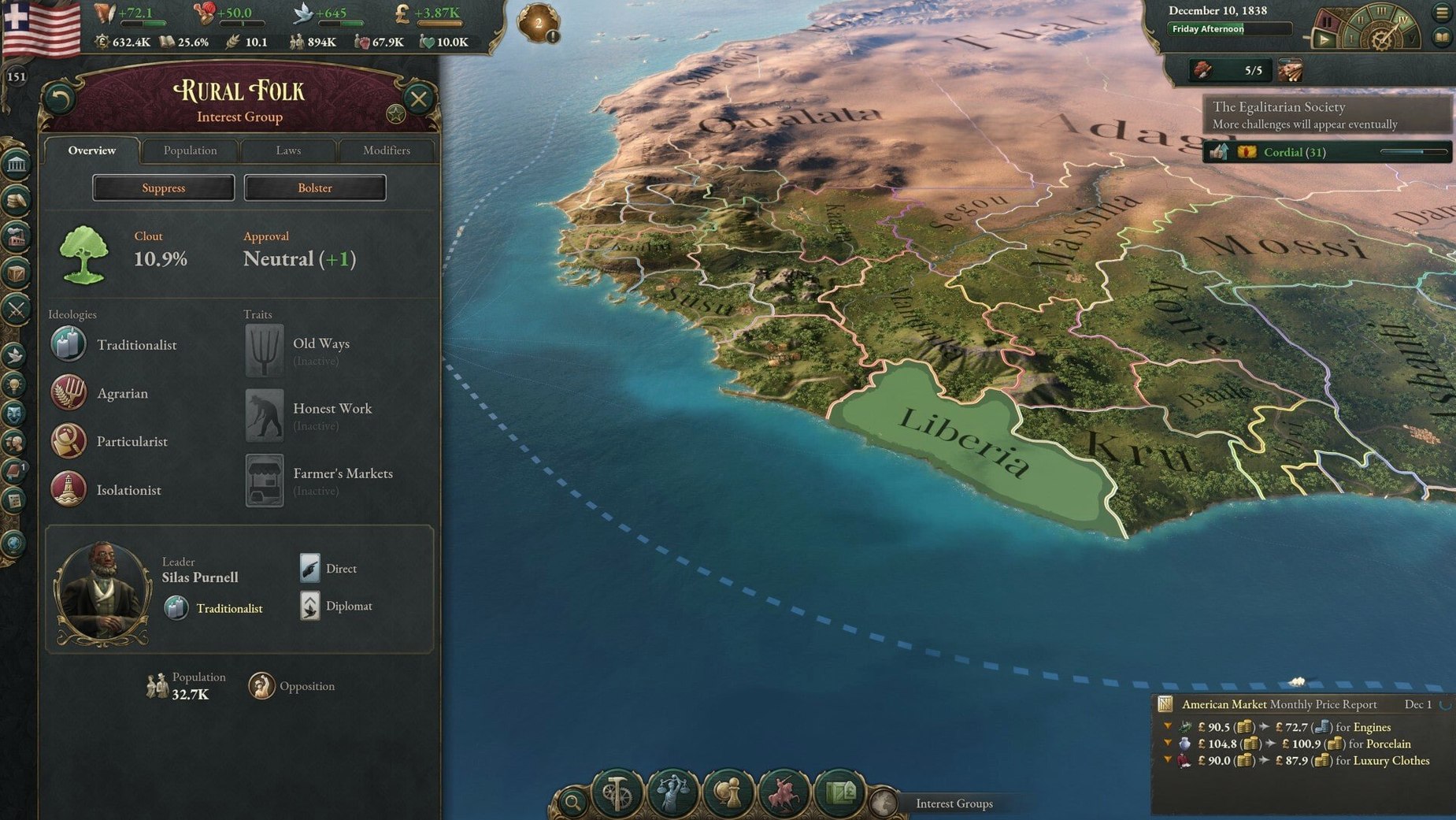
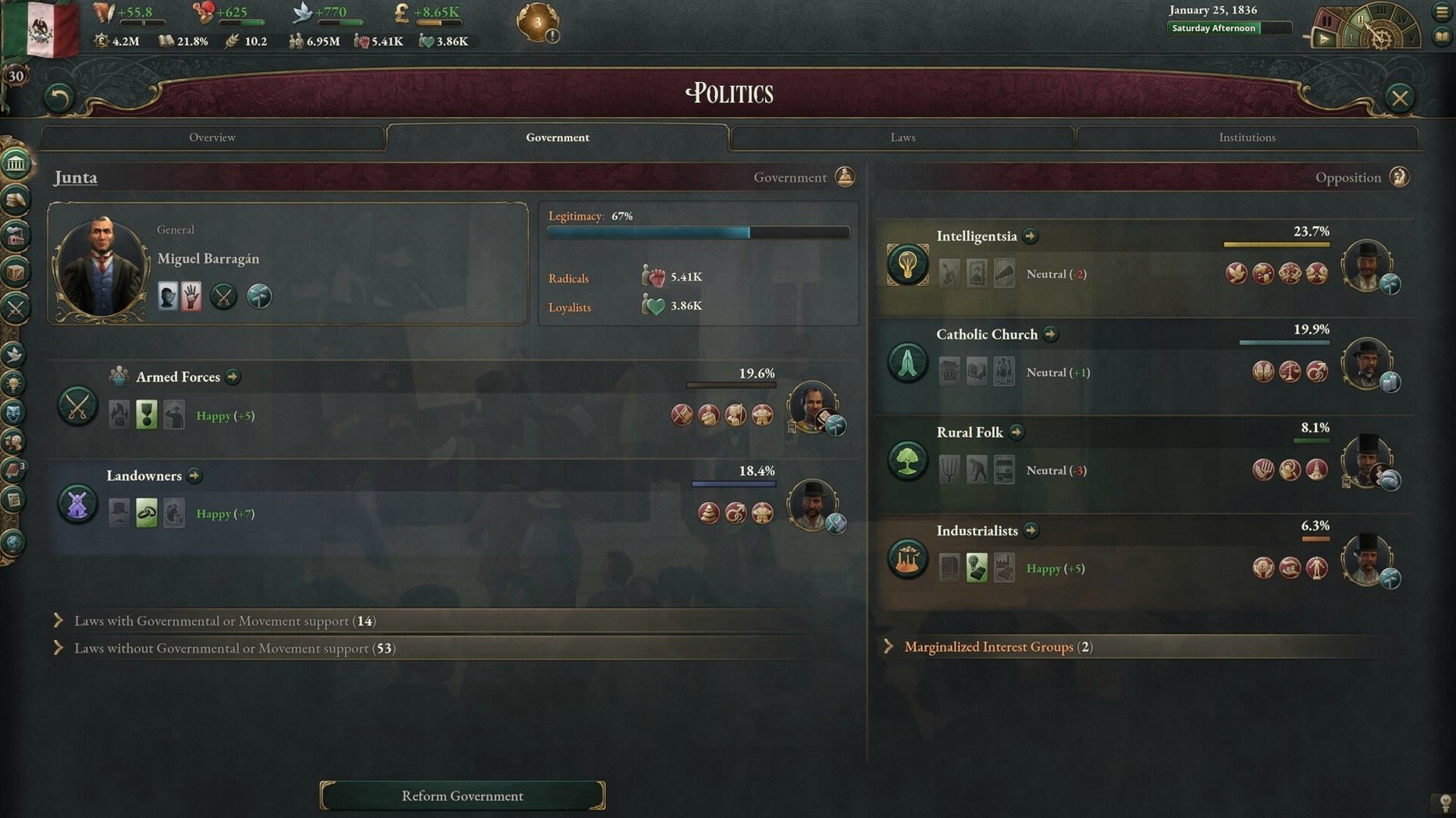
Victoria 3 is a grand strategy simulation that covers a full century of political, economic, and diplomatic change, from 1836 to 1936. Running it on a Mac means living inside a dense web of population groups, industrial supply chains, and shifting constitutions — and the experience hinges on a few practical details.
- Confirm hardware compatibility. The game supports both Intel and Apple Silicon Macs, though the exact minimum macOS version is not published in the current patch notes. Before committing, check that your machine sits comfortably above the base Intel integrated graphics line — dedicated graphics or a recent M‑series chip will make the later game years far more manageable.
- Prepare for the interface scale. With ten interface languages available (including English, German, Spanish, Simplified Chinese, Japanese, and Polish), the UI is built for density. On a MacBook screen, the nested tooltips and ledger panels can feel tight; an external display gives the economic map modes and political lens overlays room to breathe.
- Adjust expectations for late‑game performance. Victoria 3 simulates thousands of individual population groups, each with their own political views and economic pressures. The early decades tick along smoothly, but once industrial development, territorial expansion, and global trade routes pile up after 1900, the simulation weight grows. Expect the clock to slow regardless of hardware — this is a calculation bottleneck, not a graphics one.
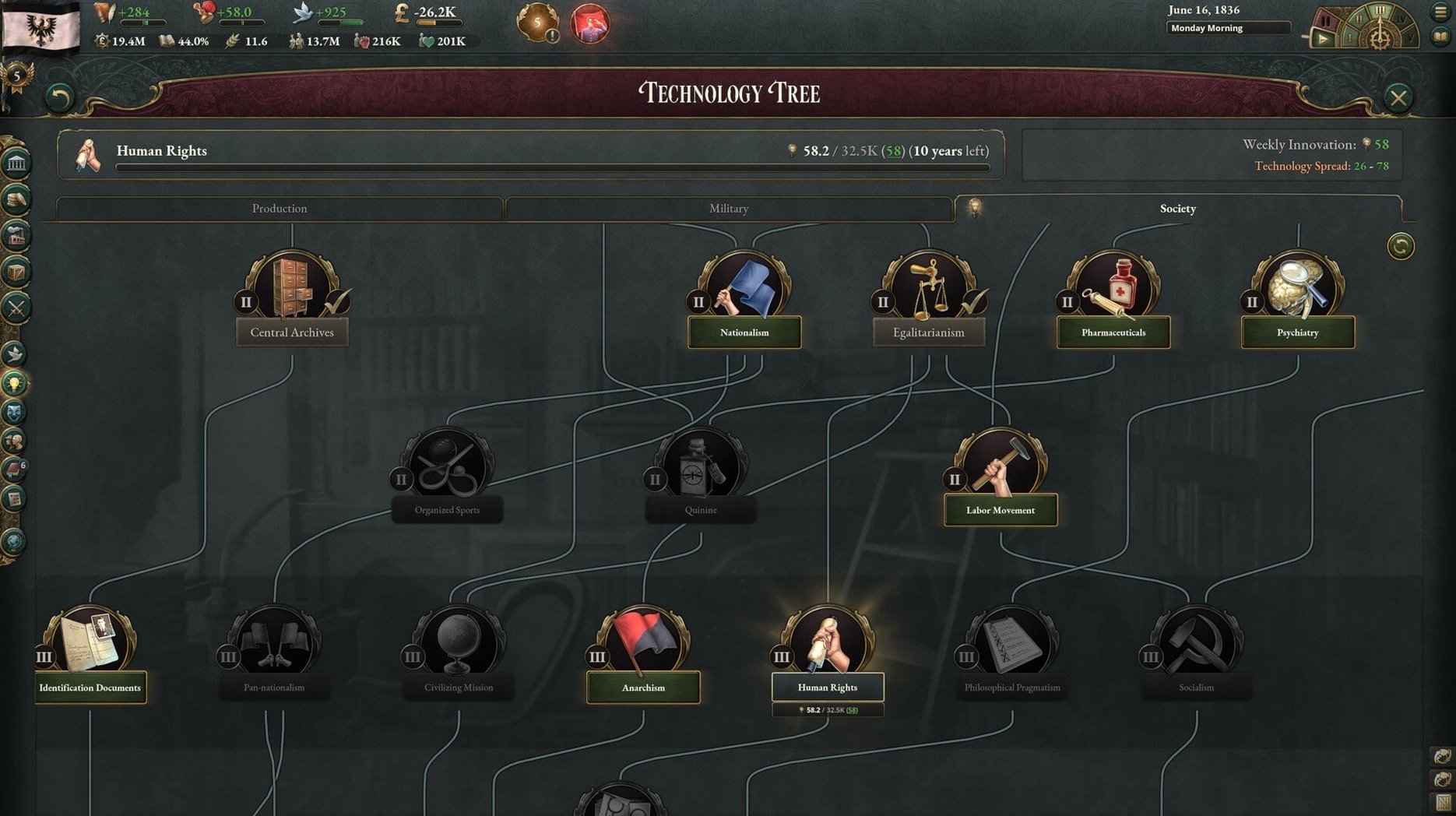
- Use pause and speed controls deliberately. Researching new technologies, passing government reforms, and managing diplomatic plays all benefit from a methodical pace. The Mac keyboard shortcuts mirror the PC layout, so the main adjustment is getting comfortable with trackpad or mouse input for map panning and nested menu navigation.
Paradox Development Studio built a game where reputation, constitutional changes, and industrial output intertwine across a century. On a Mac, it runs capably within the limits of its simulation model — the early Victorian calm gives way to a computationally heavy 20th century, but the strategic depth remains intact throughout.
A crash fix for pending sway offers
Version 1.13.11 is a small hotfix, but the three adjustments it makes touch areas you encounter regularly in a campaign. The most noticeable fix is the crash tied to diplomatic plays — specifically, when sway offers remained pending at the turn of the month. Before the patch, a late-game diplomatic crisis could collapse the session right as the clock ticked forward. That crash is now resolved, so a tense negotiation over territory no longer carries the extra risk of a desktop meltdown.
The other two changes are economic. Banana Plantation output values have been adjusted. In practical terms, this shifts the profitability calculus for tropical agricultural economies; if you play a Central American or Caribbean nation, the per‑building return now differs slightly from what earlier build guides assumed. The event A Doctrine of Iron and Steel also had its outcome options tweaked, nudging the balance of rewards when your nation commits to a particular industrial policy. Neither change rewrites the meta, but anyone fine‑tuning a trade‑heavy or industrialising minor power should know the numbers moved.
Diplomatic plays still strain the engine
A handful of friction points come up often enough to be worth listing.
- Diplomatic play crashes. Although 1.13.11 patched the month‑turn crash with pending sways, diplomatic plays remain one of the heaviest parts of the engine. If the screen hangs during a play, let it sit for thirty seconds — the simulation layer sometimes churns through calculations before the UI catches up. Force‑quitting often loses a month of progress, so patience wins here.
- Market panel lag. The trade screen recalculates every good in your market when you open it. In the late game, with global trade routes fully spun up, that recalculation can freeze the panel for several seconds. A workaround: before clicking the market tab, pause the clock and close any open ledger or population detail panels. Reducing the number of active UI elements lightens the redraw load.
- Font scaling quirks. On Retina displays, particularly at scaled resolutions, the ledger text can render slightly blurred. Setting your macOS display scaling to a non‑scaled resolution (or launching the game on a 1440p external monitor) sharpens the numbers columns considerably.
- Audio‑only language. The build lists music as the sole voice‑language entry. This means all event text, tooltips, and diplomatic messages appear in written form only — there is no spoken narration track. If you expected voice‑acted events, the silence is not a bug.
Start with Sweden, Belgium, or Brazil
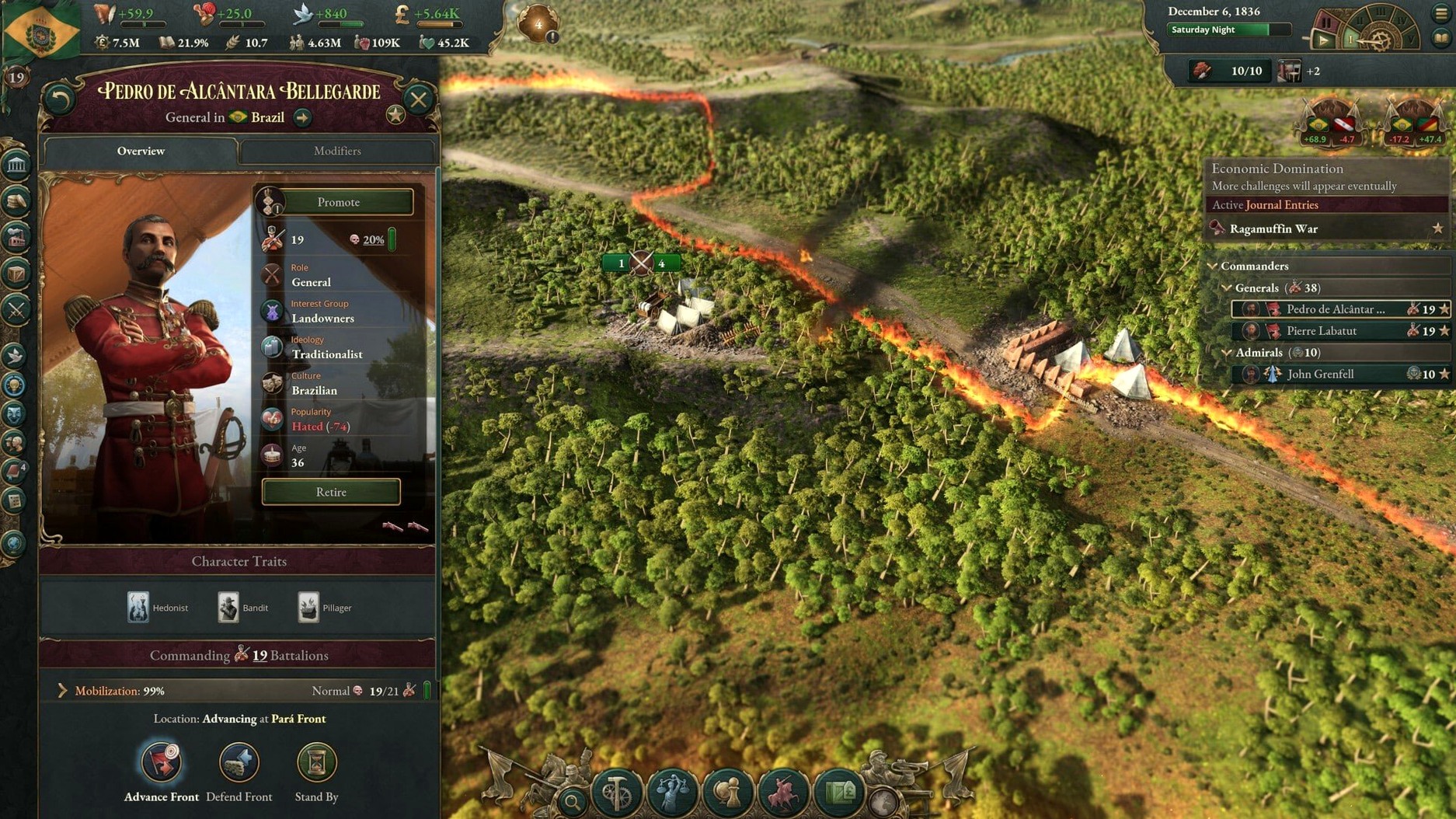
When you launch the app after dragging it into Applications, spend your first session with a middle‑power nation. Sweden, Belgium, or Brazil give you enough industry to learn the construction and trade loops without drowning in colonial management or great‑power diplomacy. Avoid Russia, China, or the Ottoman Empire on day one — their internal politics and population scale bury you in micro‑management before you understand the basic rhythm of the game.
During that first campaign, keep the tutorial tooltips on for at least the first five hours. Victoria 3 nests information deeply: hovering over a market price reveals the buy and sell orders; hovering over a buy order reveals the building producing it; hovering over that building reveals its employment, wages, and cash reserves. The tooltip chain is the real manual, and dismissing it too early leaves you guessing why a particular factory is unprofitable.
Resist the urge to unpause and let the simulation run unattended while you read a tooltip. The game keeps calculating pops, prices, and political movements even with panels open. Set the speed to the slowest setting when you are still orienting yourself — it stretches the first decade into a couple of hours, but you avoid the sinking feeling of discovering a mass radicalisation movement that started while you were reading about railway infrastructure.
Building construction sectors too fast
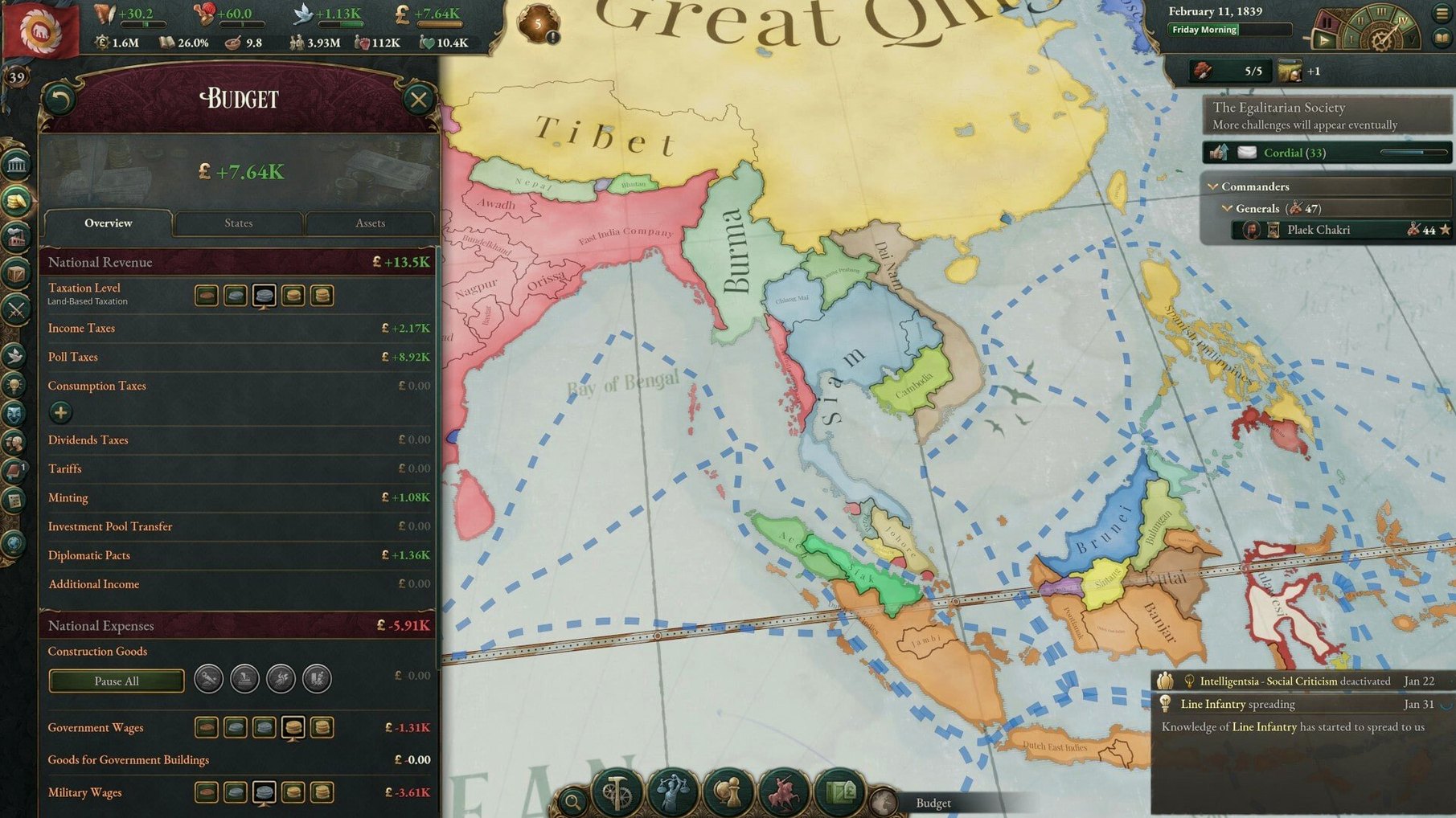
The most common early blunder is building construction sectors too fast. Construction sectors consume goods and wages; each new sector pulls labour and resources out of your existing economy, and the cost compounds. A few extra sectors in 1840 can leave a small nation with a permanent budget deficit by 1845. Build one, maybe two, and only expand when your treasury and investment pool can absorb the recurring cost without raising taxes above the middle band.
Another frequent misstep is ignoring the standard of living for politically active population groups. Passing a reform like universal suffrage feels like a progressive win, but if the newly enfranchised pops are also the ones with falling wages, they turn into a radical voting bloc inside a year. Before expanding the franchise, check the wealth and employment trends among the groups that will gain political clout.
New players also tend to treat diplomatic plays as declarations of war with a countdown. A play is a negotiation phase — backing down costs prestige but avoids bloodshed, and sometimes the threat alone pushes a rival to concede a treaty port or a colonial claim without a shot fired. Committing every play to war burns your manpower and leaves your economy exposed when a real rival decides to pile on.