Aspecten
 Download (6.1 GB)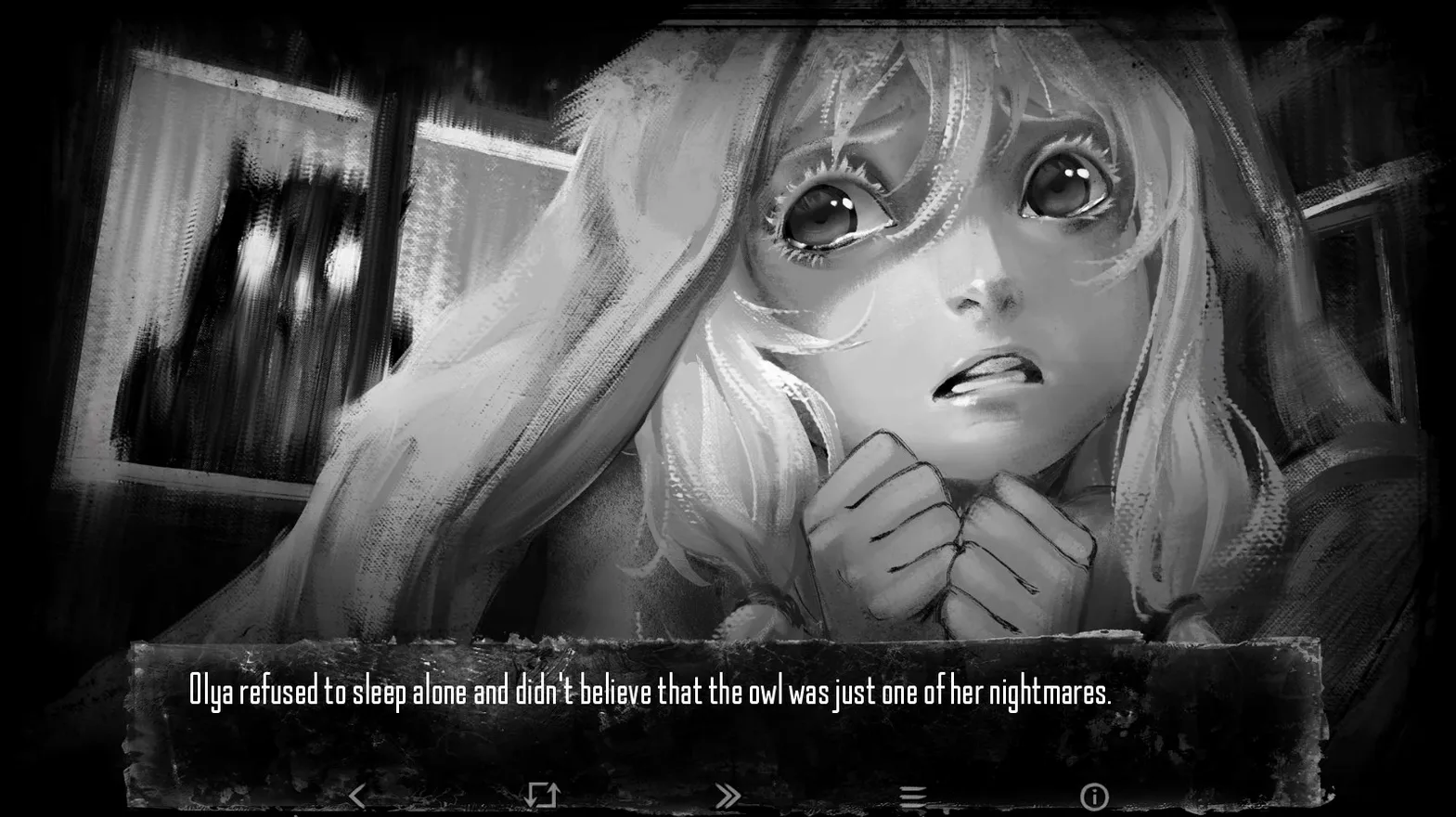
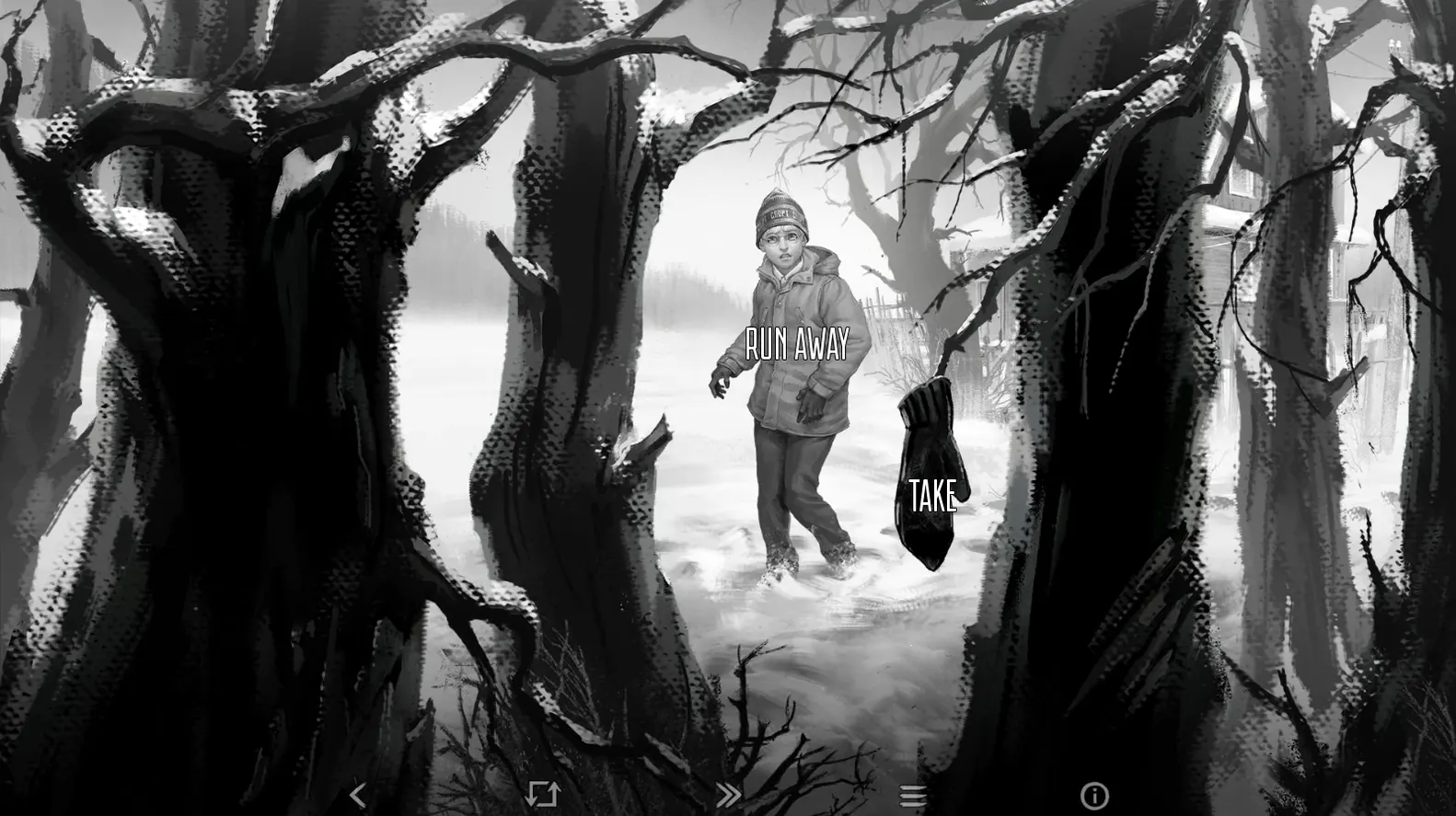

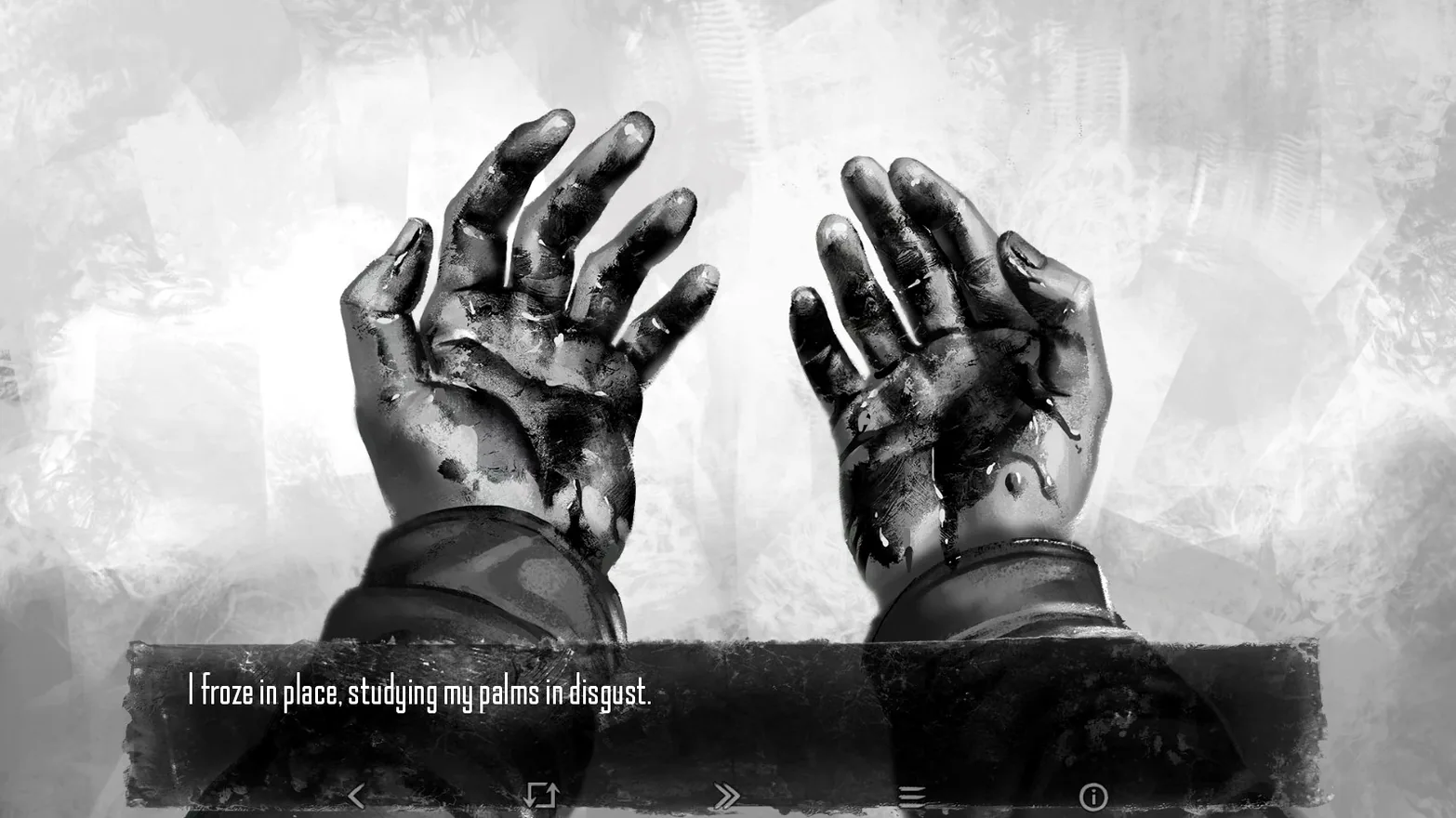
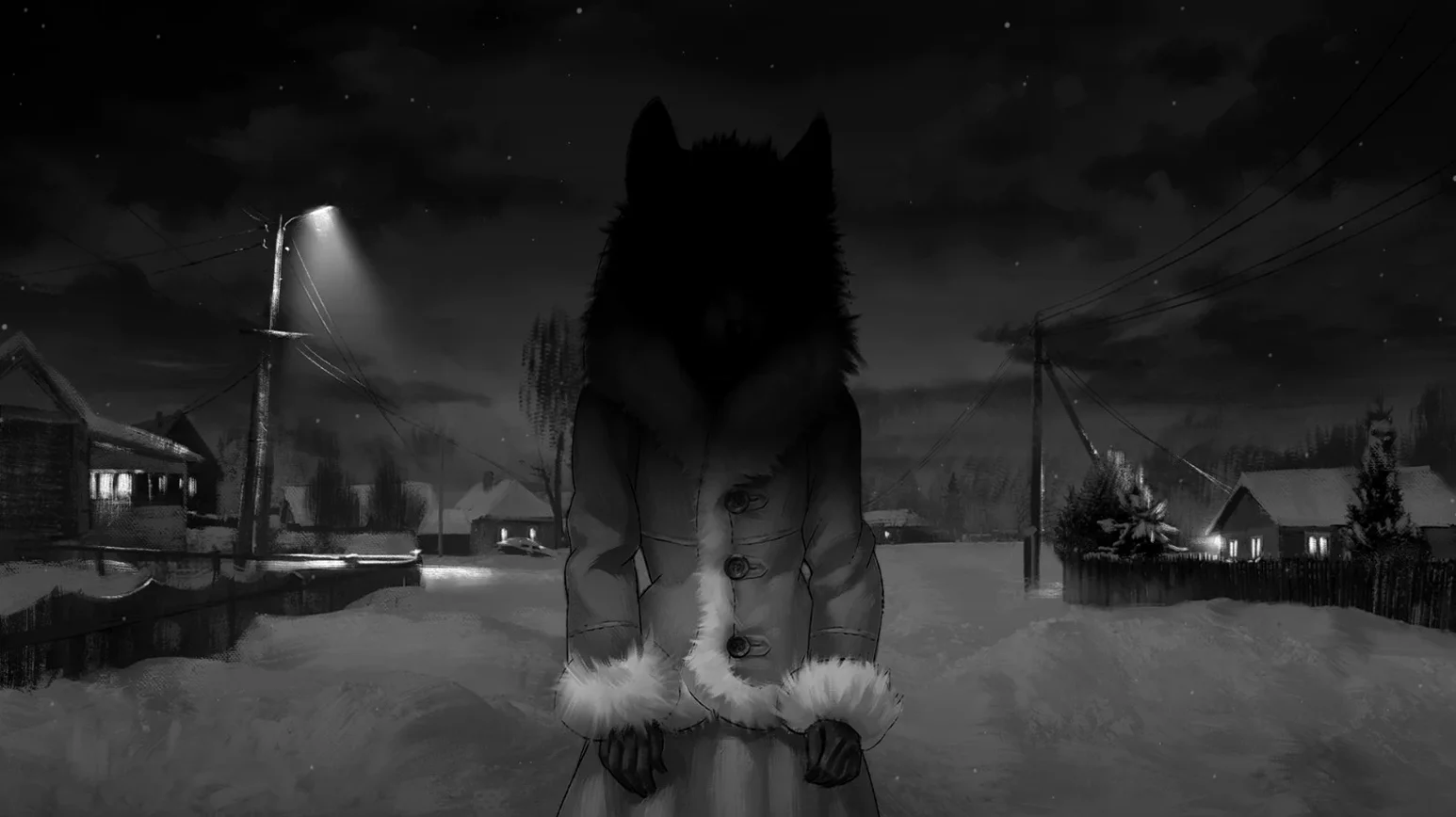
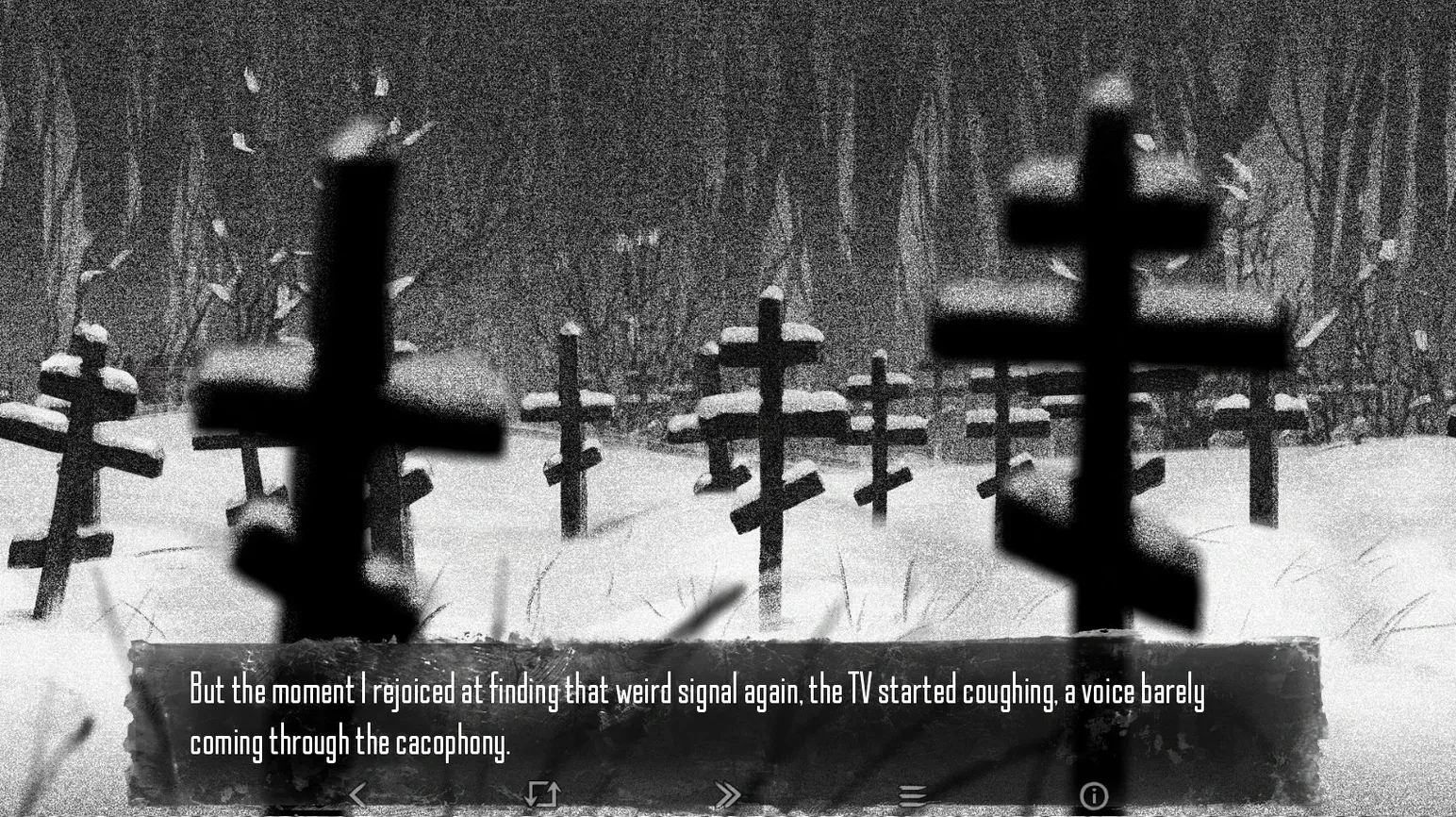
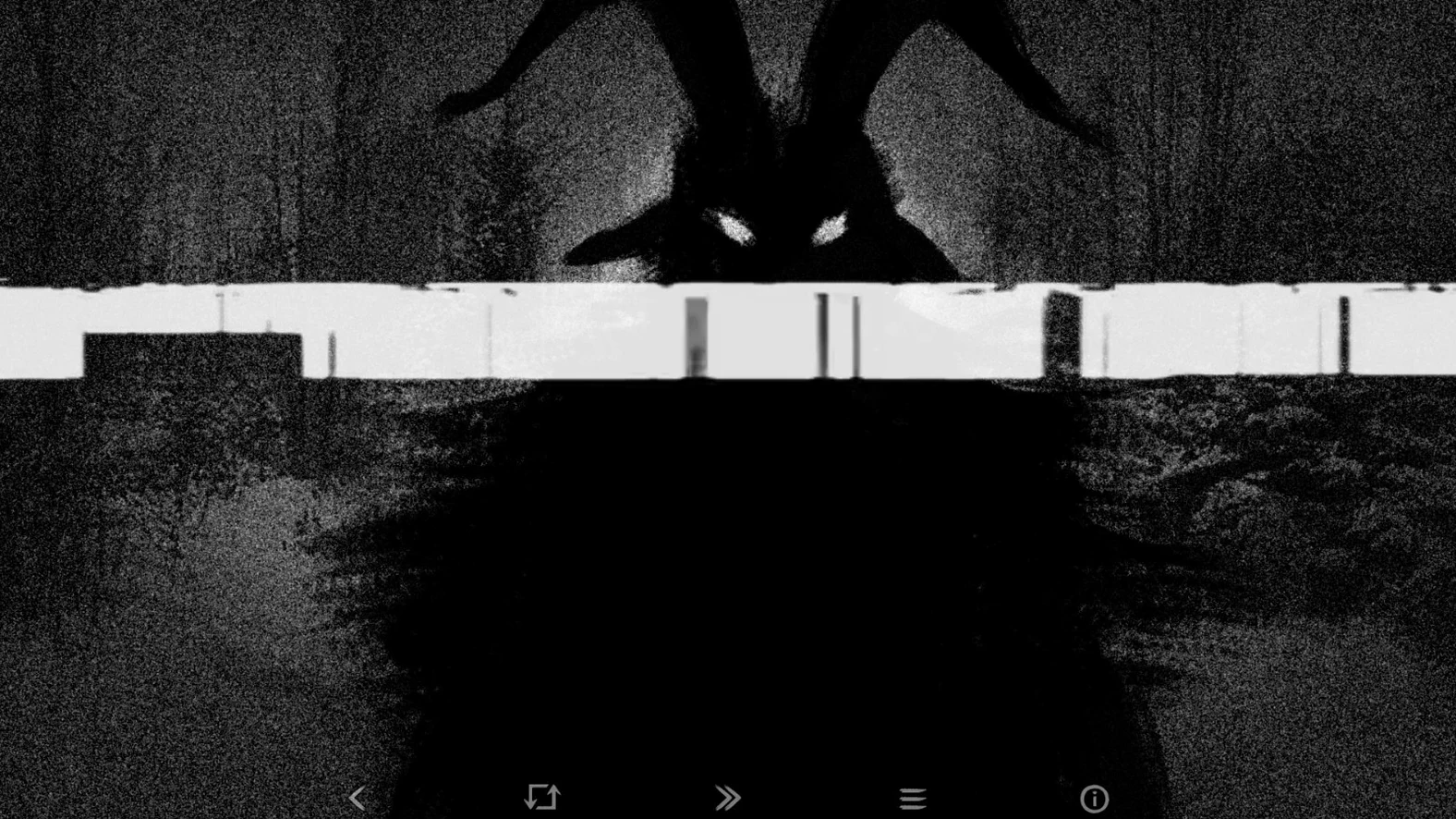
You start the game on an evening walk past the last houses of the village, where the streetlights thin out and the forest begins. The protagonist is a sixth-grader whose family has just moved here. What follows depends on choices made in dialogue and quiet moments between them.
What the game contains
- A non-linear story based on Dmitry Mordas's short story of the same name
- Branching plot paths driven by player decisions
- Minimalist black-and-white visuals
- An original soundtrack
- Interface text in Russian, English, Italian, Simplified Chinese, Turkish and Japanese
Structure and scope
The game is planned as five episodes. The current version, 2026.05.12, runs on both ARM and x86 64-bit Macs. The content delivered so far establishes the village and the surrounding forest as a single, enclosed setting, with the story's tone carried as much by what is not shown as by what appears on screen.
Who the game suits best
Readers who treat a visual novel as a book first and a game second will find the strongest footing here. The story rewards patience: the pacing is deliberate, the atmosphere builds in small increments, and a single scene often shifts in tone depending on choices made earlier. Players drawn to horror rooted in unease rather than shock tend to stick with it, because the fear comes from what might happen at the forest's edge, not from what jumps out of it.
It also lands well with anyone who values a unified aesthetic. The black-and-white art, the restrained soundtrack and the Russian voice acting pull in the same direction. Players who regularly switch between visual novels and experimental indie titles often respond to that cohesion. People who prefer fast progression or voiced English dialogue, however, may find the rhythm less comfortable.
Scene transitions land without a hitch
The app launches quickly on Apple Silicon and Intel Macs alike. On a Mac mini M4 with macOS Tahoe, the first episode opens within seconds. Scene transitions are smooth: there is no perceptible delay between a choice and the next text block, and the black-and-white artwork keeps the memory load low. Activity Monitor shows a footprint of around 300 to 400 MB during regular play, which leaves plenty of room for other apps to stay open.
Stability in the current build is solid. Across multiple episodes, the game did not crash or hang during testing. The one minor quirk is that resuming from a long sleep can sometimes mute the audio track. A quit and relaunch restores it immediately. The engine handles save files cleanly, and autosaves trigger at key decision points, so lost progress is rare.
The game feels light on system resources. Fans stay quiet, and the app does not trigger the high-performance GPU state on integrated graphics. Anyone running it on an older MacBook Air or a Mac with 8 GB of RAM should expect the same steady behaviour.
Your first evening teaches through action
This walkthrough covers the opening section, where the game teaches its mechanics through action rather than tutorials.
- Launch the app and choose your text language from the settings. The voice track remains Russian regardless.
- Begin a new game. The protagonist stands outside, near the forest. Read the narration carefully: environmental cues often signal upcoming choices.
- When the first decision point appears — walk toward the forest or turn back — pick a direction. The text changes immediately, and the soundtrack shifts with it.
- At the next key scene, a conversation with a neighbour, you get two response options. Pause here. Press
Escto open the menu and save to a new slot. Saving before branching points gives you a clean return path. - Play through one branch to its natural pause, then load the earlier save and try the other response. The differences show up quickly in dialogue tone and later scene availability.
- Before quitting, check the autosave slot. The game saves automatically after major events, so you can resume tomorrow without losing the thread.
Audio vanishes after sleep
Most issues have straightforward fixes, and none of them block progress permanently.
- Audio drops after sleep — Quit the app completely and relaunch it. The sound returns straight away. The issue occurs only when the Mac wakes from extended sleep with the game still open.
- Text language changes on restart — The game sometimes reverts to Russian after a quit. Open the settings menu, reselect your language and confirm. The change sticks on the second attempt.
- Save file confusion across episodes — The save screen lists files by episode. When you start a new episode, switch the filter at the top of the load screen to see the correct set. People sometimes mistake a blank list for lost saves.
- Low-contrast text in bright rooms — The black-and-white palette can make text hard to read under direct sunlight. Lowering the screen brightness or enabling the system's dark mode helps, even though the game looks unchanged.
- Japanese and Chinese text display — On some Macs, the fonts for East Asian text need a moment to load on first launch. If characters appear as boxes, quit and reopen the app. The font cache populates correctly on the second run.
For anyone who discovers the game through a search like tiny bunny for mac free download, the installation is straightforward: mount the disk image, drag the app to Applications and launch it from Launchpad. No extra steps are needed for activation or language packs.