Aspecten
 Download (1.8 GB)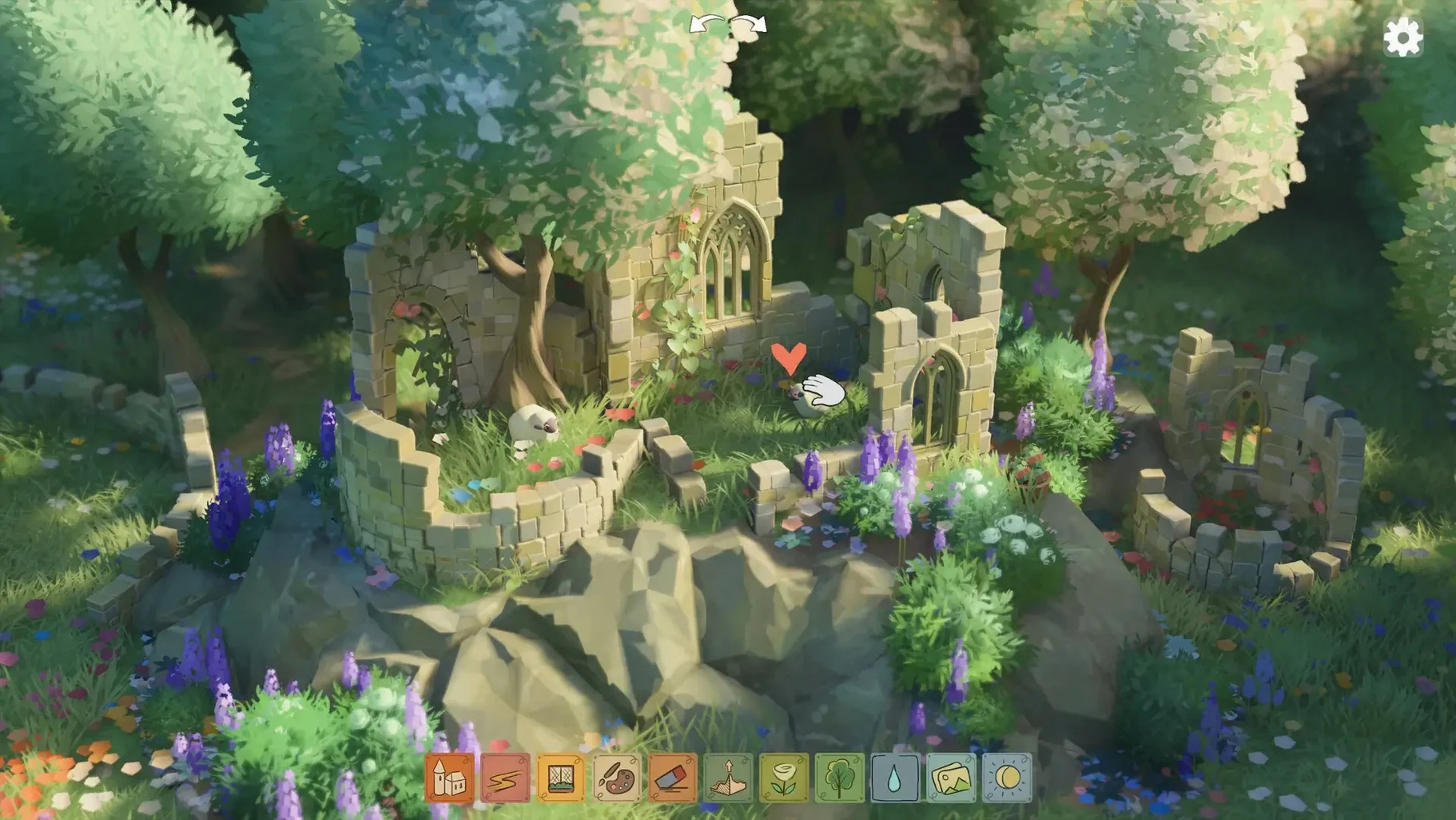
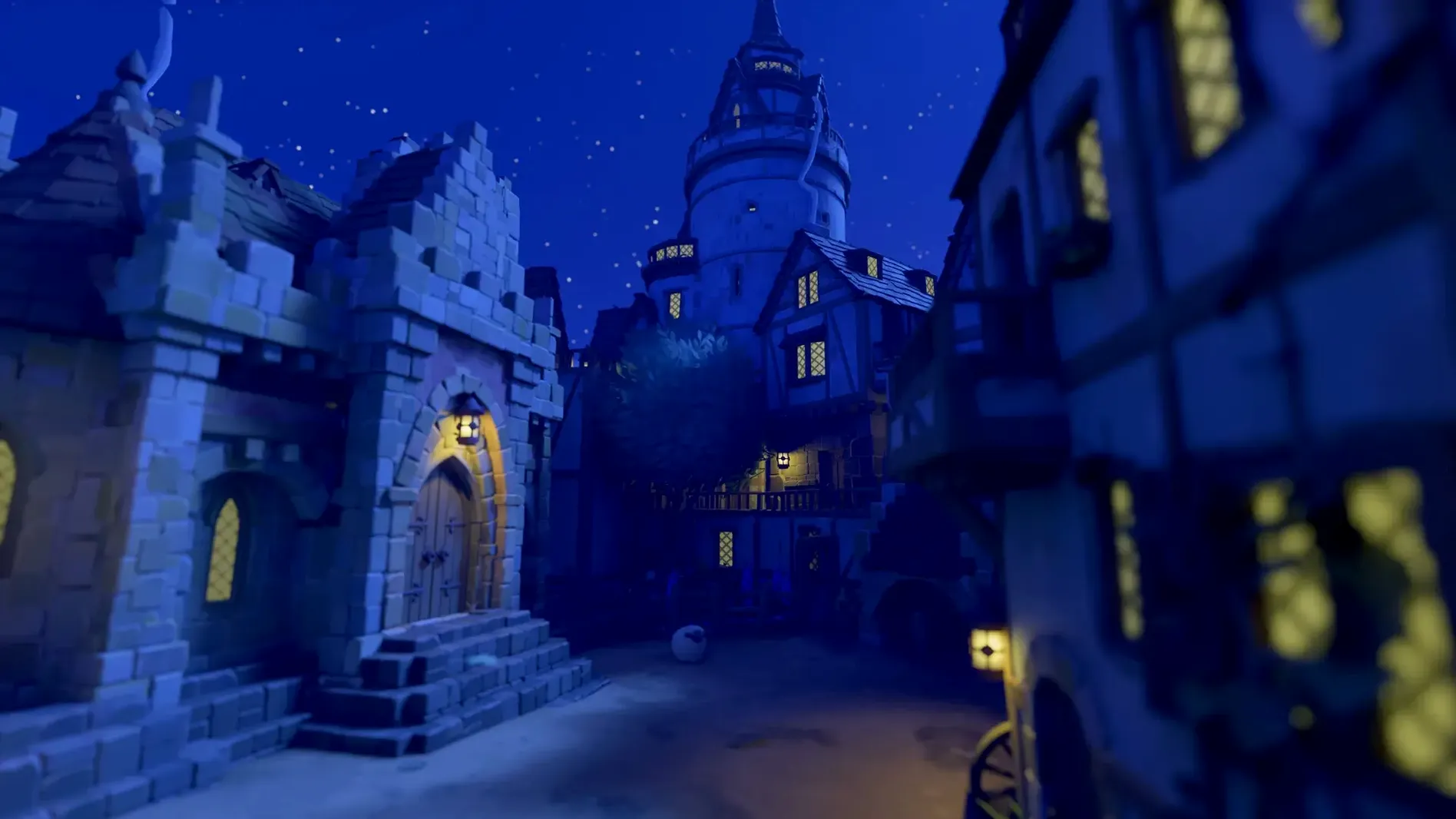

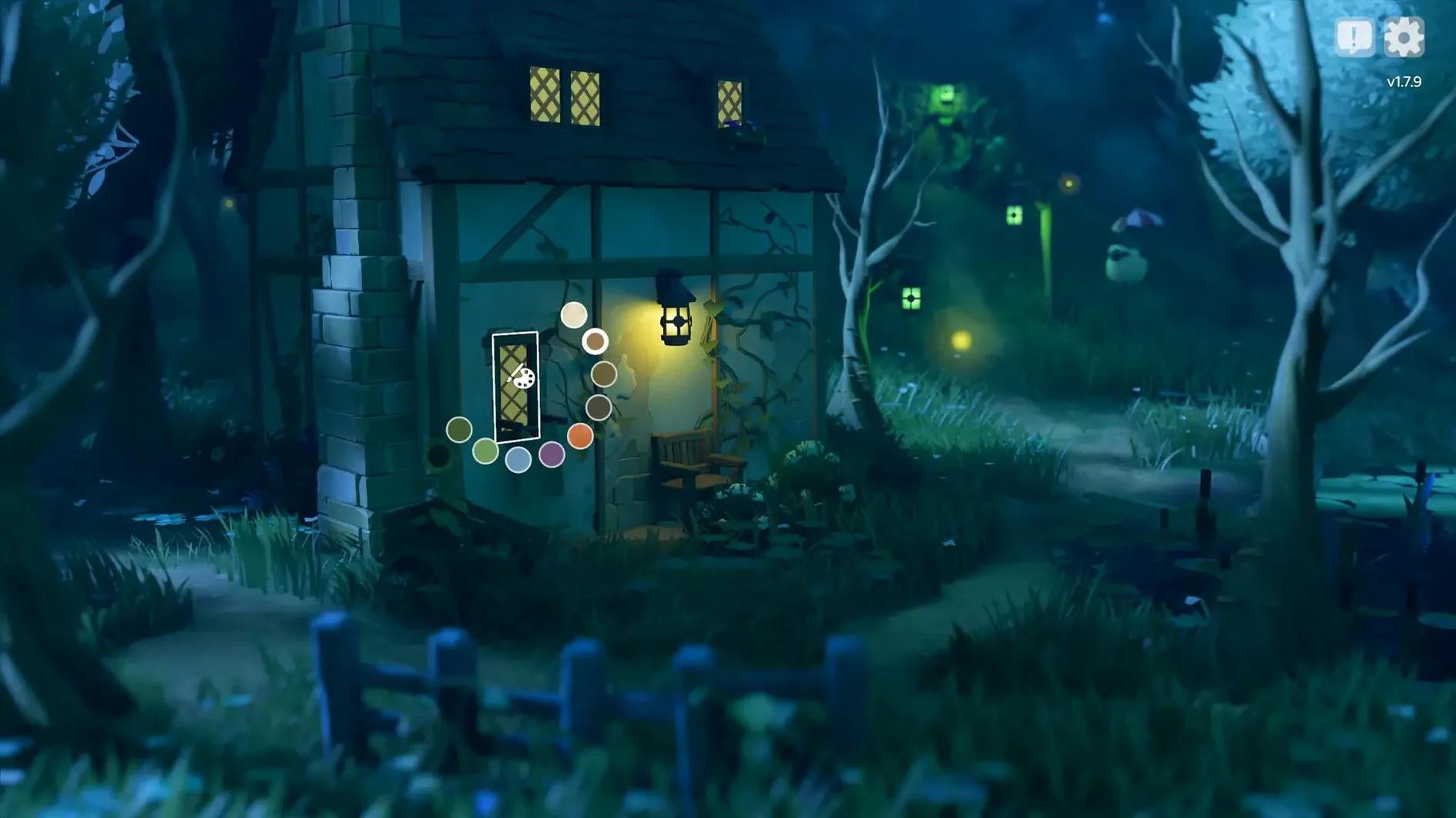
Most building games hand you a list of problems. Resources run low, enemies approach, and every wall you place has to earn its keep. Tiny Glade solves a different problem altogether: the restless urge to make something pretty with no pressure attached. Pounce Light’s game strips away goals, timers and fail states, leaving only the gentle act of shaping a diorama in a sunlit forest clearing.
The kind of player who settles right in
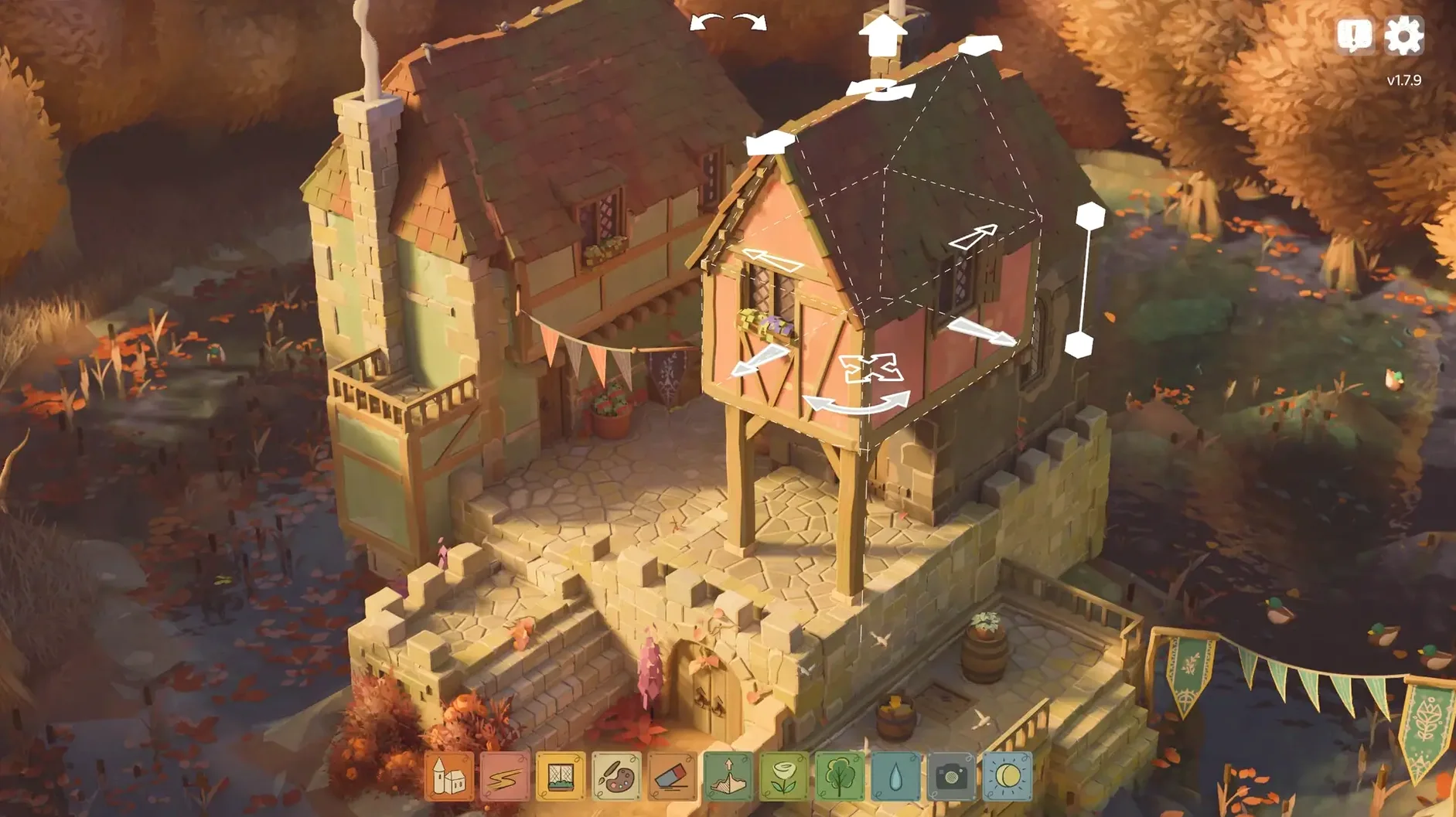
Someone who doodles cottages in the margin of a notebook will understand Tiny Glade instantly. You draw a rectangle and the game lifts it into a stone tower, complete with a conical roof. Drag a path through a wall and an arch forms; lower a wall far enough and it softens into a hedge. The tools respond to movement rather than menus, so a building session feels like nudging clay rather than ticking boxes. There is no undo anxiety because nothing can break. Even a clumsy wall becomes a ruin draped in ivy within moments, looking intentional. The game suits an evening when you want to occupy your hands while your mind wanders, or a quiet half-hour with a child who just wants to see sheep cluster around a gate.
Who might set it aside
A player who thrives on clear objectives — resource chains, structural integrity, a score — will find the aimlessness unsettling before long. Tiny Glade offers no campaign, no unlocks and no failure; the satisfaction is entirely self-directed. It also asks for patience with its narrow scope. The palette of walls, roofs and foliage is charming but finite, and after a few sessions the surprise of arches turning into gates wears thin. For someone who wants a sandbox with physics quirks or a narrative thread, this is not that game. It is a diorama maker first and a game second, and it makes no apology for that.
Camera arcs and clipping into the terrain
One recurring frustration shows up early with the camera. People used to free-flying building tools expect to orbit freely, but the camera in Tiny Glade moves along set arcs and occasionally clips into terrain when you push it toward a clearing’s edge. Patch 1.16.3 addressed one specific corner, though tight spots near cliff faces can still feel stubborn. The remedy is usually to pull back with a scroll rather than nudging sideways — the zoom arc often frees the view when lateral movement will not.
Another snag involves the way walls interpret your mouse drag. Drawing a short stroke that overlaps an existing structure can accidentally widen a tower instead of starting a fresh wall. Holding Shift while dragging disables snapping, which gives you the control to place a new element without the tool latching onto nearby geometry. The hotfix in 1.16.2a made sure this input does not interfere with group select, so the shortcut is reliable now. If a wall still misbehaves, undoing the last few strokes with Ctrl+Z and redrawing with Shift held usually resolves it.
Performance on Intel Macs is worth mentioning. The Mac release lists Apple silicon as a requirement, and while the x86 build exists, older Intel machines with integrated graphics can chug when the glade fills with ivy and dozens of sheep. Lowering the draw distance and keeping flock sizes modest helps. On any Mac, letting the game sit for a few seconds after loading a dense glade prevents stutter while the foliage finishes populating.
Warmer than Townscaper, more structural than the rest
Tiny Glade occupies a specific niche, but three other building-minded Mac apps offer useful comparison points.
Townscaper shares the no-objective, grid-free approach, yet it trades Tiny Glade’s pastoral warmth for a colder maritime palette. Where Tiny Glade gives you arches, hedges, ivy and roaming animals, Townscaper sticks to stucco blocks, bridges and water. Townscaper works on a broader range of Mac hardware and feels more immediate for quick doodles, but its structures stay rigid once placed — you cannot draw a path through a wall and watch it adapt. Tiny Glade rewards a slower, more sculptural hand.
Dorfromantik introduces tile-laying strategy under a cosy exterior. The hex-based placement and score-chasing give it a puzzle-like tension absent from Tiny Glade. Someone wanting a relaxed aesthetic with a gentle push toward optimisation might prefer Dorfromantik, while a player who resents point tallies will find Tiny Glade’s total freedom the right fit. Dorfromantik also runs comfortably on older Macs, which matters for Intel holdouts.
The Sims 4 (on Mac) is the heavyweight alternative for interior and exterior design, with far deeper object catalogues and character simulation. The trade-off is complexity: menus, budgets, moodlets. Tiny Glade strips all that away in favour of a single serene clearing. A player who spends hours landscaping in The Sims but ignores the life simulation might discover that Tiny Glade scratches the same itch with fewer interruptions, though the lack of interior spaces limits its scope.
Conveniences and shortcuts easy to overlook
A handful of touches sit just below the surface. The sheep are not mere decoration — dropping a wall segment near a flock herds them toward the new structure, and they linger around gates and arches as if curious. This is never explained, but it makes for livelier dioramas once you spot the behaviour.
The day-night cycle can be nudged forward by dragging the sun in the top-right corner of the screen. A quick drag to dusk lights the fireflies early, which changes the mood of a glade without waiting for the natural cycle. Holding Option while adjusting roof height lets you fine-tune the pitch in smaller increments, useful when you want a shallow awning rather than a steep cone.
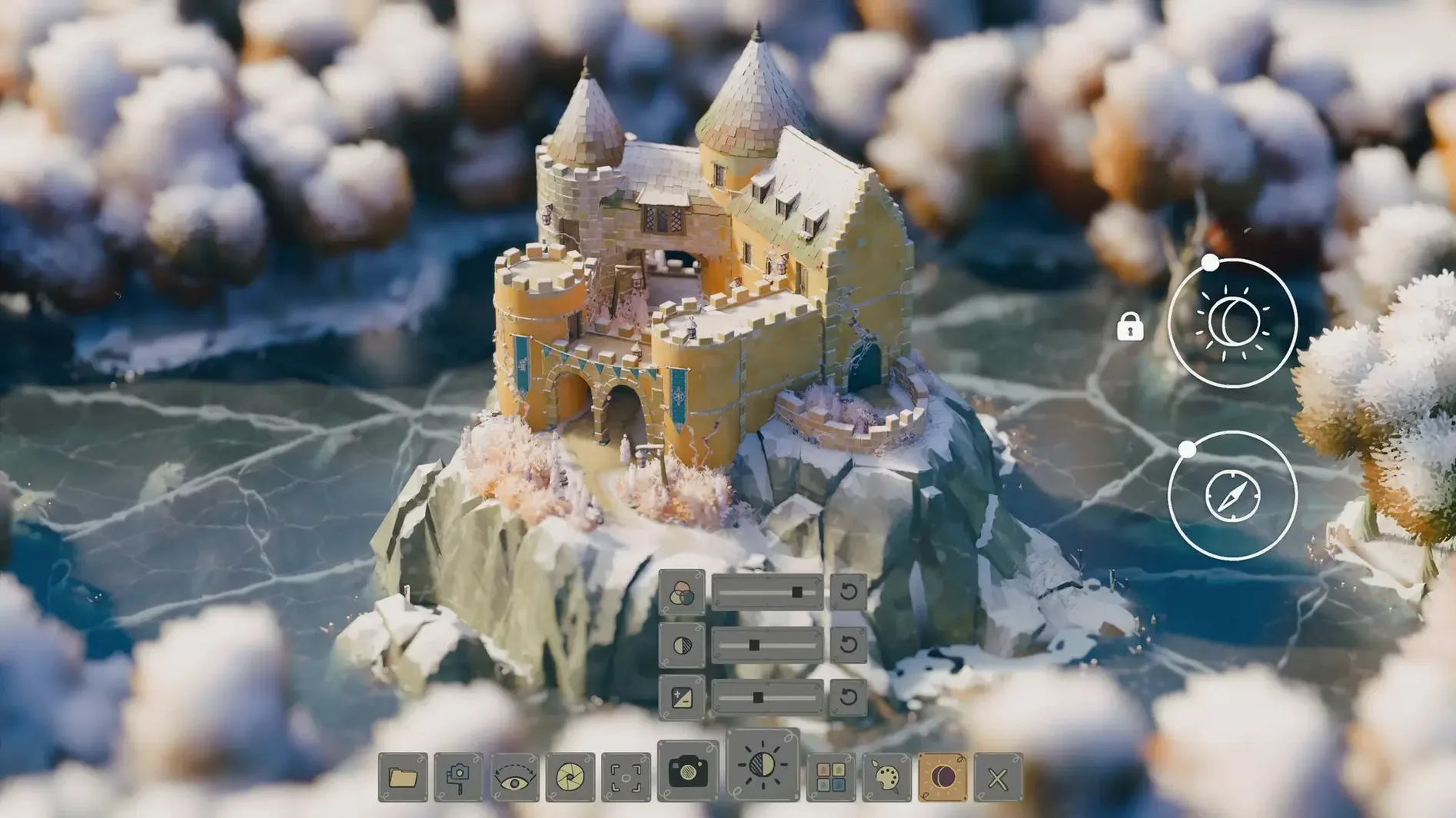
Right-clicking a completed structure copies its style to the next one you draw — roof material, wall texture and colour carry over. The feature is tucked away with no on-screen prompt, yet it saves repetitive tweaking when building a village of matching cottages. Lastly, pressing F toggles a photo mode that hides the minimal UI, and the resulting screenshots land directly on the desktop without watermarks or metadata fuss. People grabbing a Tiny Glade for Mac cracked version will find these small quality-of-life features present right from the first launch.