Aspecten
 Download (18.6 GB)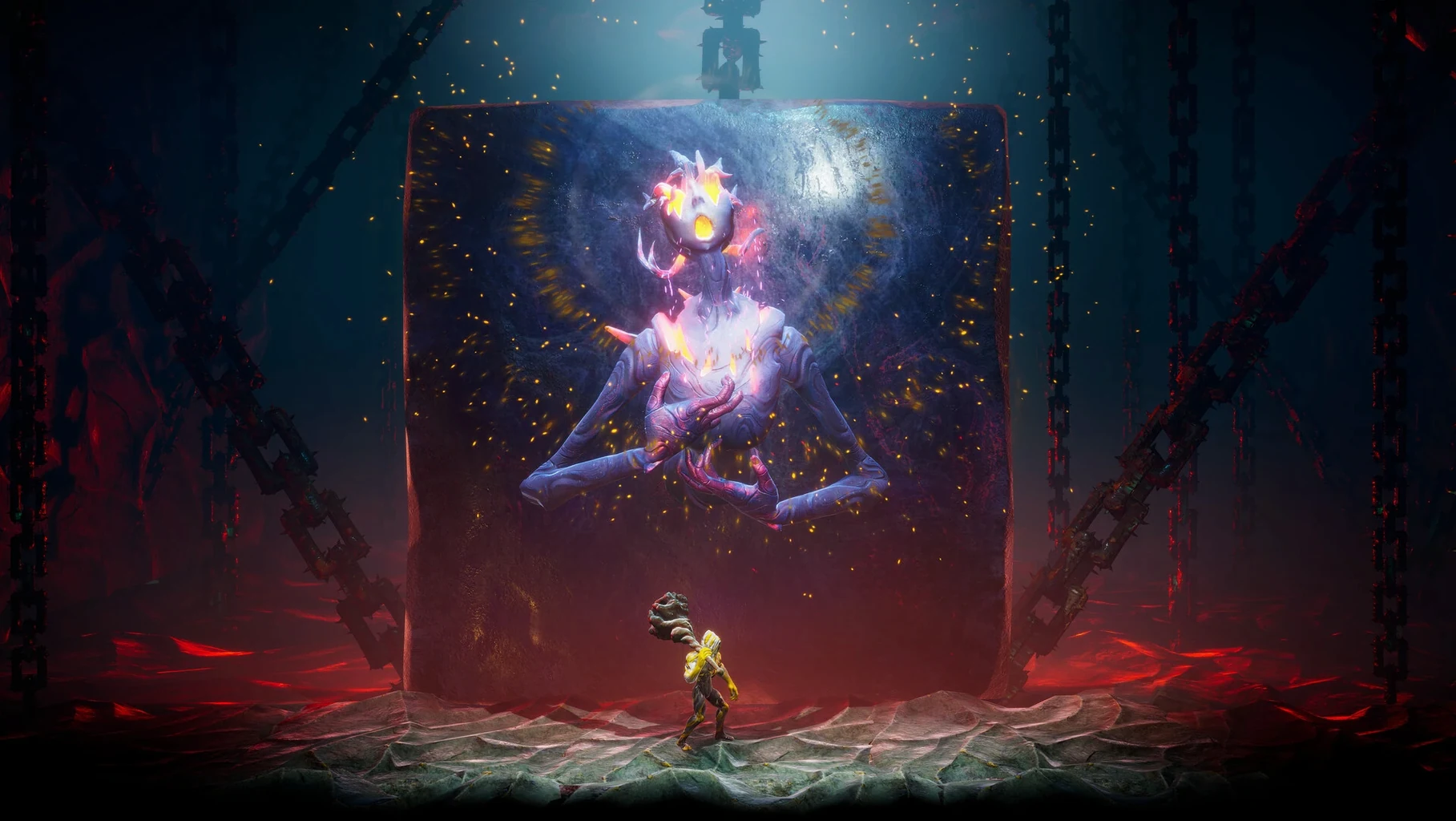
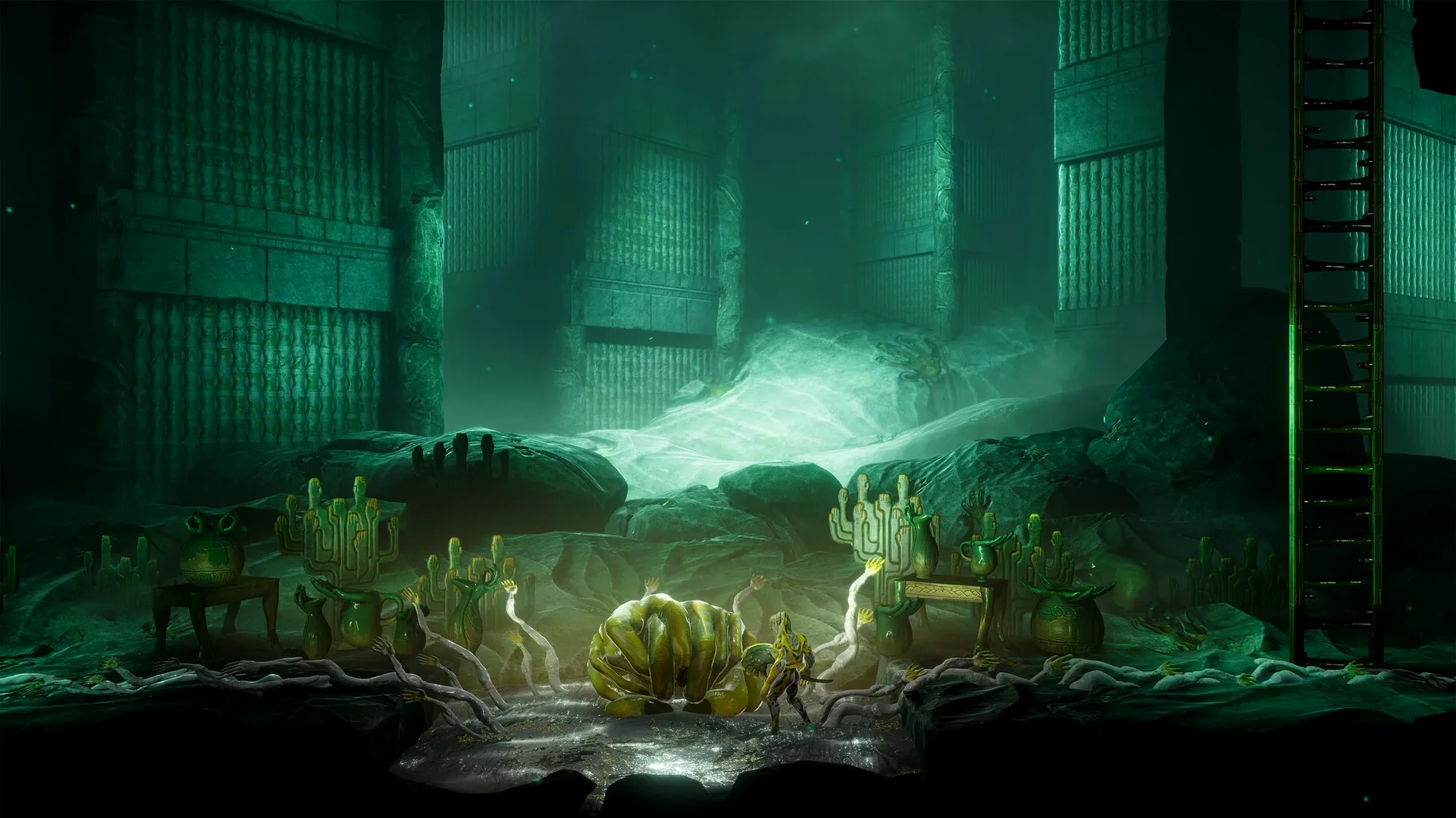
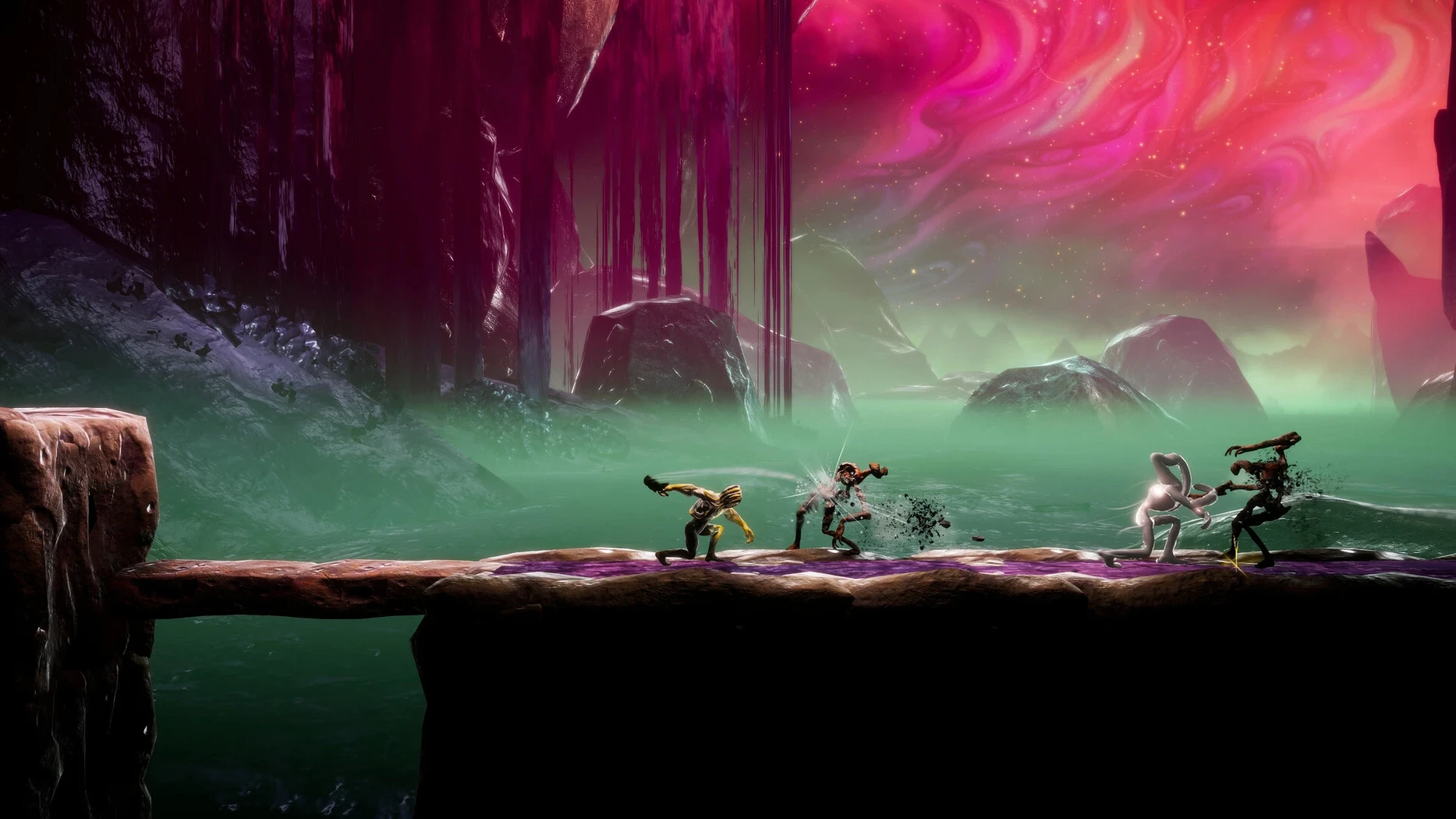
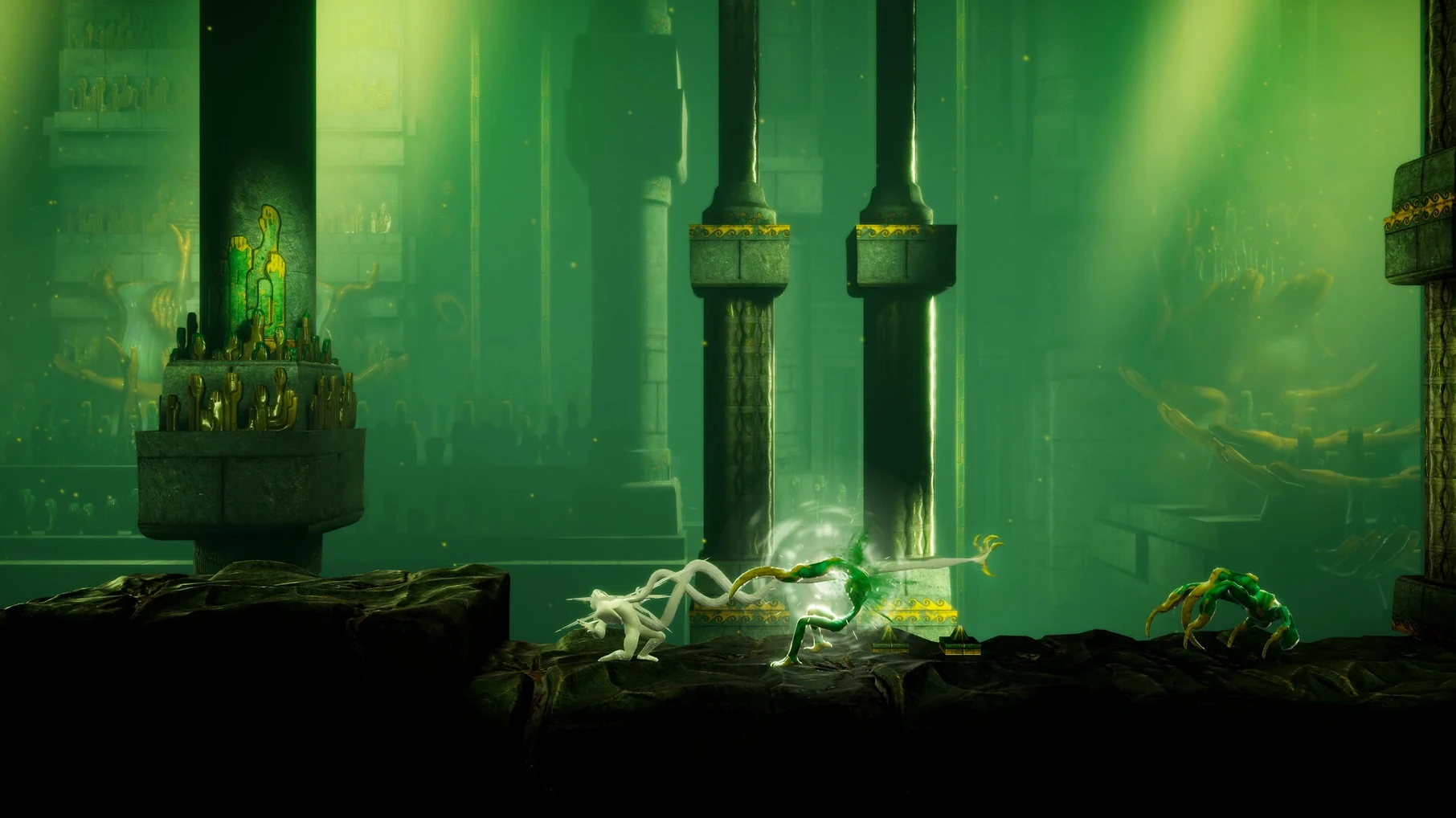
The current build, 1.0.17360c, arrives as a native ARM package for Apple Silicon. No patch notes accompanied the release, but the architecture shift means the game uses the full capability of M-series chips without translation. On a 2024 Mac mini with an M4 chip running macOS Tahoe, the frame pacing stays level even during encounters that layer summoned forms over dense environmental traps.
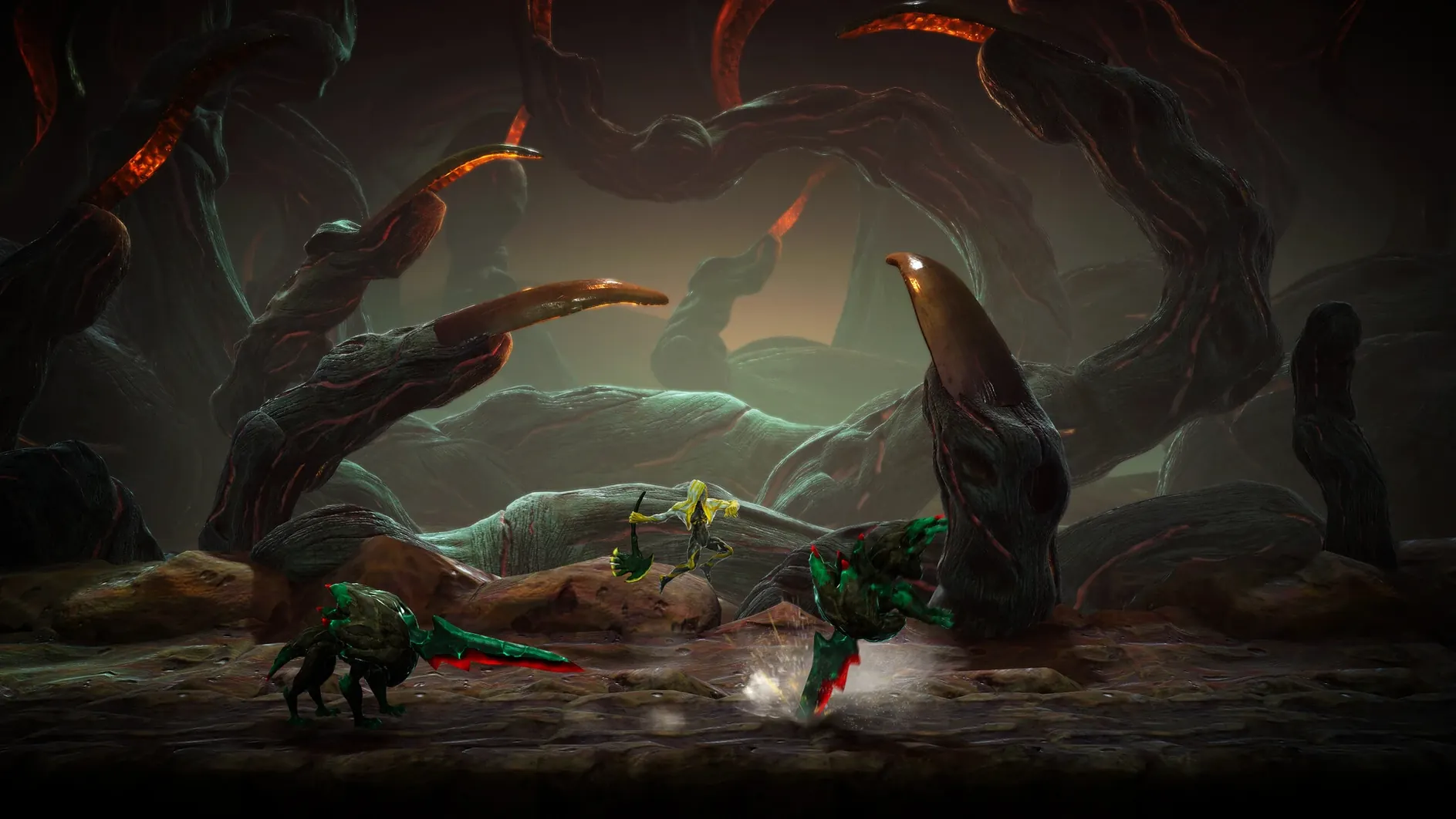
You control the Formless, an art mimic that absorbs creatures it defeats. Each absorbed creature can be summoned later as a fighting form with its own move set. The game bundles 40 abilities spread across these forms, so combat is about swapping to the right tool for the geometry at hand. A narrow corridor might call for a form that lunges; a room with crumbling floors rewards something that can reposition quickly.
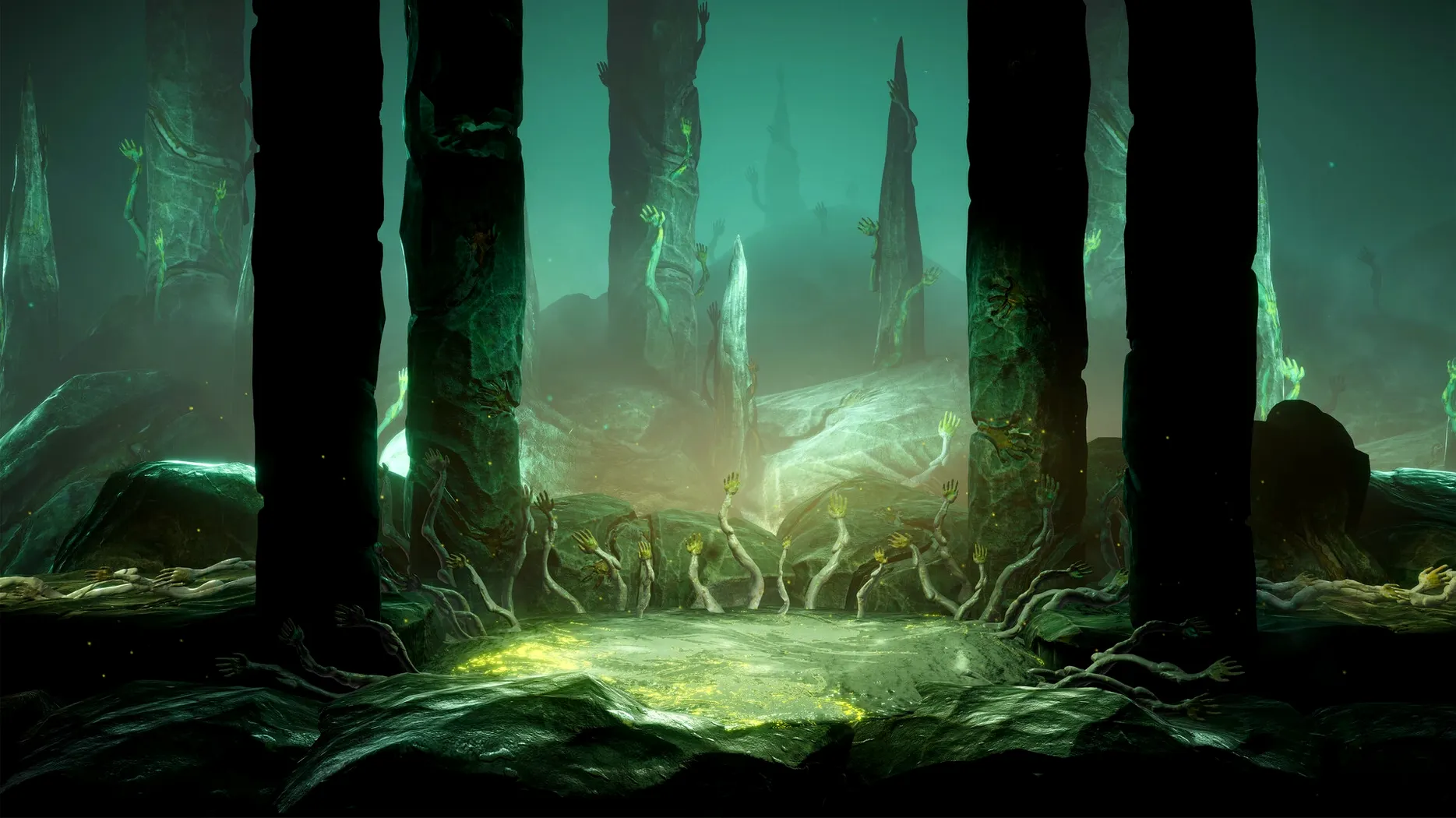
Environment is not just backdrop. Ledges, hazardous surfaces and breakable structures all factor into how a fight plays out. A creature standing near a brittle wall can be knocked through it, opening a shortcut or revealing a hidden chamber. The inheritance from the 2021 original is clear in the platforming logic, but the sequel layers the summon system on top so that traversal and combat share a single resource pool.
Language is set from the in-game settings, with ten options available: Russian, English, German, Spanish, Traditional Chinese, Simplified Chinese, Korean, Portuguese, French and Japanese. No external configuration files are needed to switch.
Actions hidden in plain sight
Several shortcuts sit outside the on-screen prompts and are easy to walk past. Holding the dash button mid-air extends a jump farther than the standard arc, which matters in a handful of platforming rooms where the ledge looks just out of reach. Tapping block the instant an enemy strike connects triggers a perfect parry that stuns the attacker longer than a regular block. The timing window is tight — roughly a fifth of a second — but the game never explains it outside a single loading screen tip.
The quick-swap function for summoned forms is tucked away: double-tapping the form-change key cycles to the last form you used, bypassing the radial menu entirely. In fights that demand alternating between two forms, this halves the input lag between swaps. Another unmarked convenience is the ledge grab. The Formless will catch a ledge automatically if you hold the movement key toward it during a fall, no extra button press needed. That one is not mentioned anywhere in the interface.
The map screen accepts controller shoulder buttons for fast zoom and keyboard number keys for bookmarking rooms. Placing a bookmark on a dead-end where a form ability is clearly needed saves retracing steps later. The game never clears bookmarks, so a room you tagged three hours ago will still be marked when the right ability finally lands in your inventory.
Launch error fix you run once
The most common stumble is the launch error on first run. The disk image includes a Fix file that resolves it — opening that file once settles permissions so the Wineskin wrapper can initialise properly. Skipping this step leaves the app bounces in the Dock and quitting. After the fix runs, subsequent launches are straightforward.
Save files live in an unusual spot: inside the app package at Contents/SharedSupport/prefix/drive_c/users/Sikarugir/AppData/LocalLow/Clover Bite/GRIME II/Save Files. This matters when you want to back up progress manually or move saves to another machine. Dragging the whole Save Files folder to the same relative path inside the app package on the destination Mac works, provided both copies are the same build version.
A less frequent but noted issue is the audio dropping after a long play session — roughly the three-hour mark. The soundtrack cuts out while sound effects keep playing. Restarting the app brings it back. The trigger appears tied to memory pressure, so closing background applications before launching can push the problem further out. The build tested on macOS Tahoe showed no other stability concerns.
ARM-native parry timing
The move to a native ARM architecture with version 1.0.17360c is the practical change most players will feel. Earlier Wineskin wrappers for this game ran under Rosetta 2 and carried a slight input lag on parry timing. On the current build, that lag is gone. The parry window lands where muscle memory expects it, and the difference is most obvious in the late-game gauntlet rooms where three or four parries chain back to back.
The same build adjusted how the game hands off between the wrapper and macOS's fullscreen mode. Previously, switching spaces on the Mac would occasionally minimise the game window. Now it holds fullscreen when you swipe to another desktop and returns cleanly. A small thing, but it spares the ritual of resetting display settings after checking a wiki.
Some users who look for a GRIME II for Mac cracked build may encounter older Wineskin versions floating around. Those earlier wrappers lack the ARM tuning and the fullscreen fix. The current package, 1.0.17360c, is the one that lands these quality-of-life improvements together with the architecture-native performance.