Aspecten
 Download (260 MB)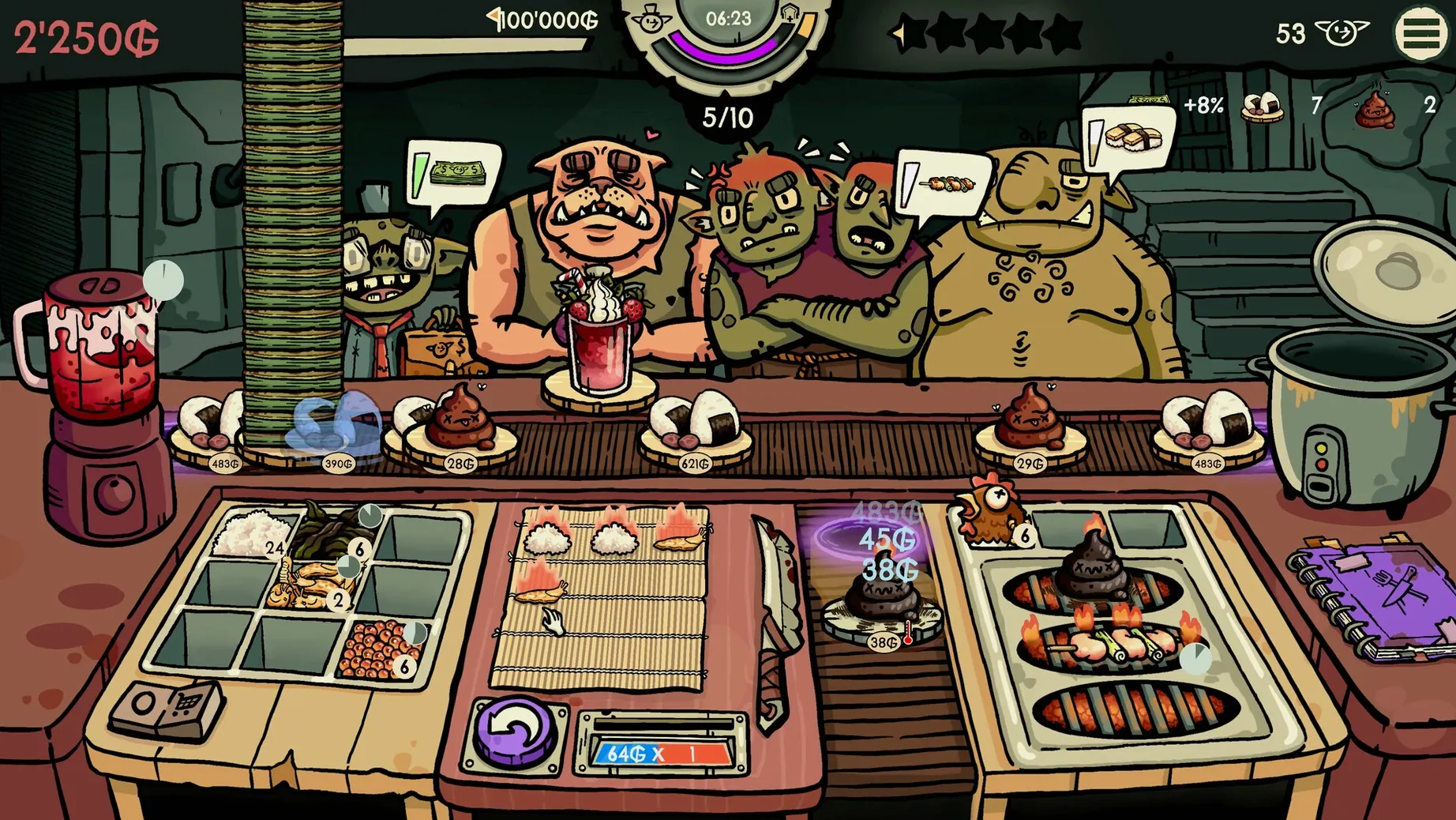
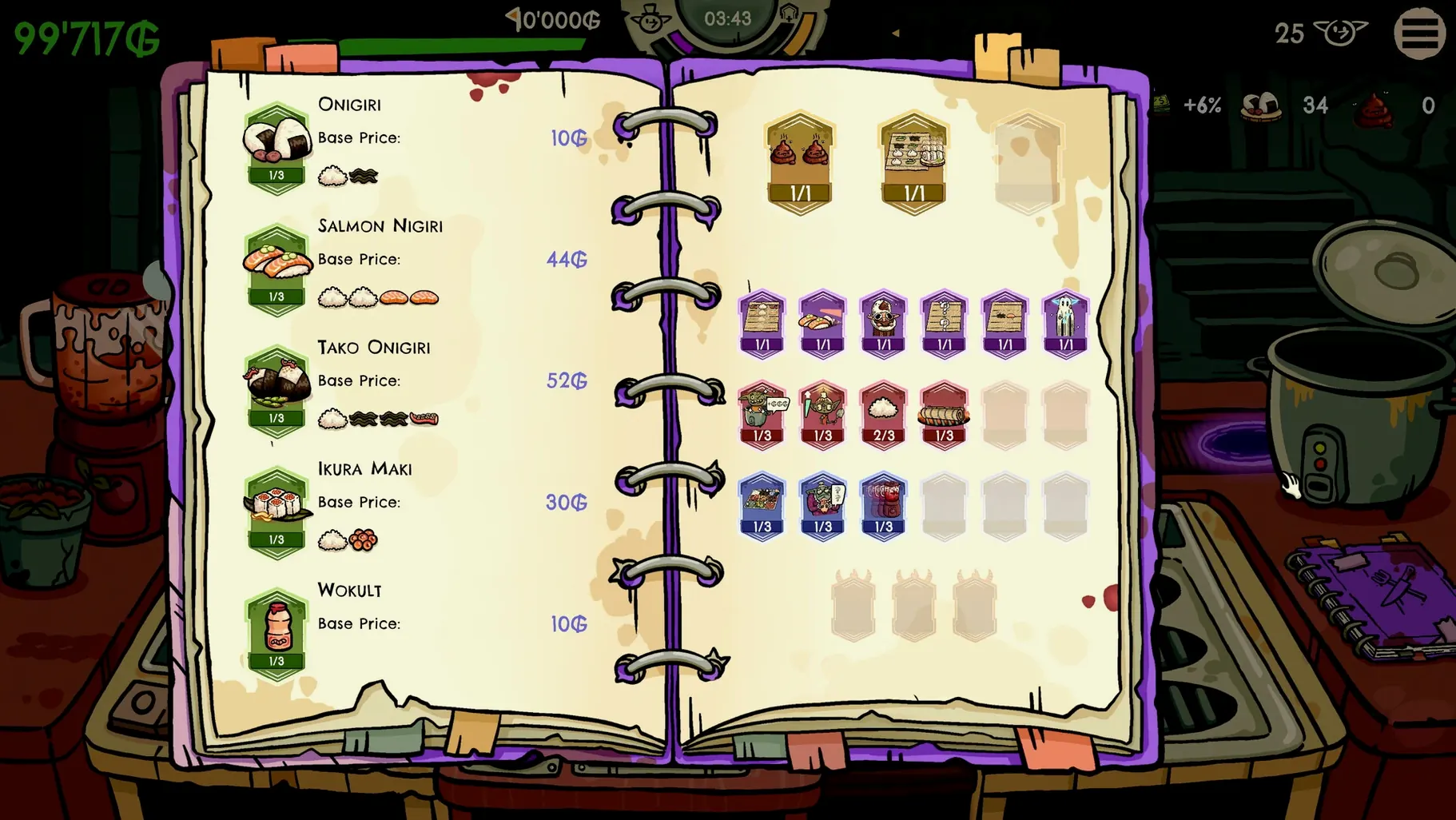
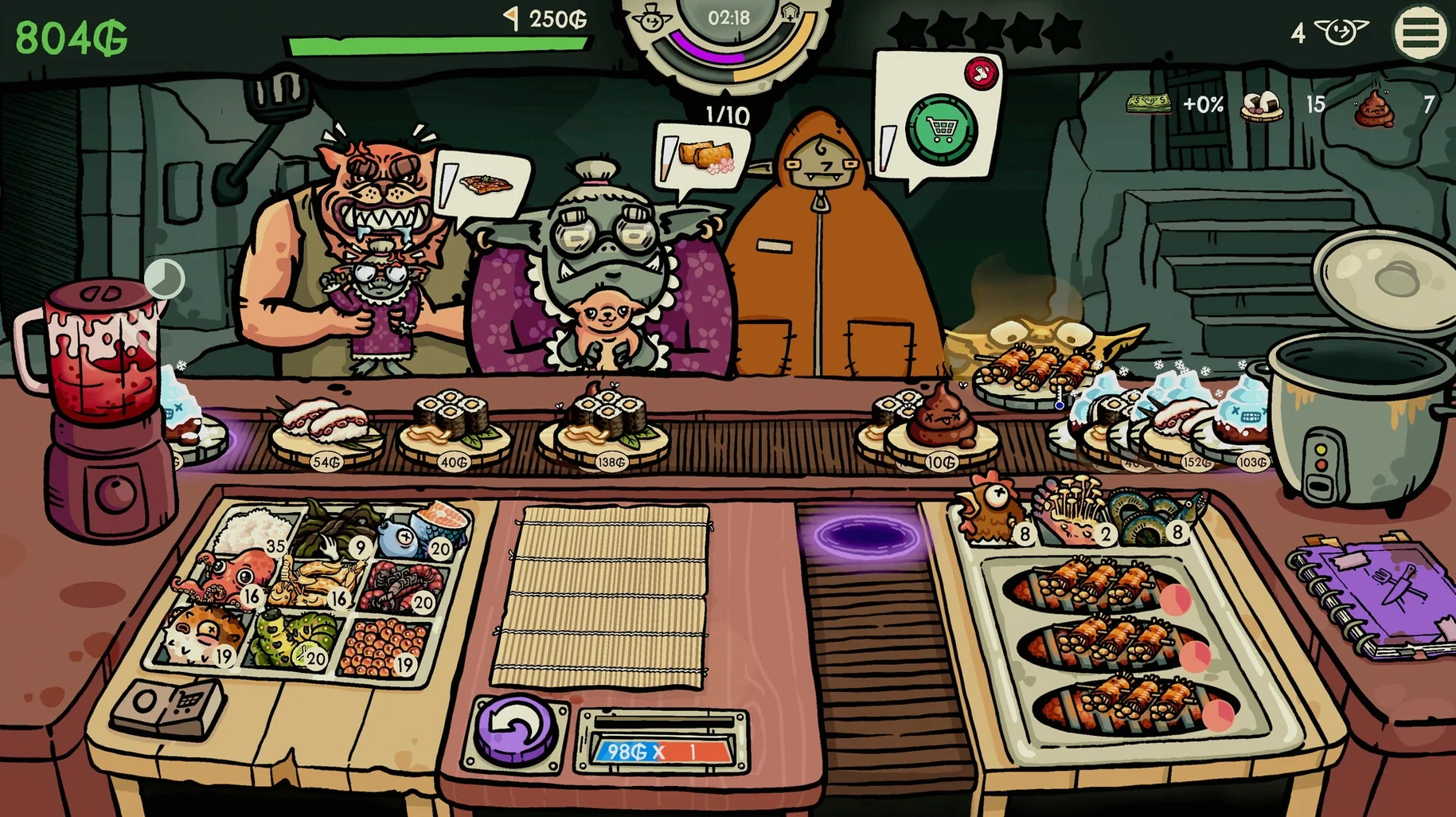
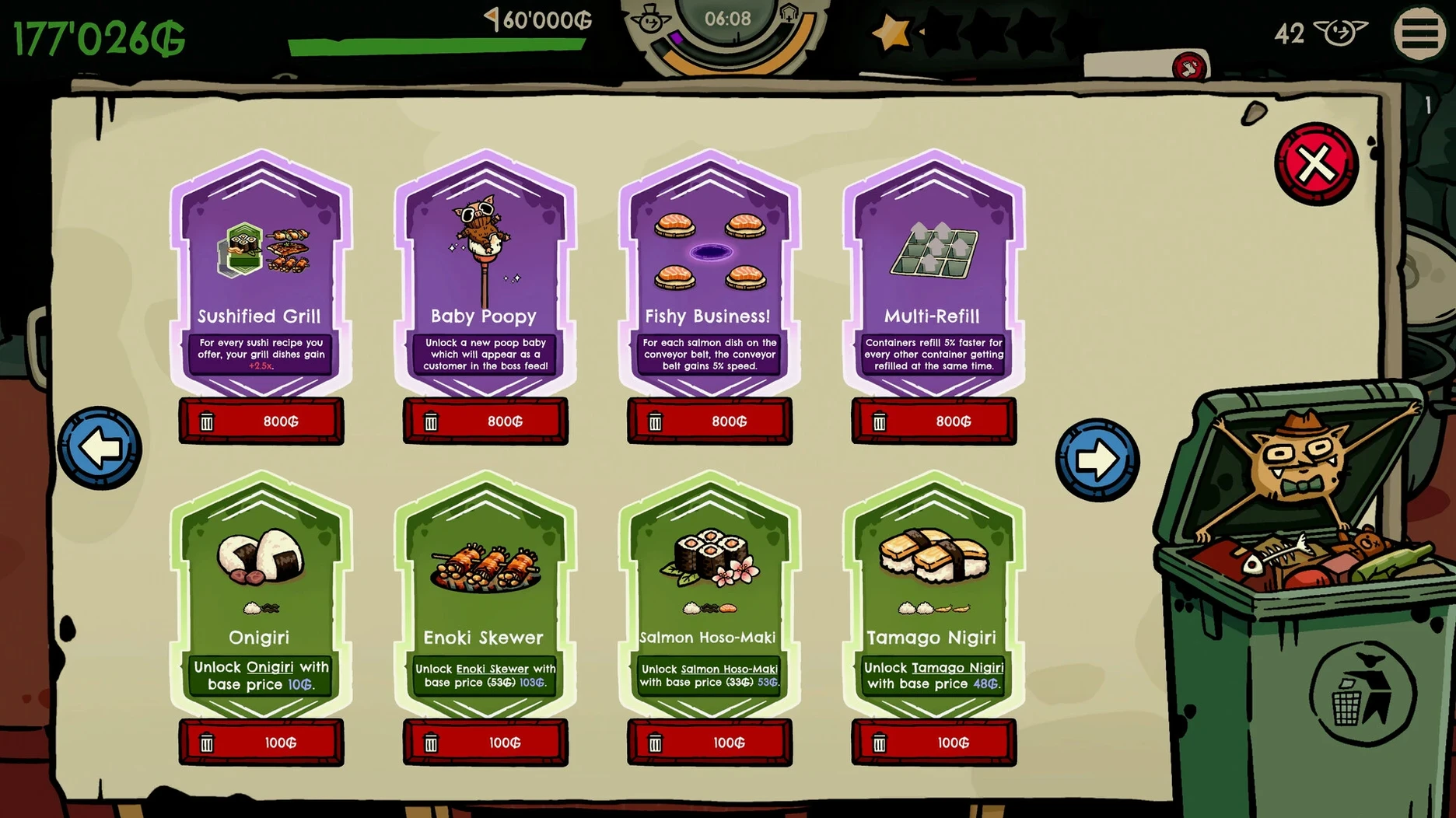
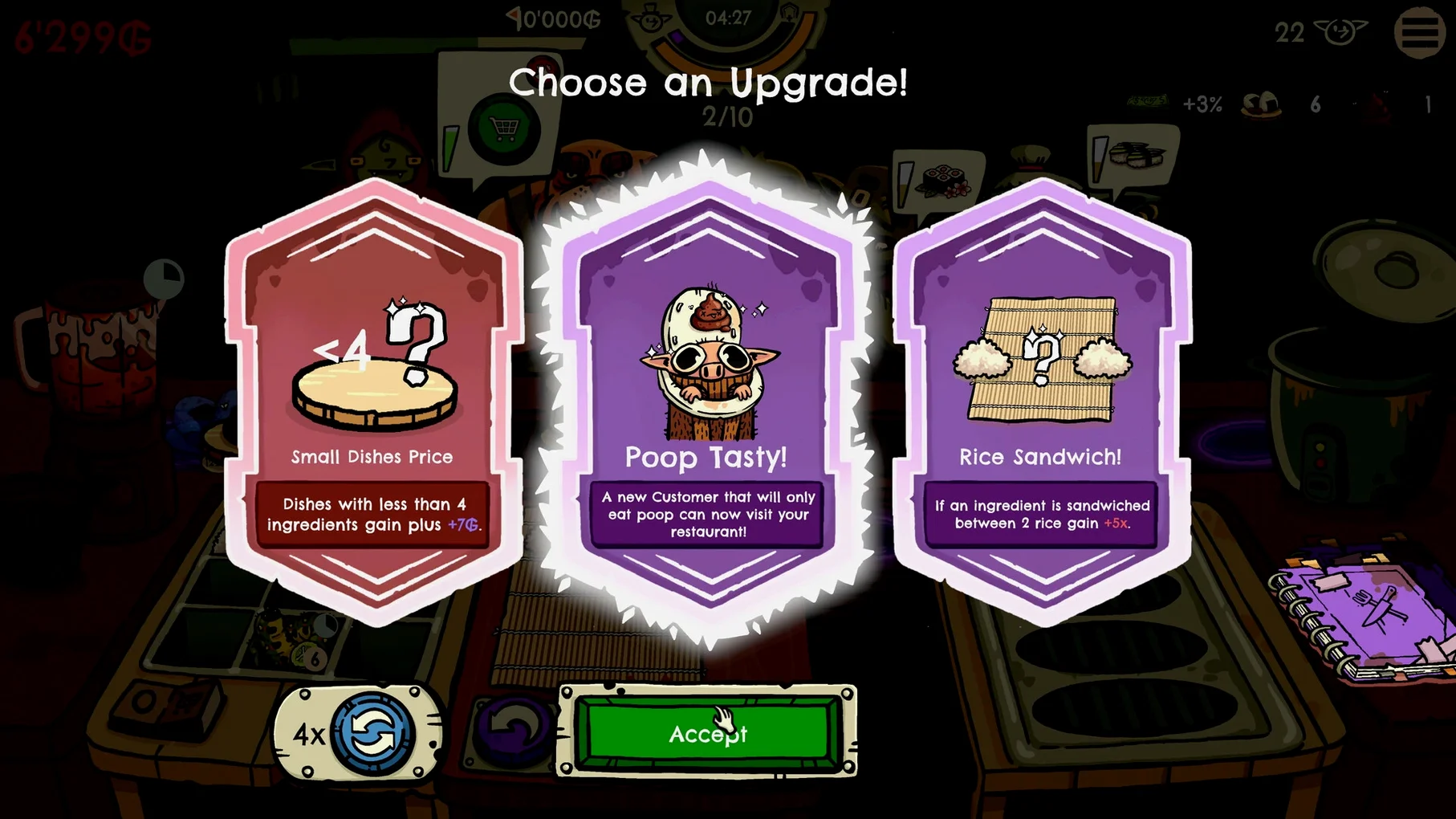
The Early Access build arrived in February and development continues toward a full release planned a year or more out. At this stage the structure is clear: run a goblin sushi bar, survive each shift, and spend your takings on upgrades that feed into the next attempt.
What does a single run look like?
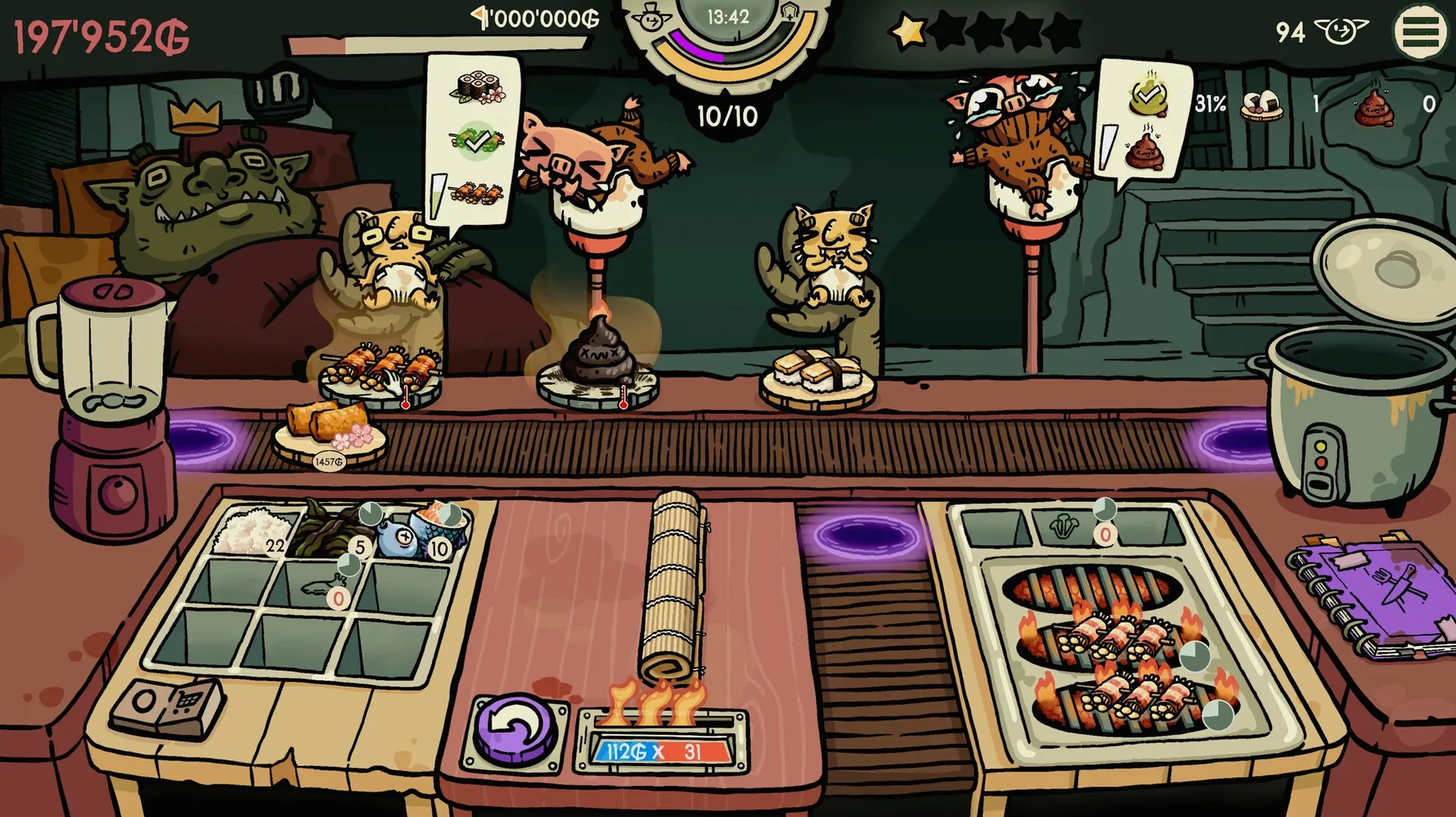
You stand behind the counter as goblins shuffle in and place orders. Each customer wants a specific sushi type, and you assemble it by selecting the right ingredients before the patience meter runs out. Mistakes cost you tips and time, so the rhythm settles into reading orders quickly and keeping your ingredient layout in mind.
What happens between runs?
Earnings carry over to a preparation screen where you upgrade the bar itself, expand the menu, and improve individual ingredients. With more than 100 upgrades available, choices compound — better rice might speed up prep, while a new fish type unlocks higher-paying orders but demands faster accuracy.
How do the roguelike elements work?
Perks appear as you progress, over 15 of them, each nudging the rules in a different direction. One run might reward you for serving grilled dishes quickly; another might make goblins tip extra for juices. The run ends when you cannot keep up, and you start fresh with your permanent upgrades intact.
What variety is there in the current version?
You draw from more than 20 sushi types, 3 grilled dishes, and 3 juices to satisfy 23 unique customers. The goblins themselves differ in patience and preference, and the game does not shy away from its own odd sense of humour — three poop variations appear in the ingredient list, which fits the setting better than it has any right to.
The rent timer ends your run every two minutes unless you earn enough
The rent timer catches most new players off guard. Every two minutes the landlord demands payment, and if your earnings fall short the run ends regardless of how well you were serving. The fix is simple but counterintuitive at first: prioritise the cheapest orders early in a shift to build a cash buffer, then tackle high-value plates once rent is covered. Ignoring this rhythm is the fastest route to a premature game over.
Another frequent stumble is ingredient confusion during busy moments. Caterpillars and chopped frogs share similar icon silhouettes at a glance, and a mis-click loses you both the tip and the customer's patience. Opening the menu between shifts and studying each ingredient's icon deliberately helps more than you would expect — five minutes spent memorising the visual differences pays back across every subsequent run.
If the game feels sluggish after long sessions, quitting and relaunching clears a known memory creep the developer is still working on. The goblin sushi mac download build handles this better than earlier versions, but the issue can still surface after two hours or more of continuous play.
Keep a notes app open on a second display to track upgrades
The game runs windowed or fullscreen and coexists peacefully with other applications. You can keep a notes app open on a second display to track which upgrades you want to pursue next — the game does not log your upgrade history across runs, so external notes prove genuinely useful. Stage Manager handles the arrangement without any odd window resizing.
Game Centre integration is absent, so achievements and progress stay local. This also means no notifications interrupt a run. If you use Focus modes, the game respects them; a gaming-specific Focus that silences everything but the app itself keeps the shift atmosphere intact. The goblin sushi mac download build supports both Apple Silicon and Intel Macs, and on an M4 machine the fan stays quiet even during the busiest dinner rushes with multiple grilled dishes on screen.
Turn off screen shake and bump up the cursor size
Two adjustments make an immediate difference. First, disable the screen shake effect in the accessibility section — it adds visual chaos during order spikes and serves no mechanical purpose. Second, increase the cursor size slightly if you play on a high-resolution display; the default pointer can vanish among ingredient tiles when five goblins are waiting.
Audio-wise, the music volume defaults to a level that overpowers the order-ready sound cues. Dropping music to about 40% while keeping effects at full lets you hear the subtle ping that signals a completed plate, which matters more than the soundtrack when you are juggling three orders.