Aspecten
 Download (2.9 GB)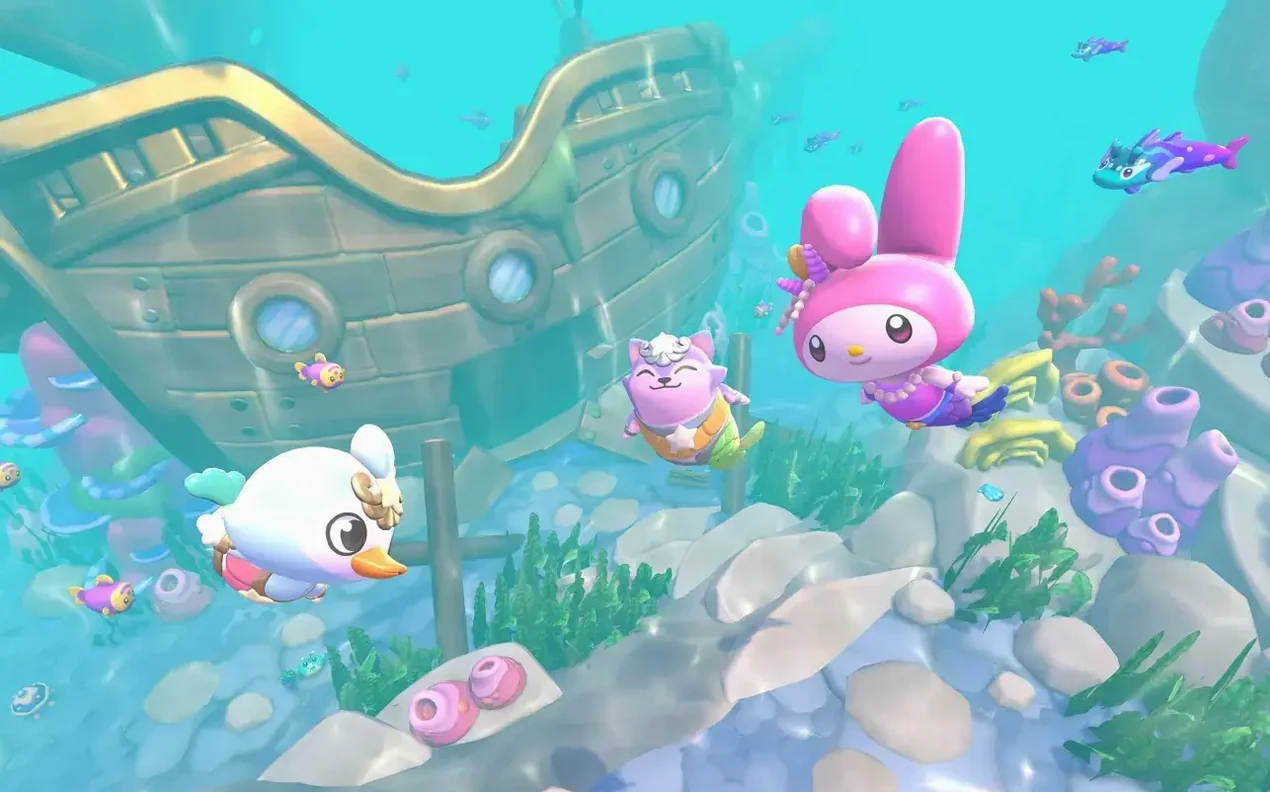

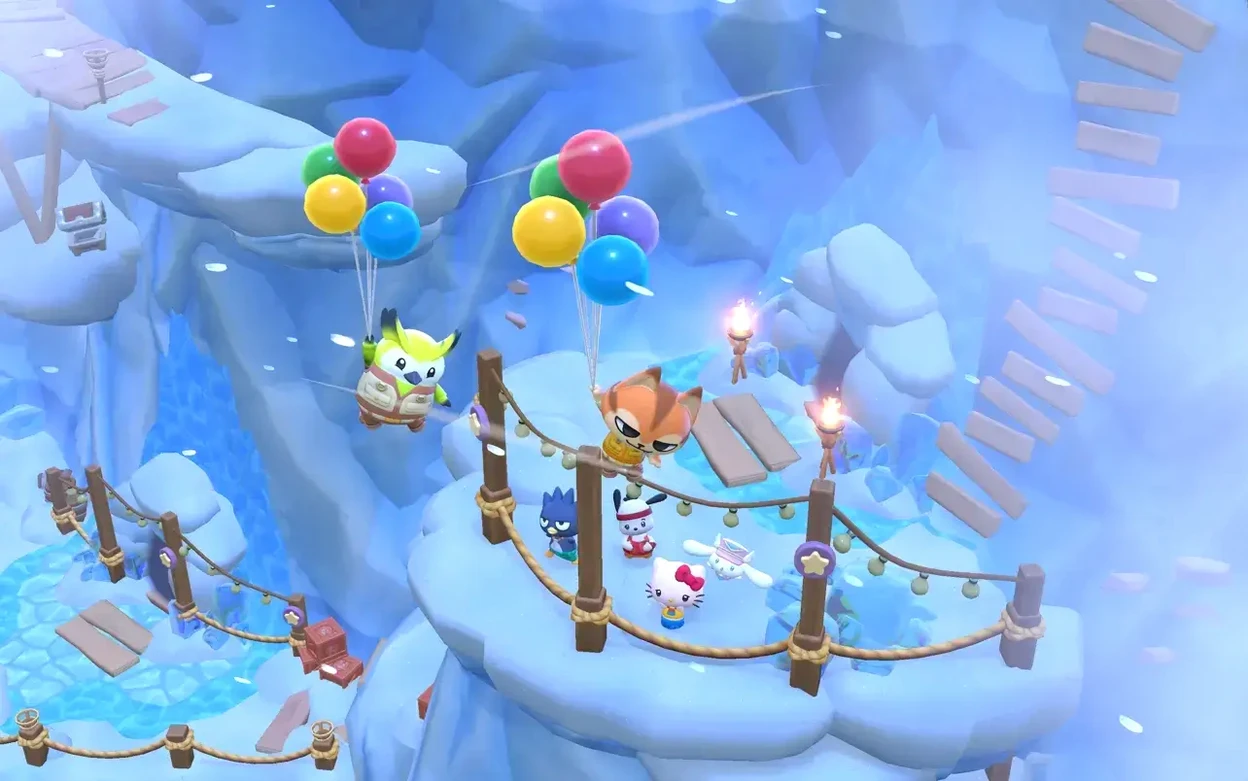
Hello Kitty Island Adventure runs on any Mac with macOS 12.0 or newer, on both Apple Silicon and Intel machines. It is an Apple Arcade title, so an active subscription is part of the deal, and it also appears on iPhone, iPad, and Apple TV.
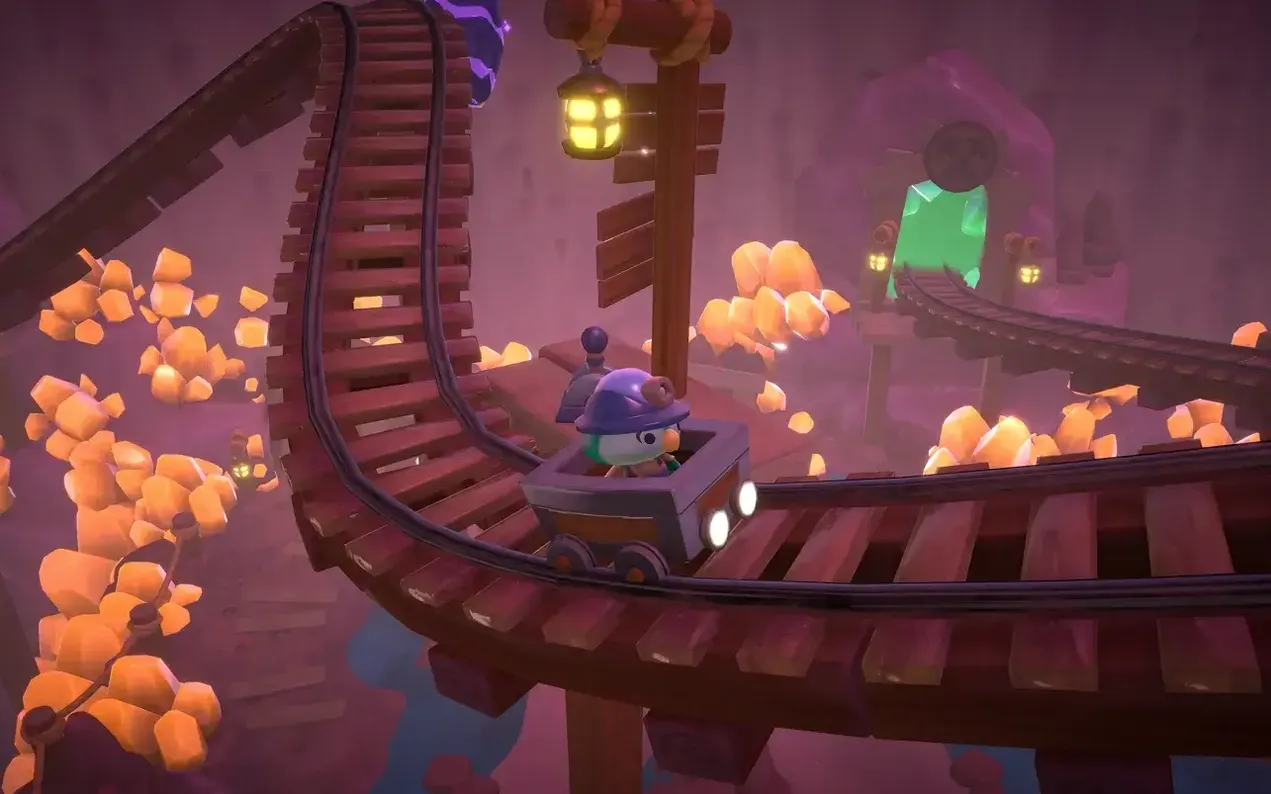
The island itself is called Big Adventure Park. Movement around it is free-form: you can run across the beaches, climb the mountains, and later take to the sky. A large underwater area sits off the coast, adding a separate zone to swim through and explore. A mystery is hidden on the island, which gives a light narrative thread to follow alongside the daily routines.
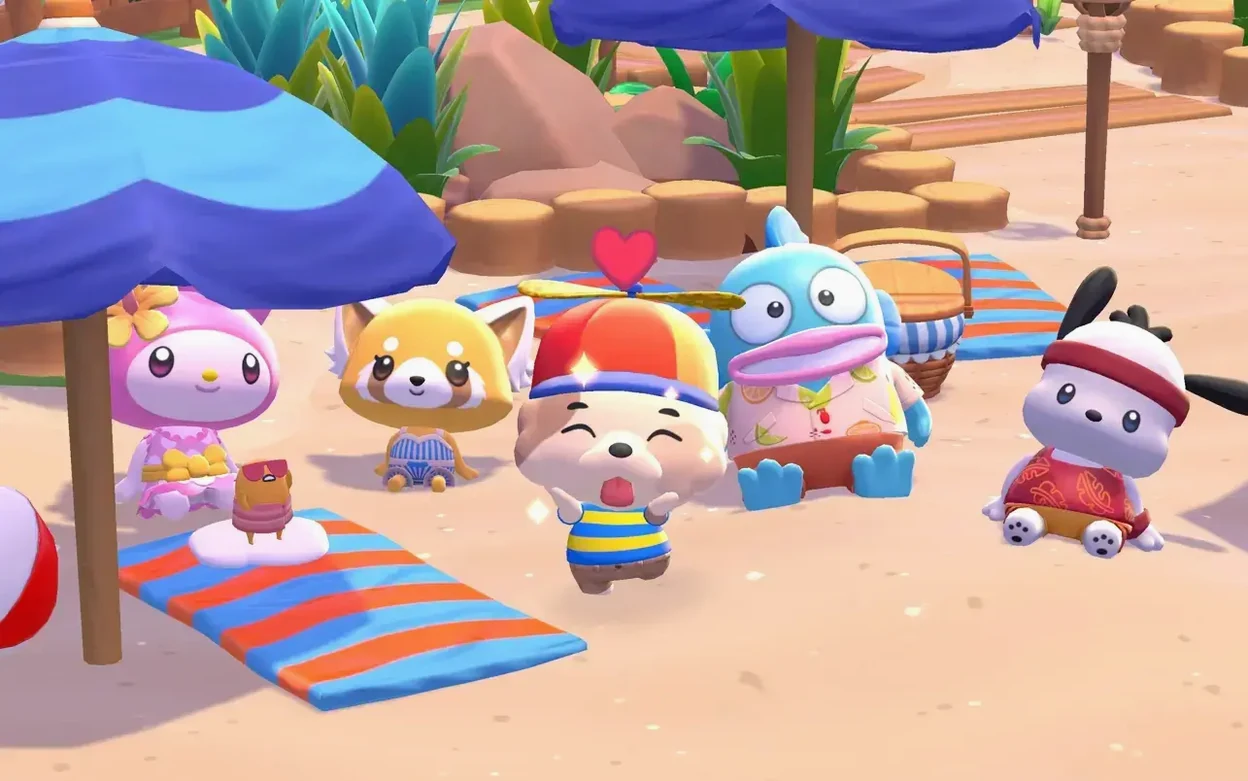
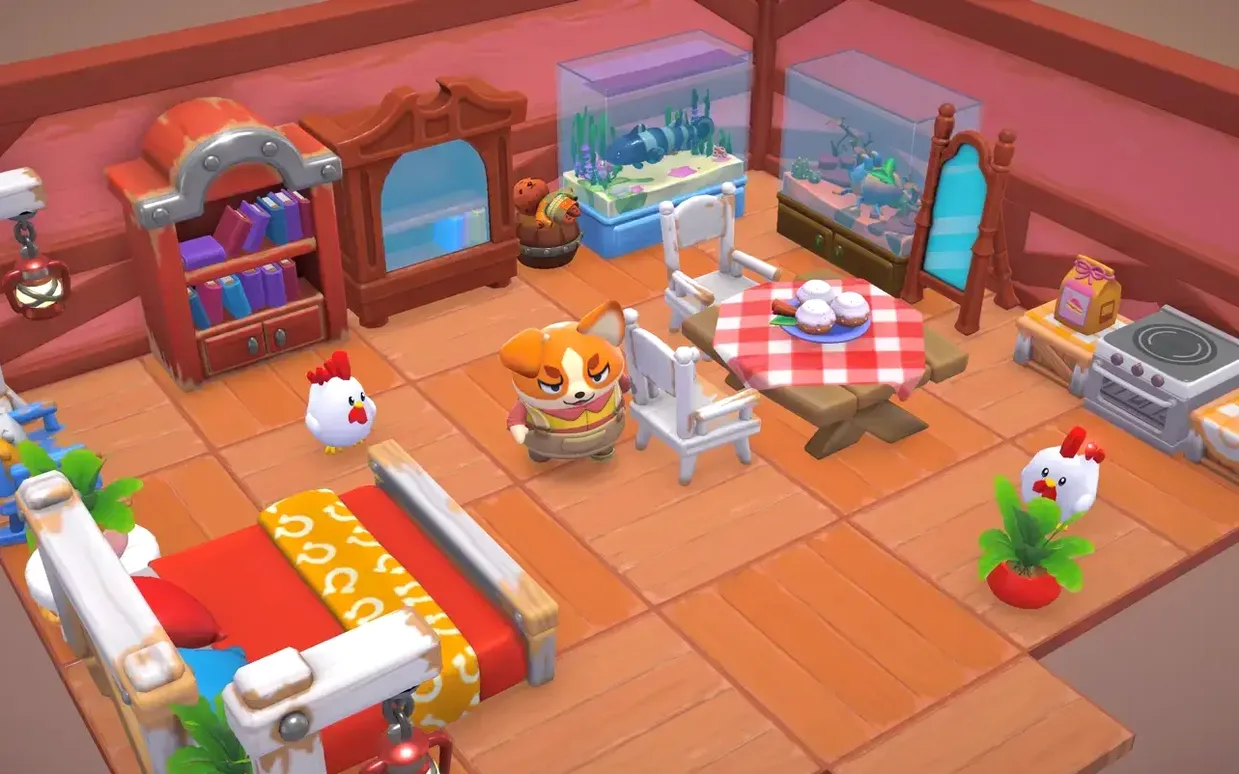
Crafting and decorating take up a good portion of the time. Rare items can be crafted from materials gathered around the park, and cabins can be furnished and arranged to attract new Sanrio visitors. Bringing those visitors in and making the island feel lived-in is the main long-term loop.
It is a gentle, undemanding game built around collecting, customising, and unlocking conversations with familiar characters. The world is compact but layered, with enough tucked-away corners and crafting recipes to keep a younger player or a series fan occupied over many short sessions.
Drops Disney Dreamlight Valley’s real-time clock and quest grind
Placed next to Disney Dreamlight Valley, Hello Kitty Island Adventure feels smaller in scope but lighter in its demands. Dreamlight Valley leans heavily into quest-grinding and real-time clocks tied to in-game seasons. Island Adventure drops the real-time pressure almost entirely. You log in, potter about, chat with Kuromi or Cinnamoroll, and log out. The Sanrio game asks less of your schedule, which suits Mac players who want a cosy space without daily login anxiety.
Cozy Grove shares the gentle pace and the island-restoration hook, but its hand-drawn, slightly melancholy tone sits at odds with Island Adventure's bright, toybox cheerfulness. Cozy Grove limits how much you can do each real-world day, whereas Island Adventure lets you keep gathering, crafting, and decorating until you decide to stop. The Sanrio title gives more control over the rhythm of a session.
Against Stardew Valley, the differences are clearer. Stardew is a farming sim first, with combat, relationships, and economic management woven in. Island Adventure has no farming pressure, no stamina bar that sends you to bed, and no combat at all. The crafting here is simpler, the characters more predefined. It occupies a narrower, softer niche — one that fans of Sanrio's world will find more immediately welcoming than Pelican Town's pixelated grind.
Workflow: Attracting a New Visitor With a Decorated Cabin
Say you want to bring My Melody's friend to the island. The sequence starts with materials.
- Head to the coastline and gather shells, sand dollars, and any driftwood that has washed up. A quick loop of the beach takes three or four minutes.
- Visit the crafting table and turn the driftwood into a wooden bed frame and a small side table. You will need a few iron ingots from the mountain caves as well.
- Open the cabin menu and pick an empty cabin near the main plaza. Place the bed, the table, and a crafted lamp — three items usually meet the minimum furniture requirement for a basic visitor.
- Check the visitor board to see which character matches the cabin's location and item tags. Some visitors prefer seaside cabins; others want to be near the gardens.
- Wait one in-game day. The next time you load the island, the new visitor appears outside the cabin, ready for conversation and small quests.
The whole process from empty cabin to new visitor takes around twenty minutes of relaxed play. After the first few arrivals, you build a mental map of which materials produce which furniture tags, and the loop becomes second nature.
Early Mac stutter fades as recent updates smooth out transitions
No build labels were provided for version 2.13.6, so specific patch notes are absent. What is observable from general updates over recent months is a steady smoothing of the Mac experience. Early Mac builds had occasional stutter when transitioning from the main island to the underwater zone; those hitches have largely disappeared on both Apple Silicon and Intel machines running macOS 12.0 or later. Loading times between areas now feel consistent rather than unpredictable.
Character schedules and gift preferences have been quietly adjusted. Long-time players will notice that certain rare crafting materials appear slightly more often in the overworld, reducing the repetitiveness of material runs. Cabin decoration limits have also been nudged upward, allowing more furniture pieces per room before the placement grid complains. These are small, almost invisible changes that collectively make daily sessions a little less fiddly.
A seven-year-old’s after-school bursts on a kitchen MacBook Air
Consider a parent who shares a Mac with a seven-year-old Sanrio fan. The child plays in twenty-minute bursts after school. The Mac sits in the kitchen, an M1 MacBook Air running macOS Sequoia. The parent has set up a separate user account with the game installed via a straightforward hello kitty island adventure mac download from the Arcade tab — just drag the app into Applications and launch it from Launchpad.
The child logs in, spends a few minutes swimming as a mermaid in the underwater area, checks on a cabin they decorated the day before, and bakes a batch of pretend cookies with Hello Kitty. No text-heavy quests get in the way, no timers rush the session. The parent values that the game starts up quickly, uses little battery, and never prompts for extra purchases or account logins. It has become a predictable, quiet part of the after-school routine — a small virtual garden that asks for nothing but a little time and imagination.