Aspecten
 Download (15.2 GB)
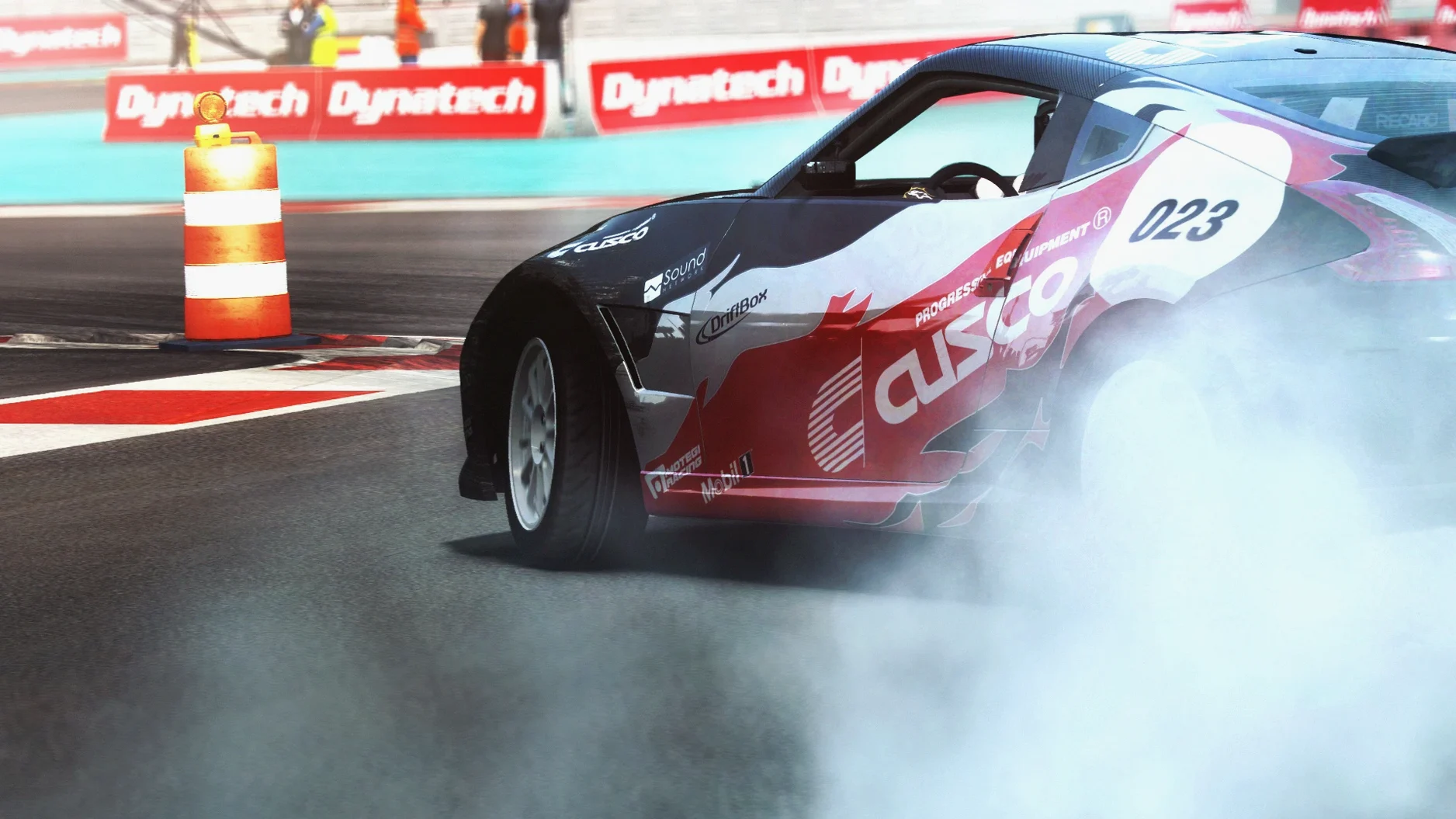
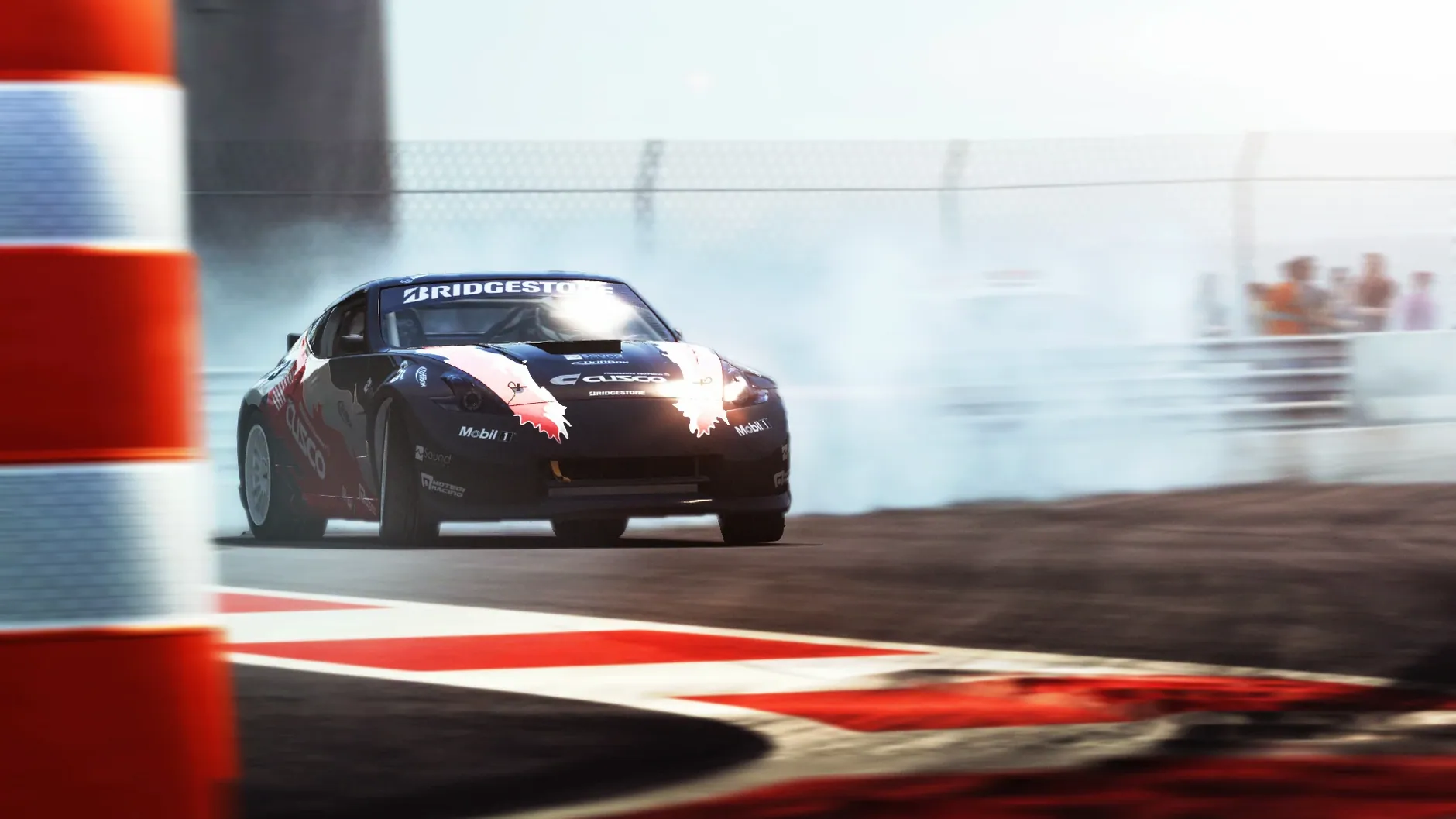
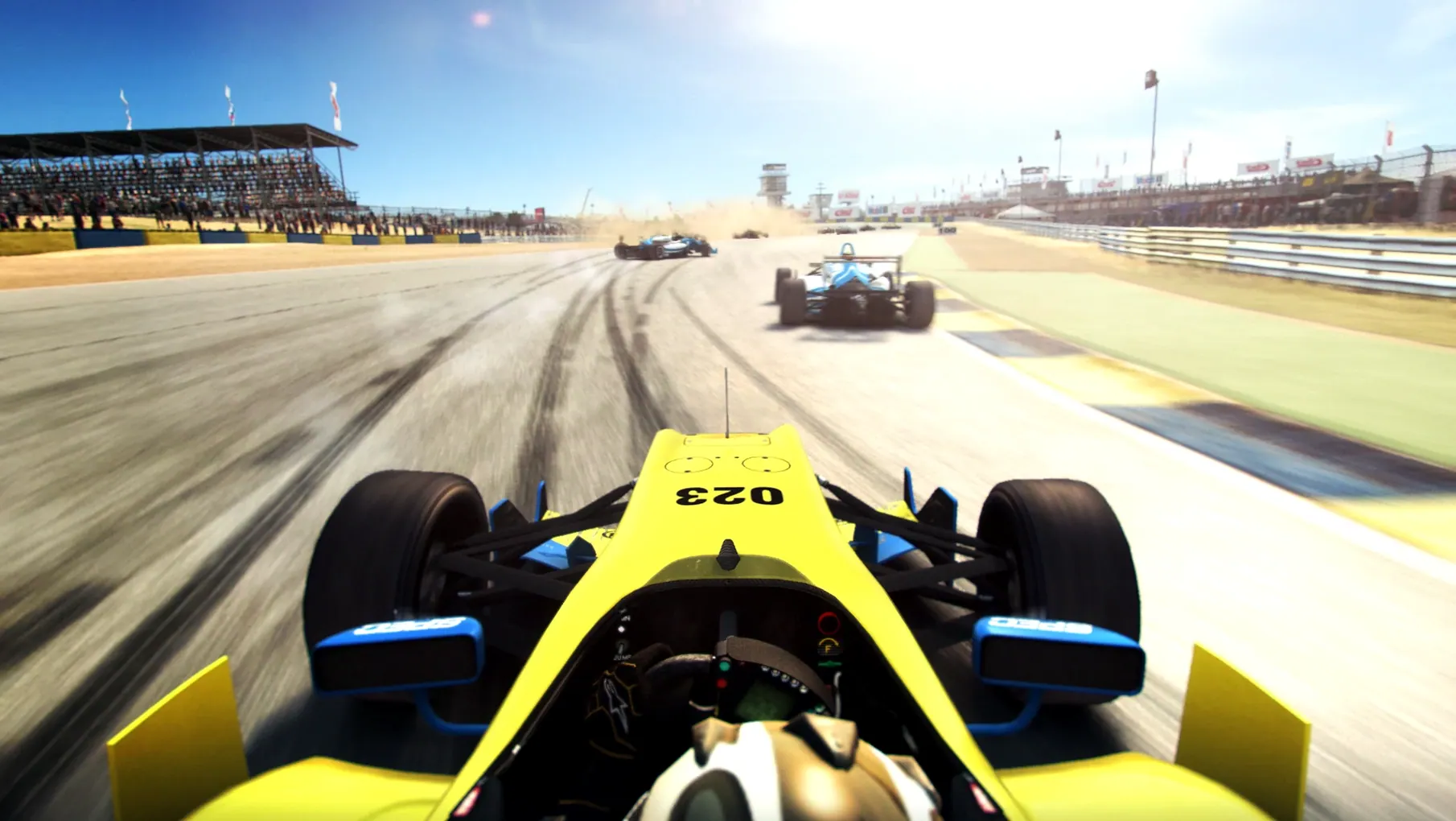
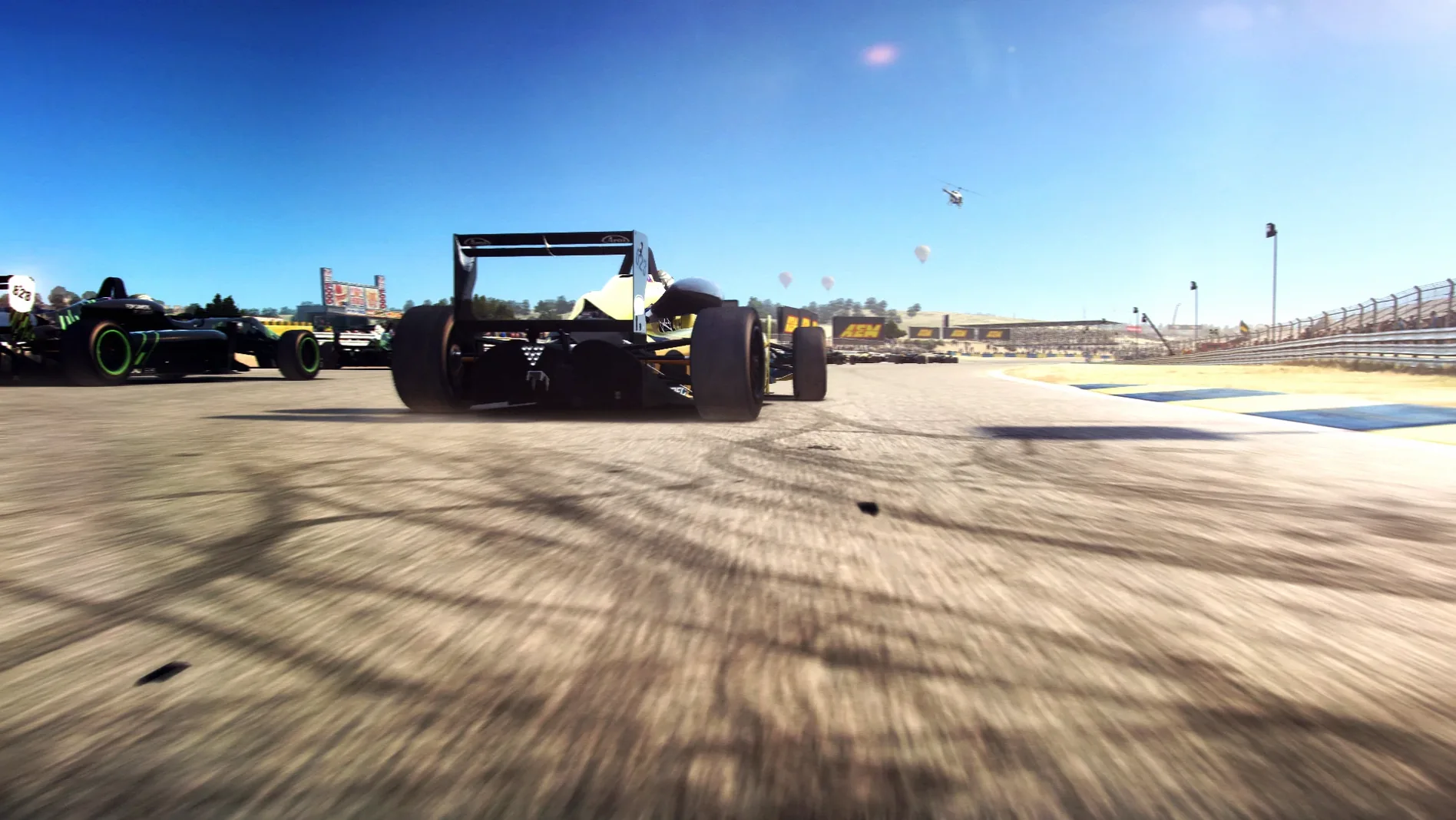
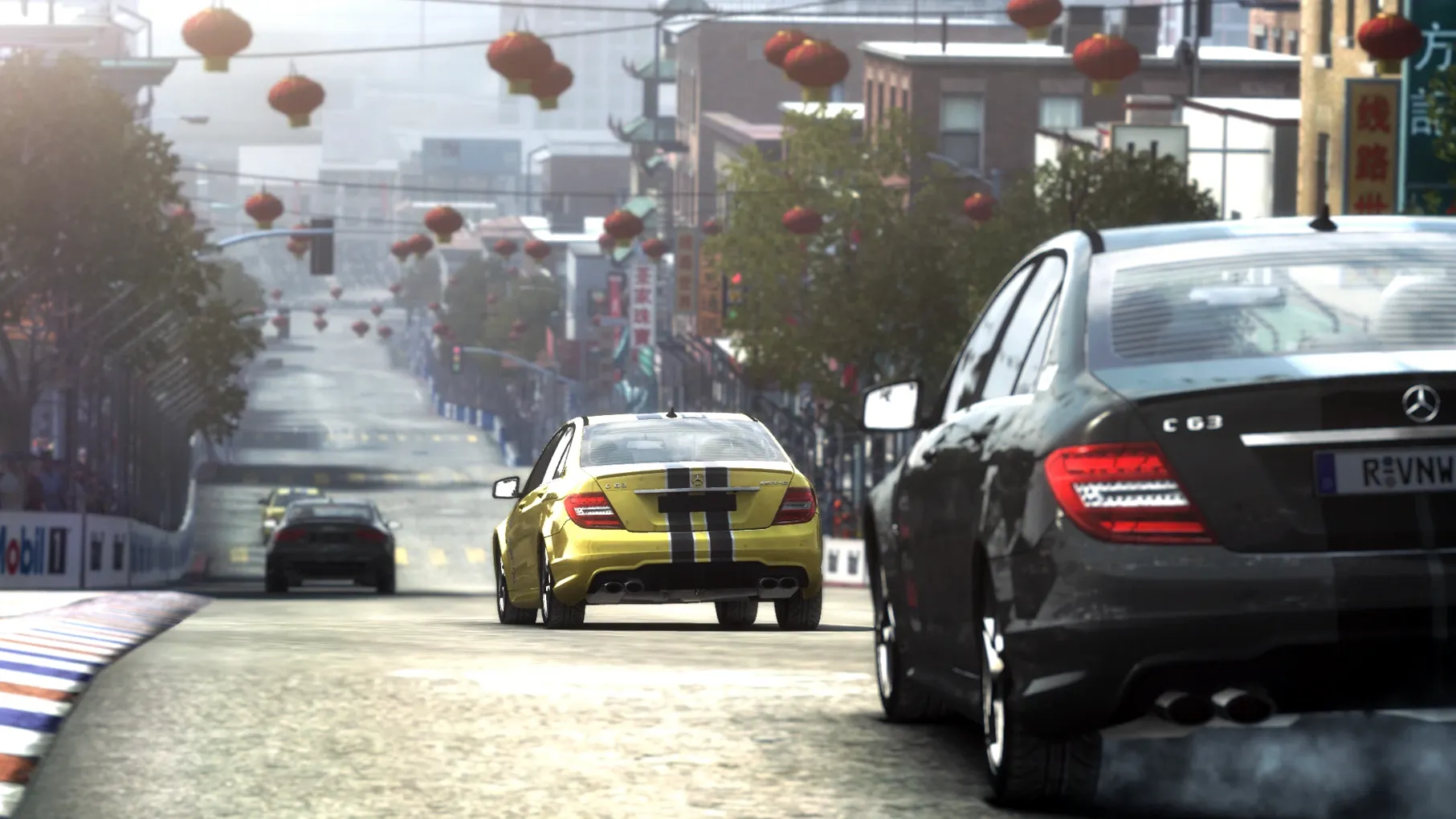
The Flashback feature lets you rewind a misjudged corner, but using it feels like an admission that the race is running away from you. GRID Autosport places its weight firmly in the simulation camp, even if it keeps an arcade handle within reach. The handling model communicates understeer and loss of grip through clear feedback, asking for disciplined inputs rather than heroic slides.
Discipline system penalises contact over spectacle
- Players who prefer a serious, track-first approach over street-racing spectacle. The discipline system penalises contact and corner-cutting.
- Anyone who wants a large, varied garage. The 100 cars span touring, endurance, open-wheel, tuner, and street classes, each demanding a distinct style.
- Drivers who like to tune difficulty in precise steps. The range runs from very easy to ultra-realistic, and you can adjust assists individually.
- Gamepad users. The Mac version reads a controller naturally, with sensible default mappings.
Circuit layouts repeat across 100 configurations
- The 100 tracks are circuit layouts, not 100 distinct locations. Real-world circuits repeat in different configurations.
- This is an Intel-only, x86 64-bit build. Apple Silicon Macs run it through Rosetta 2.
- The career mode expects grinding through seasons to unlock higher tiers. It is paced for a long haul, not quick sessions.
Stability revision, not a feature update
Feral Interactive released the Mac port as a single, mature build. The 1.0 fix label attached to this grid autosport mac download marks a stability revision rather than a feature update. What players notice in everyday use is the absence of startup crashes that plagued earlier Feral ports on certain Intel Macs running Yosemite. The graphics configuration panel now remembers your resolution and anti-aliasing choice between launches, a small thing that prevents that ritual of resetting everything each time you open the game. Shader compilation stutter on first-run circuits is reduced, though not eliminated entirely on machines with integrated graphics. The data-folder selection step during install adds a clear prompt, so the game no longer silently fails to find its assets if you moved the folder after copying it from the disk image.
Practically, the fix means the game settles into a predictable rhythm: launch, pick a discipline, race, exit without worrying about corrupted preference files. For a port that arrived well after the Windows original, this polish matters more than new content.
Skipping the GridAutosportData folder prompt
The most common stumble happens before the first race. After copying the files from the disk image, some players launch the app without choosing the GridAutosportData folder when prompted. The game opens but sits on a black screen or complains about missing assets. The prompt is not aggressive enough to force attention, and clicking past it is easy.
Another pattern: treating every corner like a late-braking opportunity. The discipline system penalises contact harshly in touring and endurance events. Beginners who dive-bomb the AI in the first lap quickly see their experience points gutted. The game rewards clean lines and patience, not the last-minute lunge that works in a street-racing title.
Controller sensitivity trips up players who leave the default linearity setting untouched. The steering feels sluggish on entry then snaps mid-corner. A quick visit to the advanced control options to adjust steering linearity and deadzone transforms the feedback, especially with a gamepad.
Touring cars teach weight transfer before open-wheel
Start in the touring car discipline. The front-wheel-drive cars forgive throttle mistakes while teaching the weight-transfer rhythm the physics engine expects. Avoid open-wheel racing until you have a feel for cold tyres on lap one; those cars punish impatience with instant spins. Set the difficulty one notch above what feels comfortable. The AI tightens up in a way that exposes your weak corners without feeling unfair, and the Flashback rewinds give you room to experiment.
Map the look-back command to a button you can reach without moving your hand. The AI will pressure you from behind on longer circuits, and the default mirror alone is not enough to judge their line into a braking zone. If the game stutters on circuit variants with heavy trackside detail, drop shadow quality to medium before touching resolution. The lighting model holds up well at lower settings, and the frame-time consistency matters more for catching slides than a sharper rear-view mirror.
During the first few evenings, pick two circuits and stick with them. Circuit familiarity builds faster than car upgrades in this game, and knowing a track's camber changes and kerb behaviour gives you seconds before you touch the setup sliders. The 100 tracks will still be there next week.