Aspecten
 Download (268 MB)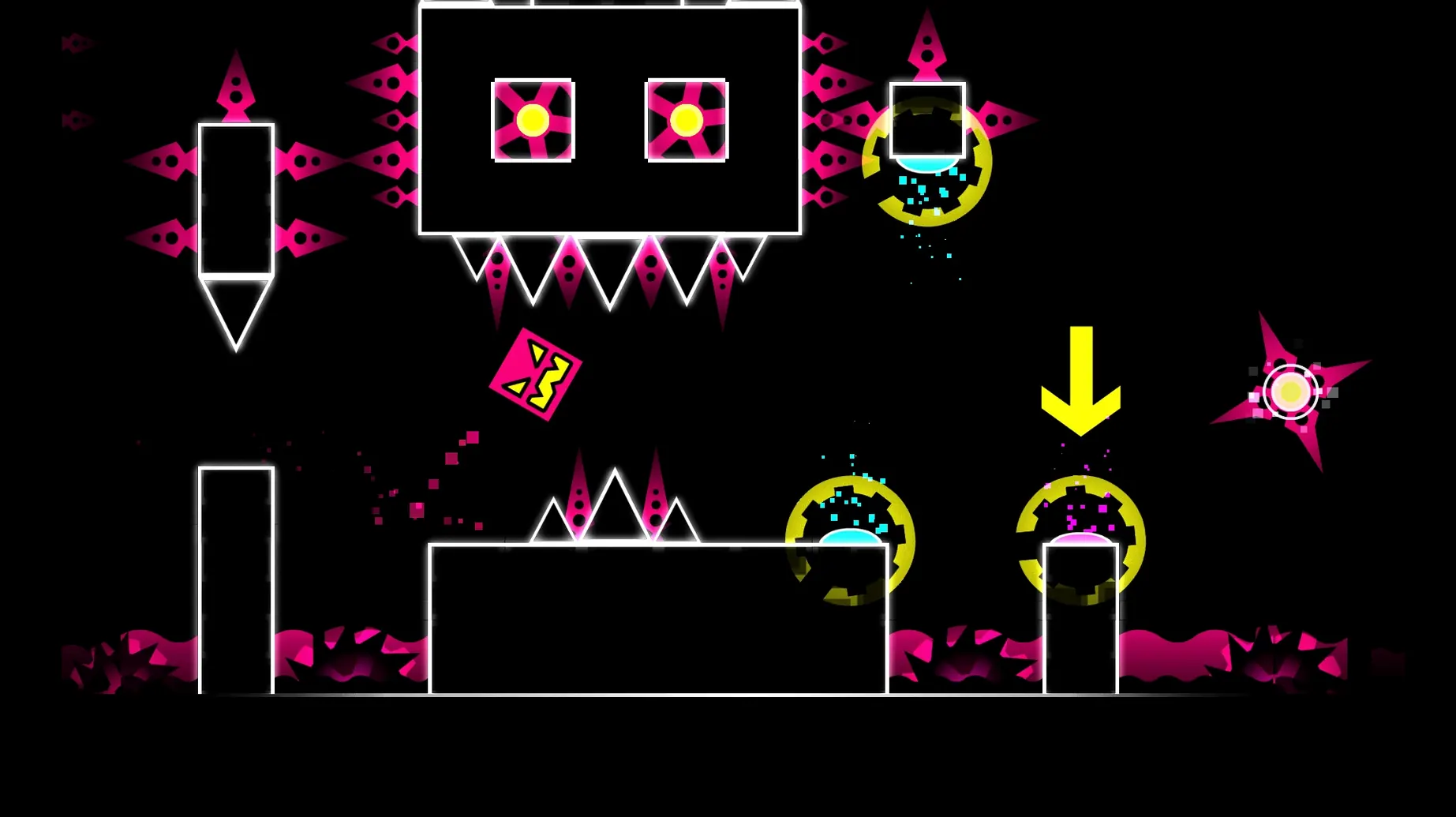
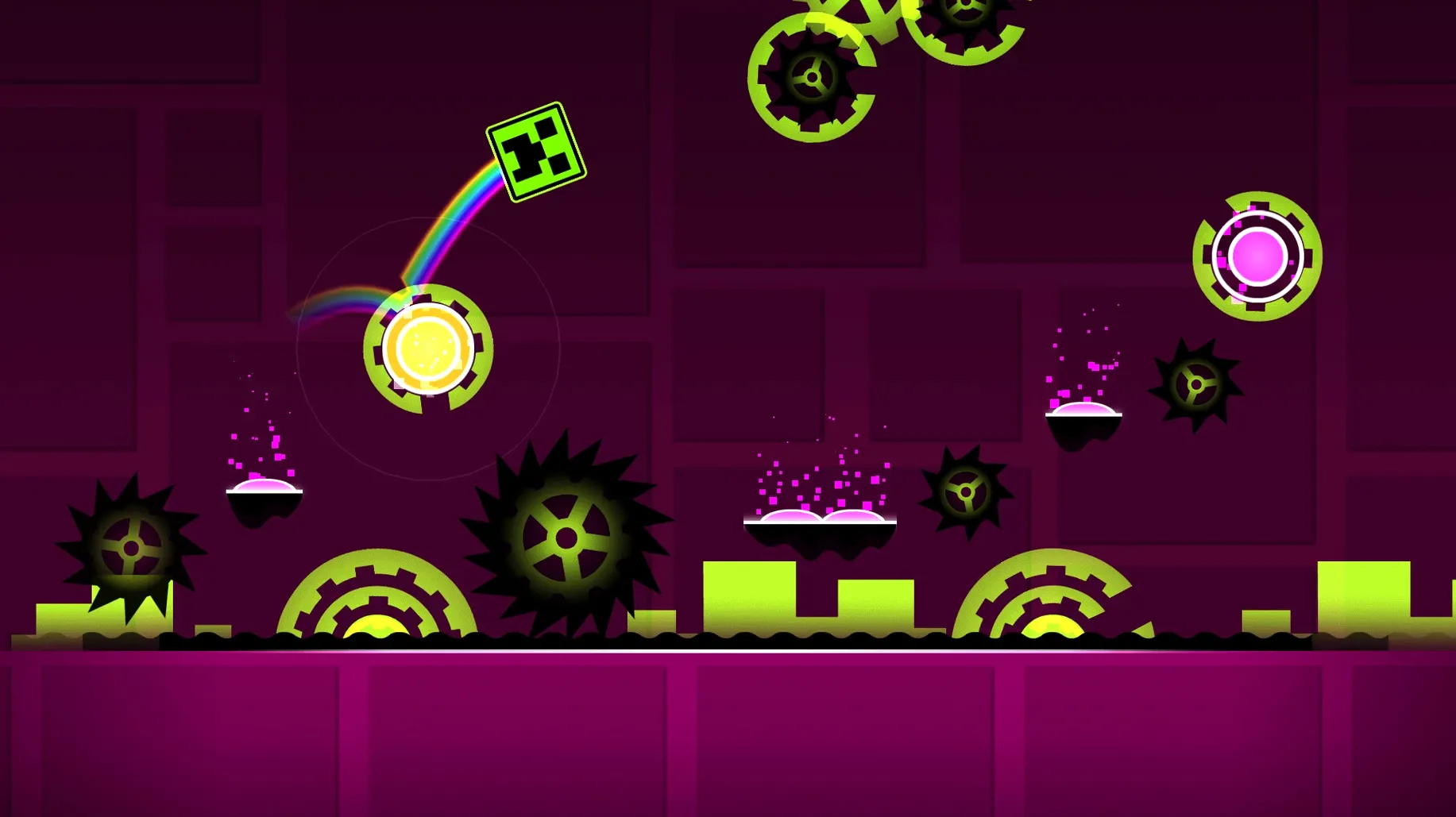
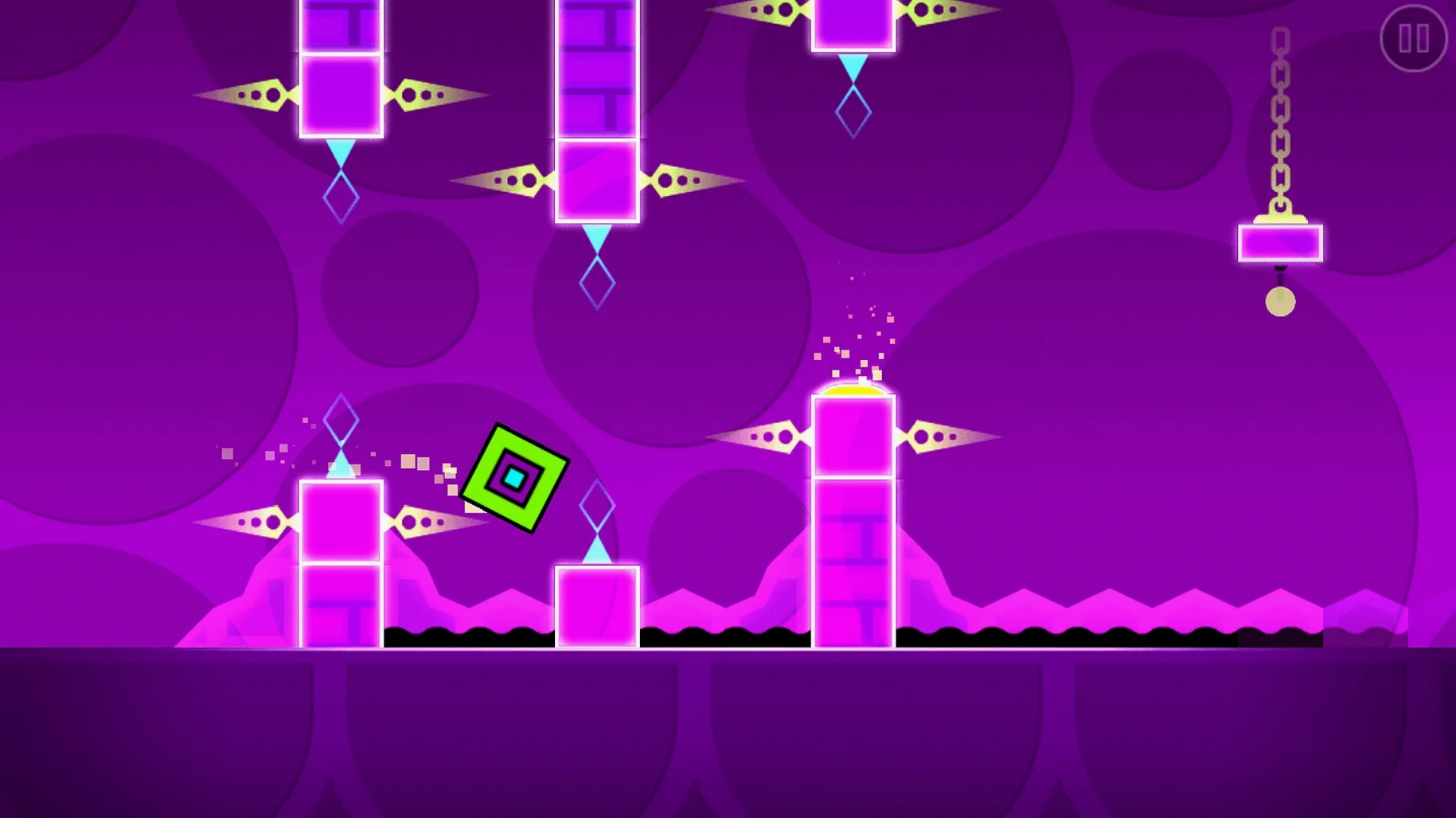
A cube drops onto a neon track, and a split-second later you tap to send it vaulting over a spike bed — every jump locked to the beat of a synthesizer track. Geometry Dash presents a string of obstacle-heavy levels where timing, rather than exploration, carries you forward.
Built-in levels, editor and checkpoint practice mode
- A set of built-in levels, each synchronised to a distinct music track
- The full level editor for designing and sharing custom stages
- Practice mode, which places checkpoints so you can learn difficult sections
- Unlockable icons, colours and trails to customise your player character
- Support for user-created levels hosted on the game’s servers
How the music fits in
Music is not background decoration here. Obstacle placements, jump pads and portals are arranged to match the rhythm, so listening closely helps anticipate what is coming. The soundtrack, spanning electronic and upbeat styles, is part of the gameplay timing rather than an optional accompaniment.
Turn off screen shake before harder levels
Before diving into the harder levels, a few small adjustments make the game feel more responsive. Open the settings from the main menu and consider these changes early on:
- Disable “shake” effects. Screen shake adds impact when you crash, but it can obscure the split-second timing needed for tight sequences. Turning it off reduces visual noise.
- Lower the music offset. The default sync between audio and visuals works for most setups, but Bluetooth headphones often introduce a slight delay. Tap the arrows in the audio settings to shift the track earlier or later until jumps feel locked to the beat.
- Switch to a simpler icon early. Some unlocked icons have subtle animations or irregular outlines that distract during precise sections. The default cube shape is plain but its hitbox feels the most predictable when you are still building muscle memory.
- Turn on “low detail mode” on integrated graphics. If your Mac runs warm or the frame pacing stutters, this strips back particle effects while keeping the rhythm cues intact.
Warm up on an earlier stage, then tackle Electroman
You launch the game and land on the level-select screen. The first few minutes almost always go the same way: a warm-up on an earlier stage, then a shift into a level you have not yet cleared.
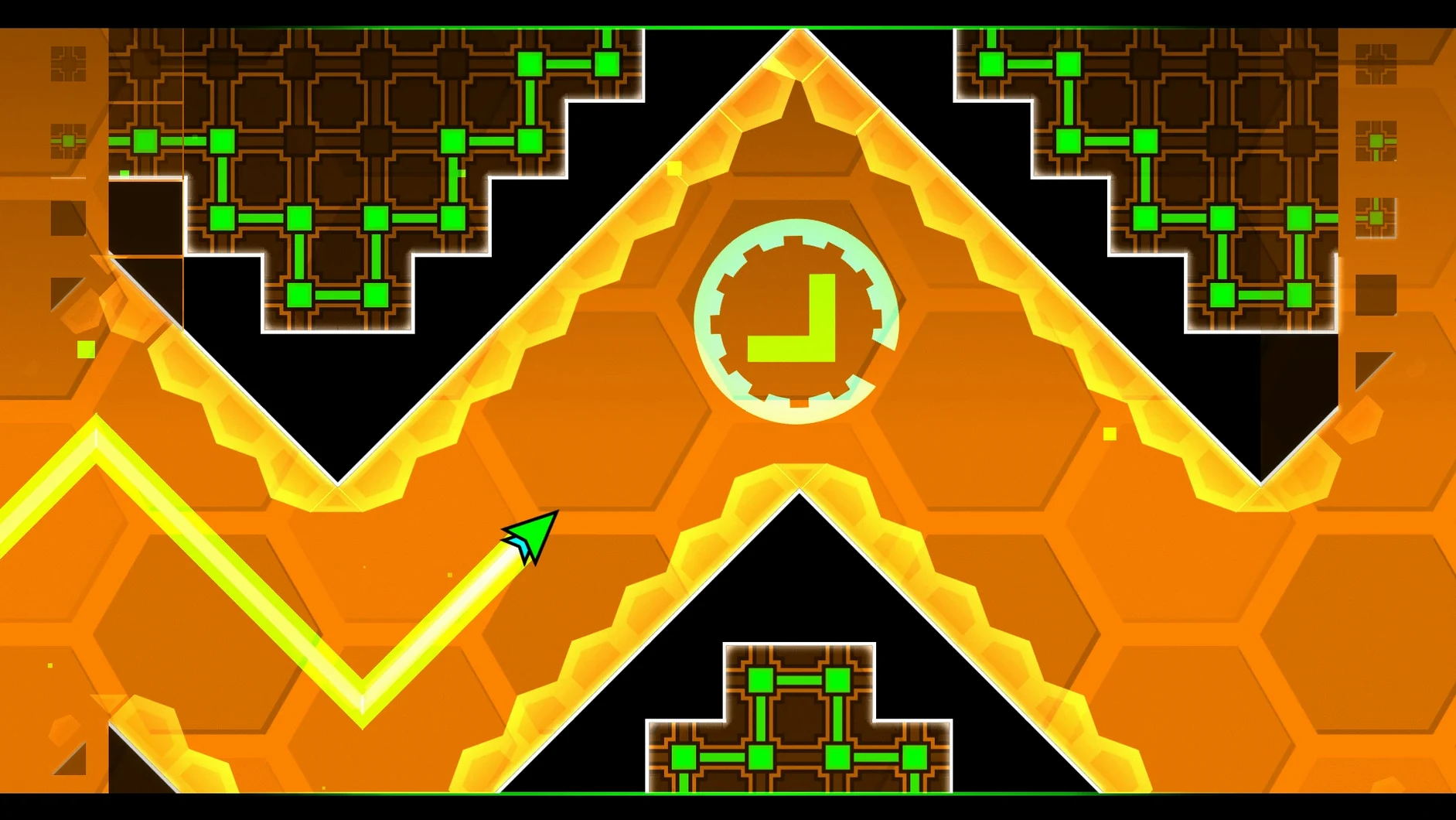
You pick Electroman Adventures — a mid-difficulty stage you have reached dozens of times but never finished. The track kicks in with a sharp synth line, and the first twenty seconds are automatic: three jumps, a gravity flip, a ship sequence through a narrow corridor. Your fingers move before your brain does. Then the drop hits, and the layout tightens. A triple-spike cluster catches you off guard. Crash.
Instead of restarting from the beginning, you tap the practice mode icon. The game drops a checkpoint just before the spike cluster. You run the section five times — first slowly, then at full speed — until the rhythm of the triple-jump pattern settles into your hand. A few attempts later you clear the segment and the next checkpoint appears after a flying section you already know. Practice mode stitches these fragments together until, suddenly, you are at the final obstacle. One more run from the start, and the level ends with a burst of particles and a percentage counter ticking to 100.
After a successful clear, you might browse the featured tab for a user-created level — something with a track you like and a difficulty rating that sits just above your comfort zone. You download it, fail thirty times in the first ten seconds, and close the game slightly frustrated but already planning tomorrow's attempt.
Independent music volume via system mixer
Geometry Dash runs as a standalone window with no deep macOS integration, but a few connections make it fit into a typical desktop workflow. The game respects the system volume mixer, so you can lower the music independently of other audio sources — useful if you want a podcast or voice chat running in the background during practice sessions, though the rhythm cues become harder to follow.
On Apple Silicon Macs the game opens quickly and stays in memory without forcing the fans to spin up, which means you can keep it running alongside lighter apps without issue. Many players keep a notes app or a simple text file open on a second desktop, jotting down level IDs or tricky section timestamps to revisit later. The level editor exports files that you can back up manually via Finder — there is no iCloud sync — so moving custom levels between Macs requires copying the data folder yourself.
For those searching for geometry dash for mac cracked builds, the experience is straightforward: the app runs as a self-contained bundle, and clearing extended attributes with a Terminal command is typically the only extra step. Once launched, it behaves identically to the standard version, connecting to the same servers for user levels and keeping your progress locally. The game does not interact with Game Center, so achievements and unlocks stay within the app rather than syncing across devices.