 Aspecten

 Download (622 MB)
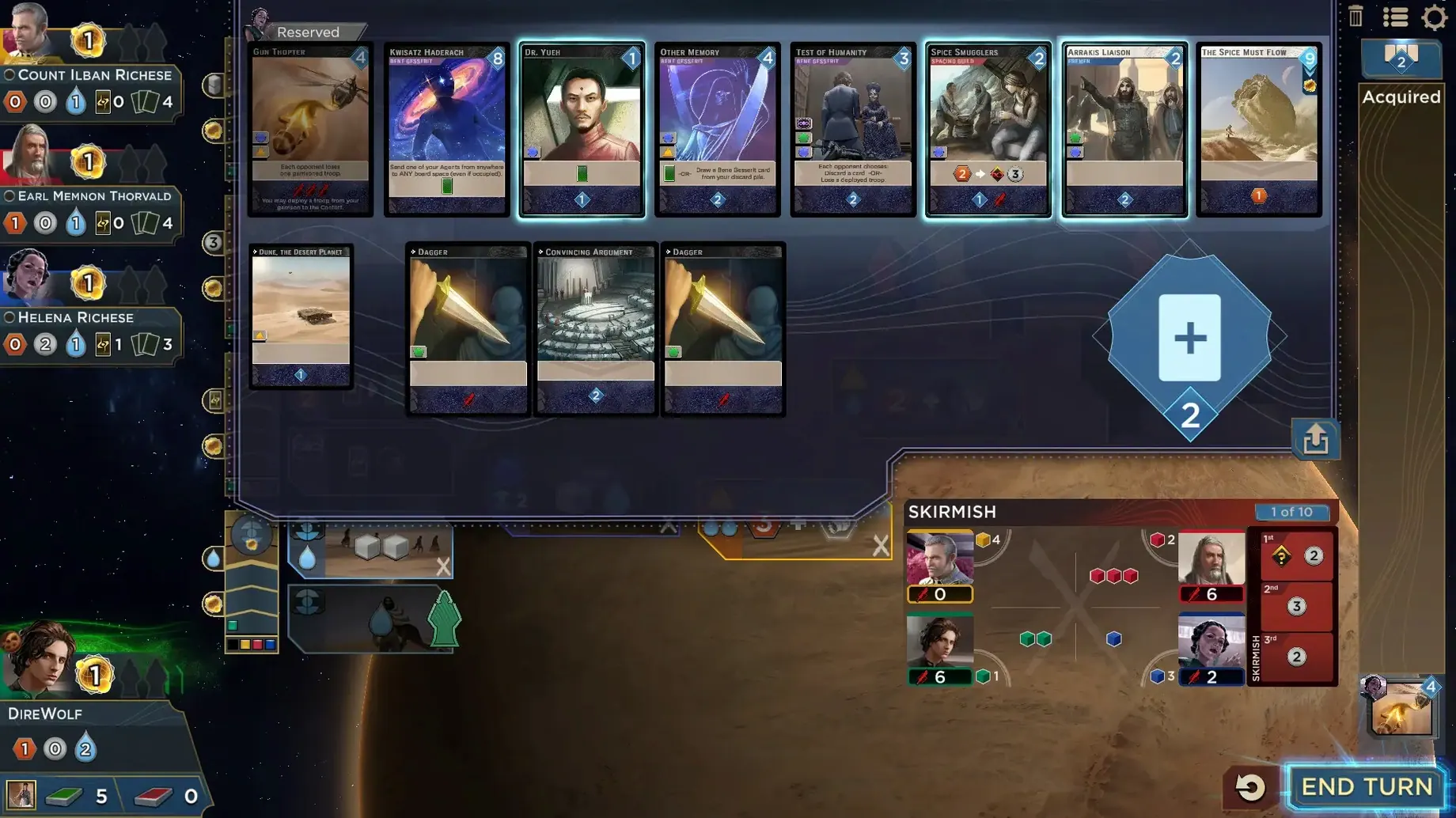
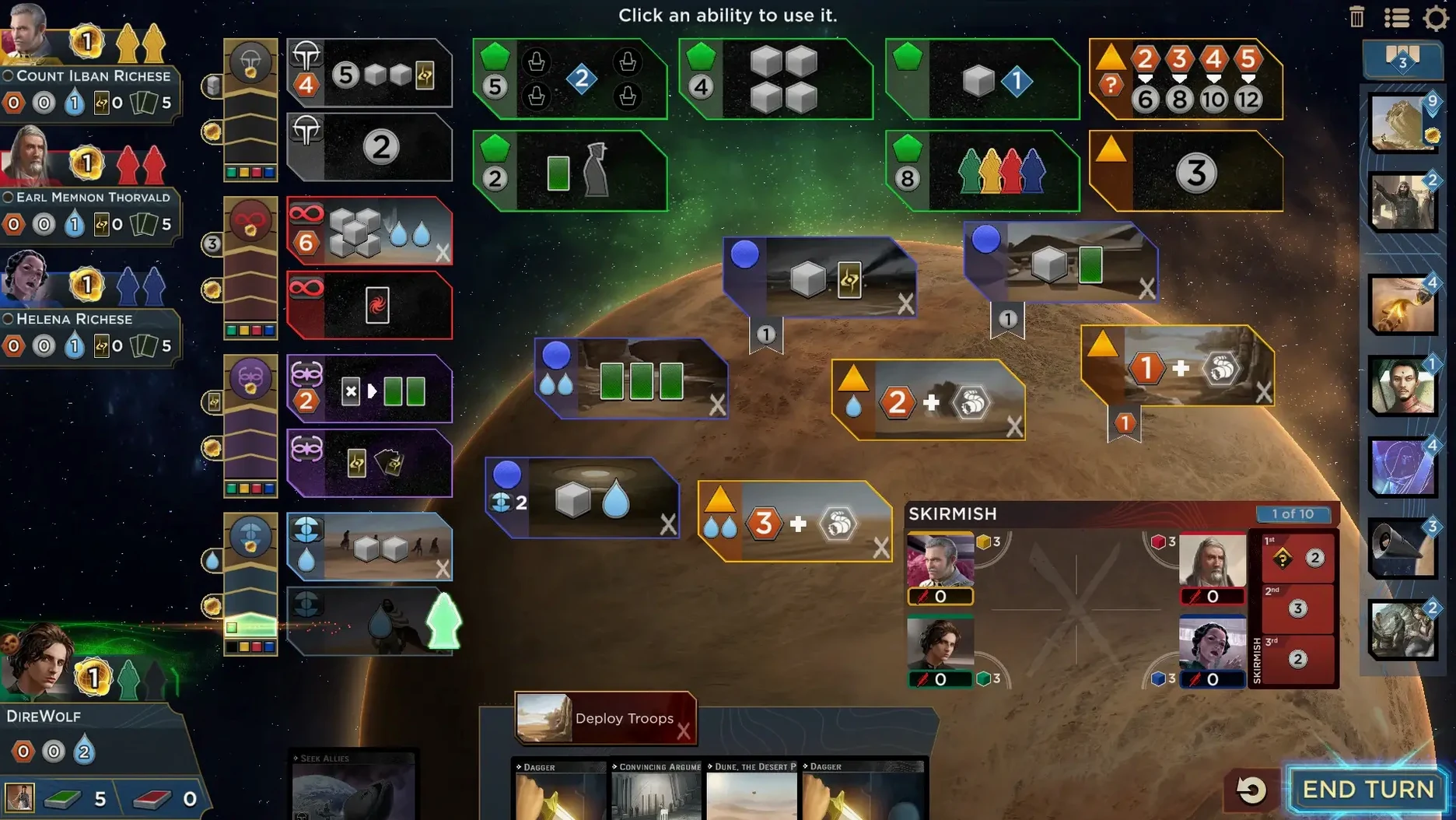
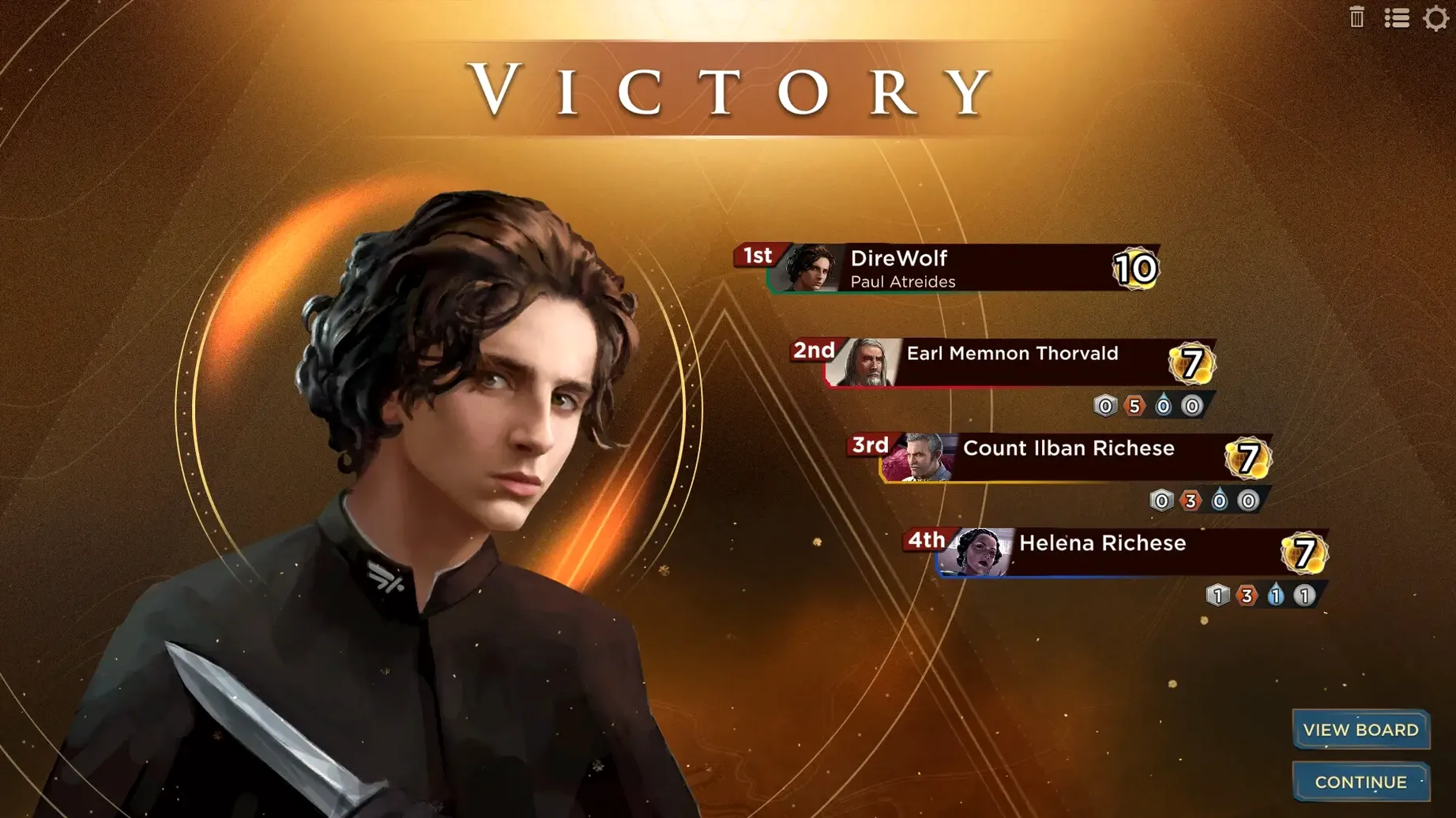
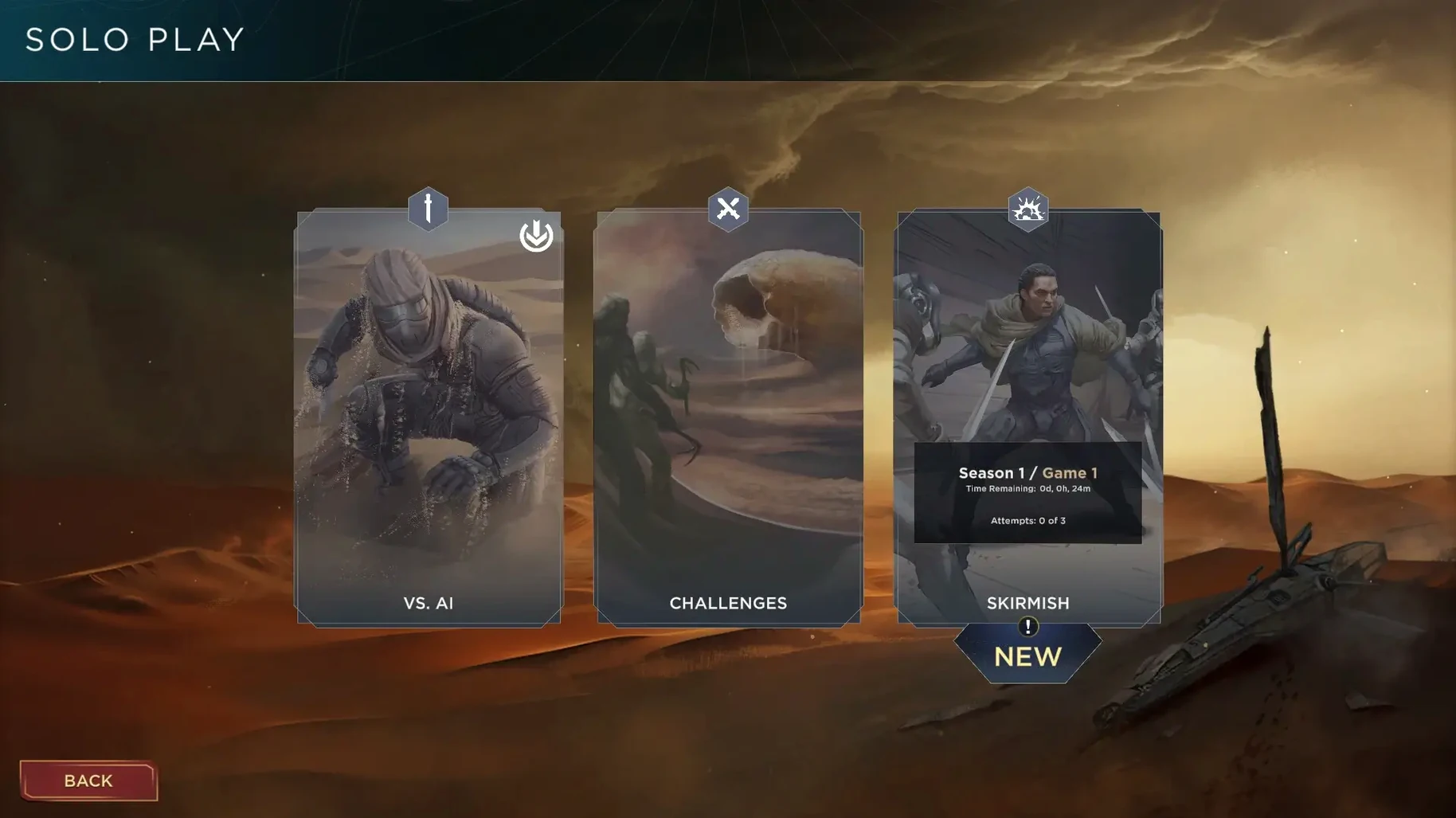
A new round begins. You draw five cards from your deck, a hand that feels thinner than you would like. One card could bind a Fremen ally to your cause; another could secure a seat on the Landsraad council. You send an agent to the deep desert to harvest spice, knowing that the card you committed is now gone for the round. What remains in your hand will be revealed later, its persuasion power measured against your rivals in the evening conflict. The calculation is constant.
Who will find their footing
The game suits players who enjoy tension between short-term tactics and long-term construction. Each turn you must split your hand between agents on the board and cards saved for the reveal phase. Some conflicts grant critical resources; others grant victory points. The deck you build over time needs to support both aims without becoming bloated. If you find satisfaction in trimming a deck until it runs like a well-tuned engine, the rhythm here will click. The digital adaptation handles the rules cleanly, letting you focus on that core dilemma rather than on bookkeeping.
Where the experience shows its nature
This is a conversion of an award-winning board game, and it does not pretend otherwise. The interface presents a clear, readable board state, but the audio is limited to music — no voice acting or ambient soundscapes to sell the Arrakis setting. It is a game of systems, not spectacle. Someone looking for a narrative-driven Dune experience or rich multimedia presentation may find it dry. For the player who wants to lose an evening testing whether a Baron Harkonnen deck can outmanoeuvre a Paul Atreides strategy, the design delivers exactly what it promises.
A Fremen diplomat’s evening
A historian at a Dutch university settles in after a day of lectures and opens Dune: Imperium for a skirmish match against the AI. She picks House Atreides, not for their combat strength, but for the card-draw rhythm that reminds her of structuring a syllabus — small efficiencies compounding over ten rounds. By round three she has placed two agents in Arrakeen and one in the imperial basin, leaving a single card for the reveal phase. It is a weak reveal, but the spice she stockpiled earlier lets her purchase a Spacing Guild card from the market row. Two rounds later that card cycles back into her hand and the engine tightens. Her opponent, Count Ilban Richese, has spread thin chasing early victory points. Round eight tips the balance: a high-conflict card rewards her Fremen alliance with a decisive point, and she closes the match with the quiet satisfaction of a plan that held.
Speed up the battle phase to keep the focus on card play
The default settings are sensible, but a couple of tweaks make for a sharper session. Open the settings menu before your first real match and consider these adjustments:
- Combat animation speed. Set it to fast or very fast. The default pace is helpful while learning iconography, but once you recognise the conflict rewards at a glance, the slower animation pads out the reveal phase.
- Card-sorting direction. Newly acquired cards are placed on the left of your hand by default. Switching this to the right keeps your oldest, most familiar cards in a consistent position, which helps when you are deciding which card to commit as an agent.
- End-turn confirmation. Turn it on during your first few games. Accidentally ending a round before assigning an agent to a critical board space is a mistake you make exactly once before appreciating a confirmation prompt.
- Music volume. The orchestral score is well-crafted but repetitive over a two-hour session. Dropping it to roughly thirty percent — or muting it in favour of your own playlist — shifts attention to the board state without losing the few audio cues the game provides.