Aspecten
 Download (15.6 GB)
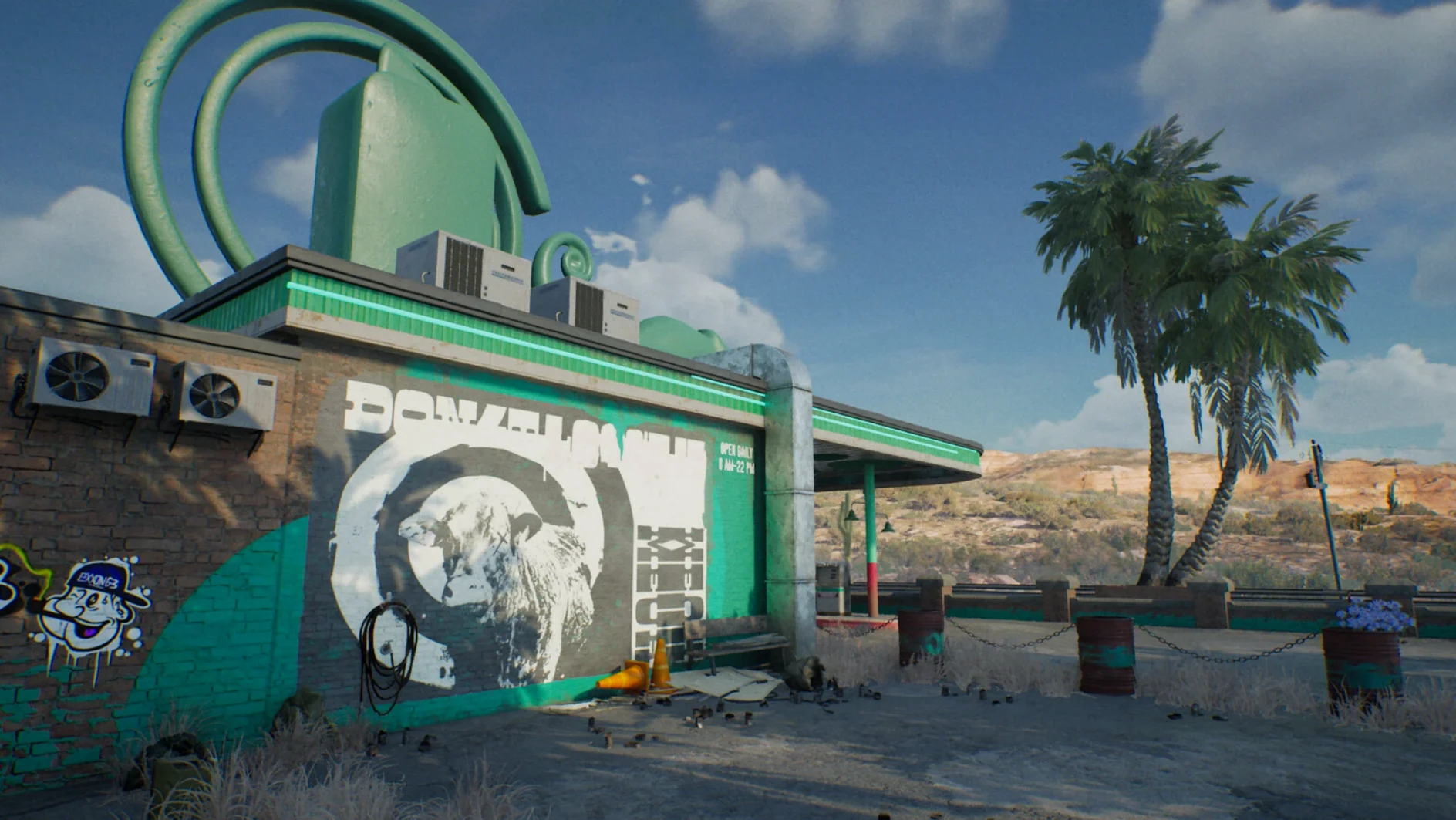

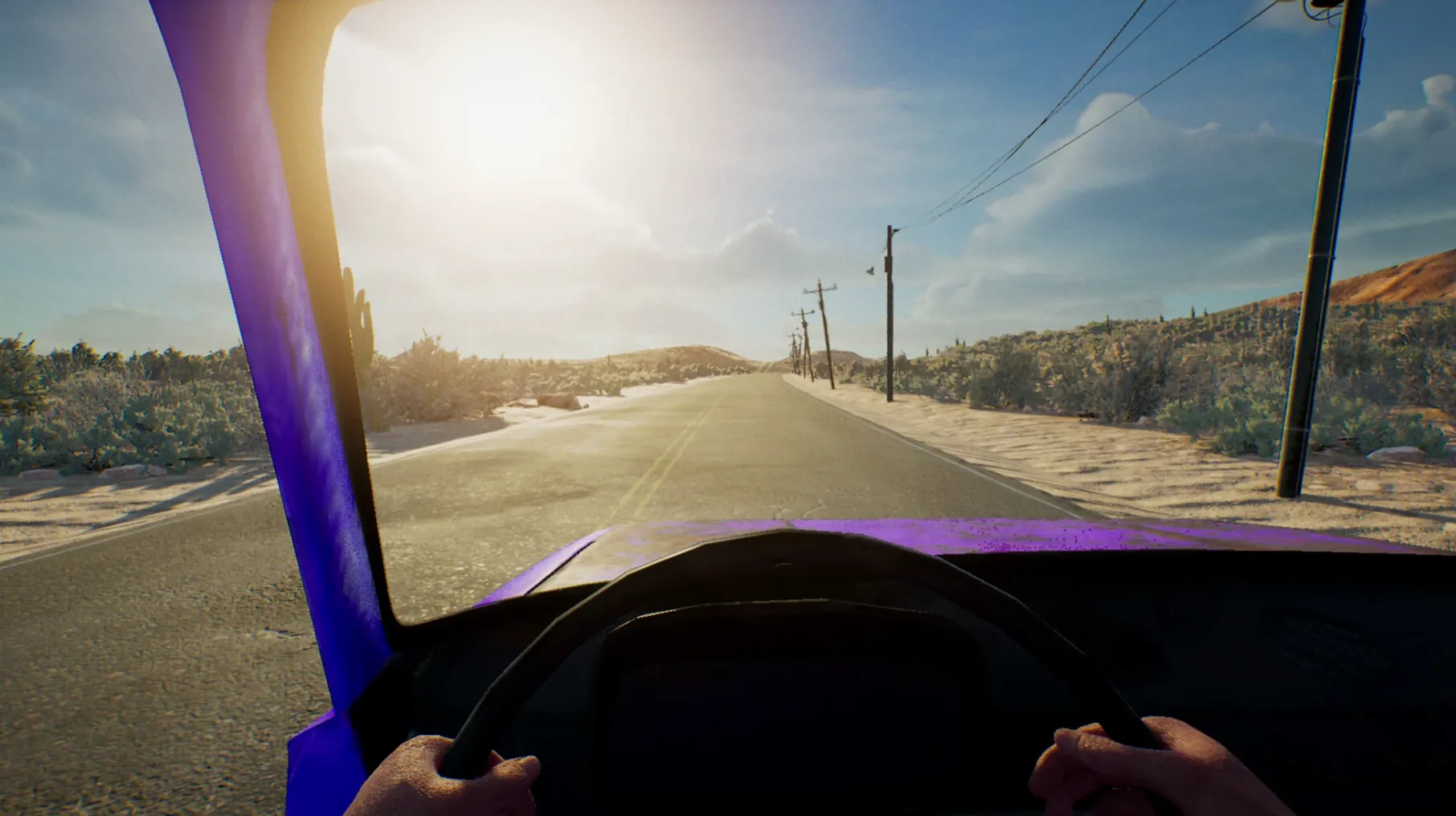

Finding a driving game that pairs open exploration with genuine survival pressure can be tricky. Many titles lean heavily on racing circuits or pure arcade action. Drive Beyond Horizons takes a different route, dropping you into a procedural world where fuel, difficult terrain and wild animals matter just as much as the road ahead.
The Mac version runs through Wineskin and was tested on macOS Sequoia with an M3 Pro chip. Performance is steady on Apple Silicon, though you should expect the occasional stutter when the world generation kicks in. Dynamic weather shifts visibility and traction on the fly, and the landscapes move between deserts and dense forests without a loading screen. It is a solo experience by default, but you can invite up to three others for online co-op survival.
Controls are keyboard-based by default. There is no native controller support through the Wineskin wrapper, so a little time spent remapping keys to your liking pays off. The 1.0 release label from the developer holds true in spirit — the core loop of scavenging and driving through procedurally placed terrain works reliably, though some interface rough edges remain.
For a game that asks you to read the road and keep an eye on your resources, it settles into a quiet, methodical rhythm once you adapt to the input. A practical fit for anyone after a slower, more deliberate driving survival game on Apple Silicon.
That first-launch error and the Fix script that clears it
The first launch can throw a generic error, which is not unusual for a Wineskin-wrapped title. Running the Fix file from the disk image usually clears it — that script adjusts a few internal paths and permissions, and things tend to settle after a restart of the app. Some players mistake the prompt for a broken download; it is just a one-time setup quirk.
Another recurring hiccup is the frame rate dipping sharply when the world generator creates fresh terrain. Lowering the shadow and draw distance settings from the in-game options helps, and turning off motion blur often stabilises the experience on an M3 Pro. If you play with three others online and notice vehicles warping slightly in dense forest biomes, that is a syncing limitation tied to the procedural seed — switching the host to a player with a wired connection can reduce the rubber-banding.
Controls are the third sticking point. The keyboard-only default works, but the default bindings place accelerate and steer on keys that feel cramped for long sessions. Remap accelerate to W, brake to S and steering to A and D before your first proper run — it saves a fair bit of hand fatigue. A few players have tried third-party controller mappers with mixed results; the simplest path is to accept the keyboard and find a layout you can live with.
A workflow: crossing a desert at dusk
Say you spawn at the edge of a desert biome with half a tank of fuel and dusk closing in. The immediate priority is not driving forward — it is scanning the horizon for a water source and a cluster of salvageable wrecks. You pull up the map, note the nearest marker, and angle the vehicle toward a dried riverbed where wrecked cars tend to spawn. The light drops fast in this biome, so you flick on the headlights early.
At the riverbed you find a rusted sedan with a jerry can half-full inside. You transfer the fuel, then check the engine bay for scrap metal to repair the radiator later. A wild animal call sounds to the north-east, so you keep the engine idling and listen. No movement spotted yet, but the sound is close enough to make you skip a second wreck fifty metres away. You drive south, hugging the softer sand near rock formations where traction holds better. As night fully settles, you spot the glow of a campfire — a hidden rest point — and pull in to wait out a sandstorm that the weather system has been threatening for the last ten minutes. That is one small loop handled cleanly: plan, scavenge, listen, reposition, shelter.
Same 1.0 build, just wrapped — what that means for you
Does the Mac version differ from the Windows one? It is the same build, just packaged through Wineskin. You get the full 1.0 feature set — procedural worlds, dynamic weather, modding support — without native macOS binaries. The trade-off is slightly higher memory usage and the one-time Fix script, but no content is cut.
Can I play offline? Yes. Solo mode runs entirely locally. Online co-op is an option for up to four players, not a requirement. If your connection is unreliable, sticking to solo avoids the occasional sync quirks when the procedural seed struggles over a poor link.
Will the modding support work on this version? The developer states modding is available. In practice, Wineskin does not block file-level mods — you can place replacement assets in the game's data folder the same way a Windows user would. Some mods that rely on external launchers or DLL injection will not function, but simple texture and config mods load without fuss.
Is the terrain truly different each time? The world seed changes on every new save, so the layout of deserts, forests and hidden secrets shifts. The biomes themselves retain their character — a forest always feels like a forest — but the placement of wrecks, fuel and animal paths is not scripted. That keeps exploration from becoming routine, even after several runs.