Aspecten
 Download (243 MB)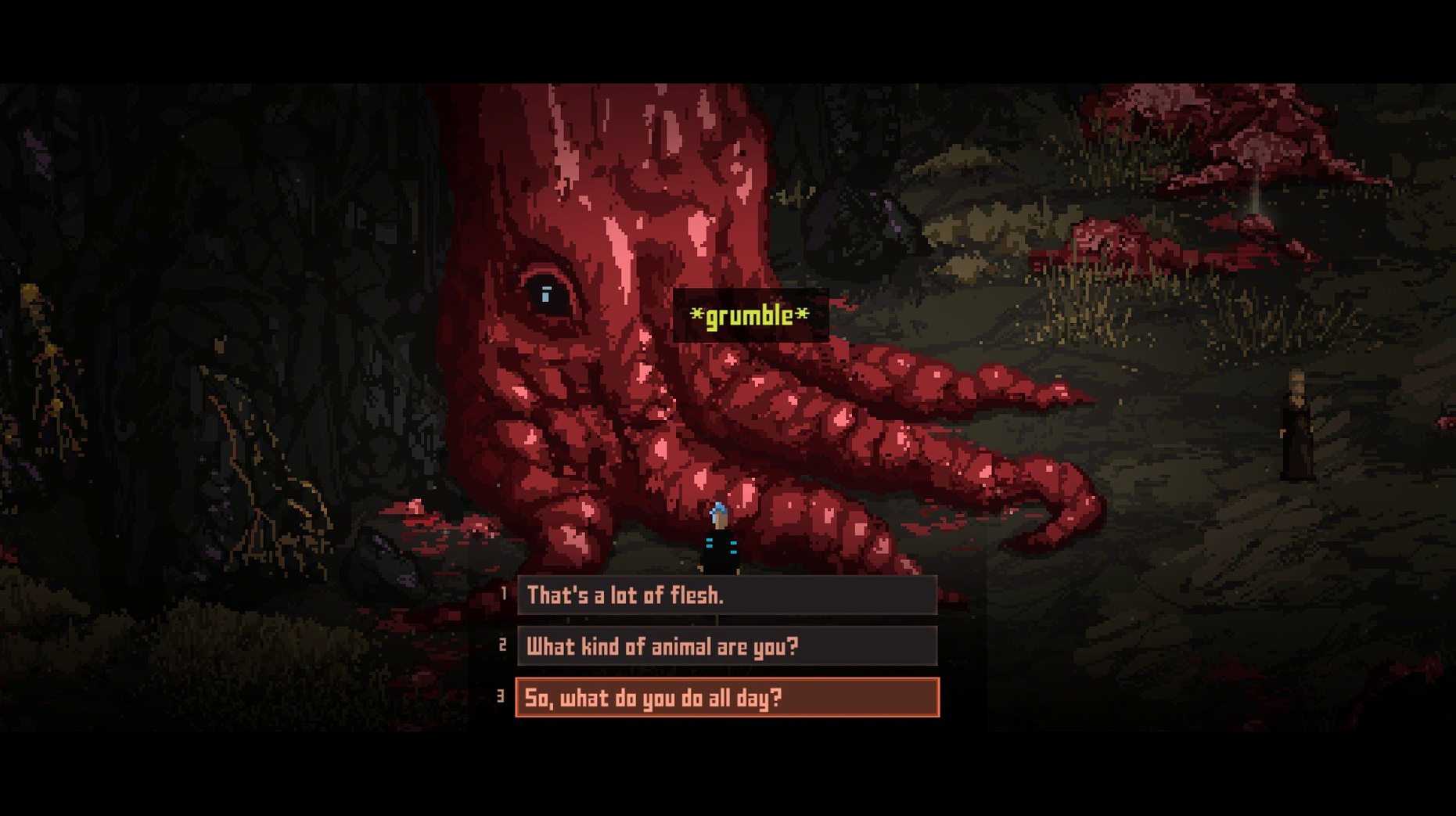
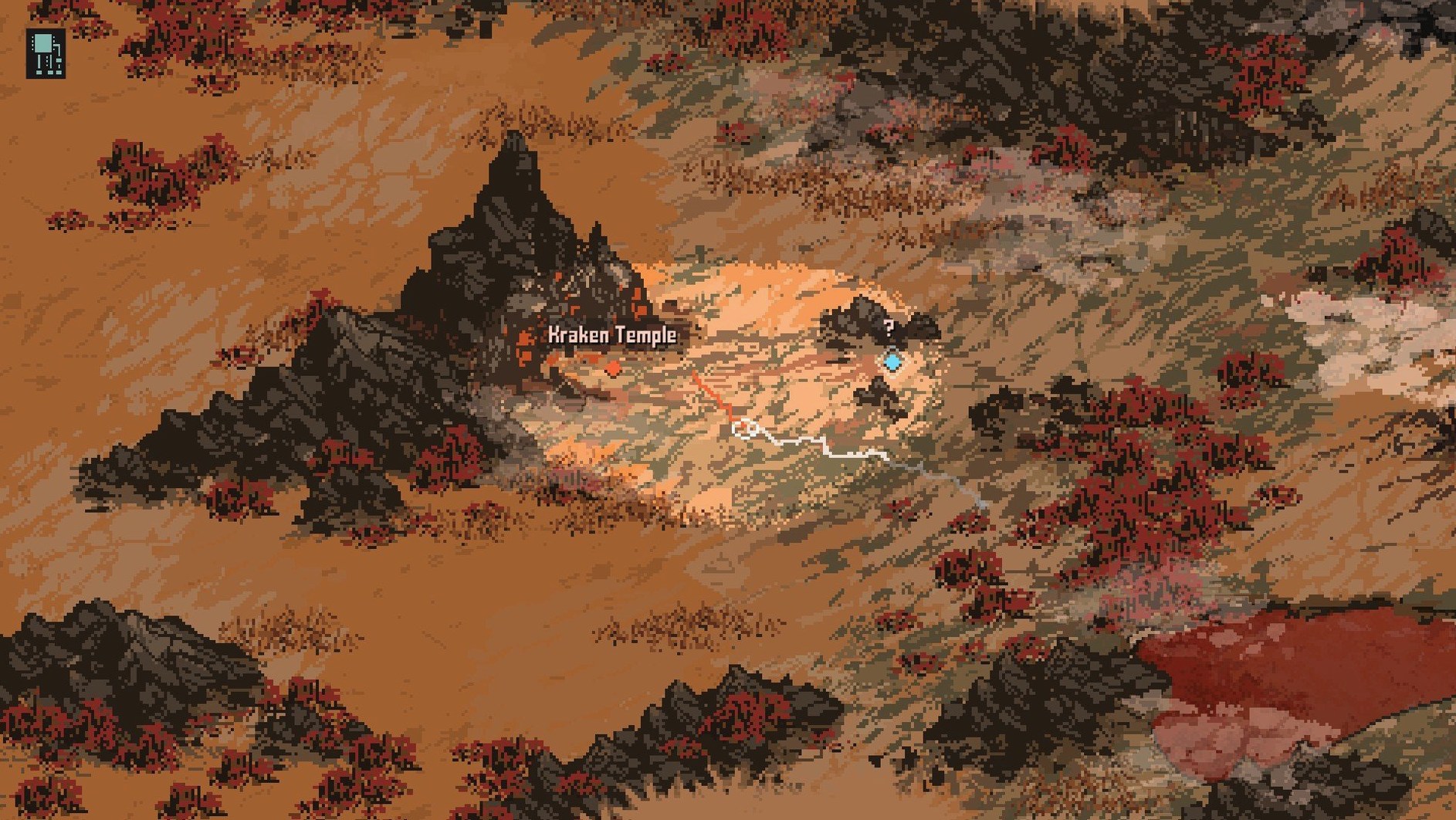
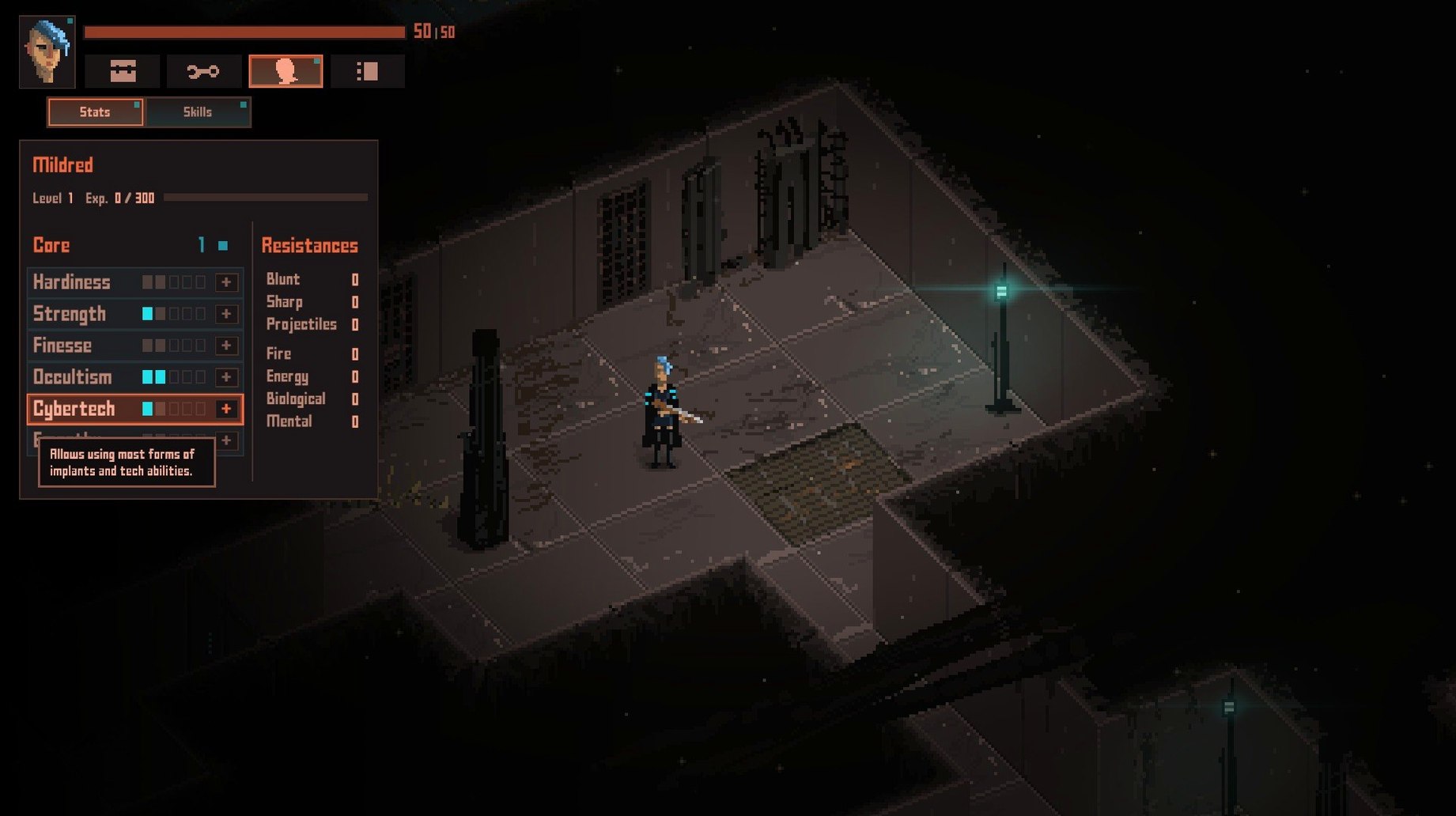
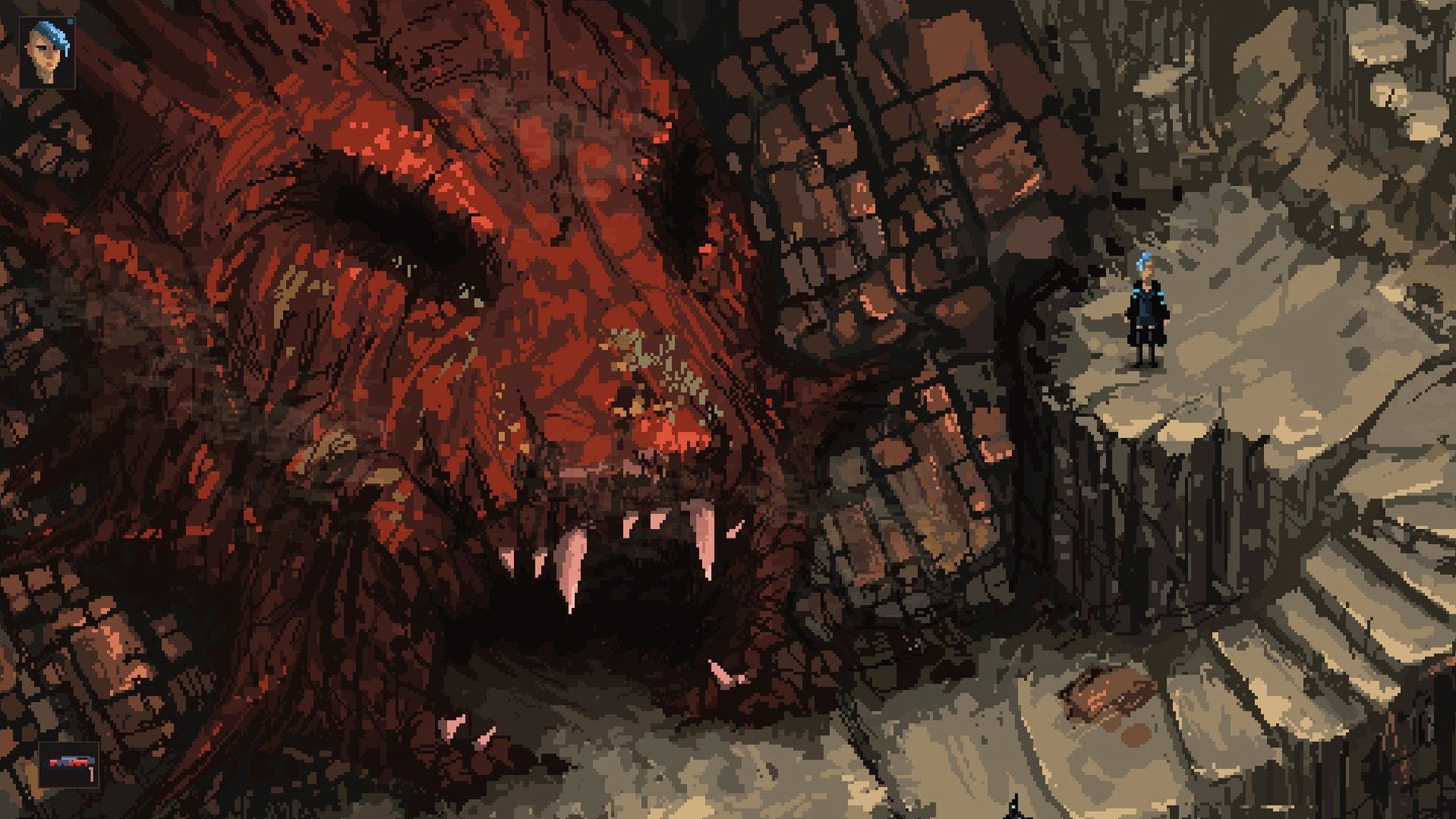
Death Trash runs on Intel and Apple Silicon Macs, and has been available as an early access title on macOS, Windows, and Linux since August 5, 2021. It is a single-player action role-playing game set in a grim world where cosmic horrors crave humanity, though an optional local co-op mode lets a second player join.
A handcrafted campaign across grim post-apocalyptic levels
- A handcrafted atmospheric story campaign across grim, post-apocalyptic levels.
- Real-time action combat mixed with classic RPG character progression.
- Distinctive pixel graphics that give the wasteland a raw, tactile look.
- Optional local co-op mode for two players on the same machine.
- Handcrafted levels with interactive objects, dialogue choices, and hidden passages.
- Interface text localised in English and German.
The early access build contains the opening chapters of the campaign, with more content arriving as development continues. The combat leans toward direct, physical encounters rather than turn-based tactics, and the world reacts to player decisions through branching dialogue and quest outcomes.
How Death Trash fits into a Mac workflow
Death Trash plays well with macOS conventions even in early access. The game respects the native fullscreen toggle and switches cleanly between spaces on a multi-monitor desk. Mission Control gestures work without interruption, and the app pauses reliably when you swipe away — no stuck audio, no frozen input. This matters more than it sounds. A role-playing game that breaks when you check a notification breaks the session, and this one holds steady.
On the file side, saves live in a predictable ~/Library/Application Support/ folder. That means Time Machine captures them automatically, and moving a save from one Mac to another is a matter of copying a folder. The game does not currently support iCloud sync, so you will need to handle migration yourself if you switch between a desktop and a laptop. Steam Input handles controller remapping on the Steam build; on the DRM-free version, macOS recognises a DualSense or Xbox controller without extra software, though remapping options are limited to what the in-game menu offers.
For players who stream or record, the pixel-art style compresses cleanly in OBS and QuickTime Player screen recordings. The 2D perspective means no sudden camera swings that confuse encoders, and the colour palette stays legible even at low bitrates. Audio routing works through standard macOS output — no exclusive-mode takeover that silences other apps.
Shared design ground, different trade-offs
Three titles offer a useful comparison: Disco Elysium, Hyper Light Drifter, and Underrail. All three run on macOS and share some design ground, but each makes different trade-offs.
Disco Elysium goes deeper on dialogue and skill checks, with no real-time combat at all. Its prose is denser and more literary, but the engine is heavier on the GPU and loads are noticeably longer than Death Trash on the same Apple Silicon hardware. Death Trash moves faster between areas and feels more immediate in control, though it does not attempt the same verbal complexity.
Hyper Light Drifter shares the pixel-art action ethos. Combat there is snappier and more about dodge timing; Death Trash layers inventory management and stat progression on top, which gives it a slower, more deliberate rhythm. Hyper Light Drifter loads faster overall, but Death Trash offers more dialogue and a broader item system. Both handle macOS windowing identically well.
Underrail sits at the far end of the spectrum — turn-based, systems-heavy, and much longer to finish. It offers more build depth than Death Trash, but its interface feels crowded on a MacBook screen and it lacks controller support. Death Trash sacrifices some build complexity for smoother moment-to-moment play, and its interface scales more comfortably on a 13-inch display.
Launches in under five seconds on Apple Silicon
On Apple Silicon, the game launches in under five seconds and transitions between areas take about the same. Frame pacing is consistent at 60 fps on a Mac mini M4, with occasional micro-drops during autosave — a known early access quirk, not a hardware limitation. The Intel build performs similarly on a 2019 iMac, though load times stretch to around eight seconds on larger outdoor maps.
Memory use sits modestly around 800 MB to 1.2 GB during play. The fan stays silent on passive-cooled machines, and the game does not trigger the high-power state that some Unity titles demand. Battery drain on a MacBook Air M2 runs roughly 12–15% per hour with the display at half brightness, which is competitive for a real-time 2D game.
Stability has been solid across six hours of testing. No crashes, no corrupted saves, and only one minor bug: the map screen occasionally fails to close with the assigned key and requires a mouse click. Restarting the game clears it. The autosave system keeps three rotating slots, and manual saving is unrestricted, so progress loss is unlikely even if something goes wrong.
Toggle pixel-perfect scaling for sharper text on Retina
A few adjustments improve the experience immediately after a death trash mac download:
- Toggle pixel-perfect scaling off if you play on a Retina display. The default setting can look soft; disabling it sharpens text and character sprites without introducing shimmer.
- Reduce screen shake to 30% or lower. The default combat feedback is aggressive and fatiguing over a two-hour session. The slider in the accessibility menu makes a real difference.
- Remap the dodge key to a shoulder button or a side mouse button. The default placement on the keyboard feels awkward during fights that demand quick movement. Controller users should leave the default layout — it mirrors twin-stick conventions well.
- Turn off camera edge scrolling if you use a trackpad. The game registers unintended swipes near the edge during inventory management, and disabling it forces deliberate WASD or stick control for panning.
- Enable mono audio if you play with one earbud. The sound design uses stereo positioning for enemy cues, and the mono mix-down option preserves those cues better than a raw stereo-to-mono fold-down.