Aspecten
 Download (77 GB)
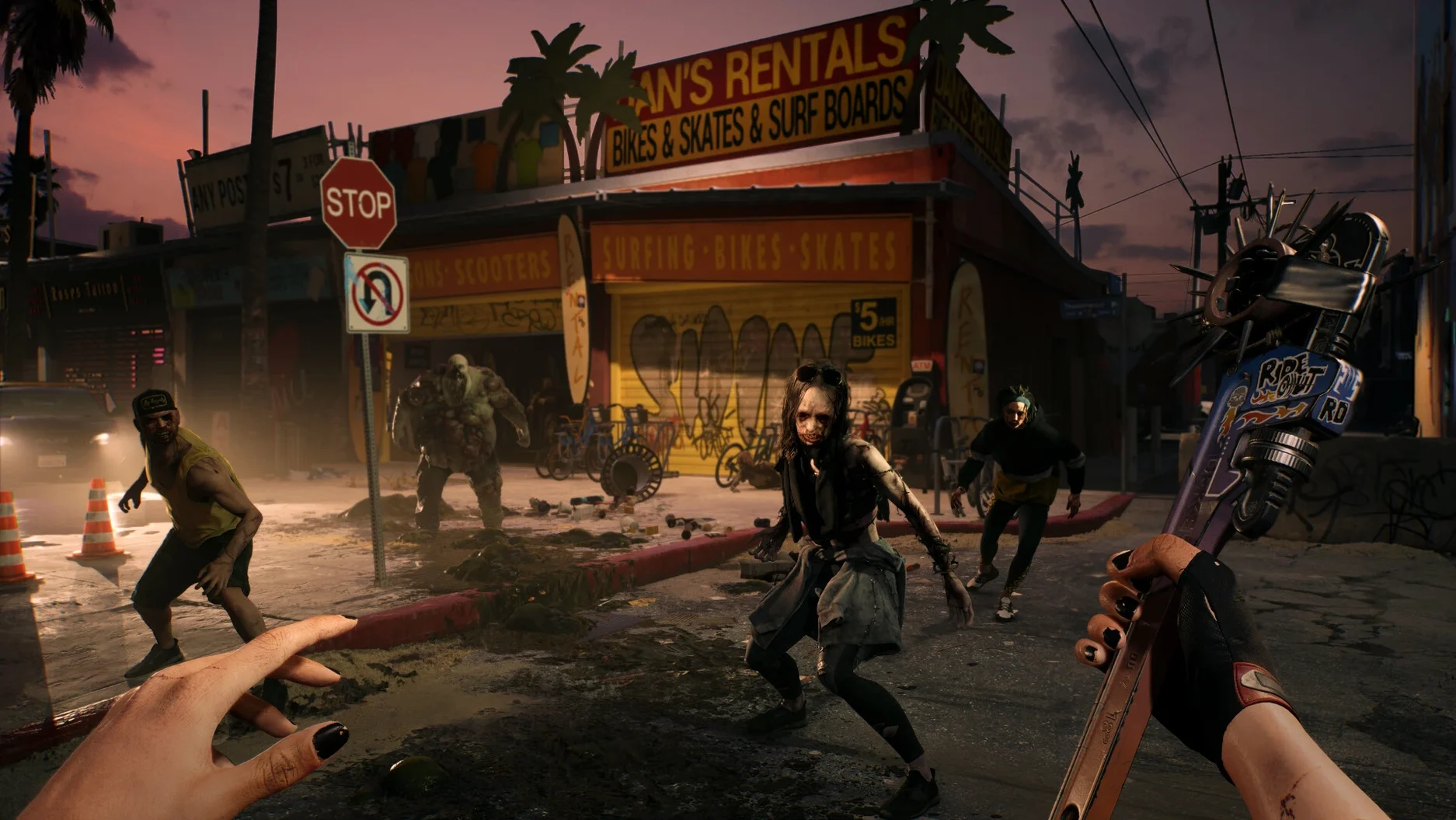
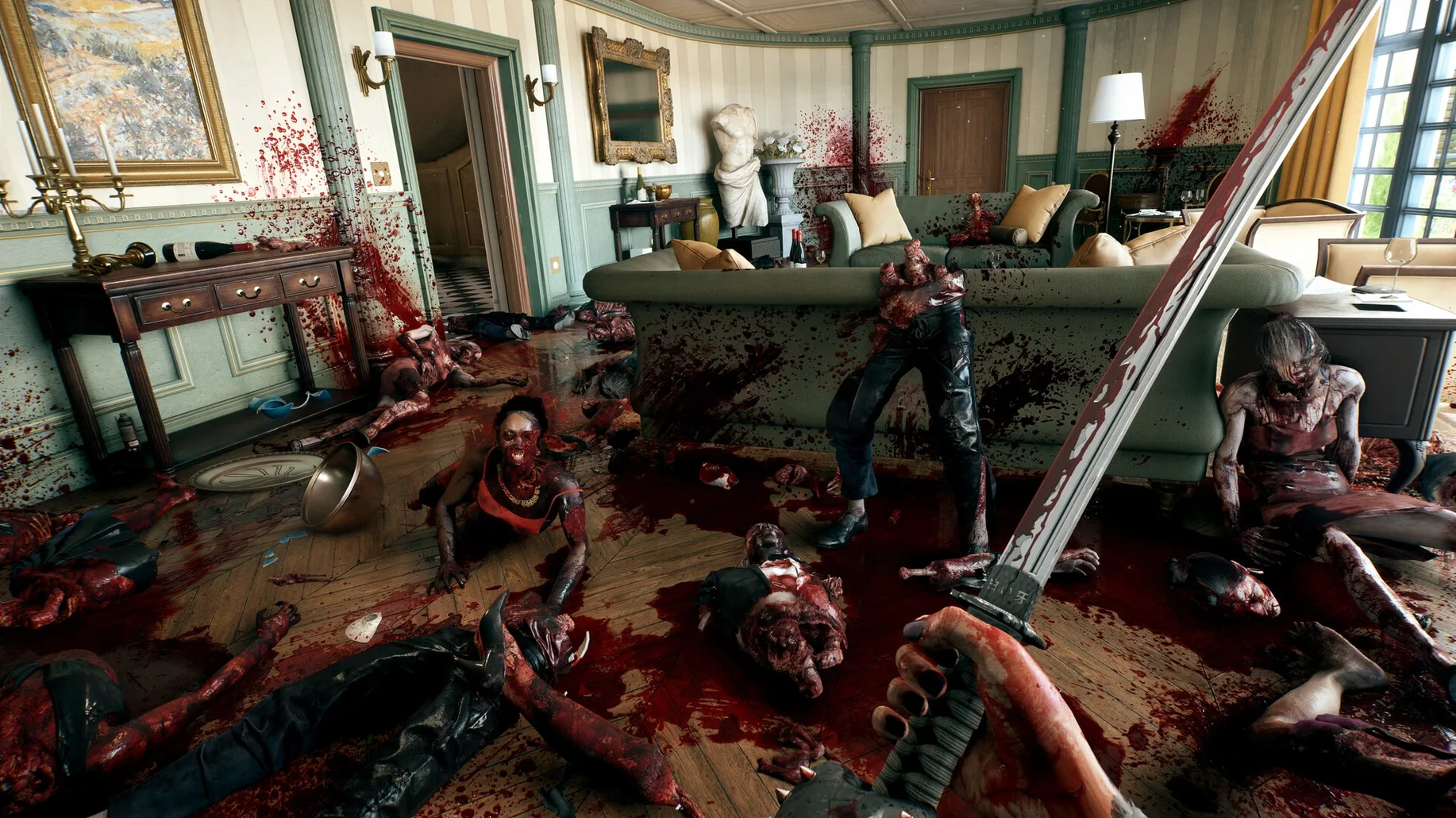
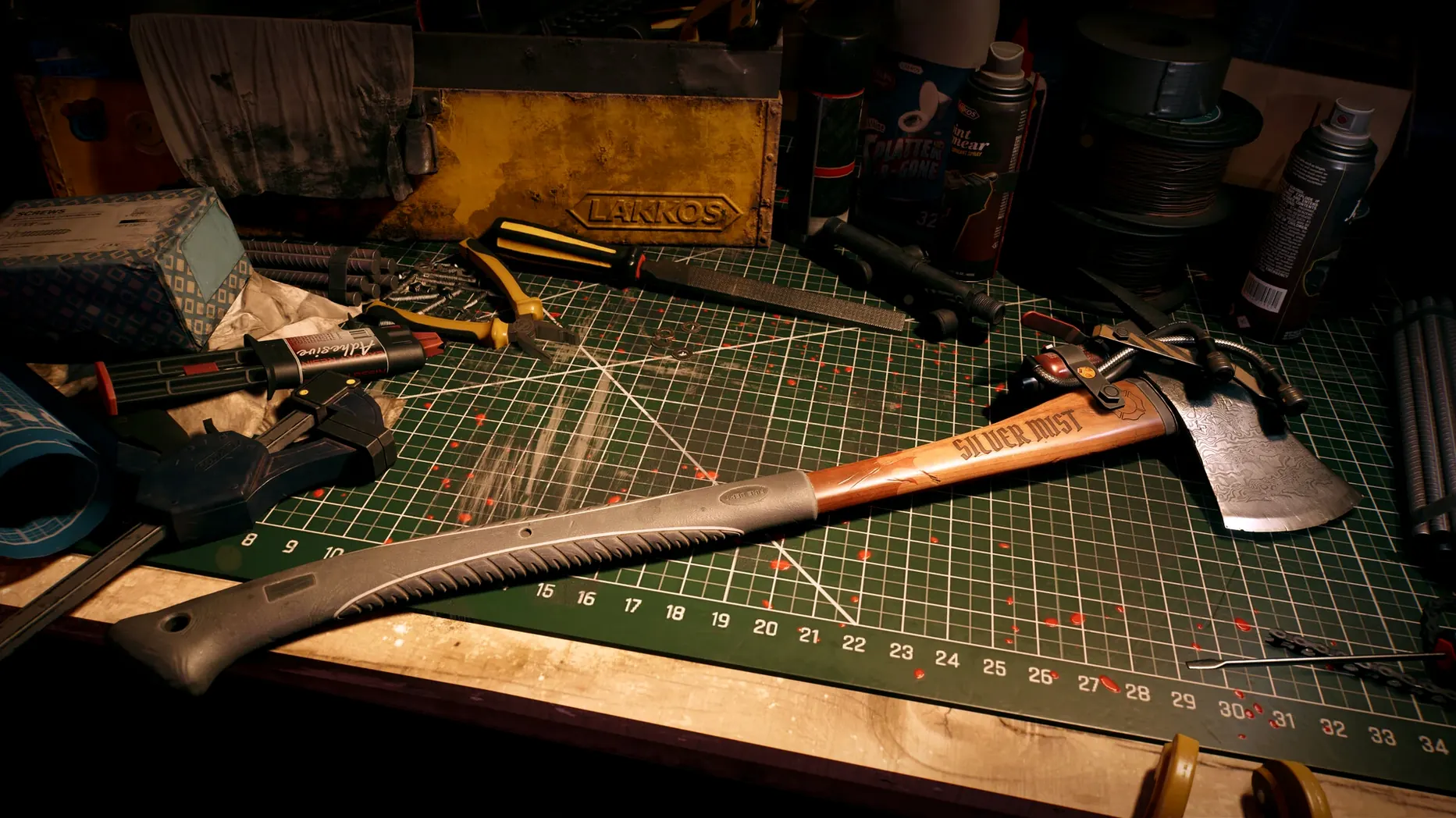
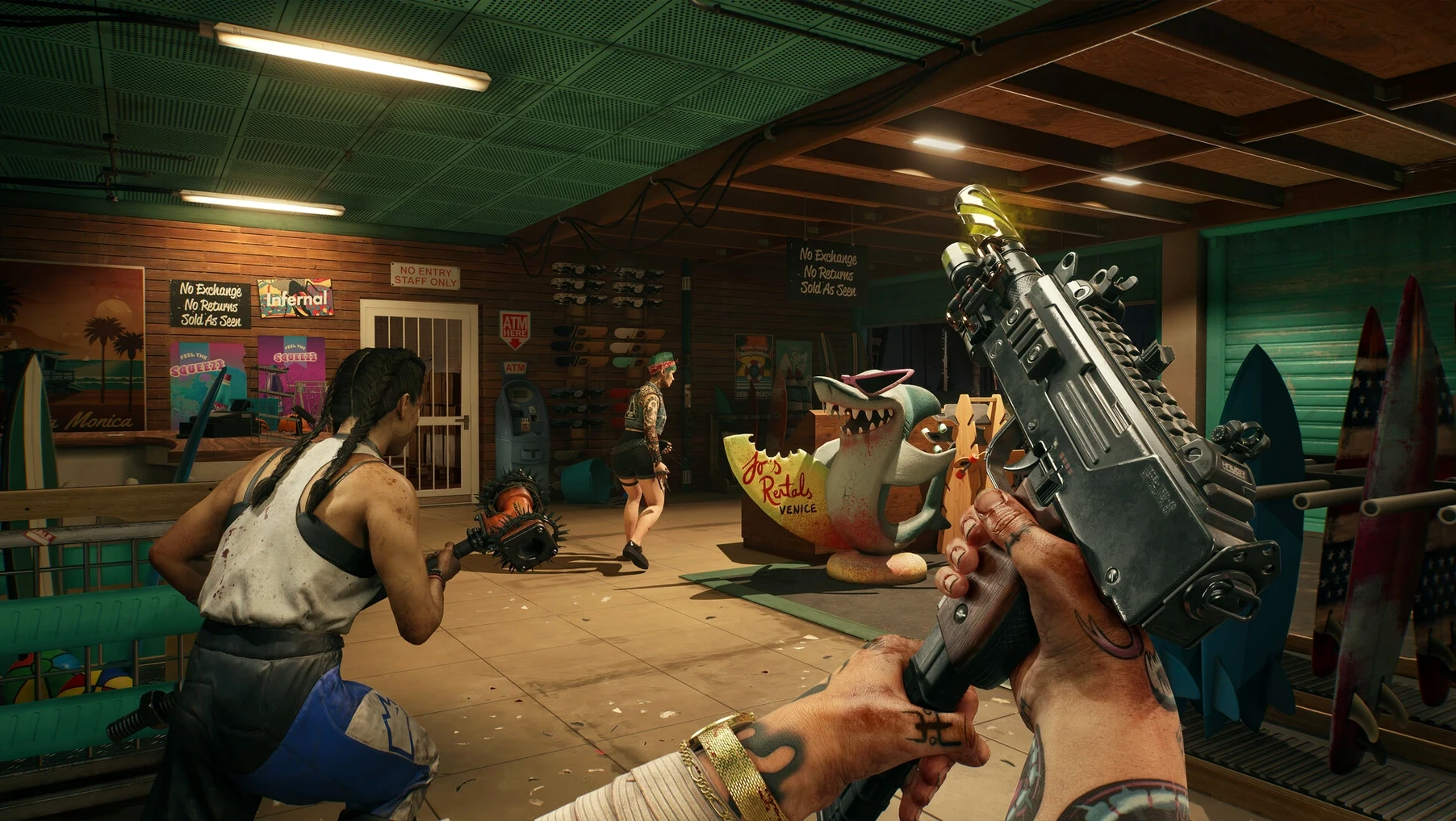
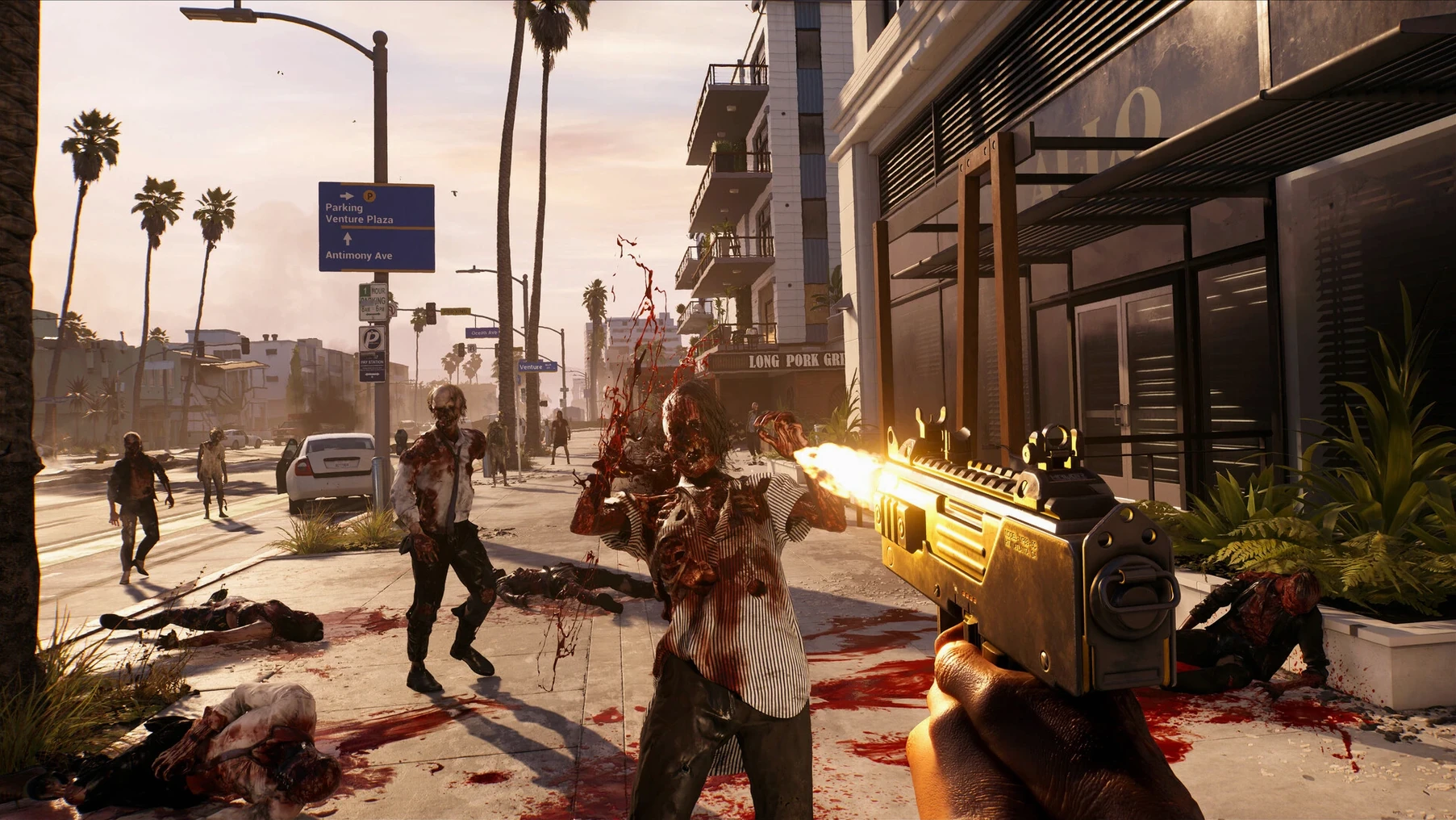

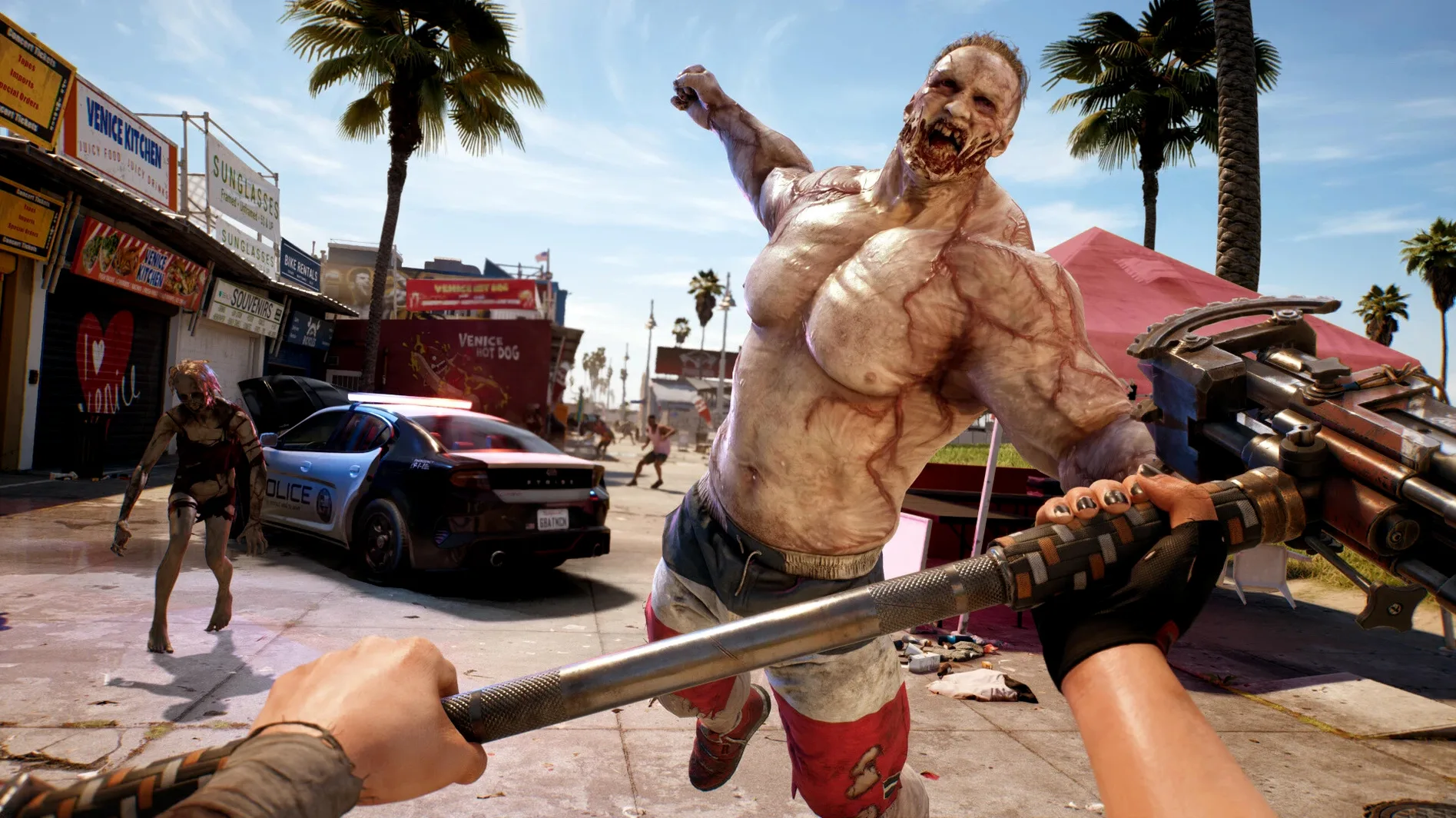
Dead Island 2 drops a dozen zombie variants across a quarantined Los Angeles and hands you a very sturdy shovel. The Mac release runs natively on Apple silicon, bringing the Ultimate Edition’s base campaign plus the Haus and SoLA expansions to a single download.
Runs directly on M-series chips without Rosetta
Yes. The macOS port is built for Apple silicon, so it uses the M-series chip directly rather than relying on Rosetta translation.
Tested on a 2020 M1 MacBook Air with Sequoia
It requires macOS Sequoia and an Apple silicon Mac. Testing was done on a MacBook Air with the 2020 M1 chip, which gives a realistic baseline for performance on passively cooled machines.
Combat forces rapid switching between weapons and traps
Zombie mutations and attack patterns push you to switch between blunt force, bladed weapons and environmental hazards mid-fight. The control layout follows the expected third-person action conventions, so veteran players will adapt quickly, though the sheer variety of enemy behaviours keeps encounters from becoming repetitive.
What languages are supported?
The interface handles thirteen languages including Russian, Polish, Czech, Japanese and both Simplified and Traditional Chinese. English is the only voiced language, so subtitles will do the heavy lifting for anyone playing in a localised interface.
Steadier frame pacing on M1 after the 1.0.1 update
Version 1.0.1 on Mac App Store arrived without a published changelog, but a few practical shifts surface after a couple of sessions. Frame pacing on the 2020 M1 MacBook Air feels steadier in Hell-A’s denser districts — Venice Beach at noon no longer stutters when three runners and a crusher appear simultaneously. The improvement is subtle, not a headline feature, yet it makes circle-strafing a flaming walker less of a gamble.
Quick-resume after sleep works more reliably. Earlier builds occasionally dropped to a black screen when the Mac woke; the fix build restores the session without forcing a relaunch. Controller recognition also tightened up. A paired DualSense now maps correctly on first connect, and the button prompts swap to match, which spares a trip into the settings menu before a co-op session.
Load times after fast travel shrank by a breath — roughly two seconds on the tested Air. That adds up when you bounce between Beverly Hills and the Pier for side quests. No new weapons, no rebalancing. Just a handful of quiet corrections that keep momentum from leaking out between fights.
Clearing a hotel floor: a workflow from arrival to exit
Take the Halperin Hotel mission as a template. You arrive through the lobby with a machete, a nail gun and a curveball slot carrying a pipe bomb.
- Scout the entrance — crouch-walk past the check-in desk and tag two walkers with the nail gun from a doorway. Headshots drop them before they groan. Silence lets you loot the luggage carts undisturbed.
- Set a choke point — the corridor to the kitchens narrows to a single doorway. Drop a pipe bomb just inside, then sprint through and vault the prep counter. The runners that chase you bunch up at the bomb; one detonation clears three at once.
- Switch on the fly — a crusher blocks the stairwell. The machete glances off its arms. Open the skill wheel, swap to a blunt-specialist loadout, grab a sledgehammer from a maintenance closet and break both knees before finishing with a stomp.
- Clear the upper floor — use the balcony to bypass a group of shamblers, then loop back and kick them over the railing. Fall damage does the rest. Loot the executive suite last; the keycard is on a bellhop’s body near the elevator shaft.
- Exit clean — retrace through the kitchen, not the lobby. The noise you made has drawn new infected to the front entrance. Your route out is quieter and lined with already-opened supply rooms.
The whole floor takes roughly fifteen minutes with this sequence. The skill system’s quick-switch slots make the crusher encounter a pivot rather than a wall.
A co-op player’s evening in Bel-Air
Carla runs a tank build with boosted toughness and a sledgehammer. Her partner plays Dani, stacking critical-hit mods on a katana. They log in around nine and pick up where they left off: the Bel-Air mansion row, a side quest to recover a doctor’s supply crate.
Dani scouts ahead with throwing knives, picking off lone shamblers on the driveway. Carla lags behind only because she’s dragging a car battery toward a flooded garden — water plus electricity clears a pool area before either of them steps in. The game’s co-op matchmaking keeps them in sync; platform-specific netcode means no cross-play latency surprises. When a mutator spawns near the greenhouse and sheds its skin mid-charge, Dani calls out the transformation over voice chat. Carla switches to a fire axe, activates her rage skill and draws aggro while Dani flanks and severs both limbs from behind.
After the crate is dragged to the safehouse, they carve ten minutes to loot a neighbouring property, not because the quest demands it, but because Carla spotted a workbench through a window. She upgrades her axe with a shock mod. Dani crafts a batch of sticky bombs from supplies found in a bathroom cabinet. No main story progress, just two players reading the environment and tooling up for the next session.
Pauses automatically when you swipe to another desktop
The game works alongside macOS rather than sealed off from it. Mission Control lets you swipe to a browser while the game pauses automatically; looking up a fuse location on a wiki mid-session is frictionless. Stage Manager on Sequoia keeps a Discord window or Apple Notes visible at the screen edge during co-op planning, though fullscreen mode is still cleaner for focused play.
AirPods handle spatial audio cues well — a runner’s footsteps from the rear left channel are distinct from a distant scream ahead. The H2 chip in second-generation AirPods Pro adds enough precision to track threats before they appear on screen. If you use Continuity Camera with an iPhone mounted above your display, the wide-angle lens picks up a sliver of the room; helpful for streamers who want a face-cam without extra capture hardware.
Quick Look integration is absent — no thumbnail previews of save files in Finder — but the game writes its data to the usual ~/Library/Application Support path, so manual backups are straightforward. Time Machine catches progress automatically. Spotlight won’t index in-game lore pages, but any notes you take in TextEdit or Craft will surface when you search for a quest name later.
For anyone who uses a MacBook Air on battery, the port’s power draw is moderate. A full charge on the 2020 M1 holds for around ninety minutes of play at default settings. Plugging in the 30W adapter removes the clock entirely, and the game’s frame rate stays consistent whether the charger is connected or not — no throttling on battery observed during the hotel workflow test.