Aspecten
 Download (1.2 GB)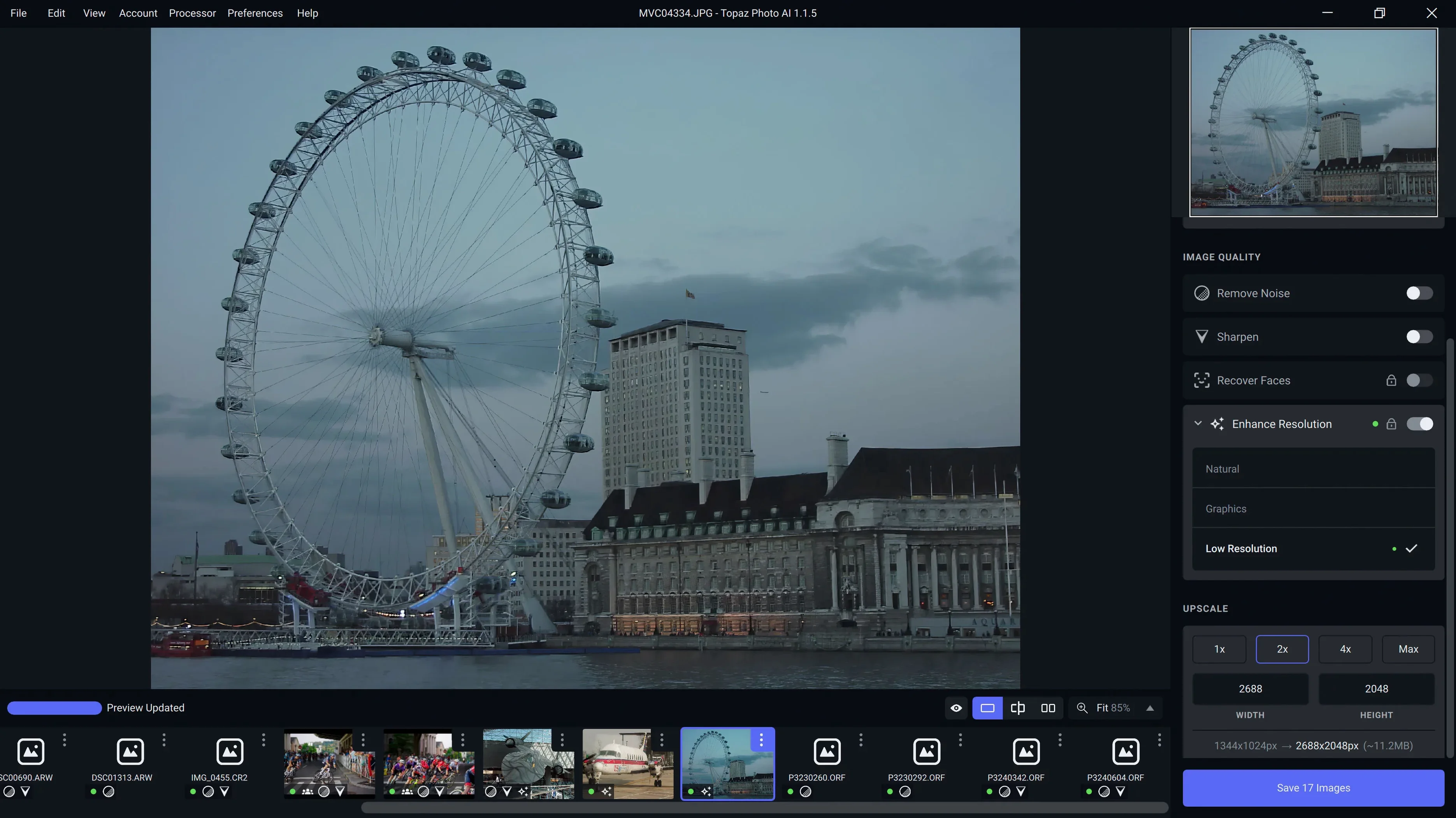
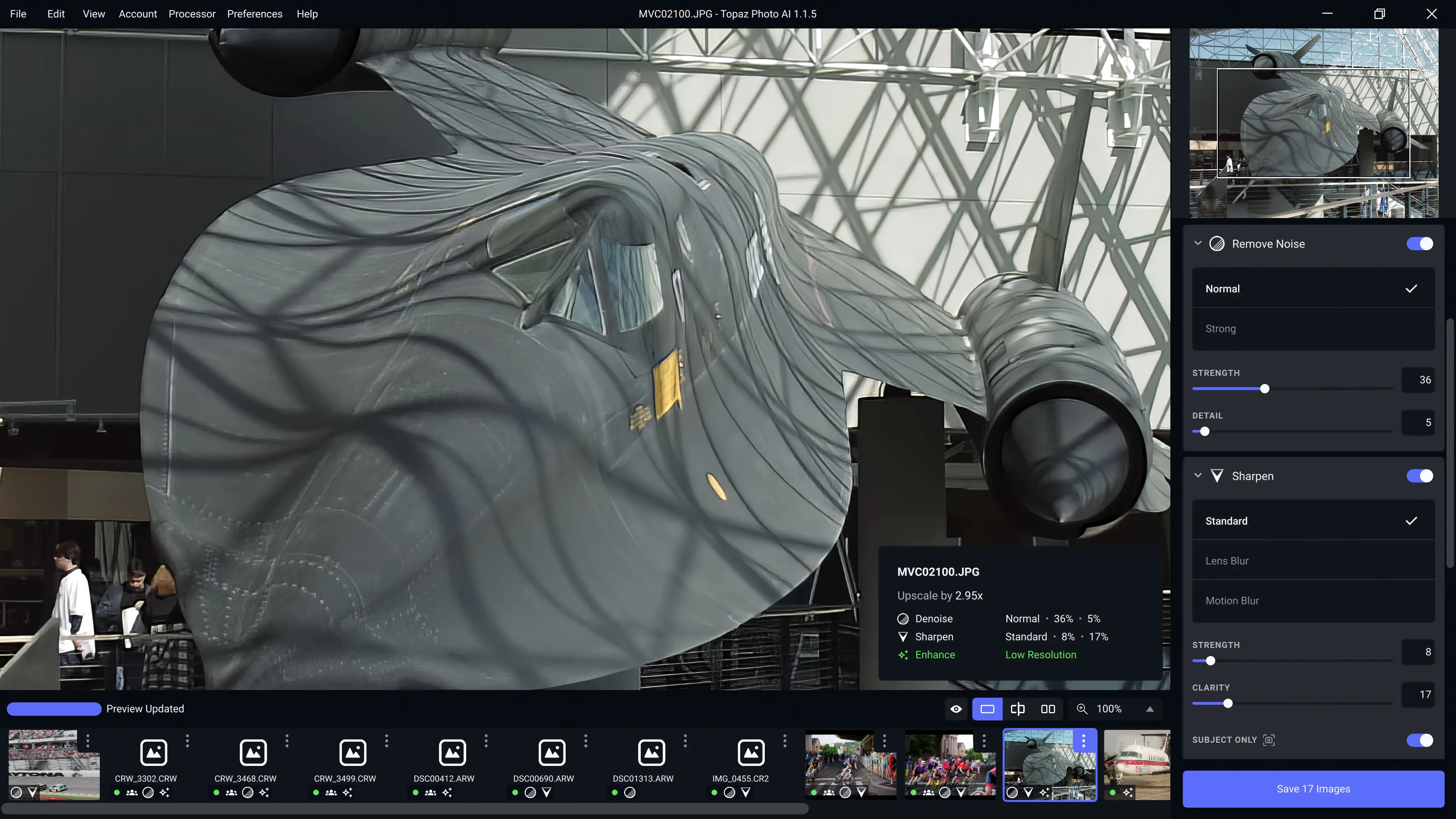
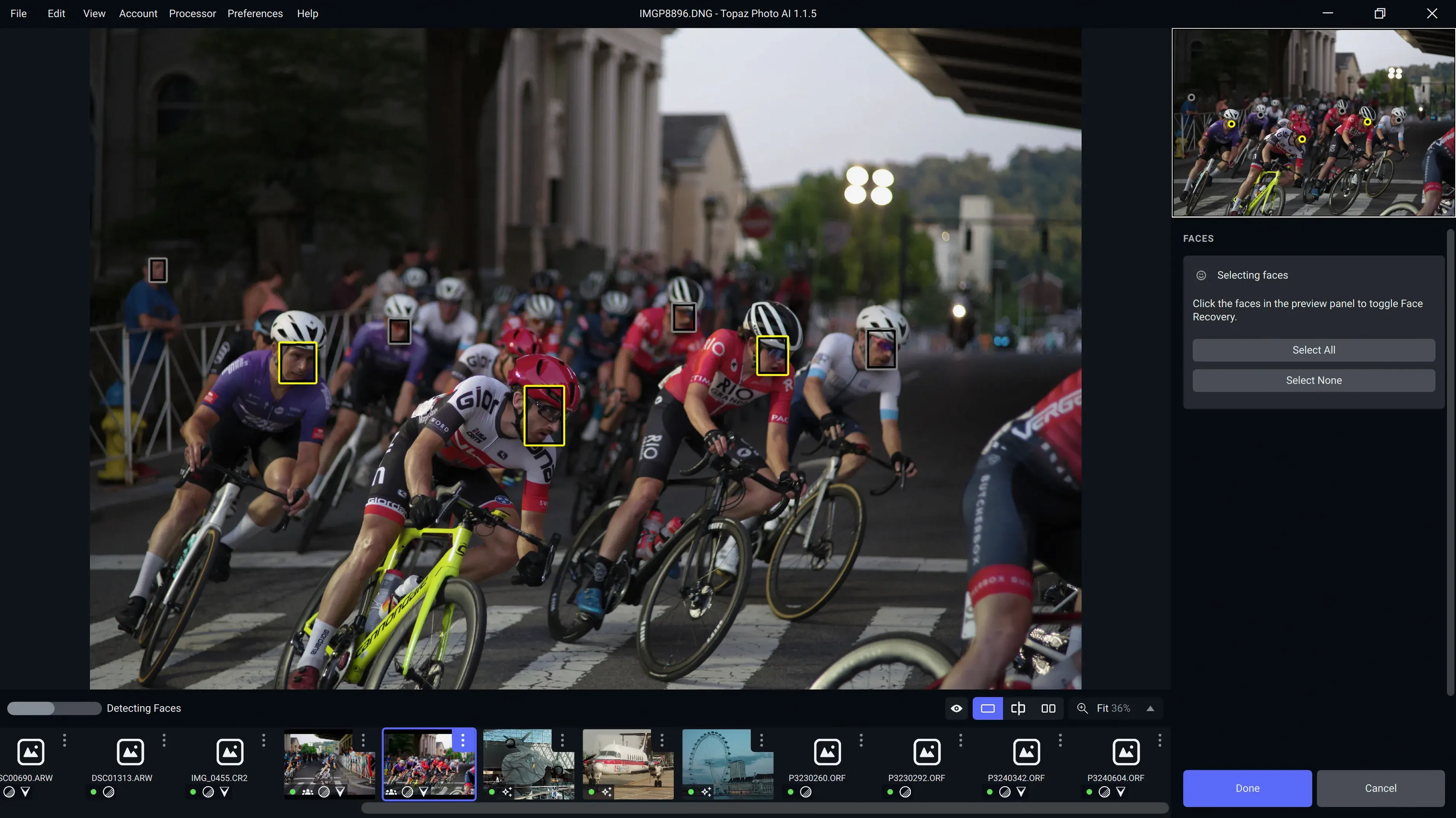
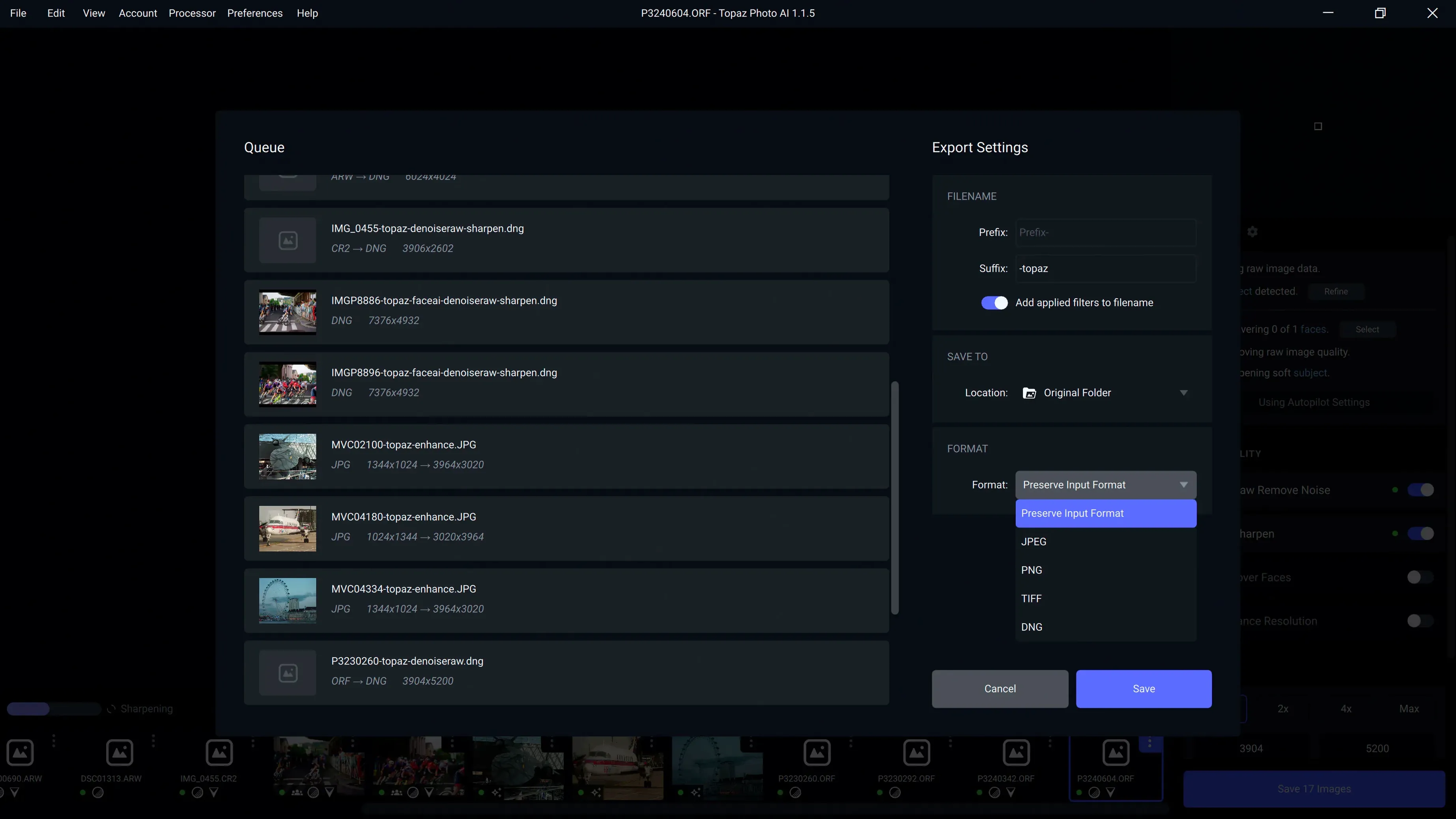
Topaz Photo is a desktop image-enhancement application that sharpens, denoises, and upscales photographs on a Mac. It sits alongside existing editing tools as a dedicated quality-improvement step, handling tasks that general-purpose editors often do less convincingly.
| Detail | Note |
|---|---|
| Version | 1.7.0 |
| Architecture | Apple Silicon, Intel 64-bit |
| macOS | 12 and later |
Where a photo editor like Photos or Lightroom leaves off, Topaz Photo picks up a narrow set of corrections and pushes them further. Its sharpening and denoising models are trained on image data, so the results tend to preserve texture and edges rather than smearing them. The upscaling feature enlarges images while adding plausible detail, which suits print preparation or bringing older, lower-resolution files into a modern workflow. Version 1.7.0 introduces the Wonder 3.5 model and drops the Neuroserver output-size restriction, giving the app more headroom on larger files. It also adds support for the Sony A7RV, A7RVI, and Alpha 9 III. The interface is English only, and the app runs on both Apple Silicon and Intel Macs from macOS 12 onward.
Run denoise before sharpening, not after
Most early missteps come from treating the three tools as a single slider rather than as separate passes. Sharpening, denoising, and upscaling each have their own controls, and running them in the wrong order changes the result. Denoise first, then sharpen, then upscale if needed. Upscaling a noisy image amplifies the noise, and sharpening a denoised image is easier than denoising a sharpened one.
Another common error is applying the same settings to every photo in a batch. The model behaves differently with high-ISO sensor noise than with film grain or JPEG compression artefacts. A setting that cleans up a dim concert shot can flatten the texture in a landscape. Going image by image takes longer, but the app is built around that slower rhythm.
Beginners also tend to judge results at full zoom while ignoring the final output size. A slight over-sharpening that looks obvious at 300 percent may be invisible in a print or a web export. Checking the preview at roughly the intended viewing size prevents a lot of unnecessary rework. Finally, some users drop raw files straight in without first correcting exposure or white balance in their main editor. Topaz Photo works best on files that are already close to correct; it amplifies what is there, including mistakes.
High-ISO fur and feathers clean up best
Photographers working with high-ISO images gain the most. Wildlife and event shooters regularly push sensors past their comfortable range, and the denoising module is tuned for exactly that kind of file. The difference is most visible on fur, feathers, and fabric, where cheaper noise reduction turns detail into mush.
Users with older cameras also benefit. A twelve-megapixel file from an early DSLR can be upscaled enough for a modern display or a modest print run without the obvious softness of bicubic enlargement. The same applies to scanned film, where the sharpening module can bring back grain structure without exaggerating dust and scratches.
Those who already have a working editing workflow, whether in Lightroom, Capture One, or Photos, tend to use Topaz Photo as a targeted step rather than a replacement. It fits between the initial raw conversion and final output, which keeps its use focused. People who want an all-in-one editor or a library manager will find it too narrow; those who want one thing done well will find it direct.
Hold mouse to split before and after
A few details are easy to miss on first use. The preview area can be split or toggled between before and after by holding the mouse down on the image, which helps when judging fine detail. The zoom level snaps to common percentages, but holding Option while scrolling gives finer control.
The app remembers the last-used settings per tool, so a second pass on a similar file starts from the previous values. That is useful for shoots with consistent lighting and ISO. The output panel also shows the final pixel dimensions before export, which removes the need to calculate upscaling ratios manually.
Keyboard navigation in the file list works with the arrow keys, and the spacebar opens a quick preview. Users who process many files in one session can move through a folder without returning to the mouse. The processing queue accepts files dragged in from Finder, and a small indicator shows when the current job is running on the Neural Engine rather than the GPU, which matters more on Apple Silicon Macs.