Aspecten
 Download (16 MB)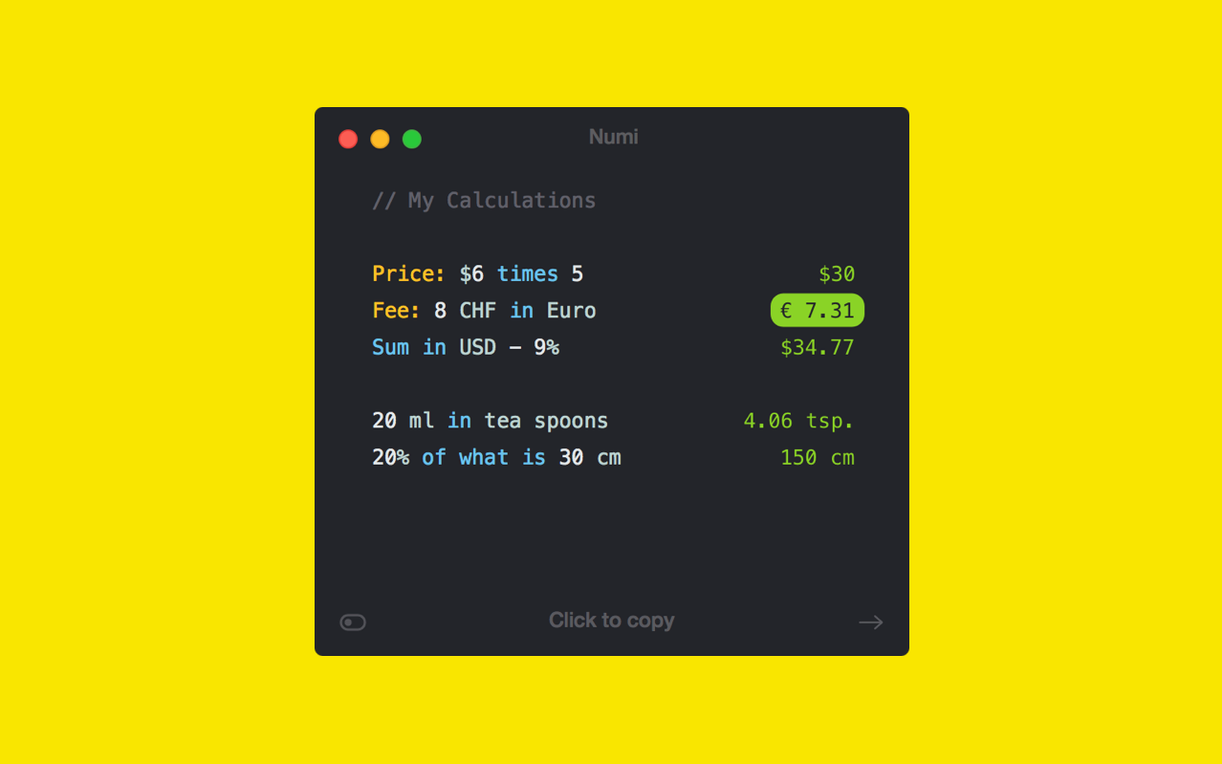
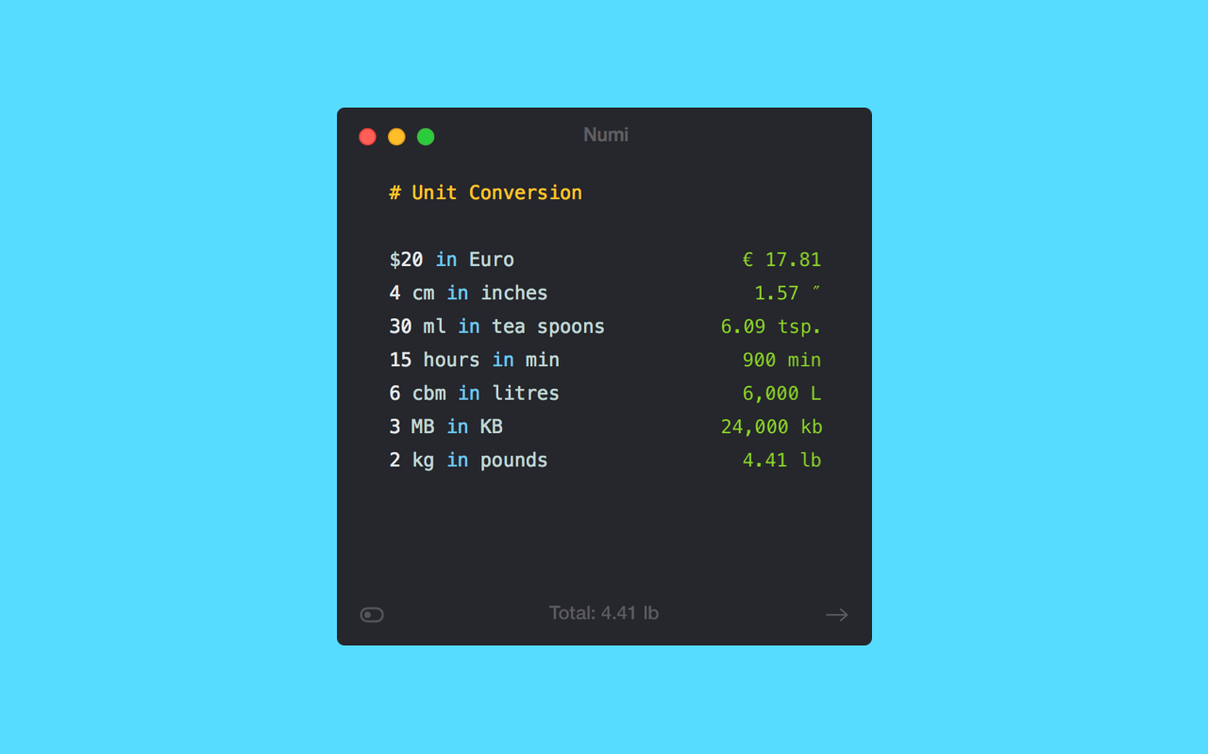
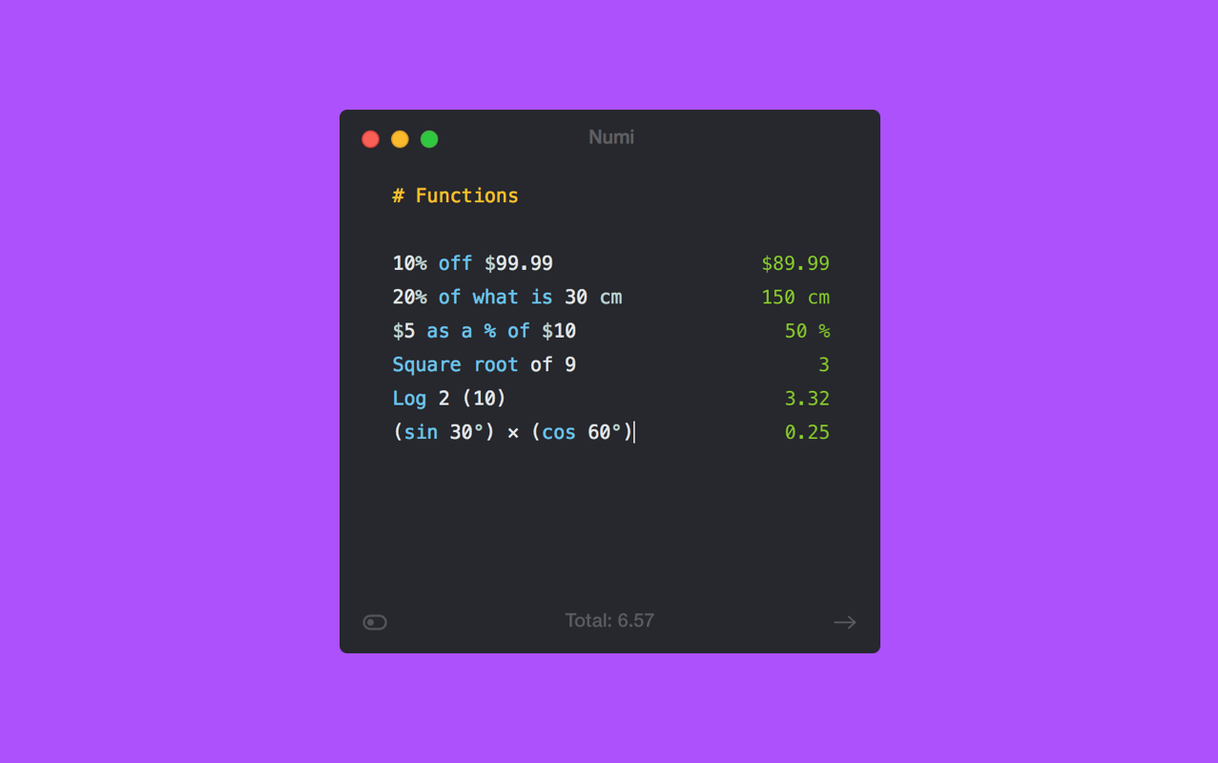
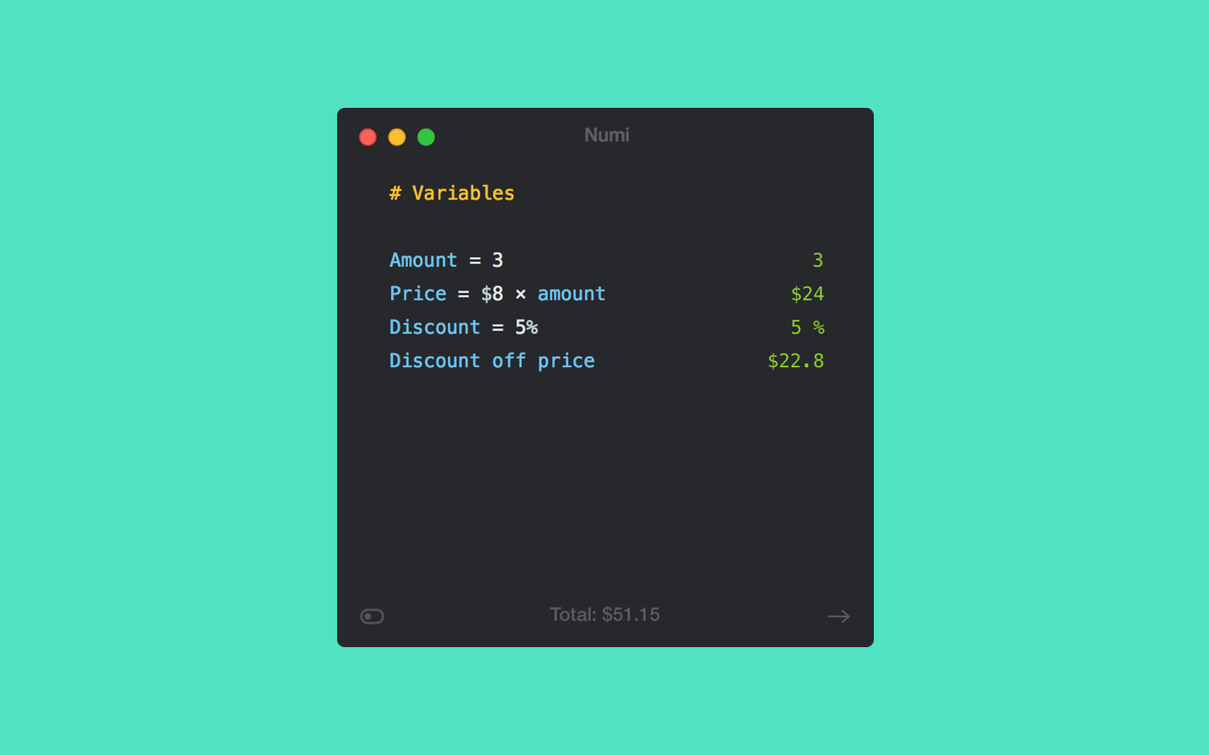
Numi is a calculator where you write your sums in plain text, mixing numbers, words and units on the same line.
Write a sum and add a note
Type something like "25€ dinner + 12€ drinks + 8% tip" and Numi parses the numbers and the words. The note stays visible next to the total, so you can check what each figure was for.
Convert between px, pt and em
Enter a CSS unit directly — for example "24px + 2em". Numi uses 16 pixels as its default em value and shows the result in pixels, points and ems together.
Check a time in another city
Put a time zone calculation into a line, such as "5pm London to Tokyo", and it returns the local equivalent. It works for a handful of cities right out of the box.
A freelancer's end-of-month tally
Someone invoicing several clients in different currencies can drop a whole month of figures into one window. Lines such as "1200€ project A + 800€ project B in USD" sit beside "320£ retainer in EUR" and a few deduction notes. Numi resolves each conversion against its built-in rates and presents the totals without the user touching a spreadsheet. The text stays editable, so adjusting a figure or adding a late invoice updates everything downstream immediately.
Workflow: calculating a shared holiday budget
Start by listing the main costs as separate lines. A group of four people splitting a trip might write
480€ villa + 210€ car hire + 95€ fuel330€ groceries + 140€ restaurant15% tip on 140€
Each line resolves on its own, keeping the parts visible. On the next line, sum the subtotals by referencing the line numbers Numi shows in the gutter, for instance $1 + $2 + $3. Below that, divide by four for the per-person share. Finally add a line that converts the per-person amount into a second currency — useful when one traveller keeps accounts in a different one. The whole breakdown fits on screen, and changing any cost recalculates the share without touching a formula structure.
If the group later decides the restaurant tip should be 10 percent rather than 15, altering that single figure updates the per-person figure and the currency conversion in one pass. Several people have used this setup with the numi macos iCloud sync to hand the calculation across to a partner's machine before booking, keeping the final numbers consistent between them.
Opens in about a second and stays responsive with 30–40 lines
Numi opens in roughly a second on both Intel and Apple Silicon Macs and stays responsive even when a note holds 30 or 40 lines. Memory use typically sits around 100 MB — modest for an app that keeps a live parse of every expression in the document. No background spikes appear when the window is idle, and the app has not caused a single unexpected quit across a week of switching between a dozen notes.
Longer sessions with many unit conversions introduce a barely perceptible pause on the first evaluation of a new expression, but subsequent edits resolve immediately. The Alfred integration saves frequent trips to the mouse: invoking numi mac from the launcher and pasting a quick sum returns a result without the main window ever appearing. People who keep a dedicated numi download mac install on an older MacBook Air from 2017 report the same steady behaviour — the fan rarely spins up, and the app never blocks the rest of the system during a calculation run.
A small quirk worth noting: when a note references many external line numbers and the user deletes one of the referenced lines mid-flow, Numi shows an error token rather than breaking silently. It takes a moment to trace which reference broke, but the visible error marker at least stops you from trusting a wrong total.