Aspecten
 Download (126 MB)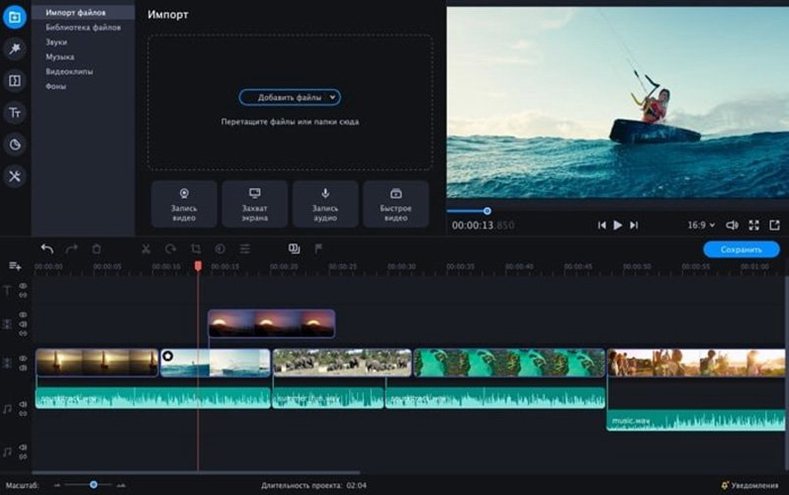
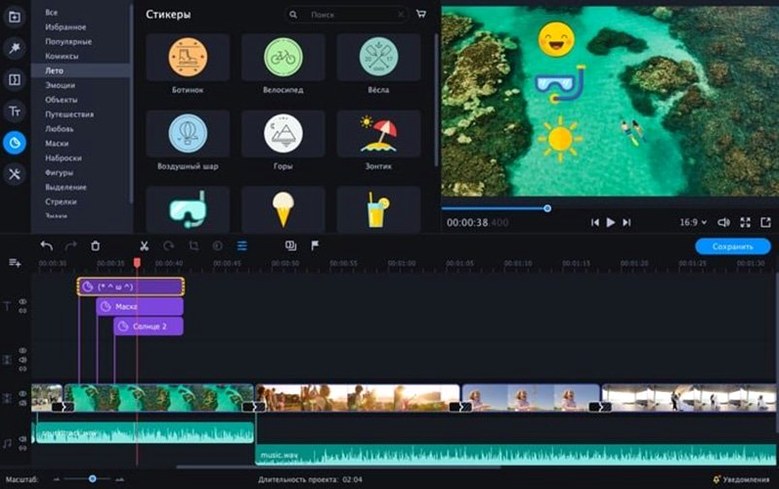
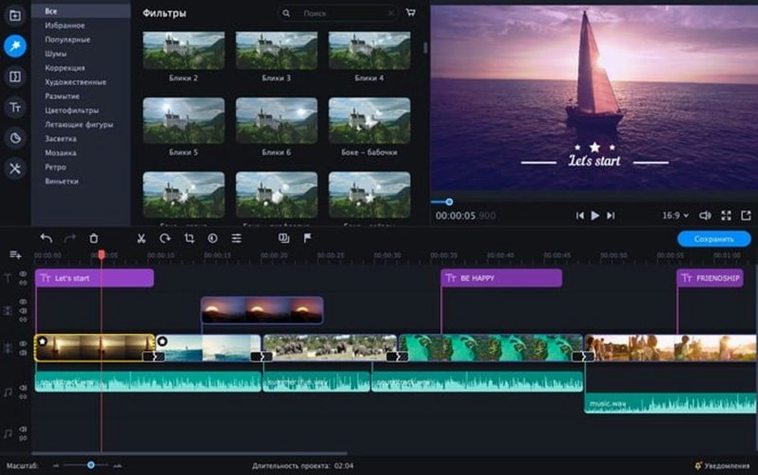
Version 22.4.1 stays the course: a straightforward editor for turning raw footage into a presentable clip without spending an afternoon on it. To see what that means in practice, I ran through one realistic task — assembling a short travel snippet from a handful of phone clips.
Quick cuts, built-in effects and chroma key
- Quick assembly of clips with simple trims and fades
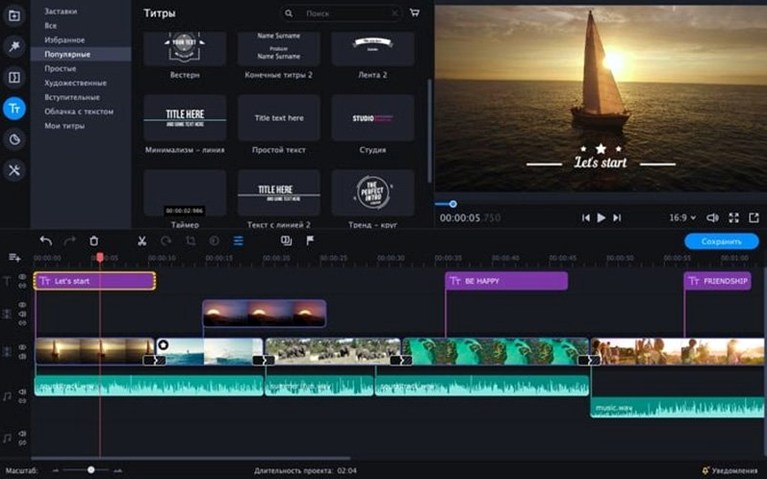
- Applying built-in effects, stickers and animated text overlays
- Chroma key for swapping out a plain background
- Polishing sound in a few clicks
- Adding slow motion or reverse playback to individual segments
Intel-only Mac, simple timeline, no frame-level editing
- Intel-only on macOS 10.13 or later
- Interface is simple, which suits quick jobs but leaves less room for frame-level adjustments
The workflow felt linear: drag clips to the timeline, trim by pulling the edges, then drop a crossfade between two. Adding a sticker and an animated title took a few seconds each — both sit on separate tracks and preview without rendering first. The chroma key tool let me replace a green-screen clip’s background with a still image; the edge blending was acceptable for a social-media post. Sound polish worked as advertised: a single click applied a preset that evened out the volume across clips. Slowing down a section of a clip to half speed introduced slight stutter, but the tool handled reverse playback cleanly. The interface stays out of the way, though anyone wanting precise keyframe control will find the toolset compact rather than deep.