Aspecten
 Download (187 MB)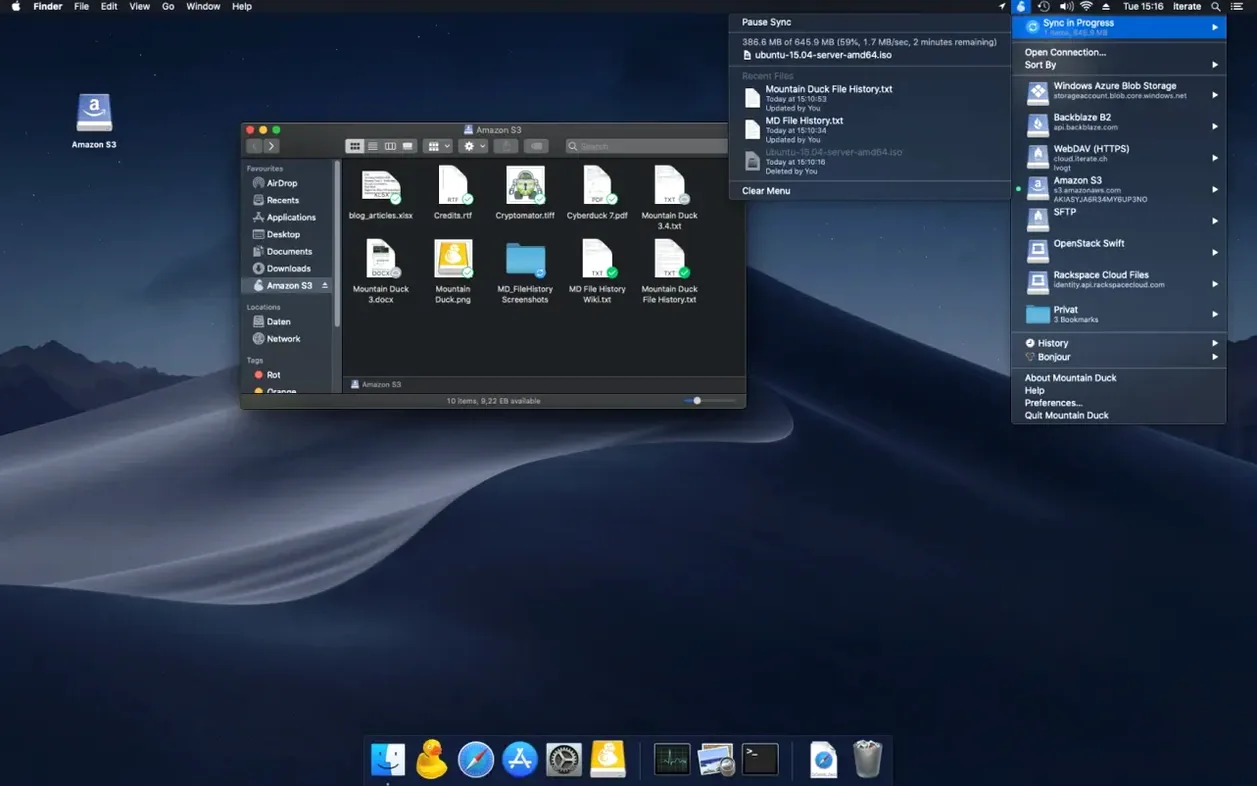
This edition solidifies the version 5 foundation without adding headline features, focusing instead on compatibility refinements. The primary question to answer first is whether your machine can run it. Mountain Duck 5.3.2 requires macOS 13 or later and runs natively on both Apple Silicon and Intel processors. No other system dependencies are needed.
Workflow after installation
- Open the app and add a new bookmark for your server or cloud storage. Supported protocols include SMB, WebDAV, FTP, and connections to services like Backblaze B2 or Microsoft OneDrive. If Cyberduck is present, existing bookmarks are shared automatically.
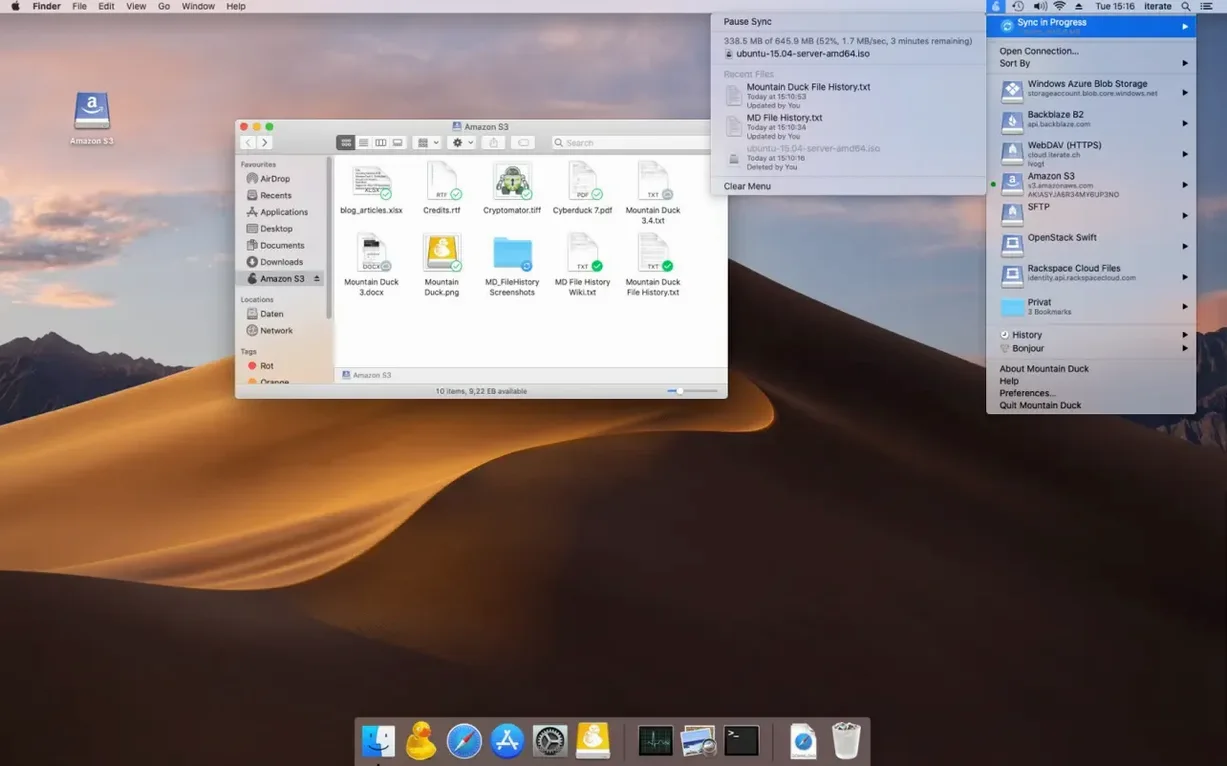
- Once connected, the remote storage appears as a standard volume in the Finder sidebar. You can browse, copy files, and open documents with any native application just as if they were local.
- Right-click any file or folder and choose to keep it stored offline. The local copy stays available when the network is unreachable, and changes upload in the background once a connection returns.
- For encrypted volumes, pair the mount with a Cryptomator vault. The encryption is applied at rest and the unlocked volume behaves like any other mounted disk.
Version 5 introduced storage-independent file versioning, so restoring a previous draft of a document does not depend on your provider supporting snapshots. The interface ships with localisation for over thirty languages, including Russian, German, Japanese, and Finnish, making the menu bar and settings accessible across a wide range of setups.
You skip the manual upload when you work straight off the cloud volume
Mountain Duck fits anyone who spends a lot of time moving files between remote servers and Mac applications. The arrangement makes most sense when you need direct access without a separate transfer step. Three groups in particular feel the difference day to day.
- Designers and video editors who keep raw assets on an S3 bucket or SFTP server. They open a project file in their editing suite, work on it, and save as normal — no download-then-upload shuffle. Version 5’s storage-independent versioning means they can roll back a Premiere project or a Photoshop file without the cloud provider offering snapshots.
- Developers and system administrators managing configuration files, logs or backups over SFTP or SMB. A mounted volume lets them grep through remote logs with a local text editor while files stay on the server. Shared Cyberduck bookmarks cut setup time across machines.
- Researchers and writers who keep manuscripts, datasets and reference PDFs in Dropbox, Google Drive or a university WebDAV share. They mark essential folders for offline use, work on a train, and let Mountain Duck sync changes when Wi‑Fi returns.
The common thread is a workflow where remote files are not an occasional destination but the working copy. If you only need to upload a file once a week, the Finder integration adds less value. If the remote store is your primary workspace, the mount model removes friction that a sync client or a transfer window cannot.
A day with an architect’s project files
Consider an architect working from a co‑working space. Her firm stores active Revit models and texture libraries on an S3‑compatible bucket. She has Mountain Duck connected to that bucket, with the current project folder kept offline on her MacBook.
She opens the model in the morning, makes adjustments, and saves. Mountain Duck holds the changes locally and queues the upload for when the café Wi‑Fi settles. At midday she travels to a site meeting with no connection. The cached files are fully usable offline — she opens PDF exports, marks up dimensions in Preview, and saves her annotations. Back at the office, the Mac reconnects and Mountain Duck pushes the morning’s model edits and the annotated PDFs to the bucket in the background. She never opens a web console or a separate upload tool. The volume simply behaves like an external drive that sometimes needs a moment to catch up.
Files aren’t downloaded until you actually open them
People coming from sync‑and‑folder clients often trip on the same few points. Knowing them ahead of time smooths the first week.
- Expecting everything to be offline by default. Mountain Duck caches files only when they are opened. A folder that looks present in the Finder may show zero‑byte placeholders until you actually access a file. Mark folders for offline storage explicitly if you need them on a flight.
- Unmounting while large uploads are queued. The menu bar icon shows pending transfers. Ejecting a volume before the queue drains can leave remote files out of sync. A quick glance at the icon avoids wondering where a morning’s edits went.
- Treating every protocol the same. SMB, WebDAV and S3 behave differently at the filesystem level. An SMB share handles locking natively; an S3 bucket does not. If two people open the same file on an S3 mount, Mountain Duck will not prevent conflicts the way an SMB server would. Knowing the limits of the underlying protocol saves confusion.
- Ignoring the Cryptomator pairing requirement. Encryption at rest works only when you create a Cryptomator vault first and then mount it through Mountain Duck. Connecting to an existing unencrypted bucket and ticking a box in the app adds no encryption layer on its own.
Mountain Duck keeps volumes mounted while Cyberduck handles one‑off transfers
A search for mountain duck mac often lands on the same handful of questions. Does it work alongside Cyberduck, or does it replace it? The two complement each other — Cyberduck handles manual transfers and browsing, Mountain Duck keeps volumes mounted. They share bookmarks, so adding a connection in one makes it available in the other. If Cyberduck is already set up, Mountain Duck picks up all existing server entries on first launch.
Can somebody who found a mountain duck torrent expect the same behaviour as the current version? Older, unofficial builds often lack the Integrated Connect Mode introduced in version 5, and they miss the storage-independent versioning that shipped with the same release. An older build also may not have received the compatibility refinements present in 5.3.2, particularly around macOS 14 and Apple Silicon wake‑from‑sleep handling.
Another recurring question is whether the mounted volume counts toward the Mac’s local storage. It does for files marked to stay offline; those occupy real disk space. Cached files that have not been pinned sit in a temporary cache that the system can reclaim under storage pressure. The menu bar panel shows the split clearly so there is no guesswork about what is permanently local and what is transient.
People also wonder about bandwidth control. Mountain Duck does not offer per‑connection throttling in the interface, but it respects the transfer queue. Large uploads wait for earlier jobs to finish, and the app does not saturate a connection beyond what the operating system allows. For most home and office connections that is sufficient, though shaping traffic further requires a router‑level tool.