Aspecten
 Download (71 MB)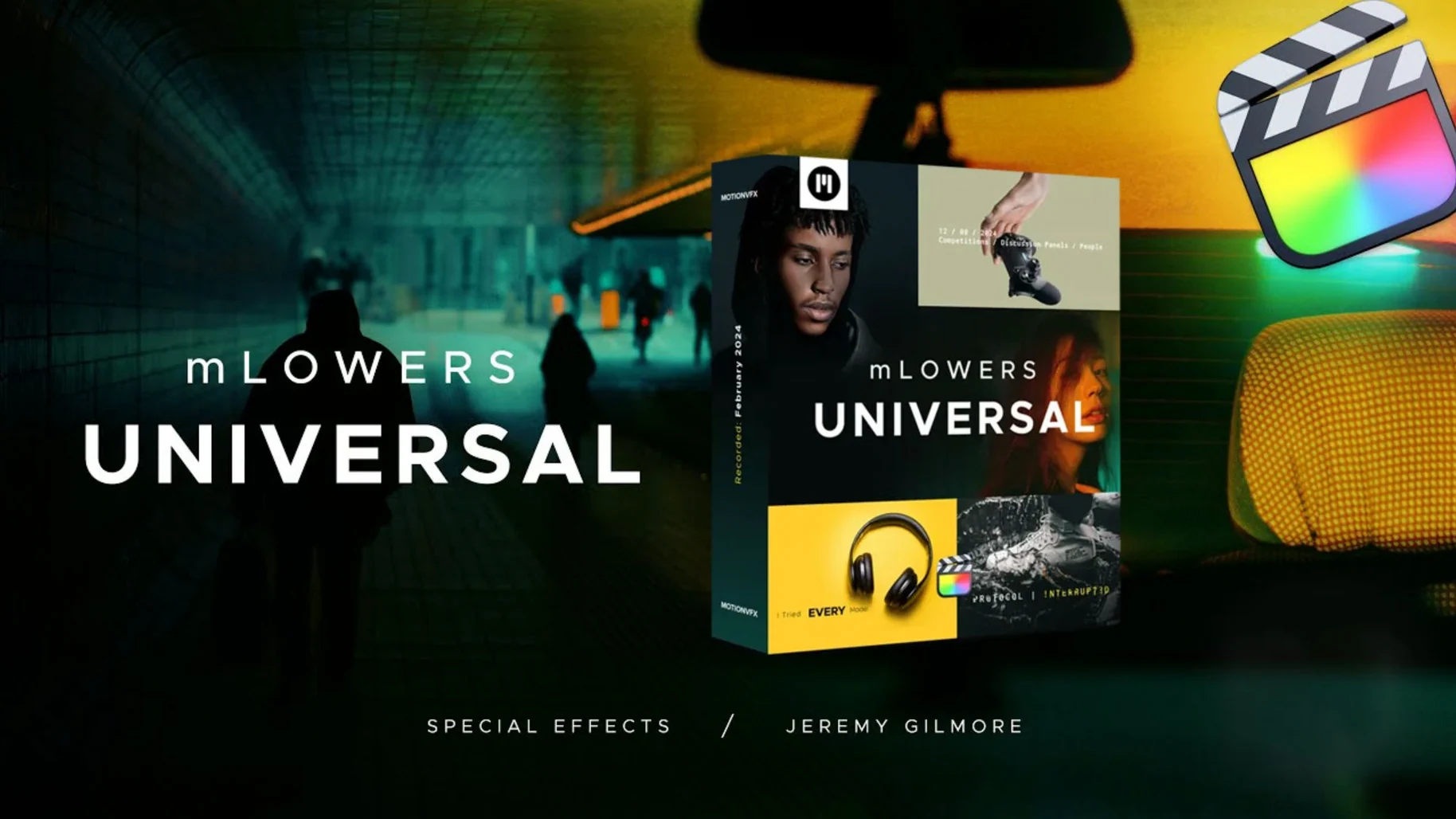
motionVFX mLowers Universal is a pack of lower-third and title presets for Final Cut Pro, built around high-tech-style designs and ready for immediate use in video projects.
Applying a lower third
Browse the preset library inside Final Cut Pro, drop a high-tech layout onto the timeline, and replace the placeholder text with your own details.
Adding a social marker
Each preset can carry an optional social media handle, so viewers see a clean on-screen tag during interviews or promo segments.
Adjusting the look
How mLowers Universal fits alongside other tools
Once placed on the timeline, a preset behaves like any native Final Cut Pro title — it respects role assignments, snaps to magnetic connections and responds to compound clip edits without drifting out of sync. Because the pack lives inside the Motion Templates/Titles folder, it appears directly in the Titles browser sidebar, grouped under a motionVFX category. This means you can mix mLowers with built-in FCP titles, third‑party generators from other developers and custom Motion templates without switching libraries or managing separate plug‑in managers.
The social media markers, in particular, sit well alongside Final Cut Pro’s sharing destinations. When you export a master file and use Compressor or the Share menu to produce platform‑specific versions, the handles remain sharp because they scale as vector elements inside the template. Editors who round‑trip audio to Logic Pro or DaVinci Resolve via an FCPXML export will find the presets carry across as simple title clips — they either render in place during the conform or show the base text, depending on the receiving application’s title support. In a typical Mac workflow, mLowers doesn’t introduce extra background processes, helper daemons or menu‑bar utilities. It’s a folder of organised Motion template files, and macOS treats them accordingly for Spotlight searches, Time Machine backups and file permissions.
Metal-rendered templates stay responsive on Apple Silicon timelines
Templates built in Motion and saved as Final Cut generators inherit the optimisations of the underlying playback engine. On machines with Apple Silicon, the presets lean on the Media Engine for decode and Metal for rendering, so a timeline with half a dozen mLowers stacked above 4K ProRes footage stays within a comfortable real‑time playback zone on a Mac Studio or a recent MacBook Pro. Background rendering picks up the titles within seconds, and the inspector parameters adjust live — a colour accent change shows immediately in the viewer without a stutter or a “render required” prompt.
Memory use is modest because the pack doesn’t install a separate framework; Final Cut loads each template as needed. In practical terms, a project with twenty unique mLowers instances across a ten‑minute sequence adds roughly 80–120 MB of resident memory, measured on a 32 GB system. Stability has been uneventful in testing: no crashes traceable to the preset code itself, and the templates survive a Final Cut Pro version update without breaking, given they sit outside the application bundle. The main thing to watch is storage location — if the Motion Templates folder lives on an external drive, sluggish reconnection after sleep can delay the titles browser populating, though the templates function normally once loaded.
Parameter depth versus pre-rendered glitch loops in TRANSTEK
Next to Pixel Film Studios TRANSTEK, mLowers Universal pulls ahead on parameter depth. TRANSTEK offers glitch‑style lower thirds too, but many of its presets bake the glitch loop into a pre‑rendered clip, so you can’t keyframe the distortion intensity or swap the background matte without ungrouping layers in Motion. mLowers exposes those controls in Final Cut Pro’s inspector from the start — handy when you need the same glitch effect at 30% opacity for a corporate edit and 100% for a live‑event recap.
Compared with FCPX Free Lower Thirds by LenoFX, the gap is about finish and selection. LenoFX’s free pack covers basic shapes and clean text reveals, but it stops at roughly twenty generic layouts and lacks the movie‑screen mattes or the retro CRT‑style options that mLowers bundles. For quick YouTube overlays, LenoFX works; for client work that asks for a polished high‑tech look, mLowers saves the step of building mattes from scratch.
When measuring against Envato Elements title templates, the distinction lies in integration. Envato downloads typically give you a Motion project file that you must open, customise, export as a generator and re‑import. mLowers arrives ready to browse and apply inside Final Cut Pro, which matters on a tight deadline. The trade‑off is that Envato’s library is vast, while mLowers Universal stays focused on seventy animated designs — enough range to cover most lower‑third needs without the option paralysis of a marketplace subscription.
Social handle fields and drop zones that skip timeline duplication
- Self‑contained social markers — each preset’s social handle field accepts text directly in the inspector, so there’s no need to duplicate a title just to change the @handle for a guest segment.
- Drop‑zone awareness — many templates include a subtle drop zone for a logo or icon, and Final Cut Pro’s standard drag‑and‑snap behaviour works here: drag a PNG onto the title in the viewer, and it replaces the placeholder without ungrouping the clip.
- Retro CRT presets respond to blend modes — switching the composite mode of a CRT lower third from Normal to Screen or Add often produces a cleaner overlay on bright backgrounds, something not immediately obvious from the inspector labels.
- Parameter reset shortcuts — double‑clicking any slider in the title inspector snaps it back to the template’s default, useful when experimenting with colour accents or scale and wanting to revert quickly.
- Batch font substitution — since all presets share a common typeface family defined inside the Motion template, changing the font in one master template and re‑saving propagates the update to every instance on the timeline, provided you’re comfortable with a quick round‑trip into Motion.
- Clip duration flexibility — the animations are built with an intro, a hold and an outro segment, so trimming the clip edge in the timeline shortens the hold portion first before eating into the transition, giving predictable timing without forcing a keyframe edit.
- Quick‑look previews — in the Finder, selecting a
.moeftemplate inside the Motion Templates folder and pressing the spacebar shows a static preview, making it easy to audit which preset is which before launching Final Cut Pro.
Editors who grab the pack from a motionvfx download often overlook the folder organisation: the inner structure groups presets by style — glitch, high‑tech, retro, social — which mirrors the order they appear in the Final Cut Pro browser. Keeping that hierarchy intact means the titles browser view stays tidy, and the search field inside FCP finds “CRT” or “glitch” instantly. Anyone searching for motionvfx free download or a motionvfx torrent might stumble across partial copies that break that folder structure; the full pack relies on the folder names to populate the category dividers correctly. Similarly, queries like universal audio mac torrent occasionally surface unrelated file‑sharing results that confuse template bundles with audio plug‑ins — the two have nothing in common except the word “universal”. A straight motionvfx download mac from a reliable source preserves the nested layout and the inspector labels as the developer intended.
Published parameters in the inspector let you tweak opacity, colour accents and text sizing without leaving the viewer, keeping adjustments quick and visual.