Aspecten
 Download (5 MB)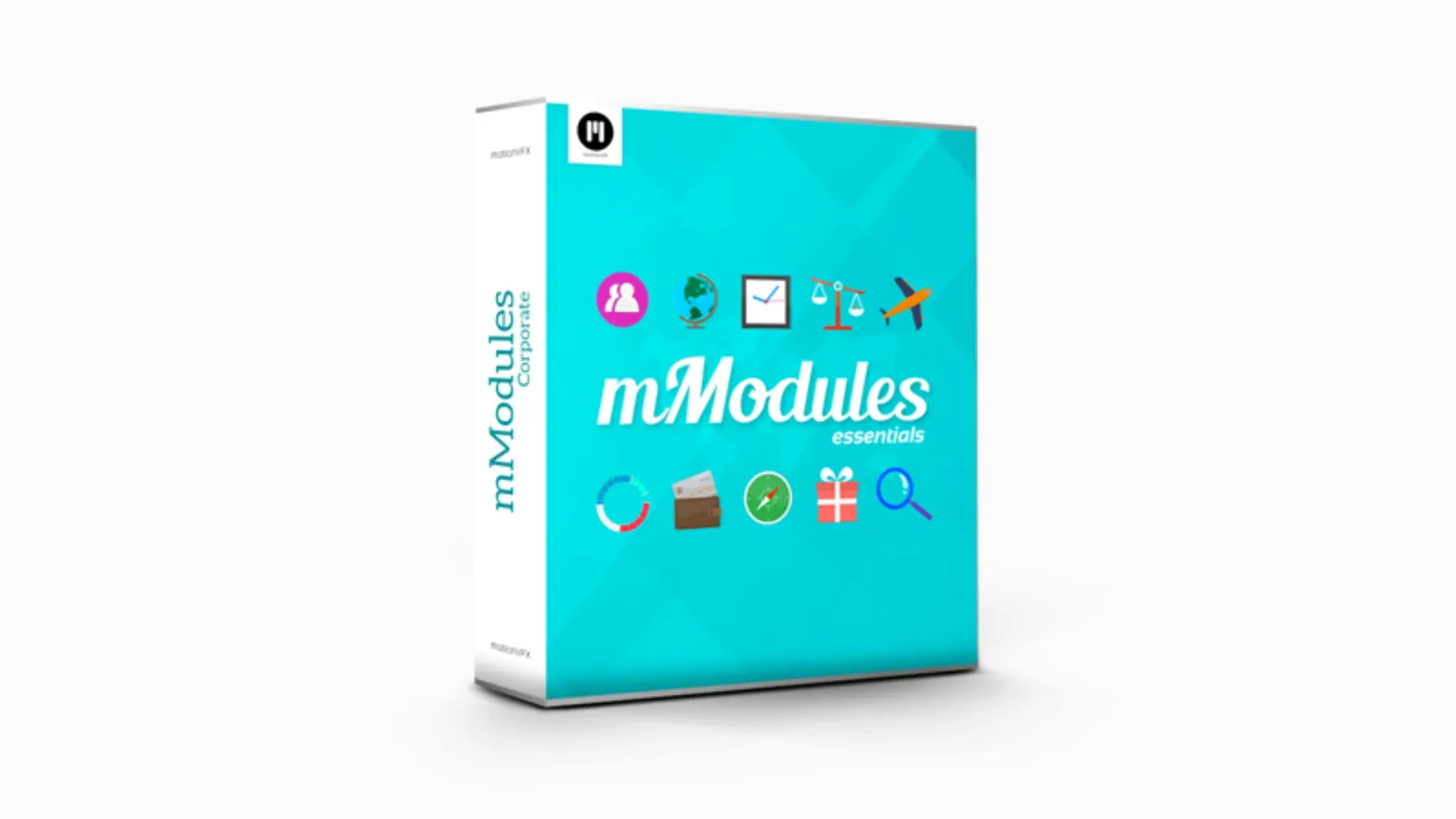
mModules adds 60 elements to the Final Cut Pro library. Each one lives under the motionVFX category in the Titles or Generators Browser, depending on its function. Title templates — lower thirds, callouts, simple kinetic blocks. Generator templates — backgrounds, textures, light overlays. The division is practical rather than rigid: a generator can sit on a lower track while a title runs above it, and both draw from the same mModule logic.
Format — Motion Templates, installed directly into the user’s Movies folder. No external application layer between the plug-in and Final Cut Pro.
Host — Final Cut Pro only. mModules does not appear in Motion as a standalone library, though the .moef files can be opened there for deeper customisation.
Sound — none included. Every element arrives silent. That shifts the emphasis toward the visual rhythm of each template rather than a bundled audio signature.
Overlooked touches
A few mModules behaviours stay hidden until you stumble across them. In the Generators Browser, dragging a texture element directly onto a gap in the timeline creates a connected clip at the project resolution, but holding Option while dragging forces it to match the length of the clip above — a small thing that saves five seconds of trimming each time. The title templates respond to double-click text editing in the Viewer, which most Final Cut Pro editors expect, yet the generator overlays also accept text if you open the Inspector and drop a type layer onto them first.
The on-screen controls are worth a deliberate look. Several lower-third templates carry a handle that shifts the safe zone margin without opening a single inspector pane. Grabbing and dragging it left or right repositions the text block, and the animation curves adjust automatically to the new coordinates. Editors who work with client feedback during review sessions find this quicker than toggling numeric fields. The light-overlay generators behave similarly: the glow centre point can be repositioned by dragging a crosshair that appears only when the clip is selected — easy to miss on a first skim through the library.
Missing templates after install
The most common hiccup arrives during installation. After unpacking and moving the folders into /Movies/Motion Templates/Titles, some users open Final Cut Pro and see nothing under the motionVFX category. The fix is usually a quick restart of the application rather than a reinstall. Final Cut Pro scans the Motion Templates folder only at launch; dropping files in while it is running means they stay invisible until the next session. On Apple Silicon machines, a secondary cause can be a permissions prompt that Final Cut Pro never shows — heading to System Settings → Privacy & Security → Files and Folders and confirming Final Cut Pro has access to the Movies folder clears it.
Another snag surfaces with the light-overlay generators placed above dark footage. Some overlays default to an additive blend mode that vanishes against black backgrounds. Switching the blend mode in the Inspector from Add to Screen or Normal brings the element back, though it changes the luminance character. When a title template clips off the edge of the frame at unusual aspect ratios, the culprit is often the Spatial Conform setting on the clip. Setting it to None or adjusting the transform parameters inside the template's published controls fixes the crop without scaling the whole element down.
Editors who grab a MotionVFX torrent or a MotionVFX crack sometimes notice missing category labels or generic template icons. Those artefacts typically trace back to incomplete folder structures — the official MotionVFX download, including the MotionVFX free download packages the company periodically offers, ships with a .moef descriptor file that Final Cut Pro reads for metadata. Without it, the browser shows a fallback thumbnail and the template still works, but the naming becomes guesswork.
Alongside comparable tools
Put against Pixel Film Studios’ FCPX Toolbox, mModules feels narrower in scope but more restrained in execution. Toolbox bundles transitions, effects and titles into a single purchase, yet the title designs lean toward heavily textured, dimensional looks that lock you into a specific visual period. mModules sticks closer to a flat, clean aesthetic that layers better under a client’s own branding. Toolbox also requires its own installer and occasionally needs re-registration after a macOS point update; mModules carries no activation layer at all, so a system migration or a clean macOS install simply means copying the folder back into place.
LenoFX shares the same Motion Template architecture and the same drag-and-drop workflow through Final Cut Pro's titles browser. LenoFX offers a broader range of social-media-specific resolutions and animated emoji packs, which mModules does not touch. The trade-off sits in the design language: LenoFX templates often animate with bouncy, overshoot-heavy curves that suit short-form content aimed at feeds, whereas mModules uses cleaner easing that works across a corporate reel and a personal project without adjustment. Both avoid external plugin managers, but LenoFX publishes more frequent micro-updates that change parameter names — a frustration when you reopen an older project and find keyframes pointing at renamed controls. mModules has stayed parameter-stable across the releases tested.
Compared with Apple’s built-in Motion Templates that ship with Final Cut Pro, mModules adds variety without redundancy. Apple’s own library covers fundamentals — a basic lower third, a few abstract generators — but the sixty mModules templates fill gaps like glitch overlays, light-leak simulations and kinetic typography blocks that Apple never included. Apple’s templates guarantee forward compatibility with every Final Cut Pro update; mModules bets on the same Motion Template format, so the same compatibility holds, but the custom parameter layouts mean a major Final Cut Pro redesign could require motionVFX to republish. In practice, that has not happened across the last three Final Cut Pro versions.
Day-to-day speed and footprint
Once a template lands on the timeline, playback performance depends more on the underlying footage than on the mModule itself. The title elements are lightweight — mostly vector text layers with a handful of transform keyframes — and they scrub smoothly on an M1 MacBook Air at quarter resolution, full quality dropping frames only when a 4K H.264 source sits beneath without proxies. The generator overlays, particularly the light-leak and particle-style textures, push the render bar a little harder. On an Intel i9 iMac, a timeline with three stacked generator templates triggers a short background render before clean playback; on an M2 Pro, the same timeline plays unrendered without a hitch.
Memory usage stays unobtrusive. Final Cut Pro’s own footprint dominates, and the templates themselves load into the application’s shared cache. No separate daemon or background process appears in Activity Monitor. The Motion Templates folder — sixty elements — occupies under 200 MB, so it does not bloat system storage. Launch time for Final Cut Pro stretches by perhaps a second as the browser indexes the new category, barely perceptible unless you restart the application repeatedly while troubleshooting something else.
Favouriting a shortlist of go‑to styles
Start by favouriting six to eight templates rather than browsing the full sixty each time. Final Cut Pro lets you mark any template as a favourite with a right-click in the browser; a curated shortlist surface the go-to lower third, a clean background and one light overlay without the scroll fatigue. After that, spend ten minutes opening a few .moef files in Motion — even without deep Motion experience, seeing how a template’s published parameters map to the inspector teaches you what each slider actually moves. That pays off later when a client asks for a faster animation or a different glow colour.
A practical first project: drop a light-overlay generator below a talking-head clip, stack a lower-third title above it, and adjust both using only the on-screen controls. That exercise builds the muscle memory for review-session tweaks. When searching for additional elements online, editors sometimes look for motionvfx plugins free download to expand beyond the sixty included here; the folder structure and installation path remain the same, so any newly added templates simply merge into the existing motionVFX category in the browser.