Aspecten
 Download (14 MB)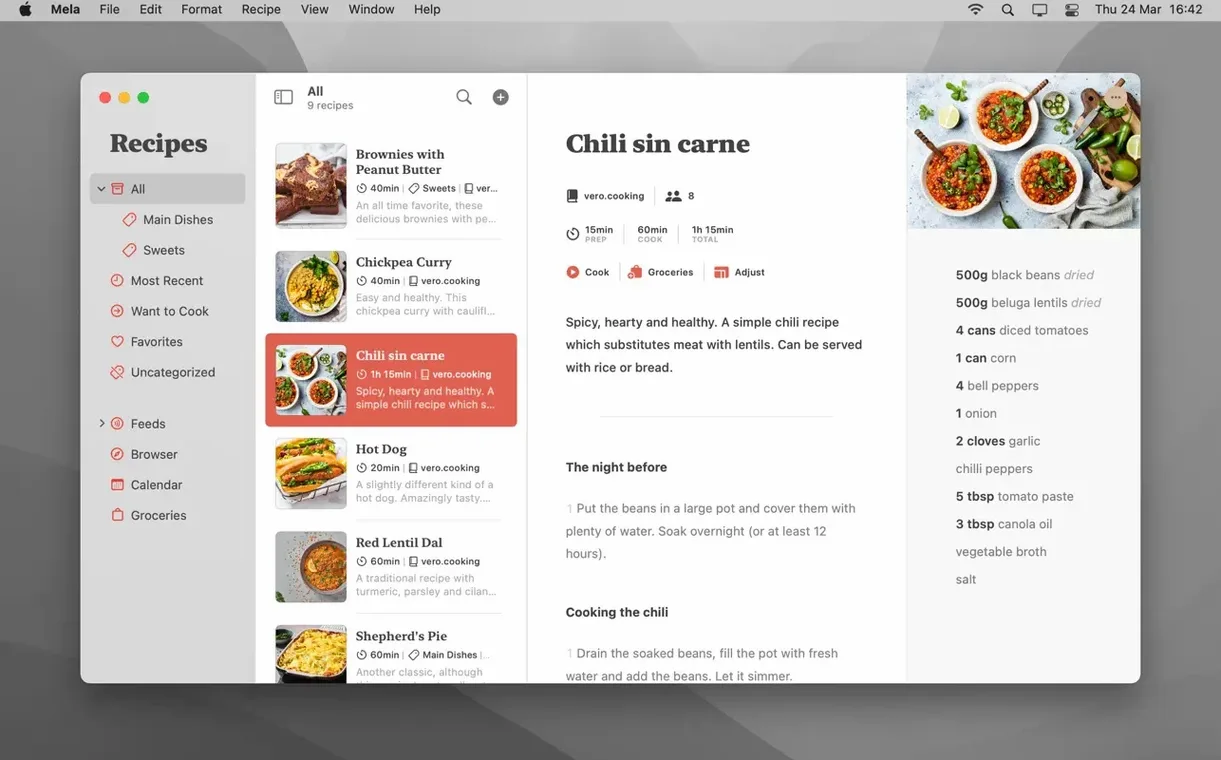
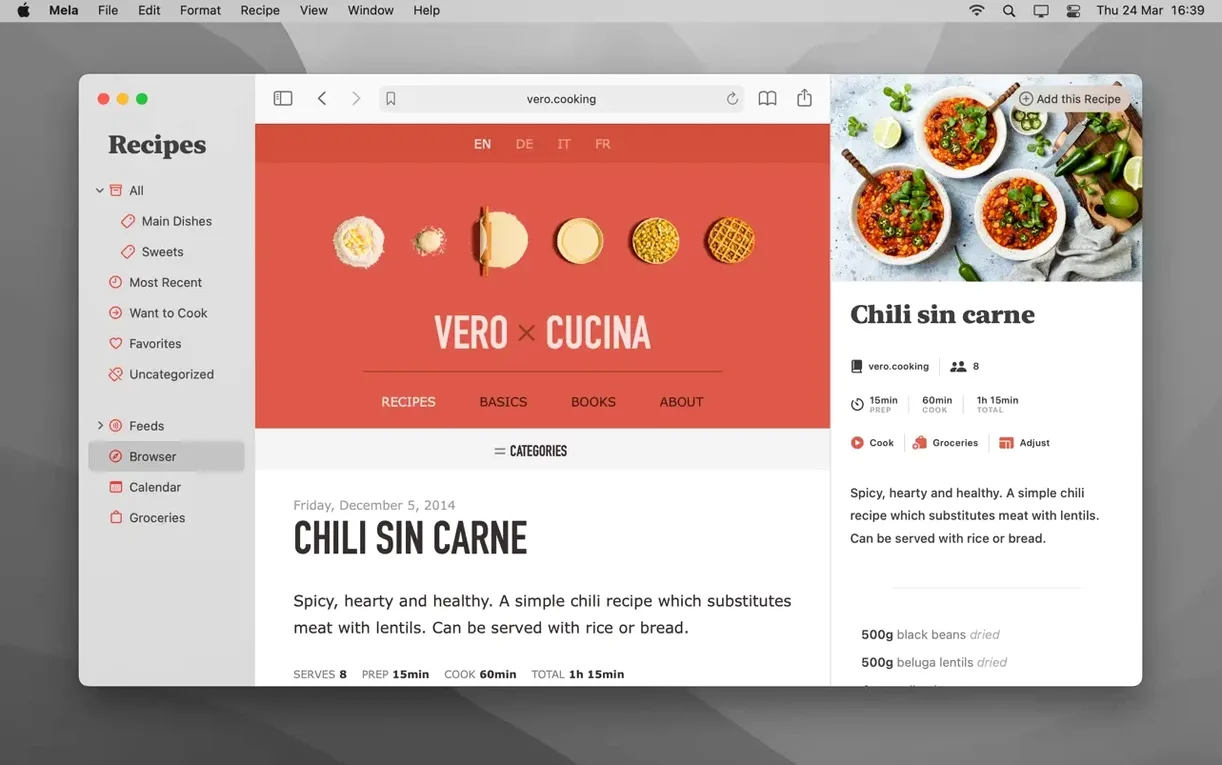
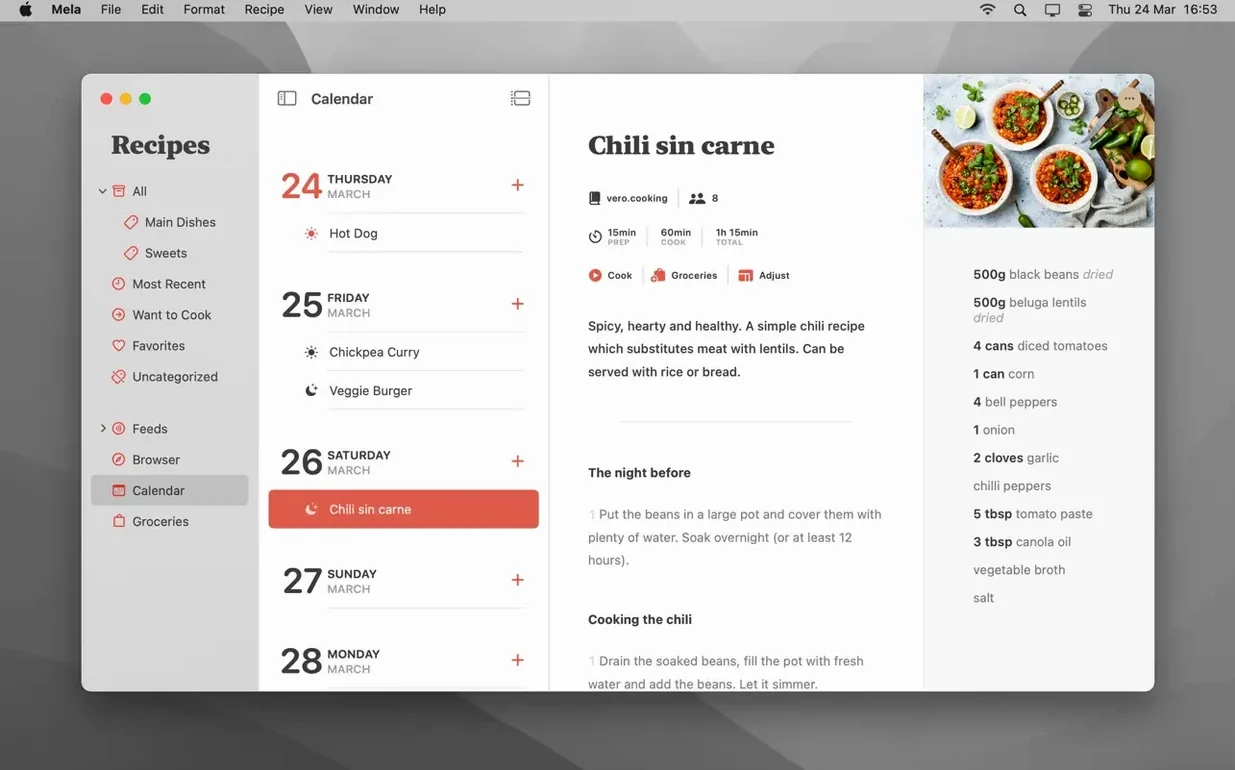
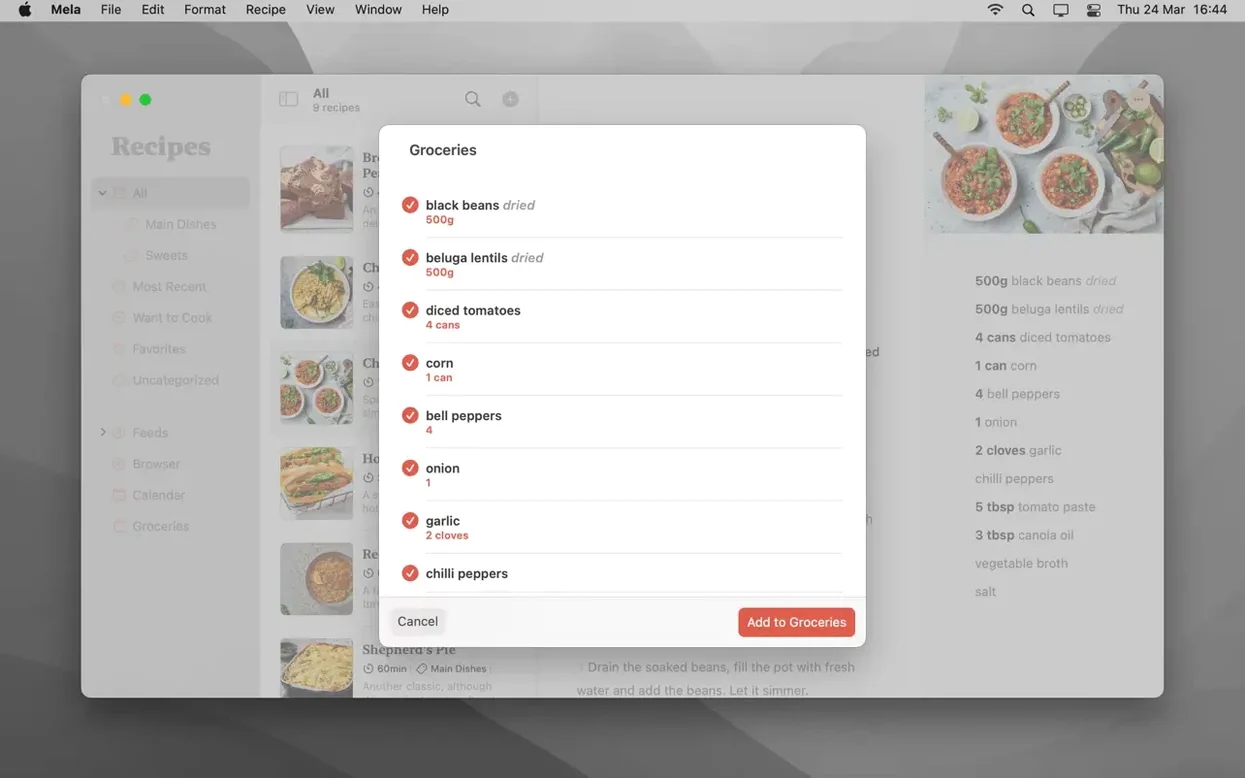
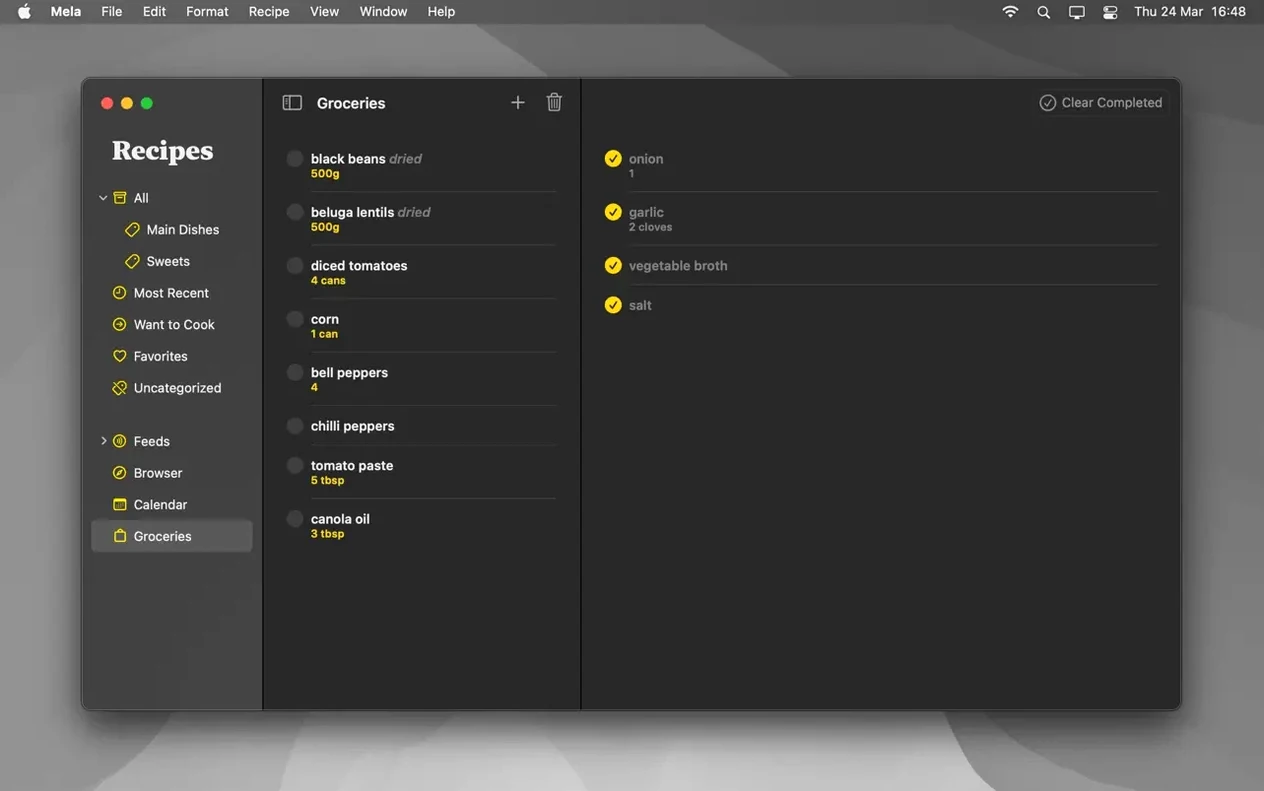
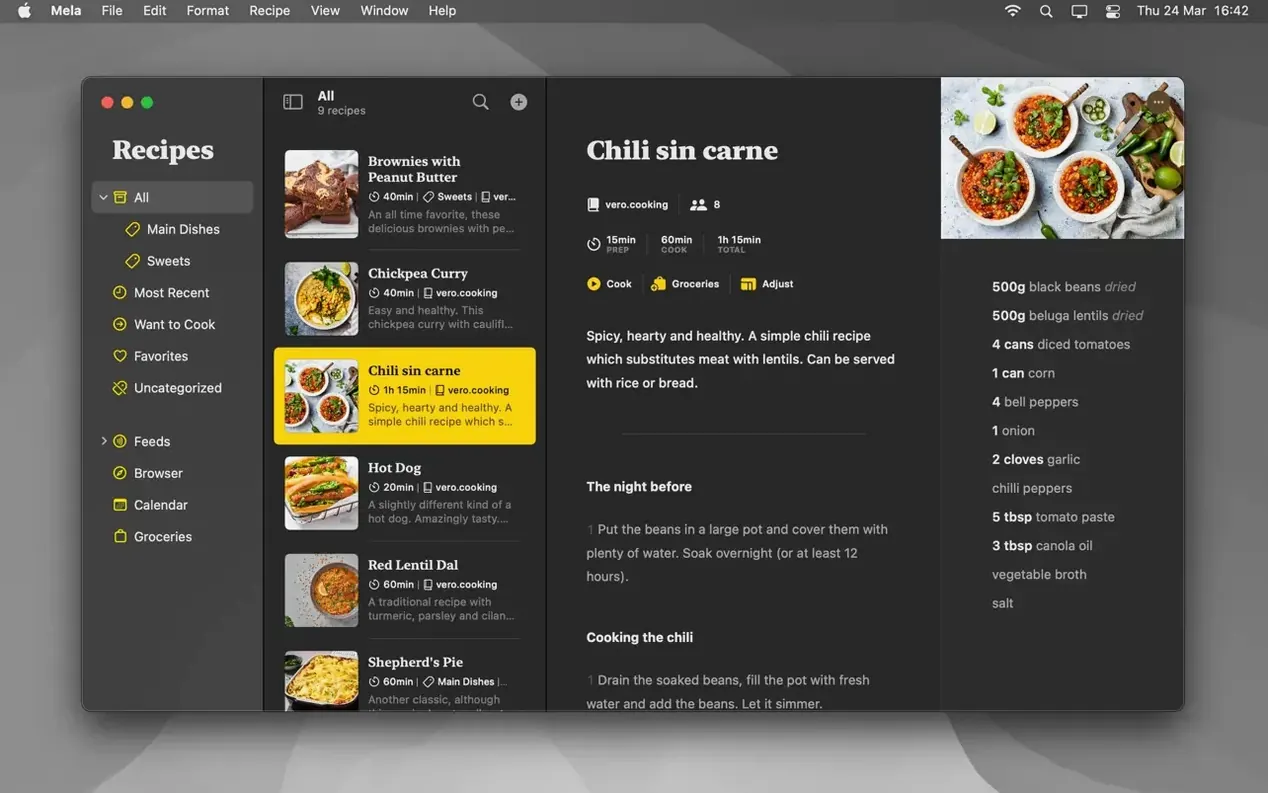
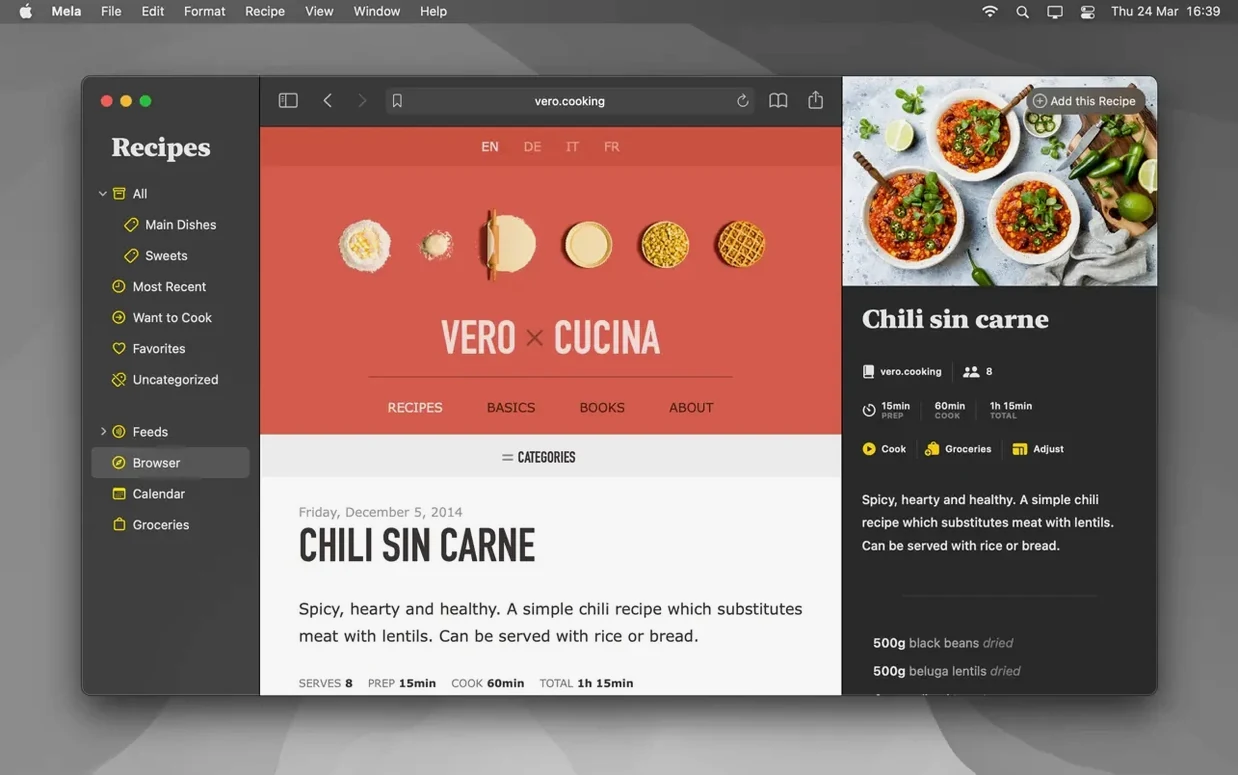
Mela requires a Mac running macOS 11 or later and runs natively on both Intel and Apple Silicon machines. Once installed, several less-obvious tools become available for cooks who want more than a shoebox of clippings.
1. Pin a page to the in-app browser
Rather than copying and pasting, you can send a recipe from the web directly into Mela’s view. The in-app browser shows a live preview of the page, and if Mela detects a structured recipe it displays the parsed version right there, stripping away the surrounding blog text.
2. Build a shared library
iCloud syncing keeps your private collection current, but you can also invite other iCloud users to a shared recipe library. Everyone sees the same set of recipes, so a household can maintain one canonical list without passing links back and forth.
3. Plan on the calendar
Mela includes a meal planning calendar, controlled by Calendar.app, where you can assign recipes to specific days. It is a simple scheduling layer, but the link to the system calendar means the plan appears wherever your Apple calendars sync.
4. Cook from multiple recipes at once
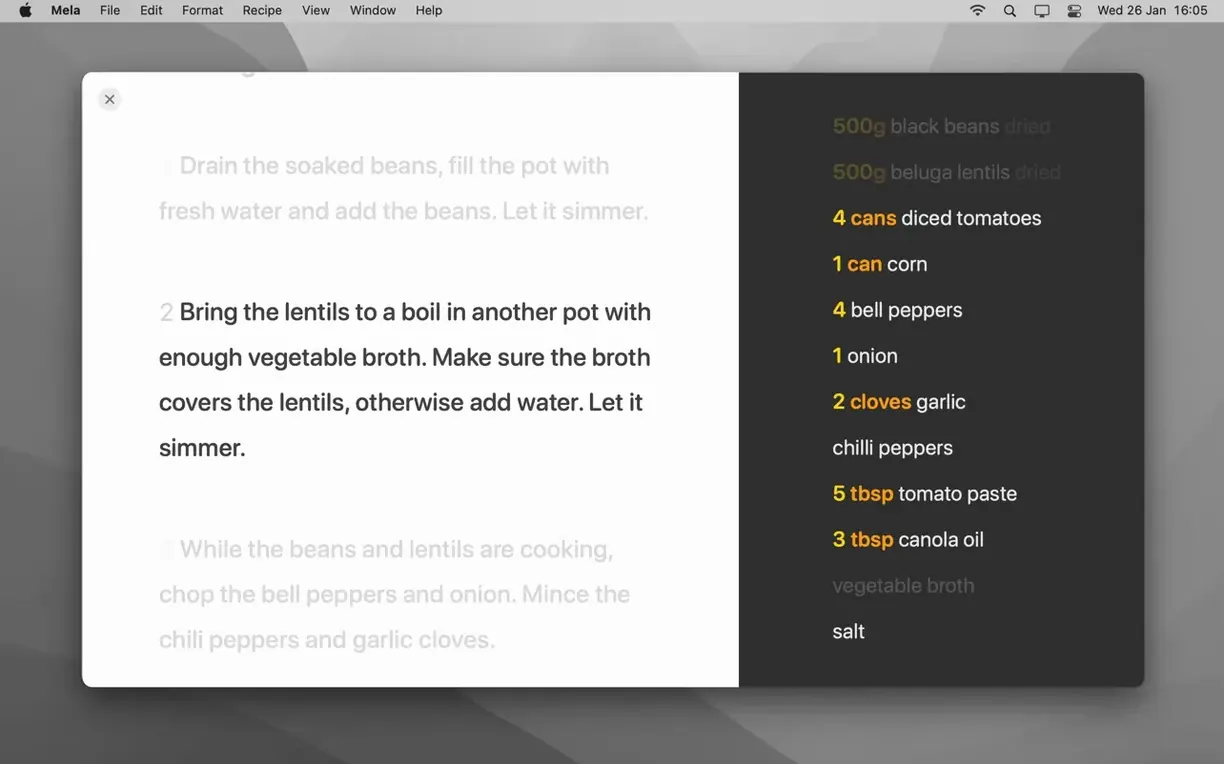
Cooking mode can hold several recipes open simultaneously. You can swipe between them without leaving the focused, large-text view, which helps when a main dish and a side need to land on the table at the same time.
Favourites and PDF export round out the toolset without adding clutter. Marking a recipe as a favourite feeds a quick-access filter, and saving as PDF gives you a static copy for printing or sharing outside the app.
Changes in recent versions
Version 2.6 refined the in-app browser’s recipe detection, making it noticeably quicker at pulling a structured recipe from a cluttered food blog. Earlier releases sometimes left you waiting while the parser churned through a long page; now the parsed view usually appears within a second or two. The shared library feature also gained a small but practical improvement: when someone else adds a recipe to a shared folder, the change propagates via iCloud without requiring a manual refresh.
Behind the scenes, Silvio Rizzi tightened up how Mela handles iCloud sync conflicts. In daily use this means fewer duplicate recipe entries after editing on both an iPhone and a Mac in quick succession. The scanner for printed recipes — the one that uses on-device text recognition — also received an accuracy bump, cutting down on stray characters that previously crept into ingredient lists scanned from books with tight typography.
How Mela fits with other apps and macOS features
Mela’s deepest system tie is to Calendar.app. When you drag a recipe onto a day in Mela’s meal planner, the entry lands in a dedicated calendar that appears in the sidebar of Apple’s Calendar app, on your iPhone, and on any other device signed into the same iCloud account. You can view the week’s meals alongside work appointments without opening Mela at all.
The sharing extension hooks into Safari and most third-party browsers. Tapping the share button while viewing a recipe page surfaces a “Save to Mela” option, which hands the URL off to the app for parsing. This works even when the in-app browser feels like an extra step — useful for recipe links you stumble across in newsletters or messaging apps. On the export side, the PDF generator leans on macOS’s built-in print-to-PDF pipeline, so the saved file looks identical to a printed recipe sheet and slots into any folder structure you already maintain outside the app.
Shared recipe libraries are tied to iCloud identities, not to Mela-specific accounts. Inviting a family member uses the same contact-based iCloud sharing mechanism as shared Notes or Reminders. The recipient needs macOS 12 or later for shared libraries, but private syncing works all the way back to macOS 11.
Launches in one dock bounce, idles under 120 MB
On an Apple Silicon Mac, Mela launches in roughly one bounce of the dock icon and settles into a modest memory footprint — typically under 120 MB with a moderate library of a few hundred recipes. Scrolling through the recipe list remains fluid, and the in-app browser renders pages without the occasional stutter that affected earlier builds.
Cooking mode deserves a mention for stability. Keeping three or four recipes open simultaneously, each with its own timer running, does not push the app toward sluggishness. The timers themselves are simple countdowns tied to on-screen alerts, not to Reminders or the system notification centre, so they stay self-contained and reliable even when the Mac is offline.
iCloud sync behaves conservatively. Changes made on one device typically appear on another within ten to fifteen seconds under normal network conditions. If iCloud is unavailable, Mela continues working locally and queues changes for when the connection returns. I have not seen a sync-related crash in version 2.6.1, though force-quitting the app mid-sync can leave a recipe in a temporary “updating” state that resolves after reopening.
Feed it a few trusted recipes to test the parser
Begin by letting Mela populate its empty library with a handful of recipes you already know well. Use the share extension from Safari for three or four trusted sites and watch how the parser handles each one. This gives you a feel for which recipe blogs Mela reads cleanly and which ones leave gaps in the ingredient list — a pattern that varies more by site structure than by the app’s ability.
Set up one shared library early, even if only as a test. Invite a household member and add a single recipe together. The shared folder appears with a distinct icon in the sidebar, and both parties can edit the same recipe. Knowing how edits merge in practice prevents confusion later when two people tweak the same dish on different devices.
Turn on the meal planning calendar and assign a recipe to the current day, then check Calendar.app to confirm the entry appears. Once that link is established, the habit of dragging a recipe onto Monday evening becomes second nature. For cooks who keep a physical cookbook nearby, try the scanner on a page with clear, uncluttered typography — the text recognition works best when you frame the page evenly and avoid heavy shadows.