Aspecten
 Download (162 MB)
EditReady on Mac is built for editors and DITs who transcode footage before it reaches the timeline — people who need clean rewraps, accurate colour handling and metadata that survives the round trip.
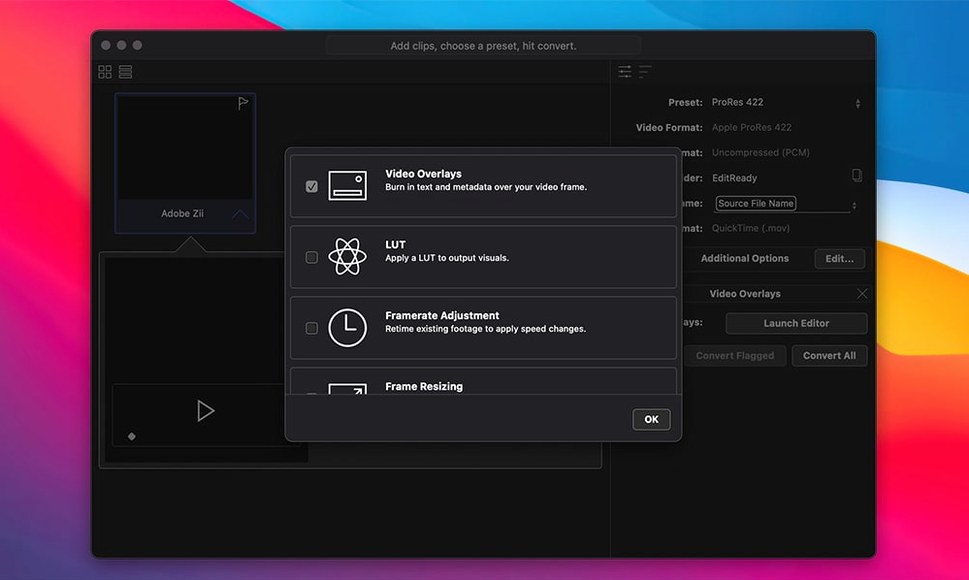
- LUT application for colour correction, applied during transcode rather than as an afterthought.
- Metadata viewing and editing, so camera, reel and timecode information stays intact.
- Automatic detection and combining of spanned sources from GoPro, AVCHD, M2T and multi-file MXF.
- GPU acceleration for faster processing of ProRes, DNxHD, H.264 and H.265 output.
- Support for Sony BURANO Version 3.0, added in release 26.2.
These are not features you notice on a first launch. They surface when a camera splits a clip across cards, when a LUT needs to be baked in for dailies, or when metadata has to match a post house spec.
Three roles that lean hardest on EditReady
EditReady suits anyone who handles camera original media before an NLE sees it, but three groups feel the fit more than most.
DITs and data wranglers on set. When a card comes off a camera, speed and accuracy matter equally. EditReady rewraps or transcodes in one pass, applies a LUT so the director sees something close to the intended grade, and keeps reel and timecode intact. The automatic span detection — particularly for multi-file MXF and AVCHD — saves hunting through folder structures while a crew waits.
Assistant editors working with mixed formats. A typical project pulls in MXF from a Sony body, H.264 from a drone, and QuickTime from a screen recording. EditReady normalises them to a single edit-friendly codec — ProRes or DNxHD — before anything hits the bin. The metadata editing step means the assistant can correct a mislabelled reel or add slate information without opening a full NLE.
Editors and colourists who want predictable LUT handling. Applying a look during transcode produces files that show a consistent starting point in Final Cut Pro, Premiere or Resolve. Because the conversion happens with GPU acceleration, the time cost is lower than applying the same LUT as a filter inside the editor.
Users working exclusively with H.264 sources and simple cuts gain less; QuickTime Player and iMovie handle light rewrapping without extra tools. The payoff arrives when the footage pile includes MXF, RAW or spanned media that would otherwise require separate utilities.
How EditReady fits with other apps and macOS
EditReady sits between the card reader and the edit, and that position shapes its integrations.
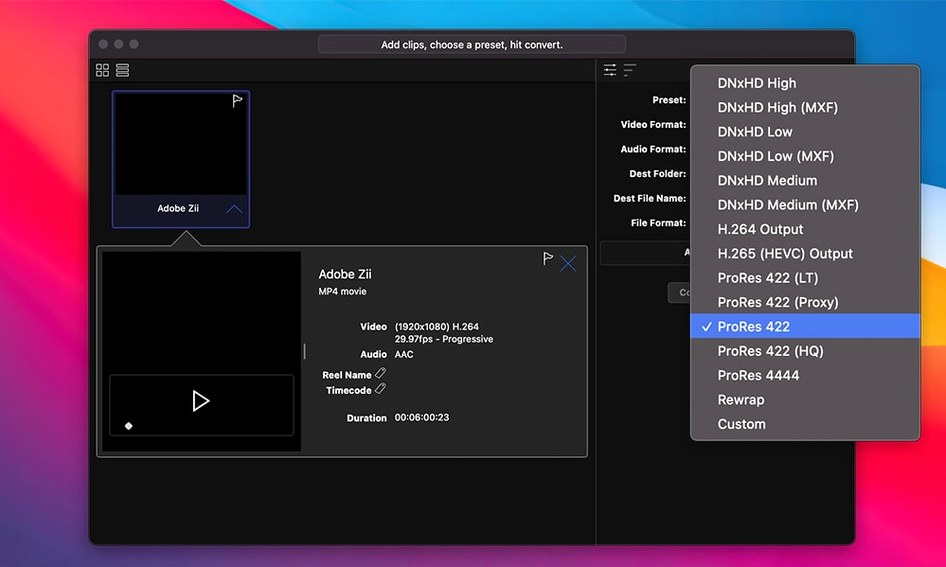
Output formats align with major NLEs. ProRes and ProRes Proxy go straight into Final Cut Pro. DNxHD and DNxHR suit Avid Media Composer workflows. H.264 and H.265 serve preview, review and web delivery. The Apple Intermediate codec is available for older iMovie and Final Cut Express projects — niche, but still present in some archives.
Metadata passes through to editing applications. Camera origin, timecode, reel name and custom fields survive the transcode, so clips appear in the NLE with the same identifiers the camera wrote. Assistant editors who rely on syncing by timecode or matching by reel see no break in the chain.
macOS integration is straightforward. Drag a folder onto the app, and EditReady reads files the Finder can see. GPU acceleration uses Metal, so the app benefits from the same hardware pipeline the system video services use — no separate driver stack required. The disk image install is self-contained, and the app launches from /Applications without background daemons.
LUT formats are widely compatible. Cube and 3DL files can be loaded and baked in, which means a colourist can prepare a LUT in Resolve and hand it to the DIT without format conversion.
Feed it a known multi-file clip first
A few habits make the first sessions smoother.
Check the span detection early. Before trusting it with a full day's footage, feed EditReady a known multi-file clip — AVCHD or multi-file MXF — and confirm the combined clip is complete, with no missing frames at the join. The detection logic is reliable, but every camera firmware has its own quirks.
Set up a Metadata preset on day one. If a project needs a specific reel naming scheme or wants certain fields stripped, create and save the preset before processing a large batch. Editing metadata on hundreds of clips after transcode is tedious; setting rules beforehand costs a minute and saves an hour.
Test the LUT pipeline at delivery resolution. Apply the LUT to a short clip and bring it into the intended NLE. Check that the baked look reads correctly on a calibrated display. Differences between the LUT viewer inside EditReady and the NLE's scopes can surface at this point, not during a client screening.
Monitor GPU temperature on Intel machines. Extended transcoding sessions push the GPU, and Intel MacBooks with shared cooling between CPU and GPU can throttle. Running short batches with a pause between them keeps throughput consistent.
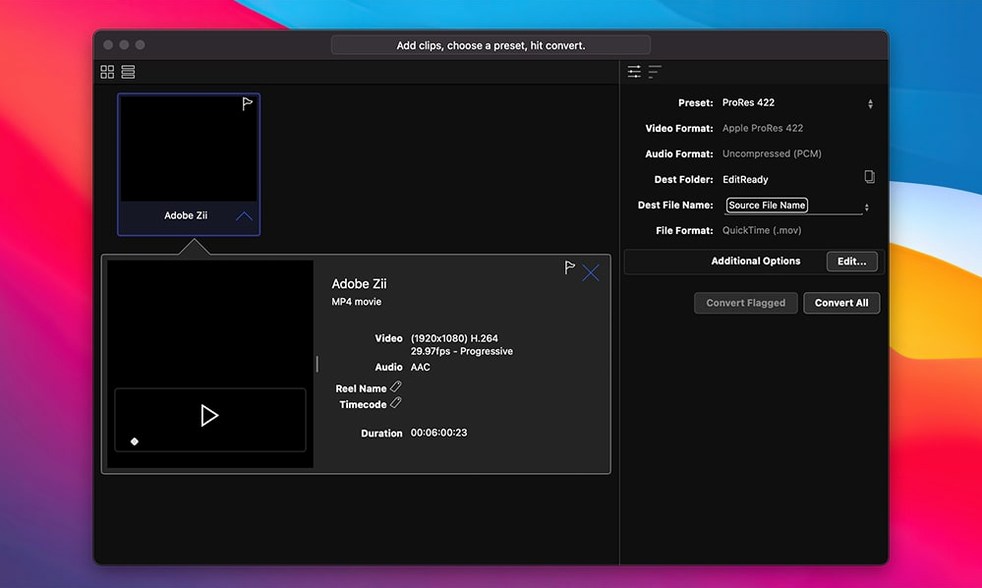
Name output files deliberately. EditReady preserves the source filename by default. If the edit requires a different naming convention — scene, take, camera letter — rename in the batch window before hitting process. Renaming after the fact breaks the link between the clip and the original camera media, which is harder to reconstruct later.