Aspecten
 Download (12 MB)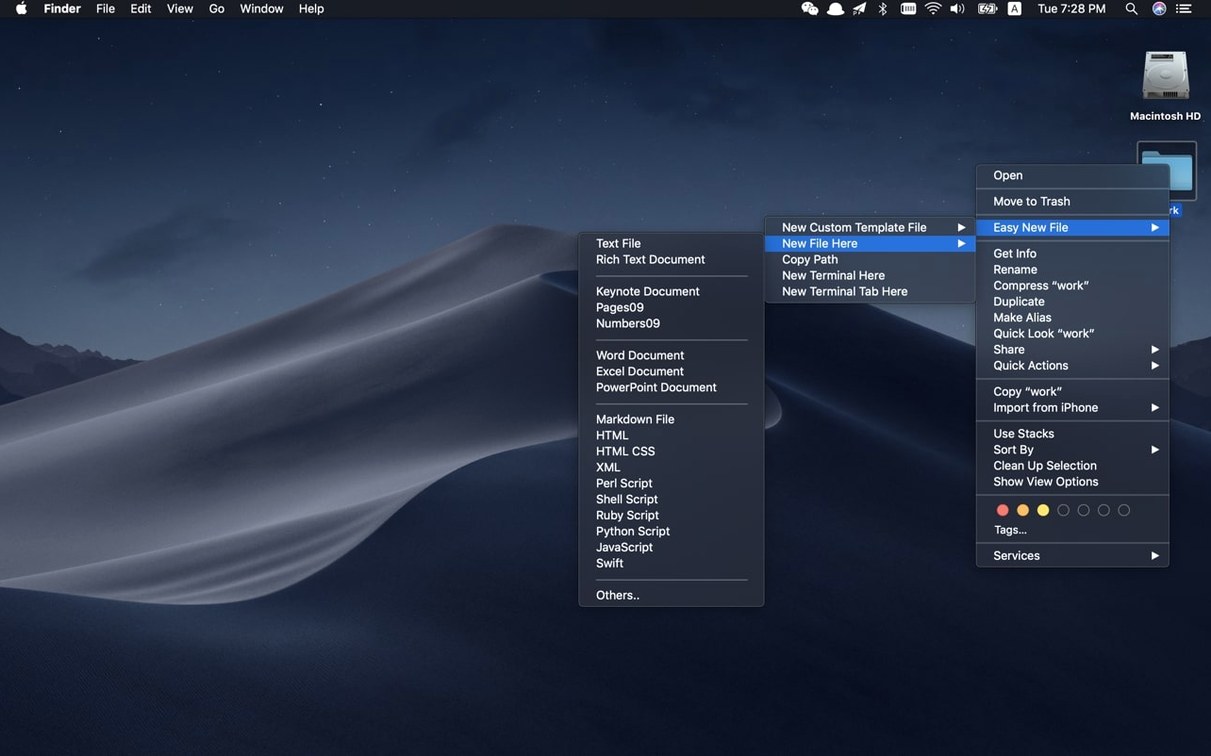
What does the ‘New File’ menu item actually do?
It places a blank file — no template, no dialog — directly into the current Finder folder. The file lands with a generic name you can retype immediately, which keeps the action quick when you just need a placeholder or a scratch text file.
How does this sit alongside the built-in macOS tools?
macOS lets you create folders from the right-click menu but not plain files. Easy New File fills that gap without replacing anything. The Copy Path command also complements the Finder’s built-in option by offering a straightforward way to grab the full POSIX path for pasting into Terminal or a script editor.
How is it enabled after installation?
You turn it on in System Settings under Extensions by activating the Easy New File Finder entry. Once enabled, the new items appear in the right-click menu straight away.
What’s the connection with Terminal?
Beyond creating files, the extension includes an ‘Open Terminal’ shortcut that launches a Terminal window at the current Finder location. Together with Copy Path, it makes the right-click menu a bridge between the graphical folder view and command-line work.
Developers, writers, and anyone who builds folder structures by hand
The extension suits Mac users who create files as a routine part of moving through folders: developers starting a project, writers setting up a document structure, or anyone who organises work by hand in Finder. People who already rely on the right-click menu will notice the difference immediately, since the new commands sit exactly where they expect them.
Two groups stand out. The first is developers working across Finder and Terminal. The Open Terminal command and Copy Path save a few seconds every time a folder becomes a working directory, and the script templates remove the need to type shebang lines or boilerplate from memory. The second is people who manage documents in several formats. Text, Word, Excel and Keynote files can all be created from the same menu, so a mixed folder of notes, spreadsheets and slides comes together without switching between applications first.
Users who rarely touch Finder, or who create files only inside applications, may not find much here. The extension adds nothing to the Open and Save dialogs in other programs. Its value depends on how often you work directly in folder views.
A workflow: starting a Python utility from Finder
Here is how a typical session looks when you use the extension for a small scripting task.
- In Finder, open the folder where you want the script to live.
- Right-click an empty area and choose New File, then select the Python template.
- Rename the new file from the default and press Return.
- Right-click again and choose Open Terminal. A Terminal window opens with that folder as the working directory.
- Open the script in an editor or run it directly from Terminal.
The whole sequence takes a few seconds and keeps your hands away from mkdir and touch commands. It also avoids the small annoyance of creating a file in one folder and then navigating to it from a Terminal window that opened elsewhere.
A redesigned preferences window and tidier Finder shortcuts
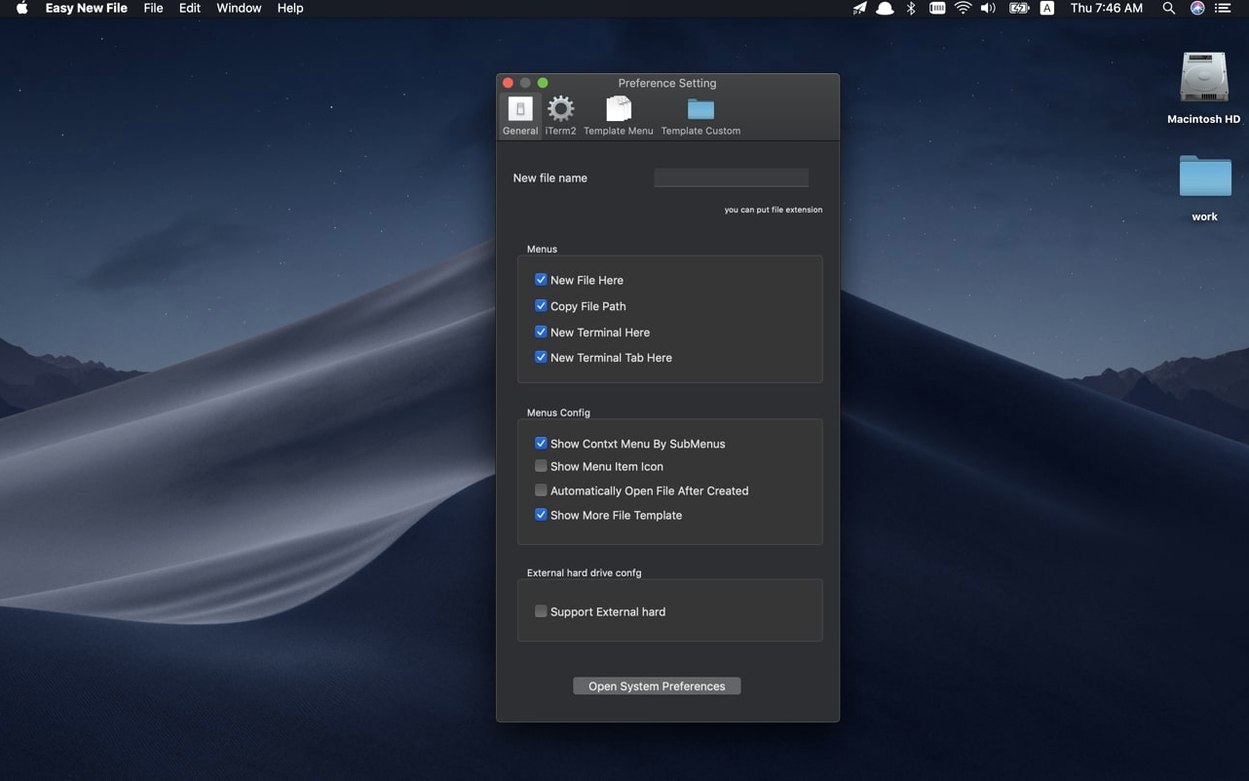
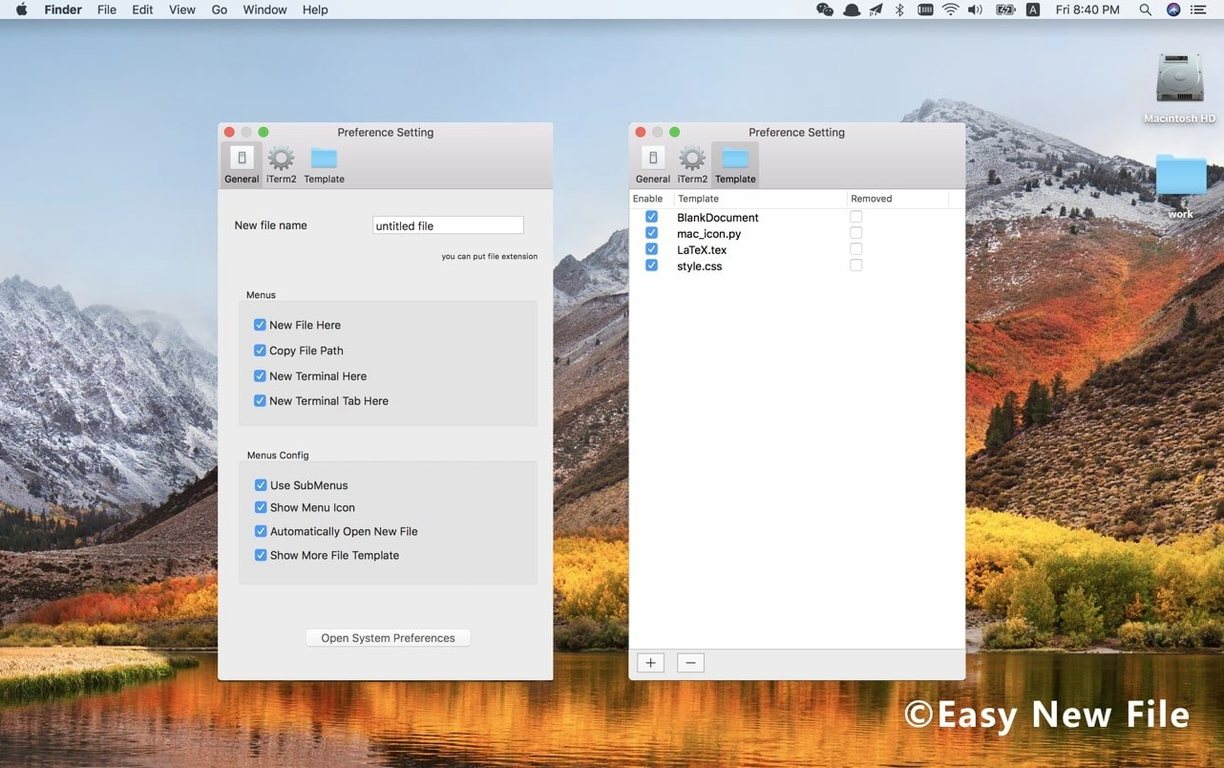
Version 6.0 refreshed the preferences window and the Finder right-click shortcuts, which matters mostly for users who keep the extension enabled across long periods. The current layout in preferences makes the template list easier to scan, and the menu entries read a little more cleanly in the context menu.
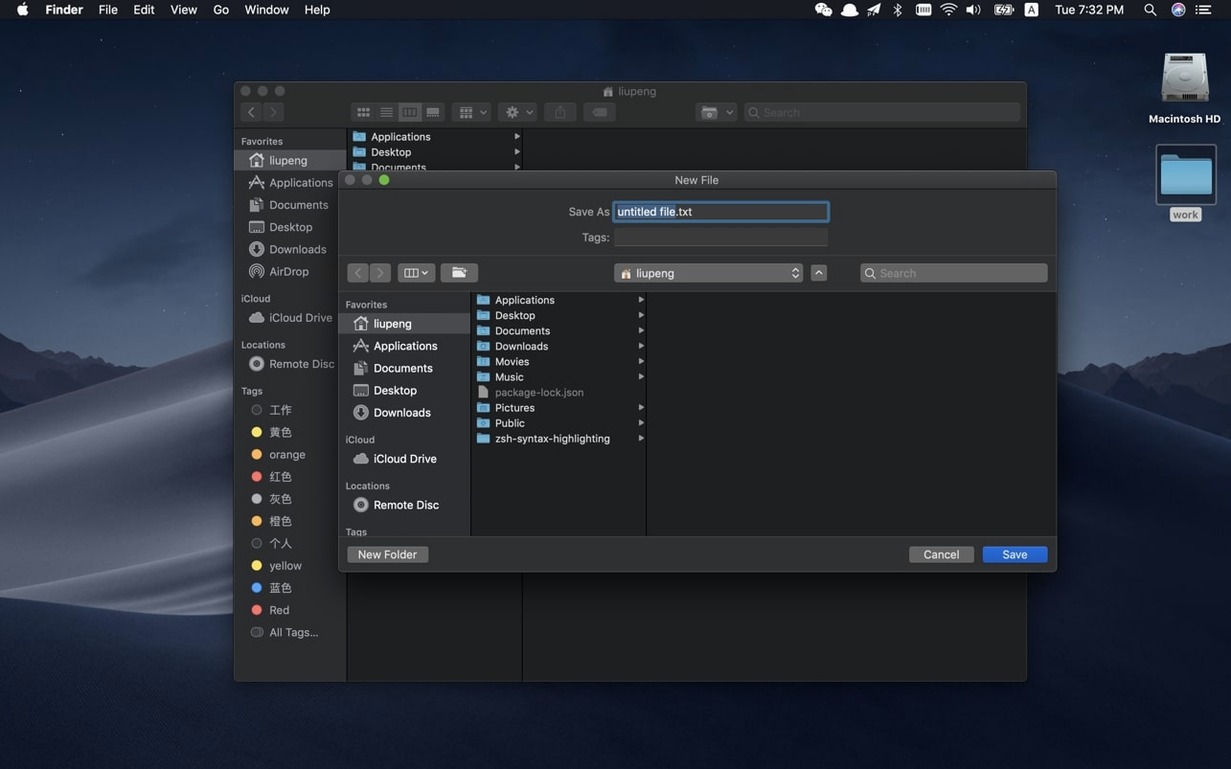
Version 6.2 addressed a more practical problem: the save dialog sometimes did not receive focus automatically when a new file was created from the context menu. In everyday use that meant typing a filename could go nowhere until you clicked the dialog yourself. After the fix, the dialog is ready for input as soon as it appears.
The same update improved stability and compatibility with recent macOS releases. For users who rely on the extension several times a day, that translates to fewer cases of the menu items not responding after a macOS update or after the Mac wakes from sleep. The changes are not dramatic, but they reduce the small interruptions that accumulate when a utility sits in constant use.